ProWritingAid is the best of these grammarly alternatives for most writers, with 25+ whole-document reports and Premium at $120 a year. Pick Wordtune for sentence rewrites at $83.88 a year, or Hemingway if you only need readability checks for a $19.99 one-time payment.
How we make this list: we compare pricing pages, product documentation and public user reviews, then re-check every price before each update. No product paid for a place. Disclosure.
ProWritingAid is the deepest editor here: 25+ whole-document reports and a free plan that covers 500-word checks.
Wordtune has the highest G2 rating in the list at 4.6 out of 5 from 201 reviews, and Advanced costs $83.88 a year.
Hemingway is the cheapest way in: the web editor is free and the desktop app costs $19.99 once, with no subscription.
LanguageTool covers 30+ languages at $69.90 a year, under half the price of Grammarly Pro at $144 a year.
Every tool here has a free plan. Paid plans run from $19.99 once to $167.88 a year, and Trinka and Paperpal are the academic picks.
How do you choose among Grammarly alternatives?
The right alternative depends on where you write most. A browser extension that works in Gmail and Google Docs suits daily email, while a desktop editor suits long documents.
Price spreads are wide. Our guide on getting Grammarly to work on WordPress shows how one tool can cover a whole site, but the paid plans here run from a $19.99 one-time payment to $167.88 a year, so set a budget first.
Free plans are the honest way to compare. Every tool on this list has one, and the limits differ sharply, from 500-word checks to 10 rewrites a day, so try the free plan on your own writing before paying.
Ratings are thin for niche tools. The best-rated tool here has 201 G2 reviews, while the academic tools have fewer than 20, so read the review count beside the score.
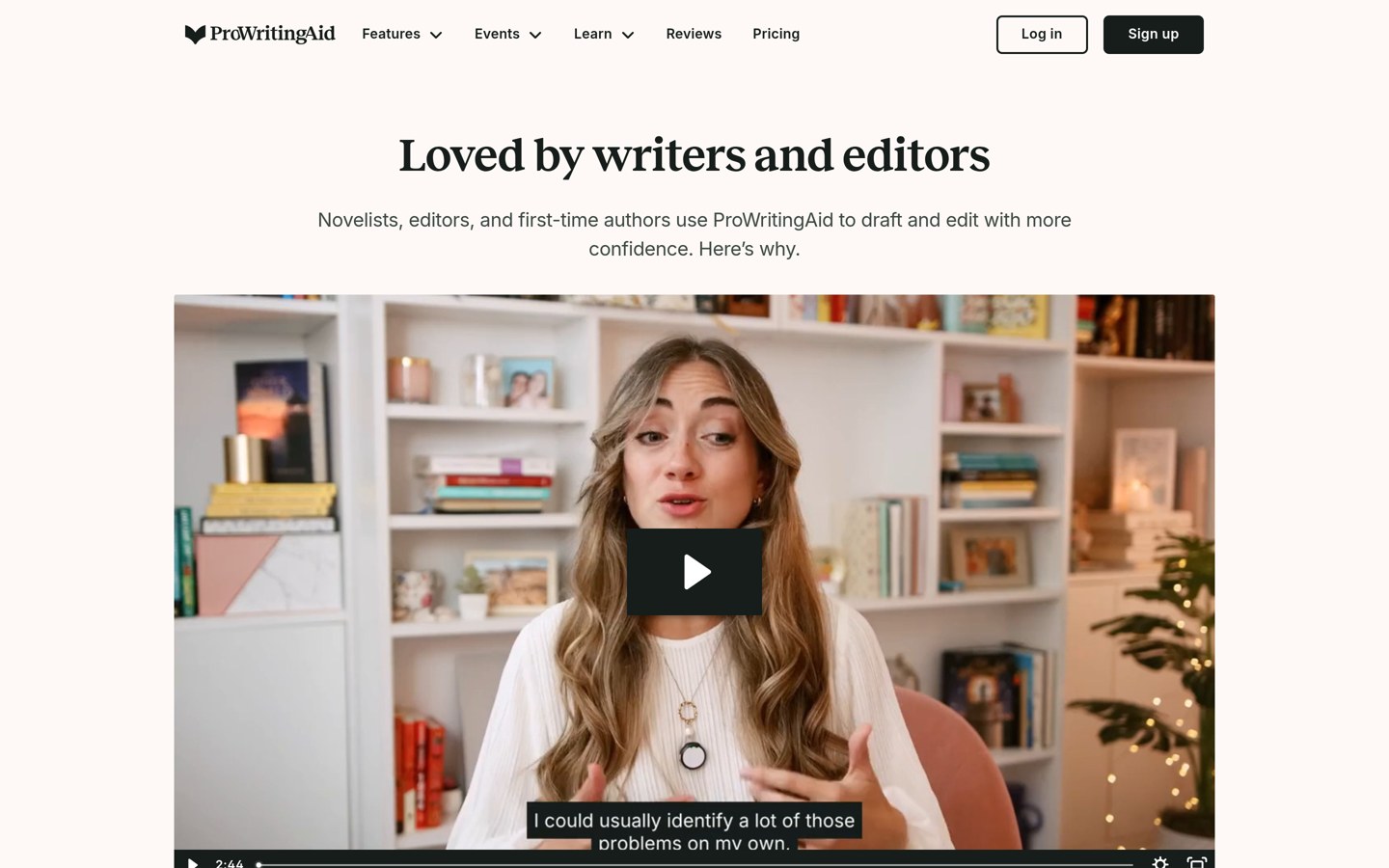
ProWritingAid is a long-form editing suite with 25+ whole-document reports covering style, pacing, overused words and dialogue. The free plan checks 500 words at a time with 10 rephrases a day, and paid plans add unlimited word counts, a custom style guide and integrations with Word, Google Docs and Scrivener.
The trade off is the Black Friday sale running now, which halves the annual price to $60, so the $120 regular price is easy to miss. It suits novelists, academics and anyone editing documents longer than a few pages.
What we like
25+ whole-document reports no rival matches
Free plan with no card required
Lifetime licence at $399 for long-term users
Works in Word, Google Docs, Chrome and Scrivener
Watch out for
Free plan stops at 500 words per check
Regular $120 a year is dearer than most rivals here
Wordtune is a sentence rewriter that offers several versions of each sentence, with options to shorten, expand or shift the tone. The free Basic plan gives 10 rewrites a day and unlimited grammar corrections, while Advanced at $6.99 a month billed annually raises the cap to 30 rewrites a day. The pricing page currently shows a $4.89 sale price; $6.99 is the regular rate.
The trade off is the daily cap. Advanced still limits rewrites to 30 a day, so heavy users need Unlimited at $9.99 a month billed annually. It suits professionals polishing emails and client copy one sentence at a time.
What we like
Highest G2 rating here: 4.6 from 201 reviews
Several rewrite options per sentence
Tone control from casual to formal
Free plan needs no card
Watch out for
Free plan allows only 10 rewrites a day
No plagiarism checker
No refunds, so use the 3-day trial first
Advanced adds 30 rewrites a day; Unlimited removes the capsVisit wordtune.com
03
LanguageTool
4.4/5on G2 (45 reviews, checked Nov 2026)
Paid from$69.90/yr
Best for multilingual writing
Languages30+
Free character limit2,000 per field
Premium character limit150,000 per field
Paid planPremium, $69.90/yr
languagetool.org
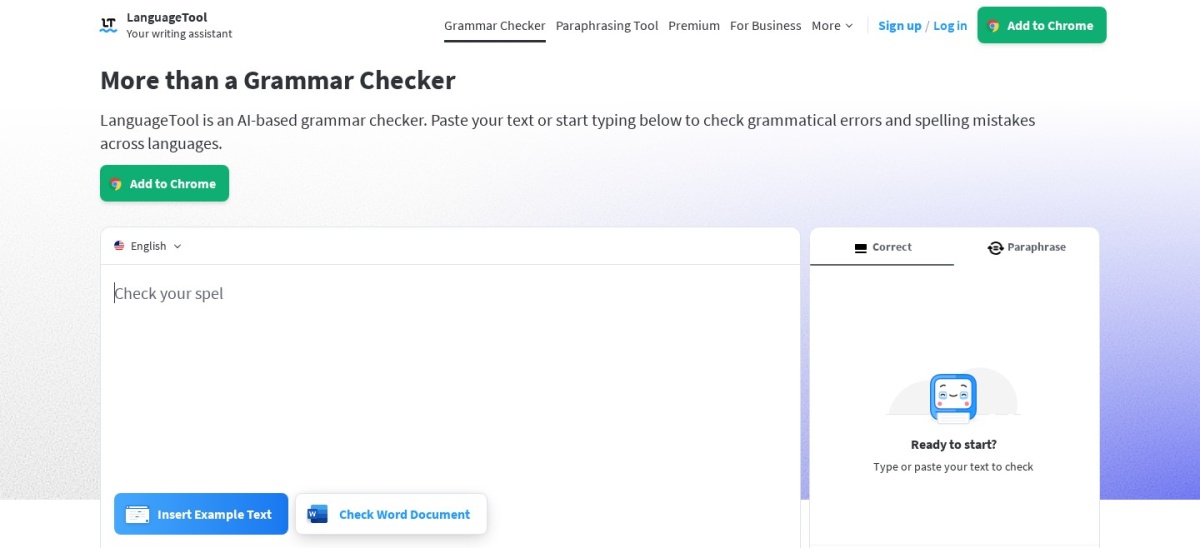
LanguageTool homepage, captured Nov 2026.
LanguageTool is an open-core grammar, spelling and style checker that works in 30+ languages, including English, German, French and Spanish. The free tier checks text fields up to 2,000 characters, and Premium raises the limit to 150,000 characters with 20,000+ extra style checks.
The trade off is the free limit. Past 2,000 characters you must paste text in chunks or pay, and there is no built-in plagiarism checker. It suits multilingual writers and anyone who switches languages in the same day.
What we like
30+ languages, the widest here
Low $69.90 a year Premium price
Browser, Word, Google Docs and email add-ons
Open-source core with a self-hosted option
Watch out for
Free checks stop at 2,000 characters per field
No plagiarism checker
Monthly billing is $24.90, over four times the annual rate
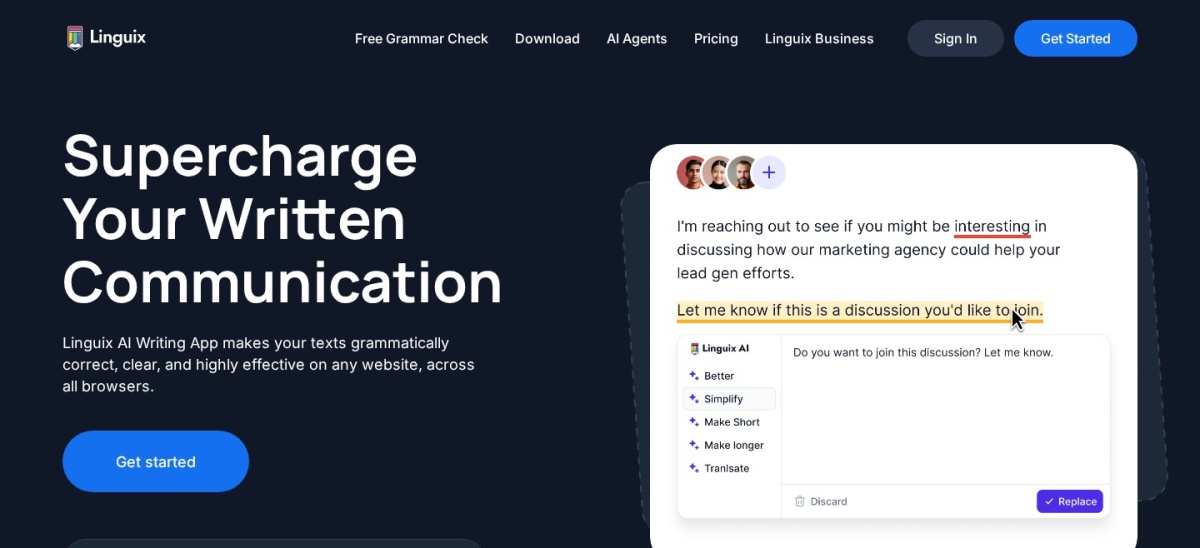
Linguix is a grammar and style checker built for everyday business writing, with a browser extension that works across Gmail, Google Docs and Canva. The free plan covers grammar and spelling with basic AI suggestions, and Pro adds style, clarity and tone checks in seven languages.
The trade off is support. Some buyers report plans wrongly marked as expired and slow answers, and the extension has been reported to hang. It suits small teams writing client emails and docs all day.
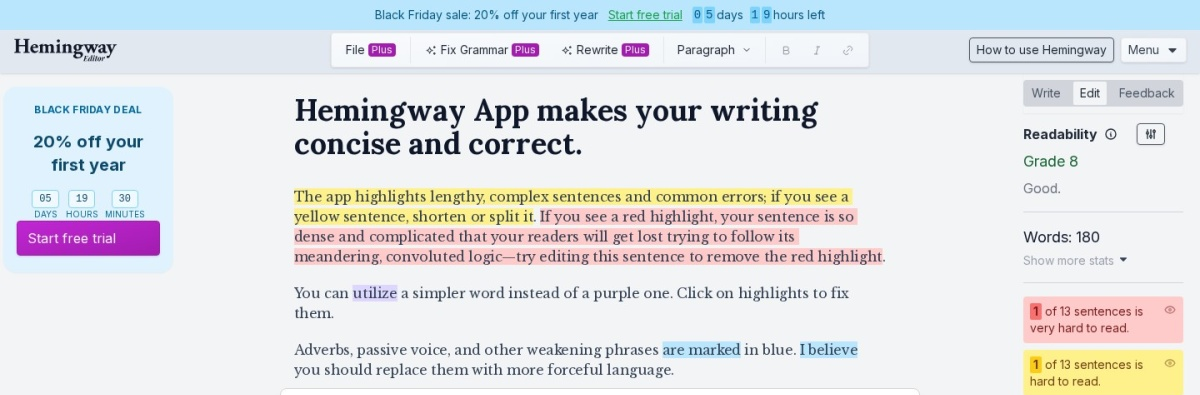
Hemingway Editor is a readability checker that highlights long sentences, adverbs, passive voice and complex words, then gives the text a grade level. The web editor is free with no account, and the desktop app costs $19.99 once and works offline.
The trade off is scope. Hemingway does not check grammar or spelling, and the $19.99 desktop app excludes the AI features of Plus at $100 a year. It suits bloggers and copywriters who want a fast clarity pass.
Ginger is a grammar checker and rephrasing tool aimed at English learners and everyday writers, with a translator and a personal trainer for common mistakes. The free version checks grammar and offers rephrasing, and Premium unlocks the full set of tools across web, desktop and mobile apps.
The trade off is price. Premium lists at $13.99 a month, the dearest monthly rate here, though yearly billing is advertised cheaper. It suits non-native English speakers who want corrections plus translation in one place.
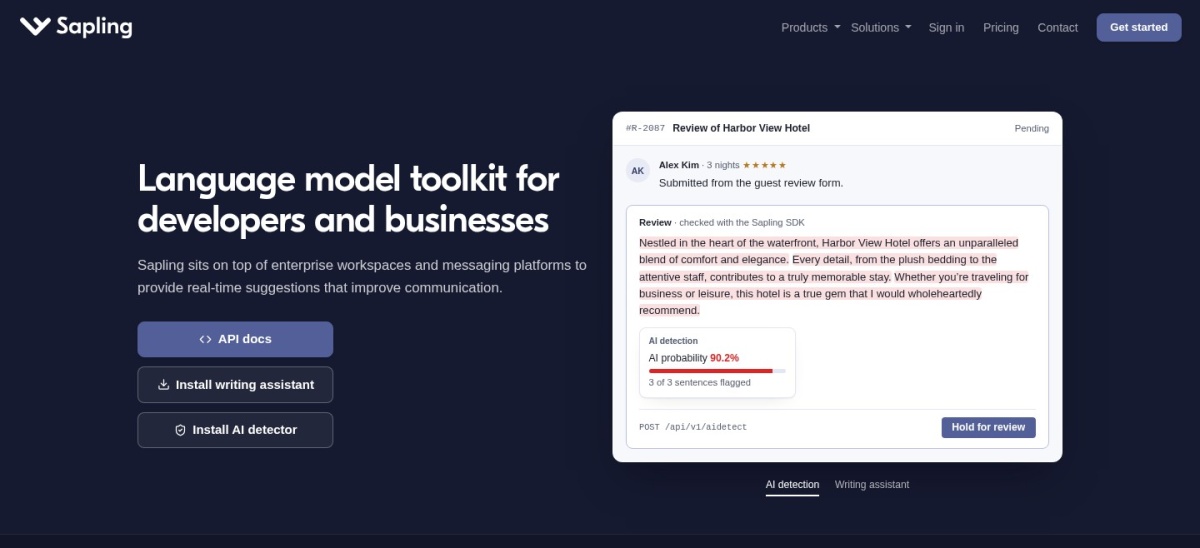
Sapling is an AI writing assistant built for customer-facing teams, with grammar checks, autocomplete and snippets inside Gmail, Slack and helpdesks. The free plan gives basic suggestions and 20 snippets, and Pro at $12 a month billed yearly lifts checks to 100,000 characters.
The trade off is the AI detector. Independent tests found it flags about one in six human-written texts as AI, so never use it as a standalone verdict. It suits support and sales teams answering the same questions all day.
What we like
Autocomplete and snippets speed up replies
Works inside Gmail, Slack and helpdesks
API for developers and support tools
One-month Pro trial needs no card
Watch out for
AI detector flags human text too often
No plagiarism checker
$25 a month if you pay monthly instead of yearly
Pro adds autocomplete, rephrasing and unlimited snippetsVisit sapling.ai
08
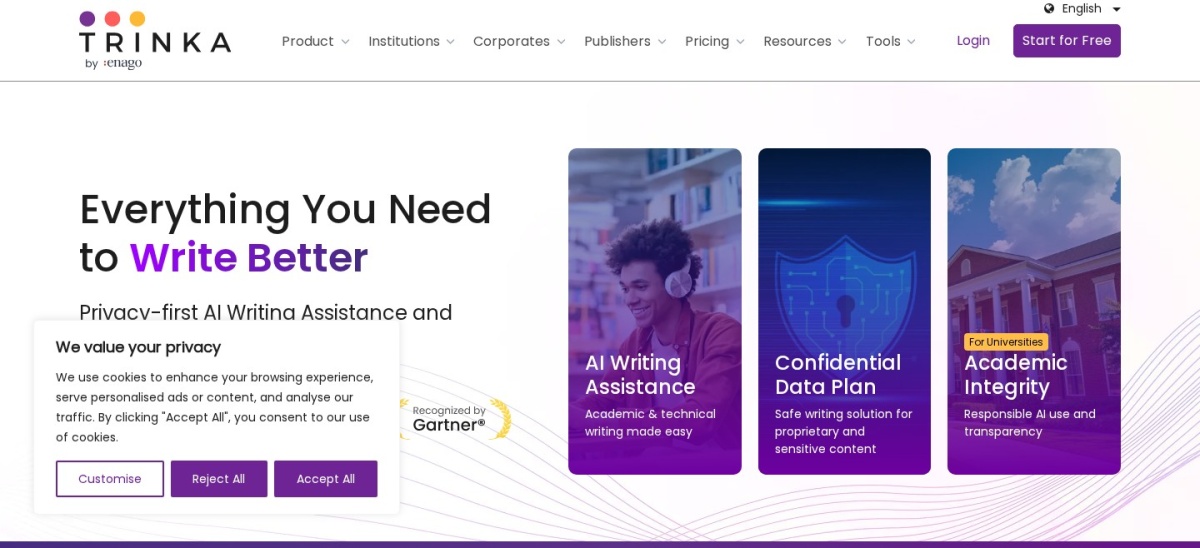
Trinka
3.9/5on G2 (17 reviews, checked Nov 2026)
Paid from$80/yr
Best for academic and technical writing
Free words5,000 a month
Style guidesAPA, AMA, ACS, IEEE
File proofreadingWord and LaTeX
Paid planPremium, $80/yr
trinka.ai
Trinka homepage, captured Nov 2026.
Trinka is a grammar checker built for academic and technical writing, checking style against guides such as APA, AMA and IEEE. The free Basic plan allows 5,000 words a month, and Premium at $80 a year proofreads whole Word and LaTeX files with tracked changes.
The trade off is the thin rating. Trinka scores 3.9 out of 5 on G2 from only 17 reviews, the lowest here, and plagiarism reports cost credits on top. It suits researchers and graduate students preparing papers for submission.
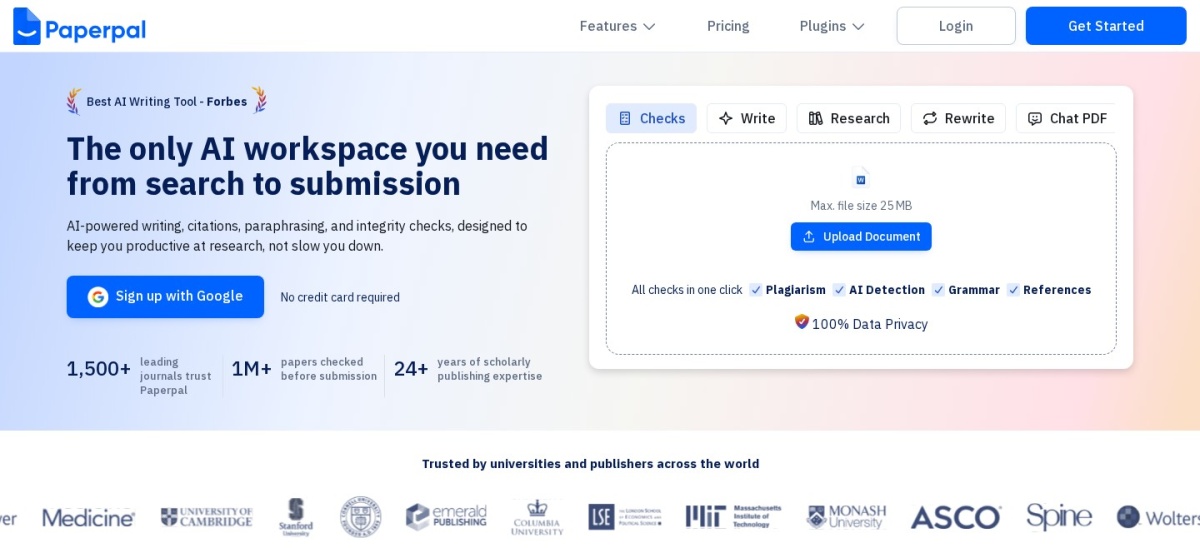
4.2/5on Trustpilot (141 reviews, checked Nov 2026)
Paid from$139/yr
Best for researchers before submission
Free suggestions200 a month
Citation styles10,000+
Plagiarism checkYes, 10,000 words/mo
Paid planPrime, $139/yr
paperpal.com
Paperpal homepage, captured Nov 2026.
Paperpal is an AI writing assistant built only for academic and research writing, with grammar checks, citations in 10,000+ styles and a plagiarism checker. The free plan allows 200 language suggestions a month, and Prime at $139 a year adds unlimited checks and 30+ pre-submission checks.
The trade off is price and scope. Prime costs $139 a year, and the tool is built for papers, so it is a poor fit for marketing copy or casual prose. It suits researchers polishing a manuscript before submission.
Grammarly Pro costs $12 a month billed annually, or $144 a year, with a $30 month-to-month rate. That is the number every alternative here is measured against.
Seven of the nine tools here cost less per year than Grammarly Pro, and Hemingway's $19.99 desktop app costs less than two months of it. The dearest, Ginger at $167.88 a year on monthly billing, costs more, so its rephrasing and translation extras need to earn the gap.
How we chose
We started from the writing tools most often named as Grammarly alternatives, then kept nine with a public rating and a published price.
Prices come from each vendor's pricing page or G2's pricing data, checked on 29 November 2026. Ratings and review counts come from G2 on the same day, except Paperpal, which uses Trustpilot. Where a vendor shows a sale, the list shows the regular price.
We left out QuillBot because its homepage returns a bot-check page to every screenshot service we tried, so no clean screenshot exists. No vendor paid for a place, and we do not claim to have used these tools ourselves.
How to choose a Grammarly alternative
Start with the kind of writing you do most, then check the free plan against it.
Match the tool to the writing. Long documents suit ProWritingAid, single sentences suit Wordtune, and papers suit Trinka or Paperpal.
Try the free plan on real work. Paste a recent email or draft and see what it catches. Free limits range from 500 words to 10 rewrites a day.
Check the annual price, not the monthly one. Monthly billing can cost double or more. Sapling is $25 a month monthly but $12 a month billed yearly.
Read the review count, not just the score. A 4.2 from 14 reviews is thinner evidence than a 4.6 from 201.
FAQ
What are the best Grammarly alternatives in 2026?
ProWritingAid is the best overall, with 25+ whole-document reports and Premium at $120 a year. Wordtune is best for rewrites at $83.88 a year, LanguageTool is best for 30+ languages at $69.90, and Hemingway is the cheapest way in at $19.99 once.
What is the cheapest Grammarly alternative?
Hemingway is cheapest to own: the web editor is free and the desktop app costs $19.99 once. Among subscriptions, Linguix at $60 a year is the lowest annual price in this list, followed by LanguageTool at $69.90 and Wordtune at $83.88.
Is there a free Grammarly alternative?
Yes, every tool in this list has a free plan. ProWritingAid checks 500 words at a time, Wordtune gives 10 rewrites a day, LanguageTool checks 2,000 characters per field, and Hemingway's web editor is free with no account.
Which Grammarly alternative is best for beginners?
LanguageTool is the easiest start: the free tier needs no account for pasted text and Premium is $69.90 a year. Hemingway is simpler still if you only want readability, since its web editor needs no sign-up at all.
ProWritingAid vs Wordtune: which is better?
ProWritingAid is better for long documents, with 25+ reports on style, pacing and consistency for $120 a year. Wordtune is better for single sentences, offering several rewrites with tone control for $83.88 a year. Many writers use both: Wordtune to rephrase, ProWritingAid to edit.
Which Grammarly alternative is best for academic writing?
Trinka is best for academic style, checking against APA, AMA and IEEE guides for $80 a year. Paperpal is the fuller research tool, adding citations in 10,000+ styles and a plagiarism checker for $139 a year.
SaaS SEO and WordPress specialist with about 8 years of experience. Rakib compares WordPress plugins, themes, hosting and software using public pricing, documentation and user reviews. See how we rank.