VistaCreate is the best of the free Instagram tools todays influencers need, with 50,000+ free templates and a 4.5/5 G2 rating. Buffer covers free scheduling for 3 channels, while Linktree gives every influencer a free bio link page.
How we make this list: we compare pricing pages, product documentation and public user reviews, then re-check every price before each update. No product paid for a place. Disclosure.
VistaCreate gives the most free design: 50,000+ templates and 1M+ assets with no download cap.
Buffer and Publer both schedule free, but Publer's paid plan is the cheapest here at $48 a year.
Linktree's free plan covers unlimited bio links, the one tool every influencer needs on day one.
InShot edits Reels free on your phone, but exports carry a watermark until Pro at $19.99 a year.
Later has no free plan at all, and Loomly's free plan is capped at 5 posts a month.
What free Instagram tools do todays influencers need first?
Design comes first. An influencer's feed is judged on the cover image, so a free design tool with templates matters more than a scheduler at the start.
Scheduling saves the most time after that. A free plan that holds a week of posts beats posting by hand, even with a 10-post cap. Our guide on scheduling posts in WordPress explains how queued publishing works.
A bio link is the only click Instagram allows. Linktree's free page turns that one link into unlimited links, sign-ups and a shop.
Free plans all have a catch. Watermarks, post caps and locked analytics are how these tools earn money, so check the limit that matters to you before you build a workflow on it.
VistaCreate is a browser design tool for social graphics, with 50,000+ templates and over a million royalty-free assets on its free Starter plan, with no download cap and no watermark. It covers Instagram posts, Stories and Reels covers, plus animation on every plan.
The trade off is reliability. Reviewers praise the price but report freezes and slow exports at times, and the free plan locks premium assets and the resize tool. It suits creators who want a cheaper design tool than the category leader and can live with the odd slow export.
Buffer is a simple scheduling queue for Instagram and other networks. The free plan connects 3 channels, holds 10 scheduled posts per channel, and includes the AI Assistant, basic insights and a community inbox.
The trade off is price per channel. Essentials costs $5 a month billed yearly for each channel, so three paid channels run $180 a year, and analytics stay basic. It suits solo creators with one or two accounts who want a free plan that stays free.
What we like
Genuine free plan, no card required
Pay only for the channels you use
AI Assistant included on the free plan
Largest review base for a scheduler here
Watch out for
10-post cap per channel on the free plan
Analytics stay basic even when paid
Price climbs with each channel added
Essentials removes the post cap and adds advanced analyticsVisit buffer.com
03
Publer
4.7/5on G2 (555 reviews, checked Nov 2026)
Paid from$4/mo
Best free scheduler for more accounts
Free accounts3 (no X)
Free scheduled posts10 per account
Platforms13 networks
Paid planProfessional, $48/yr
publer.io
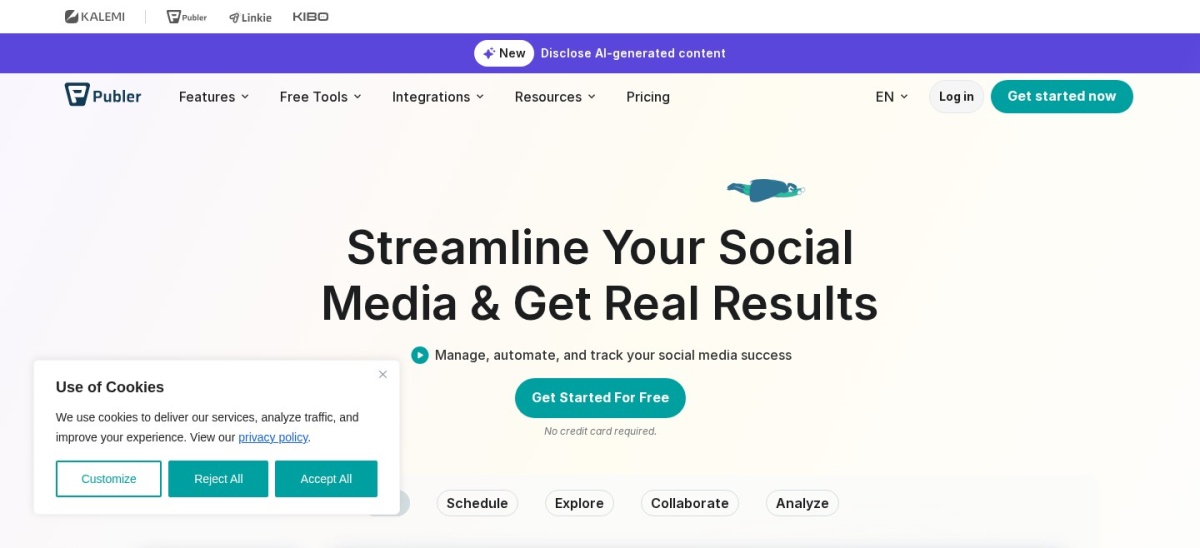
Publer homepage, captured Nov 2026.
Publer is a low-cost scheduler that posts to 13 networks, including Instagram, TikTok and Threads. The free plan covers 3 social accounts, 10 scheduled posts per account and 25 saved drafts, with trials of paid features included.
The trade off is limits. The free plan keeps only 24 hours of post history, has no X connection and no analytics, which sit on Business at $8 a month billed yearly. It suits creators who want the cheapest paid upgrade in this list.
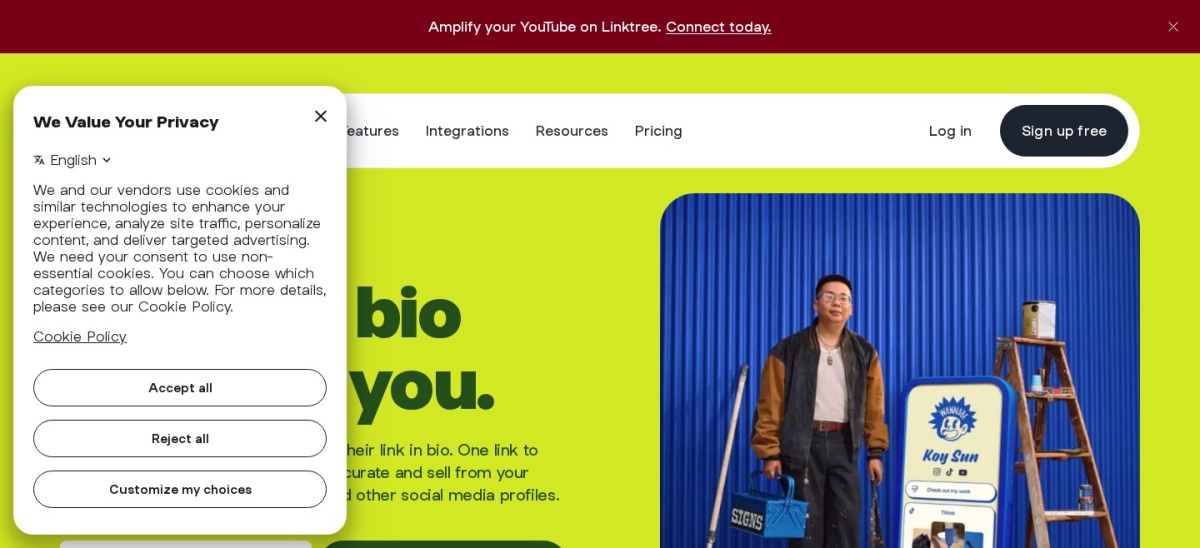
Linktree turns the one link Instagram allows in a bio into a page of unlimited links, sign-up forms and click tracking. The free plan includes unlimited basic links, email and phone sign-ups, and Instagram auto-replies for up to 1,000 DMs a month.
The trade off is branding and fees. Free pages carry Linktree branding, a 12% seller fee on digital sales, and no custom domain, while Starter at $7 a month billed yearly adds featured links and basic analytics. It suits every influencer who needs a free bio link today.
What we like
Unlimited links on the free plan
Sign-up capture included free
Instagram auto-replies on free
Quick setup with no design work
Watch out for
12% seller fee on the free plan
Linktree branding on free pages
Design options locked behind paid plans
Starter adds featured links, analytics and a custom domainVisit linktr.ee
05
InShot
4.8/5on App Store (2,500,000 reviews, checked Nov 2026)
Paid from$19.99/yr
Best free Reels editor on your phone
Free exportUp to 4K 60fps
WatermarkYes, on free
Lifetime option$49.99 one-off
Paid planPro, $19.99/yr
inshot.com
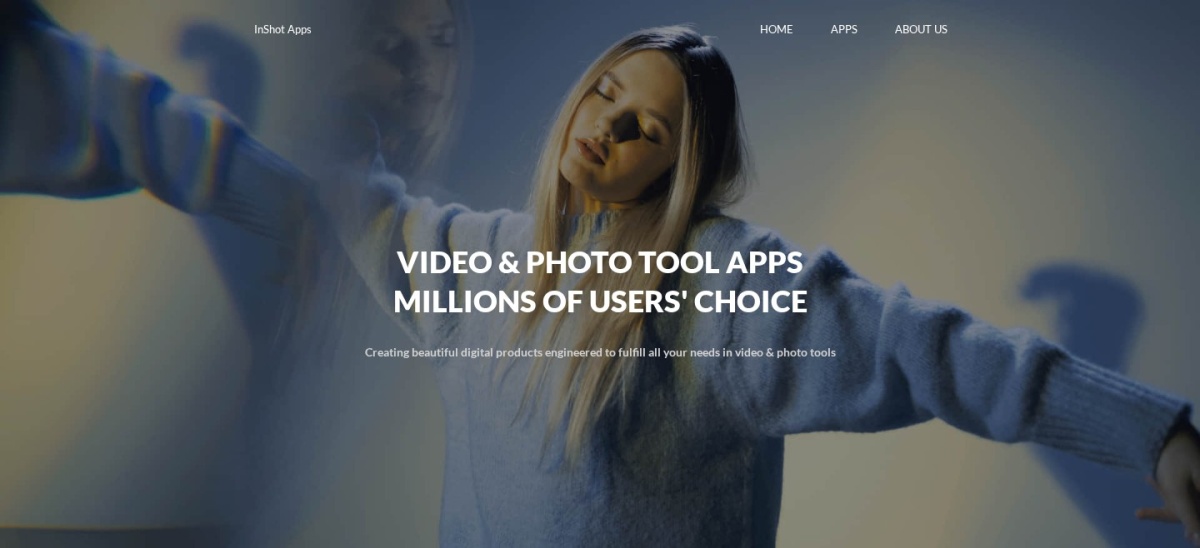
InShot homepage, captured Nov 2026.
InShot is a mobile video and photo editor for fast vertical video. The free version includes trimming, speed controls, chroma key, picture-in-picture and exports up to 4K at 60fps, with a 4.8 rating across 2.5 million App Store reviews.
The trade off is the watermark. Free exports carry an InShot watermark and in-app ads, and auto-captions need Pro at $19.99 a year, or $49.99 once for life. It suits creators who edit Reels entirely on their phone and want the lowest annual price here.
What we like
Full editing toolset on the free plan
4K exports without paying
$49.99 lifetime Pro option
4.8 from 2.5 million App Store reviews
Watch out for
Watermark and ads on free exports
No auto-captions without Pro
Mobile only, no desktop editor
Pro removes the watermark and ads and adds auto-captionsVisit inshot.com
06
Later
4.5/5on G2 (384 reviews, checked Nov 2026)
Starts at$18.75/mo
Best visual grid planner (paid)
Free planNo, 14-day trial
Visual plannerDrag-and-drop grid
Link in bioLinkin.bio included
Paid planStarter, $225/yr
later.com
Later homepage, captured Nov 2026.
Later is a visual-first scheduler built around the Instagram grid, with a drag-and-drop calendar, grid preview and a Linkin.bio page. Starter costs $18.75 a month billed yearly for one user, one Social Set and 30 posts per profile a month.
The trade off is that there is no free plan, only a 14-day trial, and X scheduling was removed in 2025. It suits creators who plan by how the grid looks and will pay for the visual tools.
What we like
Best visual grid preview here
Linkin.bio page included
Best Time to Post on Starter
Strong ease-of-use reviews
Watch out for
No free plan, trial only
No X scheduling since 2025
Extra Social Sets and users cost more
Growth adds approvals, inbox and 180 posts per profileVisit later.com
07
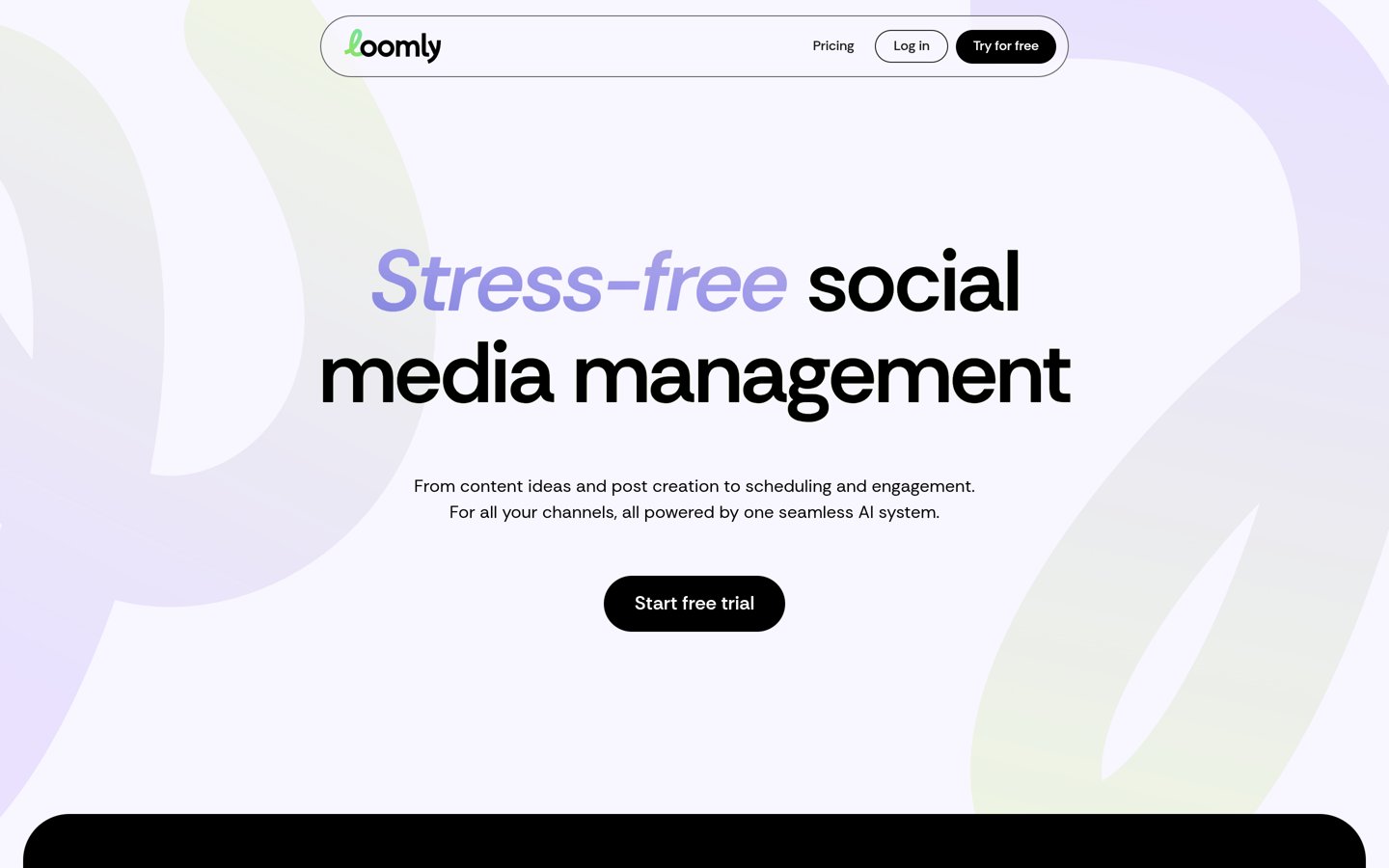
Loomly
4.6/5on G2 (1,796 reviews, checked Nov 2026)
Paid from$49/mo
Best free start for small teams
Free posts5 a month
Free accounts3, 1 user
Paid accounts12 on Starter
Paid planStarter, $588/yr
loomly.com
Loomly homepage, captured Nov 2026.
Loomly is a visual content calendar with approval workflows and post ideas, aimed at small teams. Its free plan covers 1 user, 3 social accounts and 5 posts a month, and reviewers rate it 4.6 out of 5 from 1,796 G2 reviews.
The trade off is price and availability. The free plan is not offered to everyone, and Starter costs $49 a month billed yearly for 12 accounts and 3 users. It suits a small team that outgrows solo tools and wants approvals built in.
Free plans cover the basics well. Design, scheduling and a bio link all work without paying.
Paid plans mostly add volume and removal. You get more posts, no watermark and deeper analytics.
If you earn money from Instagram, the first paid upgrade often costs less than one missed brand deal. Publer's Professional plan is $48 a year, the cheapest here.
How we chose
We started from the tools influencers name most often for Instagram design, scheduling, bio links and Reels editing, then kept those with a free plan or a free trial.
Prices come from each vendor's pricing page, checked on 29 November 2026. Ratings and review counts come from G2 or the App Store on the same day. Where a vendor shows a sale, the list shows the regular price.
We left out tools with no public rating, and tools whose free plan does not work for Instagram. No vendor paid for a place, and we do not claim to have used these tools ourselves.
How to choose free Instagram tools
Start with the job you do most often, then pick the free plan that covers it.
List the jobs you do every week. Design, scheduling, bio links and editing are four different tools. One tool rarely covers all four well.
Check the free plan limit that bites first. A 10-post cap, a watermark or 5 posts a month will decide whether the free plan lasts.
Pick one scheduler and one editor. Two schedulers double the work. Choose one of Buffer, Publer or Later for posting and one of VistaCreate or InShot for making the post.
Leave room to pay later. Start free, then pay for the tool you hit the limit on first. The cheapest paid plan here is Publer at $48 a year.
FAQ
What are the best free Instagram tools for influencers in 2026?
VistaCreate, Buffer and Linktree are the strongest free picks. VistaCreate covers design with 50,000+ free templates, Buffer schedules 3 channels free, and Linktree gives every influencer a free bio link page with unlimited links.
Are there really free Instagram tools with no catch?
No. Every free plan has a limit, such as a watermark, a post cap or locked analytics. Buffer caps free scheduling at 10 posts per channel, InShot watermarks free exports, and Loomly allows only 5 free posts a month.
Which free Instagram tool is best for beginners?
VistaCreate is the easiest starting point. Its free Starter plan includes 50,000+ templates and over a million assets, so a beginner can make a polished post without design training or a paid plan.
What is the cheapest paid Instagram tool here?
Publer is the cheapest, at $4 a month billed yearly, or $48 a year. That unlocks unlimited scheduling and X, while InShot Pro is cheaper still at $19.99 a year but only removes the video watermark and ads.
Is Later free?
No. Later has no free plan, only a 14-day trial of its paid tiers. Starter costs $18.75 a month billed yearly. If you need a free scheduler, Buffer and Publer both have free plans.
Buffer vs Publer: which is better for free Instagram scheduling?
Publer wins on price and breadth, with 13 networks and a $48-a-year paid plan against Buffer's $60 per channel. Buffer wins on simplicity and its larger review base, with 1,039 G2 reviews against Publer's 555.
SaaS SEO and WordPress specialist with about 8 years of experience. Rakib compares WordPress plugins, themes, hosting and software using public pricing, documentation and user reviews. See how we rank.