Flywheel Alternatives in 2026: 7 Best Tools Compared
WLWPLegible EditorsLast verified 22 Nov 2026How we rank12 min read
★ Short answer
Kinsta is the best Flywheel alternative for businesses wanting premium managed WordPress hosting, with its entry plan providing 10GB storage and unlimited free migrations at $35 per month. Cloudways offers more control over server resources from $14 monthly, while Pressable suits agencies managing client websites and WooCommerce stores.
How we make this list: we compare pricing pages, product documentation and public user reviews, then re-check every price before each update. No product paid for a place. Disclosure.
Kinsta earns 4.8/5 from 1,713 G2 reviews. Its entry hosting plan costs $35/month and includes 10GB storage, 20GB monthly server bandwidth and free migrations.
Cloudways earns 4.7/5 from 1,150 G2 reviews and offers managed cloud hosting from $14/month, equivalent to $168/year.
Pressable starts at $250/year for one WordPress installation, 20GB storage and up to 30,000 monthly visits.
Rocket.net Starter costs $30/month or $300/year with annual billing, including 10GB storage, 50GB bandwidth and 30-day backup retention.
SiteGround StartUp renews at $17.99/month, equivalent to $215.88/year, after its advertised introductory discount.
DreamPress 1 renews at $19.99/month and includes 15GB storage, 40,000 monthly visits and 14-day backup retention.
What to look for in a Flywheel alternative
Flywheel is a managed WordPress hosting service designed around designers, developers and agencies. Its appeal comes from simplified site administration, collaboration features, staging and managed infrastructure. Other hosts offer different combinations of these capabilities.
The closest alternatives provide managed WordPress updates, automatic backups, staging environments, migration assistance and support teams familiar with WordPress. Kinsta, WP Engine and Pressable are particularly relevant for users who want managed hosting without maintaining their own servers.
Performance requirements also matter. Compare storage, bandwidth, monthly visit allowances, caching and CDN availability. Cloudways emphasizes configurable cloud resources, while Rocket.net includes an enterprise CDN and firewall in its managed plans.
For agencies, review team access, transferable sites, client collaboration, staging workflows and multi-site pricing. A plan that looks affordable for one website may become expensive when managing an expanding client portfolio.
Always distinguish introductory offers from regular prices. Hosting companies frequently advertise discounted initial terms, so compare ongoing charges, resource limits and possible overage fees before moving.
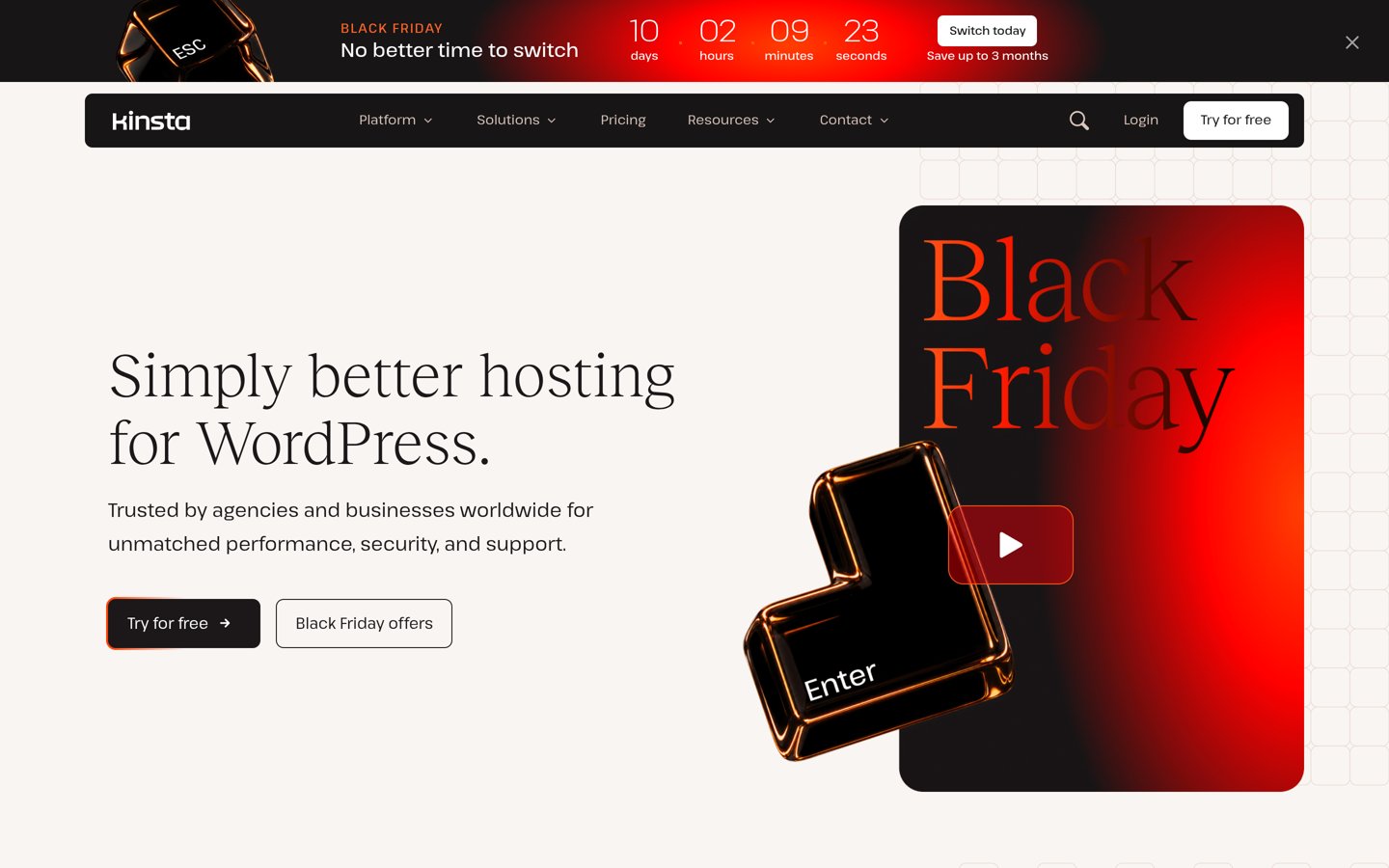
Kinsta is a managed WordPress hosting platform rated 4.8/5 from 1,713 G2 reviews. Its entry Single 20GB plan includes one WordPress installation, 10GB storage, 20GB monthly server bandwidth, 125GB CDN bandwidth and 14-day backup retention. It also provides unlimited free migrations, expert support and tools for managing WordPress environments.
The trade off is premium pricing and resource-based limits that require attention as a site grows. The regular entry price is $35 per month, equivalent to $420 annually, although Black Friday offers temporarily reduce the initial cost. It suits businesses and agencies seeking managed hosting with development tools and migration assistance.
Cloudways is a managed cloud hosting platform rated 4.7/5 from 1,150 G2 reviews. Its entry Micro server provides 1GB RAM, one virtual CPU, 25GB NVMe storage and 1TB transfer bandwidth. Cloudways Flexible supports server scaling, staging, cloning, application management and WordPress hosting across supported cloud infrastructure.
The trade off is that Cloudways exposes more infrastructure settings than Flywheel, and some services require additional configuration or paid add-ons. The Micro plan costs $14 per month, or $168 annually at a constant monthly rate. It suits developers and agencies wanting configurable server resources without managing every infrastructure component themselves.
What we like
Choice of supported cloud infrastructure
Flexible resource scaling
Staging and website cloning tools
No fixed annual hosting commitment required
Can host multiple applications on suitable servers
Watch out for
More technical administration than Flywheel
Email hosting and some services cost extra
Entry server resources are limited
Server scaling increases monthly charges
Larger servers add RAM, CPU capacity, storage and transfer allowances.Visit cloudways.com
03
Pressable
4.6/5on Trustpilot (303 reviews, checked Nov 2026)
Starts at$250/yr
Best for WordPress agencies and client management
WordPress installs1
Monthly visits30,000
Storage20GB
Annual price$250
pressable.com
Pressable homepage, captured Nov 2026.
Pressable is a managed WordPress hosting service built by Automattic, rated 4.6/5 from 303 Trustpilot reviews. Its Signature 1 plan includes one WordPress installation, 20GB storage and up to 30,000 monthly visits. The service offers managed hosting, migration assistance, backups and tools for agencies and businesses managing WordPress websites.
The trade off is that hosting additional client websites requires moving to larger plans with higher annual costs. Signature 1 costs $250 per year with annual billing, equivalent to approximately $20.83 monthly. It suits agencies that want managed WordPress infrastructure, client collaboration and a platform closely aligned with the WordPress ecosystem.
4.6/5on Trustpilot (278 reviews, checked Nov 2026)
Starts at$30/mo
Best for CDN-focused WordPress hosting
WordPress installs1
Storage10GB
Bandwidth50GB/mo
Regular monthly$30
rocket.net
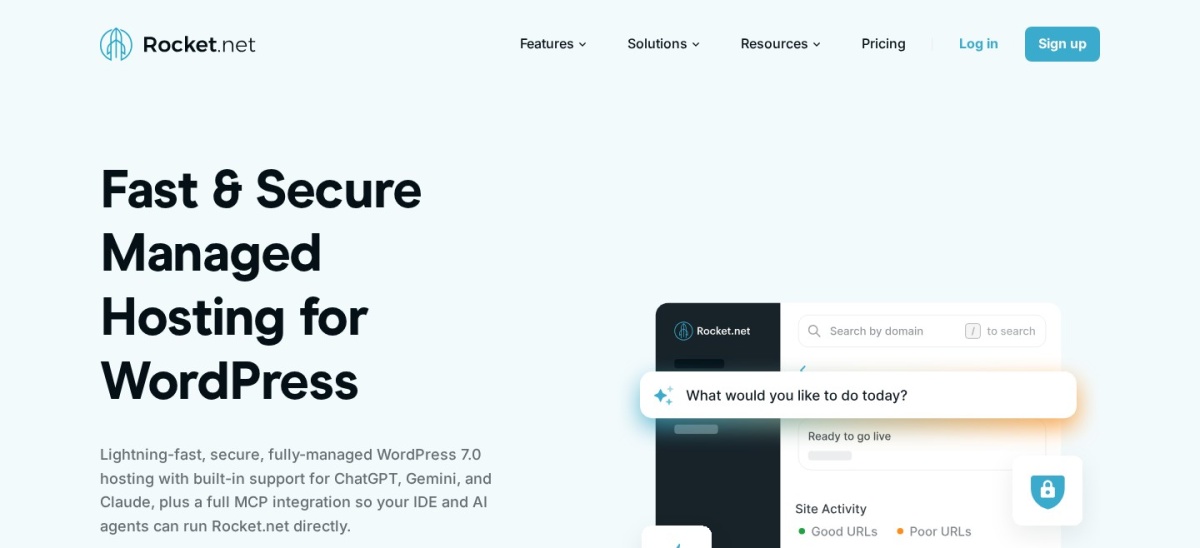
Rocket.net homepage, captured Nov 2026.
Rocket.net is a managed WordPress hosting platform rated 4.6/5 from 278 Trustpilot reviews. Its Starter plan includes one WordPress installation, 10GB storage, 50GB monthly bandwidth, an enterprise CDN, a web application firewall and malware protection. It also includes automated daily backups, 30-day retention and free migrations.
The trade off is that bandwidth and storage remain limited even though the Starter plan advertises unmetered visitors. Regular pricing is $30 per month, or $25 monthly with annual billing, excluding its $1 introductory first month. It suits businesses that prioritize CDN delivery, managed security and straightforward WordPress administration.
Best for established WordPress development workflows
Entry tierEssential
Estimated visitsFrom 25,000/mo
Entry storageFrom 10GB
Annual billing$336
wpengine.com
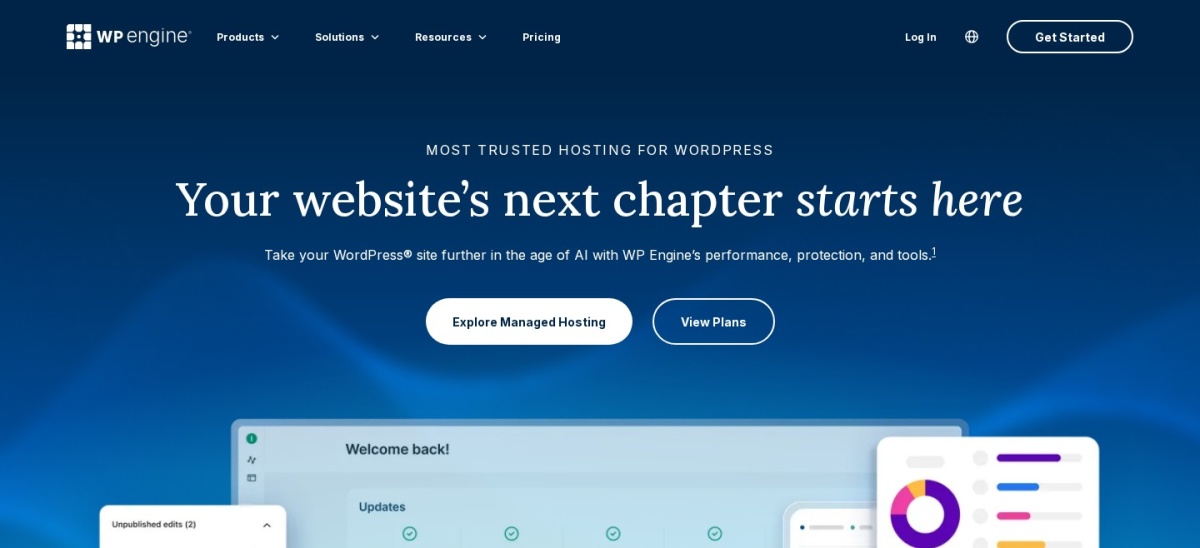
WP Engine homepage, captured Nov 2026.
WP Engine is a managed WordPress hosting platform rated 4.6/5 from 375 G2 reviews. Its Essential tier includes daily automated backups, managed WordPress, PHP and MySQL maintenance, SSL, SSH access and continuous chat support. The platform also supports development workflows involving staging, Git and local WordPress environments.
The trade off is that the Essential tier has resource allowances, while advanced business services and phone support require higher plans. The advertised annual-billing entry price is $28 per month, or $336 annually, with renewal pricing subject to change. It suits developers and agencies familiar with Flywheel who want a broader managed WordPress environment.
What we like
Managed WordPress infrastructure and updates
Automated daily backups
Developer-focused staging and deployment tools
SSL and SSH access included
Integration with local WordPress development workflows
Watch out for
Resource allowances depend on configuration
Phone support requires a higher tier
Premium services can increase overall costs
Renewal pricing is subject to change
Business adds isolated resources, managed migrations, phone support and an uptime SLA.Visit wpengine.com
06
SiteGround
4.9/5on Trustpilot (31,835 reviews, checked Nov 2026)
Starts at$17.99/mo
Best lower-cost managed WordPress hosting
Websites1
Storage10GB
EmailIncluded
Renewal$17.99/mo
siteground.com
SiteGround homepage, captured Nov 2026.
SiteGround is a web hosting provider rated 4.9/5 from 31,835 Trustpilot reviews. Its StartUp WordPress hosting plan includes one website, 10GB storage, SSL, CDN, backups, email, caching and managed WordPress updates. It also provides security and speed optimization plugins and WordPress migration tools.
The trade off is a substantial price increase after the introductory term, plus fewer advanced developer features on StartUp. The regular renewal price is $17.99 per month, or $215.88 per year, compared with its temporary $1.99 monthly offer. It suits smaller WordPress websites seeking managed basics and email hosting at a lower ongoing price than premium platforms.
What we like
Managed WordPress updates included
Daily backups and caching
Email hosting included
SSL and CDN included
Lower regular annual cost than several premium hosts
Watch out for
Large difference between introductory and renewal prices
StartUp supports one website
Staging and on-demand backups require higher plans
Shared hosting resources differ from dedicated managed platforms
GrowBig adds staging, on-demand backups and additional website capacity.Visit siteground.com
07
DreamPress
4.6/5on Trustpilot (8,325 reviews, checked Nov 2026)
Starts at$19.99/mo
Best managed hosting with email included
Websites1
Storage15GB NVMe
Monthly visits40,000
Renewal$19.99/mo
dreamhost.com
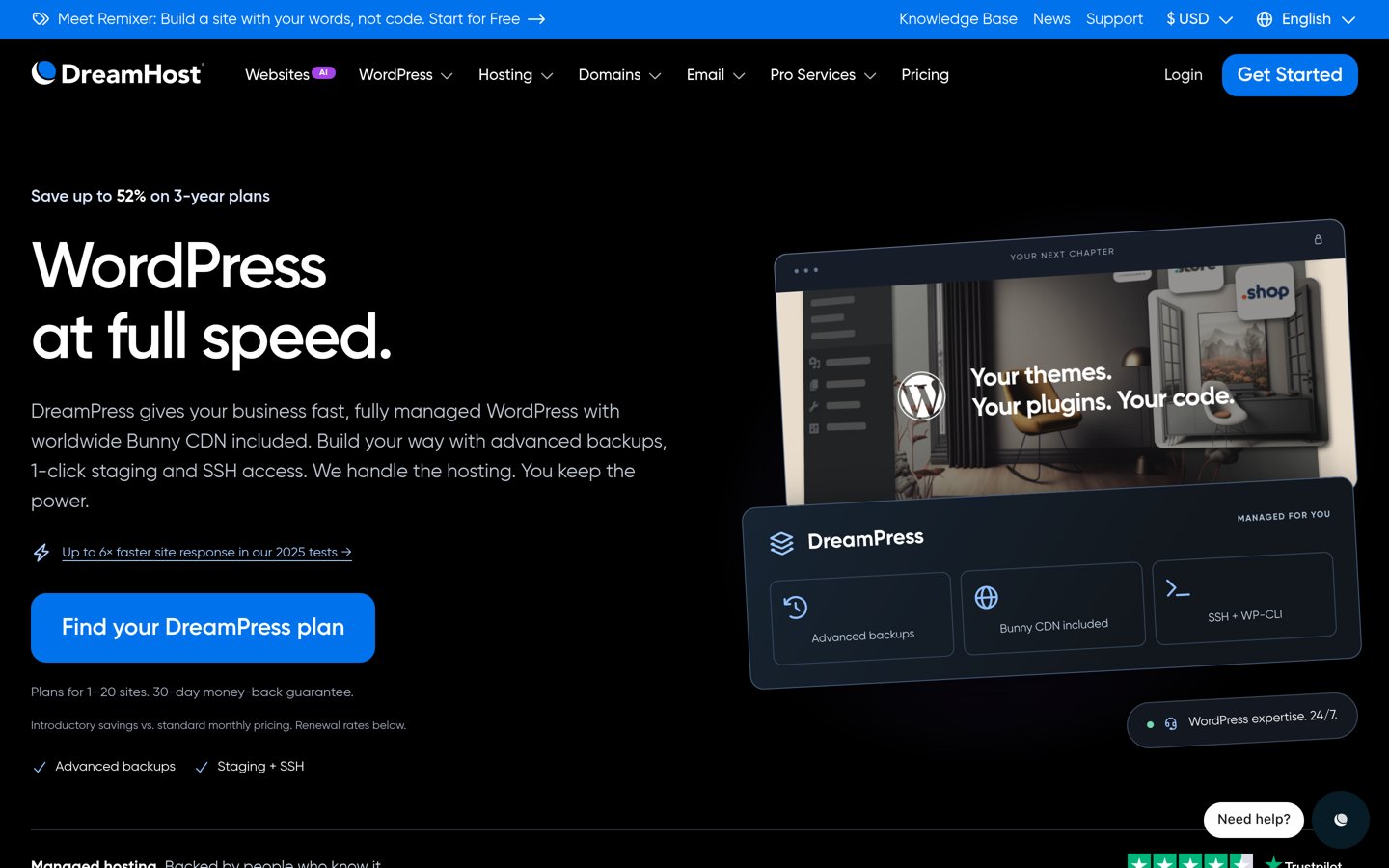
DreamPress homepage, captured Nov 2026.
DreamPress is DreamHost's managed WordPress hosting service, with its parent provider rated 4.6/5 from 8,325 Trustpilot reviews. DreamPress 1 includes one website, 15GB NVMe storage, 40,000 monthly visits, daily backups, 14-day retention, staging, Bunny CDN and unlimited mailboxes. The plan also includes WordPress support and a priority site transfer.
The trade off is that storage, monthly visits and backup retention have defined limits. DreamPress 1 renews at $19.99 per month, equivalent to $239.88 annually, after an advertised first-year rate of $14.99 monthly. It suits small businesses that want WordPress-specific hosting with staging and email in the same subscription.
What we like
Staging included
Bunny CDN included
Unlimited mailboxes
Daily backups with 14-day retention
Priority WordPress migration included
Watch out for
Monthly visit allowance applies
Entry storage is limited to 15GB
Higher renewal price than the introductory offer
Additional websites require larger plans
DreamPress 2 adds another website, more storage and a larger visit allowance.Visit dreamhost.com
Which Flywheel alternative works best for agencies?
Flywheel's appeal to agencies comes from its collaboration-oriented WordPress workflows. When comparing replacements, consider how teams create staging websites, manage client access, transfer ownership and handle ongoing maintenance.
Pressable is particularly relevant for agencies because it offers multi-install hosting and dedicated agency solutions. Larger plans accommodate additional client websites without requiring individual subscriptions for every installation.
Kinsta offers a managed WordPress dashboard, staging environments and migration assistance. It works well when development workflows, backups and technical support are more important than minimizing hosting costs.
Cloudways offers a different model built around configurable servers and applications. It can be economical for agencies comfortable managing cloud resources, but server responsibilities and resource allocation require more attention.
WP Engine is also worth comparing because its developer ecosystem overlaps with Flywheel. Agencies should evaluate whether its current plans offer enough differentiation to justify changing providers.
How to migrate from Flywheel to another WordPress host
Before changing hosts, create a complete WordPress backup containing the database, uploads, themes, plugins and configuration files. Document existing DNS records, SSL settings and email routing.
Choose a destination plan with sufficient storage and bandwidth. Confirm PHP compatibility, database requirements, caching behavior and whether the destination host restricts particular plugins.
Use your new provider's migration service or approved migration plugin to move the site. Keep the original Flywheel installation active while verifying the transferred version.
Inspect the destination website using a temporary domain or appropriate preview method. Check important pages, contact forms, WooCommerce checkout, scheduled jobs, redirects and media assets before changing DNS.
After switching DNS, monitor error logs, page availability and performance. Keep a verified backup and maintain access to the original hosting account until the migration is complete.
How we chose
We selected established managed WordPress hosting providers that offer realistic alternatives to Flywheel. Candidates were compared on managed infrastructure, developer workflows, migration support, backups, staging, CDN availability, agency features and resource allowances. Hosted services were prioritized over generic shared hosting because Flywheel specializes in managed WordPress operations.
Official pricing pages and independent G2 or Trustpilot review listings were checked on 22 Nov 2026. We used regular monthly prices or explicitly published annual-billing rates rather than temporary introductory offers. Review figures come from the named platforms, and the comparison identifies resource limits and billing differences where relevant.
We excluded hosting products without independently verifiable pricing or sufficient public reviews. We also distinguished premium managed hosting from lower-cost managed WordPress plans and avoided treating promotional rates as normal renewal costs. No vendor paid for a place, and we do not claim testing for this list.
How to choose the right Flywheel alternative
Compare your existing Flywheel workflow with each hosting provider's management tools, resource limits and ongoing costs before committing to a migration.
Identify the features your team uses most. Review staging, backups, collaboration, client access and migration requirements. Kinsta, Pressable and WP Engine are closer to premium managed WordPress workflows, while Cloudways provides more control over the underlying cloud resources.
Match hosting resources to your website. Check storage, bandwidth, monthly visits, caching and CDN inclusion. Compare your existing traffic patterns against the entry plan and consider what happens when your website exceeds its resource allowances.
Calculate the regular annual hosting cost. Compare renewal rates rather than temporary introductory discounts. Include additional charges for email, backups, CDN services, security products and extra installations. For agencies, calculate the cost of hosting the entire client portfolio.
Test migration and support before cancelling Flywheel. Create a complete backup and move your website into the new hosting environment. Verify staging workflows, SSL, database functionality, caching and important website forms. Keep Flywheel active until the transferred website operates correctly.
FAQ
What is the best alternative to Flywheel?
Kinsta is the strongest overall Flywheel alternative for businesses needing managed WordPress hosting, migrations, backups and developer tools. Cloudways offers more flexibility over cloud resources, while Pressable is particularly relevant for agencies that manage client websites and need multi-install hosting options.
Is Kinsta better than Flywheel?
Kinsta may be a better choice for users prioritizing managed infrastructure, configurable resources and developer tools. Flywheel remains appealing for design agencies and collaborative WordPress workflows. Compare migration support, staging, backup retention, resource limits and total cost before deciding which platform better supports your projects.
What is the cheapest Flywheel alternative?
Cloudways offers managed cloud hosting from $14 per month, equivalent to $168 annually. SiteGround StartUp renews at $17.99 monthly, while DreamPress 1 renews at $19.99. These products differ in server management, staging, resource allocations and included services, so the lowest price is not necessarily the best fit.
Which Flywheel alternative is best for agencies?
Pressable is a strong agency-focused option because it offers managed WordPress hosting, client-oriented services and plans supporting multiple installations. Kinsta also provides staging and development tools, while Cloudways can suit technically experienced agencies that want configurable hosting resources and application management.
Is Cloudways a good replacement for Flywheel?
Cloudways can replace Flywheel when you want managed cloud hosting with greater control over server selection, resource scaling and application deployment. However, it requires more infrastructure awareness than Flywheel's agency-oriented platform. Its entry Micro server is suitable for relatively modest workloads rather than demanding websites.
Does WP Engine offer the same features as Flywheel?
WP Engine offers managed WordPress hosting, backups, staging and developer tools that overlap with Flywheel. The providers are also part of the same company. However, plan structures, dashboards, resource allocations and client workflows differ, so switching should be based on specific capabilities rather than ownership alone.
Which Flywheel alternative includes email hosting?
SiteGround includes email hosting with its WordPress plans, while DreamPress 1 includes unlimited mailboxes. Several premium WordPress hosts focus on website infrastructure and require a separate email service. Check existing mailbox and DNS requirements before migrating, especially if your business depends on domain-based email.
Can I move my WordPress website from Flywheel for free?
Several alternatives offer free migration assistance or migration tools. Kinsta advertises unlimited free migrations, Rocket.net includes free migrations and DreamPress 1 provides a priority site transfer. Confirm whether your specific site qualifies and whether custom configurations require additional work before starting.
Will switching from Flywheel affect website SEO?
A hosting change does not automatically harm search rankings, but failed migrations, slow pages, broken redirects and prolonged downtime can affect search visibility. Preserve URLs, metadata and database content. Verify canonical tags, sitemaps and important page responses after moving to the new host.