Airtable is the best FileMaker alternative for most small teams, with a free plan and a Team plan at $20 per user a month, rated 4.6 out of 5 on G2 from 3,287 reviews. Pick AppSheet from $5 a user a month for Google Workspace teams, or Knack from $49 a month for flat-rate pricing with unlimited users.
How we make this list: we compare pricing pages, product documentation and public user reviews, then re-check every price before each update. No product paid for a place. Disclosure.
Airtable leads on familiarity: a spreadsheet-style grid with linked records, interfaces and automations, rated 4.6/5 on G2.
AppSheet is the cheapest paid start at $5 per user a month, and its Core plan is included in most Google Workspace editions.
Zoho Creator is the cheapest full low-code builder per user at $8 a month, billed annually.
Knack, Caspio and Tadabase charge a flat monthly rate with unlimited users, so a 50-person team costs the same as a 2-person team.
Quickbase is the most expensive entry here at $35 a user a month with a 20-user minimum, so it fits larger operations teams only.
What should you look for in FileMaker alternatives?
FileMaker is a desktop-first database, so the first question is whether you still need offline desktop access. Most alternatives here are cloud-only, which means any device with a browser works, but you lose FileMaker's offline mode.
Pricing model matters more than the headline price. Per-user tools such as Airtable and Zoho Creator stay cheap for small teams and grow with every editor, while flat-rate tools such as Knack and Caspio cost the same however many people use the app.
A relational database is only useful if your data stays linked and backed up. Our guide on what a database is explains the basic structure, and the same ideas apply when you move tables, records and relationships out of FileMaker.
Migration effort is the hidden cost. Tools with CSV import, templates for CRM or inventory, and an API make the move faster, while tools with no import wizard can leave you rebuilding every layout by hand.
Check the record and storage limits before you commit. A free plan with 1,000 records per base is fine for a trial, but a working inventory or client list can pass that limit in the first month.
Airtable is a cloud database that looks like a spreadsheet, with linked records, multiple views, interfaces and automations on top. The free plan covers 1,000 records per base and 1 GB of attachment storage, while the Team plan at $20 per user a month billed annually raises that to 50,000 records and 20 GB per base.
The trade off is per-seat cost as editors multiply, since only read-only viewers are free on every plan. It suits small teams leaving FileMaker who want a familiar grid, fast setup and a large template library without managing a server.
What we like
Most familiar move from spreadsheets and FileMaker layouts
Free plan with unlimited bases
Large template library and many integrations
Interfaces for staff who should not see the raw tables
Watch out for
Per-editor pricing grows fast with team size
Record limits force an upgrade sooner than flat-rate tools
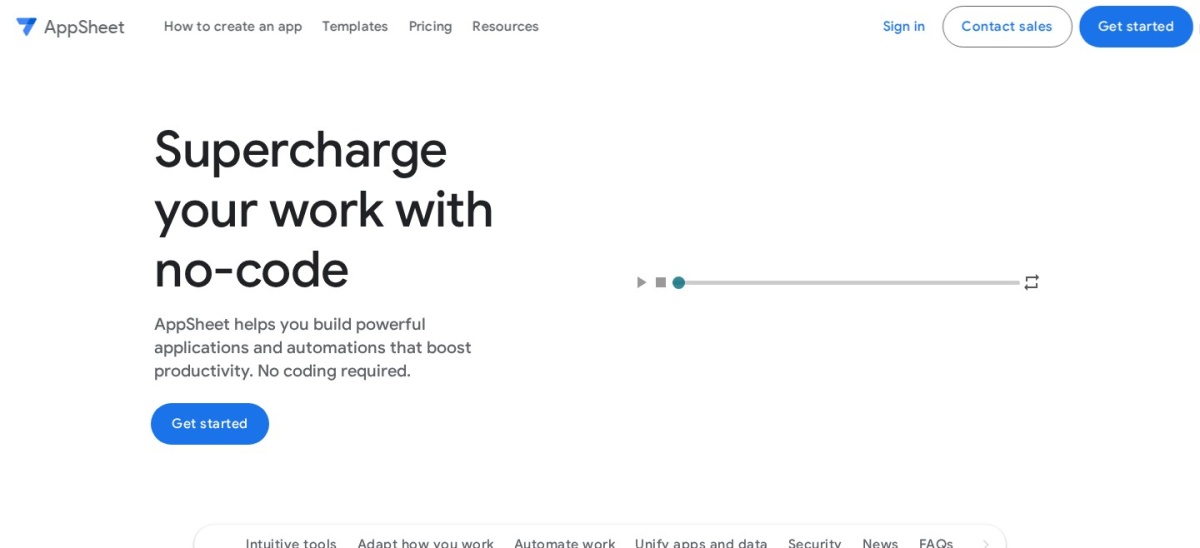
AppSheet is Google's no-code builder that turns a spreadsheet or database into a working mobile and web app, with forms, photos, signatures and offline use. The Core plan costs $5 per user a month, and it is included at no extra cost in most Google Workspace editions, so many teams already have it.
The trade off is the Google-centred design, since the best experience comes from Sheets, Drive and Gmail, and every app user needs a licence. It suits field teams and operations staff who already live in Google Workspace.
What we like
Lowest paid starting price in this list
Included in most Google Workspace editions
Offline mobile use for field work
Highest G2 rating in this list at 4.8/5
Watch out for
No permanent free plan, only prototype testing
Interface design is plain next to Airtable or Knack
Less natural outside the Google ecosystem
Publisher Pro at $50/app/mo covers public apps with no sign-inVisit appsheet.com
03
Kintone
4.6/5on G2 (291 reviews, checked Nov 2026)
Starts at$24/mo
Best for workflows and approvals
Free planNo, 30-day trial
Paid planProfessional, $24/user/mo
Pricing modelPer user, 5-user minimum
Records300 per app
kintone.com
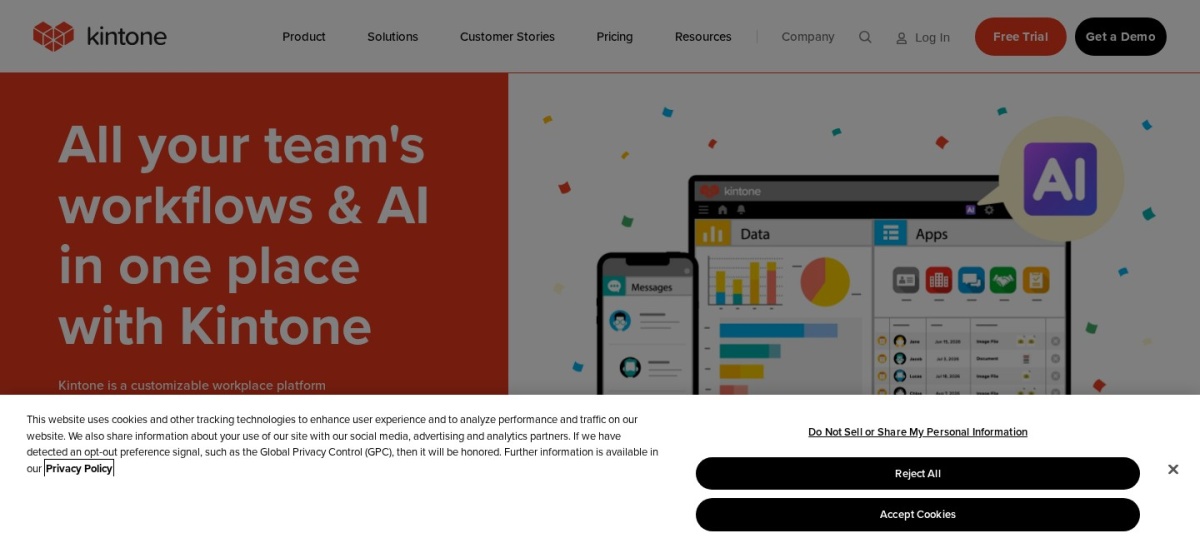
Kintone homepage, captured Nov 2026.
Kintone is a no-code platform for building business apps, databases, workflows and team spaces without writing code. Its single Professional plan costs $24 per user a month with a five-user minimum, so the smallest bill is $120 a month, and it includes process management, granular permissions, audit logs and a mobile app.
The trade off is the five-user minimum, which makes it poor value for a solo user or a two-person team. It suits teams of five or more that need approvals, casework and shared data in one place.
What we like
Workflows and approvals built in, not bolted on
Strong customer support, praised in G2 reviews
One simple plan, no tier maze
Spaces for team discussion beside the data
Watch out for
Five-user minimum means $120 a month at least
No free plan, only a trial
Setup can take a dedicated person on larger builds
Paid plan is the full product; add-ons cover extra storageVisit kintone.com
04
Zoho Creator
4.3/5on G2 (164 reviews, checked Nov 2026)
Starts at$8/mo
Best value per user
Free planTrial only
Paid planStandard, $8/user/mo
Pricing modelPer user, billed annually
Next tierProfessional, $20/user/mo
zoho.com
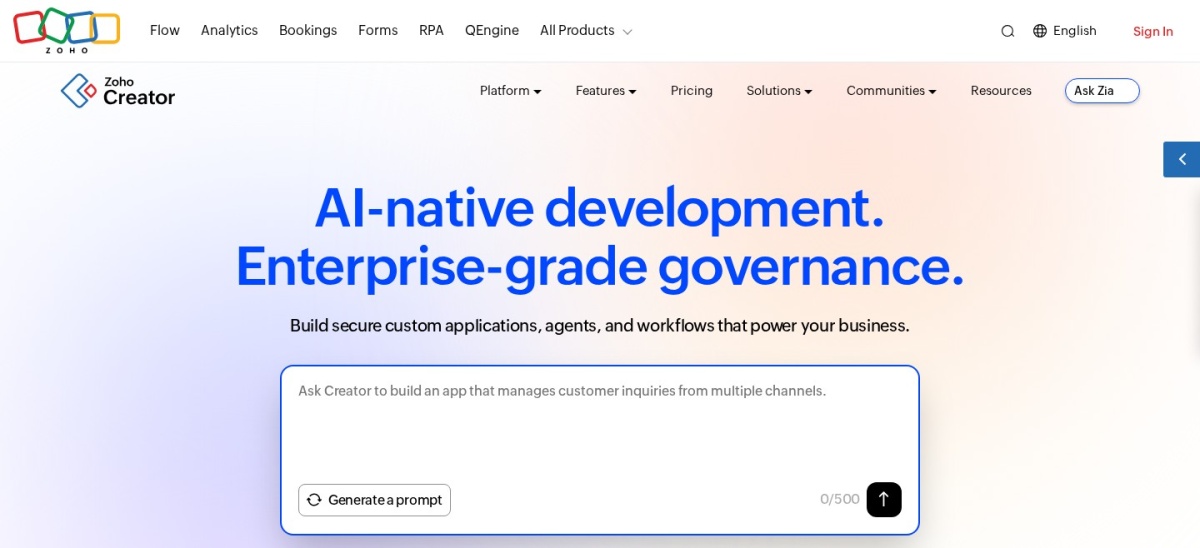
Zoho Creator homepage, captured Nov 2026.
Zoho Creator is a low-code platform for building custom business apps, forms, workflows and reports, with a visual builder and its own scripting language for deeper logic. The Standard plan costs $8 per user a month billed annually, which makes it the cheapest full builder per user in this list.
The trade off is that per-user billing still adds up with many users, and the deeper features sit in the $20 Professional and $25 Enterprise plans. It suits small businesses already using Zoho, or teams that want a real app builder at a low per-user price.
What we like
Cheapest paid plan per user in this list
Visual builder plus scripting for deeper logic
Strong fit inside the Zoho suite
Free trial to build before paying
Watch out for
Per-user cost grows with team size
Advanced integrations need higher tiers
Learning curve for the scripting language
Professional at $20/user/mo adds AI and deeper integrationsVisit zoho.com
05
Caspio
4.5/5on G2 (169 reviews, checked Nov 2026)
Starts at$270/mo
Best for compliance-heavy apps
Free planNo
Paid planTeam, $270/mo billed annually
Pricing modelFlat monthly, unlimited users
BackendMicrosoft SQL Server
caspio.com
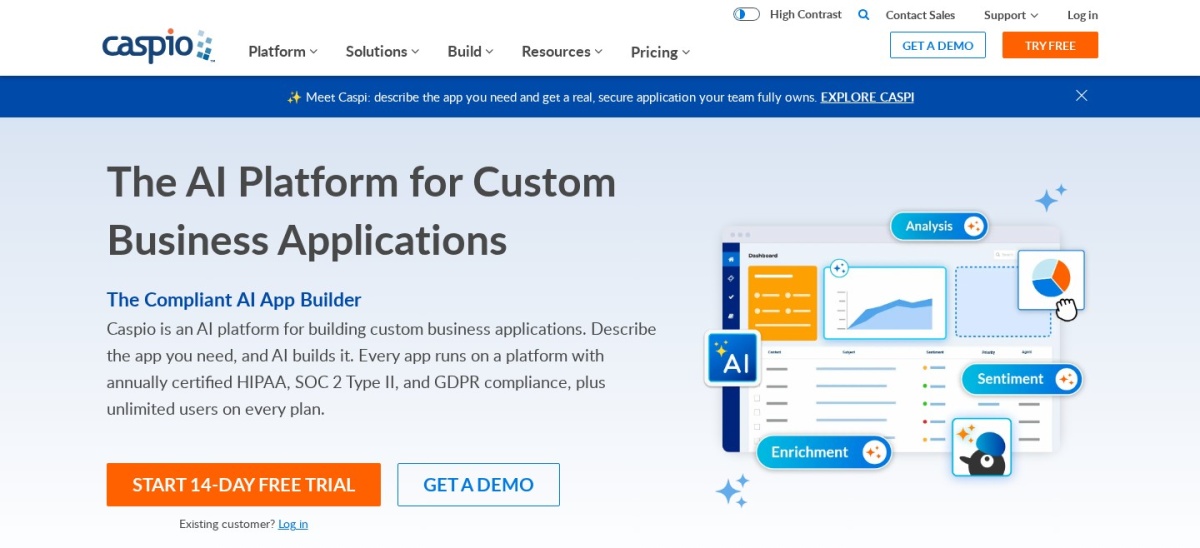
Caspio homepage, captured Nov 2026.
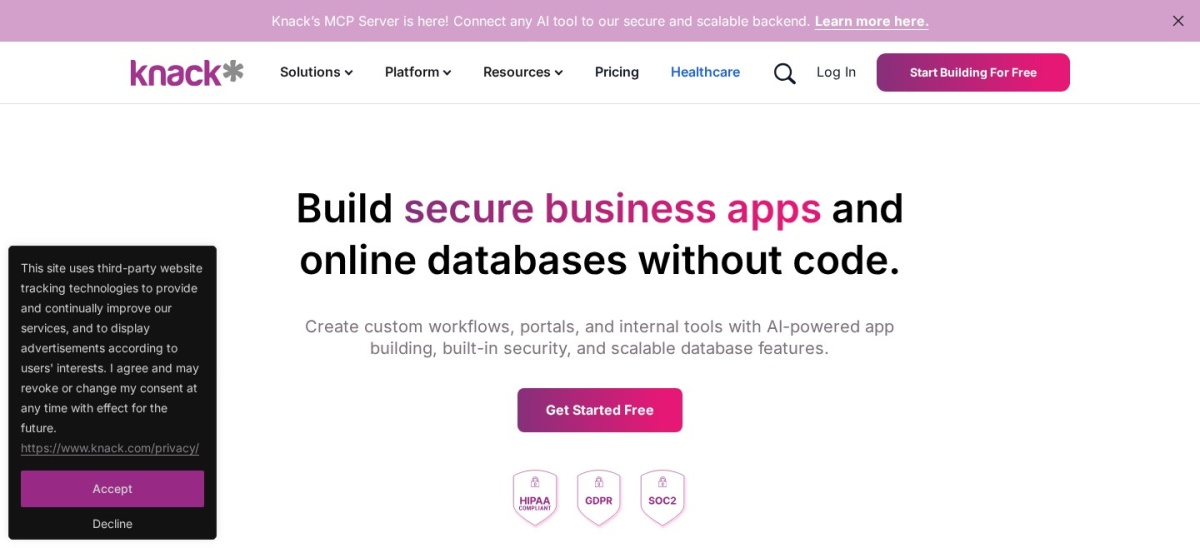
Caspio is a low-code platform with a Microsoft SQL Server backend for building database apps, portals and dashboards, hosted on AWS. The Team plan costs $270 a month billed annually, or $300 month to month, with unlimited app users, 100 DataPages and automation, so the price does not rise when more staff use the app.
The trade off is the entry price, which is far above the per-user tools for a small team, and there is no free plan. It suits organisations that need compliance features, a real SQL backend and unlimited end users.
What we like
Unlimited app users on every plan
Real SQL backend with strong compliance options
Flat price, so costs stay predictable at scale
Rated 4.5/5 on G2 for ease of use
Watch out for
Highest starting price in this list
No free plan to try a live app first
Record limits can force an upgrade as data grows
Business at $540/mo billed annually adds more authors and DataPagesVisit caspio.com
06
Knack
4.3/5on G2 (115 reviews, checked Nov 2026)
Starts at$49/mo
Best flat-rate pick for portals
Free planNo, trial only
Paid planStarter, $49/mo billed annually
Pricing modelFlat monthly, unlimited users
Records20,000 on Starter
knack.com
Knack homepage, captured Nov 2026.
Knack is a no-code relational database and app builder for internal tools, client portals and dashboards, with user roles and app logic built in. The Starter plan costs $49 a month billed annually, or $59 month to month, and every plan includes unlimited app users, so the bill depends on records and storage, not headcount.
The trade off is the record cap, since Starter covers 20,000 records and 2 GB of storage, and there is no free plan. It suits teams building a client portal or internal app for many occasional users.
What we like
Flat price with unlimited users on every plan
Strong user roles for client portals
Easy builder for non-technical staff
No per-seat surprises as the team grows
Watch out for
No free plan, only a trial
Record and storage caps force upgrades
Thinner review base than Airtable at 115 G2 reviews
Pro and Corporate add more records, storage and SSOVisit knack.com
07
Tadabase
4.9/5on G2 (17 reviews, checked Nov 2026)
Starts at$42/mo
Best for AI-built database apps
Free planNo, 14-day trial
Paid planBusiness Starter, $42/mo
Pricing modelFlat monthly, unlimited users
Apps3 apps, 30,000 records
tadabase.io
Tadabase homepage, captured Nov 2026.
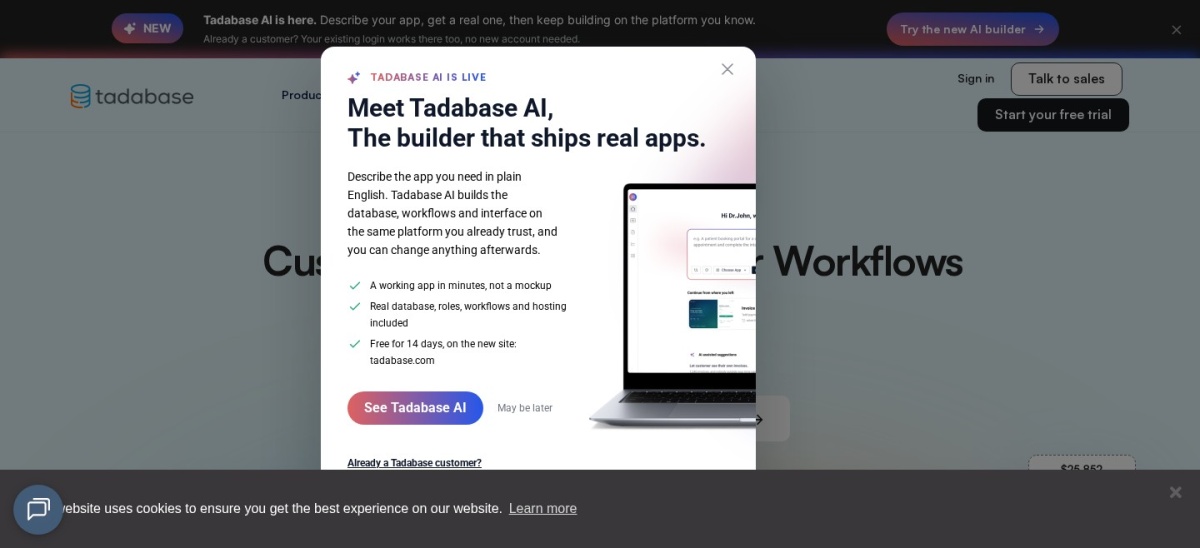
Tadabase is a no-code platform that builds database-backed web apps from a plain-language description, with roles, workflows, hosting and an API included. The Business Starter plan costs $42 a month billed annually, or $50 month to month, for 3 apps and 30,000 records, with unlimited app users on every plan.
The trade off is the thin review base, with only 17 G2 reviews behind its 4.9 rating, and no free plan beyond a 14-day trial. It suits small teams that want a working app fast and a flat bill whatever the user count.
What we like
Highest G2 rating in this list at 4.9/5
AI builder turns a description into a working app
Flat price with unlimited app users
Workflows, scheduled tasks and hosting included
Watch out for
Only 17 G2 reviews, so the rating rests on a small sample
Microsoft Power Apps is a low-code builder for custom business apps that run on SharePoint, Dataverse and SQL, inside Microsoft 365. The free Developer Plan covers one user for building and testing, while Premium costs $20 per user a month and unlocks unlimited apps, premium connectors and on-premises data access.
The trade off is licensing complexity, since premium connectors and larger rollouts add cost, and the price climbs fast across many users. It suits organisations already running Microsoft 365 that want apps tied to Teams and SharePoint.
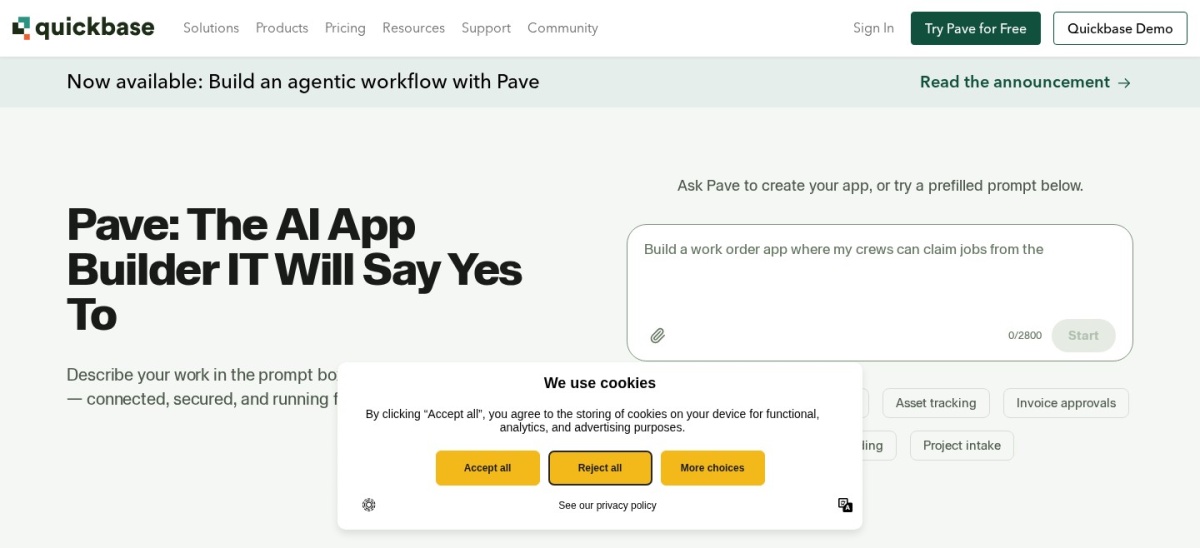
Quickbase is a low-code platform for operations teams that track projects, assets and field work across many people and sites. The Team plan starts at $35 per user a month billed annually, with a 20-user minimum, so the smallest annual bill is about $8,400 before a platform minimum fee that sits on top.
The trade off is cost and scale, since the 20-user minimum and platform fee rule it out for small teams. It suits mid-market and enterprise operations teams with complex, multi-department workflows.
Desktop vs cloud: what you give up leaving FileMaker
FileMaker runs on the desktop and works offline, which matters in warehouses, clinics and field sites with weak internet. Every tool in this list is cloud-first, so check offline support before you switch.
AppSheet is the strongest here for offline use, since its mobile apps can capture data without a connection and sync later. The rest need a browser and a connection for most work.
On the other side, cloud tools remove the server you had to maintain for FileMaker. Backups, updates and access from any device come with the subscription, which is part of what the monthly price buys.
How we chose
We started from the tools most often listed as FileMaker replacements on G2 and in low-code comparisons, then kept nine established products with a public rating and a published price.
Prices come from each vendor's pricing page as reported by G2 pricing data and checked against recent pricing guides on 29 November 2026. Ratings and review counts come from G2 on the same day. Where a vendor shows a sale, the list shows the regular price.
We left out Ninox, whose pricing is published in euros rather than dollars, and tools with no public rating. No vendor paid for a place, and we do not claim to have used these tools ourselves.
How to choose a FileMaker alternative
Start with how many people will use the app, then check the pricing model against that number.
Count your users first. Under 10 editors, a per-user tool such as Airtable, AppSheet or Zoho Creator is usually cheapest. Above that, a flat-rate tool such as Knack or Tadabase can cost less.
List the data you must move. Export a FileMaker table to CSV and check record counts against each plan's limits. A list that passes 50,000 records rules out Airtable's Team plan.
Check your current software stack. Google Workspace teams should start with AppSheet, Microsoft 365 teams with Power Apps, and Zoho users with Zoho Creator.
Try the trial with real data. Build one real workflow, such as an intake form plus an approval, on a trial. If the import or the roles fight you, that tool is the wrong fit.
FAQ
What are the best FileMaker alternatives in 2026?
Airtable is the best FileMaker alternative for most small teams, with a free plan, a Team plan at $20 per user a month and a 4.6/5 G2 rating from 3,287 reviews. AppSheet and Kintone are the next best picks for Google Workspace teams and workflow-heavy teams.
What is the cheapest FileMaker alternative?
AppSheet is the cheapest paid start at $5 per user a month, and its Core plan is included in most Google Workspace editions. Zoho Creator is next at $8 per user a month billed annually, while Airtable has a free plan for up to 1,000 records per base.
Is there a free FileMaker alternative?
Yes. Airtable has a free plan with 1,000 records per base and unlimited bases, and Microsoft Power Apps has a free Developer Plan for one user. AppSheet lets you build and test a prototype free for up to 10 test users.
Which FileMaker alternative is best for small teams?
Airtable is the best pick for most small teams because it is familiar, has a free plan and sets up fast. Zoho Creator is better if you need a full app builder at $8 a user a month, and Knack is better if many occasional users need access at a flat price.
Airtable vs AppSheet: which is better as a FileMaker alternative?
Airtable is better for most teams, with a friendlier grid, interfaces and a free plan, rated 4.6/5 on G2. AppSheet is better for Google Workspace and field teams, with offline mobile apps and a $5 starting price, rated 4.8/5 on G2.
Can I migrate my FileMaker data to these tools?
Yes, in most cases. Airtable, Knack, Kintone and the other tools here all import CSV files, so you can export FileMaker tables and bring the records across. Layouts, scripts and calculations do not migrate, so expect to rebuild forms and logic in the new tool.
SaaS SEO and WordPress specialist with about 8 years of experience. Rakib compares WordPress plugins, themes, hosting and software using public pricing, documentation and user reviews. See how we rank.