Buddy is the best DeployHQ alternative for most teams, with visual pipelines and Git deploys from $29 a month and a 4.7 out of 5 G2 rating from 212 reviews. Beanstalk is the closest simple swap at $15 a month, while GitHub Actions suits teams whose code already lives on GitHub.
How we make this list: we compare pricing pages, product documentation and public user reviews, then re-check every price before each update. No product paid for a place. Disclosure.
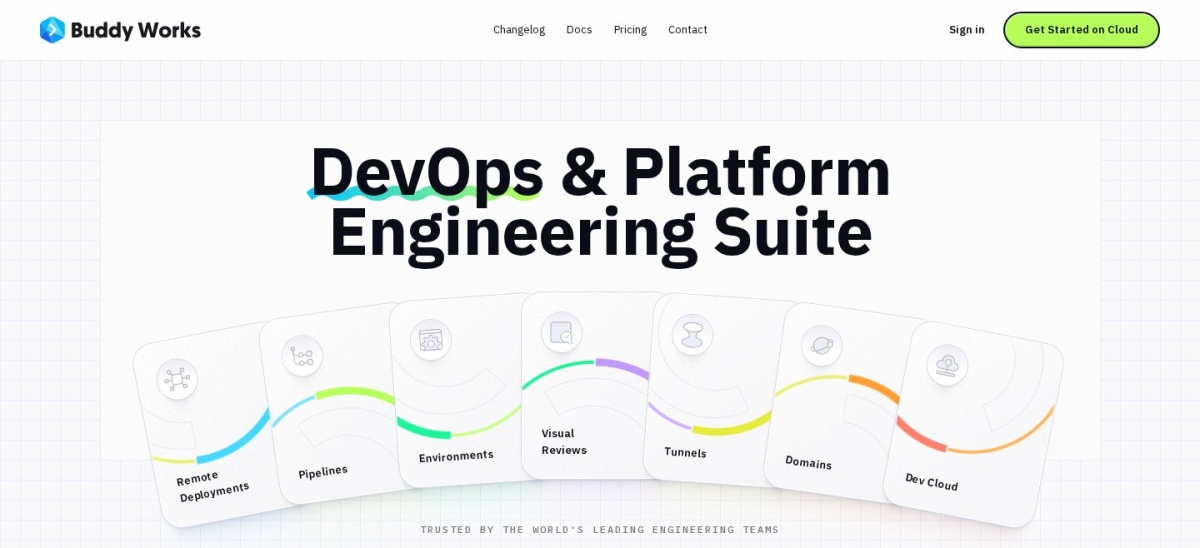
Buddy is the top pick, with visual pipelines, deploys to thousands of targets and a 4.7 out of 5 G2 rating from 212 reviews.
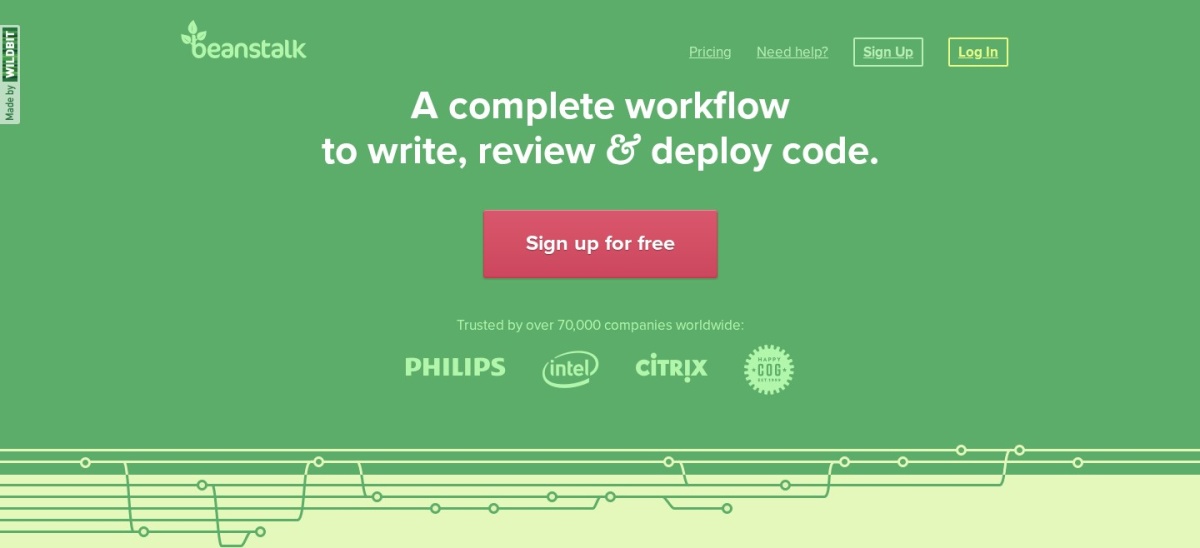
Beanstalk is the closest simple swap, with Git hosting and server deploys built in from $15 a month.
GitHub Actions and GitLab CI bundle deploys with the code host, from $4 and $29 a user a month.
Octopus Deploy is the pick for formal releases, with approvals and a full history from $104 per project a year.
Jenkins and Semaphore cost the least to start: Jenkins is free, and Semaphore gives $15 of credits a month.
What should you look for in DeployHQ alternatives?
DeployHQ does one job well: it moves code from Git to your servers over SSH, SFTP or FTP. The best alternative keeps that simple path, with more than one environment and a clear deployment history.
Simple deploys and full pipelines are different buys. If you only push websites to a server, a light tool such as Beanstalk or Buddy saves you from learning a CI system. Our guide on deploying WordPress with GitHub Actions shows what a pipeline adds when you need builds and tests too.
Price spreads are wide. GitHub Actions starts at $4 a user a month and Octopus Deploy at $104 per project a year, while Jenkins costs nothing for the software and Semaphore bills per compute minute.
Rollback and history matter more than a feature list. Look for one-click rollback, a log of what shipped where, and staging and production environments before you commit.
Buddy is a visual CI/CD platform that builds pipelines from ready-made actions instead of long config files. It deploys to thousands of targets, including cloud servers, VPS hosts and CDNs, with one-click rollback, manual approvals and a free plan for 1 seat.
The trade off is the bill. Pro lists at $29 a month for the base plan, and compute and storage are charged pay-as-you-go on top, so a busy month costs more than the headline price. It suits small teams that want visual pipelines without running their own servers.
Beanstalk is a hosted Git and Subversion service with deployments built in. You push code, and it deploys to your staging and production servers over SSH, SFTP or FTP, with code review, branch permissions and one-click rollback included.
The trade off is scope. Beanstalk is a code host first, so it has no build or test pipeline of its own, and its free plan covers a single user and one private repository. It suits web agencies that want hosting, review and deploys in one simple place.
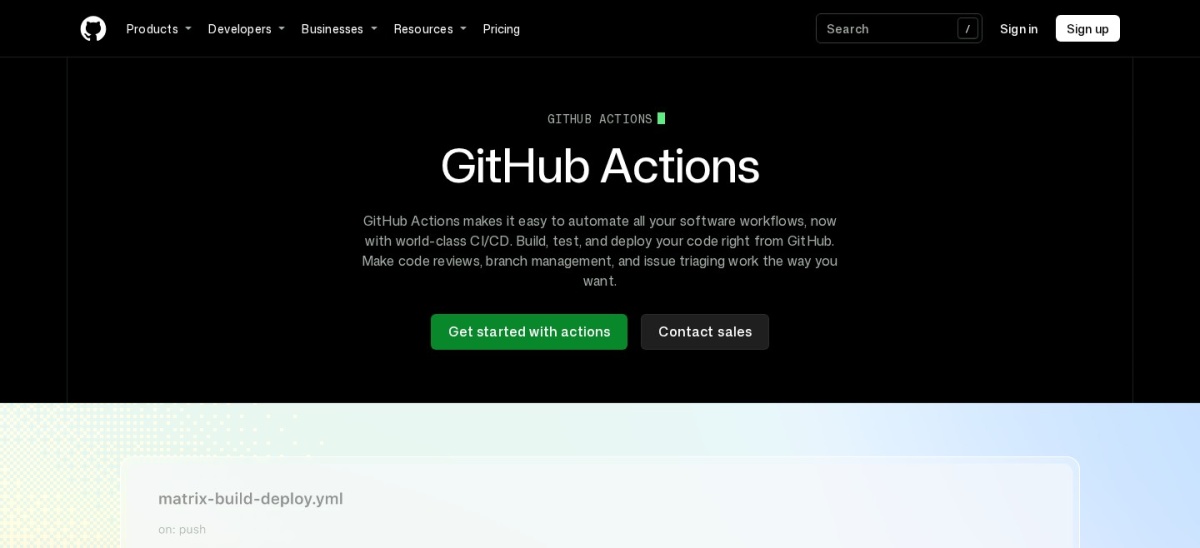
GitHub Actions is the automation tool built into GitHub, so workflows run next to your code. It offers hosted and self-hosted runners, a large marketplace of actions, and matrix builds, with 2,000 free minutes a month for private repos and Team from $4 a user a month.
The trade off is the GitHub lock-in. Actions works best inside GitHub, and its G2 rating of 4.7 from 2,440 reviews covers GitHub as a whole, not Actions alone. It suits teams that already host code on GitHub.
GitLab CI is the pipeline engine inside GitLab, so code, merge requests and deployments live in one place. Pipelines run from a .gitlab-ci.yml file, with hosted or self-hosted runners, environments and review apps, and the free plan includes 400 compute minutes a month.
The trade off is the per-seat price. Premium costs $29 a user a month billed yearly, so the bill grows with every hire, and the free plan covers only 5 users. It suits teams that want the whole DevOps workflow in one tool.
Octopus Deploy is a release platform for teams that deploy to many environments. It versions every release, promotes it through staging to production with approvals, and keeps a full deployment history, with a free plan for 10 projects and 10 users.
The trade off is price structure. Professional starts at $104 per project per year, and tenants and machines cost extra, so a large estate adds up fast. It suits larger teams with formal release steps and audit needs.
Semaphore is a hosted CI/CD platform that sells speed. It runs pipelines on fast machines with strong caching, shows a visual pipeline for every branch, and gives every organisation $15 of free credits a month, with no per-seat fees.
The trade off is that billing is metered. You pay per compute minute from $0.0075, so a month of heavy builds is hard to predict in advance, and support costs extra. It suits teams that want fast cloud builds without seat pricing.
CircleCI is a cloud CI/CD platform built for fast feedback. It runs pipelines in containers with strong caching and test splitting, gives 6,000 free build minutes a month, and deploys to cloud hosts, Kubernetes and servers from the same workflow.
The trade off is cost control. Performance starts at $15 a month, and extra credits, users and concurrency push the bill up on busy projects. It suits teams that run many builds and care about speed.
Jenkins is the free, open-source automation server that most CI/CD tools are measured against. It runs on your own hardware, supports more than 1,800 plugins, and can build, test and deploy almost any stack.
The trade off is maintenance. You install, update and secure Jenkins yourself, and a plain install needs plugins before it deploys well. It suits teams that want full control and pay nothing for the software.
Netlify is a hosting platform that deploys websites straight from Git. Every push builds and publishes the site to its global CDN, with deploy previews for pull requests, rollbacks in one click, and a free plan with 100 GB of bandwidth.
The trade off is that it is built for websites. Netlify does not deploy to your own servers, and Pro costs $19 per member per month, so a large team pays per seat. It suits frontend and marketing-site teams that want hosting included.
Simple deploys vs full pipelines: which do you need?
Simple deploy tools move code from a branch to a server and stop there. They suit agencies and small teams that ship websites and want a deploy button, not a build farm.
Full pipelines add builds, tests and approvals before the deploy step. They suit product teams that ship several times a day and need a failed test to stop a release.
If you are unsure, start with the simple tool. You can move to a pipeline later, and a staging site keeps the risk low while you learn. Our staging site setup guide walks through that safety net.
How we chose
We started from every tool named in current DeployHQ comparison lists, then kept the ones with a public rating, a live pricing page and a real deployment feature.
Prices come from official pricing pages and G2 listings, checked on 29 November 2026. Ratings come from G2 on the same day, and the GitHub Actions rating covers GitHub as a whole. Where a vendor shows a sale, the list shows the regular price.
We left out tools with no public rating, such as Launchdeck and Envoyer, and DeployBot, which now redirects to DeployHQ itself. No vendor paid for a place, and we do not claim to have used these tools ourselves.
How to choose a DeployHQ alternative
Start with where your code deploys today, then match the tool to that path.
List your deploy targets. Write down every server, host and environment you deploy to. A tool that cannot reach one of them is out, however cheap it is.
Pick simple or full pipeline. Choose a simple deploy tool for websites and a full pipeline when builds and tests must run before every deploy.
Check the free plan limits. Count your projects, users and monthly deploys against the free plan, and price the paid plan you would actually land on.
Try the rollback before you rely on it. Deploy to staging first, roll it back, and check the history shows what shipped. See how to use Git with WordPress for a safe first run.
FAQ
What is the best alternative to DeployHQ?
Buddy is the best DeployHQ alternative for most teams. Its visual pipelines deploy from Git to thousands of targets, it has a free plan, and it is rated 4.7 out of 5 on G2 from 212 reviews.
What is the cheapest DeployHQ alternative?
Jenkins is the cheapest, because the software is free and open source; you only pay for the server that runs it. Semaphore is next, with $15 of free credits a month and pay-per-minute billing after that.
Is there a free alternative to DeployHQ?
Yes. Jenkins is free, and Buddy, GitHub Actions, GitLab CI, Octopus Deploy, CircleCI, Semaphore and Netlify all have free plans. Beanstalk's free plan is limited to one user and one private repository.
Which DeployHQ alternative is best for small teams?
Buddy suits most small teams, with visual pipelines and a free plan for one seat. Beanstalk is a simpler pick for agencies that only deploy websites, from $15 a month.
Buddy vs Beanstalk: which is better?
Buddy is better for teams that want builds, tests and deploys in one visual pipeline. Beanstalk is better for agencies that want Git hosting and simple server deploys in one place, with no pipeline to learn.
Can I deploy a WordPress site with these tools?
Yes. Buddy, Beanstalk and Netlify all deploy sites from Git, and GitHub Actions has a ready path for WordPress. Keep a staging site for testing before you push to production.
SaaS SEO and WordPress specialist with about 8 years of experience. Rakib compares WordPress plugins, themes, hosting and software using public pricing, documentation and user reviews. See how we rank.