Joist is the best estimate software for most contractors, with a $10-a-month Basics plan that turns a signed estimate into an invoice in a few taps. Jobber suits crews that also need scheduling, and Wave is the best free option with unlimited estimates at no cost.
How we make this list: we compare pricing pages, product documentation and public user reviews, then re-check every price before each update. No product paid for a place. Disclosure.
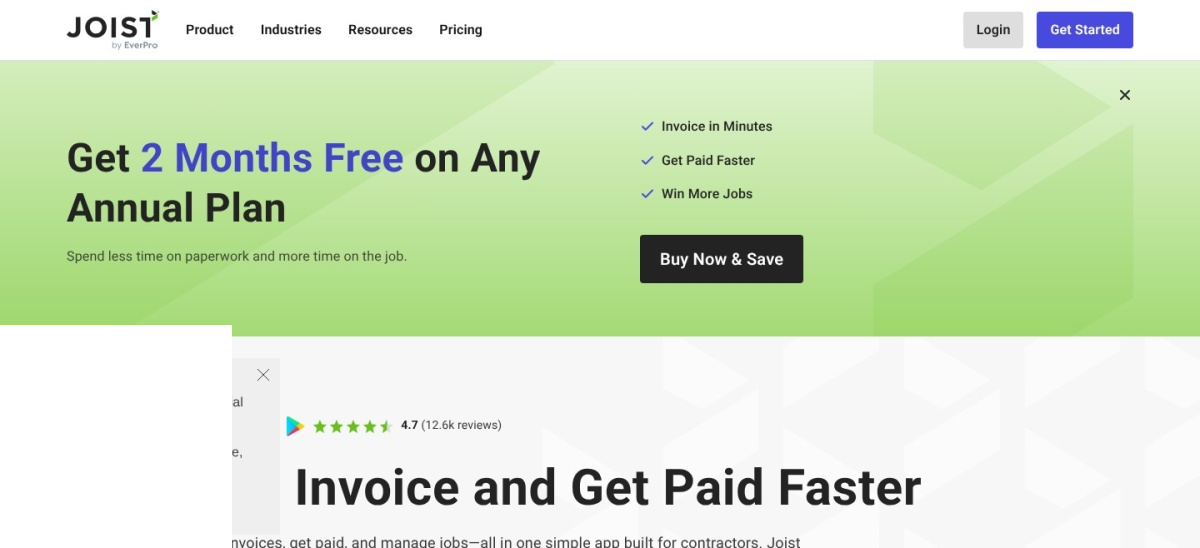
Joist starts at $10 a month and is built around the estimate, with e-signatures and online payments on every plan.
Jobber turns a quote into a scheduled job and an invoice, but Core costs $49 a month for one user.
Wave is the only free option here, with unlimited estimates and invoices at $0 on its Starter plan.
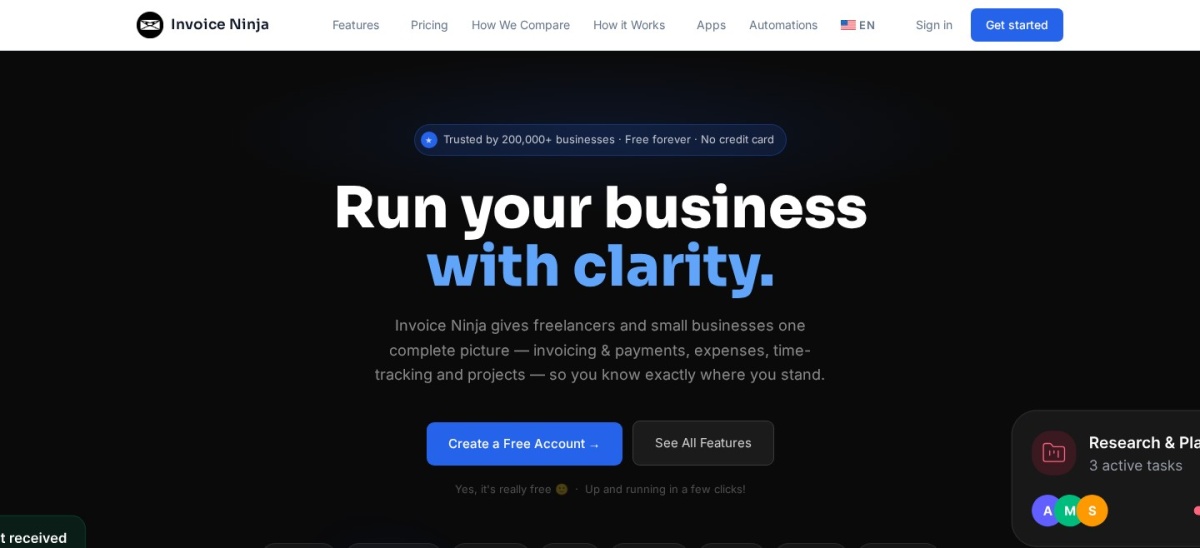
Invoice Ninja has the cheapest paid plan at $14 a month, with a free plan for up to five clients.
FreshBooks caps Lite at five billable clients, so growing firms should budget for Plus at $43 a month.
How do you choose the right estimate software?
The estimate is where most small jobs are won or lost. A clear, professional quote sent fast beats a cheaper price sent late, so speed and presentation matter as much as the numbers.
Look for an estimate-to-invoice flow. The best tools turn an approved estimate into an invoice without retyping line items, and they track deposits, signatures and payments in the same place.
Price caps hide in the fine print. Joist Basics allows five documents a month, FreshBooks Lite allows five billable clients, and Jobber Core covers one user, so check the limit that fits how many quotes you send. Our best quote software guide looks closer at quoting-only tools.
Free plans are real in this category, but they have edges. Wave gives unlimited estimates free, while Invoice Ninja and Contractor+ cap their free plans at five clients and five documents a month, so a busy month can push you to a paid plan.
Ratings come from real users, not from us. Every tool below carries a Capterra or G2 score, and the cheapest paid plans run from $10 to $79 a month before card processing fees.
Joist is a mobile-first estimating app built for contractors, with more than 1.3 million contractors using it. The Basics plan covers up to five estimates or invoices a month, online payments, e-signatures and homeowner financing, and every plan includes an AI tool that drafts estimates from notes.
The trade off is the document cap. Basics allows only five documents a month, so a contractor sending three quotes a week needs Pro at $17 a month for unlimited documents, a logo and QuickBooks sync. It suits solo contractors who quote on site and want the signed estimate to become the invoice.
4.6/5on Capterra (1,489 reviews, checked Nov 2026)
Starts at$49/mo
Best for crews that schedule jobs
Cheapest planCore, $49/mo
Free planNo, 14-day trial
Users included1 on Core
Extra users$29/mo each
getjobber.com
Jobber homepage, captured Nov 2026.
Jobber is field service software that treats the estimate as step one of a job. A client approves a quote online, the job lands on the schedule, and the invoice goes out when the work is done, with payments, a client hub and built-in reporting on every plan.
The trade off is price and seats. Core costs $49 a month for one user, and each extra user adds $29 a month, so a three-person crew pays far more than the headline rate. It suits home-service businesses that need quotes, scheduling and invoices in one workflow.
4.5/5on Capterra (4,514 reviews, checked Nov 2026)
Starts at$23/mo
Best for billing time on estimates
Cheapest planLite, $23/mo
Free planNo, 30-day trial
Billable clients5 on Lite
Extra team members$11/mo each
freshbooks.com
FreshBooks homepage, captured Nov 2026.
FreshBooks is accounting software with a strong estimates feature for service businesses. Lite covers unlimited estimates and invoices for up to five billable clients, with expense tracking, time tracking and card payments, and clients can pay from the invoice itself.
The trade off is the client cap. Lite allows only five billable clients, and each extra team member costs $11 a month, so a growing firm moves to Plus at $43 a month quickly. It suits freelancers and small service firms that bill time against their estimates.
4.4/5on Capterra (1,600+ reviews, checked Nov 2026)
Paid from$19/mo
Best free estimate software
Cheapest planStarter, $0
Free planYes, unlimited
EstimatesUnlimited on Starter
Card fee2.9% + 60 cents
waveapps.com
Wave homepage, captured Nov 2026.
Wave is free accounting software with unlimited estimates and invoices on its $0 Starter plan. It includes bills, bookkeeping records, a cash-flow dashboard and a mobile app, and it accepts online payments for a 2.9% plus 60-cent fee per card transaction.
The trade off is manual work on the free plan. Bank transactions must be entered by hand until you pay $19 a month for Pro, which adds automatic imports, receipt capture and more users. It suits new contractors who want unlimited estimates for nothing.
Invoice Ninja is an open-source invoicing tool with quotes built in. The free plan covers five clients with unlimited invoices, and Pro at $14 a month removes the client cap, adds a branded client portal, automatic reminders and a custom domain.
The trade off is polish. The interface packs in more settings than FreshBooks or Wave, and past users report a rocky upgrade from version 4 to version 5. It suits owners who want the cheapest full paid plan and the option to self-host.
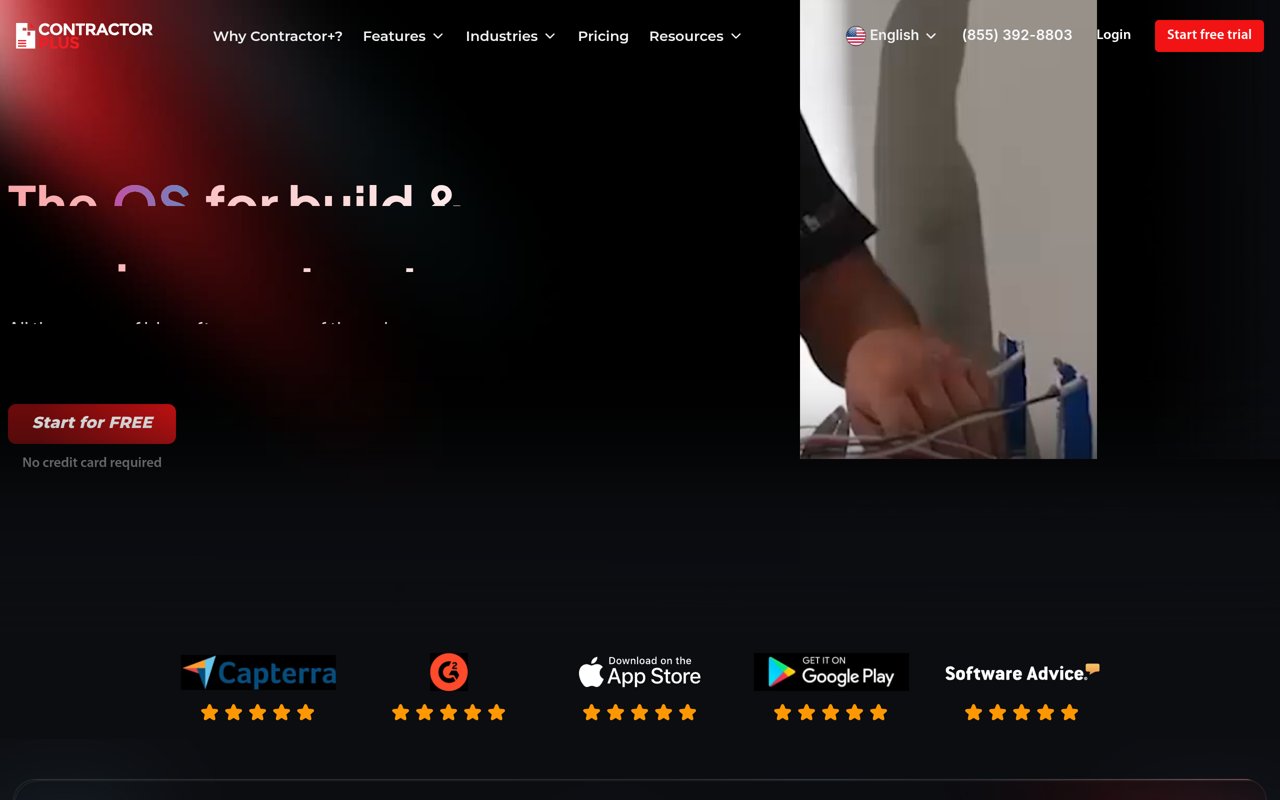
Contractor+ is an all-in-one contractor app with AI-powered quoting. Its free plan covers up to 250 leads and five estimates or invoices a month, and Pro at $29 a month adds unlimited documents, scheduling and an AI tool that suggests labour and material costs.
The trade off is a small review base. It holds a 4.6 rating on G2 but from only 153 reviews, and Zapier and API access need the Pro plan. It suits solo contractors who want a free start and an AI helper for pricing jobs.
QuickBooks Online is full accounting software where estimates flow straight into the books. Simple Start covers estimates, invoicing and expense tracking for one user, and the estimate becomes an invoice with one click, so nothing is retyped.
The trade off is cost for a quoting-only job. Simple Start costs $38 a month, and progress invoicing and multi-user access need higher plans, so it is overkill if you only send estimates. It suits businesses whose bookkeeper already lives in QuickBooks.
4.7/5on Capterra (2,741 reviews, checked Nov 2026)
Starts at$79/mo
Best for dispatch-heavy crews
Cheapest planBasic, $79/mo
Free planNo, 14-day trial
Users included1 on Basic
QuickBooks syncEssentials and up
housecallpro.com
Housecall Pro homepage, captured Nov 2026.
Housecall Pro is field service software for home-service crews, with estimates, scheduling, dispatch and payments in one place. Basic covers online booking, estimates, invoicing, a price book and review management for one user.
The trade off is the entry price. Basic costs $79 a month for one user, and QuickBooks sync needs Essentials at $189 a month, so solo operators pay a premium for the dispatch tools. It suits home-service businesses that text customers and dispatch techs daily.
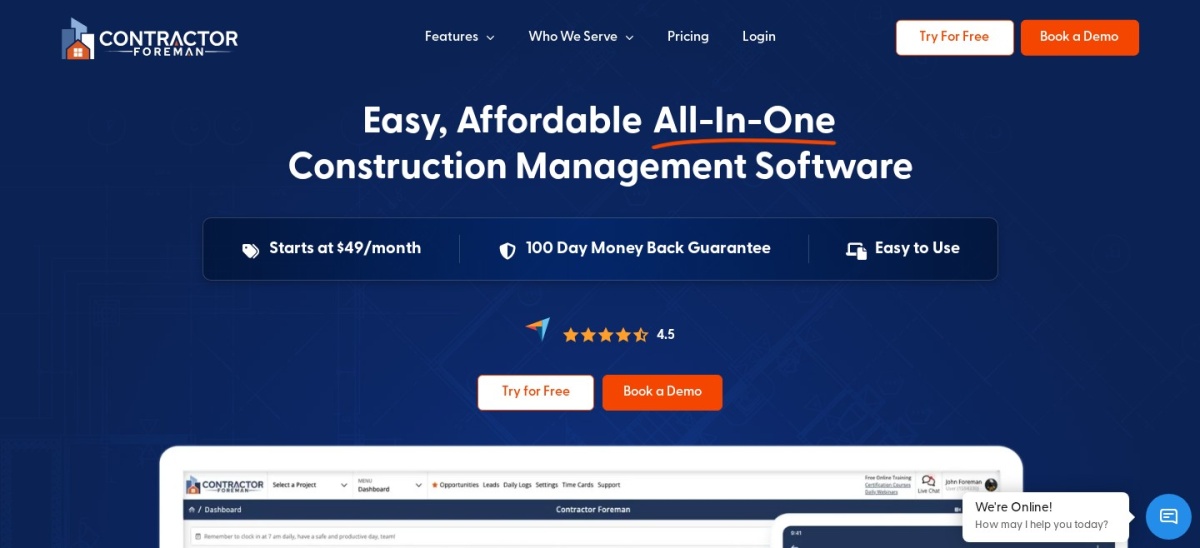
Contractor Foreman is construction management software with estimating, scheduling, daily logs and job costing in one app. Basic covers estimates with a local material price database, change orders and AIA-style invoicing for one user.
The trade off is that the cheapest plan is annual-only. Basic costs $49 a month billed annually, and the material price column stays empty until the Plus plan at $166 a month. It suits small contractors who want job costing beside their estimates.
Free plans cover the basics well. Wave gives unlimited estimates at $0, and Invoice Ninja and Contractor+ let you send a few documents a month free.
Paid plans mostly add volume and automation. You get unlimited documents, bank feeds, automatic reminders and your own branding on the quote.
If you send more than a few quotes a week, a free cap will cost you time first. Joist Basics allows five documents a month, so a busy week can force an upgrade mid-month.
For a contractor whose quotes win the work, the first year of a paid plan often costs less than one lost job from a late estimate.
How we chose
We started from the estimate and invoicing tools contractors actually use, then kept the nine with a real estimating workflow and a public rating on Capterra or G2.
Prices come from each vendor's pricing page, checked on 30 November 2026. Ratings and review counts come from Capterra and G2 on the same day. Where a vendor shows a sale, the list shows the regular price.
We left out tools that price by quote only and tools with no public rating. No vendor paid for a place, and we do not claim hands-on testing for this list.
How to choose estimate software
Start with how many quotes you send each month, then check the caps before the price.
Count your quotes per month. Five documents a month covers an occasional job, but a busy contractor needs an unlimited plan, so check the cap first.
Pick one tool for the whole job. An estimate that becomes an invoice without retyping saves more time than any feature list, so test the handoff before you buy.
Check the client and user limits. FreshBooks Lite caps billable clients at five and Jobber Core covers one user, so price the plan that fits your real team size.
Add up the payment fees. Card fees of about 3% per transaction can cost more than the subscription on large invoices, so read the processing rate on the pricing page.
FAQ
What is the best estimate software in 2026?
Joist is the best estimate software for most contractors. Its $10-a-month Basics plan builds professional estimates on a phone, collects signatures and turns the approved estimate into an invoice, and it holds a 4.1 rating on Capterra.
How much does estimate software cost?
Paid plans in this list run from $10 to $79 a month for one user, with Joist cheapest and Housecall Pro dearest. Free options exist: Wave gives unlimited estimates at $0, and Invoice Ninja and Contractor+ offer free plans with small caps.
Is there free estimate software?
Yes. Wave is completely free for unlimited estimates and invoices, with no monthly fee. Invoice Ninja and Contractor+ also have free plans, but they cap clients or documents, so check the limits before you rely on them.
What is the difference between Joist and Jobber?
Joist is a focused estimate and invoice app for solo contractors, starting at $10 a month. Jobber is broader field service software with scheduling and dispatch, starting at $49 a month for one user, so it fits crews rather than solo operators.
Can estimate software turn a quote into an invoice?
Yes, every tool in this list converts an approved estimate into an invoice without retyping. Joist, Jobber and Wave all carry the line items across, and most also track deposits, signatures and payments on the same record.
Which estimate software is best for a small team?
Jobber is the best fit for a small crew, because quotes, scheduling and invoicing share one workflow. Budget for extra users at $29 a month each, and compare Housecall Pro if dispatch and customer texting matter more.
SaaS SEO and WordPress specialist with about 8 years of experience. Rakib compares WordPress plugins, themes, hosting and software using public pricing, documentation and user reviews. See how we rank.