Limble is the best eMaint alternative for most maintenance teams, rated 4.8 out of 5 on G2 from 682 reviews, with flexible PM scheduling and go-live in two to four weeks. Choose MaintainX from $20 per user a month for a free plan and fast mobile rollout, or Fiix for plants that want a free plan with Rockwell integration.
How we make this list: we compare pricing pages, product documentation and public user reviews, then re-check every price before each update. No product paid for a place. Disclosure.
Limble leads at 4.8/5 on G2 from 682 reviews, with PMs that run on calendar, meter, or condition triggers.
MaintainX is the cheapest paid start at $20 per user a month, with a free Basic plan and free requester seats.
UpKeep starts at $24 per user a month, and its Nova assistant creates and closes work orders by voice.
Fiix is the only other free plan here, with paid Basic from $45 per user a month and Rockwell PLC triggers.
Six of the nine tools are quote-only, so budget on the plan that includes multi-site, offline mobile, and API access.
IBM Maximo is the enterprise end of the list, with Essentials components from under $40,000 a year each.
How do you pick the right eMaint alternative?
Start with the reason you are leaving eMaint, because each alternative fixes a different pain. Teams leave over quote-only pricing, slow onboarding, a weak phone app, or multi-site features locked on the top plan, and the right replacement depends on which of those hurts most.
Price the plan you will actually use, not the entry price. Multi-site reporting, offline mobile, API access, and AI sit on higher tiers at most vendors, so ask for a quote on the tier that includes them at your real user count before you compare.
Test the mobile app with real technicians before you commit. The best CMMS is the one technicians log work in every day, so run a pilot on one site and watch whether jobs get photos, checklists, and close-outs without a return to paper.
Check the review base behind every rating. Limble and MaintainX each hold 4.8 out of 5 on G2 from hundreds of reviews, while smaller tools can show high scores from only a few dozen reviewers.
Plan for the switch, not just the software. Moving PM schedules, asset records, and parts data takes weeks, and the vendors with the fastest go-live times still need your asset list and PM history to start.
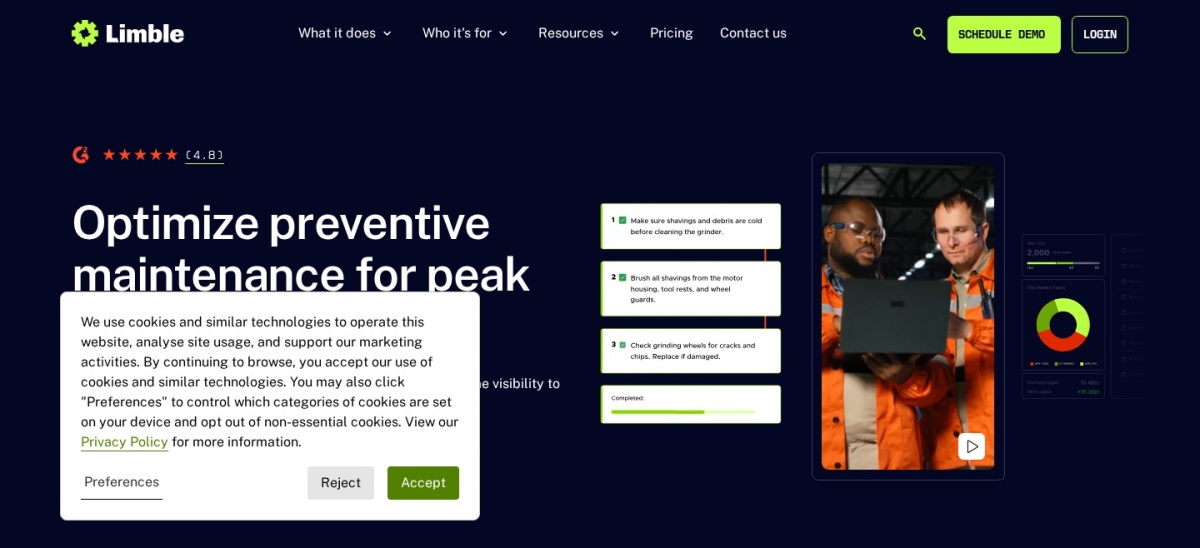
Limble is a mobile-first CMMS for in-house maintenance teams that want preventive maintenance to run on rules, not reminders. PMs fire on calendar, meter, threshold, or combined triggers, a failed inspection opens its own corrective work order, and unlimited requesters can submit work through a portal or QR code.
The trade off is price and scale. Limble quotes every plan through a calculator, and multi-location reporting sits on the Enterprise plan, so growing portfolios pay more for cross-site views. It suits single-site and small multi-site teams that want fast setup and dashboards a supervisor can build alone.
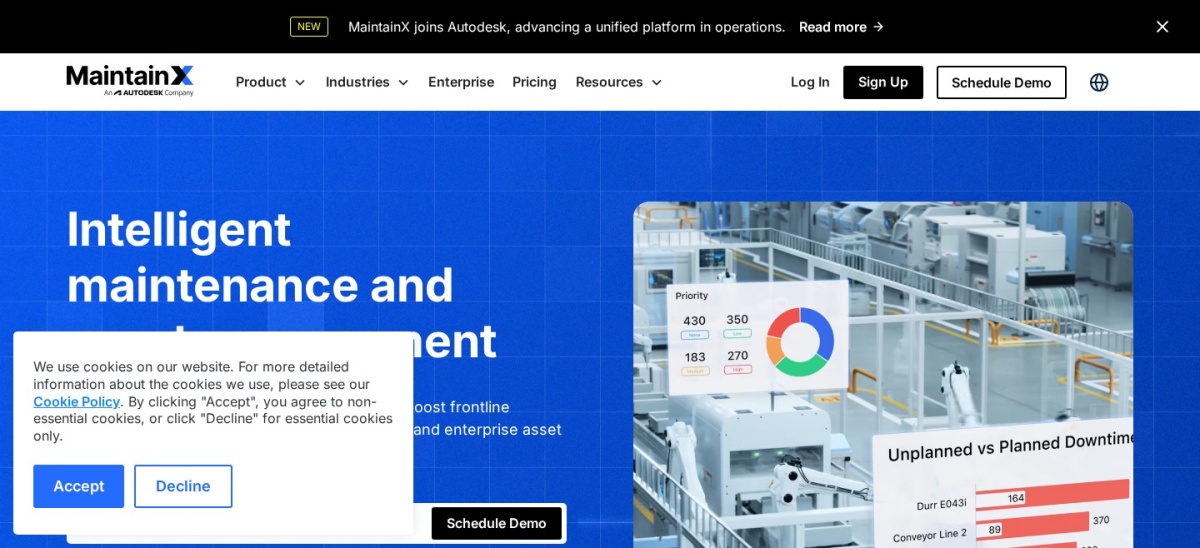
MaintainX is a mobile-first CMMS that runs work orders, procedures, PMs, and parts from a phone, with a chat thread on every job. The free Basic plan covers unlimited work orders and procedures, and requester accounts are free on every plan, so occasional requesters never use a paid seat.
The trade off is tier gating. Meter-based PMs, parts inventory, purchase orders, and the open API sit on Premium at $65 per user a month, while multi-site management and SSO need the quote-only Enterprise plan. It suits frontline teams that need technicians logging work in the app within days.
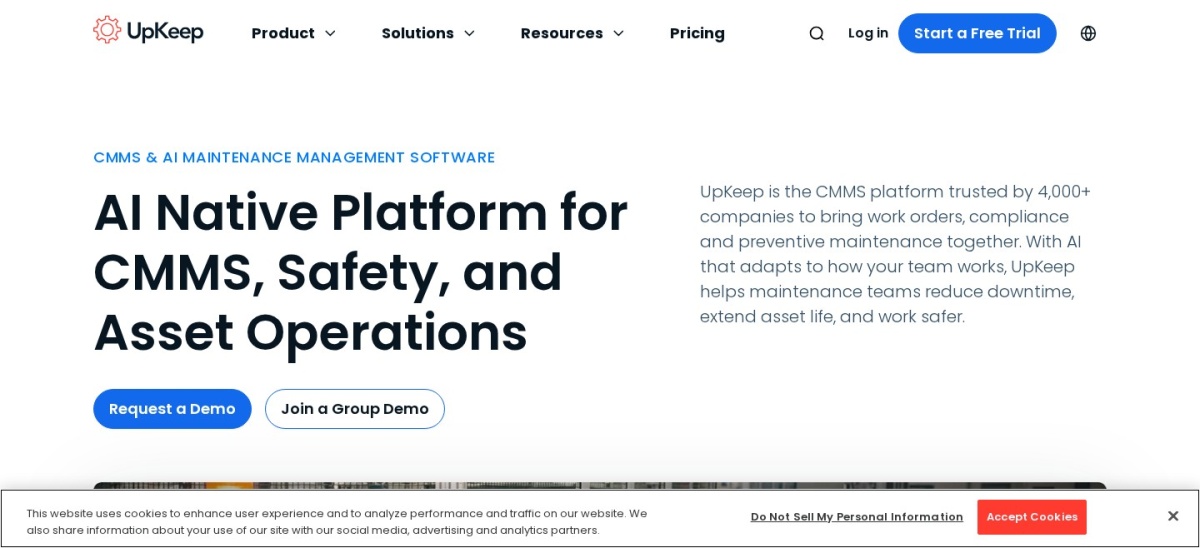
UpKeep is a mobile CMMS for facilities teams that pairs a phone app technicians adopt quickly with Nova, an assistant that creates and closes work orders by voice. The Essential plan covers work orders with photos, priorities, and push notifications, plus unlimited locations.
The trade off is tier creep. PM triggers, offline mode, API access, and purchase orders each sit on a higher plan, so the entry price rarely covers everything a growing team needs. It suits warehouses, campuses, and distribution centers that want fast onboarding and voice-driven work.
What we like
Nova creates and closes work orders by voice
Published entry price from $24 a month
Unlimited locations on Essential
Free requester and third-party users
Watch out for
Offline mobile starts at Professional
PM triggers need Premium
AI features run on monthly credits
Premium adds PM triggers, parts costing, and labor trackingVisit upkeep.com
04
Fiix
4.6/5on G2 (476 reviews, checked Nov 2026)
Paid from$45/mo
Best for plants with a free plan
Free planUp to 25 active PMs
Cheapest paid planBasic, $45/user/mo
OwnerRockwell Automation
Offline mobileYes
fiixsoftware.com
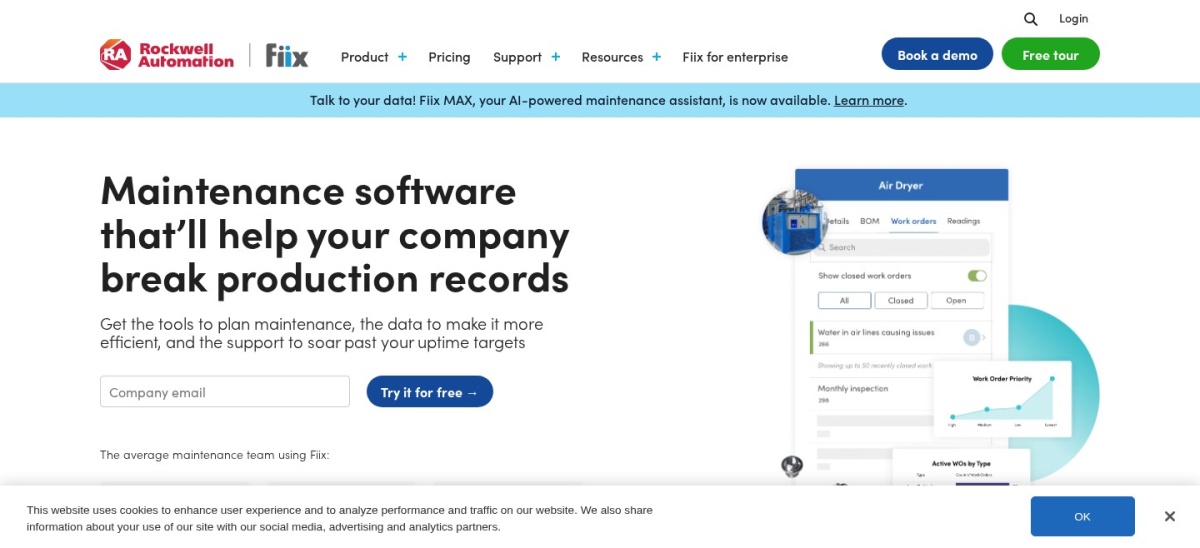
Fiix homepage, captured Nov 2026.
Fiix is a CMMS for manufacturing plants that pairs deep preventive maintenance with a real free plan. The free plan covers up to 25 active PMs, and paid Basic adds work orders, asset hierarchies, and inventory from $45 per user a month.
The trade off is fit and reporting. Fiix is built for plants, so building portfolios find vendors and PMs cannot be scoped to individual sites, and deeper reporting needs SQL skills or the Enterprise tier. It suits Rockwell shops, where PLC signals can open work orders directly.
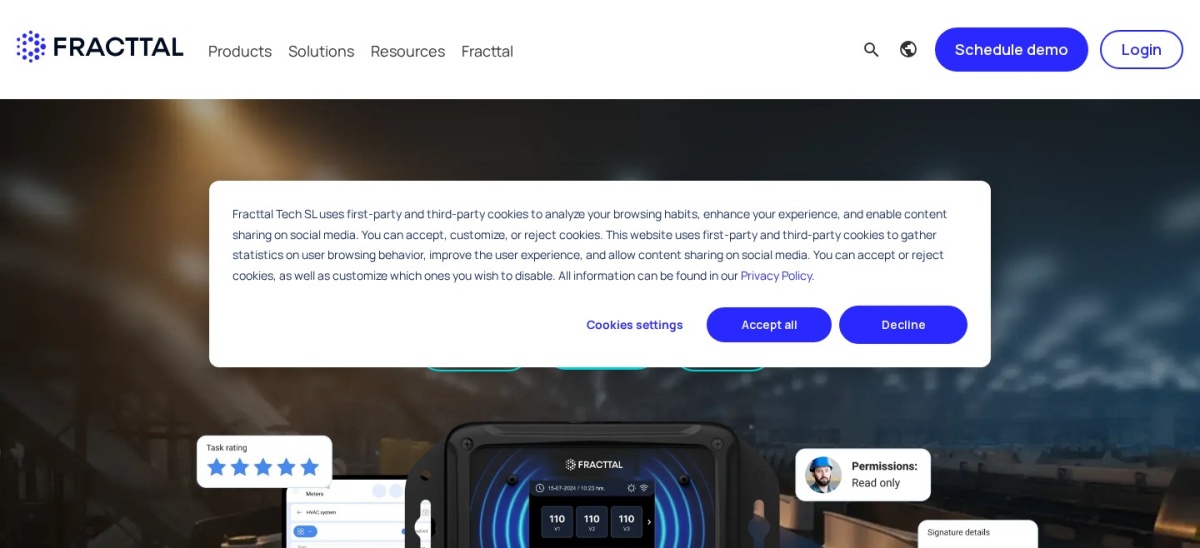
Fracttal is a cloud CMMS and enterprise asset management platform that covers work orders, preventive maintenance, and asset records from any device. Its strength is data-led maintenance: asset history, costs, and readings sit in one record, so planners can spot the equipment that costs the most to keep running.
The trade off is pricing. Fracttal quotes every plan, so there is no published per-user price to budget against, and the final number depends on users, assets, and scope. It suits mid-sized plants and facilities teams that want one asset record across maintenance and operations.
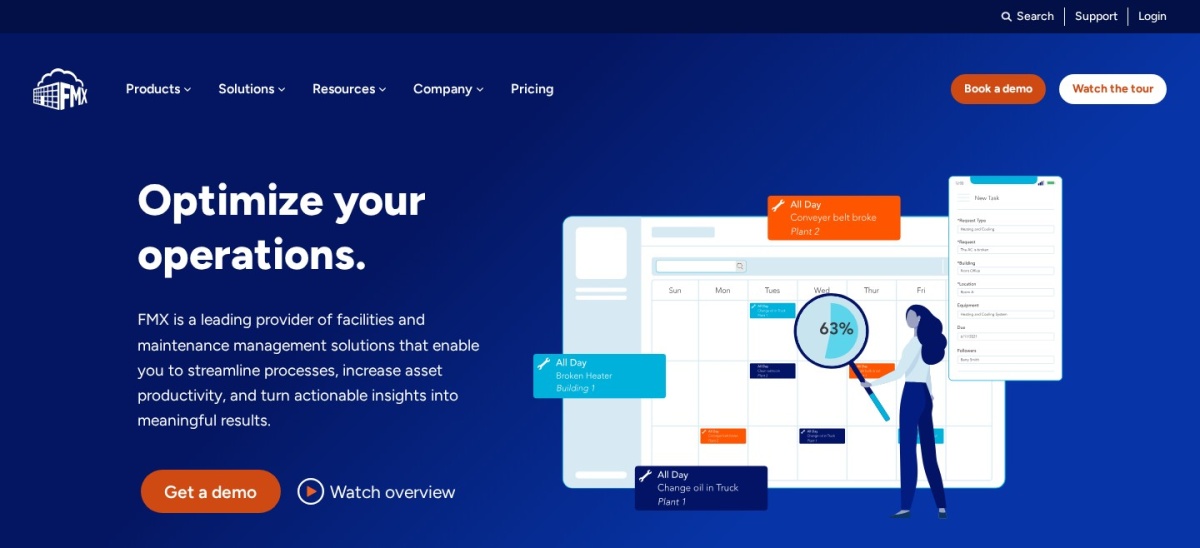
FMX is a cloud platform for school and campus operations, where a broken bleacher and a Saturday gym booking land in the same system. It combines maintenance requests, equipment PMs, and facility scheduling, with inventory, fleet, and capital planning as add-on modules.
The trade off is scope and price. FMX quotes by users, features, and workflows, with K-12 priced by student enrollment, so budgeting takes a conversation, and plants needing condition monitoring will find it thin. It suits districts and campuses that schedule spaces as much as they maintain them.
What we like
Maintenance and room scheduling in one system
Modules for inventory, fleet, and capital planning
Interactive campus maps for assets
K-12 pricing by student enrollment
Watch out for
Quote-only pricing
No condition monitoring for plants
Iris AI assistant still in early access
Modules add scheduling, fleet, and capital planningVisit gofmx.com
07
eWorkOrders
4.9/5on Capterra (121 reviews, checked Nov 2026)
PricingQuote/yr
Best flat-rate pick for small teams
Pricing modelFlat monthly rate, quoted
Per-user feesNone; flat rate
Mobile appiOS and Android
Free trialYes
eworkorders.com
eWorkOrders homepage, captured Nov 2026.
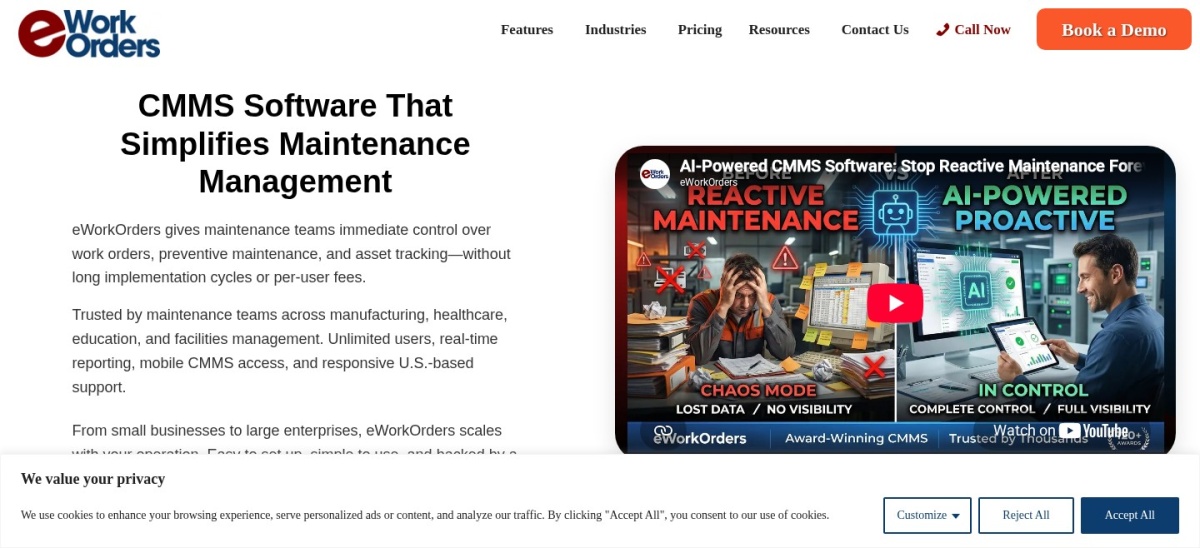
eWorkOrders is a web-based CMMS that charges a flat monthly rate instead of a per-user fee, so adding technicians does not raise the bill. It covers work orders, preventive maintenance, asset tracking, and inventory, with a mobile app for technicians in the field.
The trade off is scale and price transparency. The flat rate is quoted, not published, and the 4.9 out of 5 Capterra score rests on 121 reviews, a smaller base than the leaders here. It suits small and mid-sized teams that want predictable costs as headcount grows.
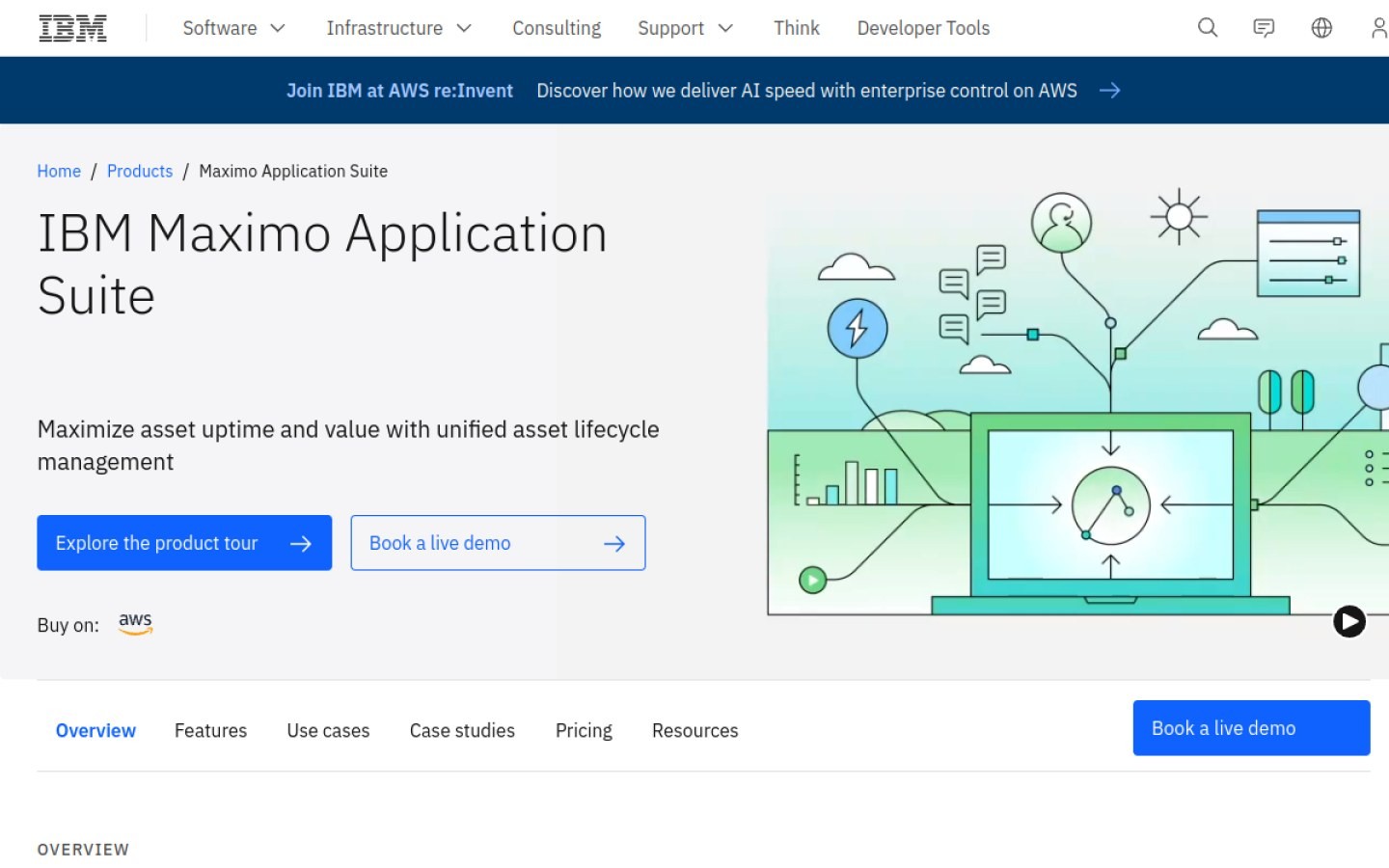
IBM Maximo is the full enterprise asset management option, covering maintenance, asset health, inspection, inventory optimization, and facilities in one suite. It is built for operators tracking tens of thousands of assets, with lifecycle cost and history on every record.
The trade off is cost and complexity. Essentials components start from under $40,000 a year each, subscriptions are non-cancellable for 12 months, and most teams need dedicated administrators. It suits utilities, energy, and transport operators with strict reliability targets.
What we like
Deepest asset lifecycle coverage here
Predictive maintenance through the IoT module
SaaS, on-premise, or hybrid deployment
Asset health scoring for repair-or-replace calls
Watch out for
Enterprise pricing from under $40K a year per component
12-month non-cancellable subscriptions
Needs dedicated administrators
Essentials components are priced per module, by quoteVisit ibm.com
09
Asset Essentials
4.2/5on G2 (240 reviews, checked Nov 2026)
PricingQuote/yr
Best for public-sector estates
OwnerSiemens (formerly Brightly)
Best forSchools and local government
IoT alertsOpen corrective work orders
Free trialDemo on request
assetmanagement.siemens.com
Asset Essentials homepage, captured Nov 2026.
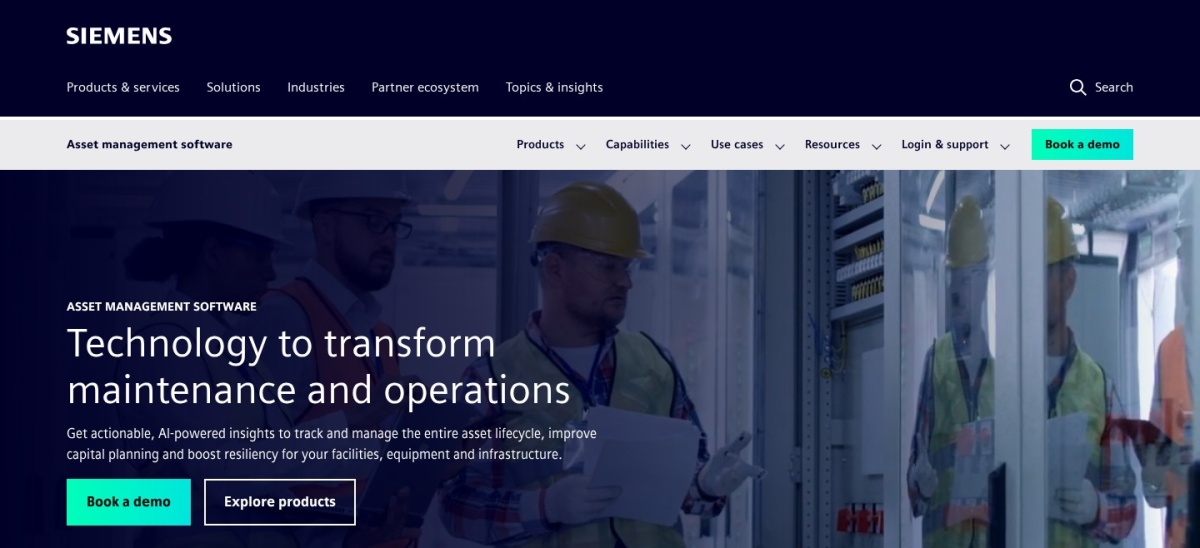
Asset Essentials is a CMMS for schools and local government, formerly Brightly Software and now sold under the Siemens brand. It puts assets, PMs, inventory, and mobile work in one register, IoT alerts open corrective work orders on their own, and purchase orders sync with your ERP.
The trade off is focus and price. Every plan is quoted through a demo, confirmed offline mobile is not listed on the product page, and commercial portfolios will miss tenant and contractor portals. It suits districts and city teams running many buildings on one asset register.
Two tools here offer a free plan, and both cap it. MaintainX Basic covers unlimited work orders with free requester seats, while Fiix free covers up to 25 active PMs, so either works as a pilot before you pay.
Paid plans mostly add the parts a growing team needs. Meter-based PMs, parts inventory, purchase orders, offline mobile, and API access sit above the free tier at both vendors, and multi-site reporting is a higher plan almost everywhere.
Quote-only tools have no free plan to fall back on. Limble, Fracttal, FMX, eWorkOrders, IBM Maximo, and Asset Essentials all price by quote, so ask for the number at your real user count and check what the quote leaves out.
How we chose
We started from G2's eMaint alternatives page and a November 2026 comparison of the leading CMMS tools, then kept nine established products with a public rating and review count.
Prices come from each vendor's pricing page or, where the vendor only quotes, from the vendor's own pricing page stating that plans are quoted; ratings and review counts come from G2 and Capterra, checked on 29 November 2026. Where a vendor shows a sale, the list shows the regular price.
We left out eMaint itself, thinly reviewed tools with fewer than 30 reviews, and tools without a public rating. No vendor paid for a place, and we do not claim to have used these tools ourselves.
How to choose an eMaint alternative
Start with your operation, not the feature list, then shortlist two tools for a pilot.
Name the reason you are leaving. Quote-only pricing, slow setup, a weak phone app, and locked multi-site features each point to a different replacement, so rank your reason before you compare features.
Match the tool to your site type. Plants fit Fiix or Fracttal, schools and campuses fit FMX or Asset Essentials, and multi-site portfolios fit Limble or IBM Maximo.
Price the full tier you need. Ask each vendor to quote the plan that includes multi-site reporting, offline mobile, API access, and AI at your real user count, then compare those numbers.
Pilot on one site first. Run your top two with real technicians for two weeks, then keep the one whose app gets jobs logged, photographed, and closed without chasing.
FAQ
What is the best alternative to eMaint?
Limble is the best eMaint alternative for most maintenance teams. It is rated 4.8 out of 5 on G2 from 682 reviews, with flexible PM scheduling on calendar, meter, or condition triggers, and most teams go live in two to four weeks.
What is the cheapest eMaint alternative?
MaintainX is the cheapest paid start at $20 per user a month billed annually, and its Basic plan is free. Fiix also has a free plan, with paid Basic from $45 per user a month. Six of the nine tools here are quote-only, so ask for a price at your user count.
Is there a free alternative to eMaint?
Yes. MaintainX and Fiix both offer free plans: MaintainX Basic covers unlimited work orders with free requester seats, and Fiix free covers up to 25 active PMs. The other seven tools offer free trials or demos instead of a free plan.
Is MaintainX or Limble better than eMaint?
Both score higher than eMaint on G2: Limble and MaintainX each hold 4.8 out of 5, against 4.5 for eMaint. Limble wins on PM flexibility and fast setup, while MaintainX wins on mobile adoption and a free plan. Pick Limble for PM depth and MaintainX for frontline rollout.
Is UpKeep or Fiix better for a small team?
UpKeep suits small facilities teams that want technicians working from a phone on day one, from $24 per user a month. Fiix suits small plants that want a free plan first, with PM depth and Rockwell integration when they grow. Both publish entry prices, so compare them at your user count.
What is the best eMaint alternative for schools?
FMX is the best eMaint alternative for schools and campuses, rated 4.7 out of 5 on Capterra from 426 reviews. It pairs maintenance requests with room and event scheduling in one system, and K-12 pricing is based on student enrollment.
Is IBM Maximo a good eMaint alternative?
IBM Maximo suits asset-intensive enterprises, not small teams. It is rated 4.4 out of 5 on G2 from 633 reviews, with Essentials components from under $40,000 a year each and 12-month non-cancellable subscriptions, so it fits only large operations with dedicated administrators.
SaaS SEO and WordPress specialist with about 8 years of experience. Rakib compares WordPress plugins, themes, hosting and software using public pricing, documentation and user reviews. See how we rank.