Clockify is the best employee timesheet software for small business for most teams, with a free plan for up to five users and paid plans from four dollars a seat. Pick Toggl Track for the simplest timers and Harvest when tracked hours must turn into invoices without extra tools.
How we make this list: we compare pricing pages, product documentation and public user reviews, then re-check every price before each update. No product paid for a place. Disclosure.
Clockify is the cheapest paid option here at $3.99 a seat a month on annual billing, with a free plan for up to 5 users.
Toggl Track is the easiest tracker to adopt, rated 4.6 out of 5 on G2 from 1,589 reviews, with Starter at $9 a user a month.
Harvest turns tracked time into invoices with Stripe or PayPal payments, on Teams at $9 a seat a month billed annually.
Timely has the highest G2 rating in this list at 4.8 out of 5, and drafts timesheets automatically from app and website use.
Only Clockify, Toggl Track, Harvest, My Hours, TimeCamp and Everhour offer a free plan; Hubstaff, Timely and Deputy are trial-only.
How do you choose employee timesheet software for small business?
Small teams need timesheets people actually fill in. A tool with a one-click timer and a weekly timesheet view beats a feature-heavy system nobody opens on Friday afternoon.
Price is usually per seat, so a small difference adds up fast. At $3.99 a seat a month, Clockify costs a 10-person team about $479 a year, while a $9 tool costs about $1,080 for the same seats.
Approvals and invoicing decide the real shortlist. If a manager must sign off hours before payroll, pick a tool with timesheet approvals; if hours become invoices, Harvest or Clockify Standard cover that step, as our time tracking apps guide explains.
Free plans are genuinely usable at this size. Clockify covers up to 5 users free, Toggl Track covers up to 3, and Harvest covers 1 seat and 2 projects, so a very small team may never pay.
The 9 best employee timesheet software tools for small business
01
Clockify
4.5/5on G2 (205 reviews, checked Nov 2026)
Paid from$3.99/mo
Best employee timesheet software overall
Free planUp to 5 users
Entry paid planBasic, $3.99/seat/mo
Timesheet approvalsStandard plan
InvoicingStandard plan
clockify.me
Clockify homepage, captured Nov 2026.
Clockify is a timesheet and work-hours tracker from CAKE.com for teams logging project and client hours. Its free plan covers up to 5 users with unlimited tracking, timesheets, projects, reports and a kiosk mode for clocking in from a shared device.
The trade off is that the cheapest paid plan is mostly admin control. Timesheet approvals, invoicing and QuickBooks sync sit on Standard at $5.49 a seat a month, not Basic at $3.99. It suits small businesses that want the lowest possible bill first and can add billing later.
What we like
Lowest paid price in this list at $3.99 a seat a month
Free plan covers up to 5 users with unlimited tracking
Kiosk mode for shared clock-in devices
Desktop, mobile and browser apps included
Watch out for
Approvals and invoicing need the $5.49 Standard plan
Toggl Track is a timer-based tracker built around one-click start and stop, calendar sync and idle detection. Its free plan covers up to 3 users with manual and real-time timers, tasks, boards and personal reports, and Starter adds billable rates and team reports.
The trade off is billing. Toggl Track has no invoicing of its own, so hours must go to another tool to become a bill. Starter costs $9 a user a month billed annually, and timesheet approvals wait for Premium at $16. It suits small teams that value fast adoption over built-in billing.
What we like
Fastest timer to learn in this list
Rated 4.6 out of 5 on G2 from 1,589 reviews
Calendar sync and idle detection included
Free plan covers up to 3 users
Watch out for
No invoicing built in
Timesheet approvals need Premium at $16 a user a month
Harvest is a time tracker built for billable work. Start the timer, log hours against clients and projects, then turn those hours into invoices and collect payment through Stripe or PayPal without leaving the app. The free plan covers 1 seat and 2 projects.
The trade off is price structure. Teams costs $9 a seat a month billed annually, or $11 billed monthly, and Harvest now adds usage fees for extra projects, clients and invoices above an included allowance. It suits small firms that bill clients by the hour and want invoicing in the same tool.
What we like
Invoicing and payments built in from the free plan
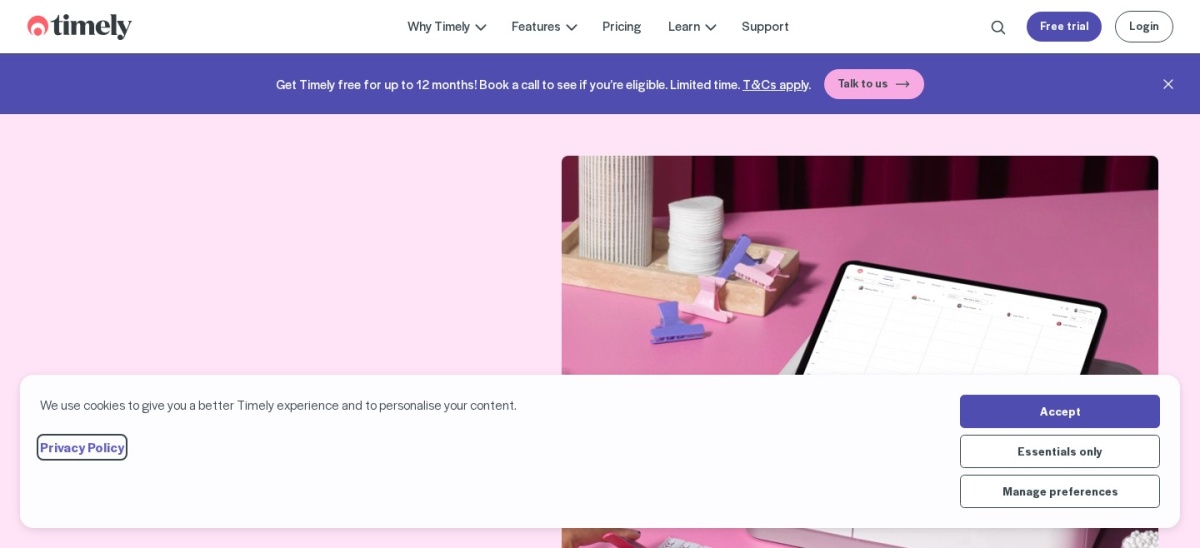
Timely is an automatic time tracker that records app and website use in the background and drafts each person's timesheet for review. It holds the highest G2 rating in this list at 4.8 out of 5, and Starter costs $9 a user a month billed annually.
The trade off is control. Starter caps at 5 users and 20 projects, and there is no free plan, only a trial. It suits small teams that forget to start timers and want timesheets that write themselves, with a manager reviewing the draft.
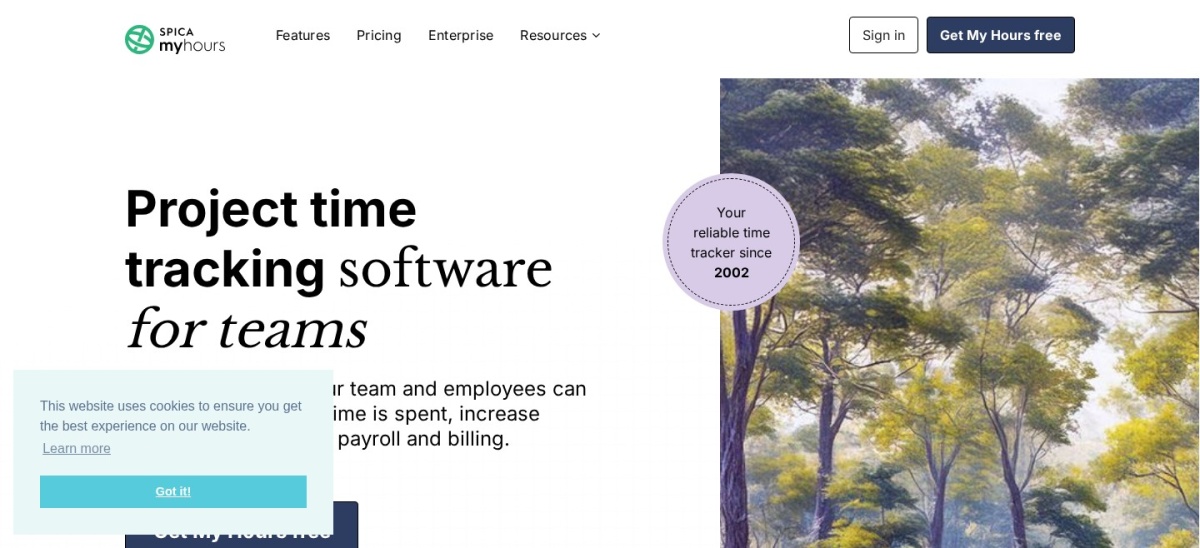
My Hours is a dedicated project time tracker built around real-time timers, weekly timesheets and client reporting. Its free plan gives small teams up to 5 active users, and Basic costs $4 a user a month with unlimited projects and detailed reports.
The trade off is scope. My Hours tracks time well but has no invoicing, scheduling or payroll features, so billing still needs another tool. It suits small service teams that want a plain timesheet and a client-ready report without learning a bigger system.
4.7/5on G2 (Not published reviews, checked Nov 2026)
Paid from$3.99/mo
Best free plan with attendance built in
Free planYes, unlimited users
Entry paid planStarter, $3.99/user/mo
AttendanceYes, on free plan
InvoicingNot included
timecamp.com
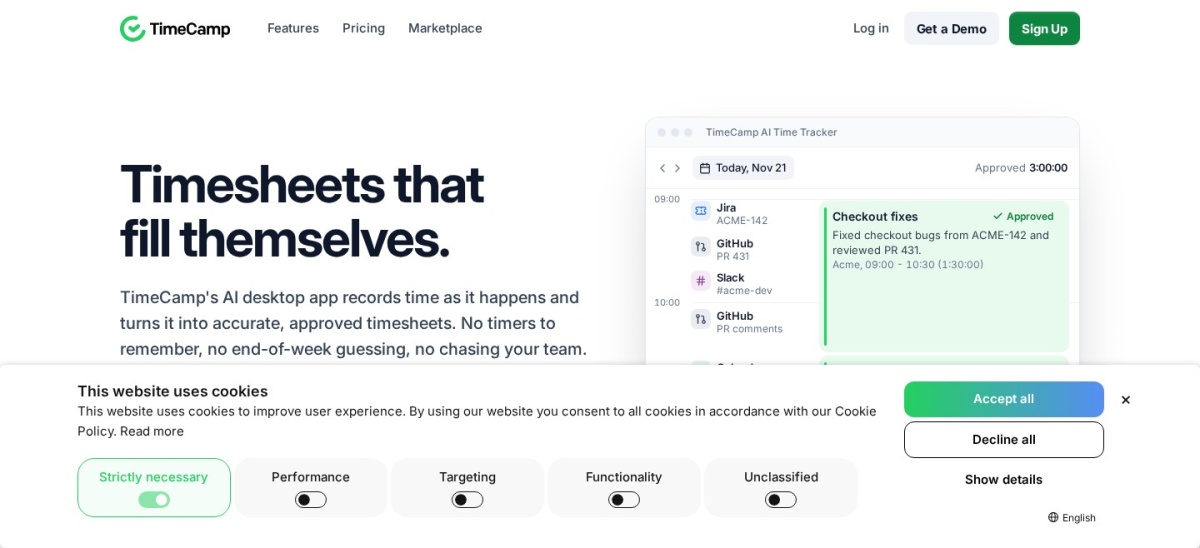
TimeCamp homepage, captured Nov 2026.
TimeCamp is a time tracker with attendance, time-off and overtime tracking alongside timers and timesheets. Its free plan covers unlimited users and projects, and Starter costs $3.99 a user a month, matching Clockify as the cheapest paid plan in this list.
The trade off is polish. TimeCamp packs in more features than My Hours but its reports and interface feel busier than Toggl Track. It suits small businesses that want attendance and time-off tracking in the same free tool as their timesheets.
4.7/5on G2 (Not published reviews, checked Nov 2026)
Paid from$8.50/mo
Best for teams inside Asana and Jira
Free planYes, small teams
Entry paid plan$8.50/user/mo
Asana and Jira syncYes, native
InvoicingYes, with budgets
everhour.com
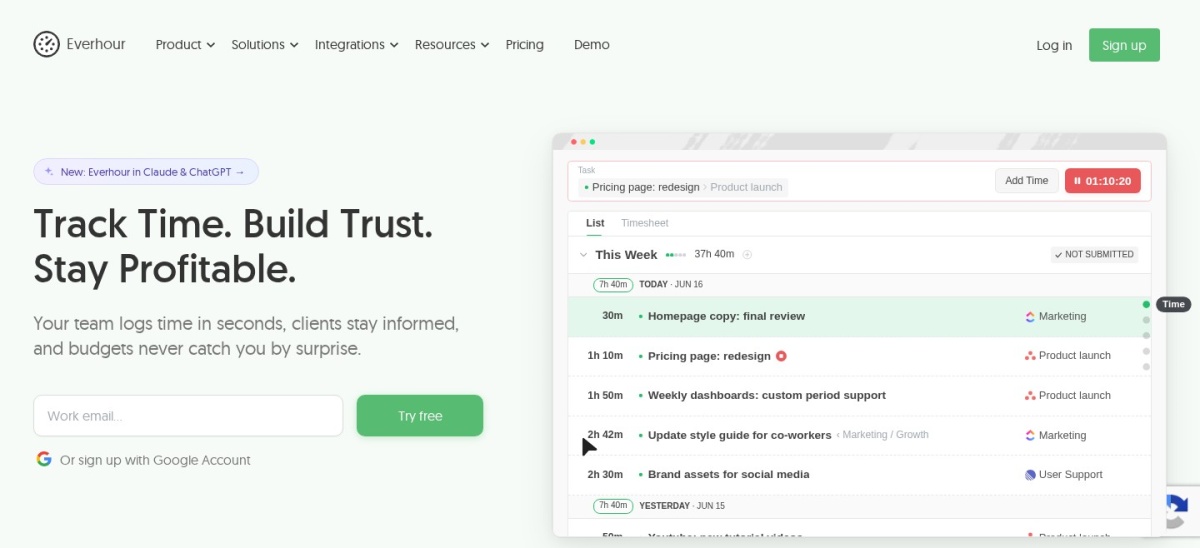
Everhour homepage, captured Nov 2026.
Everhour is a time tracker that lives inside Asana, Jira, Trello and similar tools, adding timers, estimates and budgets to the tasks teams already use. It offers a free plan for small teams, and paid plans start at $8.50 a user a month billed annually.
The trade off is dependence. Everhour shines when the team already lives in Asana or Jira, and feels less complete as a standalone tracker. It suits small businesses that want time and budgets on their existing task boards rather than a separate timesheet app.
4.4/5on G2 (Not published reviews, checked Nov 2026)
Starts at$4.99/mo
Best for remote workforce monitoring
Free planNo, 14-day trial
Entry paid planStarter, $4.99/seat/mo
ScreenshotsYes, optional
GPS trackingYes, mobile
hubstaff.com
Hubstaff homepage, captured Nov 2026.
Hubstaff is a time tracker for remote and field teams, combining timesheets with optional screenshots, activity levels, GPS tracking and payroll integrations. Starter costs $4.99 a seat a month billed annually, and there is a 14-day trial but no free plan.
The trade off is trust. Screenshots and activity monitoring can put off employees, so Hubstaff fits best where proof of work matters, such as remote contractors or field crews. It suits small businesses that pay by the hour and need location and activity records.
Deputy is a scheduling and time clock tool for shift-based small businesses in retail, hospitality and healthcare. Staff clock in from a mobile app or kiosk, managers build rosters, and hours flow into payroll. Paid plans start from about $5 a user a month.
The trade off is fit. Deputy is built for rosters and shift swaps, not for project timesheets or client billing, so office teams should look elsewhere. It suits small businesses with hourly shift workers who need schedules, clock-ins and payroll in one place.
What we like
Scheduling and time clock in one tool
Rated 4.5 out of 5 on G2 from 1,506 reviews
Kiosk and mobile clock-in with GPS
Payroll integrations included
Watch out for
No free plan, only a trial
Not built for project timesheets
Deputy price rests on comparison listings, not its pricing page
Free plans cover the core job well. Clockify, Toggl Track, My Hours, TimeCamp and Everhour all let a small team track hours and see reports without paying.
Paid plans mostly add control and billing. Approvals, invoicing, payroll exports and screenshots usually sit on a paid tier, so check which tier holds the feature you need before comparing prices.
A team of five can often run free for months. The moment a manager must approve hours or an invoice must go out, the cheapest paid tier that includes that step is the honest price to compare.
How we chose
We started from the time trackers most often recommended for small teams, then kept the nine with a free plan or a low paid entry price, a G2 rating and a real timesheet view.
Prices come from each vendor's pricing page, checked on 30 November 2026, using the yearly-billing rate per seat. Ratings and review counts come from G2 on the same day. Deputy pricing rests on comparison listings and is flagged in our notes.
We left out enterprise-only trackers and tools without a small-team plan. No vendor paid for a place, and we do not claim hands-on testing for this list.
How to choose employee timesheet software for small business
Start with the one job the timesheet must do, then check the price for your headcount.
Count the seats you will pay for. Multiply the per-seat price by your team size and by 12. A $4 tool and a $9 tool differ by about $600 a year for 10 people.
Check the free plan limit first. Clockify covers 5 users free and Toggl Track covers 3. If your team fits, run free until approvals or invoicing force an upgrade.
Match the tool to the billing step. Pick Harvest or Clockify Standard when hours become invoices, and Toggl Track or My Hours when hours only need a report.
Trial the timesheet with real staff. Run one pay period with the two finalists and ask who actually filled their hours in. The tool people use wins.
FAQ
What is the best employee timesheet software for small business?
Clockify is the best pick for most small businesses because its free plan covers up to 5 users and paid plans start at $3.99 a seat a month. Toggl Track is the easiest to adopt, and Harvest is the best choice when tracked hours must become invoices.
How much does employee timesheet software cost for a small business?
Paid plans in this list run from $3.99 to $9 a seat a month on annual billing, so a 10-person team pays about $479 to $1,080 a year before add-ons. Six of the nine tools also offer a free plan, so very small teams may pay nothing at all.
Is there a free employee timesheet tool for small business?
Yes. Clockify is free for up to 5 users, Toggl Track is free for up to 3 users, and TimeCamp offers a free plan with unlimited users. Harvest is free for 1 seat and 2 projects, and My Hours is free for up to 5 active users.
Which timesheet software is best for hourly employees?
Deputy is the best fit for hourly shift workers because it combines rosters with a mobile and kiosk time clock. Hubstaff is the best pick for remote hourly staff because it adds GPS tracking, screenshots and payroll integrations to its timesheets.
Clockify vs Toggl Track: which is better for a small business?
Clockify is better when price matters most, with a free plan for 5 users and paid plans from $3.99 a seat a month. Toggl Track is better when ease matters most, with the simplest timers and a 4.6 G2 rating, but it has no invoicing and its free plan covers only 3 users.
Do I need timesheet approvals in a small business?
Approvals matter once hours feed payroll or client billing, because they stop edits after a manager signs off. Clockify includes approvals on Standard, Harvest reserves them for Enterprise, and Toggl Track adds them on Premium, so check the tier before you buy.
SaaS SEO and WordPress specialist with about 8 years of experience. Rakib compares WordPress plugins, themes, hosting and software using public pricing, documentation and user reviews. See how we rank.