Timely is the best time tracking software for most teams, with automatic tracking and AI-drafted timesheets, rated 4.8 out of 5 on G2. Pick Toggl Track for simple manual tracking at $9 per user a month, or Clockify if you need a free plan for unlimited users.
How we make this list: we compare pricing pages, product documentation and public user reviews, then re-check every price before each update. No product paid for a place. Disclosure.
Timely leads with a 4.8/5 G2 rating and AI-drafted timesheets, but Starter caps at 5 users and 20 projects.
Toggl Track is the easiest all-rounder, rated 4.6/5 from 1,589 G2 reviews, with a free plan and Starter at $9 per user a month.
Clockify and TimeCamp have the cheapest paid plans at $3.99 per user a month, both with free plans for unlimited users.
Harvest is the strongest pick for agencies that invoice by the hour, with payments through Stripe or PayPal built in.
Hubstaff, DeskTime and Time Doctor add screenshots and monitoring, so check your team's comfort with that before you buy.
Paid plans in this list run from $3.99 to $9 per user a month on yearly billing, before add-ons and seat minimums.
What to look for in team time tracking
Teams lose hours to timesheets that get filled in late, from memory, or not at all. Automatic tracking fixes the memory problem, while a simple timer works better when staff switch tasks all day.
Start with how your team bills. If clients pay by the hour, invoicing and billable rates matter more than screenshots. If you pay staff by tracked hours, approvals and attendance matter more.
Watch the limits that sit behind the headline price. Our guide on managing user roles in WordPress shows how permissions shape who can see what, and the same idea applies here: check seat minimums, user caps and who can approve timesheets before you commit.
Free plans are a good way to test a tool with a small group first. Move to a paid plan when you need approvals, invoicing or reports that cover the whole team.
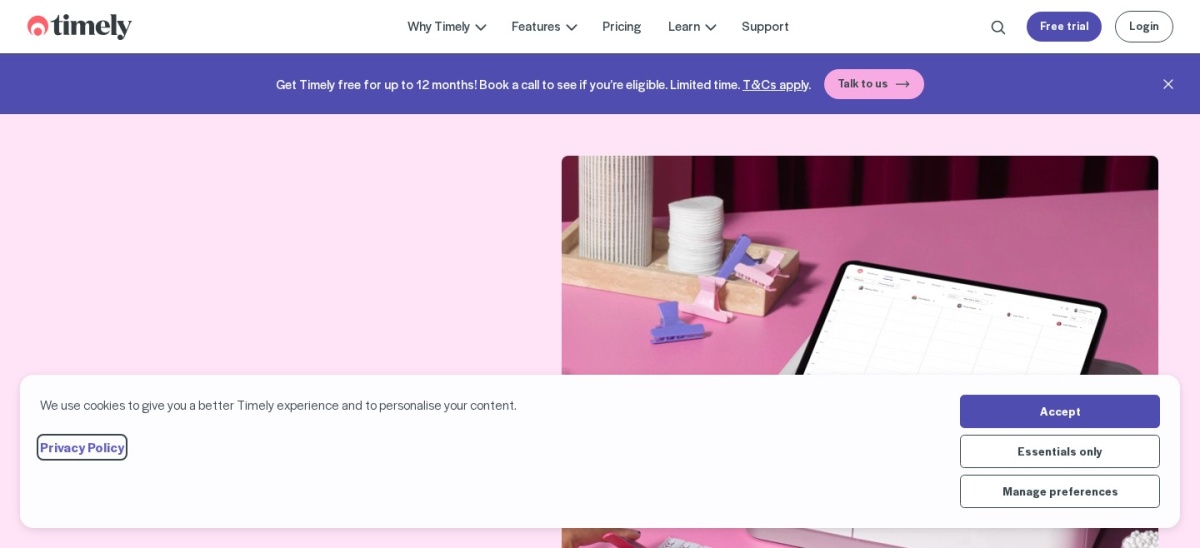
Timely is an automatic time tracker that records app and website use in the background and drafts each person's timesheet with AI. The Starter plan covers automatic tracking, billable rates, project budgets and reports for up to 5 users and 20 projects.
The trade off is the Starter cap. Teams larger than 5 users need Premium at $16 per user a month billed yearly, and there is no free plan, only a trial. It suits small teams that lose billable hours to forgotten timesheets.
Toggl Track is a simple timer-based tracker with web, desktop and mobile apps, plus calendar integrations and reports. The free plan covers manual and real-time timers, tasks and boards, while Starter at $9 per user a month billed yearly adds billable rates and team reports.
The trade off is depth. Timesheet approvals, labour costs and profitability reports need Premium at $16 per user a month billed yearly, and capacity planning costs extra as an add-on. It suits teams that want tracking everyone will actually use.
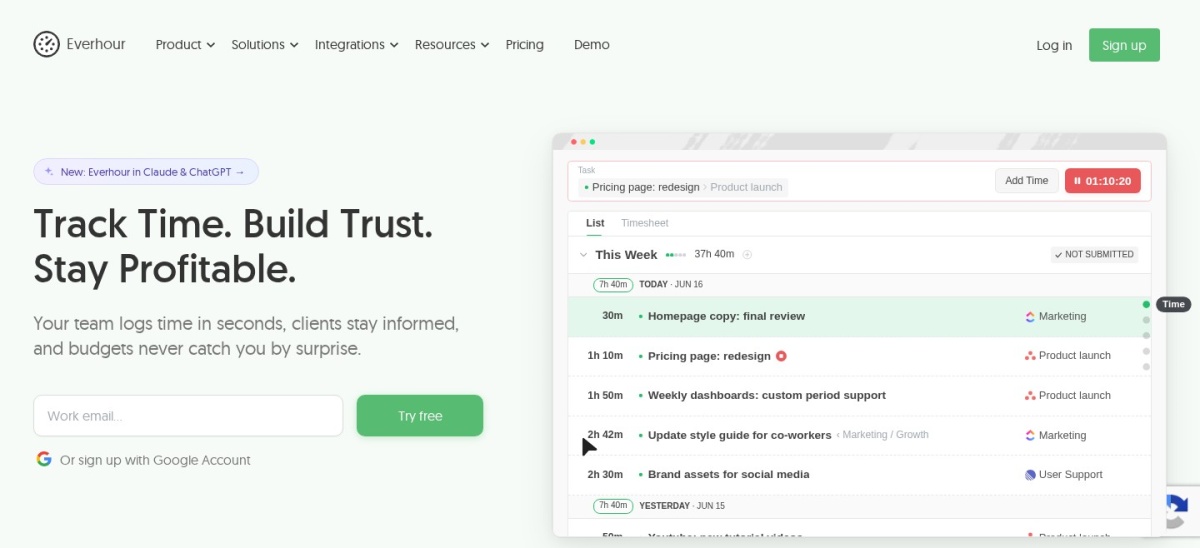
Everhour is a time tracker that lives inside project tools such as Asana, Jira, ClickUp and Trello, so teams log time without leaving their boards. The free plan covers time tracking, projects and reports for up to 5 seats, and the Team plan adds billing, budgets and invoicing.
The trade off is the seat minimum. Paid plans charge for at least 5 seats even with a smaller team, and integrations are paid-only, so the free plan works alone. It suits agencies that already run their work in Asana or Jira.
Clockify is a timer and timesheet tool with a free plan that covers unlimited users, projects and clients. The free version includes timers, timesheets, reports and a kiosk mode, while Basic at $3.99 per user a month billed yearly adds time auditing and project rates.
The trade off is that useful team controls sit higher up. Invoicing starts on Standard, approvals and scheduled reports too, and screenshots need Pro at $7.99 per user a month billed yearly. It suits teams that want a free start with a cheap upgrade path.
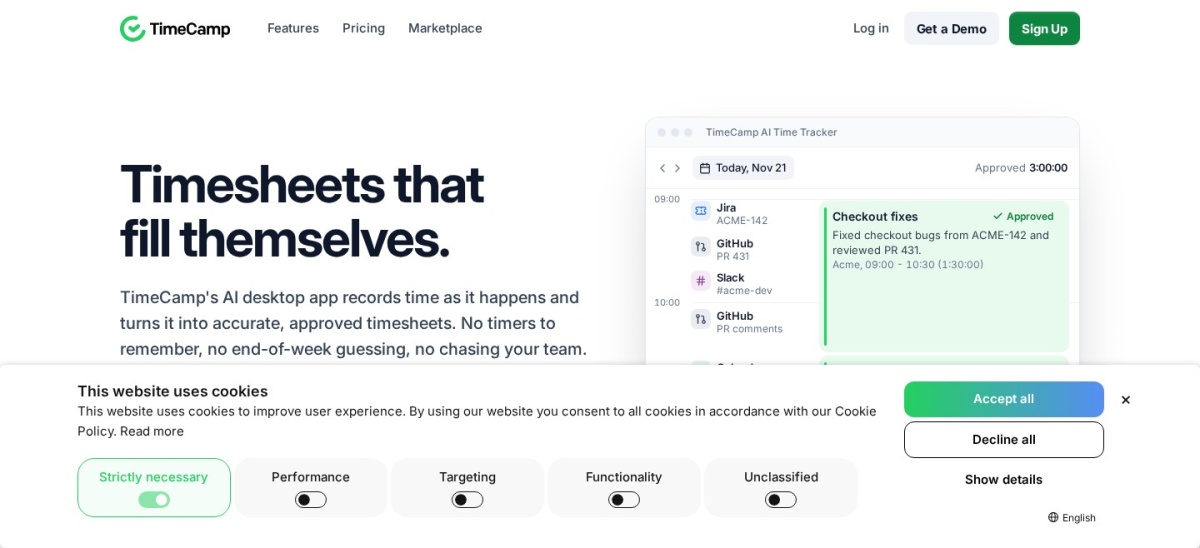
TimeCamp is a time tracker with attendance, time off and GPS tracking beside its timers and timesheets. The free plan covers unlimited users and projects, and Starter at $3.99 per user a month billed yearly adds invoicing, attendance and overtime tracking.
The trade off is billing depth. Billable time and budgets need Premium at $6.99 per user a month billed yearly, and screenshots and approvals need the highest-priced plan. It suits teams that want attendance and time tracking in one tool.
Harvest is a time tracker built around billable work, with timers, timesheets, expenses and invoices in one place. The free plan covers one seat and two projects, and Teams at $9 per seat a month billed yearly adds unlimited seats, team reports and accounting integrations.
The trade off is the free plan's size. One seat suits a solo freelancer, not a team, and usage-based charges can apply on top of the seat price for extra invoices and projects. It suits small agencies that invoice every hour they track.
Hubstaff is a time tracker for remote and distributed teams, with timers, timesheets, screenshots, activity levels and GPS. Starter at $4.99 per seat a month billed yearly covers time tracking, timesheets and limited screenshots, with a two-seat minimum.
The trade off is monitoring. Screenshots and activity tracking can feel intrusive to staff, and payroll, scheduling and time off need the Team plan at $10 per seat a month billed yearly. It suits managers who pay contractors by tracked hours.
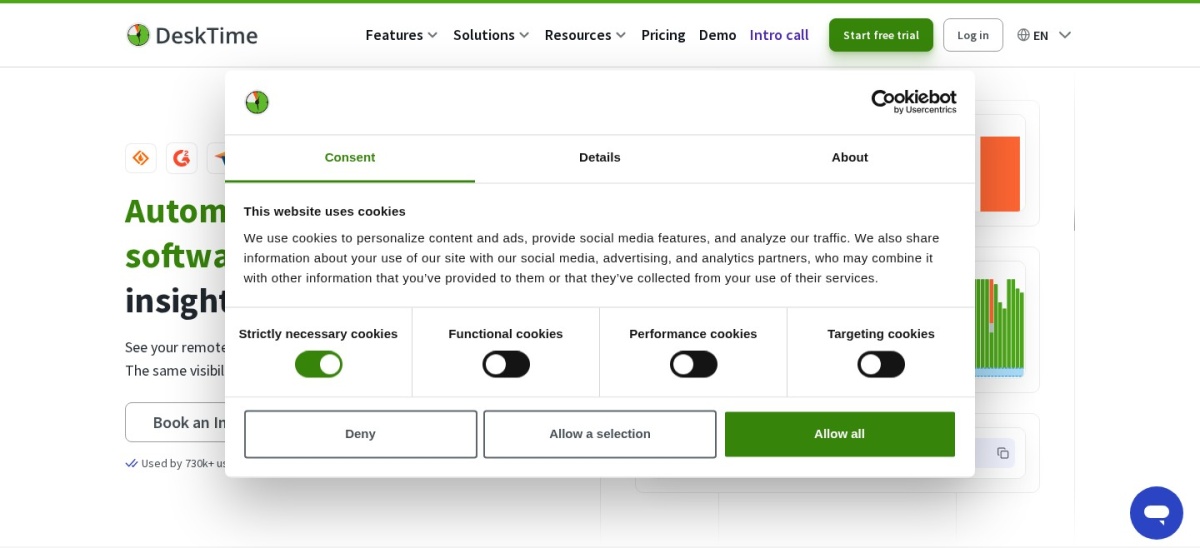
DeskTime is an automatic time tracker that records app and website use, then sorts it into productive and unproductive time. Pro at $6.42 per user a month billed yearly adds automatic tracking, productivity reports and custom reporting.
The trade off is screenshots and scheduling. Screenshots, absence calendars and shift scheduling need Premium at $9.17 per user a month billed yearly, and there is no free plan. It suits office teams that want productivity reports without manual timers.
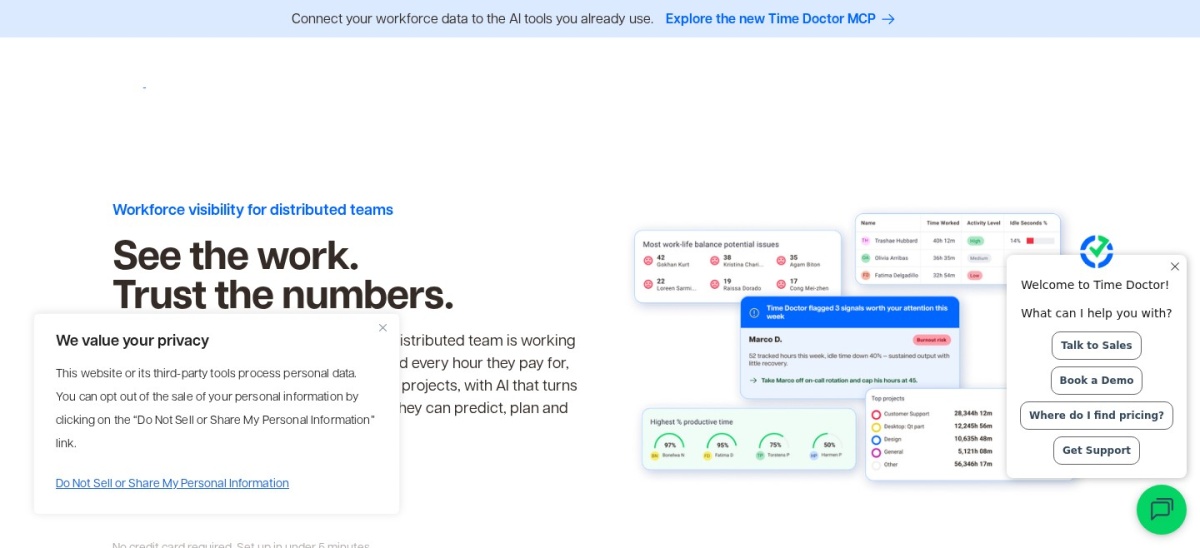
Time Doctor is a time tracking and employee monitoring tool with screenshots, activity levels and attendance reports. Basic at $6.67 per user a month billed yearly covers automatic tracking, projects, tasks and screenshots, with three months of history.
The trade off is privacy and price. Screenshot monitoring does not suit every team, and attendance, payroll and 60-plus integrations need Standard at $11.67 per user a month billed yearly. It suits teams that need attendance records beside tracked hours.
Free plans cover timers, basic reports and a few users. Clockify and TimeCamp are the exceptions, with free plans for unlimited users.
Paid plans mostly add billing, approvals and monitoring. Invoicing, timesheet approvals and screenshots usually sit on the first or second paid tier.
If your team bills clients, a paid plan usually pays for itself in recovered hours. If you only need a record of hours worked, a free plan may be enough.
How we chose
We started from the time tracking tools with the most G2 reviews and the longest track record with teams, then kept nine that cover automatic tracking, manual timers, billing and monitoring.
Prices come from each vendor's pricing page, checked on 26 November 2026, using the yearly-billing rate per user. Ratings and review counts come from G2 on the same day. Where a vendor shows a monthly rate, the list shows the cheaper yearly-billing rate.
We left out tools with no public rating and tools aimed only at solo users. No vendor paid for a place, and we do not claim to have used these tools ourselves.
How to choose time tracking software for your team
Start with how your team works today, then match the tool to that pattern.
Decide between automatic and manual tracking. Automatic tools suit teams that forget timers; manual timers suit teams that switch tasks often and want control over each entry.
Check the free plan's real limits. A free plan for one seat will not cover a team. Clockify and TimeCamp cover unlimited users free, while Harvest covers one seat.
Match billing to how you charge. Agencies that invoice by the hour need billable rates and invoicing; teams on salaries need approvals and attendance instead.
Trial it with a small group first. Run two tools side by side for two weeks with the same team, then compare which one produced complete timesheets with less chasing.
FAQ
What is the best time tracking software for teams?
Timely is the best pick for most teams, thanks to automatic tracking and AI-drafted timesheets, rated 4.8 out of 5 on G2. Toggl Track is the simpler choice at $9 per user a month, and Clockify is best if you want a free plan for unlimited users.
Is there a free time tracking tool for teams?
Yes. Clockify and TimeCamp both offer free plans for unlimited users and projects. Toggl Track and Everhour have free plans for small teams, while Harvest's free plan covers one seat and two projects only.
How much does time tracking software cost per user?
Paid plans in this list start at $3.99 per user a month with yearly billing for Clockify and TimeCamp, and reach $9 for Timely, Toggl Track and Harvest. Most teams pay between $4 and $9 per user a month.
Do time trackers take screenshots of staff?
Some do. Hubstaff, DeskTime and Time Doctor offer screenshots and activity tracking, usually on paid plans. If screenshots worry your team, pick a timer-based tool and check its feature list before you buy.
Which time tracker is best for billing clients?
Harvest is built for billing, turning tracked hours into invoices with Stripe or PayPal payments. Everhour also suits agencies, with budgets and invoicing inside Asana or Jira, while Toggl Track adds billable rates from its Starter plan.
Can a team use Toggl Track for free?
Yes, for a small team. Toggl Track's free plan covers timers, tasks, boards and personal reports. Billable rates, team reports and project estimates need Starter at $9 per user a month billed yearly.
SaaS SEO and WordPress specialist with about 8 years of experience. Rakib compares WordPress plugins, themes, hosting and software using public pricing, documentation and user reviews. See how we rank.