Exclaimer is the best email signature software for compliance, with SOC 2, ISO and HIPAA coverage plus legal disclaimers on every email from ninety cents per user a month. CodeTwo suits Microsoft 365 teams that want the same control at a lower volume price, while Letsignit fits European teams that need EU hosting and vCards.
How we make this list: we compare pricing pages, product documentation and public user reviews, then re-check every price before each update. No product paid for a place. Disclosure.
Exclaimer is the only tool here with SOC 2, ISO, HIPAA, GDPR and PCI cover listed on its pricing page.
CodeTwo is the best value for Microsoft 365 teams, with 4.8 out of 5 on G2 and every feature in one plan.
Letsignit is the pick for European teams, with EU hosting and ISO 27001 and 27018 certification.
WiseStamp and MySignature are the only tools here with free plans for basic signature creation.
Opensense looks cheap at $1.00 a user but its $500 monthly minimum makes it enterprise-only in practice.
How do you choose email signature software for compliance?
Compliance is about proof, not polish. A signature tool for a regulated team must apply the same disclaimer to every email, keep a record of who changed what, and hold the certifications an auditor will ask for.
Start with the disclaimer and the deployment. Server-side tools apply signatures as mail leaves the server, so nothing sent from a phone escapes the rules, while client-side tools depend on each person's mail app. Our guide on the best email signature software compares the same tools without the compliance lens.
Certifications are the quickest filter. Exclaimer lists SOC 2, ISO, HIPAA, GDPR and PCI on its pricing page, Letsignit holds ISO 27001 and 27018 with EU hosting, and WiseStamp lists SOC 2 Type II and ISO 27001.
Price is quoted per user, so check the minimums. Exclaimer and CodeTwo need 10 users, Letsignit has a $60 monthly minimum, and Opensense needs $500 a month, which changes the real bill for a small team.
The 9 best email signature software tools for compliance
01
Exclaimer
4.5/5on G2 (1,365 reviews, checked Nov 2026)
Starts at$0.90/mo
Best email signature software for compliance overall
Compliance coverSOC 2, ISO, HIPAA, GDPR
Audit logPro plan
Legal disclaimersOn every email
Entry planStarter, $0.90/user/mo
exclaimer.com
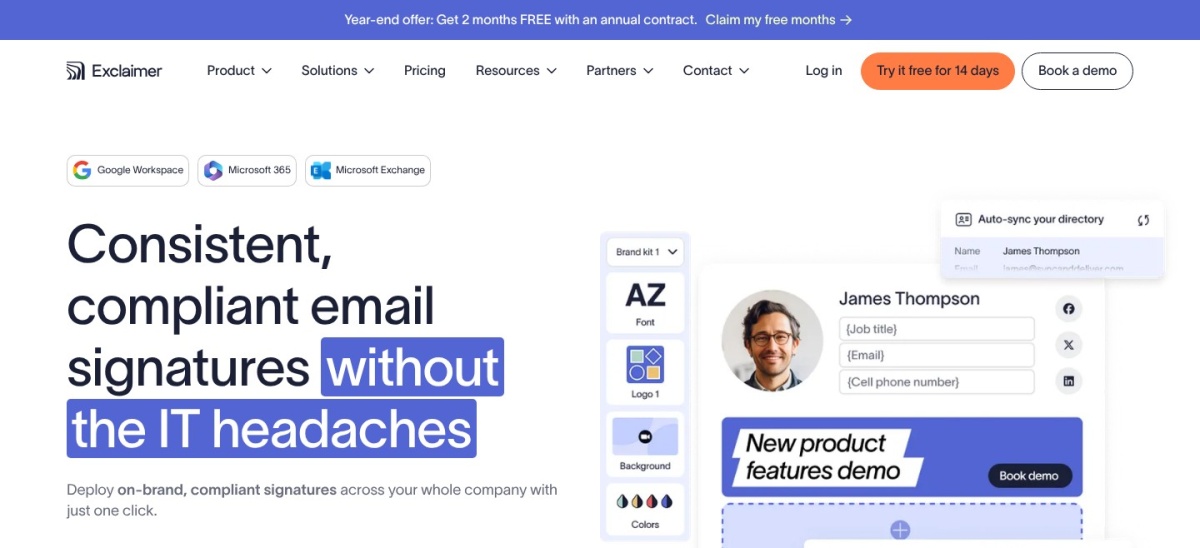
Exclaimer homepage, captured Nov 2026.
Exclaimer is a central signature platform for Microsoft 365, Google Workspace and Exchange that puts the same legal disclaimer on every email, including mail sent from phones. Its pricing page lists SOC 2, ISO, HIPAA, GDPR and PCI cover, and the minimum is 10 users.
The trade off is the entry tier. Starter at $0.90 per user a month covers one template and one brand kit, so multi-brand teams need Standard at $1.45 or Pro at $1.75, where the audit log lives. It suits regulated teams that need proof, not just a tidy footer.
CodeTwo Email Signatures 365 homepage, captured Nov 2026.
CodeTwo Email Signatures 365 is a Microsoft 365 signature service with one plan that includes every feature, from unlimited templates and rules to banners, QR codes and vCards. It adds signatures in the cloud or in Outlook as people type, and the vendor says it serves more than 60,000 organizations.
The trade off is platform. CodeTwo works with Microsoft 365 only, so Google Workspace mailboxes need another tool, and the 10-licence minimum rules out very small teams. It suits Microsoft shops that want full control at a low per-user price.
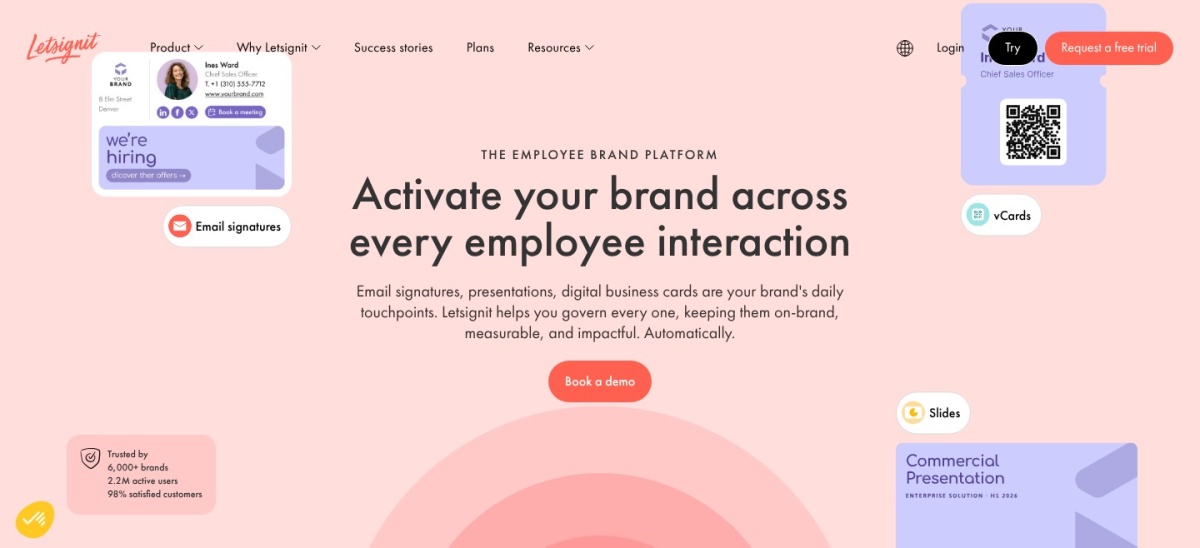
Letsignit is a French signature platform that manages signatures, banner campaigns and digital business cards from one console for Microsoft 365 and Google Workspace. It holds ISO 27001 and ISO 27018 certification, hosts data in Europe and includes A/B testing and polls on campaigns.
The trade off is price and scope. At $2 per user a month it costs more than Exclaimer Starter, and there is no free plan, only a trial. It suits European teams that need EU data residency plus vCards in staff phone wallets.
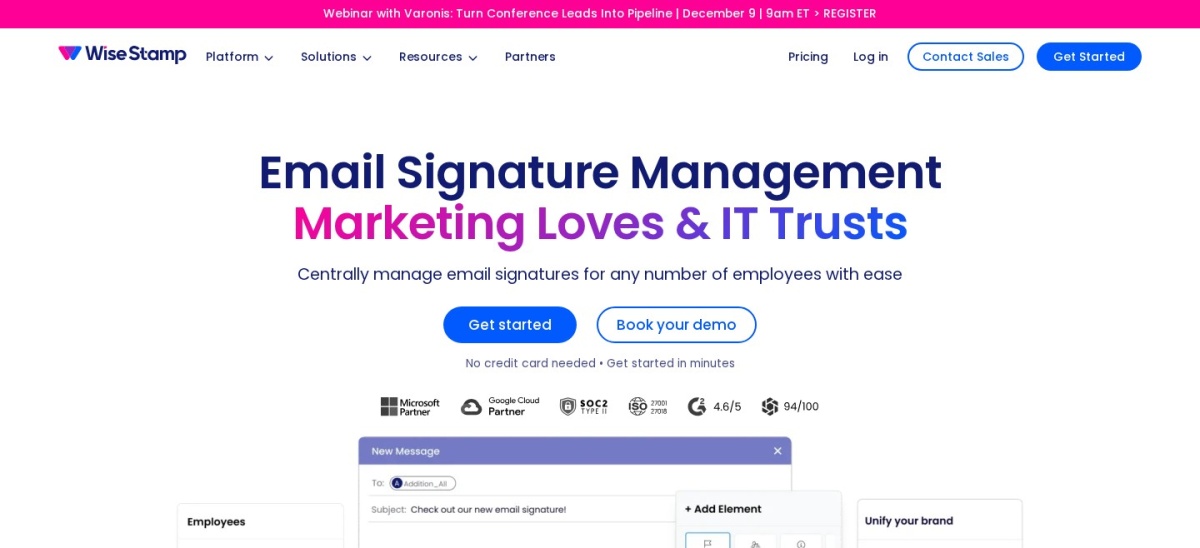
WiseStamp is a signature builder for Google Workspace and Microsoft 365 that lets one person build a branded signature free, then scales to central team management. The Basic plan costs $19 a month plus $1 per employee and the vendor lists SOC 2 Type II and ISO 27001 certification.
The trade off is server-side control. Signatures are applied client-side until the Platform plan at $189 a month, so strict enforcement costs more. It suits small teams that want a quick, good-looking start without an IT project.
NEWOLDSTAMP is a signature platform that treats every email as marketing space, with banners and calls to action that rotate on a schedule. It costs $1.80 per signature a month billed yearly, with a 5-signature minimum, and covers Microsoft 365, Google Workspace and Exchange.
The trade off is compliance depth. It manages signatures centrally but its audit and governance features are thinner than Exclaimer or CodeTwo. It suits marketing-led teams that want campaigns on every email without a heavy admin console.
Opensense is a company-wide signature platform that ties signatures to Salesforce and HubSpot, so sales teams can run account-based campaigns from the footer. The Basic plan costs $1.00 per user a month and reviewers give its support 9.4 out of 10 on G2.
The trade off is the minimum. Opensense requires a $500 a month minimum spend, so a small team pays the floor rather than the per-user rate, and trials need sales approval. It suits larger sales organizations that already live in a CRM.
MySignature is a signature generator and management platform for individuals and small companies on Google Workspace or Microsoft 365. The free plan builds one signature, and the Teams Standard plan costs $2.40 per user a month billed yearly with central management and directory automations.
The trade off is scale. Individual Professional plans cost $6 to $7 per user a month, which is more than most team tools here, and governance features are light. It suits freelancers and small teams that want a polished signature fast.
BrandMail is a centralised signature tool with the highest G2 rating in this list, 4.9 out of 5 from 148 reviews. It offers desktop and server-side deployment with a $1.00 per user a month Desktop plan for Microsoft 365 and Google Workspace.
The trade off is the small review base. Only 148 G2 reviews back that top rating, so it is less proven at scale than Exclaimer or CodeTwo. It suits teams that want a highly rated, low-cost tool and are happy to trial it first.
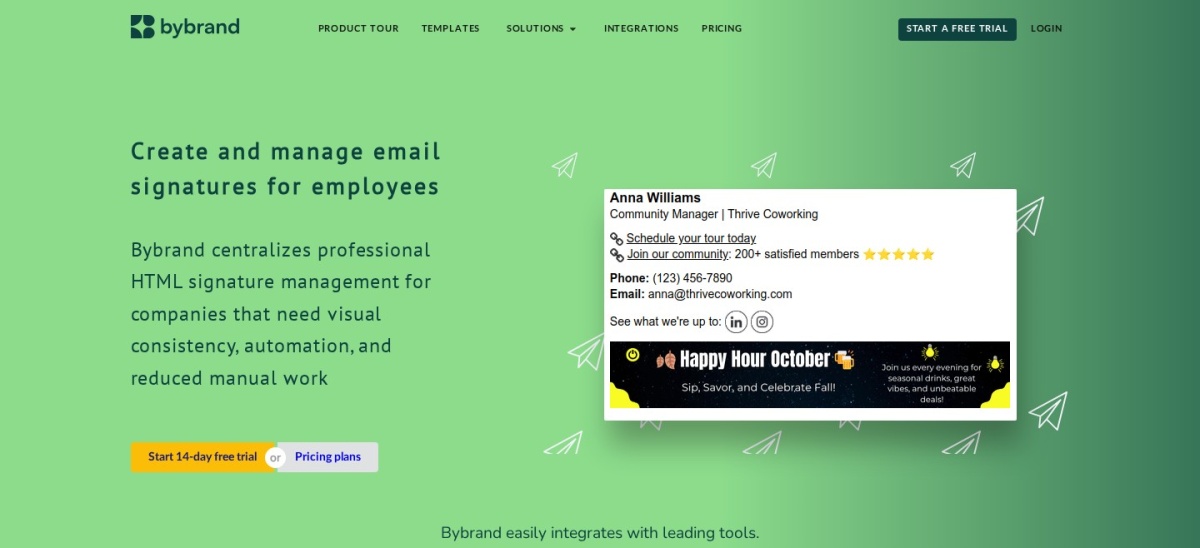
Bybrand is a small-team signature tool that charges a flat $8 a month for up to 10 signatures, with central templates and Zoho CRM links. It covers Google Workspace and Microsoft 365 and is rated 4.7 out of 5 on G2, though from only 15 reviews.
The trade off is depth and proof. It has no audit log or compliance certifications to match the leaders, and the review base is thin. It suits tiny teams that want one flat bill and simple templates.
A compliant signature is one nobody can edit around. Central templates, locked disclaimers and directory sync mean the legal text is the same on every mailbox.
An audit trail is the second half. Exclaimer keeps an audit log on its Pro plan, so an auditor can see who changed a template and when.
Data location matters for European teams. Letsignit hosts in Europe, and Exclaimer runs regional data centres, which is why both appear near the top of this list.
How we chose
We started from the email signature tools with G2 ratings and published pricing, then ranked them on compliance cover: certifications, disclaimer control, audit logs and data hosting.
Prices come from each vendor's pricing page, checked on 30 November 2026. Exclaimer, CodeTwo and Letsignit prices were read on their own pricing pages today. Ratings and review counts come from G2 on the same day.
We left out tools with no aggregator rating or no published price. No vendor paid for a place, and we do not claim hands-on testing for this list.
How to choose email signature software for compliance
Start with the rule your auditor will check first, then work down to price.
Check the certifications first. Ask for SOC 2, ISO 27001 and the data rules your sector needs, and confirm them on the vendor's trust page before you trial anything.
Confirm server-side deployment. Signatures applied at the server reach every device, including phones, while client-side tools can be skipped or edited by users.
Ask where the audit log lives. You need a record of template changes and logins. Exclaimer keeps its audit log on Pro, so budget for the plan that includes it.
Price the minimum, not the headline. A $1.00 rate with a $500 monthly minimum costs more than a $0.90 rate with a 10-user minimum for a small team.
FAQ
What is the best email signature software for compliance in 2026?
Exclaimer is the best email signature software for compliance in 2026. It lists SOC 2, ISO, HIPAA, GDPR and PCI cover, applies legal disclaimers to every email including mobile mail, and starts at $0.90 per user a month with a 14-day trial.
How much does email signature software for compliance cost?
Most tools here cost between $0.90 and $2.00 per user a month on annual billing, so a 50-person team pays roughly $540 to $1,200 a year. Opensense is the exception, with a $500 monthly minimum that makes it enterprise-only in practice.
Does CodeTwo work for Google Workspace teams?
No, CodeTwo Email Signatures 365 works with Microsoft 365 only. Google Workspace teams should look at Exclaimer, Letsignit or WiseStamp instead, since all three cover both mail platforms with central management.
Which email signature tool is best for European data rules?
Letsignit is the best fit for European data rules. It is based in France, hosts data in Europe and holds ISO 27001 and ISO 27018 certification, with separate internal and external signatures and vCards in staff phone wallets.
Is there a free email signature tool for compliance?
WiseStamp and MySignature both offer free plans, but free plans do not include central enforcement, audit logs or server-side signatures. For compliance you need a paid plan, starting at $0.90 per user a month with Exclaimer Starter.
Exclaimer or CodeTwo: which is better for compliance?
Exclaimer is better for compliance overall, with broader certifications, Google Workspace support and an audit log on Pro. CodeTwo is better for Microsoft 365 teams on a budget, with a higher G2 rating and every feature in one plan.
SaaS SEO and WordPress specialist with about 8 years of experience. Rakib compares WordPress plugins, themes, hosting and software using public pricing, documentation and user reviews. See how we rank.