Best Email Signature Software in 2026: 9 Tools Compared
WLWPLegible EditorsLast verified 23 Nov 2026How we rank12 min read
★ Short answer
BrandMail is the best email signature software for most teams, rated 4.9 out of 5 on G2, though that rests on only 148 reviews. Pick WiseStamp for the easiest free start, or CodeTwo for the best value at $0.81 per user a month.
How we make this list: we compare pricing pages, product documentation and public user reviews, then re-check every price before each update. No product paid for a place. Disclosure.
BrandMail leads this list with a 4.9 out of 5 G2 rating, though it rests on only 148 reviews.
WiseStamp and MySignature are the only tools here with free plans for basic signature creation.
CodeTwo is the best value at $0.81 per user a month, with 4.8 from 1,888 reviews.
NEWOLDSTAMP turns signatures into scheduled marketing campaigns at $1.80 per signature a month.
Exclaimer is the most widely used option here, with 1,467 G2 reviews and support for Microsoft 365 and Google Workspace.
What to look for in email signature software
Email signature software designs the block at the bottom of every email you send: your name, job title, phone, logo, social links and a legal disclaimer. The tools in this list do that for one person or for a whole company, with templates that keep every signature on brand.
Templates are the starting point. A good library gives you a professional design in minutes, while a drag-and-drop editor lets you change colours, fonts and banners without touching HTML.
Free plans cover one person well. WiseStamp and MySignature both let you build a basic signature for free, while team management, central deployment and campaigns need a paid plan from $0.81 per user a month.
Test the signature everywhere before you roll it out. A design that looks clean in Gmail can break in Outlook, and images that do not load leave a broken box. Send test emails to desktop and mobile first.
Price ladder: cheapest paid plan per user per month
List prices, USD, checked Nov 2026
CodeTwo$10
Exclaimer$11
BrandMail$12
Opensense$12
Rocketseed$15
Letsignit$18
NEWOLDSTAMP$22
MySignatureFREE$29
WiseStampFREE$228
The 9 best email signature software tools
01
BrandMail
4.9/5on G2 (148 reviews, checked Nov 2026)
Starts at$1.00/user/mo
Best email signature software overall
Free planNo, free trial
Entry price$1.00 per user a month
DeploymentDesktop and server-side
PlatformsMicrosoft 365, Google Workspace
brandmail.com
BrandMail homepage, captured Nov 2026.
BrandMail is a centralised signature tool with the highest G2 rating in this list, 4.9 out of 5 from 148 reviews. It beats Exclaimer on reviewer satisfaction across every dimension on G2, with desktop and server-side deployment and a $1.00 per user a month Desktop plan.
The trade off is the small review base and a desktop-first approach. It suits teams that want the easiest setup and the highest-rated signature experience.
CodeTwo Email Signatures 365 homepage, captured Nov 2026.
CodeTwo Email Signatures 365 is the best value in this list, with 4.8 out of 5 on G2 from 1,888 reviews at $0.81 per user a month. It offers unlimited rules and templates, Active Directory sync, server-side and client-side deployment, marketing banners and 24/7 support.
The trade off is platform. CodeTwo works with Microsoft 365 only, and the 10-user minimum rules out very small teams. It suits Microsoft 365 teams that want the most proven signatures at the lowest price.
What we like
Best-rated at scale, 4.8 from 1,888 reviews
Cheapest per-user price in this list
Unlimited templates and rules
24/7 support with strong G2 scores
Watch out for
Microsoft 365 only, no Google Workspace
10-user minimum
Per-user price falls with volume, so small teams pay more
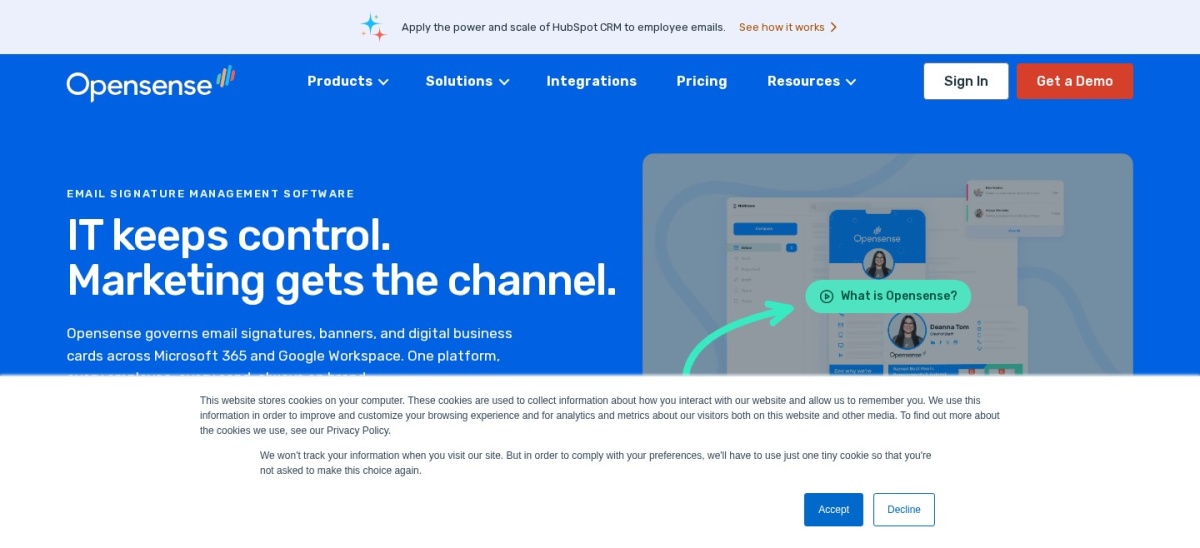
Opensense is a company-wide signature platform with the strongest support scores in this list, rated 9.4 out of 10 for support on G2. The Basic plan costs $1.00 per user a month, with signature customisation, campaign banners and central management for Microsoft 365 and Google Workspace.
The trade off is the minimum. Opensense requires a $500 a month minimum spend, which makes it enterprise-only in practice, and trials need sales approval. It suits larger teams that want white-glove support.
What we like
Highest support scores here, 9.4 out of 10
Strong signature customisation
Works with Microsoft 365 and Google Workspace
Campaign banners with tracking
Watch out for
$500 a month minimum spend
Trials need sales approval
Cost flagged by reviewers despite the low per-user price
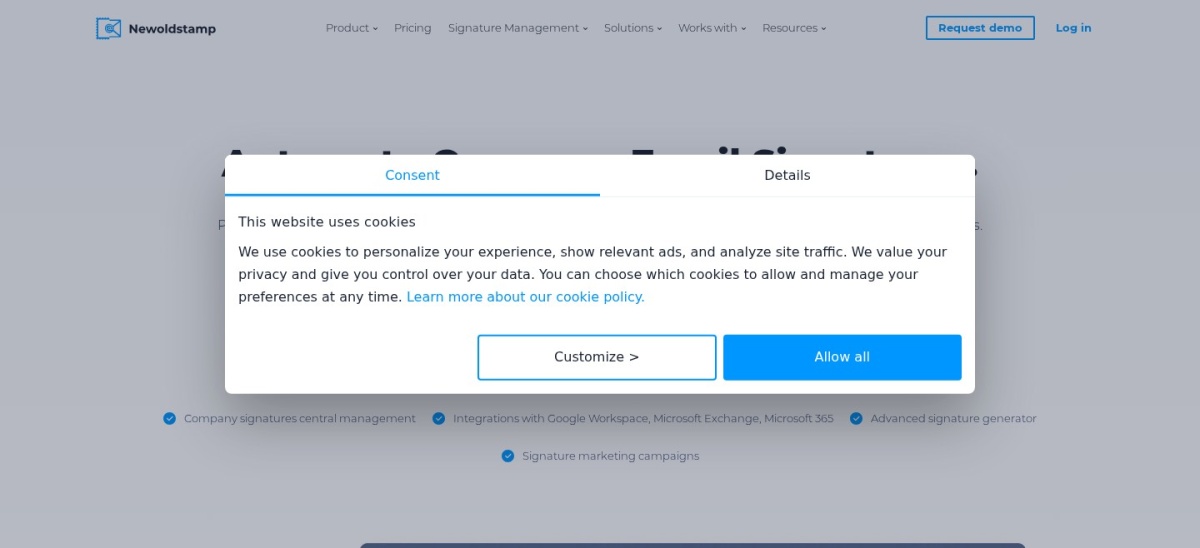
NEWOLDSTAMP treats the email signature as a marketing channel, with banners, calls to action and campaigns that rotate on a schedule. It costs $1.80 per signature a month billed annually, with a 5-signature minimum and a 7-day free trial.
The trade off is the per-signature model. A person with a main signature and a reply signature counts twice, so 100 signatures cost $180 a month. It suits marketing-led teams that want every email to carry a scheduled campaign.
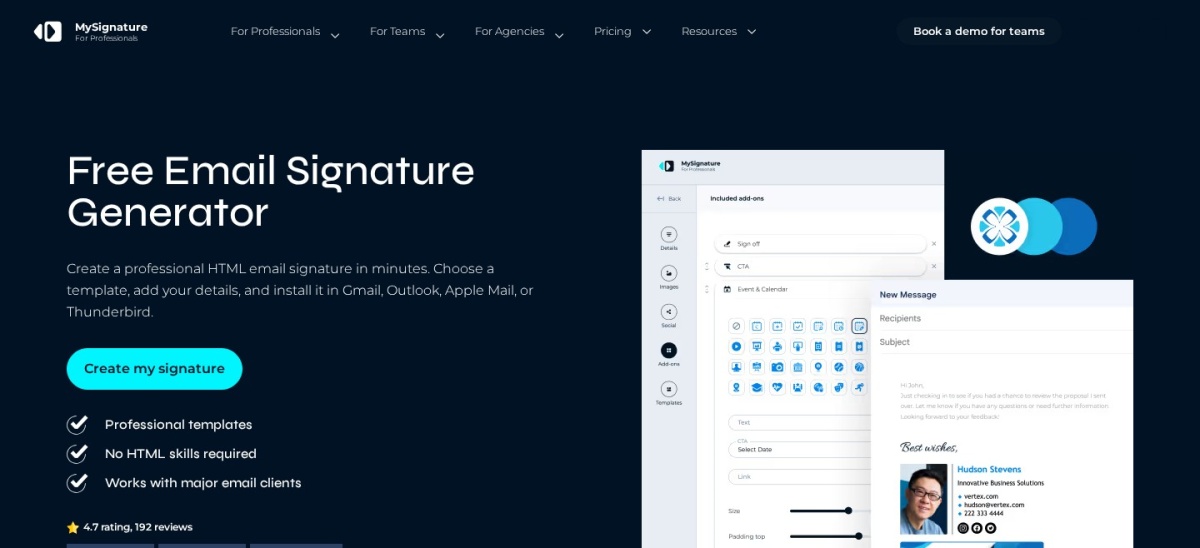
MySignature is a signature generator and management platform for individuals, small businesses and companies on Google Workspace or Microsoft 365. The Teams Standard plan costs $2.40 per user a month billed yearly, with central management, directory automations and user management, plus email tracking and digital business cards.
The trade off is price for individuals. The Professional plans cost $6 to $7 per user a month, which is more than most tools here. It suits small teams that want tracking and business cards alongside signatures.
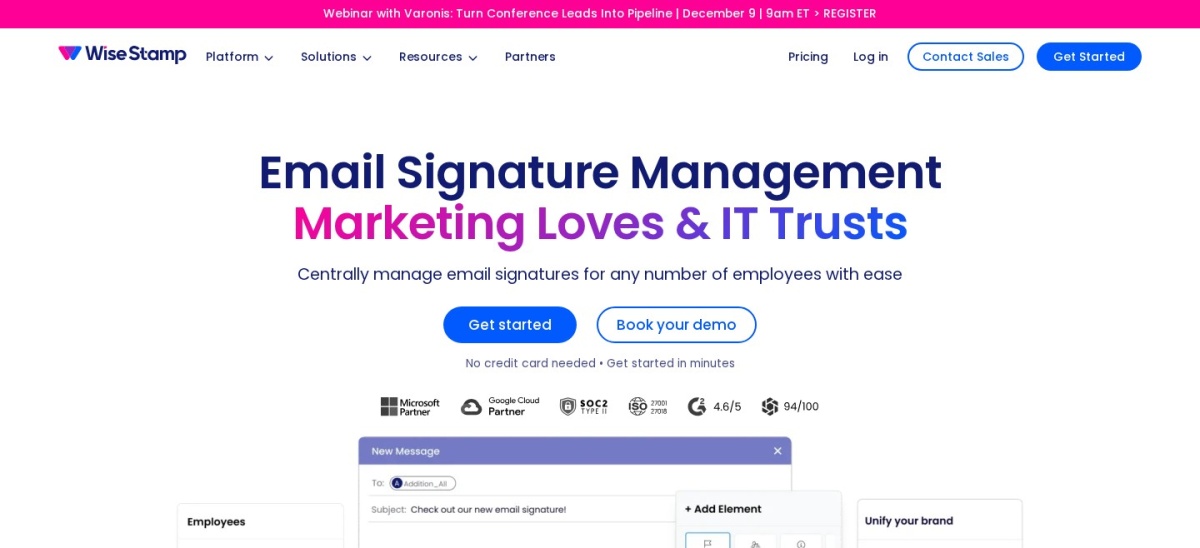
WiseStamp is a signature tool built for small businesses, with a drag-and-drop editor, templates, central management and campaign tools. A free version covers basic signature creation, and the Basic plan costs $19 a month flat for 1 admin and 5 templates, billed annually.
The trade off is the flat pricing. Basic covers only 1 admin, and Grow at $49 and Advanced at $179 a month add admins and templates. It suits anyone who wants a professional signature in minutes without paying first.
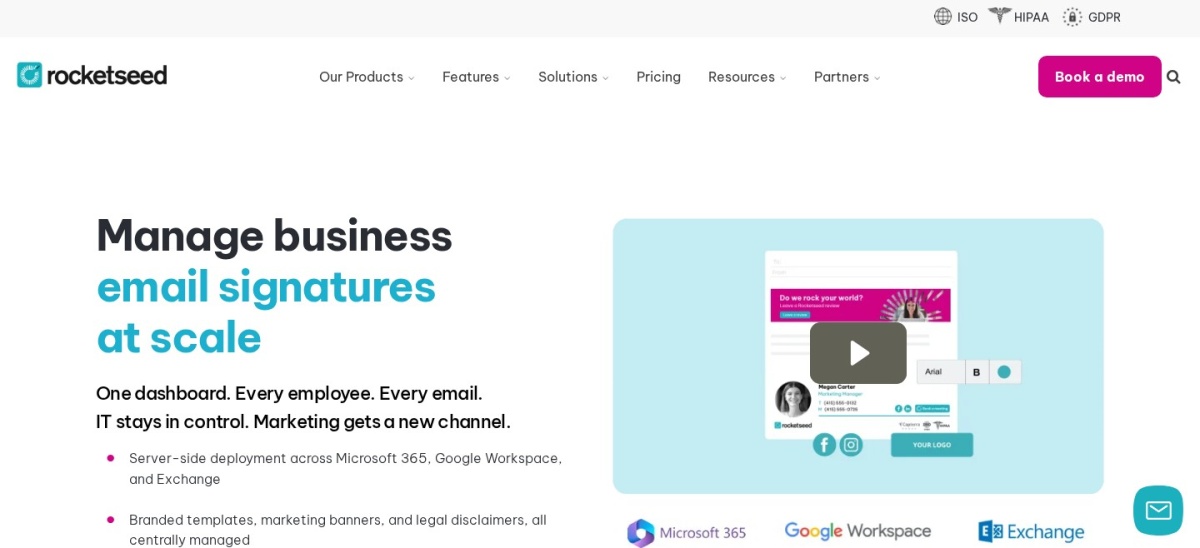
Rocketseed is a centrally managed signature platform with campaign banners and engagement tracking built in. The Signature Complete Solution costs $1.25 per user a month, with support rated 9.6 out of 10 on G2, the highest in this list.
The trade off is the small review base of 80 G2 reviews and a narrower feature set than Exclaimer or CodeTwo. It suits mid-market teams that want campaign banners with real engagement reporting.
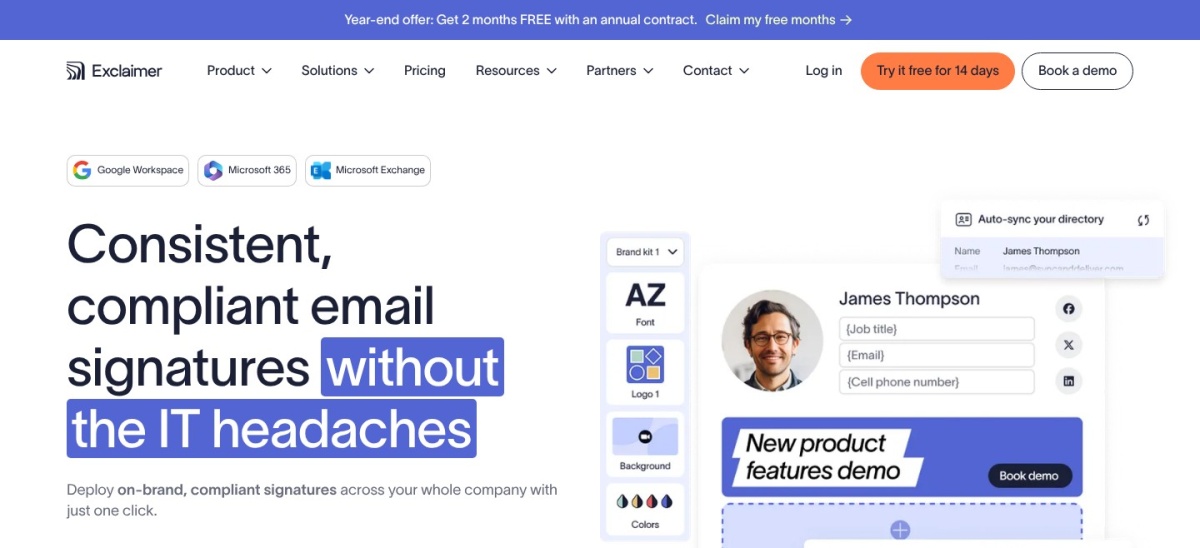
Exclaimer is the most widely used signature tool in this list, with 1,467 G2 reviews. The Starter plan costs $0.90 per user a month for one signature design, directory sync and legal disclaimers, while Standard at $1.45 adds 10 designs, scheduling and campaigns, and Pro at $1.75 adds analytics and Salesforce integration.
The trade off is the annual-only commitment, which surprises some buyers after the trial, and per-user costs that add up for large firms. It suits mid-market and enterprise teams on Microsoft 365 or Google Workspace.
What we like
Most widely used here, 1,467 G2 reviews
Works with Microsoft 365 and Google Workspace
Drag-and-drop designer, rated 8.7 for ease of use
Campaigns, scheduling and analytics on higher plans
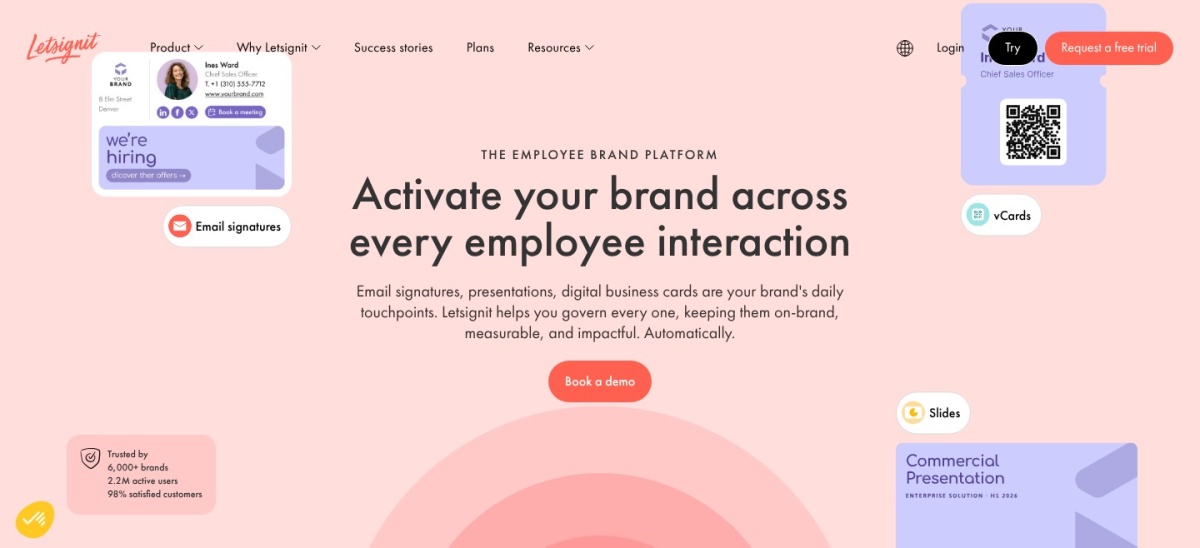
Letsignit is a French signature platform built for large teams, with a central dashboard where IT and marketing push updates without touching end users. The Basic plan costs $1.50 per user a month on G2's listing, with a $60 a month minimum on annual commitment, and it covers Microsoft 365, Exchange and Google Workspace.
The trade off is licensing. Reviewers call the price a bit high and the licensing impractical for fluctuating user counts. It suits large companies, franchises and multi-subsidiary teams that need central brand control.
Keep it to five lines: name, title, company, phone and one link. Anything longer gets ignored, and a wall of social icons looks cluttered on a phone.
Use one banner, not three. A single call to action, like a product launch or an event, earns clicks. Three banners compete with each other and with your email.
Add a photo only if it helps. A headshot works for sales and recruiting, where the person matters. For support or finance, a logo alone is cleaner.
Check the mobile view. More than half of emails are read on a phone, so a signature that wraps badly or stretches the screen will be deleted, not admired.
How we chose
We started from the email signature tools with the most G2 reviews, then kept nine that cover individuals, small teams and company-wide deployment, with templates, free plans and campaign tools.
Prices come from each vendor's G2 pricing listing or the vendor's own pricing page as read by independent checkers in November 2026, and are regular per-user rates. Ratings and review counts come from G2 on 23 November 2026.
This listicle shares its tool set with our best email signature management software list, but it is framed for design, templates and small-team use rather than central IT control. BrandMail's 4.9 rating rests on only 148 reviews, and Opensense's $1 per user price carries a $500 a month minimum, so both are flagged. No vendor paid for a place, and we do not claim hands-on testing for this list.
How to choose email signature software
Start with who designs it, then with how many people need it.
Pick a template first. Browse each tool's template gallery before you buy. If none fits your brand, the editor matters more than the price.
Try the free plan. WiseStamp and MySignature both let you build a real signature for free. Use it for a week before paying for team features.
Check the mobile render. Send test emails to Gmail, Outlook and an iPhone. A signature that breaks on mobile will be seen by half your recipients.
Decide if you need central control. One person can manage their own signature. A team of 20 needs central deployment, or every signature will drift within a month.
FAQ
What is the best email signature software?
BrandMail is the best pick for most teams, rated 4.9 out of 5 on G2 from 148 reviews. WiseStamp is the easiest free start, and CodeTwo is the best value at $0.81 per user a month with 4.8 from 1,888 reviews.
Is there a free email signature software?
Yes. WiseStamp and MySignature both offer free plans for basic signature creation, with one signature per email address. Paid plans add templates, central management, tracking and digital business cards.
How much does email signature software cost?
Most tools charge $0.81 to $1.80 per user a month. CodeTwo is the cheapest at $0.81, Exclaimer starts at $0.90, and NEWOLDSTAMP charges $1.80 per signature. WiseStamp is the outlier at $19 a month flat for its Basic plan.
What is the difference between WiseStamp and MySignature?
Both are small-business signature tools with free plans. WiseStamp is template-first, with a drag-and-drop editor and a $19 a month Basic plan. MySignature adds email tracking and digital business cards, with Teams plans from $2.40 per user a month.
Do email signature tools work on mobile?
Yes, when deployed server-side. The signature is applied on the mail server, so it appears on phones, tablets and webmail with no install. Client-side signatures need an install on each device.
Which email signature software is best for marketing?
NEWOLDSTAMP is built for marketing, with scheduled banner campaigns and calls to action at $1.80 per signature a month. Rocketseed and Exclaimer also run banner campaigns with click tracking.
What is the best email signature software for Microsoft 365?
CodeTwo is the best Microsoft 365 pick, with 4.8 out of 5 on G2 from 1,888 reviews at $0.81 per user a month. Exclaimer is the most widely used alternative at 4.5 from 1,467 reviews, and it also supports Google Workspace.