Canva is the best design software for branded social posts for most teams, with a 4.7 out of 5 G2 rating from 7,945 reviews and brand kits on its $120-a-year Pro plan. Pick Adobe Express for Adobe fonts and stock assets, or VistaCreate if you want animated social templates for the same $120 a year.
How we make this list: we compare pricing pages, product documentation and public user reviews, then re-check every price before each update. No product paid for a place. Disclosure.
Canva leads on review volume: 4.7 out of 5 on G2 from 7,945 reviews, far ahead of every other tool here.
Adobe Express Premium is $99.99 a year and adds 200M+ Adobe Stock assets, 30,000+ fonts and 100 GB of storage.
VistaCreate Pro covers up to 10 team seats for $120 a year, the best per-seat value in this list.
Fotor Pro is the cheapest paid plan at $39.99 a year, while PicMonkey has no free plan, only a 7-day trial.
Every tool here has a brand kit on a paid plan except Snappa, so budget picks need a workaround for locked logos and colors.
How do you choose design software for branded social posts?
Branded social posts live or die on consistency. A follower should recognize your post by its colors, fonts and logo before reading the handle.
A brand kit is the feature that matters most. It locks your logo, colors and fonts into every template so a teammate cannot drift off-brand by accident.
Templates save more time than any other feature. Look for social sizes built in for each network, so one design resizes to a feed post, a story and a cover without rebuilding it.
Free plans differ on exports. Some let you download finished posts for free, some watermark them, and Visme builds for free but charges to download. Check the export rules before you build a month of posts.
Start with your logo and colors ready. Our guide on adding a logo in WordPress covers the same file habits that keep a brand kit clean.
Best design software for branded social posts overall
Free planYes, 250,000+ templates
Brand kitYes, on Pro
Social sizesAll major platforms
Paid planPro, $120/yr
canva.com
Canva homepage, captured Nov 2026.
Canva is a browser design tool with thousands of social templates, drag-and-drop editing, stock photos and brand kits. The free plan includes 250,000+ templates. Pro costs $120 a year, or $15 a month billed monthly, and adds premium templates, background removal, Magic Resize and print-quality PDF export.
The trade off is depth. Canva has no CMYK color control for professional print, and the best templates sit behind Pro. It suits small businesses and teams that need a good branded post fast without hiring a designer.
What we like
Largest template library in this list
Brand kit locks logos, colors and fonts
Rated 4.7 out of 5 on G2 from 7,945 reviews
Magic Resize reworks one post for every network
Watch out for
Best templates need the Pro plan
No CMYK color control for professional print
Large projects can feel slow
Pro adds brand kits, Magic Resize and premium templatesVisit canva.com
02
Adobe Express
4.4/5on G2 (1,108 reviews, checked Nov 2026)
Paid from$99.99/yr
Best for Adobe fonts and stock assets
Free planYes, 5 GB storage
Brand kitYes, on Premium
Stock assets200M+ on Premium
Paid planPremium, $99.99/yr
adobe.com
Adobe Express homepage, captured Nov 2026.
Adobe Express is Adobe's browser editor for social graphics, flyers and short video, with Firefly AI built in. The free plan includes basic templates, 5 GB of storage and 25 generative credits a month. Premium costs $9.99 a month or $99.99 a year and adds 250 generative credits a month, 200M+ Adobe Stock assets, 30,000+ fonts and 100 GB of storage.
The trade off is the annual commitment. The yearly plan saves about 17% against monthly billing, but Adobe charges an early-termination fee if you cancel an annual plan early. It suits people already in the Adobe ecosystem, where Premium is included with Creative Cloud plans.
What we like
Huge Adobe Stock and font libraries
Firefly AI generation built in
Brand kit with multiple brands per account
Included free with Creative Cloud plans
Watch out for
Annual plan carries an early-termination fee
250 AI credits a month runs out fast
Fewer social templates than Canva
Premium adds stock assets, fonts and more AI creditsVisit adobe.com
03
VistaCreate
4.5/5on G2 (171 reviews, checked Nov 2026)
Paid from$120/yr
Best value Canva alternative
Free planYes, 50,000+ templates
Brand kitUnlimited, on Pro
Team seatsUp to 10 on Pro
Paid planPro, $120/yr
create.vista.com
VistaCreate homepage, captured Nov 2026.
VistaCreate is a browser design tool aimed at marketers and small businesses making social graphics and ads. The free Starter plan includes 50,000+ templates and over a million royalty-free assets with no download cap. Pro costs $13 a month or $120 a year billed annually and adds premium assets, background removal, unlimited brand kits and team accounts for up to 10 people.
The trade off is reliability. Reviewers praise the price but report freezes and slow exports at times. It suits solo creators and small teams who want Canva-style editing with animated social templates for less money.
Snappa is a deliberately small browser tool for fast static graphics: preset canvas sizes, a template, stock photos and text, with nothing extra in the way. The free plan gives access to every template and stock photo but caps downloads at 10 credits a month. Pro costs $10 a month, or $120 a year, with unlimited downloads, background removal and custom font uploads.
The trade off is scope. Snappa makes static graphics only, with no animation, video or multi-page documents, and it has no brand kit, so colors and fonts must be set by hand each time. It suits one person who needs a branded post finished in minutes.
Visme is a visual content platform for social posts, presentations, infographics, documents and forms, with 1.5M+ stock assets. The free Basic plan offers 500 MB of storage and limited templates, but you cannot download projects without a paid plan. Starter costs $12.25 a month billed annually, or $147 a year, and adds downloads, premium templates and 1 GB of storage.
The trade off is the paywall. The free plan builds but does not export, so hours of work can precede discovering the download limit. It suits marketers who want one tool for social posts, slides and reports, with charts built into the editor.
What we like
One tool for social posts, slides and reports
1.5M+ stock assets
Brand kit keeps output consistent
Charts and data widgets built in
Watch out for
Free plan cannot download anything
Starter is limited to personal use
Most expensive paid plan in this list
Starter adds downloads, premium templates and storageVisit visme.co
06
PosterMyWall
4.7/5on G2 (71 reviews, checked Nov 2026)
Paid from$109/yr
Best social-first template library
Free planYes, watermarked downloads
Templates4M+ free templates
Event pagesYes, on Premium
Paid planPremium, $109/yr
postermywall.com
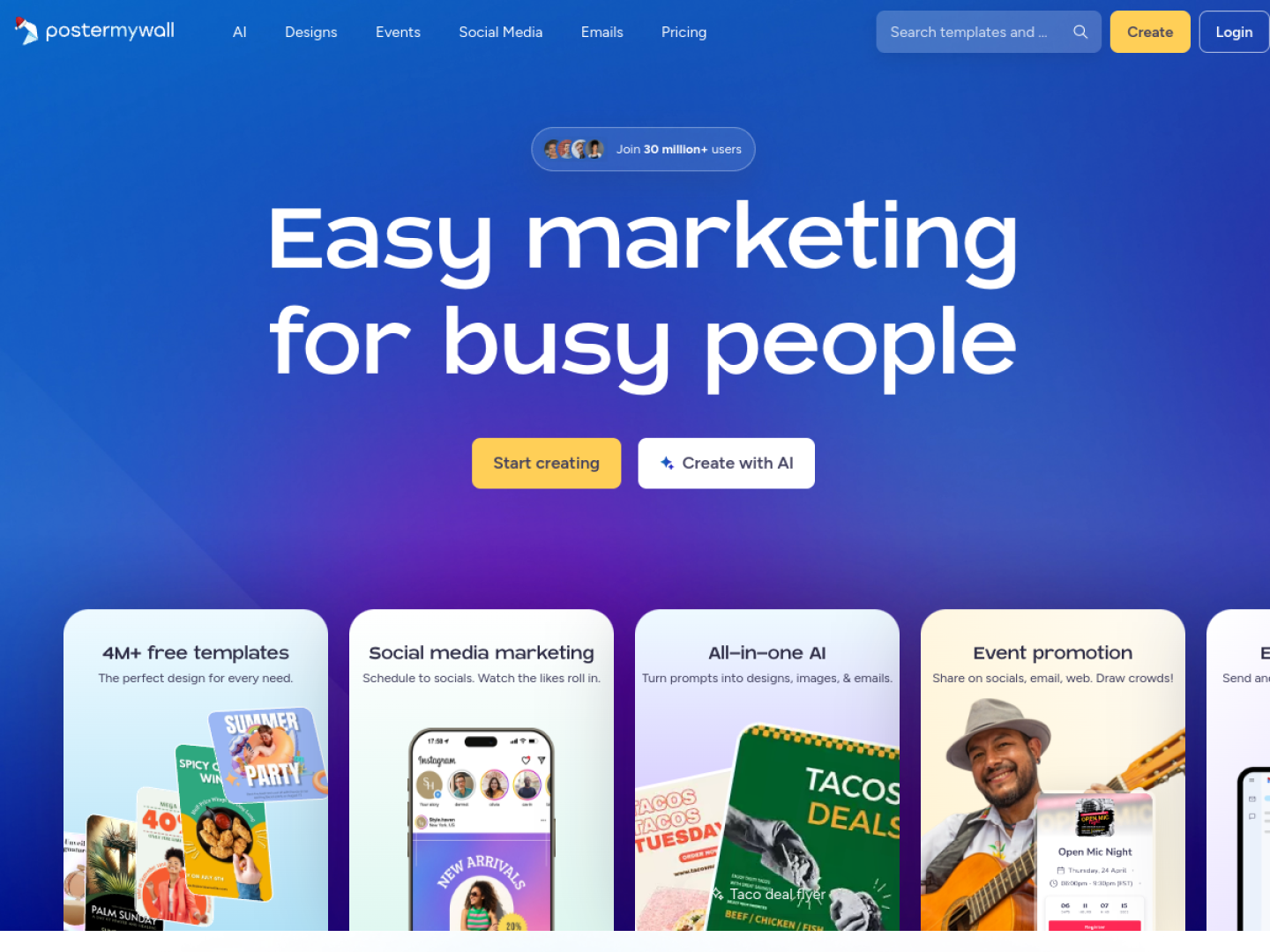
PosterMyWall homepage, captured Nov 2026.
PosterMyWall is built around posters, flyers and social graphics rather than general design. The free plan covers templates and basic editing, while Premium costs $13 a month or $109 a year and adds unlimited high-quality downloads, 100 AI credits a month, 3 social accounts and 3,000 email sends a month. It holds a 4.7 rating on G2 from 71 reviews.
The trade off is breadth. It has fewer general design features than Canva, and free downloads carry a watermark. It suits event organizers, schools and local businesses that make branded social posts every week.
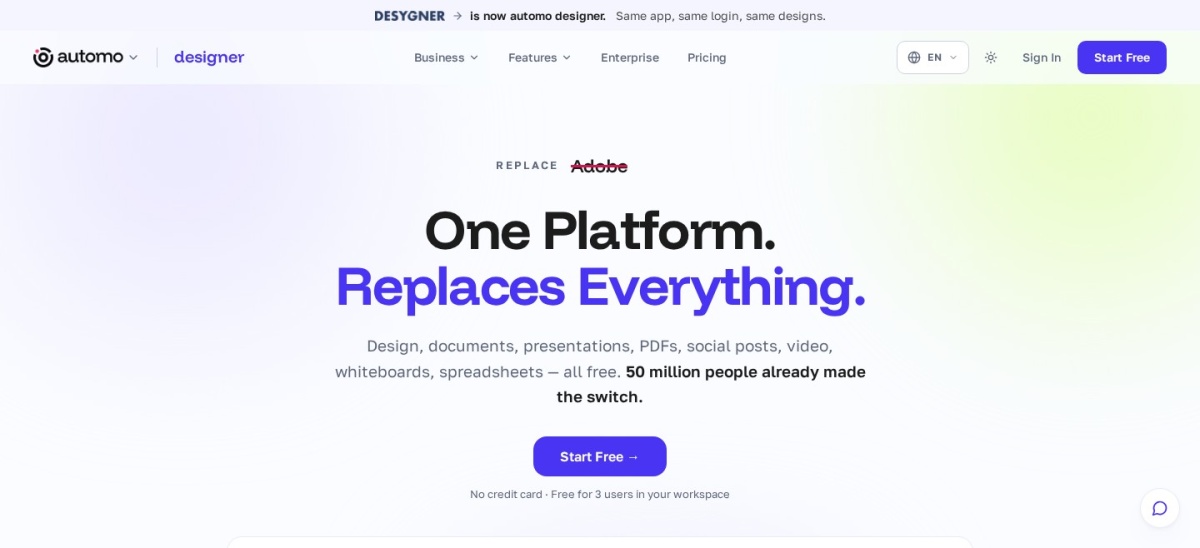
Desygner is a cloud design tool for small businesses and franchises that need consistent branding. The free plan includes thousands of templates, millions of free images and icons, and 300-plus design formats, while Pro+ at $4.95 a month billed yearly unlocks premium templates, brand kits and a large image library.
The trade off is polish. Reviewers call the interface dated next to Canva, AI features use credits that run out fast, and full team controls need the Business plan. It suits multi-location businesses that want local teams to use locked brand templates.
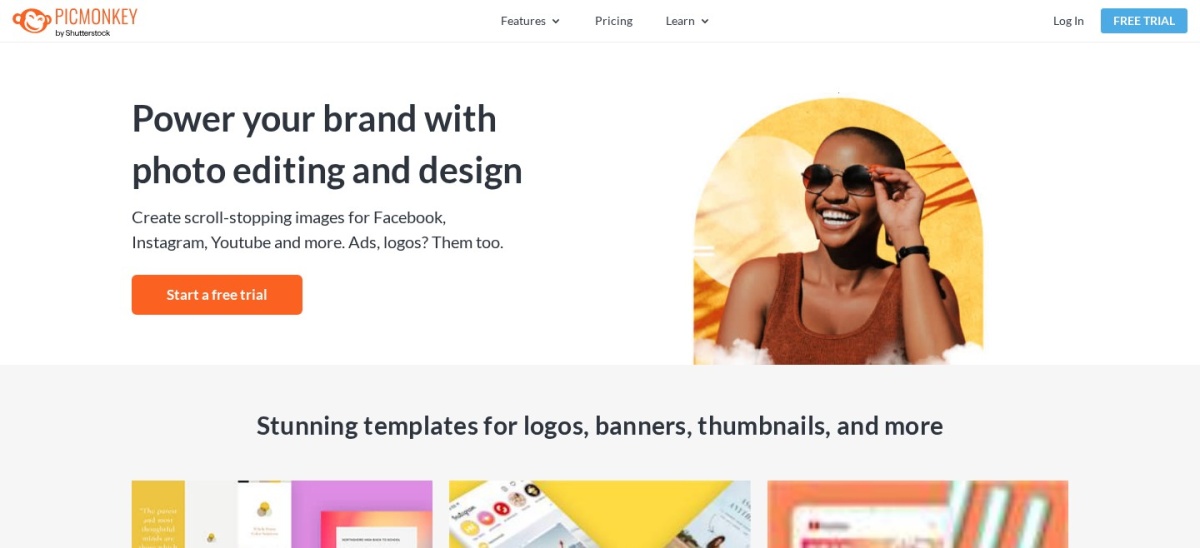
PicMonkey is a browser photo editor and design tool for small sellers, bloggers and creators who need product photos and simple graphics. The Basic plan costs $7.99 a month or $72 a year billed annually, with 1 GB of cloud storage, photo editing, templates and JPG or PNG export. Pro costs $12.99 a month or $120 a year and adds background removal, Smart Resize and Shutterstock stock photos.
The trade off is the free tier. PicMonkey has no permanent free plan, only a 7-day trial that needs a card, and downloads stop when the trial ends. It suits sellers who start branded posts from their own photography.
Fotor is a browser photo editor and design platform with AI tools for background removal, upscaling and image generation beside its social templates. The free Basic plan covers basic editing with watermarked exports and 512 MB of storage. Pro costs $8.99 a month or $39.99 a year and adds watermark-free HD exports, 100 AI credits a month, 2 GB of storage and batch background removal.
The trade off is the AI credit cap. Pro includes only 100 AI credits a month, and the 7-day trial converts automatically with no refund if you forget to cancel. It suits casual social-post makers who want photo AI on a small budget.
Free plans cover the basics well. Most include templates, basic editing and a few downloads a month.
Paid plans mostly add brand kits and exports. You get locked logos and colors, watermark-free downloads and high-resolution files.
If a post goes out under your brand every day, a paid plan is usually worth it. One off-brand post costs more in trust than a month of Pro.
For a one-off post, a free plan or a trial is enough. For weekly branded posts, the cheapest paid plan in this list is Fotor Pro at $39.99 a year.
How we chose
We started from the most established browser design tools with social templates and a brand kit, then kept those with a public G2 rating and a clear pricing page.
Prices come from each vendor's pricing page, checked on 30 November 2026. Ratings and review counts come from G2 on the same day. Where a vendor shows a sale, the list shows the regular price.
We left out desktop-only tools with no public rating and design apps with no paid plan listed. No vendor paid for a place, and we do not claim to have used these tools ourselves.
How to choose design software for branded social posts
Start with how often you post and who else touches the designs, then pick the tool that fits that pattern.
Check whether you need a brand kit. If more than one person makes posts, a locked brand kit matters more than template count. Canva, Adobe Express, VistaCreate, Visme and Desygner all include one on a paid plan.
Count how many posts you make a month. Snappa's free plan caps downloads at 10 credits a month, so weekly posting needs a paid plan. Fotor Pro at $39.99 a year is the cheapest route.
Match the tool to your starting point. Photo-led posts fit PicMonkey or Fotor. Data-heavy posts fit Visme. Event posts fit PosterMyWall.
Try the free plan before you pay. Build one real post first and check the export. See how to add a logo to a design before you commit to a brand kit.
FAQ
What is the best design software for branded social posts in 2026?
Canva is the best design software for branded social posts for most teams. It holds a 4.7 out of 5 rating on G2 from 7,945 reviews, with thousands of social templates, a free plan and brand kits on Pro at $120 a year.
Is there free design software for branded social posts?
Yes. Canva, Adobe Express, VistaCreate, Snappa, Visme, PosterMyWall, Desygner and Fotor all have free plans. PicMonkey is the exception, with a 7-day trial instead of a free plan.
What is the cheapest design software for branded social posts?
Fotor Pro is the cheapest paid plan in this list at $39.99 a year. Desygner Pro+ follows at $59.40 a year, then PicMonkey Basic at $72 a year and Adobe Express Premium at $99.99 a year.
Which design software is best for beginners making branded social posts?
Canva is the easiest starting point. Its editor needs no design skill, templates cover every social size, and the free plan is enough to learn on before paying for the brand kit on Pro.
Is Canva or Adobe Express better for branded social posts?
Canva is better for most teams, with more templates, a higher G2 rating and a larger review base. Adobe Express is better if you already use Adobe tools, since Premium adds 200M+ Adobe Stock assets and 30,000+ fonts for $99.99 a year.
Do I need a brand kit for social posts?
You do if more than one person makes posts. A brand kit locks your logo, colors and fonts into every template, so teammates cannot drift off-brand. Solo creators can manage with saved colors and fonts instead.
SaaS SEO and WordPress specialist with about 8 years of experience. Rakib compares WordPress plugins, themes, hosting and software using public pricing, documentation and user reviews. See how we rank.