BricsCAD is the best DraftSight alternative for most drafters: it reads and writes DWG natively, feels like the AutoCAD-style workflow DraftSight users know, and costs $345 a year for Lite. Pick ZWCAD for a DraftSight-priced DWG subscription at $299 a year, or QCAD if you want to pay $48 once and own it.
How we make this list: we compare pricing pages, product documentation and public user reviews, then re-check every price before each update. No product paid for a place. Disclosure.
BricsCAD Lite costs $345 a year and is the closest DWG match to DraftSight, rated 4.5/5 on G2 from 135 reviews.
ZWCAD matches DraftSight Pro at $299 a year and holds the highest rating among the DWG clones at 4.6/5 on G2 from 354 reviews.
QCAD Professional costs $48 once and never charges again, the cheapest paid route to DWG editing.
nanoCAD Platform is the cheapest yearly DWG subscription here at $289 a year, with 3D sold as add-on modules.
LibreCAD and FreeCAD cost $0, but LibreCAD cannot save DWG files and FreeCAD is built for 3D parts, not daily 2D drafting.
AutoCAD is the $2,095-a-year standard every client file already matches, with 2,010 G2 reviews behind it.
How do you choose the best DraftSight alternative?
Start with the files you already have. DraftSight shops run on DWG, so an alternative that only reads DXF or exports through a converter adds friction to every handoff.
Price is the widest gap in this list. Two tools cost $0, QCAD costs $48 once, and AutoCAD costs $2,095 a year, so the cheapest and dearest seats differ by more than $2,000 a year.
The licence model matters as much as the price. DraftSight charges $299 a year for Professional, and most of the tools here are subscriptions too, but QCAD, TurboCAD and the free tools let you keep working if you stop paying.
Try the trial on a real drawing. Most paid tools here offer a free trial of 15 to 30 days, so run one of your own DWG files through the shortlist before you pay.
Finished drawings still need somewhere to live. If you present work to clients online, our guide on creating a portfolio site with WordPress shows how to publish drawings and plans on your own site.
BricsCAD is the closest thing to a DraftSight twin in this list: a DWG-native CAD platform with the same command-line habits, the same file format and a familiar drafting interface. Lite covers 2D drafting, layers, blocks and plotting for $345 a year, with a 30-day trial and a perpetual licence at $780 once.
The trade off is the upsell ladder. Lite is 2D only, so 3D modelling, BIM and mechanical tools need Pro at $780 a year or higher editions. It suits DraftSight users who want the same DWG workflow with the option to own the licence outright.
ZWCAD is a DWG-native drafting platform priced to match DraftSight: Flex Standard costs $299 a year and reads and writes DWG files without conversion. It covers 2D drafting, plotting and sheet sets, with a 30-day trial and a perpetual Standard licence from $899.
The trade off is availability. The ZWCAD homepage currently carries a banner saying the product is not available in the USA, and 3D solids need Flex Professional at $599 a year. It suits Windows drafters who want a straight DraftSight-priced DWG subscription.
AutoCAD is the drafting standard most of the industry already runs on, and the closest match to a DWG workflow that never needs conversion. The subscription costs $260 a month or $2,095 a year and includes seven industry-specific toolsets for architecture, mechanical, electrical and more, plus web and mobile apps.
The trade off is the subscription. There is no perpetual licence and no free plan, only a 30-day trial, so a single seat is a $2,095 yearly commitment. It suits drafters who share files with AutoCAD-based clients and need the file format everyone else already uses.
nanoCAD is a DWG-native CAD platform built around a modular system: the base Platform costs $289 a year and covers 2D drafting, while 3D, mechanical and construction tools are add-on modules. A legacy version 5 is free, and the paid platform includes a 30-day trial.
The trade off is the module bill. Each add-on costs extra, so a full 3D setup runs higher: the Pro bundle with 3D lists at $459 a year. It suits Windows drafters who want the lowest yearly DWG subscription and only pay for the modules they use.
ARES Commander is Graebert's DWG editor for desktop, mobile and cloud, and the highest-rated tool in this list at 4.8 out of 5 on G2. The Trinity annual plan costs $350 a year and covers 2D and 3D DWG editing on Windows, macOS and Linux, with a free trial.
The trade off is the thin review base. That 4.8 rating rests on only 19 G2 reviews, far fewer than the hundreds behind ZWCAD or AutoCAD, so treat it as promising rather than proven. It suits drafters who want one DWG licence across desktop, tablet and browser.
What we like
Highest G2 rating here at 4.8/5
One licence covers desktop, mobile and cloud
Runs on Windows, macOS and Linux
Watch out for
Rating rests on only 19 G2 reviews
Costs $51 a year more than DraftSight Pro
Cloud features need a steady connection
Perpetual licence from $950, or 3 years of Trinity for $700Visit graebert.com
06
QCAD
4.4/5on G2 (13 reviews, checked Nov 2026)
Paid from$48/once
Best for paying once and owning it
Cheapest planProfessional, $48 once
Free planYes, Community Edition
DWG supportRead and write, Pro
PlatformsWindows, macOS, Linux
qcad.org
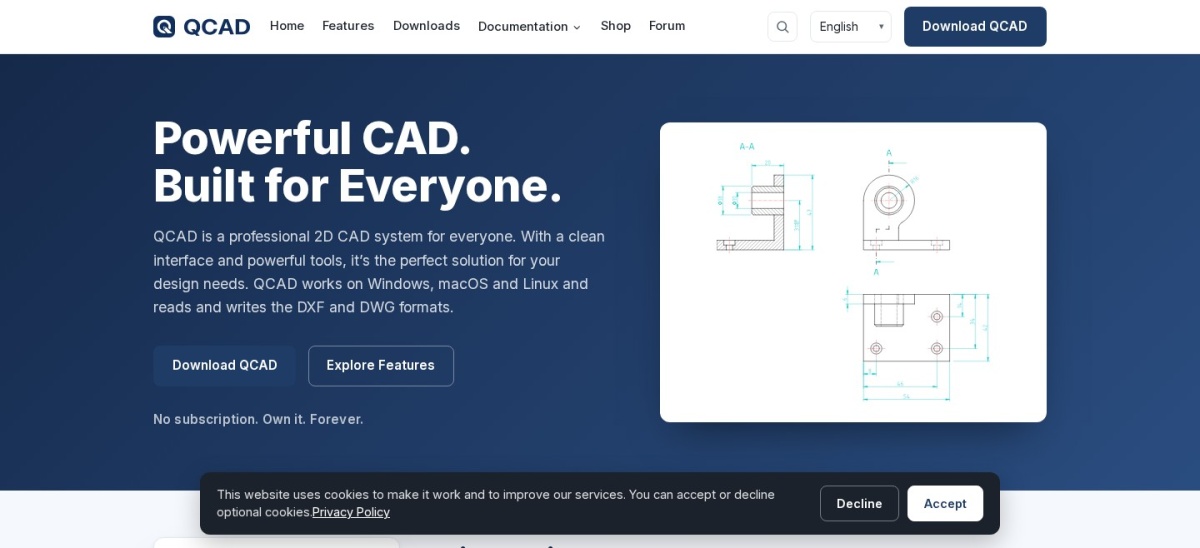
QCAD homepage, captured Nov 2026.
QCAD is a 2D drafting program with an open-source core, and QCAD Professional is the paid edition sold by its developer for $48, once. That buys a single-user perpetual licence that runs on Windows, macOS and Linux, and it reads and writes both DXF and DWG.
The trade off is scope. QCAD is 2D only, with no 3D modelling, and the free Community Edition cannot write DWG, so the $48 licence is the real price for DraftSight work. It suits small shops that draw 2D plans and want to own the tool outright.
TurboCAD is a long-running design suite that covers 2D drafting and 3D modelling under perpetual licences. Designer costs $199.99 once for basic 2D drafting, while Deluxe at $399.99 once adds 3D, and the software reads and writes DWG and DXF.
The trade off is the edition maze. Four perpetual tiers plus yearly term licences make the real price easy to misread, and the homepage currently advertises seats from $99.99, which does not match the $199.99 Designer list price. It suits Windows and Mac users who want to buy a CAD licence once and keep it.
What we like
Perpetual licences, no subscription required
Deluxe adds 3D for $399.99 once
30 years of development behind it
Watch out for
Confusing mix of perpetual and term licences
Homepage price conflicts with the Designer list price
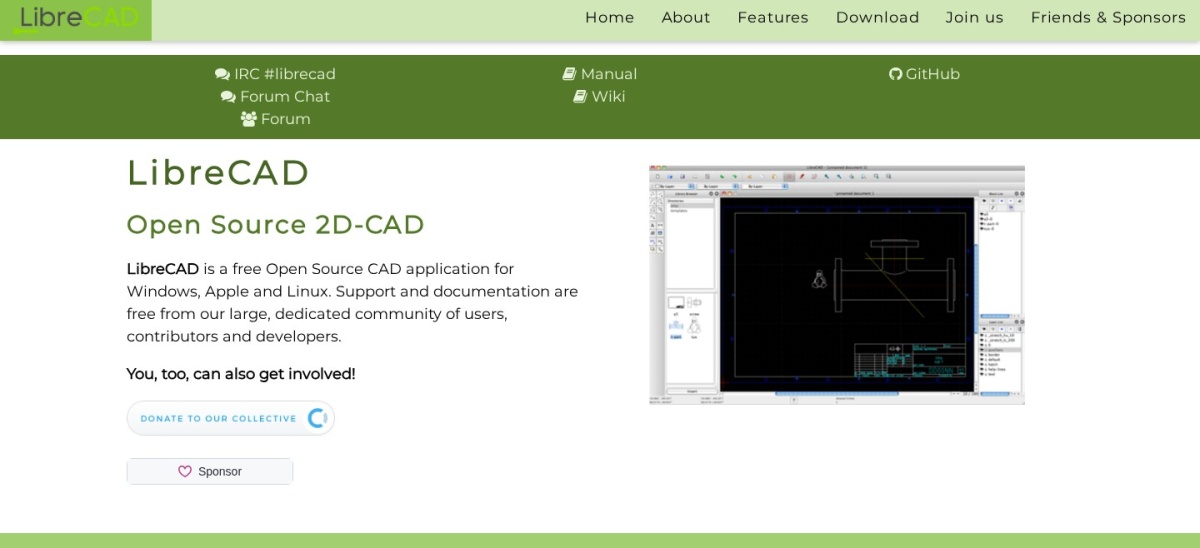
LibreCAD is a free, open-source 2D CAD application for Windows, macOS and Linux, built from the QCAD code base. It covers layers, blocks, dimensions and printing for $0, with no paid tier, no account and no licence key.
The trade off is DWG. LibreCAD reads DXF natively and imports DWG, but it cannot save DWG files, so DraftSight users who exchange DWG with clients need a converter in the loop. It suits students, hobbyists and shops that can standardise on DXF.
FreeCAD is a free, open-source parametric 3D modeller for Windows, Mac and Linux, with no paid tier and no revenue cap. You sketch, constrain, extrude and build parts from a feature history, then make assemblies and 2D drawings from the model.
The trade off is fit. FreeCAD is built for 3D parts, not daily 2D DWG drafting, so a DraftSight user who mostly edits plans will work slower here than in QCAD or LibreCAD. It suits engineers who need 3D parts and drawings from one free tool.
The file format is the easy part. Seven of the nine tools here read and write DWG natively, so your existing drawings open without conversion and go back to clients in the same format.
The licence is the real change. DraftSight Professional is a $299-a-year subscription, and only QCAD, TurboCAD and the two free tools let you stop paying and keep drawing.
The interface is the hidden cost. BricsCAD, ZWCAD and nanoCAD copy the AutoCAD-style command line DraftSight users know, so the switch takes days, while FreeCAD and LibreCAD need a longer adjustment.
Keep one DraftSight seat until the switch is proven. Run a live project through the new tool first, plot it, and send it to a client before you cancel the old subscription.
How we chose
We started from the tools most often named as DraftSight replacements in CAD round-ups and user forums, then kept nine established products with a current version and a public price.
Prices come from each vendor's pricing page or a page that quotes it, checked on 29 November 2026. Ratings and review counts come from G2, checked on 29 November 2026, with ZWCAD, nanoCAD and ARES Commander cross-checked against WPLegible's own CAD lists compiled from G2 this week. Where a vendor shows a sale, the list shows the regular price.
We left out tools with no public rating and tools that only model in 3D with no DWG drafting workflow. No vendor paid for a place, and we do not claim to have used these tools ourselves.
How to choose a DraftSight alternative
Match the tool to the files you trade every day, then test it on a real drawing before you pay.
List the formats your clients send. DWG in and DWG out points to BricsCAD, ZWCAD, AutoCAD, nanoCAD or ARES Commander. DXF-only work can use LibreCAD or the free QCAD edition.
Decide between renting and owning. Subscriptions stop working when you stop paying. QCAD at $48 once, TurboCAD Designer at $199.99 once and the free tools keep working with no renewal.
Try the trial on your own DWG file. Most paid tools here offer a 15- to 30-day trial. Open a real project, plot it and send it back to a client before you commit.
Add up the first year, not the first month. Annual billing cuts the monthly price sharply, and modules, 3D editions and renewals change the total. BricsCAD Lite at $345 a year beats AutoCAD at $2,095 for the same 2D work.
FAQ
What is the best DraftSight alternative in 2026?
BricsCAD is the best DraftSight alternative for most drafters. Its Lite edition costs $345 a year, reads and writes DWG natively, and holds a 4.5 out of 5 rating on G2 from 135 reviews. ZWCAD is the closest-priced option at $299 a year.
Is there a free alternative to DraftSight?
Yes. LibreCAD and FreeCAD are both free and open source. LibreCAD is the better pick for pure 2D drafting, while FreeCAD suits engineers who also need 3D parametric parts. QCAD costs $48 once if you need to save DWG files.
How much does a DraftSight alternative cost?
From $0 to $2,095 a year. LibreCAD and FreeCAD are free, QCAD costs $48 once, nanoCAD costs $289 a year, ZWCAD costs $299 a year, BricsCAD Lite costs $345 a year, and AutoCAD costs $2,095 a year.
Which DraftSight alternative is best for beginners?
QCAD is the easiest starting point: a clean interface, a free Community Edition to learn on, and a $48 Professional licence when you need DWG. LibreCAD is free too, but its interface and DWG limits frustrate new users faster.
BricsCAD or ZWCAD: which is better than DraftSight?
BricsCAD is the safer pick for most DraftSight users, with a larger review base, Mac and Linux versions, and a perpetual licence option. ZWCAD matches DraftSight's $299 yearly price, but its homepage currently warns it is not available in the USA.
Can I open DraftSight DWG files in these alternatives?
Yes, with one exception. BricsCAD, ZWCAD, AutoCAD, nanoCAD, ARES Commander, QCAD Professional and TurboCAD all read and write DWG natively. LibreCAD imports DWG but saves DXF, and FreeCAD imports and exports DWG through a converter.
Does DraftSight still cost $299 a year?
Yes. DraftSight Professional costs $299 a year with a 30-day trial, and Premium with 3D costs $599 a year. That is the price every alternative in this list is measured against.
SaaS SEO and WordPress specialist with about 8 years of experience. Rakib compares WordPress plugins, themes, hosting and software using public pricing, documentation and user reviews. See how we rank.