Planable is the best of the ContentCal alternatives for teams that need client sign-off, with approvals on every paid workspace from $33 a month. Loomly suits in-house teams that plan campaigns together, while Buffer is the cheapest way to schedule across a few channels.
How we make this list: we compare pricing pages, product documentation and public user reviews, then re-check every price before each update. No product paid for a place. Disclosure.
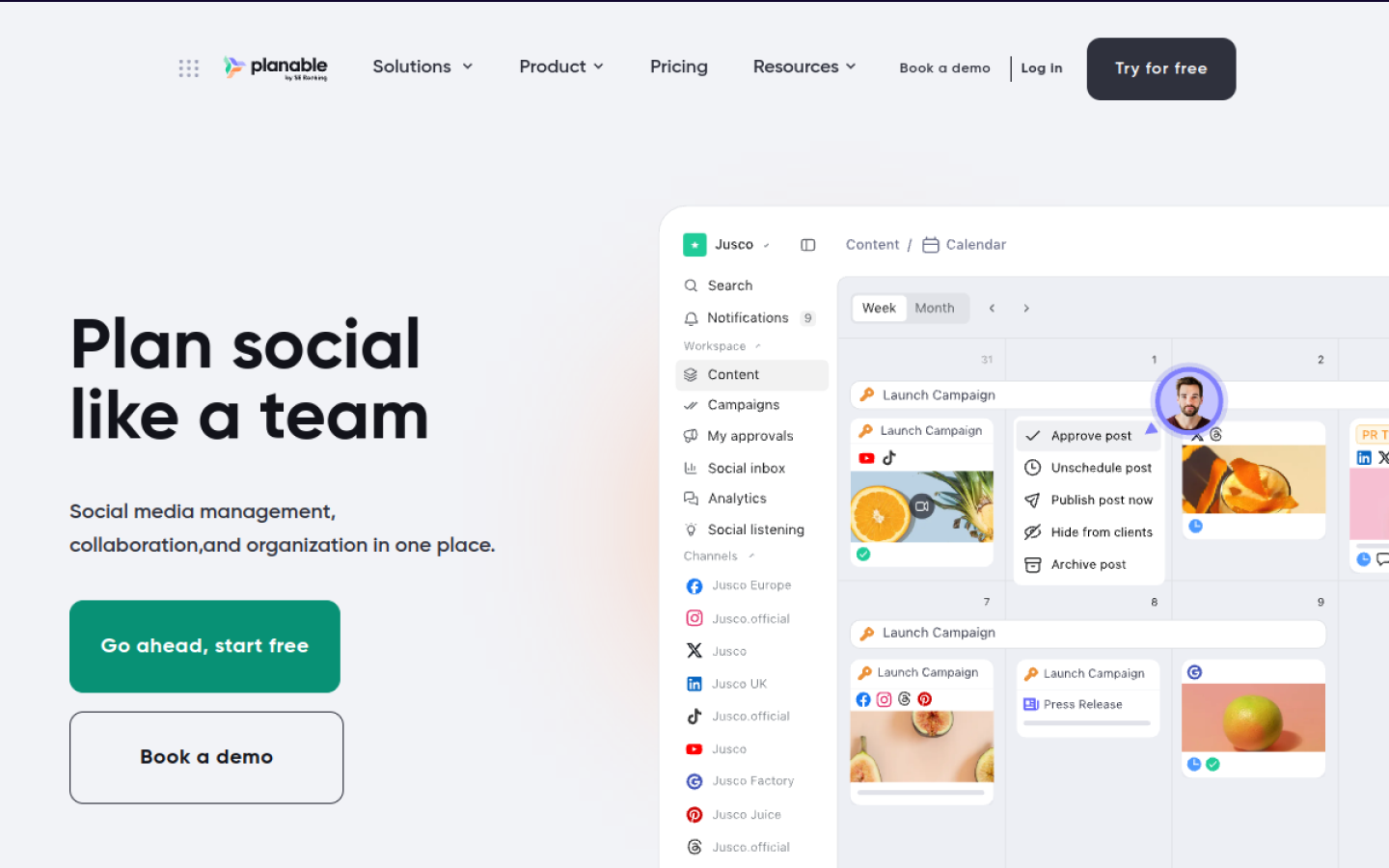
Planable is the closest ContentCal replacement: approvals, unlimited users and a visual feed preview from $33 a workspace a month.
Loomly has the highest G2 rating here at 4.6 out of 5 from 1,796 reviews, with approvals included on its $49 Starter plan.
Buffer is the cheapest paid plan at $5 a channel a month, and its free plan covers 3 channels.
Hootsuite is the dearest at $99 per user a month, and approvals only appear on its $399 Advanced plan.
Paid plans across the 9 tools run from $5 to $99 a month, so the right pick depends on seats, profiles and who approves.
How do you choose the best ContentCal alternative?
ContentCal was built around one job: planning social posts with a team and getting them approved before they went live. The best replacement keeps that approval step, not just the calendar.
Start with who approves. If clients or managers must sign off, pick a tool with approvals on the plan you can afford, such as Planable Basic or Loomly Starter, and check whether reviewers need a paid seat.
Then count the billing unit. Planable charges per workspace with unlimited users, Sendible per workspace with unlimited users, and Buffer per channel, while Hootsuite, Sprout Social and Agorapulse charge per user, so the same team can cost very different amounts.
Finally, check the network list. Later does not support X at all, and some free plans exclude LinkedIn or X, so confirm the networks you actually publish to before you shortlist.
Planable is a content planning and approval workspace where teams draft posts, preview them as they will look live, and collect sign-off before anything publishes. Basic costs $33 per workspace a month billed yearly and covers 1 workspace, unlimited users, 4 social pages and 60 posts a month.
The trade off is the post cap. Basic allows 60 posts a month, so a busy team must count posts or move to Pro at $49 a month, and analytics and the engagement inbox cost extra as add-ons. It suits agencies and brand teams whose bottleneck is feedback, not scheduling.
What we like
Approvals on every paid plan, with multi-step sign-off
Unlimited users, so reviewers cost nothing extra
Feed-style preview shows posts as they will look live
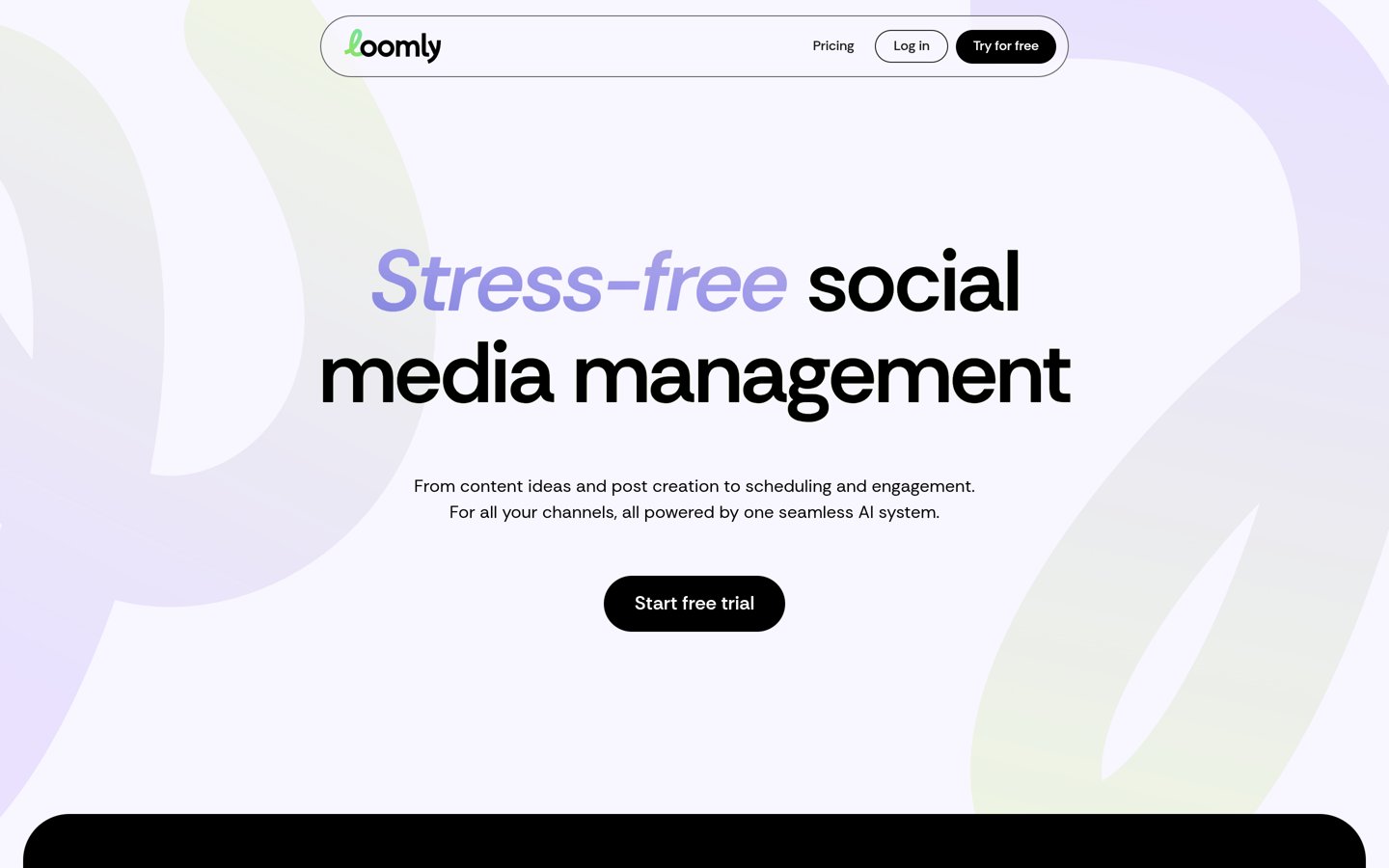
Loomly is a calendar-first tool for teams that plan posts together and approve them before they go live. Starter covers 12 social accounts, 3 users, unlimited calendars, approval workflows and advanced analytics, and a free plan covers 3 accounts with 5 posts a month.
The trade off is the price jump. A fourth user or a 13th account forces a move to Beyond at $249 a month billed annually, with no middle tier. It suits in-house teams of up to 3 people who want structured campaigns and post ideas in one calendar.
What we like
Highest G2 rating here, 4.6 out of 5 from 1,796 reviews
Approvals and advanced analytics on the entry plan
Later is a visual planning platform built for Instagram and TikTok, with a drag-and-drop calendar that previews the grid before anything publishes. Starter costs $18.75 a month billed yearly and covers 1 social set of 8 profiles, 30 posts per profile a month and Linkin.bio.
The trade off is coverage. Later does not support X at all, and the Starter post cap of 30 per profile a month is tight for busy accounts. It suits creators and visual brands that plan Instagram and TikTok first and want the grid to look right.
Buffer is a simple scheduler that charges per connected channel instead of per seat, so a solo creator pays for channels, not teammates. Essentials costs $5 per channel a month billed yearly and removes the post cap, while the free plan covers 3 channels with 10 scheduled posts each.
The trade off is depth. Analytics are basic, approvals need the Team plan at $10 per channel a month, and there is no built-in social listening. It suits solo creators and small teams that mainly schedule posts and want the lowest bill for a few channels.
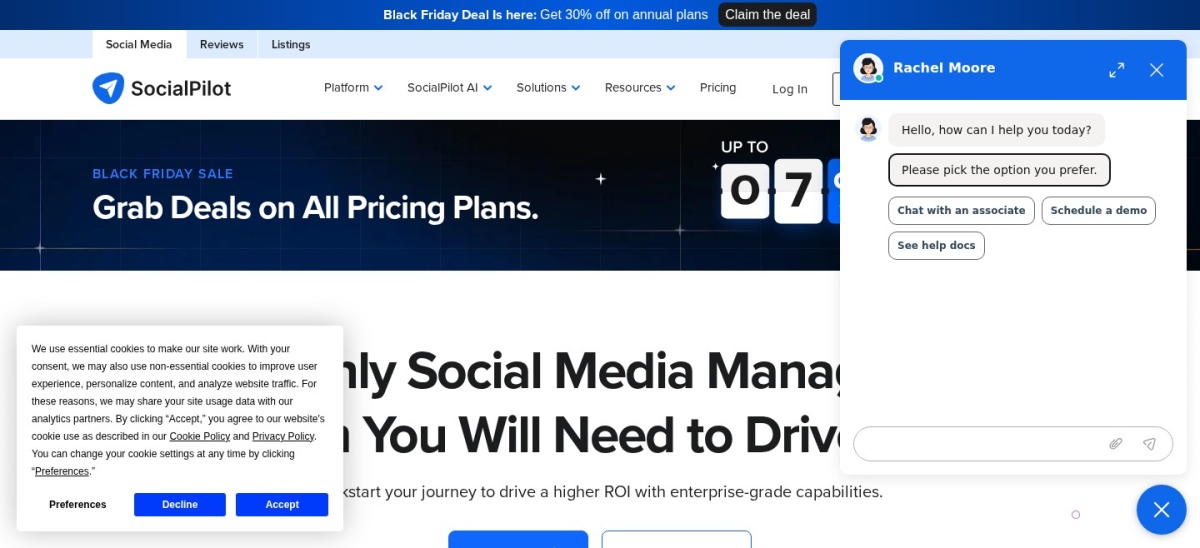
SocialPilot is a low-cost scheduler for freelancers and small agencies that manage several client accounts on a budget. Essentials costs $17 a month billed yearly and covers 5 social accounts, 1 user and 500 AI credits, with analytics and a content library.
The trade off is the seat limit. One user and no social inbox on Essentials means a second teammate or client replies need Standard at $34 a month billed yearly. It suits small teams that want agency features at the lowest entry price.
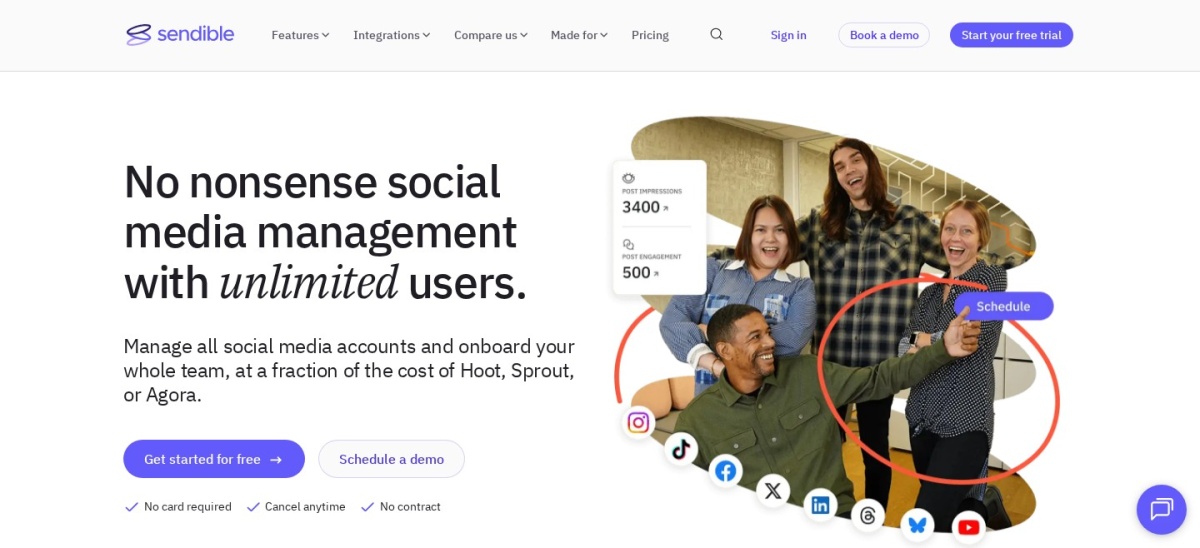
Sendible is a social media platform built for agencies, with a separate workspace for each client brand. Core costs $30 a month billed yearly and covers 1 workspace, 6 social profiles and unlimited users, with scheduling, monitoring, replies and standard reports.
The trade off is approvals. Approval workflows and assignments start on Plus at $99 a month, and white-labelling is a paid add-on rather than included. It suits agencies with many client brands that need separate workspaces without paying per seat.
Metricool is a social media planner and analytics suite that groups channels by brand on a visual calendar. Its free plan supports 1 brand, up to 20 scheduled posts per month and 30 days of analytics, and Starter at $20 a month billed yearly covers 5 brands with unlimited publishing.
The trade off is the review base. G2 shows only 112 reviews, far fewer than the big suites, and team approvals need Advanced at $53 a month billed yearly. It suits freelancers and small agencies that want analytics and competitor tracking with their calendar.
What we like
Deepest analytics at this price, with competitor tracking
Agorapulse is a per-user social media suite built around a unified inbox, reliable scheduling and client-ready reporting. Standard costs $79 per user a month billed yearly and covers 10 social profiles, the inbox, white-label reports and 6 months of data.
The trade off is the per-user bill. Every extra teammate costs the same $79 a month, and approvals need Professional at $119 a month, so small teams pay more than on flat-rate tools. It suits agencies that live in the inbox and want fast, well-rated support.
Hootsuite is the best-known social media management suite, with scheduling, a unified inbox, analytics and social listening in one dashboard. Standard costs $99 per user a month billed yearly and covers up to 10 social accounts with AI tools, a link-in-bio page and bulk scheduling.
The trade off is price. At $99 per user a month it is the dearest tool here, and approval workflows need Advanced at $399 a month, so small teams pay enterprise money. It suits larger teams that want one familiar suite with listening and deep reporting.
ContentCal shut down after Adobe bought it, and its users mostly miss two things: the shared calendar where everyone could see what was planned, and the approval step that stopped unapproved posts going out.
Planable and Loomly cover both best. Planable mirrors the approval flow most closely, while Loomly adds post ideas and a stronger calendar for in-house teams.
If you only used ContentCal to schedule, Buffer or Later will feel simpler and cheaper, but neither gives you approvals without a plan upgrade.
How we chose
We shortlisted tools that do the two jobs ContentCal did: plan social content on a shared calendar and approve it before publishing. Every tool here is an established product with a public pricing page and a verifiable G2 rating.
Prices are the regular cheapest paid plan on each vendor's pricing page, checked on 29 Nov 2026, with annual billing where the vendor offers it. Ratings and review counts come from G2 on the same day. No vendor paid for a place, and we do not claim hands-on testing for this list.
We left out tools with no verifiable rating, tools that only schedule without any team workflow, and enterprise-only suites that do not publish a price.
How to choose a ContentCal alternative
Match the tool to your approval flow first, then to your budget.
List who must approve each post. If clients approve, you need external sign-off without a paid seat, which Planable and Sendible handle best.
Count seats, profiles and posts. Per-user tools punish big teams, per-channel tools punish many accounts, and per-workspace tools punish many clients.
Check the networks you publish to. Later skips X entirely, and some free plans exclude LinkedIn or X, so confirm your networks before you pay.
Run the free plan or trial on real work. Draft a week of posts, send one through approvals, and check the reports before you commit to a yearly plan.
FAQ
What is the best ContentCal alternative in 2026?
Planable is the best ContentCal alternative for most teams, because approvals sit at the centre of the product and reviewers need no paid seat. Loomly is the best pick for in-house teams that want a calendar with post ideas, and Buffer is the cheapest option for solo scheduling.
What is the cheapest ContentCal alternative?
Buffer is the cheapest, with Essentials at $5 a channel a month billed yearly and a free plan for 3 channels. SocialPilot is next at $17 a month for 5 accounts, and Later starts at $18.75 a month billed yearly for one social set.
Is there a free ContentCal alternative?
Yes. Buffer has a free plan for 3 channels, Metricool is free for 1 brand with 20 posts a month, and Loomly has a limited free plan for 3 accounts. Planable offers a free trial of 50 posts, and Agorapulse has a free Archie plan for AI posts.
Which ContentCal alternative has the best approvals?
Planable has the deepest approvals, with optional, required and multi-level sign-off on paid plans and unlimited reviewers. Loomly includes approvals on its $49 Starter plan, while Hootsuite only adds them on Advanced at $399 a month.
Planable vs Loomly: which is better?
Planable wins for agencies and client work, because unlimited users and multi-level approvals cost $33 a workspace a month. Loomly wins for in-house teams, with post ideas, a stronger calendar and approvals on Starter, though its Beyond plan jumps to $249 a month.
Can I migrate my ContentCal calendar to a new tool?
Most tools here import scheduled posts from a CSV file or let you rebuild the calendar in a few hours, but none offers a one-click ContentCal import. Plan your move around the approval flow first, then copy the next two weeks of posts across.
SaaS SEO and WordPress specialist with about 8 years of experience. Rakib compares WordPress plugins, themes, hosting and software using public pricing, documentation and user reviews. See how we rank.