Notion is the best of the Confluence alternatives for most teams, with a free plan and Plus at $10 per user a month, rated 4.6 out of 5 on G2 from 13,988 reviews. Pick ClickUp if your wiki must tie to tasks and deadlines, or Nuclino if you want the cheapest simple wiki at $6 per user a month.
How we make this list: we compare pricing pages, product documentation and public user reviews, then re-check every price before each update. No product paid for a place. Disclosure.
Notion leads with a free plan, Plus at $10 per user a month, and a 4.6 out of 5 G2 rating from 13,988 reviews.
ClickUp is the pick when docs must connect to tasks and deadlines. Core lists at $12 per user a month as the regular price, with a free plan included.
Nuclino is the cheapest paid wiki here at $6 per user a month, rated 4.7 out of 5 on G2.
Slite and Tettra charge for every seat, at $10 and $8 per user a month, with no free plan, so viewer-heavy teams pay more.
Document360 is the dearest at $149 a project a month and the only dedicated public help center here, while Guru has no public price at all.
What should you look for in Confluence alternatives?
Most teams leave Confluence for one of three reasons: price, complexity, or a wiki that feels separate from daily work. A good replacement fixes the reason you are leaving instead of copying the same structure under a new name.
Price is the easiest difference to measure. Entry paid plans here run from $6 to $149 a user a month, and six of the nine tools offer a free plan, so a small team can often switch without paying at all.
AI search is the feature that changed this list most. Guru, Tettra and Document360 answer questions from your docs, while Notion and Slite add AI search on paid plans, so check whether AI is included in the price or sold as an add-on.
Permissions decide whether a wiki gets used. Look for verification dates, strong search and a simple editor, and check who can read, edit and approve pages before you move a whole team. Our guide on WordPress user roles shows why clear roles matter even outside WordPress.
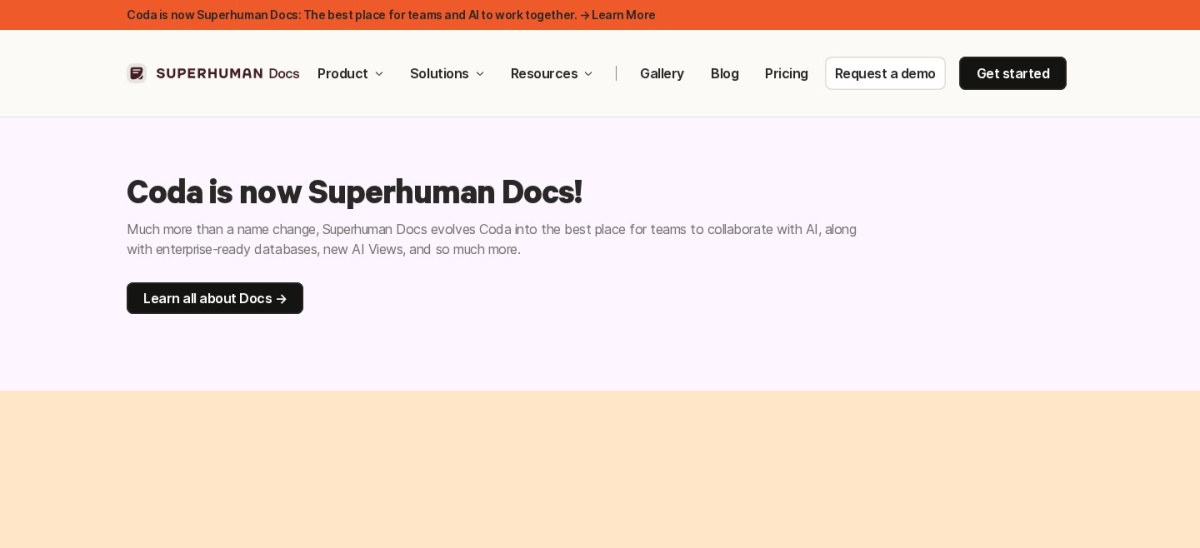
Notion is a flexible workspace that combines docs, wikis, databases and tasks in one place. The free plan includes unlimited pages for individuals, databases, Notion Calendar and 7-day page history, with file uploads up to 5 MB.
The trade off is price as teams grow. Plus costs $10 per user a month billed annually and adds unlimited file uploads and 30-day history, while full AI features need Business at $20. It suits teams that want one workspace for docs, projects and databases instead of a wiki alone.
ClickUp is a work platform that pairs docs and wikis with tasks, goals, dashboards and time tracking. The free plan includes unlimited tasks and members, collaborative docs, Kanban boards and 60 MB of storage.
The trade off is setup effort. Core lists at $12 per user a month as the regular price, with a $9 sale shown on the pricing page, and the many views and settings take time to arrange. It suits teams that want their wiki tied directly to tasks and deadlines.
What we like
Wiki pages link straight to tasks and goals
Free plan includes unlimited tasks and members
Gantt charts, dashboards and time tracking built in
Coda is a doc workspace where pages hold tables, buttons and automations, so a wiki can also act as a tracker or lightweight app. The free plan covers unlimited docs with size limits, and only Doc Makers are paid seats, so editors and viewers cost nothing.
The trade off is the learning curve. Pro costs $10 per Doc Maker a month billed annually and adds unlimited doc size, private folders and more automation runs. It suits ops and product teams that build trackers inside their docs.
What we like
Only Doc Makers pay, so large teams save money
Tables and formulas turn docs into trackers
600+ Packs connect other apps
Strong automations on paid plans
Watch out for
Formula language takes time to learn
Smaller review base than Notion or ClickUp
Mobile app is weaker than desktop
Team adds more automations and advanced controlsVisit coda.io
04
Nuclino
4.7/5on G2 (25 reviews, checked Nov 2026)
Paid from$6/mo
Best value simple wiki
Free planYes, up to 50 items
WhiteboardsYes, included
Version history30 days on Starter
Paid planStarter, $6/user/mo
nuclino.com
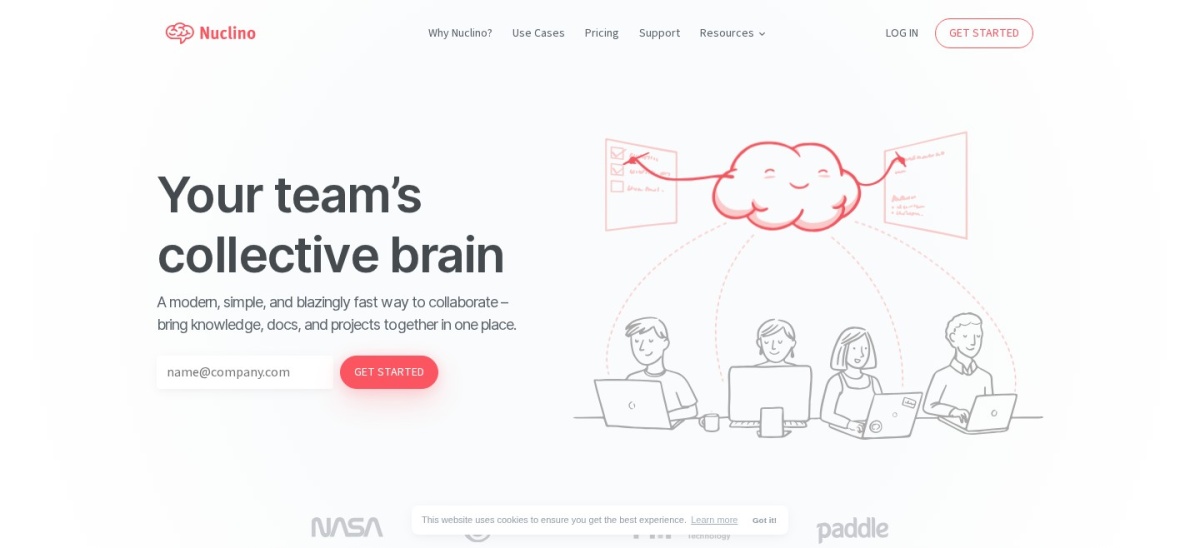
Nuclino homepage, captured Nov 2026.
Nuclino is a light team wiki that combines docs, projects and whiteboards in a simple visual workspace. The free plan covers up to 50 items and 3 canvases, with 2 GB of storage, which is enough for a small team to try it properly.
The trade off is depth. Starter costs $6 per user a month and adds unlimited items, 30-day version history and 10 GB of storage per user, but it has no relational databases. It suits small teams that want a fast, simple wiki.
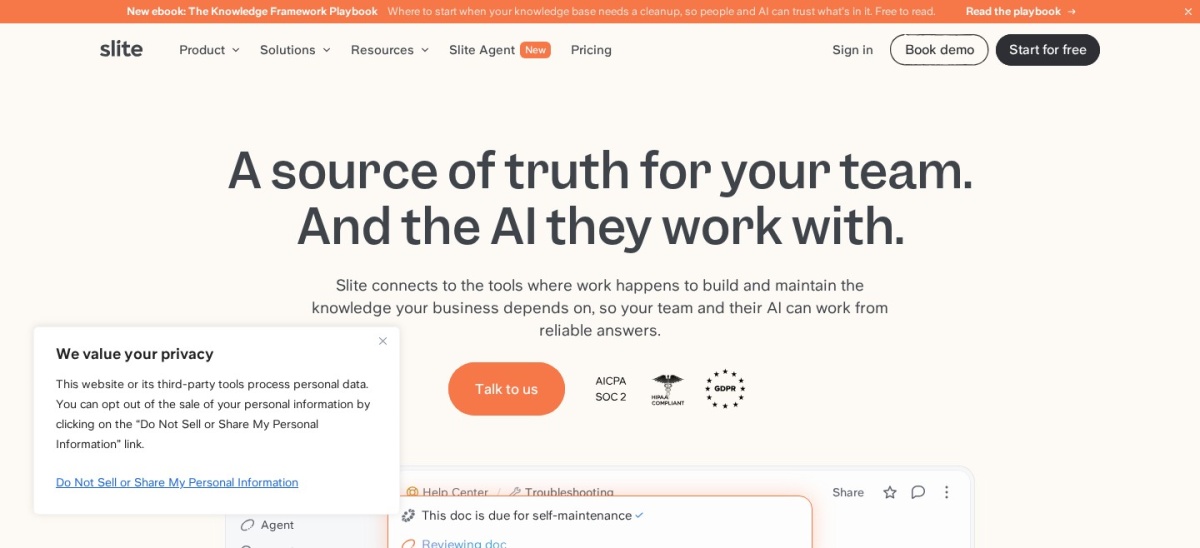
Slite is a focused team wiki with a clean editor, doc verification and AI answers drawn from your own docs. There is no free plan, but a 14-day trial needs no card, and Basic includes unlimited docs and Ask AI search.
The trade off is that every reader pays. Basic costs $10 per user a month billed annually, so a large team pays for viewers as well as writers. It suits remote teams that want tidy, verified docs without extra workspace features.
What we like
Clean editor that new writers learn fast
AI answers come from your own docs
Doc verification keeps pages fresh
Real-time collaboration built in
Watch out for
No free plan, only a 14-day trial
Every seat is paid, including readers
No databases or project tracking
Pro adds the Slite Agent, SSO and a custom domainVisit slite.com
06
Slab
4.6/5on G2 (309 reviews, checked Nov 2026)
Paid from$8/mo
Best clean internal wiki
Free planYes, up to 10 users
Version history90 days free
Unified searchYes, across apps
Paid planStartup, $8/user/mo
slab.com
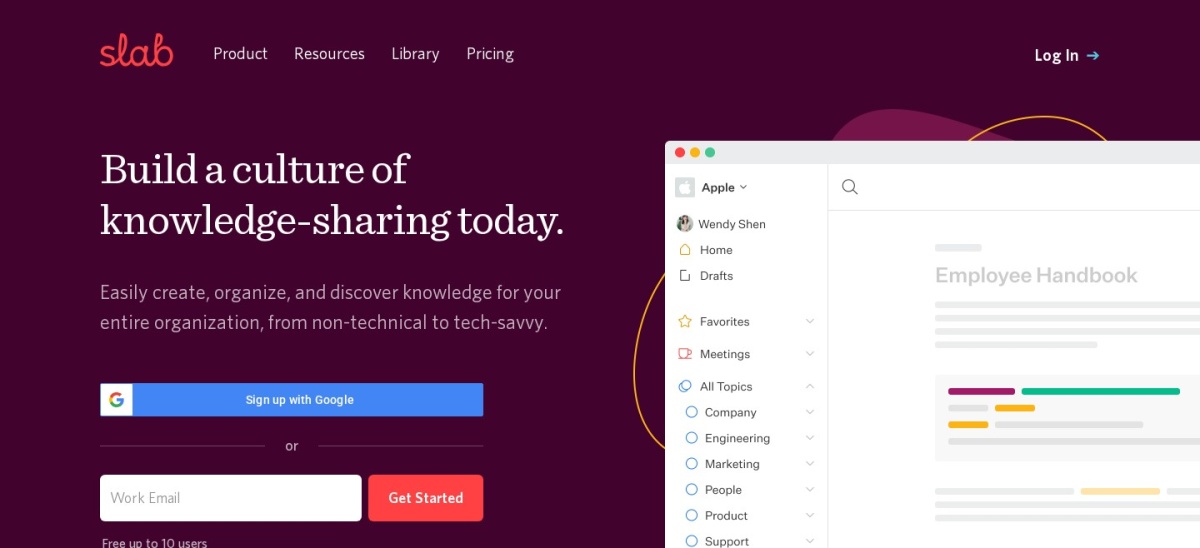
Slab homepage, captured Nov 2026.
Slab is a clean internal wiki for creating, organising and finding team knowledge. The free plan covers up to 10 users with unlimited posts and topics, unified search across connected apps, templates and 90-day version history.
The trade off is the 10-user free cap, which pushes growing teams to Startup at $8 per user a month. It suits teams that want a simple, fast wiki without the setup work of a full workspace platform.
What we like
Very easy to learn and use
Unified search across connected apps
Free plan is usable for small teams
Templates and verification built in
Watch out for
Free plan stops at 10 users
Fewer database and project features than Notion
Single sign-on needs a paid plan
Startup adds private topics, SSO and 365-day historyVisit slab.com
07
Guru
4.7/5on G2 (2,322 reviews, checked Nov 2026)
PricingCustom/yr
Best for verified answers in Slack and Teams
Free planNo, custom quote
In-workflow answersSlack, Teams, browser
VerificationYes, expert review
Paid planCustom quote from sales
getguru.com
Guru homepage, captured Nov 2026.
Guru is an AI knowledge platform that structures company knowledge, checks it with experts, and delivers cited, permission-aware answers where people already work. It connects to more than 100 tools, including Slack, Microsoft Teams, Salesforce and Zendesk, and holds SOC 2 Type II certification.
The trade off is price. Guru no longer lists a public per-seat price, so buyers need a custom quote from sales instead of comparing plans online. It suits support, sales and HR teams that answer the same questions in Slack or Teams every day.
What we like
Verification workflows keep answers accurate
Answers appear inside Slack and Teams
More than 100 integrations
SOC 2 Type II, SSO and SCIM
Watch out for
No public price to compare
No free plan, only a sales-led quote
Built for internal knowledge, not public docs
Pricing is a custom quote tailored to team size and scopeVisit getguru.com
08
Tettra
4.7/5on G2 (161 reviews, checked Nov 2026)
Starts at$8/mo
Best for Slack-first teams
Free planNo, 30-day trial
Slack answersYes, Kai AI bot
VerificationYes, stale-content reports
Paid planScaling, $8/user/mo
tettra.co
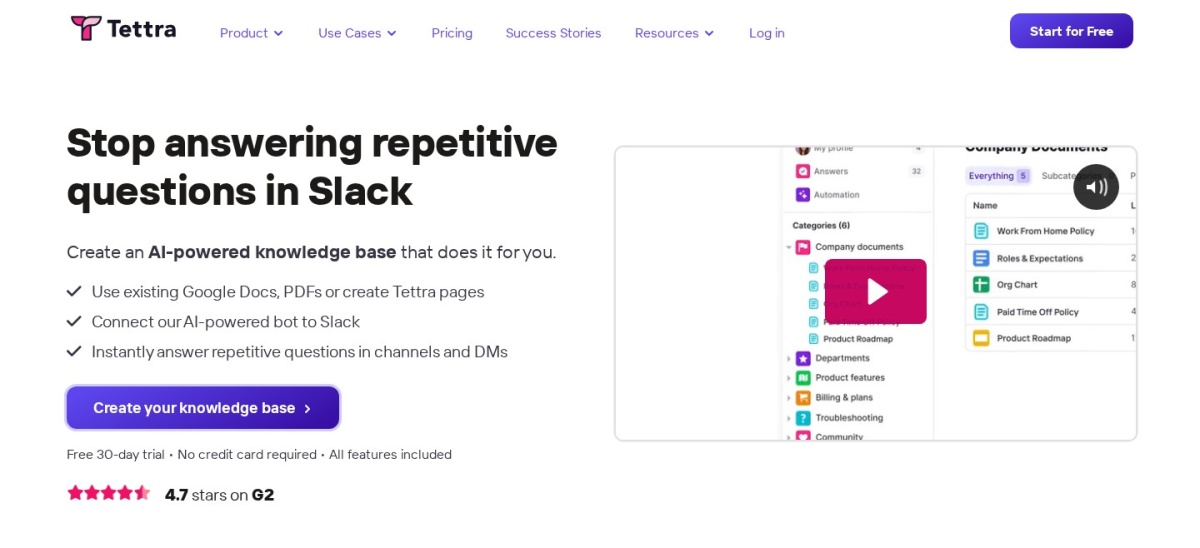
Tettra homepage, captured Nov 2026.
Tettra is an internal wiki built around Slack, with its Kai bot answering repeat questions in channels and direct messages. Scaling costs $8 per user a month with a 10-user minimum, and more than 20,000 organisations use Tettra, according to its pricing page.
The trade off is the 10-user minimum, which sets a floor of $80 a month, and SSO and SCIM cost extra on Scaling. It suits Slack-first teams of 10 to 250 people that want verified answers without leaving chat.
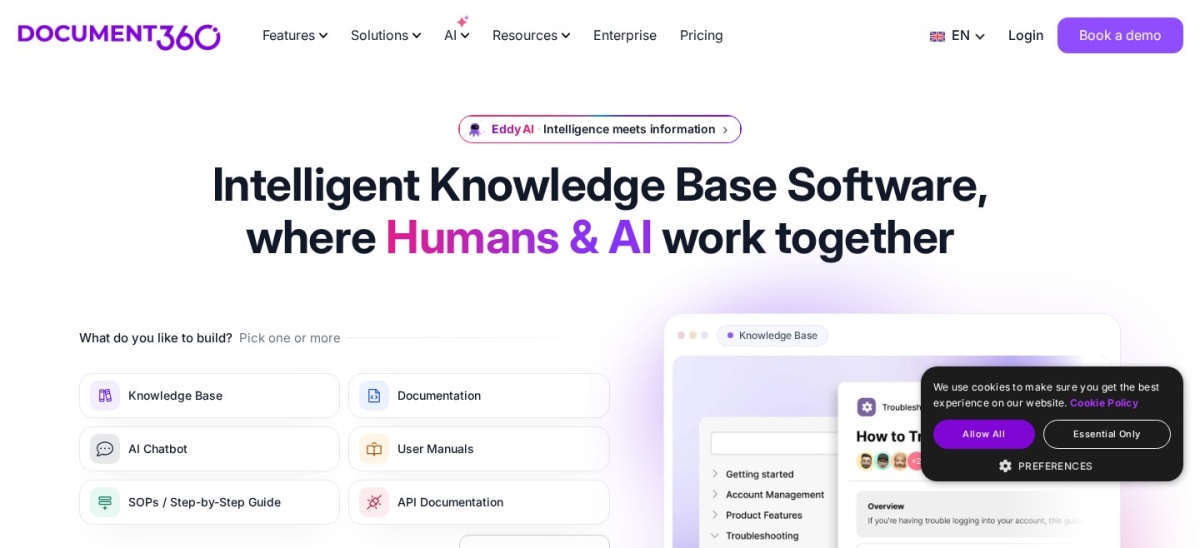
Document360 is a dedicated knowledge base platform for product docs, help centers and user manuals. Standard costs $149 a project a month and includes unlimited articles, basic analytics and core integrations, and a free Basic plan covers a small knowledge base.
The trade off is price. At $149 a month it is the dearest tool in this list, and it has no ticketing, so you pair it with a help desk. It suits teams that need a polished public help center more than an internal wiki.
What we like
Built only for knowledge bases, so search is strong
Free plans cover the basics well. Six of the nine tools here offer a free plan, and Notion, ClickUp and Nuclino all let a small team run a real wiki without paying.
Paid plans mostly add history, permissions and AI. Version history beyond 30 days, private pages, single sign-on and AI answers usually sit behind the first paid tier.
If your wiki holds customer-facing docs, the free plan rarely fits. Document360 is the only dedicated public help center here, and its free Basic plan covers only a small knowledge base.
How we chose
We started from the wiki and knowledge tools teams most often name as Confluence replacements, then kept nine with a public price or a clear quote route and a public rating.
Prices and ratings were checked in November 2026, with the top five re-checked on 29 November 2026. Ratings and review counts come from G2. Where a vendor shows a sale, the list shows the regular price.
We left out tools with no public rating and Confluence itself, since this list is about replacements. No vendor paid for a place, and we do not claim to have used these tools ourselves.
How to choose a Confluence alternative
Start with why you are leaving Confluence, then match the replacement to that reason.
Count your readers, not just your writers. Slite and Tettra charge for every seat, while Coda charges only Doc Makers. A wiki with many readers costs far less on a Maker-based or free plan.
Trial with one real team first. Move one team's docs and run the new wiki for two weeks before migrating everything. Check search, editing and permissions with real pages.
Check the importer before you pay. Ask whether the tool imports Confluence pages, attachments and permissions, and test it on a sample space. A weak importer can cost more than the subscription.
Price the AI separately. AI answers are included in Guru, Tettra and Document360, but Notion keeps full AI on its $20 Business plan. Add that cost before comparing prices.
FAQ
What is the best free alternative to Confluence?
Notion is the best free alternative to Confluence for most teams. Its free plan includes unlimited pages, databases and a calendar, and Plus costs $10 per user a month when you need longer history and larger uploads.
How much do Confluence alternatives cost?
Paid plans in this list run from $6 per user a month for Nuclino to $149 a project a month for Document360. Notion, ClickUp, Coda and Slite all start at $10 to $12 per user a month, while Guru has no public price.
Which Confluence alternative is best for small teams?
Nuclino is the best pick for small teams that want a simple wiki, at $6 per user a month with a free plan for up to 50 items. Notion is better if the same team also needs databases and project tracking in one place.
Is Notion better than Confluence?
Notion is better than Confluence for teams that want a flexible workspace with databases, tasks and AI in one place. Confluence is rated 4.1 out of 5 on G2 from 4,368 reviews, against 4.6 for Notion, and it fits better inside Atlassian shops that already use Jira.
Which Confluence alternative is best for Slack teams?
Tettra is the best pick for Slack-first teams, because its Kai bot answers questions inside Slack channels and direct messages. Guru is the stronger choice for larger teams that need verified answers in both Slack and Microsoft Teams.
Can I migrate my Confluence pages to another tool?
Yes, in most cases. Notion, Slab and Tettra all list import options for moving docs in, and Outline lists a Confluence importer, but check the importer against your page count and attachments before you cancel Confluence.
SaaS SEO and WordPress specialist with about 8 years of experience. Rakib compares WordPress plugins, themes, hosting and software using public pricing, documentation and user reviews. See how we rank.