Kaggle is the best of these Colab alternatives, with free browser notebooks, free GPU time and a 4.7 out of 5 G2 rating. Saturn Cloud suits heavier GPU work, while Jupyter Notebook is the free standard for local work.
How we make this list: we compare pricing pages, product documentation and public user reviews, then re-check every price before each update. No product paid for a place. Disclosure.
Kaggle is the only pick that is fully free and still gives GPU time, rated 4.7/5 on G2.
Saturn Cloud has the highest rating here at 4.8/5, with a free tier and pay-as-you-go GPUs.
Jupyter Notebook is free forever and sets the .ipynb standard, but you bring your own compute.
Deepnote and Hex are the team picks; paid plans start at $39 and $36 per editor a month.
Datalore's 4.8/5 rests on only 6 G2 reviews, so treat its rating as thin evidence.
Databricks is the enterprise pick, but its per-DBU billing is the hardest to predict here.
How do you choose among Colab alternatives?
Free GPU time is the first thing to check. Colab's free tier is why most people start there, so a replacement should say plainly how much GPU time it gives and what happens when it runs out.
Where the notebook runs decides the workflow. Cloud notebooks such as Kaggle and Saturn Cloud open in a browser with nothing to install, while Jupyter Notebook runs on your own machine and needs your own hardware for heavy work.
Team features matter once more than one person edits. Deepnote and Hex add real-time collaboration, comments and version history, which a solo notebook does not need.
Pricing models split into flat seats and metered compute. Deepnote, Hex and Datalore charge per editor per month, while Saturn Cloud and Databricks bill for the compute you use, so a busy month costs more.
Kaggle Notebooks is a free cloud notebook service from Google that runs Jupyter notebooks in the browser with no setup. It pairs notebooks with a large library of public datasets and free GPU access, so learners can practise on real data without paying for compute.
The trade off is scope. Kaggle is built around public data and competitions, so private team workflows and governed data are not its job, and the free GPU quota has limits. It suits learning, competitions and portfolio work.
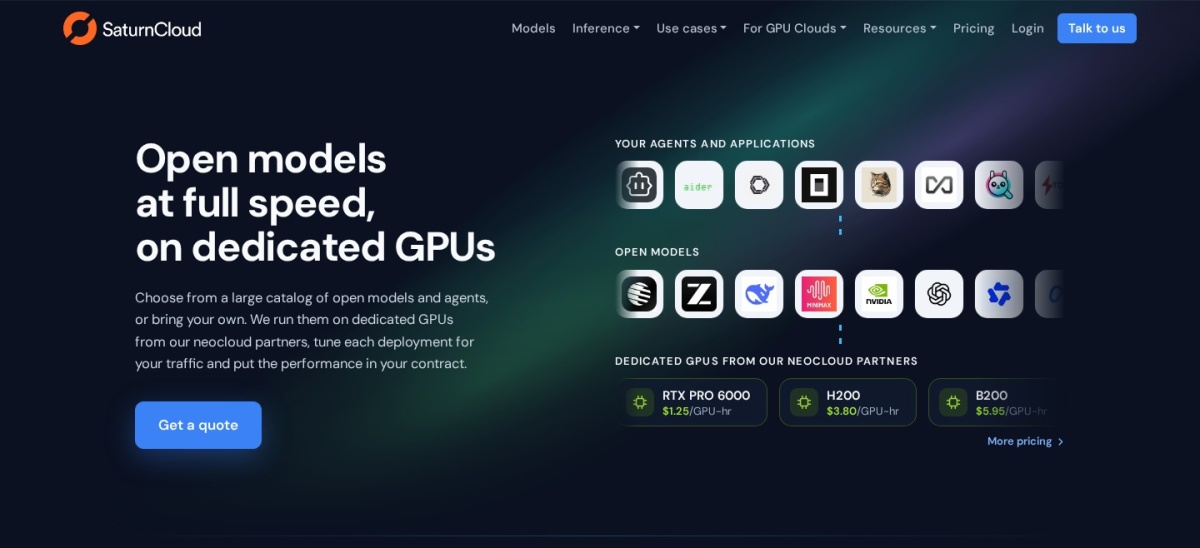
Saturn Cloud is a cloud platform that runs JupyterLab notebooks with GPU access in the browser. Its free tier includes monthly compute hours, and paid GPUs are billed as you use them, which keeps small experiments cheap.
The trade off is cost control. Long training runs and large GPU instances can add up fast, and the free hours run short for intensive work. It suits data scientists who want hosted Jupyter with real GPU power.
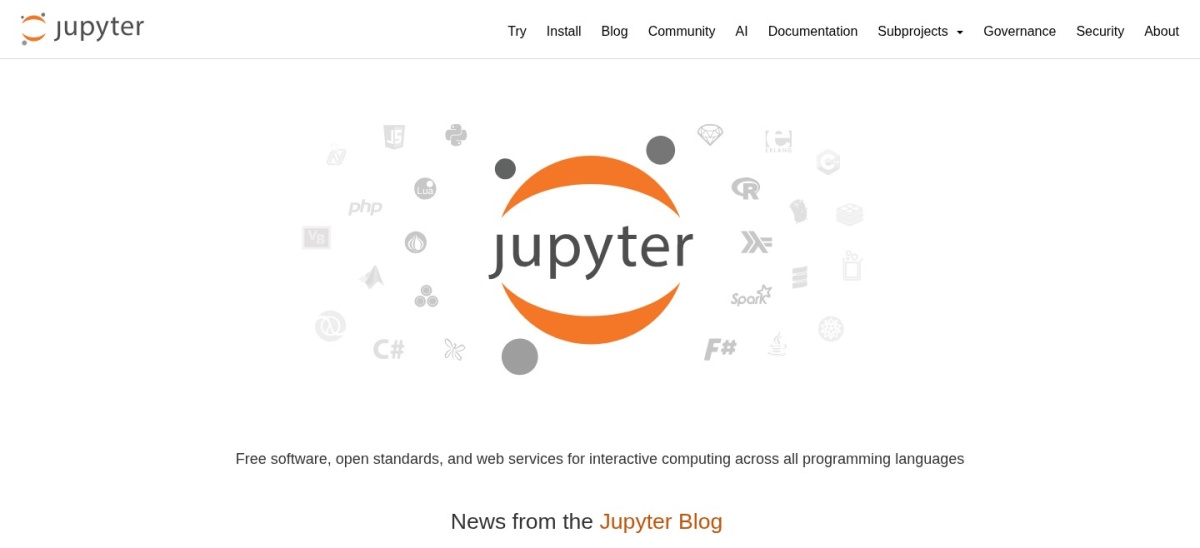
Jupyter Notebook is the free, open-source web app behind the notebook format most tools in this list read. You install it with one command, open it in a browser, and get notebooks, terminals and a file browser in one workspace.
The trade off is that everything beyond the editor is your job. You install packages, manage environments and supply your own compute, with no built-in cloud hosting, GPU access or team sharing. It suits solo analysts who want the standard.
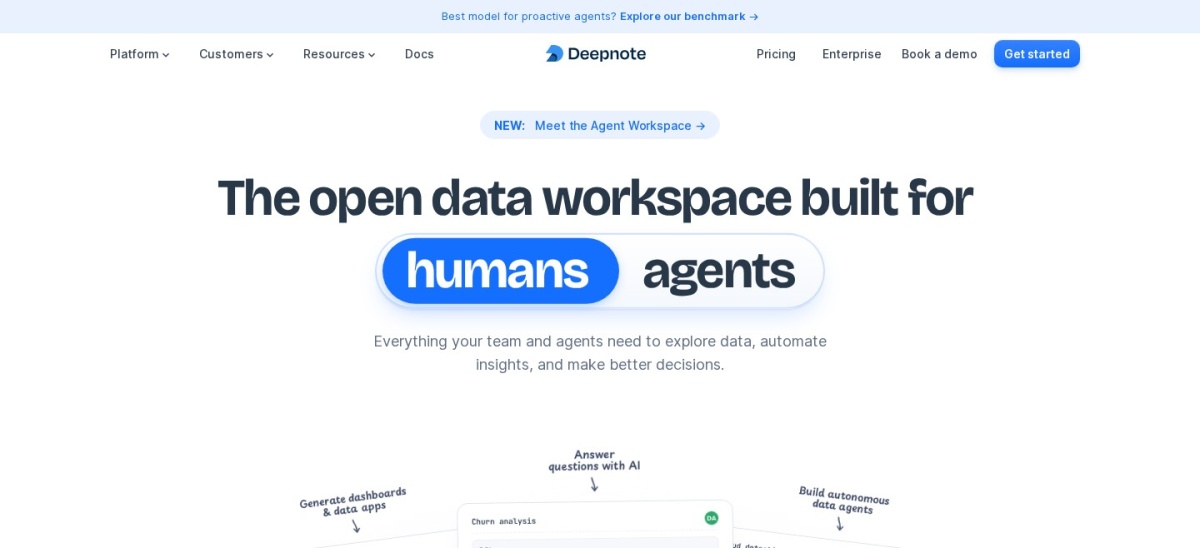
Deepnote is a collaborative data science platform that runs notebooks in the browser with managed machines, so nobody installs Python or configures an environment. Several people can edit the same notebook at once, leave comments and follow version history, and files import and export as standard .ipynb.
The trade off is price. Team costs $39 per editor a month billed yearly, or $49 billed monthly, and heavy AI, CPU and GPU use adds pay-as-you-go charges. It suits teams that want a shared Jupyter replacement.
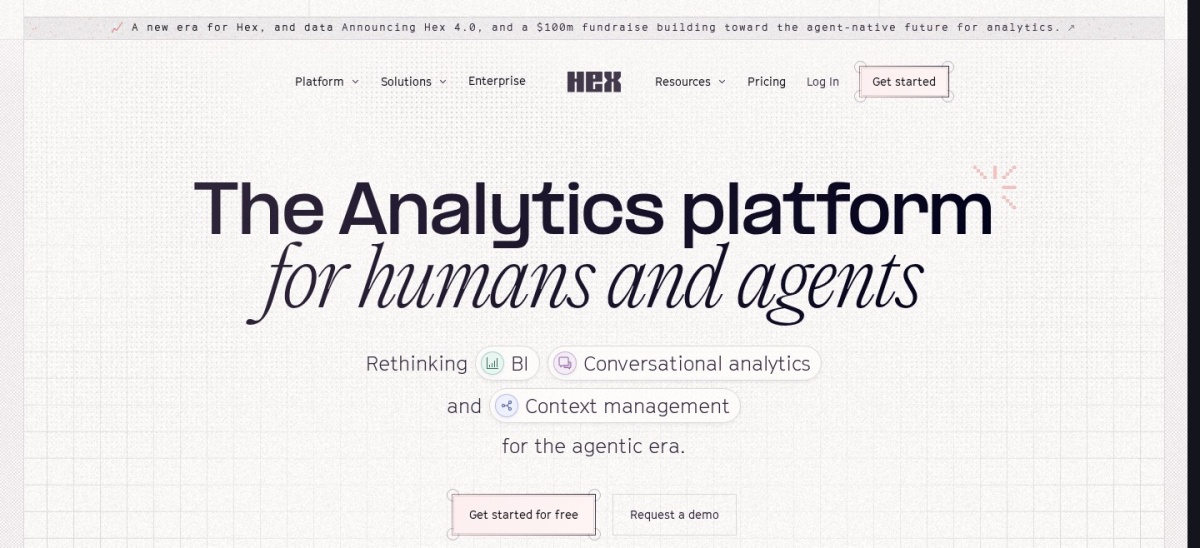
Hex is a cloud notebook workspace built for teams that analyse data together and then share the result with people who do not write code. A Hex project mixes SQL cells, Python cells and visualisations on one canvas, and the notebook can be published as an interactive app or dashboard.
The trade off is lock-in and add-on costs. Hex uses a proprietary notebook format, so your work lives in Hex, and larger compute profiles and AI credits add usage charges on top of the seat price. It suits data teams presenting to stakeholders.
What we like
SQL and Python in one canvas
Notebooks publish as interactive apps
Real-time multiplayer editing
Rated 4.5/5 by 433 G2 reviewers
Watch out for
Proprietary notebook format
Compute and AI credits add usage charges
Cloud-only, no local option
Professional adds more apps, history and computeVisit hex.tech
06
Datalore
4.8/5on G2 (6 reviews, checked Nov 2026)
Paid from$29.17/mo
Best for JetBrains-style notebooks
Free plan120 CPU hours/mo
Cloud plan$29.17/user/mo, yearly
Storage10 GB free, 20 GB paid
ReportsInteractive, shareable
jetbrains.com
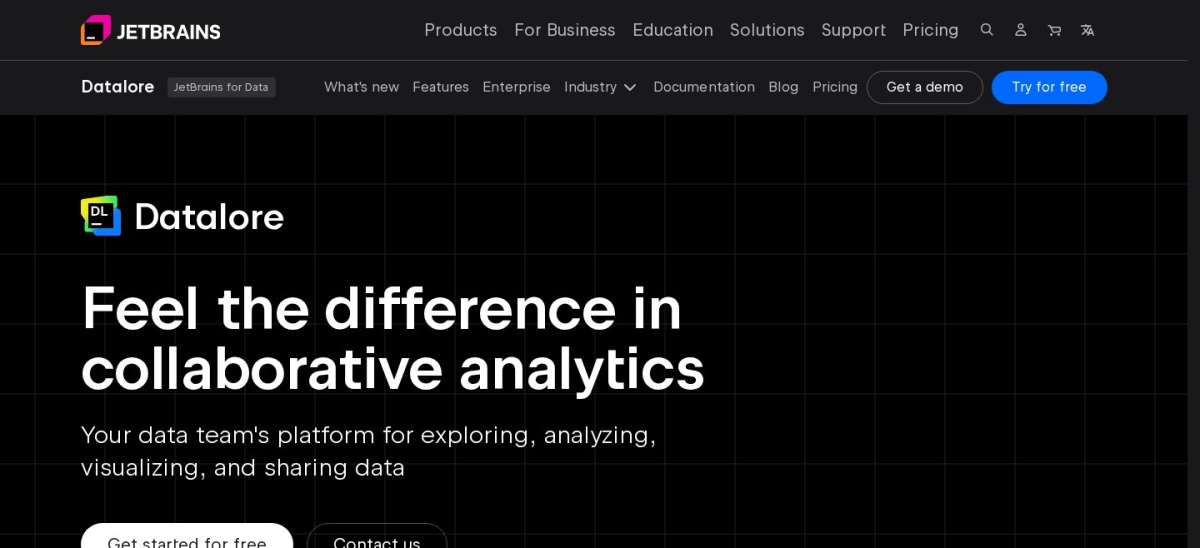
Datalore homepage, captured Nov 2026.
Datalore is JetBrains' cloud notebook platform for exploring, analysing and visualising data in the browser. It adds IDE-style code completion, SQL cells and interactive reports to standard notebooks, and the free plan includes 120 CPU machine hours a month and 10 GB of storage.
The trade off is the thin rating base. Its 4.8/5 G2 score rests on only 6 reviews, and the free plan has no scheduled runs or paid machines, so serious work needs Cloud at $29.17 per user a month billed yearly. It suits JetBrains users who want notebooks with IDE polish.
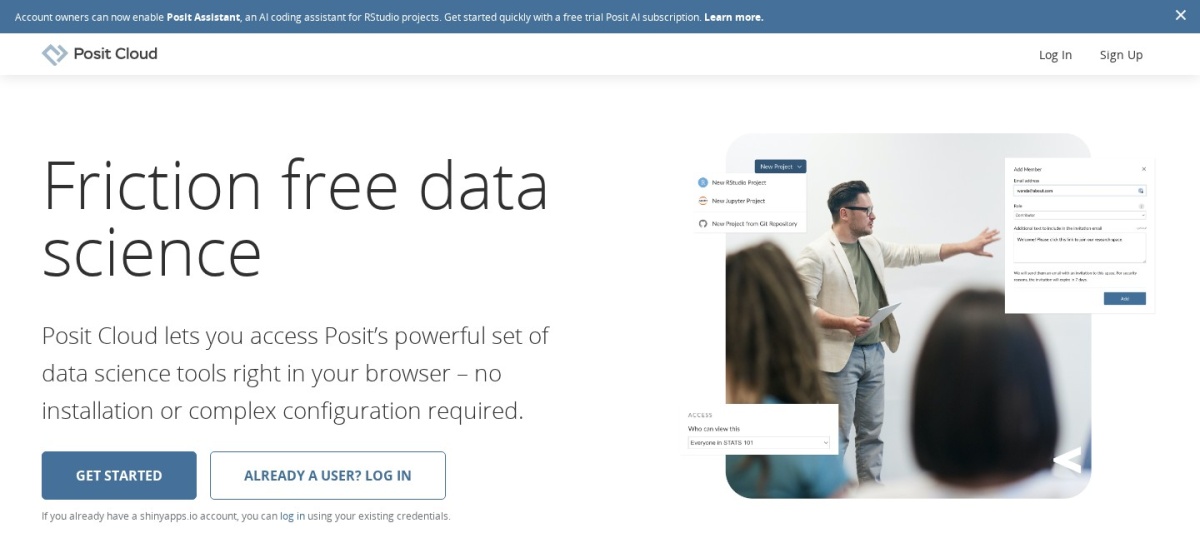
Posit Cloud is a browser-hosted workspace from the makers of RStudio that runs RStudio and Jupyter Notebooks with no local setup. The free tier gives 25 compute hours a month with 1 GB of RAM to build and share R or Python projects.
The trade off is the small free allowance. Larger datasets quickly hit the 1 GB free RAM limit, so Basic at $25 a month is needed for 8 GB of RAM, 2 CPUs and 150 compute hours. It suits R users and teachers who want notebooks in the browser.
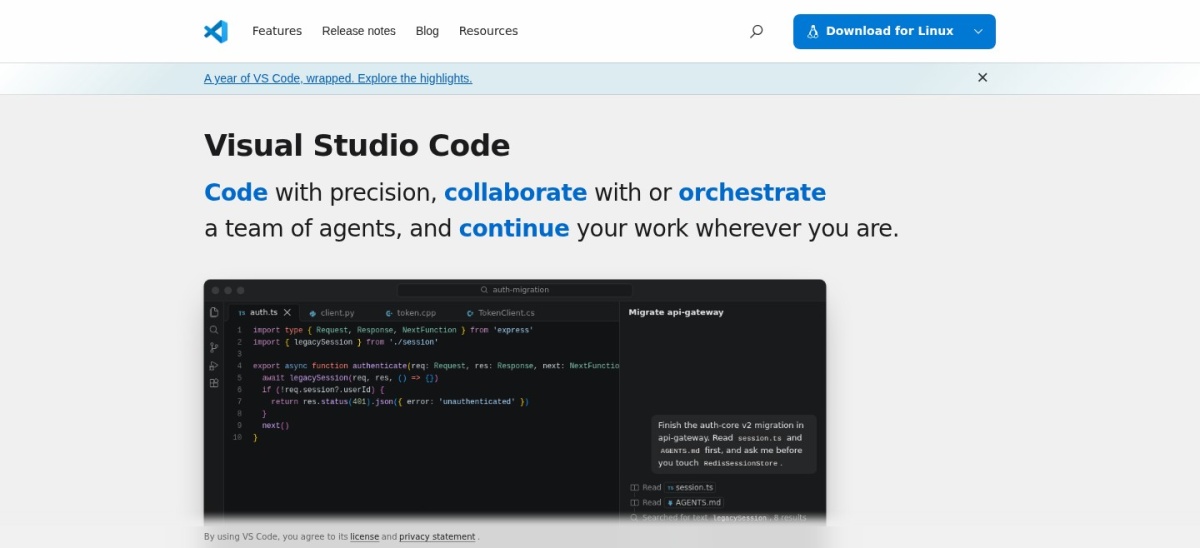
Visual Studio Code is a free editor with notebook support built in, letting developers run notebooks beside their code with integrated debugging. It works with Jupyter kernels and keeps notebooks in plain .py and .ipynb files with clean Git diffs.
The trade off is focus. VS Code is an editor first, so it has no hosted compute, no GPU access and no team collaboration beyond Git. It suits developers who already work in VS Code and want notebooks beside their code.
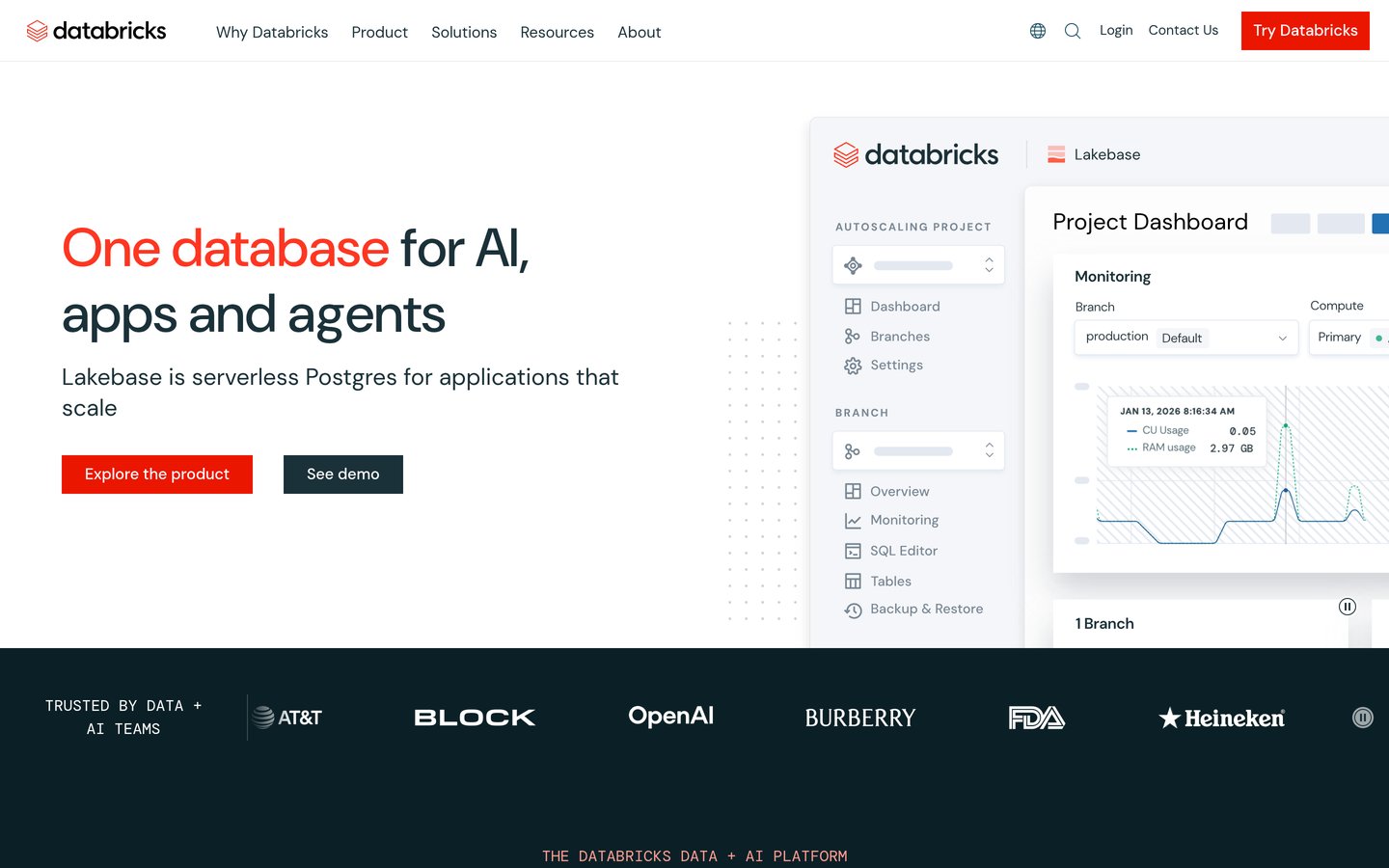
Databricks Notebooks is the interactive front end of the Databricks lakehouse platform, where notebooks run against governed data with Spark underneath. Notebooks support Python, SQL, R and Scala in one document, with version control, scheduled jobs and Unity Catalog access control.
The trade off is pricing. You pay per DBU, with all-purpose compute from $0.55 per DBU, plus cloud VM costs, so a monthly bill is hard to predict. It suits enterprise teams already on Databricks.
Free plans cover learning and small experiments well. Kaggle, Jupyter Notebook and VS Code cost nothing, and Saturn Cloud, Deepnote, Hex, Datalore and Posit Cloud all have a free tier.
Paid plans mostly add compute and team features. You get more RAM, GPU time, scheduled runs and collaboration, and the cheapest paid seats here run from $25 to $39 per editor a month.
Metered billing is the surprise to watch. Saturn Cloud and Databricks charge for the compute you use, so a long training run costs more than a flat seat price suggests.
If you publish notebook results as web pages, keep the page fast. Our guide on how page speed affects SEO explains why load time matters for readers.
How we chose
We started from the notebook tools most often named as Google Colab replacements, then kept the nine with a public rating and a free plan or free tier, except Databricks, which has trial credits only.
Prices come from each vendor's pricing page, checked on 29 November 2026. Ratings and review counts come from G2 on the same day, except the VS Code count, which is the figure our earlier notebook guide recorded. Where a vendor shows a sale, the list shows the regular price.
We left out tools with no public rating and tools that only sell by quote. No vendor paid for a place, and we do not claim to have used these tools ourselves.
How to choose a Colab alternative
Start with how much GPU time you need, then check whether you work alone or with a team.
Work out your GPU need. If you only run small models, Kaggle's free GPU time or Saturn Cloud's free tier may be enough. Heavy training needs a paid GPU plan.
Decide where notebooks should run. Cloud notebooks open in a browser with nothing to install. Jupyter Notebook and VS Code run locally, so you supply the machine.
Check the free tier limits. Free plans cap hours, RAM or editors. Compare the cap with a normal week of your work before you commit to a tool.
Price the team, not one seat. Per-editor prices from $25 to $39 a month add up fast, and metered compute adds more. Add seats and expected compute before you choose.
FAQ
What is the best Colab alternative in 2026?
Kaggle Notebooks is the best free Colab alternative for most people. It runs Jupyter notebooks in the browser with free GPU time and a large public dataset library, and it is rated 4.7 out of 5 on G2.
Is there a free alternative to Google Colab?
Yes. Kaggle Notebooks, Jupyter Notebook and VS Code are all free, and Saturn Cloud, Deepnote, Hex, Datalore and Posit Cloud each have a free tier. Kaggle is the closest free match because it includes GPU time.
Which Colab alternative has free GPU access?
Kaggle Notebooks gives free GPU time with limits, and Saturn Cloud's free tier includes monthly compute hours with GPU access. Colab's own free tier also gives GPU time, but sessions disconnect after idle time.
How much does a Colab alternative cost?
Paid plans here start at $25 a month for Posit Cloud Basic, $29.17 for Datalore Cloud billed yearly, $36 for Hex Professional and $39 for Deepnote Team. Saturn Cloud and Databricks bill for compute used instead of a flat seat price.
Which Colab alternative is best for beginners?
Kaggle Notebooks is the easiest start. It opens in a browser with nothing to install, includes free GPU time and public datasets, and notebooks run the familiar Jupyter format.
Kaggle vs Saturn Cloud: which is better?
Kaggle is better for learning and competitions, with free notebooks, free GPU time and public datasets. Saturn Cloud is better for heavier GPU work, with hosted JupyterLab and pay-as-you-go GPUs, and it holds the higher G2 rating at 4.8 out of 5.
SaaS SEO and WordPress specialist with about 8 years of experience. Rakib compares WordPress plugins, themes, hosting and software using public pricing, documentation and user reviews. See how we rank.