Reclaim is the best of the Clockwise alternatives for most people, with a free Lite plan and paid seats from $10 a month, and it was the tool Clockwise itself recommended at shutdown. Pick Motion for full auto-scheduling of tasks and meetings, or Sunsama for a calm daily planning ritual.
How we make this list: we compare pricing pages, product documentation and public user reviews, then re-check every price before each update. No product paid for a place. Disclosure.
Clockwise shut down on 27 March 2026, and it pointed users to Reclaim, which protects focus time and schedules tasks for free on its Lite plan.
Motion is the most powerful auto-scheduler here, but a solo user pays $29 a month billed yearly, not the $19 team-seat price.
Sunsama and Morgen suit people who want to plan the day themselves: Sunsama guides a daily ritual, Morgen merges many calendars into one view.
Akiflow and SkedPal are the deep-work picks for task-heavy weeks, at $19 and $9.95 a month billed yearly, with no free plan on either.
Calendly and Cal.com only cover booking links, not focus time, but both have generous free plans and start at $10 and $12 a month.
What should a Clockwise alternative actually replace?
Clockwise did two jobs at once. It moved flexible meetings to open up long blocks of focus time, and it defended those blocks when new meetings arrived.
The closest replacements copy the focus-time job first. Reclaim protects focus time and adds buffers automatically, and it was the tool Clockwise recommended to its own users at shutdown.
Booking links solve a different problem. Calendly and Cal.com only handle meetings booked by other people, so they work best beside a focus-time tool rather than instead of one. Our guide on adding a booking calendar to WordPress covers the website side of that job.
Price spreads are wide. The cheapest paid plan here is Fantastical at $4.75 a month billed yearly, while Motion and Akiflow both cost $19 a month on yearly billing, and solo Motion buyers pay more.
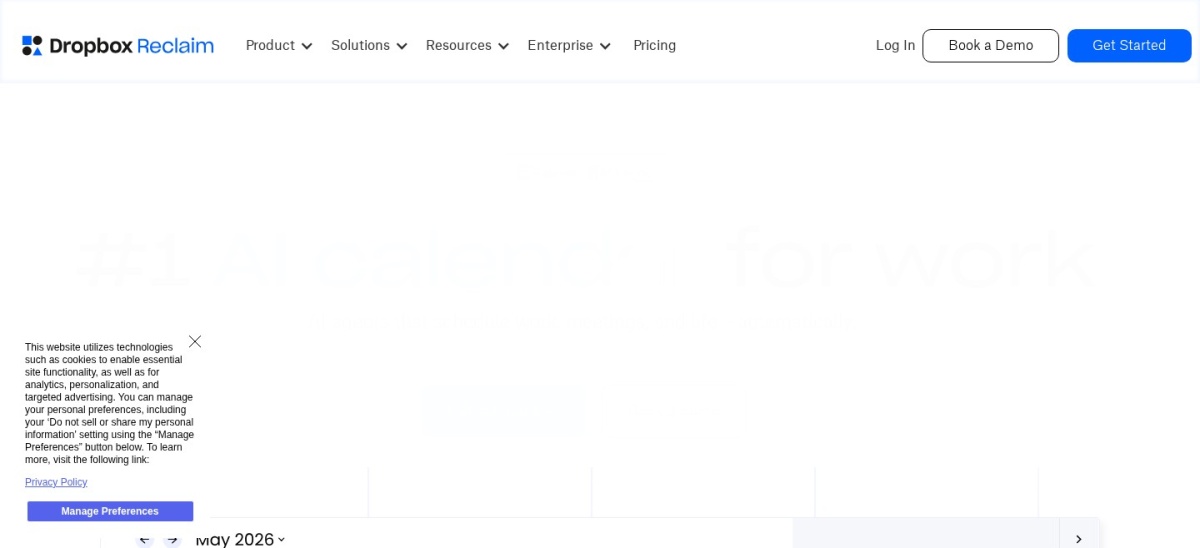
Reclaim is an AI scheduling assistant that sits on top of Google Calendar or Outlook and manages the week for you. It defends focus time, schedules tasks and habits around meetings, adds buffers, and moves everything when plans change. The free Lite plan covers one user, 5 AI agents, one calendar sync and one scheduling link.
The trade off is that Reclaim plans around tasks rather than capturing them, so it works best beside a task app such as Todoist or Asana. Starter costs $10 per seat a month billed yearly and adds more agents, syncs and links for teams of up to 10. It suits teams that lost Clockwise and want the closest replacement.
What we like
The tool Clockwise itself recommended at shutdown
Free Lite plan with no card needed
Works on Google Calendar and Outlook
Reschedules focus time when meetings move
Watch out for
No built-in task capture; needs a separate task app
Smart Meetings with 3+ people can cost extra
Starter adds more agents, syncs and scheduling linksVisit reclaim.ai
02
Motion
4.1/5on G2 (157 reviews, checked Nov 2026)
Starts at$19/mo
Best for full auto-scheduling
Free planNo, 7-day trial
Paid planPro AI, $19/seat/mo
Auto-schedulingTasks, meetings, projects
AI credits7,500 per seat a month
usemotion.com
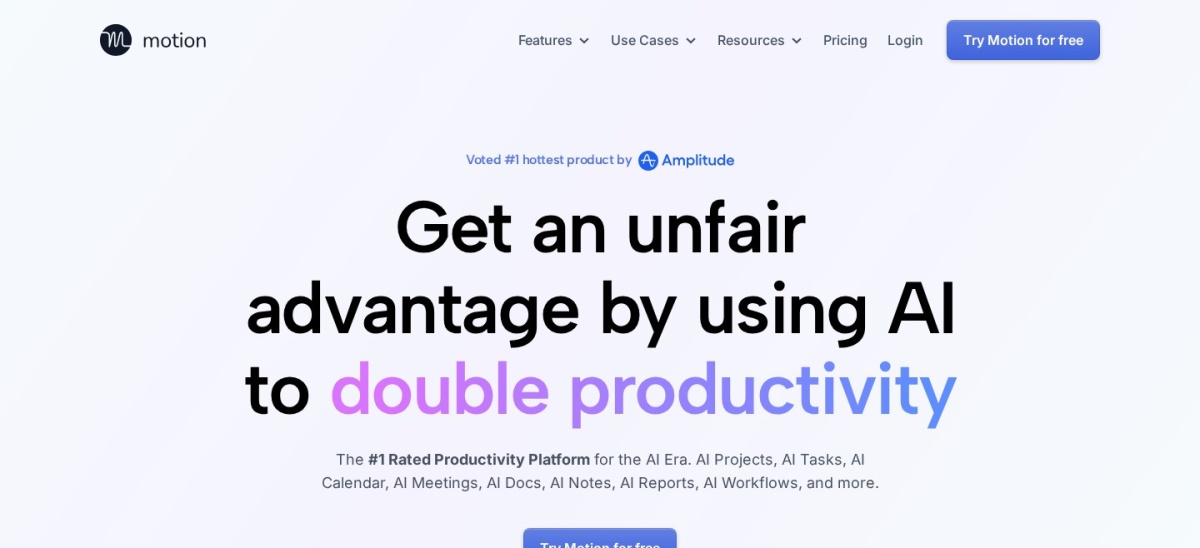
Motion homepage, captured Nov 2026.
Motion is an AI work app that builds the whole day for you. You add tasks with deadlines and priorities, and it places them on the calendar around meetings, then rebuilds the plan when anything moves. Pro AI includes projects, docs, an AI meeting notetaker and 7,500 AI credits per seat a month.
The trade off is price, and the headline price is a team price. A solo user pays $29 a month billed yearly for the same Pro AI plan, or $49 month to month, and seats come in fixed bundles. It suits meeting-heavy teams that want one tool for tasks, projects and the calendar.
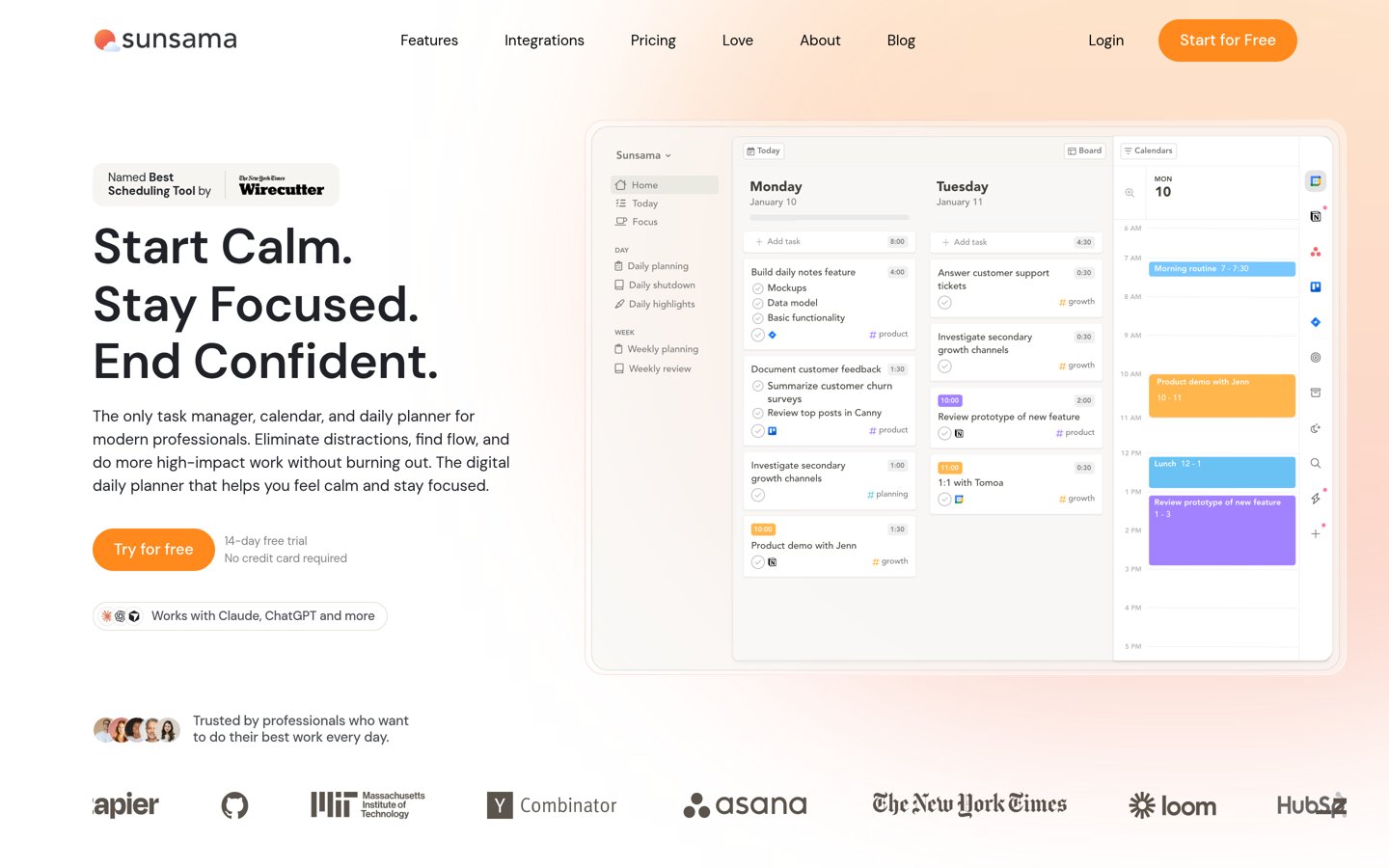
Sunsama is a daily planner that walks you through a short morning ritual: pick what matters today, estimate how long each task takes, and place it on the calendar. It pulls tasks from Todoist, Asana, Trello, ClickUp and Gmail, and closes the day with an evening shutdown review. Pro costs $17 a month billed yearly.
The trade off is that Sunsama plans by hand and never auto-schedules, so it fits people who want control, not automation. There is no free plan, only a 14-day trial with no card, and monthly billing costs $22. It suits professionals who over-commit and want a realistic day.
What we like
Guided ritual stops over-commitment
Pulls tasks from the apps you already use
Evening shutdown review builds the habit
14-day trial needs no card
Watch out for
No free plan and no auto-scheduling
One of the dearer single-purpose planners
Needs 10 to 15 minutes of planning each morning
Pro includes every feature; Enterprise adds SSO and audit logsVisit sunsama.com
04
Morgen
4.8/5on G2 (30 reviews, checked Nov 2026)
Starts at$15/mo
Best for many calendars in one view
Free planNo, 14-day trial
Paid planIndividual, $15/mo
CalendarsGoogle, Outlook, iCloud, CalDAV
Task sourcesNotion, Todoist, Linear, ClickUp
morgen.so
Morgen homepage, captured Nov 2026.
Morgen is a calendar-first planner that merges Google, Outlook, iCloud, Fastmail and other calendars into one view, then lets you drag tasks onto the day. Its Planner suggests a realistic plan from your priorities and availability, which you approve before it applies. Individual costs $15 a month billed yearly.
The trade off is that Morgen suggests rather than schedules, so busy weeks still need your input. Monthly billing doubles the price to $30, and teams pay $10 a seat a month billed yearly with a two-seat minimum. It suits people juggling three or more calendars plus a task app.
What we like
Unifies the most calendar types here
AI suggestions you approve, not auto-booking
Works on Windows, Mac, Linux and mobile
Team seats cost less than individual ones
Watch out for
No free plan, only a 14-day trial
Monthly billing costs twice the yearly rate
No automatic rescheduling like Reclaim or Motion
Teams adds shared booking pages and collaborationVisit morgen.so
05
Akiflow
4.8/5on G2 (99 reviews, checked Nov 2026)
Starts at$19/mo
Best for power users with scattered tasks
Free planNo, 7-day trial
Paid planPro, $19/mo
Task sourcesSlack, Gmail, Asana, Jira
Planning styleManual time-blocking
akiflow.com
Akiflow homepage, captured Nov 2026.
Akiflow is a fast, keyboard-first planner that pulls tasks from Slack, Gmail, Asana, Jira and more than 50 other tools into one Universal Inbox. You drag tasks onto the calendar yourself, using a command bar and shortcuts instead of a mouse. Pro costs $19 a month billed yearly.
The trade off is price and patience. Monthly billing costs $34, the 7-day trial needs a card, and the command bar takes days to learn. It suits founders and operators whose tasks live in five different apps and want them in one place.
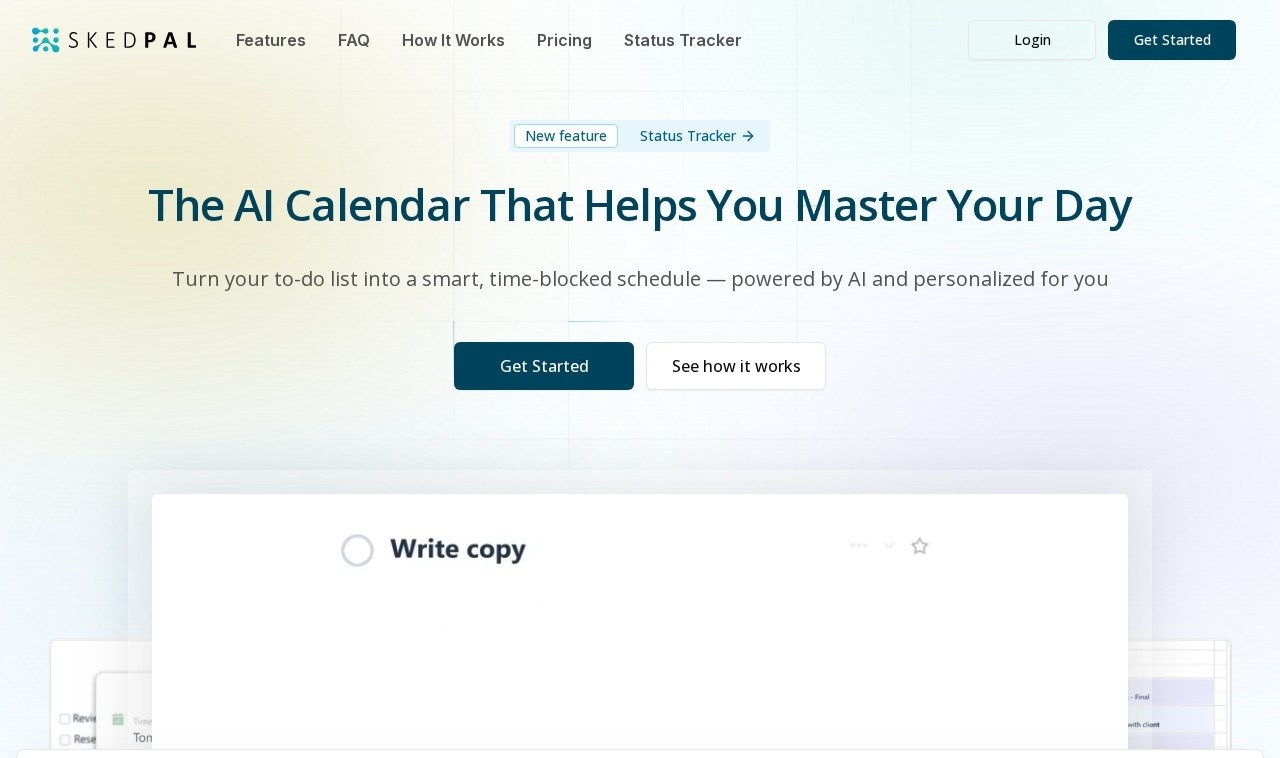
SkedPal is an AI calendar that turns a to-do list into a time-blocked schedule. It places tasks by priority, deadline and length into your free time, using Time Maps for the hours you prefer for each kind of work, and reshuffles when plans change. Core costs $9.95 a month billed yearly.
The trade off is the learning curve, the steepest in this list. Setup needs a desktop browser, and Core syncs one calendar account and looks only 21 days ahead. It suits people with long task lists who want deep-work time protected.
What we like
Auto-scheduling since 2016, older than most rivals
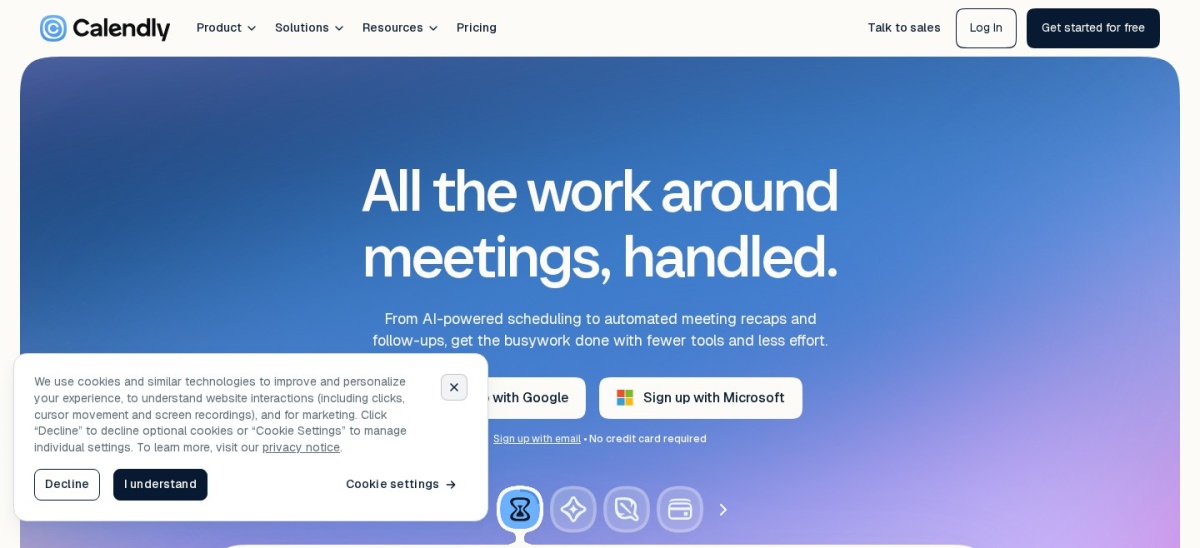
Calendly is a booking platform that lets other people pick a time from your calendar without email exchanges. The free plan includes one event type, one calendar connection and a booking page. Standard costs $10 a seat a month billed yearly and adds unlimited event types, reminders and payments.
The trade off is scope. Calendly books meetings; it does not protect focus time or schedule tasks, so it works best beside a tool like Reclaim. Round-robin booking needs the Teams plan at $16 a seat a month billed yearly. It suits client-facing teams that book many external calls.
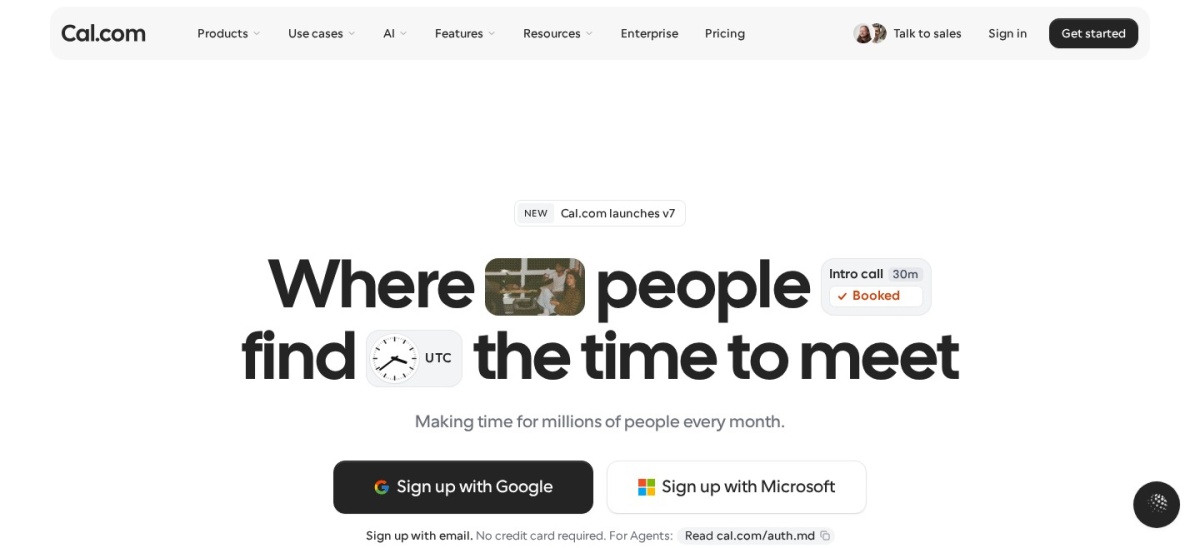
Cal.com is a scheduling platform with the most generous free plan here: unlimited bookings, event types and calendar connections for one user. Teams costs $12 a user a month billed yearly and adds round robin, routing forms, shared availability and team workflows. Organizations costs $28.
The trade off is that Cal.com books meetings rather than protecting focus time, and setup takes longer than Calendly. Its commercial code went closed source in April 2026, with only the cut-down Cal.diy edition still open source. It suits developer-led teams that want routing for less.
What we like
Free plan has unlimited bookings and event types
Teams routing costs less than Calendly Teams
API and customisation for developers
Strong Trustpilot rating as well
Watch out for
Does not protect focus time or schedule tasks
Setup and settings take longer to learn
Commercial code went closed source in 2026
Organizations adds SSO, SCIM and complianceVisit cal.com
09
Fantastical
4.4/5on G2 (18 reviews, checked Nov 2026)
Paid from$4.75/mo
Best calendar app for Apple users
Free planYes, basic calendar
Paid planPremium, $4.75/mo
Natural languageType events in plain words
BookingOpenings links on Premium
flexibits.com
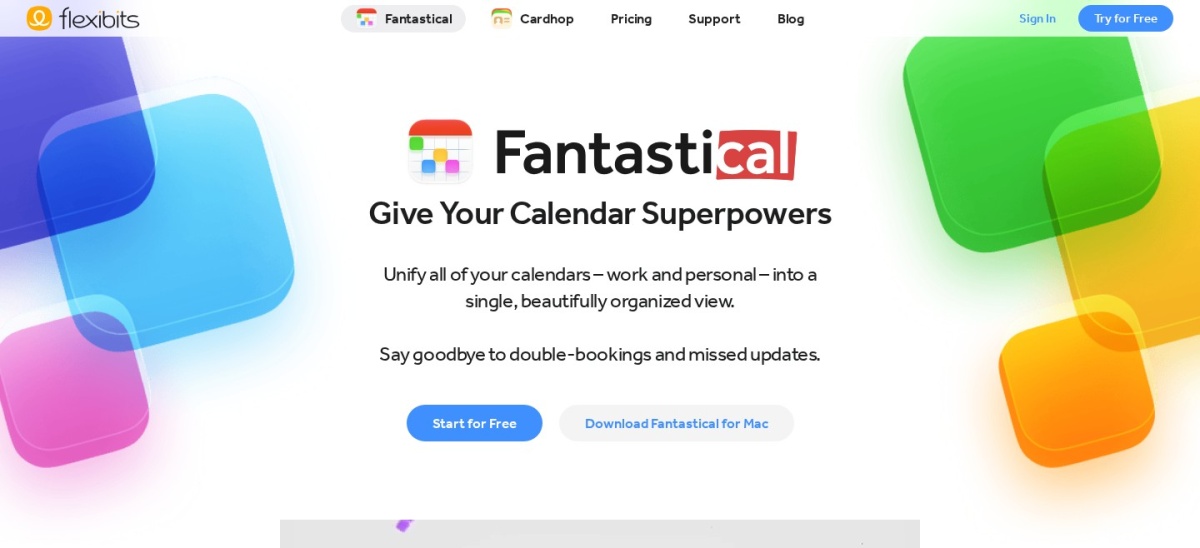
Fantastical homepage, captured Nov 2026.
Fantastical is a calendar app for Mac, iPhone, iPad and Windows that puts Google, iCloud and Microsoft 365 calendars in one view. You add events by typing them in plain words, and Premium adds calendar sets, meeting polls, booking links and a Join button for video calls. Premium costs $4.75 a month billed yearly.
The trade off is that Fantastical is a calendar, not a scheduler: it never moves meetings or defends focus time on its own. There is no Android app until 2027 and no web version, and the Watch app and travel time need Premium. It suits Apple users who want a nicer calendar.
Free plans cover one job well. Reclaim's Lite plan defends focus time, Calendly and Cal.com handle booking links, and Fantastical covers the basic calendar.
Paid plans mostly add automation and range. Reclaim Starter adds more agents and links, Motion and Akiflow only work once you pay, and Sunsama has no free plan at all.
If focus time is the job, start free with Reclaim. If booking links are the job, Cal.com's free plan gives the most before you pay anything.
How we chose
We started from the tools Clockwise users were actually moving to after the 27 March 2026 shutdown, then added the closest focus-time, auto-scheduling and booking tools.
Prices come from each vendor's pricing page, checked on 29 November 2026. Ratings and review counts come from G2 or Capterra on the same day. Where a vendor shows a sale, the list shows the regular price.
We left out Clockwise itself, which no longer exists, and tools without a public rating. No vendor paid for a place, and we do not claim to have used these tools ourselves.
How to choose a Clockwise alternative
Start with the Clockwise feature you miss most, then match the tool to that job.
Name the job you lost. If it was focus time, start with Reclaim. If it was automatic rescheduling, look at Motion or SkedPal. If it was booking links, look at Calendly or Cal.com.
Check the free plan first. Reclaim, Calendly, Cal.com and Fantastical all have free plans. The others offer trials of 7 to 14 days, and Akiflow's trial needs a card.
Price the seat you will actually buy. Motion's $19 is a team-seat price, while a solo user pays $29 a month billed yearly. Sunsama and Morgen both double on monthly billing, so yearly billing matters.
Try the planning style before you pay. Auto-scheduling suits people who want the calendar to decide. Sunsama and Morgen suit people who want to plan the day themselves each morning.
FAQ
What is the best Clockwise alternative?
Reclaim is the best Clockwise alternative for most people. It protects focus time, schedules tasks and habits, and has a free Lite plan, and it was the tool Clockwise itself recommended when it shut down on 27 March 2026.
Is there a free Clockwise alternative?
Yes. Reclaim has a free Lite plan for one user, Cal.com offers free unlimited bookings and event types, Calendly has a free plan with one event type, and Fantastical has a free basic calendar.
How much does a Clockwise alternative cost?
Paid plans run from $4.75 a month billed yearly for Fantastical to $19 a month for Motion and Akiflow on the same billing. Reclaim starts at $10 a seat a month, Sunsama at $17, and Morgen at $15.
Which Clockwise alternative is best for small teams?
Reclaim is the best fit for small teams, with Starter at $10 a seat a month billed yearly for up to 10 seats. Motion suits teams that want tasks and projects scheduled too, at $19 a seat a month billed yearly.
Reclaim vs Motion: which is better?
Reclaim is better for focus time and costs less, with a free plan and Starter at $10 a seat a month. Motion is better if you want the whole day auto-scheduled, including tasks and projects, but it has no free plan and solo users pay $29 a month billed yearly.
Is Clockwise really shutting down?
Yes. Clockwise shut down on 27 March 2026 after Salesforce acquired the team, and it pointed users to Reclaim as the closest replacement. Any Clockwise alternative you pick now should be one you plan to stay with.
SaaS SEO and WordPress specialist with about 8 years of experience. Rakib compares WordPress plugins, themes, hosting and software using public pricing, documentation and user reviews. See how we rank.