Nearpod leads the best classroom tools for teachers with interactive lessons, formative assessments and a free plan supporting 40 students per session. Choose Lumio for affordable collaborative lessons at $59 annually or MagicSchool AI for lesson planning, differentiated materials and AI-assisted classroom preparation.
How we make this list: we compare pricing pages, product documentation and public user reviews, then re-check every price before each update. No product paid for a place. Disclosure.
Nearpod earns 4.6/5 from 121 G2 reviews and supports 40 students per lesson on its free Silver plan.
Lumio costs $59 annually for unlimited lesson storage and earns 4.8/5 from 174 G2 reviews.
MagicSchool AI provides more than 80 teacher tools on its free plan, with Plus costing $99.96 annually.
Kahoot! earns 4.6/5 from 405 G2 reviews and supports 50 participants on its Bronze subscription.
Pear Deck Premium costs $149 annually with educator pricing and adds individual student feedback.
Kami costs $149 annually for its Teacher plan and earns 4.4/5 from 69 G2 reviews.
What makes classroom tools for teachers useful during everyday instruction?
Effective classroom software should solve a specific instructional problem. Teachers benefit from tools that simplify lesson preparation, increase student participation, provide timely feedback or make learning materials more accessible.
Interactive lessons help teachers identify misunderstandings before moving to the next topic. Platforms such as Nearpod, Lumio and Pear Deck collect student responses during instruction, allowing educators to adjust explanations based on classroom understanding.
AI assistance is most useful when teachers retain control over educational content. Applications such as MagicSchool can generate lesson plans, differentiated materials and assessment questions, but educators should review every output for accuracy, suitability and curriculum alignment.
Specialized classroom applications complement existing learning management systems. Kahoot! supports game-based assessment, Kami converts documents into interactive assignments, and Edpuzzle adds questions to instructional videos.
Student privacy and accessibility should influence software decisions. Review school-approved data practices, student account requirements, accessibility features and device compatibility before introducing a new classroom application.
For video lessons with embedded comprehension questions
$13.75/mo
Free plan
4.6/5
Price ladder: cheapest paid plan per year
List prices, USD, checked Nov 2026
LumioFREE$59
MagicSchoolFREE$100
Kahoot!FREE$108
Pear DeckFREE$149
KamiFREE$149
NearpodFREE$159
EdpuzzleFREE$165
The 7 best classroom tools for teachers
01
Nearpod
4.6/5on G2 (121 reviews, checked Nov 2026)
Paid from$159/yr
Best for interactive classroom lessons and formative assessment
Entry paid planGold
Free participants40 per lesson
Gold participants75 per lesson
Gold lesson storage1 GB
nearpod.com
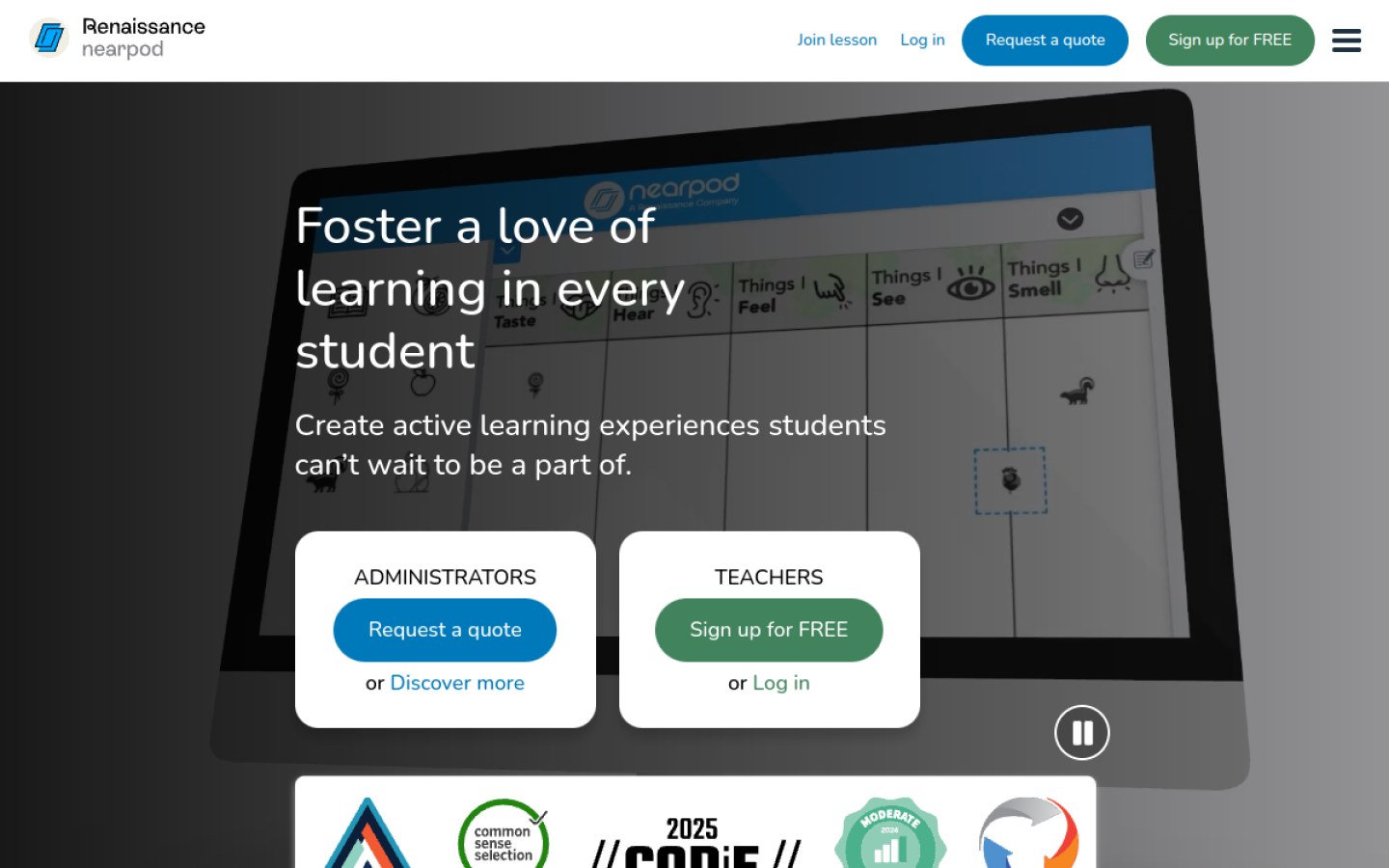
Nearpod homepage, captured Nov 2026.
Nearpod is an interactive teaching platform combining multimedia presentations, classroom activities and formative assessments. Its free Silver plan accommodates 40 students per lesson and provides tools for collecting responses, presenting instructional materials and delivering teacher-paced or student-paced learning activities.
The trade off is that larger classes and extensive lesson libraries require paid storage and participation allowances. Gold costs $159 annually and supports 75 students per session with 1 GB of storage. It suits teachers who want instruction and assessment connected within the same lesson.
What we like
Interactive presentations with embedded assessments
Free plan supports a typical classroom
Live and independent learning modes
Multiple student response formats
Ready-made educational resources
Watch out for
Free lesson storage is limited
Larger sessions require paid subscriptions
Advanced institutional integrations require school licensing
Gold increases lesson storage and student participation limits.Visit nearpod.com
02
Lumio
4.8/5on G2 (174 reviews, checked Nov 2026)
Paid from$59/yr
Best for affordable interactive lessons and collaborative learning
Entry paid planStandard
Standard lesson storageUnlimited
Collaborative activitiesDigital whiteboards and group tasks
School subscriptionSpark, custom pricing
smarttech.com
Lumio homepage, captured Nov 2026.
Lumio is classroom learning software from SMART Technologies that turns teaching materials into interactive activities, collaborative workspaces and game-based assessments. Its Standard subscription costs $59 annually and provides unlimited lesson storage for individual educators creating reusable classroom resources.
The trade off is that expanded institutional collaboration, shared organizational libraries and full AI Assist functionality belong to the quote-based Spark subscription. Standard remains affordable at $59 annually for individual teaching workflows. It suits educators who want collaborative activities without an expensive subscription.
What we like
Affordable regular annual subscription
Unlimited lesson storage on Standard
Collaborative whiteboard activities
Mathematical simulations and interactive learning resources
Highest G2 rating in this comparison
Watch out for
Free lesson storage is restricted
Full AI capabilities require institutional licensing
Standard adds unlimited lesson storage for individual educators.Visit smarttech.com
03
MagicSchool AI
4.7/5on G2 (7 reviews, checked Nov 2026)
Paid from$8.33/mo
Best for AI-assisted lesson planning and differentiated instruction
Entry paid planPlus
Free teacher tools80+
Monthly billing alternative$12.99/month
Plus output historyUnlimited
magicschool.ai
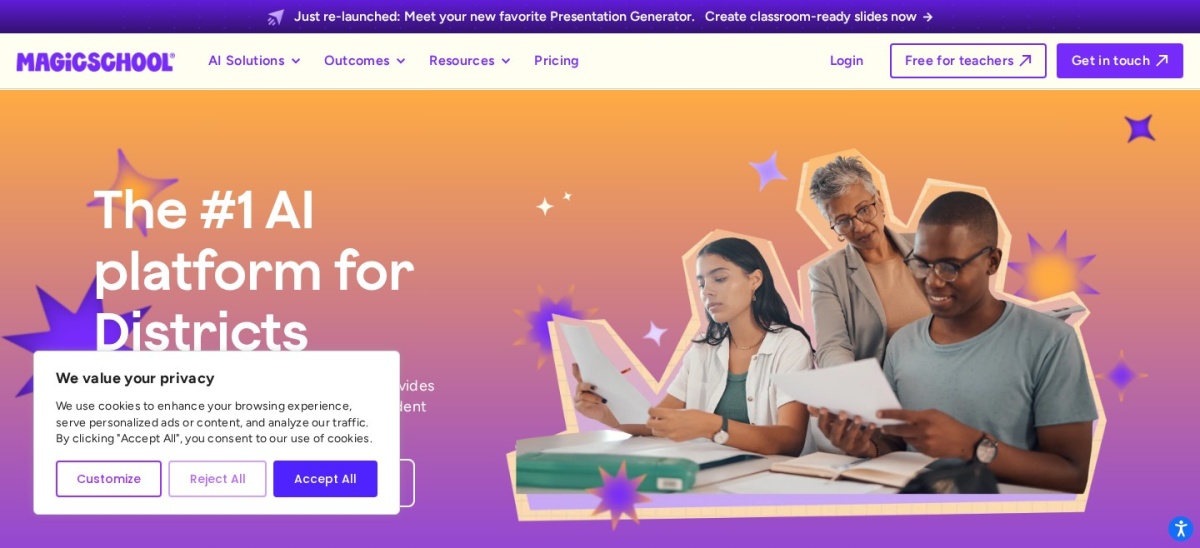
MagicSchool AI homepage, captured Nov 2026.
MagicSchool AI is an education-focused AI assistant that helps teachers prepare lessons, quizzes, differentiated resources and classroom communications. Its free subscription includes more than 80 teacher tools, the Raina chatbot and assistance with classroom writing feedback.
The trade off is that free usage has limits, and generated content still requires professional review. Plus costs $8.33 monthly with annual billing, totaling $99.96 per year, and expands generation and history allowances. It suits educators seeking a dedicated AI assistant for recurring preparation tasks.
What we like
Extensive education-specific AI toolkit
Free access to core teacher tools
Lesson differentiation and assessment assistance
Affordable annual subscription
Teacher-oriented guidance and classroom safeguards
Watch out for
Only 7 G2 reviews at the time of research
AI-generated content requires accuracy checks
Institutional administration requires Enterprise
Free generation limits apply
Plus expands generation allowances, output history and access to advanced AI tools.Visit magicschool.ai
04
Kahoot!
4.6/5on G2 (405 reviews, checked Nov 2026)
Paid from$9/mo
Best for game-based classroom quizzes and revision
Entry paid planKahoot!+ Bronze
Bronze participants50
Regular monthly billing$9
Assessment formatsQuizzes and puzzles
kahoot.com
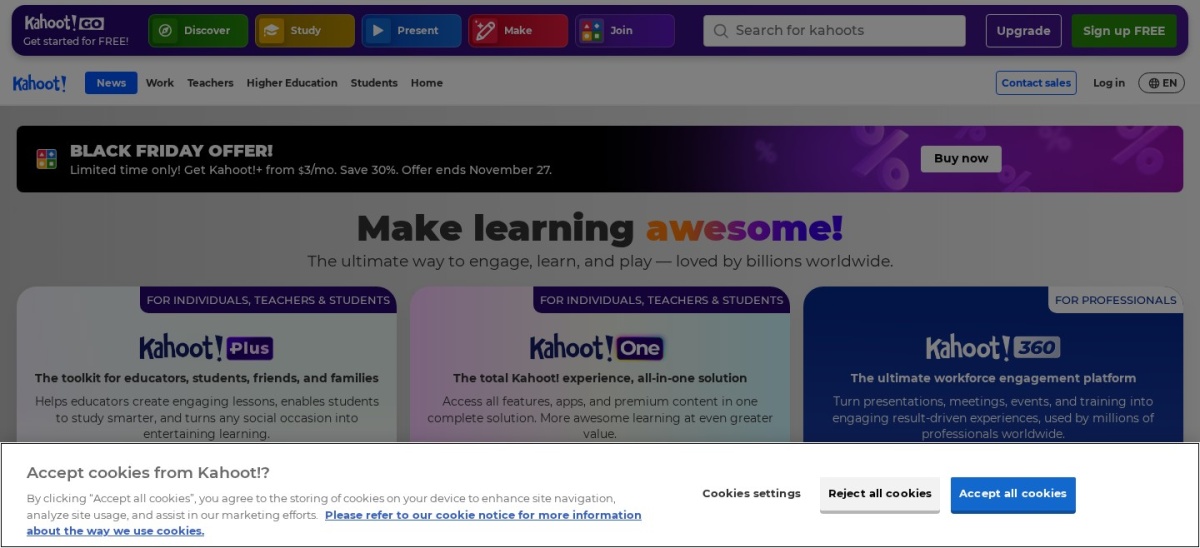
Kahoot! homepage, captured Nov 2026.
Kahoot! is a game-based learning platform that helps teachers create interactive quizzes, revision activities and classroom knowledge checks. Its Bronze subscription supports 50 participants and includes AI-assisted quiz creation, additional question formats and reports for reviewing student performance.
The trade off is that advanced question types and larger participation allowances require higher subscriptions. The confirmed regular monthly rate is $9, while a temporary Black Friday offer advertises $36 annually without clearly displaying the ordinary Bronze annual rate. It suits teachers who frequently use game-based revision.
What we like
Engaging live classroom quiz formats
Established public review history
Student performance reports
AI-assisted question generation
Free basic quiz hosting
Watch out for
Advanced question formats require upgrades
Competitive timing may disadvantage some learners
Regular discounted annual Bronze rate was not visible
Bronze expands quiz creation tools, AI assistance and participant allowances.Visit kahoot.com
05
Pear Deck
4.3/5on G2 (43 reviews, checked Nov 2026)
Paid from$149/yr
Best for making existing classroom presentations interactive
Entry paid planTeacher Premium
Annual educator price$149
Presentation integrationsGoogle and Microsoft
Premium response formatsDrawing and draggable responses
peardeck.com
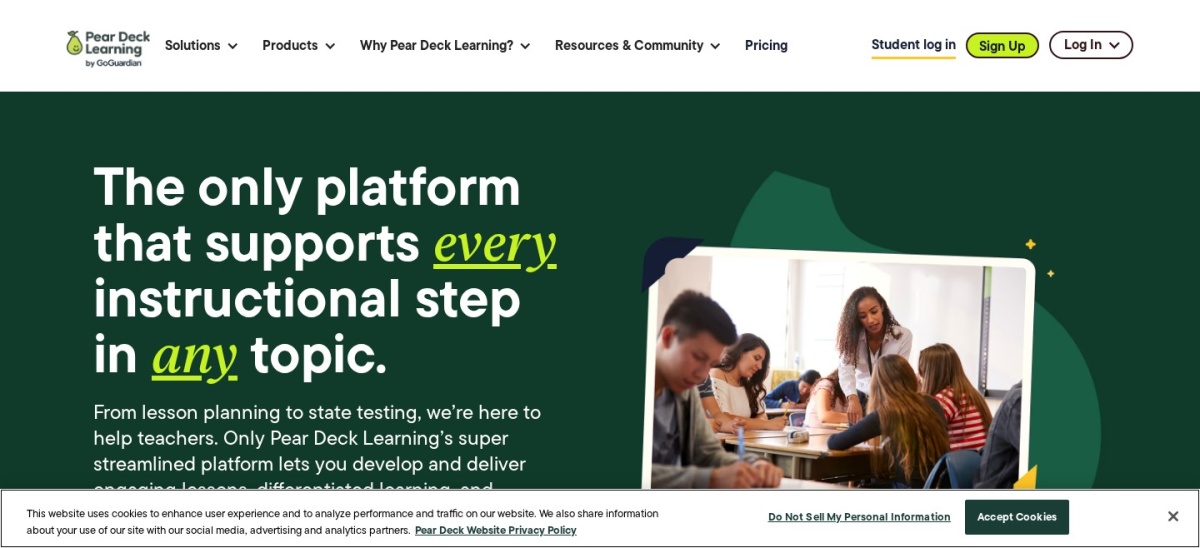
Pear Deck homepage, captured Nov 2026.
Pear Deck is interactive presentation software that helps educators collect student responses without abandoning their existing slide-based teaching workflow. Its free teacher plan supports interactive questions, anonymous participation, accessibility features and classroom pacing tools within familiar presentation applications.
The trade off is that individual student identification, drawing responses and advanced feedback require Teacher Premium at $149 annually with educator pricing. Audio functionality also depends on the presentation environment. It suits teachers who already maintain slide libraries and want to add classroom interaction.
Best for interactive worksheets and digital document feedback
Entry paid planTeacher
Annual subscription$149
Monthly billing alternative$14.99/month
Primary workflowInteractive document assignments
kamiapp.com
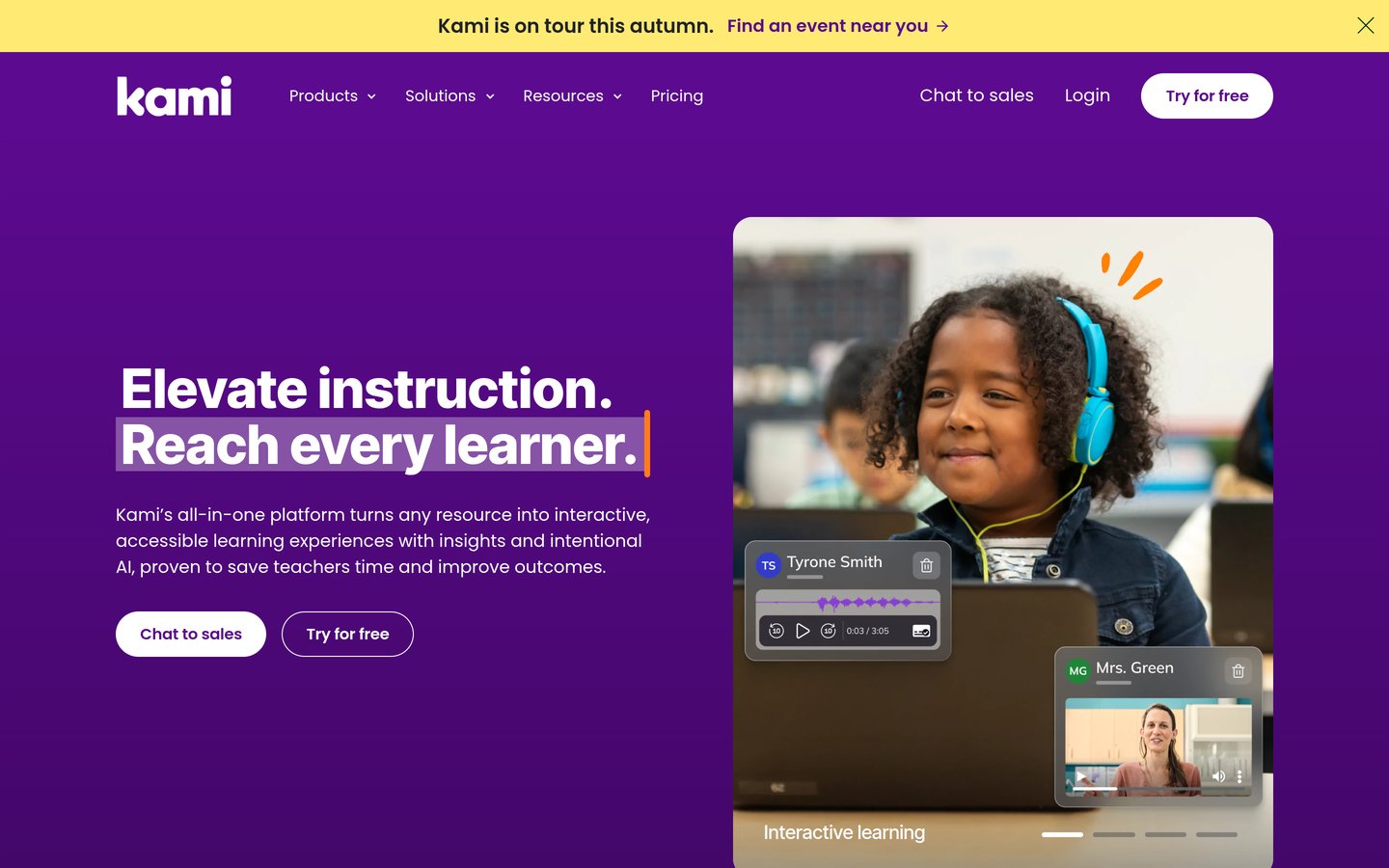
Kami homepage, captured Nov 2026.
Kami is a digital classroom document platform for annotating PDFs, completing worksheets and delivering educational feedback. Its Teacher subscription costs $149 annually and expands the annotation, accessibility and classroom assignment tools available through its free document application.
The trade off is that advanced assessment, administrative controls and institution-wide integrations depend on the purchased subscription. Individual teachers can alternatively pay $14.99 monthly, which costs more over a full year. It suits educators replacing paper worksheets with accessible digital assignments.
What we like
Converts existing worksheets into digital assignments
Document highlighting and annotation
Supports differentiated learning materials
Accessibility-oriented document tools
Integrations with classroom management platforms
Watch out for
Advanced functionality requires paid access
Complex institutional requirements need school licensing
Less suitable for complete interactive presentations
The Teacher plan expands document annotations, feedback and interactive classroom assignment capabilities.Visit kamiapp.com
07
Edpuzzle
4.6/5on G2 (37 reviews, checked Nov 2026)
Paid from$13.75/mo
Best for video lessons with embedded comprehension questions
Entry paid planPro Teacher
Published annual-billing rate$13.75/month
Assessment approachEmbedded video questions
Learning deliveryVideo assignments and live instruction
edpuzzle.com
Edpuzzle homepage, captured Nov 2026.
Edpuzzle is a video-based teaching application that lets educators insert questions into instructional videos, assign viewing activities and monitor student responses. Its published Pro Teacher subscription rate is $13.75 monthly with annual billing, providing an upgrade from the restricted Basic plan.
The trade off is that free video storage is limited, and learning management system integrations may require configuration. The published annual subscription totals $165, although the pricing page rendered without readable text during direct retrieval. It suits educators using flipped classrooms and video-based comprehension checks.
What we like
Embedded questions encourage active video learning
Student viewing and response tracking
Supports independent learning assignments
Free entry option
Useful for flipped classroom instruction
Watch out for
Free video storage is limited
Some learning management integrations require troubleshooting
Current checkout price needs additional confirmation
Pro Teacher expands video storage and instructional video assignment capacity.Visit edpuzzle.com
Which classroom tools work well together?
An interactive lesson platform should serve as the main instructional workspace. Nearpod and Lumio combine teaching materials, student activities and comprehension checks, helping educators avoid switching between separate applications throughout every lesson.
An AI preparation assistant can support the planning stage. MagicSchool AI helps educators draft teaching materials, assessment questions and differentiated content before those resources are reviewed and transferred into the classroom platform.
Specialized assessment applications add variety when needed. Kahoot! provides game-based knowledge checks, while Edpuzzle supports video comprehension activities. Both can supplement ordinary classroom instruction without replacing an existing learning management system.
Document annotation software is useful for independent work. Kami allows teachers to distribute familiar worksheet formats digitally and collect student responses without recreating every existing resource as an interactive presentation.
Start with applications that address distinct instructional tasks. Purchasing several overlapping presentation platforms may increase expenses and require students to learn unnecessary interfaces. Check existing school licenses before subscribing individually.
How should teachers use AI classroom tools responsibly?
AI-generated educational materials require teacher review. Check factual statements, mathematical solutions, reading difficulty, examples and assessment answers before presenting generated resources to students.
Student privacy must remain a priority. Avoid entering identifiable student information, confidential assessment records or sensitive educational documents into applications that have not received appropriate school approval.
AI assistance should support rather than replace student thinking. Design activities that require learners to explain reasoning, evaluate evidence and apply knowledge instead of simply reproducing generated answers.
Accessibility should be evaluated independently of AI capabilities. Confirm that classroom resources work with relevant assistive technologies, provide suitable reading levels and accommodate learners who require alternative participation methods.
How we chose
We selected established educational applications covering interactive instruction, AI-assisted preparation, classroom quizzes, digital worksheets and instructional videos. Rankings prioritize classroom relevance, practical features, public pricing and review evidence rather than treating every educational application as a direct substitute.
Official pricing information and G2 review sources were researched on 30 Nov 2026. Kahoot!'s regular monthly rate is annualized because its promotional annual price obscured the ordinary annual rate. Edpuzzle's published price was available in the indexed official pricing result, but the directly opened page returned no readable content and requires checkout confirmation.
We excluded products without usable pricing or public rating evidence. MagicSchool AI is an exception to the usual review-count threshold because of its established educator adoption and direct relevance to AI classroom preparation. Its smaller G2 sample should be considered when interpreting its rating. No vendor paid for a place, and we do not claim testing for this list.
How to choose the right classroom tools for your teaching needs
Identify your most time-consuming teaching tasks, review your existing school technology and compare classroom applications according to instructional value, accessibility and total subscription cost.
Identify the classroom problem you want to solve. Choose Nearpod or Lumio for interactive instruction, MagicSchool AI for lesson preparation, Kahoot! for game-based assessment, Kami for digital worksheets or Edpuzzle for instructional video activities.
Compare classroom size and free-plan limits. Check student participation allowances, lesson storage, assignment limits and access to essential assessment features. Nearpod Silver supports 40 students per lesson, while its Gold subscription increases that allowance to 75.
Review accessibility, student privacy and school approval. Confirm that the application meets your institution's data protection requirements and supports relevant accessibility needs. Review student account creation, content moderation, information retention and administrative oversight before classroom deployment.
Calculate annual costs and check existing school subscriptions. Compare regular individual teacher prices with institutional licenses already available through your school. Consider additional storage, premium assessment features and collaboration requirements before purchasing overlapping classroom applications.
FAQ
What are the best classroom tools for teachers in 2026?
Nearpod is the best overall classroom tool for teachers who need interactive lessons and formative assessments, offering a free plan for 40 students per session. Lumio is an affordable alternative at $59 annually, while MagicSchool AI specializes in lesson planning and differentiated resource preparation.
What are the best free classroom tools for teachers?
Nearpod, Lumio and MagicSchool AI provide useful free classroom tools for interactive instruction and lesson preparation. Kahoot! offers free basic quizzes, while Kami and Edpuzzle provide limited free document and video learning functionality. Review participation, storage and generation limits before using them regularly.
Is Nearpod better than Lumio for teachers?
Nearpod is better suited to educators prioritizing structured interactive lessons and formative assessments. Lumio is particularly attractive for collaborative learning activities and affordable unlimited lesson storage. Nearpod Gold costs $159 annually, while Lumio Standard costs $59 annually, making Lumio the less expensive paid option.
What is the best AI classroom tool for lesson planning?
MagicSchool AI is a suitable classroom AI assistant for lesson planning, differentiated materials, quiz generation and educational communications. Its free subscription includes more than 80 teacher tools, while Plus costs $99.96 annually. Teachers should review generated resources before using them for instruction.
How much do classroom tools for teachers cost?
Classroom software ranges from free subscriptions to individual premium plans costing more than $100 annually. Lumio Standard costs $59 per year, MagicSchool Plus costs $99.96 and Nearpod Gold costs $159. Institutional licensing, additional storage and advanced administrative features may increase overall expenses.
Which classroom tools are easiest for new teachers?
Kahoot! and Pear Deck are approachable starting points because they focus on familiar classroom activities such as quizzes and presentations. Nearpod provides a broader interactive lesson environment, while MagicSchool AI can assist with preparing educational materials and organizing recurring lesson planning tasks.
What classroom software is best for digital worksheets?
Kami is particularly suitable for digital worksheets because it supports document annotation, interactive assignments and teacher feedback. Its Teacher subscription costs $149 annually. Educators can adapt existing PDF resources rather than recreating every worksheet from the beginning in a new format.
What is the best classroom tool for video-based learning?
Edpuzzle is a suitable option for video-based learning because teachers can embed comprehension questions into instructional videos and monitor student responses. Nearpod also supports multimedia lessons, making it preferable when video activities need to be combined with presentations and other classroom assessment formats.
Are AI classroom tools safe for students?
AI classroom tools can support student learning when educators use approved applications, appropriate privacy safeguards and active supervision. Safety varies by product, account settings and implementation. Teachers should review institutional requirements, avoid sharing unnecessary personal information and evaluate generated content before classroom use.
SaaS SEO and WordPress specialist with about 8 years of experience. Rakib compares WordPress plugins, themes, hosting and software using public pricing, documentation and user reviews. See how we rank.