ParentSquare is the best classroom messaging software for enterprise districts, covering two-way messaging, forms and payments in one system for more than 22 million students. Remind is the best free start for individual teachers, while Bloomz is the only option here that publishes per-student rates.
How we make this list: we compare pricing pages, product documentation and public user reviews, then re-check every price before each update. No product paid for a place. Disclosure.
ParentSquare covers messaging, forms, payments and websites for whole districts, with no published price — every package is quoted.
Remind Chat is free for teachers, with up to 10 classes and 150 participants per class.
Bloomz is the only tool here with published rates, starting at 3 dollars per student per year.
TalkingPoints leads on ratings at 4.8 out of 5 from 570 G2 reviews, translating into more than 150 languages.
Google Classroom is free for qualifying schools and pairs guardian summaries with assignments.
How do you choose classroom messaging software for enterprise districts?
District tools are bought differently from teacher tools. A single teacher can start free in minutes, while a district signs a contract that covers every school, every family and every language in the community.
Translation decides whether families actually read the message. TalkingPoints covers more than 150 languages and Bloomz more than 250, so a district with many home languages should rank translation above extra features.
Price transparency is rare in this market. Only Bloomz publishes starting rates, while ParentSquare, SchoolMessenger, Seesaw and Rave all sell by quote, so budget comparisons need a written quote from each vendor.
The free tools still matter for enterprise buyers. Remind, ClassDojo and Google Classroom show what teachers adopt on their own, and a district rollout works best when it builds on tools staff already use. Our best classroom management software guide covers the wider classroom stack.
The 9 best classroom messaging software for enterprise
01
ParentSquare
4.6/5on G2 (337 reviews, checked Nov 2026)
PricingCustom/yr
Best for district-wide messaging
District packagesEngage, Premium, 360
Translation99 languages
SIS integrationsClever, ClassLink, OneRoster
Serves22M+ students, 42,000+ schools
parentsquare.com
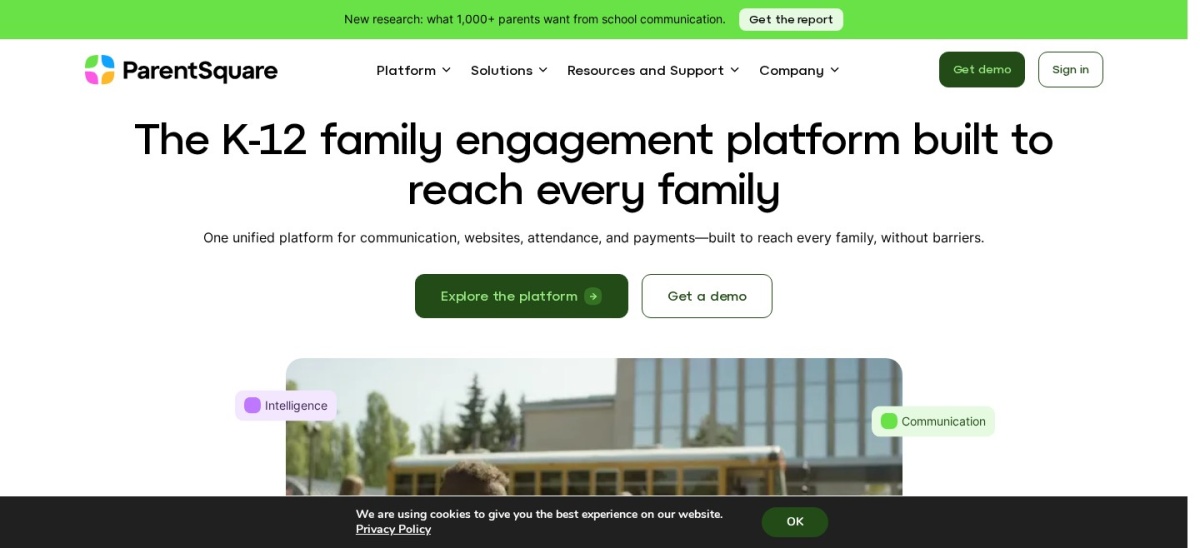
ParentSquare homepage, captured Nov 2026.
ParentSquare is the district-wide family engagement platform for K-12 schools, combining mass notifications, two-way messaging, forms, permission slips, payments and school websites in one system. It serves more than 22 million students across more than 42,000 schools and connects to student information systems through Clever, ClassLink and OneRoster.
The trade off is price. ParentSquare publishes no dollar figures and sells every package by quote, so a district cannot compare costs without a sales conversation. It suits districts that want one platform for every school instead of a patchwork of classroom apps.
What we like
Messaging, forms, payments and websites in one system
Translation in 99 languages
SIS integrations with Clever, ClassLink and OneRoster
Remind is the simplest classroom messaging tool in this list. Teachers send announcements and two-way messages that families receive by plain text, with no app download needed, and Remind Chat is free for verified teachers. Messages translate into more than 90 languages and no phone numbers are shared.
The trade off is district depth. Free accounts cap at 10 classes and 150 participants per class, and district-wide features, analytics and admin controls sit in paid tiers sold by quote. It suits individual teachers and small schools that want fast, free class texts.
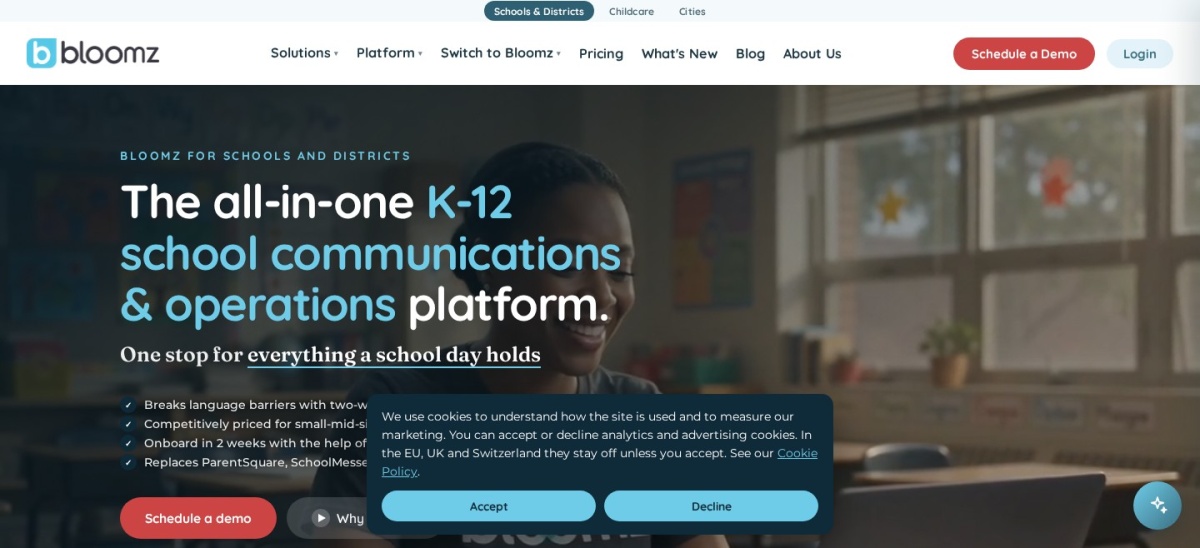
Bloomz is the only tool in this list that publishes starting rates: Essentials starts at 3 dollars per student per year, rising to 11 dollars for the 360 tier. The free version covers two-way messaging, posts, calendars and events for teachers and families, with translation in more than 250 languages.
The trade off is that the starting rate is only a starting point. Bloomz notes that annual minimums apply for smaller schools and the exact quote scales with enrollment and modules. It suits schools that want transparent per-student pricing and a full family engagement hub.
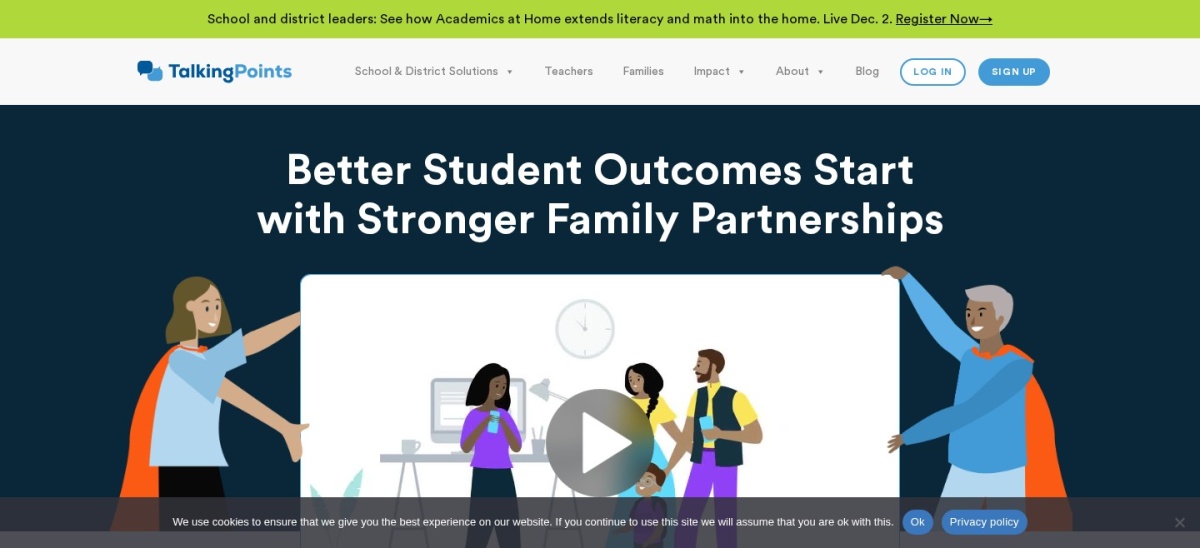
TalkingPoints is a translation-first messaging tool built for schools with multilingual families. Teachers send messages that translate into more than 150 languages, and families reply by SMS in their own language without downloading an app. Individual teachers use it free.
The trade off is scope. TalkingPoints focuses on family messaging and does not try to be a full school platform with forms, payments or websites. It suits districts and schools where language barriers are the main reason families miss messages.
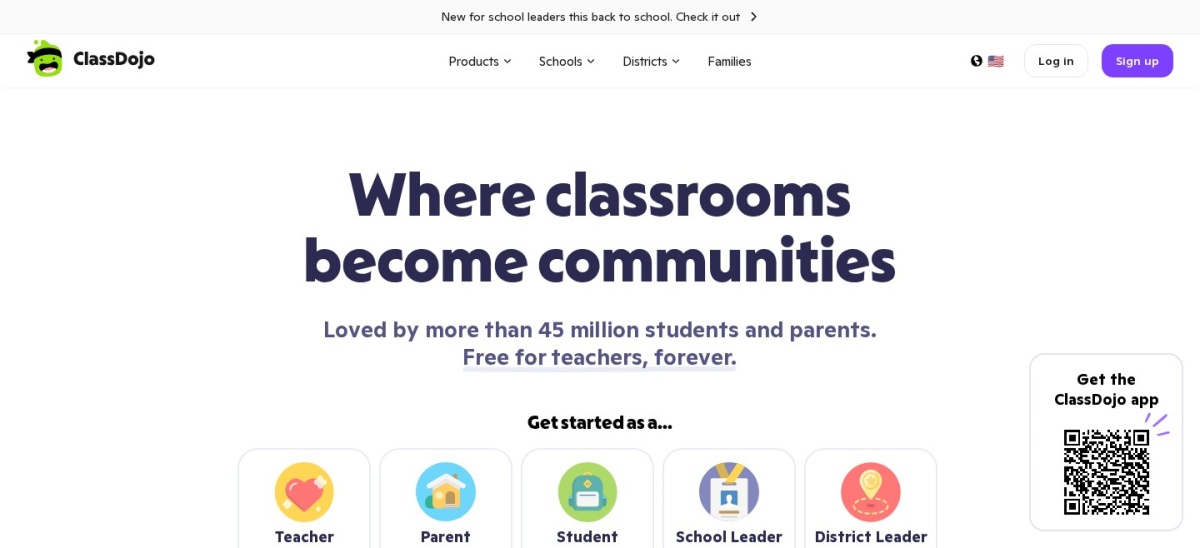
ClassDojo is the classroom community app for elementary schools, combining family messaging with behavior points, class stories and digital student portfolios. The core is free for teachers forever, and each guardian gets their own login to follow their child.
The trade off is district depth. ClassDojo offers fewer administration and reporting features than ParentSquare or SchoolMessenger, and some features sit behind the family Plus tier. It suits elementary teachers who want a free class feed families actually open.
SchoolMessenger is PowerSchool's mass communication tool for schools and districts, sending alerts by voice, SMS, email and push notification. It ties messaging to attendance data inside the PowerSchool family, so absence and emergency alerts can go out from one system.
The trade off is price and focus. SchoolMessenger is sold to schools and districts by quote with no published price, and it is built for broadcasts and alerts rather than everyday classroom conversation. It suits districts that need reliable mass outreach and emergency alerts.
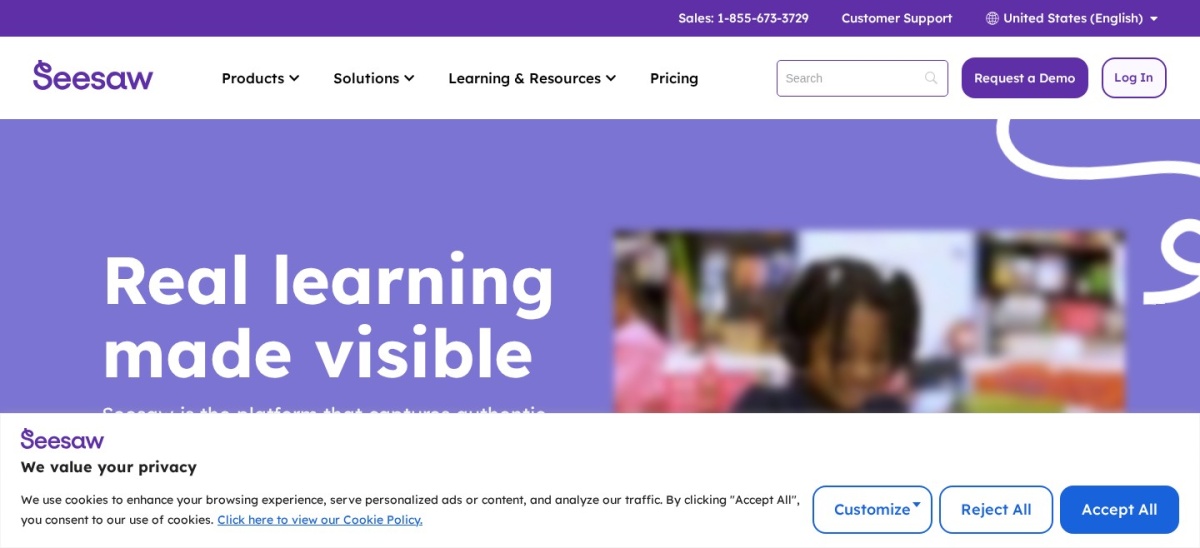
Seesaw is a learning platform that ties family messaging to student work. Teachers share digital portfolios, activities and announcements, and families see what their child made alongside the message about it. The Starter plan is free for teachers.
The trade off is that paid access is school-wide only. Seesaw sells school and district licenses by quote and offers no paid teacher licenses, so one teacher cannot buy the full version alone. It suits elementary schools that want portfolios and messaging in one app.
Google Classroom is Google's free classroom hub for schools on Google Workspace, combining assignments, announcements and messaging in one place. Guardians get email summaries of missing work and upcoming due dates, which keeps families informed without a separate app.
The trade off is that messaging is not the main job. Google Classroom is built around assignments first, and richer messaging, analytics and admin controls sit in the paid Education Plus tier. It suits schools already on Google Workspace that want guardian summaries beside assignments.
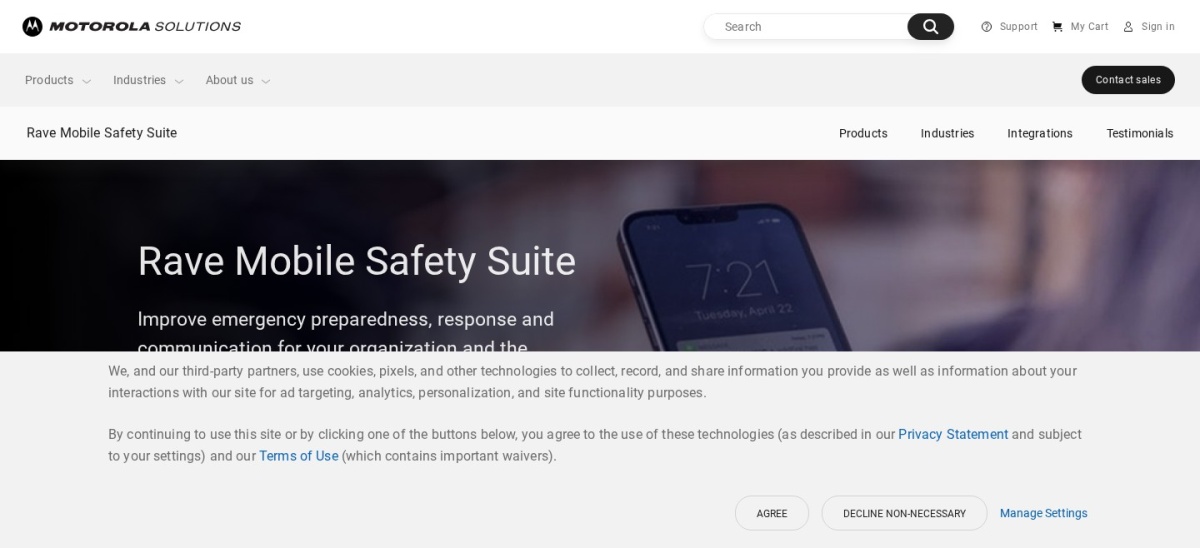
Rave Mobile Safety is a critical communication platform for emergency preparedness, mass notification and incident response. Schools use Rave Alert to send dependable text broadcasts to the right groups fast, with preloaded contacts that update overnight.
The trade off is that it is a safety tool first. Rave is quote-based like other enterprise safety platforms, and it covers urgent alerts rather than everyday classroom messaging. It suits districts that need a proven emergency notification layer beside their classroom tools.
Free tools win at the classroom level. Remind, ClassDojo, TalkingPoints and Google Classroom all give teachers a working messaging tool without a purchase order.
District-paid platforms win at the system level. ParentSquare, SchoolMessenger and Rave add admin oversight, archiving, SIS rostering and audit trails that free teacher tools do not offer.
Most districts end up with both. Teachers keep the free tool they already use, while the district buys the platform that covers compliance, translation and emergency alerts.
Bloomz sits between the two. It is free for teachers and families, yet sells to districts on published per-student rates, so a school can start free and scale to a contract.
How we chose
We started from the classroom messaging tools districts actually buy, then kept the nine with a real enterprise or district offer and a public G2 rating.
Prices and plan details come from each vendor's pricing page, checked on 30 November 2026. Ratings and review counts come from G2 on the same day. Where a vendor publishes no price, the list says Custom instead of filling in a figure.
We left out tools with no current G2 rating and tools built only for single classrooms. No vendor paid for a place, and we do not claim hands-on testing for this list.
How to choose classroom messaging software for enterprise districts
Start with who buys it, then check translation, price transparency and admin controls.
Decide who the buyer is. A teacher picks a free tool in minutes; a district signs a contract for every school. Match the tool to the buyer before comparing features.
Check translation coverage first. Count the home languages in your schools, then check the vendor's language list. A tool that misses a major language will leave families out.
Get written quotes from every finalist. Five of the nine tools here publish no price. Ask each vendor for a quote on the same enrollment and modules so the numbers compare fairly.
Confirm SIS rostering and archiving. Ask how rosters sync from your student information system and how messages are archived. These two checks separate district platforms from classroom apps.
FAQ
What is the best classroom messaging software for enterprise districts in 2026?
ParentSquare is the best classroom messaging software for enterprise districts in 2026. It covers two-way messaging, forms, payments and school websites for whole districts, serves more than 22 million students, and is rated 4.6 out of 5 on G2.
Is there a free classroom messaging tool for schools?
Yes. Remind Chat is free for verified teachers, ClassDojo core is free forever, and Google Classroom is free for qualifying institutions. TalkingPoints is also free for individual teachers, and Bloomz is free for teachers and families.
How much does classroom messaging software cost per student?
Only Bloomz publishes per-student rates, starting at 3 dollars per student per year for Essentials and rising to 11 dollars for the 360 tier. ParentSquare, SchoolMessenger, Seesaw and Rave sell by quote, so districts need a written price for their enrollment.
Which classroom messaging tool is best for multilingual families?
TalkingPoints is the best pick for multilingual families, translating two-way messages into more than 150 languages with SMS replies. Bloomz covers more than 250 languages, and ParentSquare covers 99 languages across its district platform.
ParentSquare vs Remind: which should a district choose?
Choose ParentSquare when the district needs one system for messaging, forms, payments and websites with admin oversight. Choose Remind when individual teachers need free, fast two-way texts, since Remind Chat is free and now sits inside the ParentSquare family.
What is the best classroom messaging software for small schools?
Remind is the best fit for small schools, because Remind Chat is free and needs no district purchase. Bloomz is the next step up, with published per-student rates from 3 dollars a year and a free tier for teachers.
SaaS SEO and WordPress specialist with about 8 years of experience. Rakib compares WordPress plugins, themes, hosting and software using public pricing, documentation and user reviews. See how we rank.