Rocky Linux is the best of the CentOS alternatives for most servers: it is free, binary-compatible with Red Hat Enterprise Linux, and supported for 10 years. AlmaLinux is the closest runner-up, while RHEL itself is the paid, fully supported option.
How we make this list: we compare pricing pages, product documentation and public user reviews, then re-check every price before each update. No product paid for a place. Disclosure.
Rocky Linux and AlmaLinux are both free, 1:1 RHEL-compatible replacements, rated 4.6 and 4.5 on G2.
RHEL is the only option here with vendor support built in, from $383.90 a year for self-support.
Ubuntu is the highest-reviewed distro here with 2,412 G2 reviews and a 4.5 rating, but it is Debian-based, not RHEL-compatible.
Oracle Linux is free to run and adds zero-downtime kernel patching, with paid support from $699 per CPU pair.
Seven of the nine distros cost $0, and paid support across the list runs from $383.90 to $799 a year.
What should you look for in CentOS alternatives?
CentOS Linux ended, and its replacements split into two camps: free clones that copy RHEL, and the paid original. Rocky Linux and AlmaLinux are the closest matches, because they are built to be binary-compatible with RHEL.
Compatibility decides most migrations. If your scripts install RPM packages, use DNF and rely on SELinux, a RHEL-compatible distro lets you move with the least change. Our guide on setting up WordPress on a VPS shows how much of a server setup is tied to the distribution underneath.
Support life is the second deciding factor. Rocky Linux, AlmaLinux, Oracle Linux and RHEL all promise 10 years of updates per major release, while Fedora gives about 13 months and openSUSE Leap about 18 months per release.
Price is the third factor, and most of these distributions are free. The money question is really about support: RHEL, SLES and Ubuntu Pro charge per system, while the free clones leave you to the community or a third-party support firm.
Rocky Linux is a free, community-run distribution built as a 1:1 binary-compatible replacement for Red Hat Enterprise Linux. It was started by a CentOS co-founder after CentOS Linux ended, and each major release is supported for 10 years, so a Rocky 9 server keeps getting updates into the 2030s.
The trade off is support. Rocky Linux has no vendor support desk of its own, so help comes from the community or a third-party support firm. It suits teams that ran CentOS and want the same commands, packages and behaviour with no licence bill.
What we like
Free to run in production, with no licence
1:1 binary-compatible with RHEL
10 years of support per major release
Ships a migrate2rocky conversion script
Watch out for
No vendor support desk of its own
Only 20 G2 reviews, so the rating rests on a small sample
AlmaLinux is a free, community-owned distribution that mirrors Red Hat Enterprise Linux release for release. It ships ELevate, a tool that upgrades CentOS 7 servers in place, and the AlmaLinux OS Foundation behind it is a non-profit, so no single company controls the project.
The trade off is the same as Rocky Linux: there is no vendor support line, and commercial help comes from partners. It suits teams that want a governed, non-profit-backed clone and a tested in-place migration path from CentOS.
What we like
Free to run in production, with no licence
ELevate upgrades CentOS 7 servers in place
Non-profit foundation, no single-company control
10 years of support per major release
Watch out for
No vendor support desk of its own
Only 21 G2 reviews, so the rating rests on a small sample
Red Hat Enterprise Linux homepage, captured Nov 2026.
Red Hat Enterprise Linux is the commercial distribution CentOS was built from, and the only option here with Red Hat support behind it. A free Developer Subscription covers up to 16 systems, and paid Server subscriptions start at $383.90 a year for self-support, with Standard support at $878.90.
The trade off is cost at scale. Every production system needs a paid subscription, so a large fleet costs far more than a free clone. It suits regulated teams that need certified hardware, a vendor to call, and a 10-year lifecycle with extended support.
What we like
Vendor support and a 10-year lifecycle
Certified hardware and software ecosystem
Largest review base of the RHEL family: 976 G2 reviews
Free Developer Subscription for up to 16 systems
Watch out for
Paid subscription needed per production system
Self-support tier is not intended for production
Developer tier is capped at 16 systems
Standard support costs $878.90 a year per subscriptionVisit redhat.com
04
Oracle Linux
4.4/5on G2 (349 reviews, checked Nov 2026)
Paid from$699/yr
Best for Oracle workloads and zero-downtime patching
BaseRHEL-compatible
Support life10 years per release
Package managerDNF / RPM
Paid supportFrom $699 per CPU pair
oracle.com
Oracle Linux homepage, captured Nov 2026.
Oracle Linux is a free RHEL-compatible distribution from Oracle, free to download, use and distribute, including in production. Its standout feature is Ksplice, which applies kernel security patches without a reboot, and it tracks RHEL releases with a 10-year lifecycle.
The trade off is the support bill. Oracle Linux itself costs nothing, but paid support is priced per CPU pair, starting at $699 a year for Basic. It suits teams running Oracle databases or large fleets that value zero-downtime patching.
What we like
Free to run in production, including errata access
Ksplice applies kernel patches without a reboot
10-year lifecycle tracking RHEL
349 G2 reviews, the largest of the free clones
Watch out for
Support is priced per CPU pair, so it adds up fast
Ecosystem favours Oracle products
Smaller community than Rocky Linux or AlmaLinux
Paid support starts at $699 a year per CPU pair (Basic)Visit oracle.com
05
Ubuntu
4.5/5on G2 (2,412 reviews, checked Nov 2026)
Paid from$500/yr
Best for the widest software and cloud support
BaseDebian-based, APT
Support life5 years, 10 with Pro
Package managerAPT / Snap
Paid supportPro from $500/server/yr
ubuntu.com
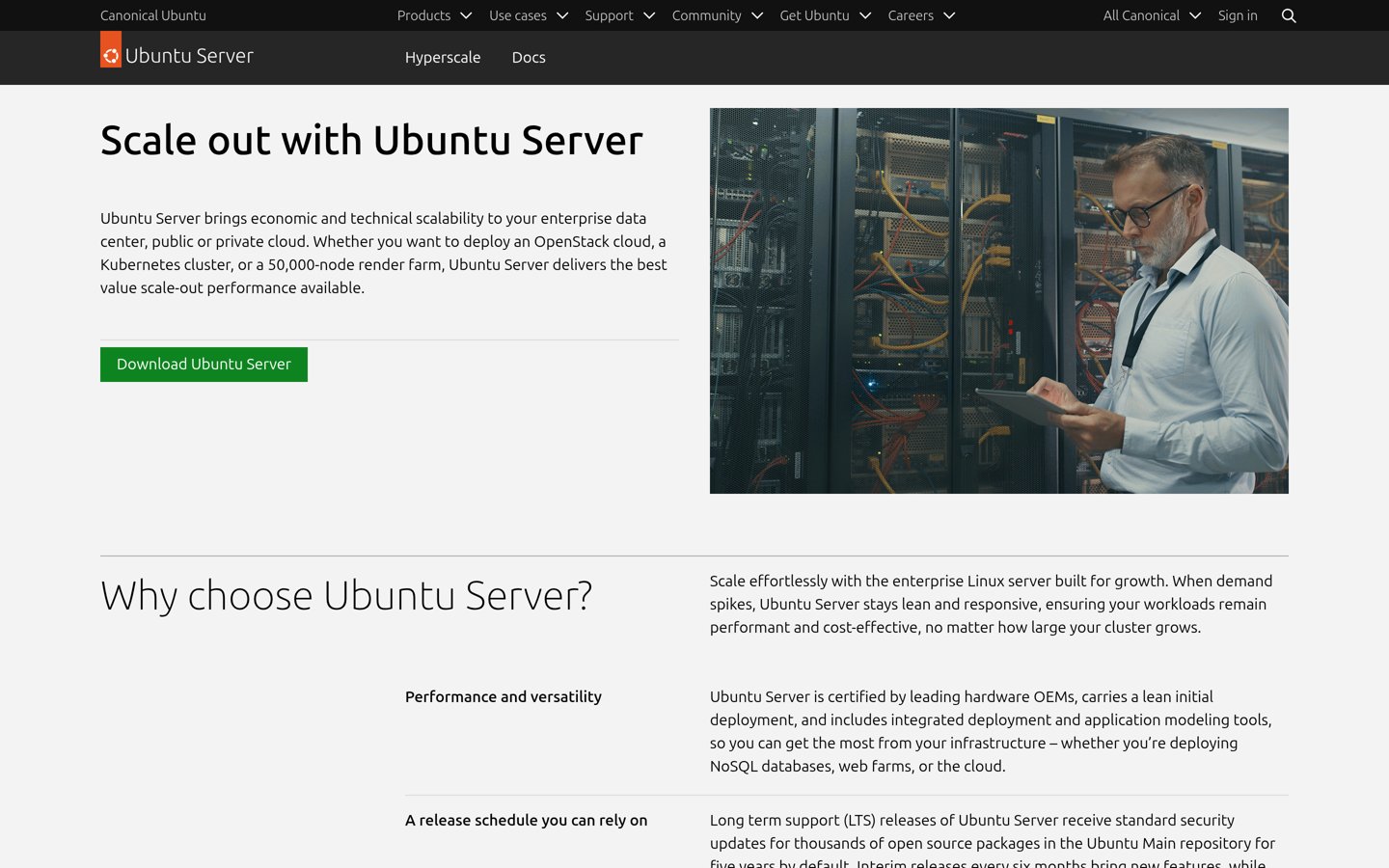
Ubuntu homepage, captured Nov 2026.
Ubuntu is the most widely used Linux server distribution, with the largest review base in this list at 2,412 G2 reviews and a 4.5 rating. Every LTS release gets five years of standard security updates, and Ubuntu Pro extends that to 10 years, covers the Universe repository, and is free for personal use on up to five machines.
The trade off is compatibility. Ubuntu is Debian-based, so CentOS scripts, RPM packages and SELinux habits do not carry over, and migration means rebuilding rather than swapping the OS. It suits teams starting fresh, or running in the cloud, where Ubuntu images are available everywhere.
What we like
Largest community and most tutorials
2,412 G2 reviews, the most in this list
5-year LTS, extendable to 10 with Pro
Pro is free for personal use on 5 machines
Watch out for
Not RHEL-compatible, so migration means a rebuild
Pro server subscription costs $500 a year per machine
Snap packaging divides some server users
Ubuntu Pro costs $500 a year per server with unlimited VMsVisit ubuntu.com
06
Debian
4.6/5on G2 (222 reviews, checked Nov 2026)
PriceFree
Best for a stable, no-cost server
BaseIndependent, APT-based
Support lifeAbout 5 years (LTS)
Package managerAPT / .deb
Paid supportCommunity and third-party
debian.org
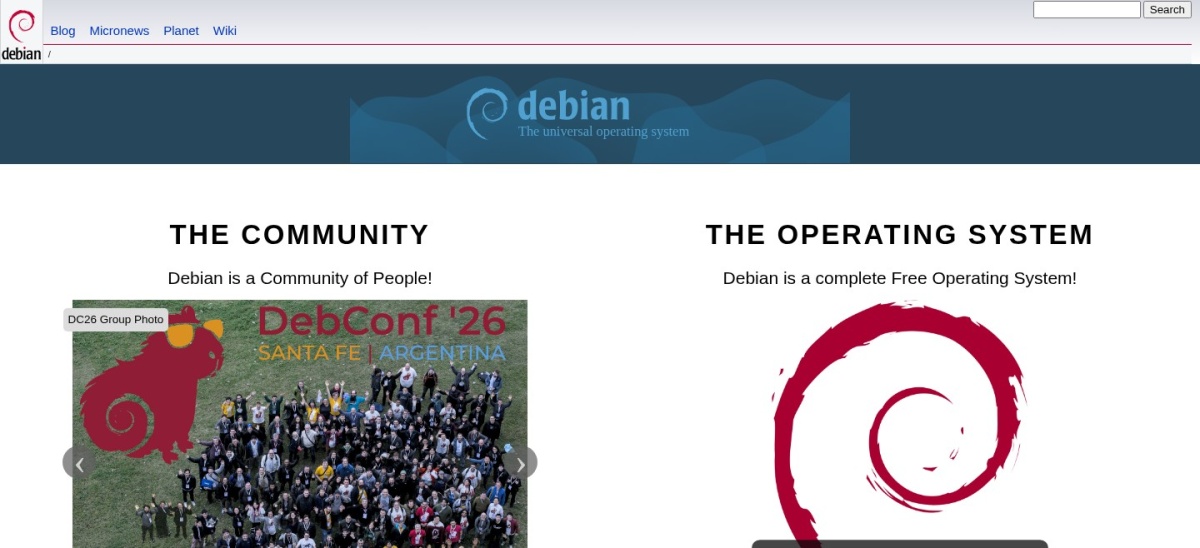
Debian homepage, captured Nov 2026.
Debian is the independent, community-run distribution that Ubuntu is built on, and one of the oldest projects in this list. Stable releases get about five years of support through the LTS team, packages are famously conservative, and the whole system is free with no paid tier at all.
The trade off is pace. Debian Stable ships older software versions than Fedora or Ubuntu, and there is no vendor to call when something breaks. It suits servers that value stability over new features and teams happy with community support.
What we like
Free, with no paid tier at all
About 5 years of LTS support per release
Huge package archive
Rated 4.6 out of 5 on G2 from 222 reviews
Watch out for
Older package versions than Fedora or Ubuntu
No vendor support desk
Not RHEL-compatible, so CentOS habits do not carry over
No paid tier; support comes from the community or third partiesVisit debian.org
07
SUSE Linux Enterprise Server
4.6/5on G2 (72 reviews, checked Nov 2026)
Starts at$799/yr
Best for SAP and long-life enterprise servers
BaseSUSE Linux Enterprise
Support lifeUp to 13 years with LTSS
Package managerZypper / RPM
Paid supportStandard from $799/yr
suse.com
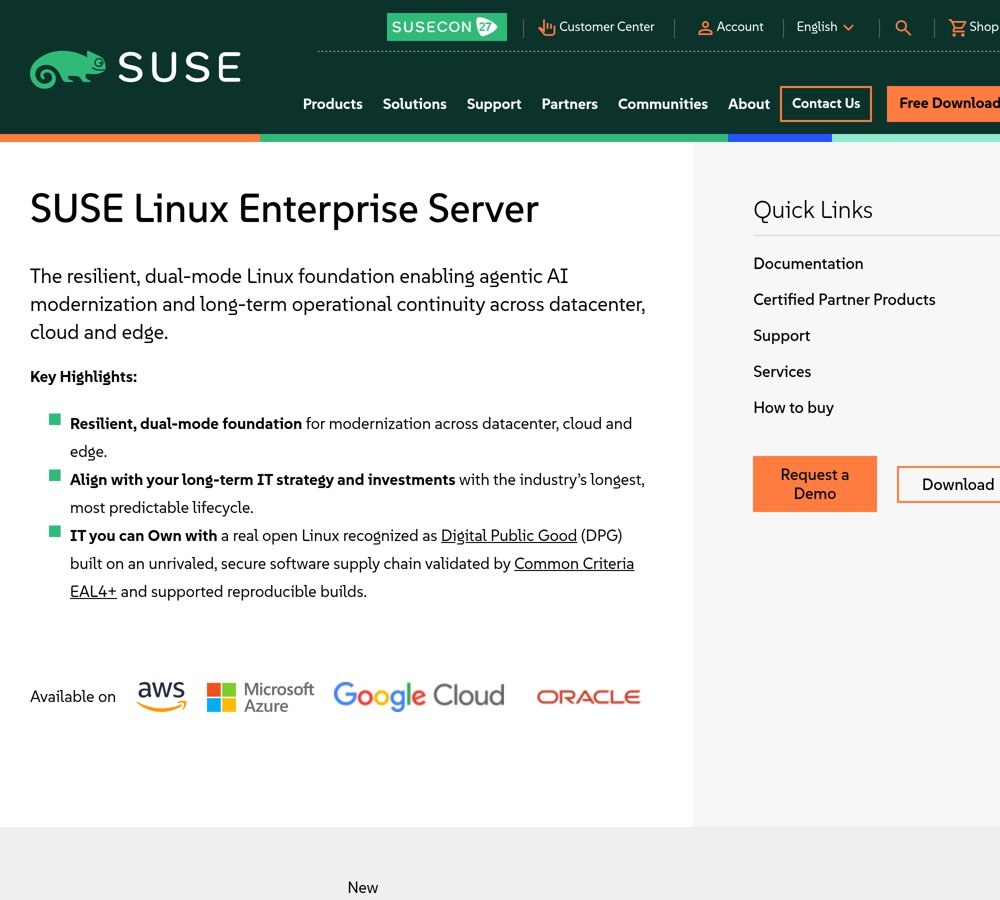
SUSE Linux Enterprise Server homepage, captured Nov 2026.
SUSE Linux Enterprise Server is a subscription enterprise distribution with a 4.6 G2 rating from 72 reviews. It is the reference platform for SAP applications, ships YaST for system administration, and offers up to 13 years of support with the long-term service pack option.
The trade off is price and lock-in. A Standard subscription costs $799 a year for a 1-2 socket server, and updates and support require an active subscription. It suits SAP shops and enterprises already standardised on SUSE tooling.
What we like
Reference platform for SAP applications
YaST administration tools included
Up to 13 years of support with LTSS
Rated 4.6 out of 5 on G2 from 72 reviews
Watch out for
$799 a year per 1-2 socket server
Updates need an active subscription
Smaller community than Ubuntu or Debian
Priority support costs $1,299 a year for 1-2 socketsVisit suse.com
08
Fedora
4.4/5on G2 (216 reviews, checked Nov 2026)
PriceFree
Best for the newest packages and RHEL preview
BaseUpstream of RHEL
Support lifeAbout 13 months per release
Package managerDNF / RPM
Paid supportCommunity only
fedoraproject.org
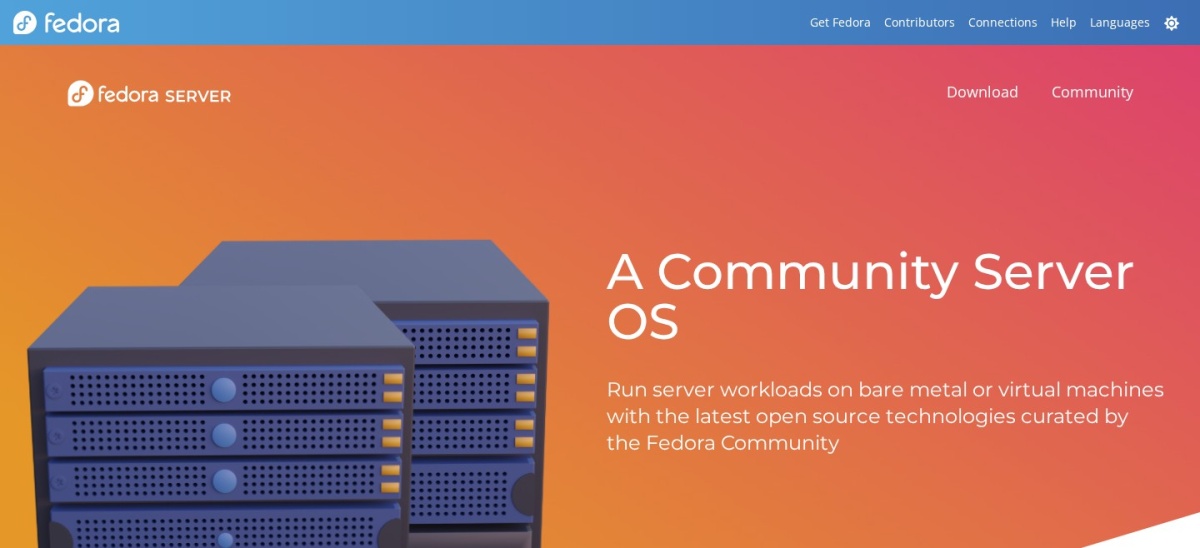
Fedora homepage, captured Nov 2026.
Fedora is the free, community distribution where Red Hat tests the features that later land in RHEL. Fedora Server ships the newest kernels and packages of any distro here, uses the same DNF and RPM tooling as CentOS, and is sponsored by Red Hat.
The trade off is lifespan. Each Fedora release is supported for about 13 months, so servers need a major upgrade roughly once a year. It suits developers and labs that want the latest software, not production servers that must sit untouched for years.
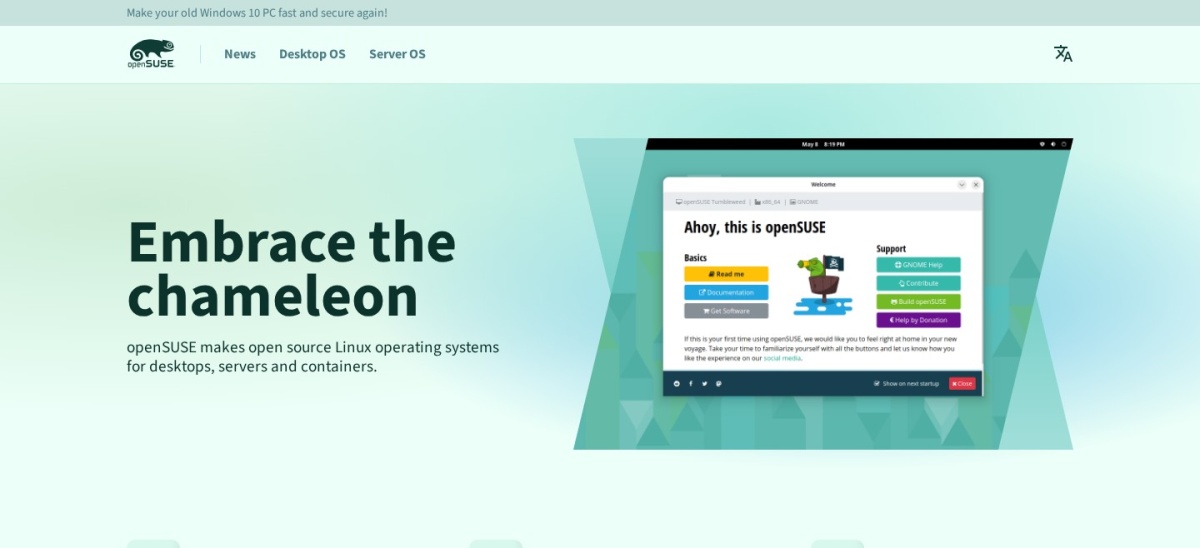
openSUSE Leap is the free community distribution that shares its code base with SUSE Linux Enterprise Server. It includes the YaST administration tools, a stable point-release model, and each minor release is supported for about 18 months.
The trade off is the short runway. Eighteen months of support per release is far less than the 10 years Rocky Linux or AlmaLinux offer, so Leap servers need regular upgrades. It suits SUSE fans and small servers that do not need a decade of support.
Seven of the nine distributions here cost nothing to run. Rocky Linux, AlmaLinux, Oracle Linux, Ubuntu, Debian, Fedora and openSUSE Leap are all free to download and use in production.
Paid money buys a vendor to call and a guaranteed fix time. RHEL Standard support costs $878.90 a year, SLES Standard costs $799 a year, and Ubuntu Pro with 24/7 server support costs $1,775 a year.
Free distributions are not unsupported, only differently supported. Community forums, documentation and third-party firms cover most problems, and many teams run free clones in production for years without a support contract.
The cheapest route is not always the cheapest outcome. A free distro with no support contract can cost more in downtime than a $799 SLES subscription if the server earns money every hour it runs.
How we chose
We started from every Linux server distribution commonly named as a CentOS replacement, then kept only those with a verifiable public numeric rating on G2. That left 9 distributions; CentOS Stream and Amazon Linux were left out because no G2 rating could be verified for them.
Prices come from each vendor's pricing page or store, checked on 29 November 2026. Ratings and review counts come from G2 on the same day. Where a vendor shows a sale, the list shows the regular price.
We left out distributions with no public rating rather than guessing one. No vendor paid for a place, and we do not claim hands-on testing for this list.
How to choose a CentOS alternative
Start with compatibility, then match the support life and the support contract to the server.
Decide whether you need RHEL compatibility. If your scripts, RPM packages and SELinux policies must keep working, pick Rocky Linux, AlmaLinux, Oracle Linux or RHEL itself. If you are rebuilding anyway, Ubuntu and Debian open up.
Match the support life to the server's life. Rocky Linux, AlmaLinux, Oracle Linux and RHEL offer 10 years; Ubuntu LTS gives 5 years, or 10 with Pro. Fedora's 13 months and Leap's 18 months suit short-lived servers only.
Work out who you will call when it breaks. RHEL, SLES and Ubuntu Pro include vendor support; the free clones rely on the community or third-party firms. Regulated workloads usually need a vendor contract.
Test the migration on a copy first. Clone the server, run the migration tool, and check the application, backups and monitoring before touching production. Keep the old system until the new one has run clean for a week.
FAQ
What is the best CentOS alternative in 2026?
Rocky Linux is the best CentOS alternative for most servers. It is free, binary-compatible with RHEL, supported for 10 years, and rated 4.6 out of 5 on G2. AlmaLinux is the closest second choice, with the same 10-year support and an in-place migration tool.
Is there a free CentOS alternative?
Yes. Rocky Linux, AlmaLinux, Oracle Linux, Ubuntu, Debian, Fedora and openSUSE Leap are all free to download and run in production. RHEL is also free for up to 16 systems under the Developer Subscription, and Ubuntu Pro is free for personal use on up to five machines.
What is the difference between Rocky Linux and AlmaLinux?
Both are free, 1:1 RHEL-compatible replacements for CentOS with 10 years of support. Rocky Linux was started by a CentOS co-founder and is backed by the Rocky Enterprise Software Foundation, while AlmaLinux is owned by a non-profit foundation and ships the ELevate tool for in-place upgrades from CentOS 7.
Can I migrate from CentOS to Rocky Linux without reinstalling?
Yes, in most cases. Rocky Linux provides a migrate2rocky script that converts a CentOS 7, 8 or 9 system in place, and AlmaLinux offers a similar tool called ELevate. Back up the server first, test the migration on a copy, and check that third-party repositories still work after the switch.
Is Red Hat Enterprise Linux free?
RHEL is free for up to 16 systems under the Red Hat Developer Subscription for Individuals, but that tier is not for production use at scale. Production servers need a paid subscription, starting at $383.90 a year for Server Self-Support, or $878.90 a year for Standard support.
Which CentOS alternative is best for beginners?
Ubuntu is the easiest starting point, with the largest community, the most tutorials and 2,412 G2 reviews. It is not RHEL-compatible, so if you want to keep CentOS commands and RPM packages, Rocky Linux or AlmaLinux is the easier move.
Rocky Linux vs RHEL: which should I choose?
Choose Rocky Linux if you want RHEL compatibility without a licence bill and can rely on community or third-party support. Choose RHEL if you need a vendor to call, certified hardware, and a support contract, starting at $383.90 a year for self-support.
SaaS SEO and WordPress specialist with about 8 years of experience. Rakib compares WordPress plugins, themes, hosting and software using public pricing, documentation and user reviews. See how we rank.