Best YouTube Analytics Tools in 2026: 9 Tools Compared
WLWPLegible EditorsLast verified 24 Nov 2026How we rank8 min read
★ Short answer
vidIQ is the best YouTube analytics tool for most creators in 2026, with keyword research, trend alerts and an AI coach from $19 a month. TubeBuddy is the best pick for managing a back catalog, with bulk edits and A/B testing from $15 a month.
How we make this list: we compare pricing pages, product documentation and public user reviews, then re-check every price before each update. No product paid for a place. Disclosure.
vidIQ is the best all-round pick: keyword research, daily video ideas and an AI coach from $19 a month.
TubeBuddy is best for fixing old videos, with bulk edits and title and thumbnail A/B testing from $15 a month.
SocialPilot is the cheapest agency-style pick, with white-label reports and bulk scheduling from $20 a month.
YouTube Studio is free and holds your real numbers, so use it as the baseline before paying for anything.
Sprout Social and Hootsuite cost $79 and $99 per seat a month, so they only make sense for teams, not solo creators.
How YouTube analytics tools work
YouTube analytics tools answer two different questions: how is my channel doing, and what should I publish next. YouTube Studio answers the first for free, with your own watch time, retention and revenue data. The paid tools on this list mostly answer the second.
The category splits three ways. Creator tools such as vidIQ and TubeBuddy work inside YouTube to research keywords and fix old videos. Social suites such as Sprout Social, Hootsuite and SocialPilot report YouTube alongside every other network, with scheduling and white-label reports for agencies.
Prices here run from free to $239 a month, and the cheapest plan rarely unlocks the feature you actually want. TubeBuddy keeps A/B testing on Legend, Sprout keeps competitor analytics on higher tiers, and vidIQ keeps its AI coach behind Boost.
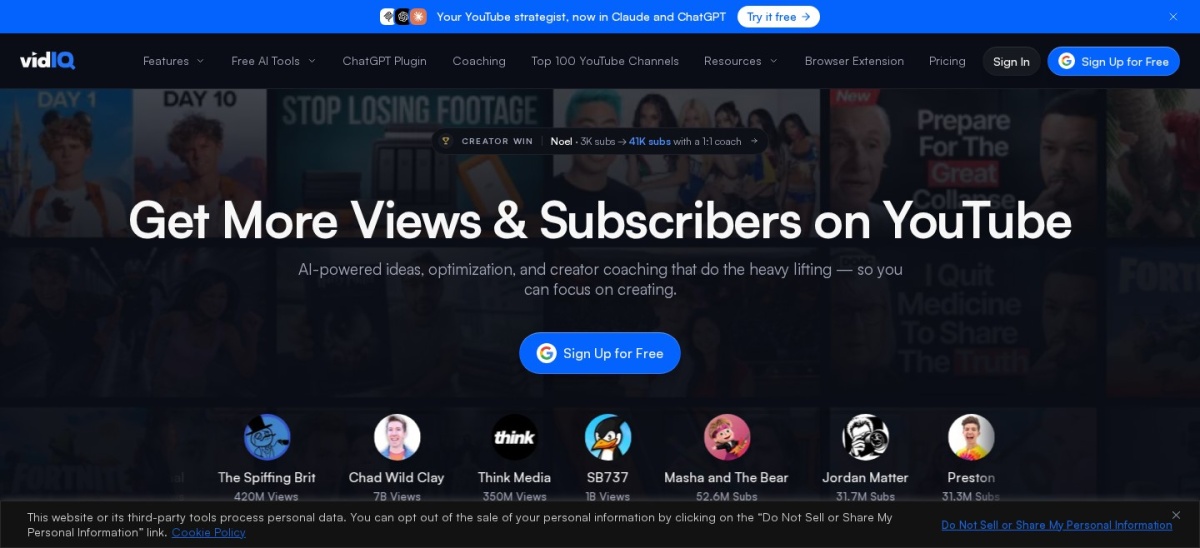
vidIQ is the best-known YouTube growth suite, built around research before you publish. Its keyword tool scores search terms by demand and competition, trending alerts flag rising topics in your niche, and daily ideas suggest video concepts matched to your channel's history.
The trade off is that the cheapest paid plan is Boost at $19 a month. The free plan covers the basics with 150 AI credits a month, but the AI coach, thumbnail maker and multi-channel tracking all sit behind the paywall.
What we like
Best keyword research in the category
Daily video ideas matched to your channel
AI coach trained on your own data
Free plan with 150 AI credits a month
Watch out for
Boost at $19 a month is the cheapest paid plan
Only 34 G2 reviews, a thin sample
AI features cost extra credits at scale
Boost $19 a month, or $199 a year; MAX $49 a month.Visit vidiq.com
02
TubeBuddy
4.6/5on G2 (44 reviews, checked Nov 2026)
Paid from$15/mo/mo
Runner-up
Starting price$15/mo for Pro
Annual price$144/yr ($12/mo)
G2 rating4.6 from 44 reviews
A/B testingLegend plan only
tubebuddy.com
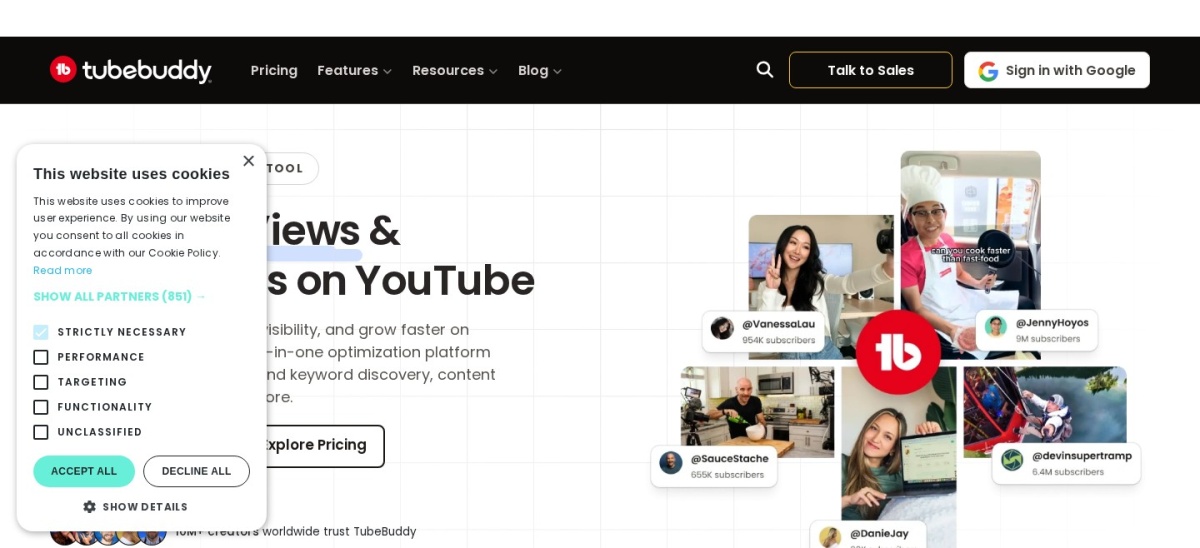
TubeBuddy homepage, captured Nov 2026.
TubeBuddy is vidIQ's longtime rival, and where vidIQ leans toward research, TubeBuddy leans toward doing the work. Its standout features are operational: bulk processing that updates descriptions, cards and end screens across dozens of old videos at once.
The trade off is that A/B testing sits on Legend, not Pro. Pro costs $15 a month and covers keyword tools and bulk basics, but the title and thumbnail tests that make TubeBuddy famous need Legend at $32.99 a month.
What we like
Best bulk editing tools in the category
Title and thumbnail A/B testing
Highest G2 rating here at 4.6
Works inside YouTube Studio as an extension
Watch out for
A/B testing needs Legend at $32.99 a month
Only 44 G2 reviews
Pro is for creators only, not businesses
Pro $15 a month, or $144 a year; Legend $32.99 a month. Some regions show lower prices.Visit tubebuddy.com
03
SocialPilot
4.5/5on G2 (841 reviews, checked Nov 2026)
Starts at$20/mo/mo
Best agency value
Starting price$20/mo for Essentials
Annual price$17/mo billed annually
G2 rating4.5 from 841 reviews
Free trial14 days
socialpilot.com
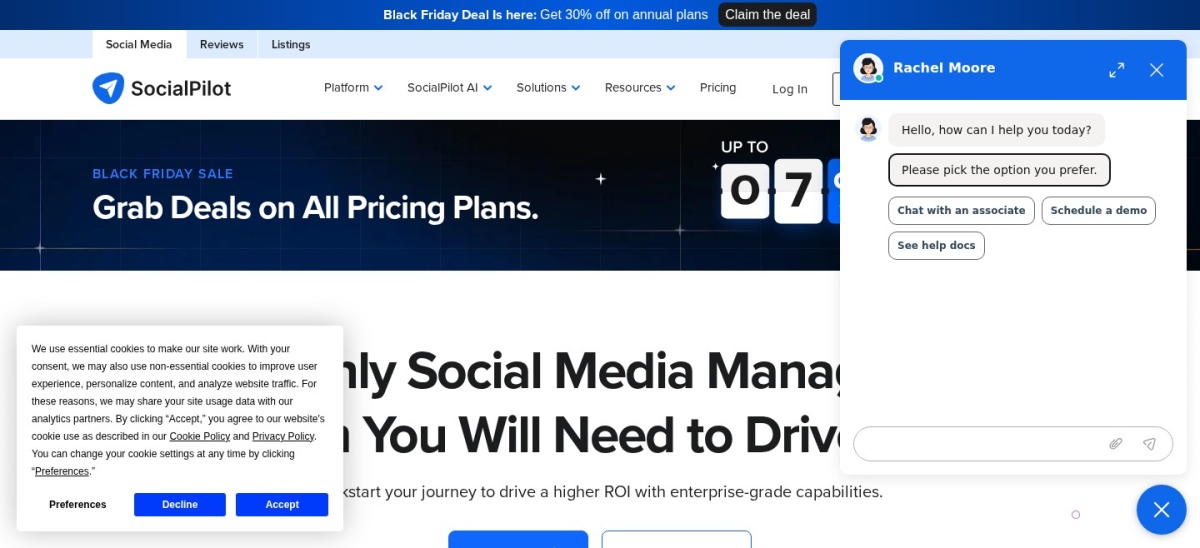
SocialPilot homepage, captured Nov 2026.
SocialPilot is a social media management tool built for small teams and agencies, scheduling and publishing to ten networks including YouTube, with analytics, a content calendar and white-label reports. It covers bulk scheduling for up to 500 posts at once, which suits teams running many client accounts.
The trade off is that the cheapest plan is thin for teams. Essentials covers five social accounts and one user, so agencies quickly need Standard at $40 a month for ten accounts and three users.
What we like
White-label reports for client work
Bulk scheduling for up to 500 posts
Supports ten networks including YouTube
Strong 4.5 G2 rating from 841 reviews
Watch out for
Essentials covers only 5 accounts and 1 user
No free plan, only a 14-day trial
White-label reports need Premium at $100 a month
Essentials $20 a month, or $17 a month billed annually; Standard $40 a month.Visit socialpilot.com
04
Metricool
4.5/5on G2 (98 reviews, checked Nov 2026)
Paid from$20/mo/mo
Best budget social suite
Starting price$20/mo billed annually
Monthly price$25/mo month-to-month
G2 rating4.5 from 98 reviews
Free plan1 brand, 20 posts a month
metricool.com
Metricool homepage, captured Nov 2026.
Metricool is the budget social analytics suite, with YouTube analytics, planning and ad reporting in one dashboard priced per brand rather than per seat. Competitor tracking covers up to 100 rivals, and the free plan includes one brand with 20 scheduled posts a month.
The trade off is that the entry plan covers one user only. Teams need Advanced at $53 a month for more seats, and the X add-on costs $10 a month per account on top of the plan.
What we like
Cheapest social suite with real YouTube analytics
Competitor tracking on up to 100 rivals
Priced per brand, not per seat
Free plan with one brand included
Watch out for
One user on the Starter plan
X costs $10 a month extra per account
Less depth than Sprout Social
Starter $20 a month billed annually, or $25 month-to-month; Advanced $53 a month billed annually.Visit metricool.com
05
Buffer
4.3/5on G2 (1,086 reviews, checked Nov 2026)
Paid from$5/channel/mo/channel/mo
Cheapest start
Starting price$5/channel/mo
G2 rating4.3 from 1,086 reviews
Free plan3 channels, 10 posts each
YouTubeIncluded on all plans
buffer.com
Buffer homepage, captured Nov 2026.
Buffer is the simplest social scheduler with YouTube analytics, charging per channel rather than per seat. The free plan covers three channels with basic insights, and Essentials adds two years of history, custom date ranges and exports for $5 per channel a month.
The trade off is depth. Reviewers call Buffer's analytics too basic for real campaign reporting, and per-channel pricing adds up fast for a team running many accounts.
What we like
Genuine free plan for 3 channels
Lowest sticker price at $5 per channel
Largest review base here at 1,086 G2 reviews
Two years of history on paid plans
Watch out for
Analytics too basic for campaign reporting
Per-channel pricing adds up with many accounts
No competitor comparison at any price
Essentials $5 per channel a month; Team $10 per channel a month.Visit buffer.com
06
Agorapulse
4.5/5on G2 (975 reviews, checked Nov 2026)
Paid from$79/user/mo/user/mo
Best ROI reporting
Starting price$79/user/mo billed annually
Monthly price$99/user/mo
G2 rating4.5 from 975 reviews
Free plan3 social profiles, 1 user
agorapulse.com
Agorapulse homepage, captured Nov 2026.
Agorapulse is a social management platform whose reporting stands out for one reason: it connects social activity to what happens on your website. ROI reporting ties posts to Google Analytics traffic and conversions, and YouTube reporting sits alongside the inbox and publishing tools.
The trade off is that the full reporting setup costs more than the entry price suggests. ROI and competitor reports start on Advanced at $149 per user a month, and social listening is a paid add-on.
What we like
ROI reporting ties posts to website conversions
Free plan with 3 profiles included
Strong support scores on G2
Unified inbox, publishing and reporting
Watch out for
Full reporting needs Advanced at $149 a month
Listening is a paid add-on
Per-user pricing grows with the team
Standard $79 per user a month billed annually, or $99 month-to-month; Advanced $149.Visit agorapulse.com
07
Sprout Social
4.4/5on G2 (6,873 reviews, checked Nov 2026)
Starts at$79/seat/mo/seat/mo
Best enterprise reporting
Starting price$79/seat/mo billed annually
Monthly price$99/seat/mo
G2 rating4.4 from 6,873 reviews
Free trial30 days
sproutsocial.com
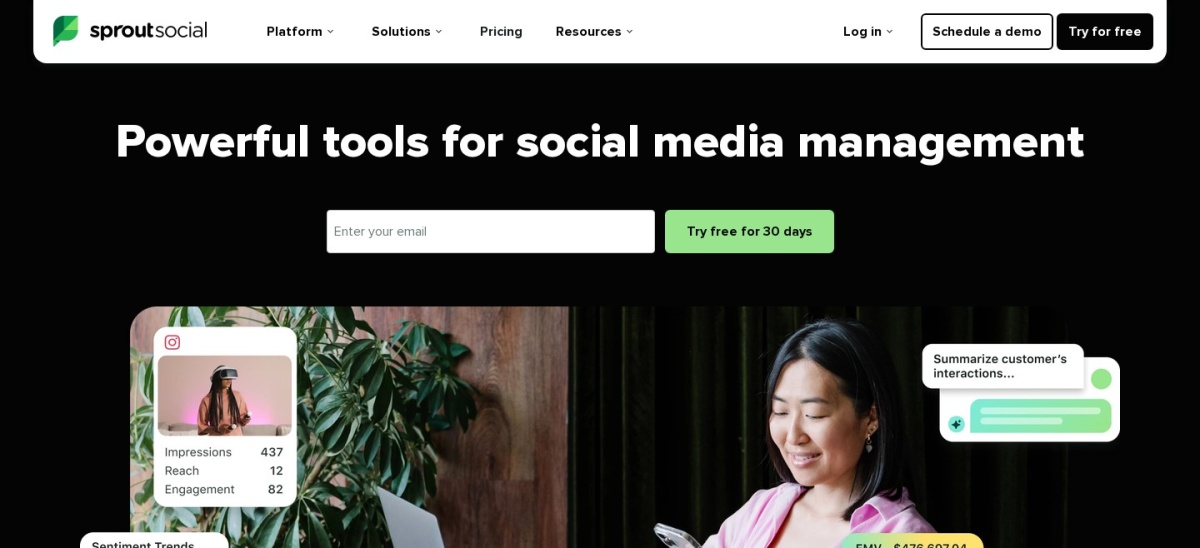
Sprout Social homepage, captured Nov 2026.
Sprout Social is the enterprise social reporting suite, with YouTube analytics, listening, publishing and a unified inbox in one platform. It suits teams that run YouTube alongside several other channels and need one reporting system for all of them.
The trade off is the per-seat price. Essentials starts at $79 a seat a month, the plan most teams need costs $199, and annual plans auto-renew, which is the most-cited complaint in its review corpus.
What we like
Deepest reporting in this list
Listening and inbox in the same plan
Largest review base in the category
30-day free trial
Watch out for
$79 a seat is only the entry plan
Most teams need Standard at $199
Annual plans auto-renew
Essentials $79 per seat a month billed annually; Standard $199; Professional $299.Visit sproutsocial.com
08
Hootsuite
4.3/5on G2 (7,433 reviews, checked Nov 2026)
Starts at$99/user/mo/user/mo
Best enterprise all-rounder
Starting price$99/user/mo billed annually
Accounts10 social accounts
G2 rating4.3 from 7,433 reviews
Free trial14 days
hootsuite.com
Hootsuite homepage, captured Nov 2026.
Hootsuite is the enterprise all-rounder, covering publishing, engagement, analytics and social listening across networks including YouTube. It is the nearest like-for-like swap for Sprout Social, with similar per-user pricing and stronger governance controls for large teams.
The trade off is the price and the Trustpilot score. At $99 per user a month with no free plan, it costs far more than Buffer or Metricool, and its Trustpilot rating of 1.3 sits well below its G2 score.
What we like
Publishing, inbox and listening in one place
Strong governance for large teams
Huge review base at 7,433 G2 reviews
Best time to post AI suggestions
Watch out for
$99 per user a month, no free plan
Trustpilot 1.3 from 554 reviews
Only 10 accounts on Standard
Standard $99 per user a month billed annually; Professional $199; Advanced $399.Visit hootsuite.com
09
Rival IQ
4.5/5on G2 (49 reviews, checked Nov 2026)
Starts at$239/mo/mo
Best competitor benchmarking
Starting price$239/mo for Drive
Annual saving15% on annual billing
G2 rating4.5 from 49 reviews
Free trial14 days
rivaliq.com
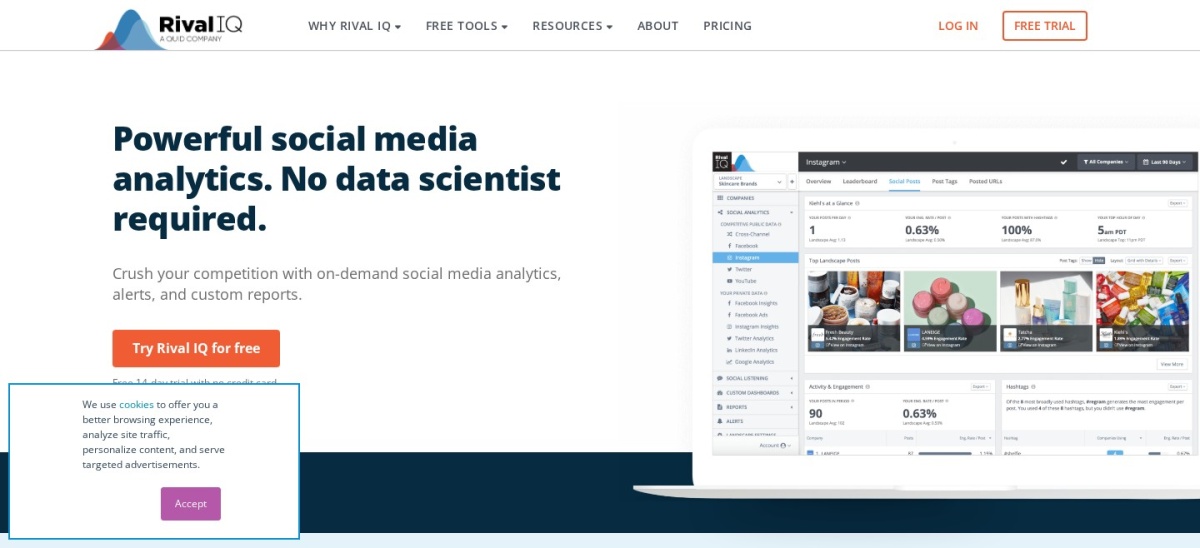
Rival IQ homepage, captured Nov 2026.
Rival IQ is built around one question: how do you stack up against specific rivals, post by post and month by month. It benchmarks your YouTube channel against competitors across Facebook, Instagram, X, LinkedIn, TikTok and YouTube, with boosted post detection for rivals.
The trade off is the price for what it does. At $239 a month it is a benchmarking tool, not a publishing or inbox platform, so it only makes sense alongside another tool that handles the daily work.
What we like
Best competitor benchmarking here
Boosted post detection for rivals
Custom landscapes and industry filters
Straightforward setup and support
Watch out for
$239 a month for benchmarking only
No publishing or inbox tools
Only 49 G2 reviews
Drive $239 a month; Engage $349; Engage Pro $559. Annual billing saves 15%.Visit rivaliq.com
Start with YouTube Studio
YouTube Studio is free and built into YouTube, and it holds the only numbers that are fully yours: watch time, retention, click-through rate, traffic sources and revenue. Every paid tool on this list is measured against it.
Studio answers how your channel is doing. It does not answer what to publish next, which is where vidIQ and TubeBuddy earn their price, or how you compare with rivals, which is where Rival IQ and Metricool come in.
Use Studio for a month before paying for anything. If you cannot name the question Studio fails to answer, you do not need a paid tool yet.
How we chose
We ranked tools on verified G2 review scores, YouTube analytics depth, pricing transparency and fit for creators. No vendor paid for a place, and we do not claim hands-on testing for this list.
YouTube Studio has no G2 listing, so it carries no rating and sits outside the nine. It is free and holds your real numbers, so use it as the baseline before paying for anything. ViewStats, Morningfame and NexLev were left out for the same reason, and NoxInfluencer's G2 score rests on only 2 reviews. Social Blade was left out because its logo could not be captured for this list.
Prices were checked in November 2026 against vendor pages and fresh G2 listings. Where sources disagreed on TubeBuddy, the US list price of $15 a month was used, and per-seat and per-channel prices are shown as the vendor charges them.
How to choose a YouTube analytics tool
Start with the question you need answered, your own numbers or what to publish next, then pick the tool built for it.
Decide research or reporting. vidIQ and TubeBuddy help you decide what to publish; Sprout Social, Hootsuite and Metricool report on what you already published.
Check what the entry plan unlocks. TubeBuddy keeps A/B testing on Legend and Sprout keeps competitor analytics on higher tiers, so read the plan before you pay.
Count channels and seats first. vidIQ and TubeBuddy price per channel, Sprout and Hootsuite per seat, and Metricool per brand, so the same headline buys very different coverage.
Use YouTube Studio as the baseline. Your own watch time, retention and revenue data are free inside YouTube Studio, so start there and add a paid tool only when it answers a question Studio cannot.
FAQ
What is the best YouTube analytics tool?
vidIQ is the best YouTube analytics tool for most creators, with keyword research, trend alerts and an AI coach from $19 a month. It holds a 4.5 G2 rating from 34 reviews.
Is YouTube Studio analytics free?
Yes. YouTube Studio is free and built into YouTube, with your own watch time, retention, traffic and revenue data. It is the baseline every other tool on this list is measured against.
Is vidIQ or TubeBuddy better?
vidIQ is stronger on keyword research and AI creation tools, while TubeBuddy is stronger on managing your channel with A/B tests and bulk editing. Pick vidIQ to plan videos and TubeBuddy to fix old ones.
How much does YouTube analytics software cost?
Buffer is free for three channels, and its paid plan starts at $5 per channel a month. vidIQ starts at $19 a month and TubeBuddy at $15, while team suites run from $79 a seat on Sprout Social to $239 a month on Rival IQ.
Can I track a competitor's YouTube channel?
Yes. Rival IQ benchmarks your channel against rivals post by post, and vidIQ tracks competitor channels on its paid plans. Metricool's competitor tracking covers up to 100 rivals from $20 a month.
Do I need a paid YouTube analytics tool?
Not at first. YouTube Studio is free and covers your own watch time, retention and revenue. Pay for vidIQ or TubeBuddy when you need keyword research or bulk editing that Studio does not offer.