Best WordPress Themes for Magazine in 2026: 7 Tools Compared
WLWPLegible EditorsLast verified 22 Nov 2026How we rank12 min read
★ Short answer
ColorMag is the best WordPress magazine theme for most publishers, with 40,000+ active installations, 30+ starter demos and a 4.9/5 WordPress.org rating. Blocksy is better for flexible block-editor layouts, while Astra suits publishers wanting a larger template ecosystem and compatibility with popular page builders.
How we make this list: we compare pricing pages, product documentation and public user reviews, then re-check every price before each update. No product paid for a place. Disclosure.
ColorMag is our top dedicated magazine theme, with 40,000+ installs, a 4.9/5 rating from 1,568 reviews and Pro at $69/year.
Blocksy offers flexible grids and Gutenberg compatibility, with 300,000+ installs and Personal Pro regularly priced at $69/year.
Astra has 1M+ active installations and a 4.9/5 rating from 6,559 reviews, with the Astra Pro add-on costing $69/year.
GeneratePress focuses on lightweight publishing layouts, with 500,000+ installs and GeneratePress One starting at a regular $99/year.
Zakra includes 40+ free starter demos and costs $69/year for Pro, while Sydney Pro regularly costs $99/year.
What makes a good WordPress magazine theme?
A magazine website needs more than an attractive homepage. Readers should be able to discover recent articles, browse categories, identify featured stories and move between related topics without getting lost.
Look for editorial layouts that support featured stories, category sections, article grids, sidebars and clear navigation. Dedicated magazine themes often provide these features directly, while multipurpose themes may require additional blocks or page templates.
Performance also matters. Image-heavy homepages, advertising scripts and large content grids can affect page speed. A lightweight theme provides a useful foundation, but caching, image optimization and hosting still influence the final result.
Consider your publishing workflow before purchasing. Gutenberg support, reusable templates, category styling, author information, responsive typography and accessible navigation can make ongoing content management easier.
Finally, compare regular premium prices rather than temporary discounts. Some themes include their magazine layouts in the free version, while advanced templates, conditional layouts and additional design controls require a paid license.
4.9/5on WordPress.org (1,568 reviews, checked Nov 2026)
Paid from$69/yr
Best WordPress magazine theme overall
Free starter demos30+
Premium planColorMag Pro
Pro site license3 websites
EditorGutenberg
themegrill.com
ColorMag homepage, captured Nov 2026.
ColorMag is a WordPress theme built specifically for news portals, online magazines and publishing websites, with 40,000+ active installations. Its free version includes 30+ starter demos, magazine-style homepage layouts, advertising widget areas, Gutenberg compatibility and support for the Magazine Blocks plugin, which provides 21+ custom blocks.
The trade off is that expanded layout controls, premium templates and additional customization require ColorMag Pro at $69 per year. Magazine Blocks Pro belongs to the higher $99/year Plus package. It suits publishers who want a magazine-focused design without assembling an editorial homepage from unrelated components.
What we like
Designed specifically for magazine and news websites
30+ starter demos covering editorial niches
Built-in advertising widget areas
Gutenberg compatibility with magazine blocks
Strong public rating from 1,568 reviews
Watch out for
Advanced customization requires Pro
Magazine Blocks Pro costs extra through the Plus plan
Less suitable for projects outside editorial publishing
Pro adds premium demos, additional layouts, header options and priority support.Visit themegrill.com
02
Blocksy
5/5on WordPress.org (874 reviews, checked Nov 2026)
Paid from$69/yr
Best for flexible magazine layouts
Free themeAvailable
Entry paid planPersonal
Paid site license1 website
EditorGutenberg
creativethemes.com
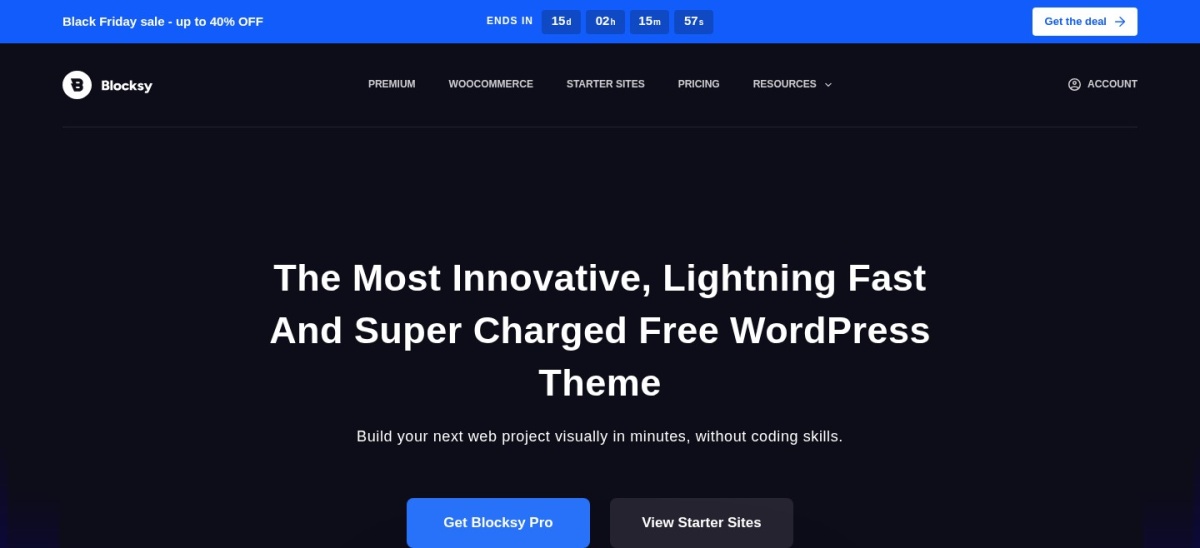
Blocksy homepage, captured Nov 2026.
Blocksy is a customizable WordPress theme with 300,000+ active installations and a 5/5 WordPress.org rating. Its free version supports Gutenberg, grid layouts, responsive design, flexible headers and footers, sidebars, color controls and starter sites that can be adapted for magazine-style publishing.
The trade off is that advanced content display, premium starter sites and additional design extensions require Blocksy Pro, regularly priced at $69 per year for the Personal plan. The vendor currently advertises a discounted $42 annual price. It suits publishers who want visual flexibility beyond a traditional newspaper-style layout.
What we like
Highly rated with 874 WordPress.org reviews
Flexible grid and archive design options
Strong Gutenberg compatibility
Responsive header and footer customization
Free version offers useful layout controls
Watch out for
Some advanced content features require Pro
Personal license covers one website
Magazine layouts may need additional configuration
Personal Pro adds premium starter sites, extensions and advanced customization features.Visit creativethemes.com
03
Astra
4.9/5on WordPress.org (6,559 reviews, checked Nov 2026)
Paid from$69/yr
Best multipurpose theme for magazine publishers
Active installations1M+
Premium packageAstra Pro
Paid site license1 website
Page buildersGutenberg and Elementor
wpastra.com
Astra homepage, captured Nov 2026.
Astra is a multipurpose WordPress theme with more than 1 million active installations and a 4.9/5 rating. Its free version includes responsive layouts, typography controls, featured images, blog archives and compatibility with Gutenberg, Elementor and other page builders, allowing publishers to create editorial and magazine websites.
The trade off is that advanced layouts, premium headers, extended customization and additional design features require the Astra Pro add-on, which costs $69 per year (the Astra Pro bundle costs more). It suits publishers who want magazine content alongside landing pages, memberships or other website sections.
What we like
Large installation base and extensive documentation
Compatible with popular WordPress page builders
Flexible blog and archive layouts
Suitable for editorial and multipurpose websites
Free version provides a useful design foundation
Watch out for
Magazine layouts are not the primary specialization
Premium package has a higher renewal price
Advanced editorial sections may require additional blocks
Astra Pro adds advanced customization, premium headers and extra layout tools.Visit wpastra.com
04
GeneratePress
4.9/5on WordPress.org (1,428 reviews, checked Nov 2026)
Paid from$99/yr
Best for lightweight editorial publishing
Free theme sizeUnder 10KB gzipped
Premium packageGeneratePress One
Entry license1 website
Premium starter sites80+
generatepress.com
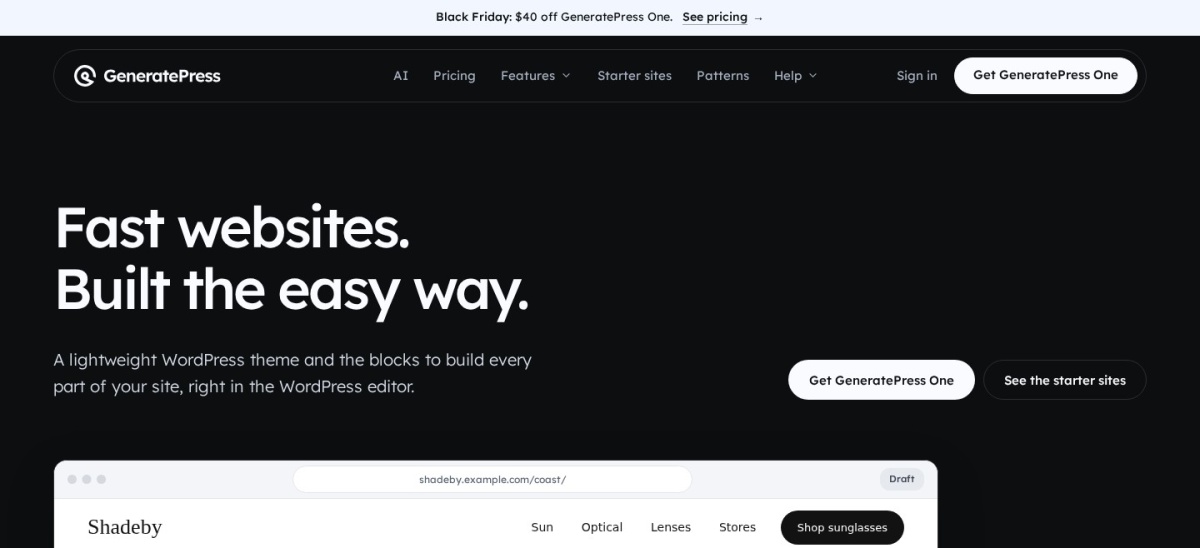
GeneratePress homepage, captured Nov 2026.
GeneratePress is a lightweight WordPress theme with 500,000+ active installations and a 4.9/5 rating. The developer reports that a fresh installation adds less than 10KB gzipped to page size. Its free version provides responsive layouts, navigation controls, sidebars, typography settings and compatibility with Gutenberg and major page builders.
The trade off is that magazine-style grids, dynamic layouts, advanced templates and the premium starter library are associated with GeneratePress One, regularly priced at $99 per year after a $59 first-year promotion. It suits publishers who prioritize a lightweight foundation and are comfortable building editorial layouts with blocks.
What we like
Lightweight theme foundation
500,000+ active installations
Compatible with Gutenberg and major page builders
Flexible navigation and sidebar arrangements
Premium package includes dynamic content tools
Watch out for
Free version has limited magazine-specific layouts
GeneratePress One adds premium templates, GenerateBlocks Pro, dynamic content and site-building features.Visit generatepress.com
05
Zakra
4.9/5on WordPress.org (600 reviews, checked Nov 2026)
Paid from$69/yr
Best for magazine starter templates on a budget
Free starter demos40+
Premium planZakra Pro
Paid site license3 websites
EditorsGutenberg and Elementor
zakratheme.com
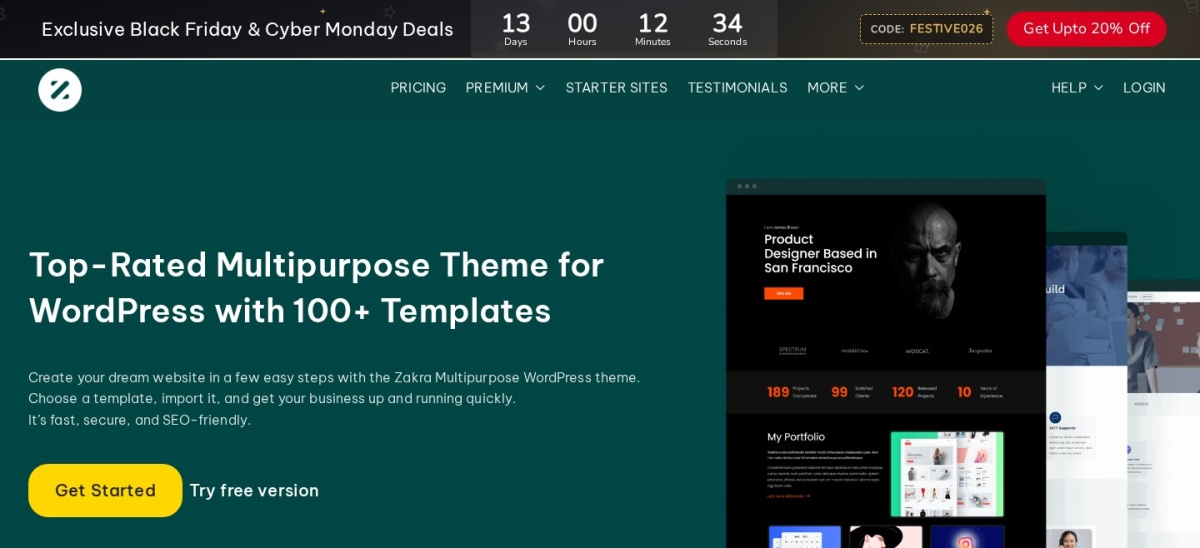
Zakra homepage, captured Nov 2026.
Zakra is a multipurpose WordPress theme with 30,000+ active installations and a 4.9/5 rating from 600 reviews. Its free version provides 40+ starter demos, responsive layouts, typography options, blog templates and compatibility with Gutenberg, Elementor, Brizy and other page builders, including designs suitable for news and editorial websites.
The trade off is that additional templates and advanced customization require Zakra Pro at $69 per year, with a license covering up to 3 websites. It suits smaller magazine publishers who want a ready-made starting point and the flexibility to expand their site's design.
What we like
40+ free starter demos
Compatible with multiple page builders
Regular Pro pricing starts at $69 annually
Responsive layouts for publishing sites
Premium license covers multiple websites
Watch out for
Magazine-specific features are less extensive than ColorMag
Advanced customization requires Pro
Some layouts depend on companion design tools
Pro adds premium starter templates, additional styling controls and priority support.Visit zakratheme.com
06
Neve
4.7/5on WordPress.org (1,284 reviews, checked Nov 2026)
Paid from$139/yr
Best for mobile-friendly magazine websites
Free themeAvailable
Premium planPersonal
Premium sitesUnlimited
Editor supportBlocks and page builders
themeisle.com
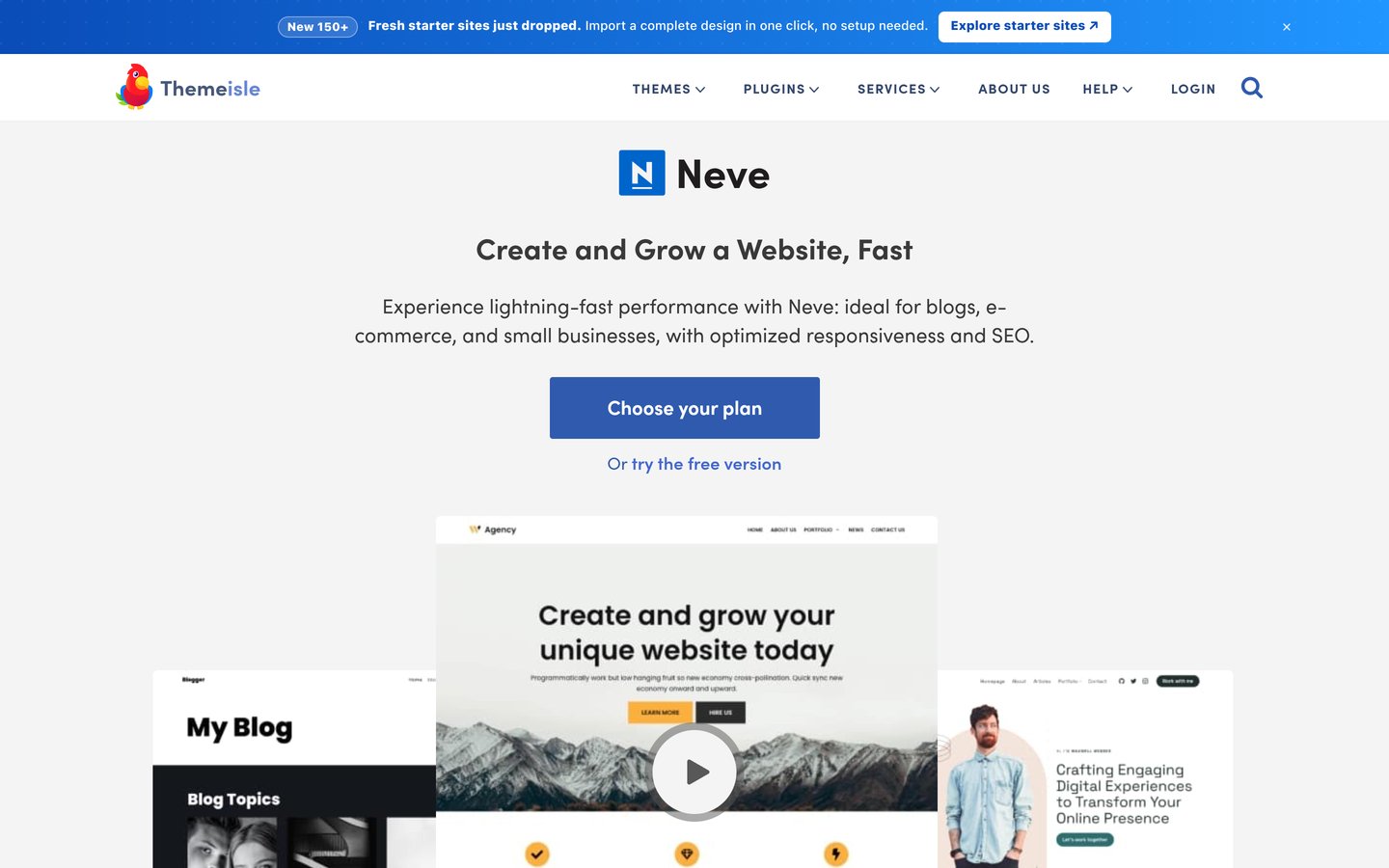
Neve homepage, captured Nov 2026.
Neve is a lightweight WordPress theme with 200,000+ active installations and a 4.7/5 rating. Its free edition includes responsive layouts, featured images, blog archives, grid options, navigation controls and compatibility with the WordPress block editor and Elementor, making it suitable for mobile-friendly magazine websites.
The trade off is that advanced headers, layouts, hooks and premium customization require Neve Pro Personal, which renews at $139 per year after the advertised $69 introductory offer. It suits publishers building a mobile-focused magazine alongside business pages or other content sections.
What we like
Responsive and lightweight theme architecture
Supports Gutenberg and popular page builders
Flexible blog and archive customization
Translation and RTL support
Premium Personal supports unlimited websites
Watch out for
Not designed exclusively for magazines
Premium renewal price is relatively high
Specialized editorial components may require additional blocks
Personal adds custom layouts, hooks, extended headers and premium design features.Visit themeisle.com
07
Sydney
4.9/5on WordPress.org (795 reviews, checked Nov 2026)
Paid from$99/yr
Best for editorial magazines with a visual brand
Free installations80K+
Paid planPersonal
Paid site license1 website
Editor supportElementor and Gutenberg
athemes.com
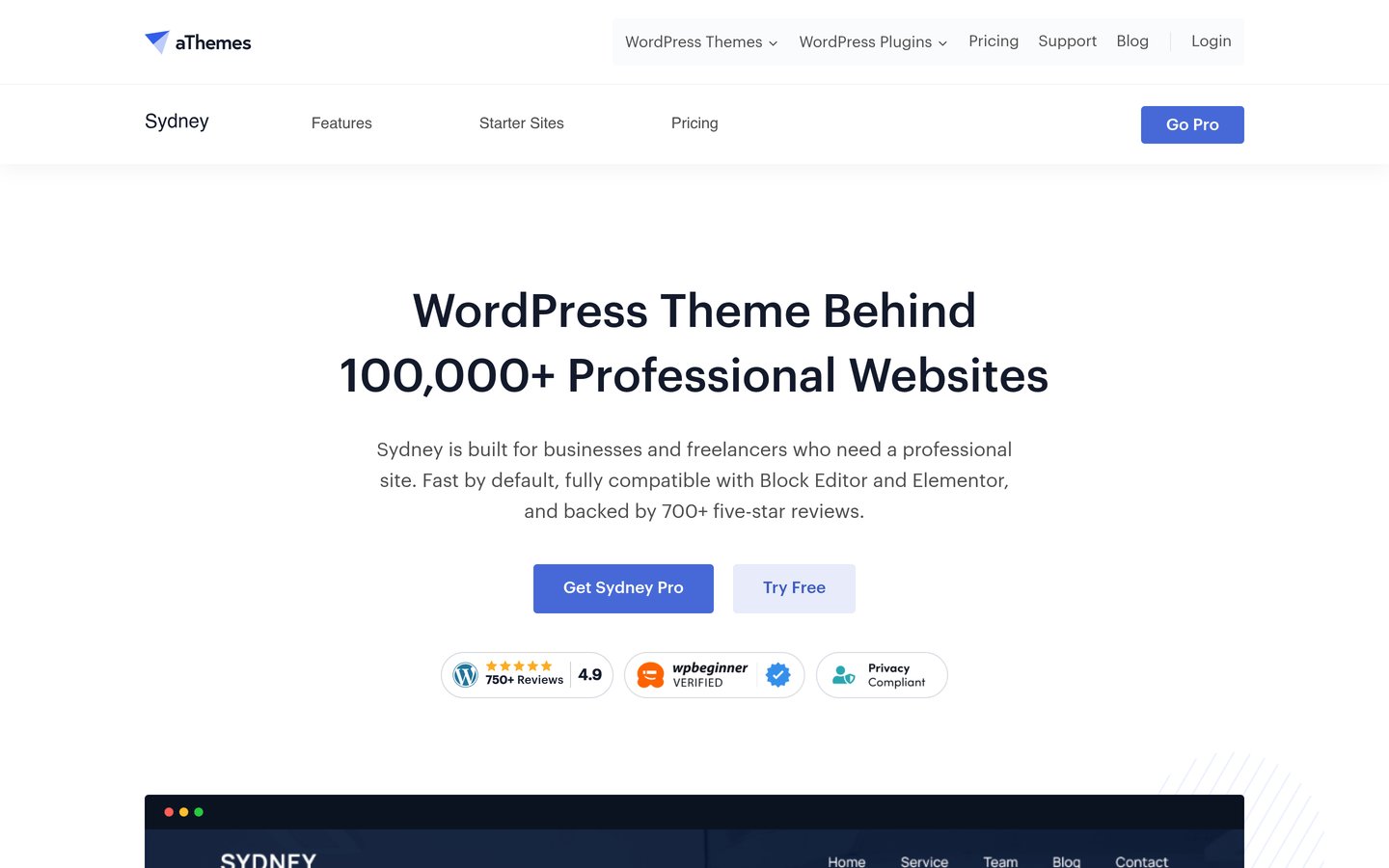
Sydney homepage, captured Nov 2026.
Sydney is a customizable WordPress theme with 80,000+ active installations and a 4.9/5 rating. Its free version includes responsive layouts, typography controls, header images, a full-screen slider, sticky navigation and block-editor patterns. These features can support editorial magazines that use large images and branded homepage sections.
The trade off is that Sydney is primarily a multipurpose business theme rather than a dedicated magazine product. Sydney Pro Personal regularly costs $99 per year, although the vendor currently advertises $59. It suits visually driven publishers who want editorial content combined with a distinctive brand presentation.
What we like
Flexible typography and header customization
Works with Elementor and Gutenberg
Suitable for image-led editorial projects
4.9/5 rating from 795 reviews
Watch out for
Fewer built-in magazine-specific features
Premium Personal license covers one website
Complex news layouts may require additional blocks
Personal Pro adds premium design features, templates and additional customization controls.Visit athemes.com
Dedicated magazine themes vs multipurpose WordPress themes
Dedicated magazine themes are designed around publishing workflows. They usually prioritize featured articles, category-based sections, news grids, advertising placements and prominent navigation.
ColorMag is the clearest specialist in this comparison. Its free version provides magazine demos and advertising areas, while Pro expands layout customization and access to templates.
Multipurpose themes such as Astra, Blocksy and GeneratePress give publishers more flexibility to combine editorial content with landing pages, commerce or membership features. However, some magazine sections must be assembled using blocks or additional templates.
Choose a dedicated magazine theme when editorial publishing is the website's primary purpose. Consider a multipurpose theme when your content operation has broader design or business requirements.
How to keep a WordPress magazine website fast
Magazine homepages often contain featured images, article grids, category sections, embedded videos and advertisements. These elements can increase page weight even when the underlying theme is lightweight.
Use properly sized images, modern image formats and lazy loading for content below the initial viewport. Avoid loading full-resolution images into small article thumbnails.
Configure page caching and review how advertising scripts affect loading behavior. Reserve appropriate space for banners and media so late-loading elements do not unnecessarily shift page content.
Keep your homepage focused on relevant content rather than showing every published article. Review mobile layouts, archive pages and individual posts alongside the homepage when assessing performance.
How we chose
We compared established WordPress themes suitable for news, magazine and editorial publishing. WordPress.org listings supplied installation counts, ratings, review totals and maintenance information. We prioritized dedicated magazine layouts, content discovery, navigation, customization, responsive design and compatibility with the WordPress block editor.
Prices and ratings were checked on 22 Nov 2026 using official theme pricing pages and WordPress.org listings. We used the cheapest regular annual paid upgrade rather than promotional prices. Where vendors advertised discounted first-year pricing, the regular renewal amount determined the comparison.
We excluded themes without verifiable current pricing, outdated products and options with limited public adoption. Dedicated magazine themes received preference for publishing-specific features, while multipurpose themes were considered for their editorial flexibility. No vendor paid for a place, and this list makes no claim of direct product testing.
How to choose a WordPress magazine theme
Identify your publishing format, preferred editor and essential design requirements before selecting a WordPress magazine theme.
Choose the right editorial layout. Decide whether your homepage needs breaking-news sections, category grids, featured stories, image-led articles or a simpler blog feed. ColorMag offers dedicated magazine structures, while Blocksy and Astra provide flexible layouts that can be adapted to different editorial styles.
Check navigation and content discovery. Look for useful category menus, readable archive pages, featured content sections and related-post options. Readers should be able to locate articles without scrolling through a crowded homepage. Check mobile navigation carefully because magazine menus can become complicated.
Compare free features with premium upgrades. Install the free theme and identify which layouts or controls require a license. ColorMag and Zakra Pro cost $69 annually, while GeneratePress One and Sydney Pro regularly cost $99. Check website limits, template access and the renewal terms before upgrading.
Evaluate performance and ongoing maintenance. Choose a maintained theme that works with your preferred editor and plugins. Keep homepage images optimized and test navigation, article readability and advertising placements across screen sizes. A lightweight theme helps, but the complete website configuration determines performance.
FAQ
What is the best WordPress theme for a magazine website?
ColorMag is our overall recommendation because it is designed specifically for news and magazine publishing. It provides 30+ starter demos, Gutenberg compatibility, advertising areas and magazine layouts. Blocksy is a strong alternative when flexible visual customization matters more than specialized newspaper-style templates.
What is the best free WordPress magazine theme?
ColorMag is a strong free choice for editorial websites. Its WordPress.org listing shows more than 40,000 active installations and a 4.9/5 rating from 1,568 reviews. The free version includes magazine-focused layouts, starter demos, advertising areas and compatibility with magazine-specific Gutenberg blocks.
Can I create a magazine website with Astra?
Yes. Astra supports blog layouts, archive pages, featured images and popular WordPress page builders. You can create a magazine-style homepage with Gutenberg blocks or a compatible page builder. However, specialized editorial arrangements may require additional design tools or premium features.
Which WordPress magazine theme is best for SEO?
GeneratePress, Astra, Blocksy and ColorMag are reasonable choices for publishers prioritizing clean layouts and compatibility with SEO tools. No theme guarantees search rankings. Content quality, internal linking, crawlability, structured data, hosting and page performance also influence search visibility.
Do WordPress magazine themes support advertising?
Many magazine themes support advertising through widget areas, custom blocks or page builder sections. ColorMag specifically documents built-in advertising widget areas. Other themes can display advertisements using WordPress blocks or compatible ad management plugins. Check placement flexibility and mobile behavior before selecting a layout.
How much does a premium WordPress magazine theme cost?
Regular annual upgrades in this comparison include ColorMag Pro at $69, Blocksy Personal at $69, Zakra Pro at $69 and GeneratePress One at $99. Some vendors offer discounted introductory pricing, but ongoing costs should be calculated using regular renewal rates.
Is Gutenberg suitable for building a magazine website?
Yes. Gutenberg supports reusable blocks, images, columns, headings, query loops and other components useful for editorial layouts. Themes such as ColorMag, Blocksy and GeneratePress provide Gutenberg compatibility. Additional block plugins can offer specialized magazine grids, featured-post sections and category displays.
Should I use a dedicated magazine theme or a multipurpose theme?
Choose a dedicated magazine theme when most of your website consists of news, articles and category-based editorial content. A multipurpose theme is often more suitable when your site also needs landing pages, portfolios, product sales or memberships. The best choice depends on your content structure.
Can I switch WordPress magazine themes without losing articles?
WordPress posts, categories and standard media generally remain in your database when switching themes. However, theme-specific widgets, layout settings, custom content elements and template designs may not transfer. Back up the website and review the replacement theme in staging before making the change.