WPBakery Alternatives in 2026: 8 Best Tools Compared
WLWPLegible EditorsLast verified 22 Nov 2026How we rank11 min read
★ Short answer
Elementor is the best overall WPBakery alternative, combining a visual drag-and-drop editor with 10+ million active installs and a free tier. For agencies wanting lifetime unlimited-site licensing, choose Divi ($89/yr or $249 one-time), while Bricks ($79/yr) suits developers prioritizing clean HTML output.
How we make this list: we compare pricing pages, product documentation and public user reviews, then re-check every price before each update. No product paid for a place. Disclosure.
Elementor leads on ecosystem size with 10+ million active installs and starts at $60/yr regular rate for 1 site.
SiteOrigin Page Builder offers the lowest entry upgrade at $60/yr regular rate ($29/yr on sale) alongside a 4.8-star free core.
Bricks and Beaver Builder keep markup lean, starting at $79/yr and $89/yr respectively for single-site licenses.
Divi and Breakdance include unlimited-site options—Divi at $89/yr ($249 lifetime) and Breakdance Pro Unlimited at $199.99/yr.
Gutenberg block suites like Spectra ($69/yr for 3 sites) and GenerateBlocks ($99/yr via GeneratePress One) avoid shortcode lock-in.
What to look for in a WPBakery alternative
WPBakery shipped inside thousands of ThemeForest themes for over a decade, which left many site owners tied to shortcodes and a dated backend/frontend workflow. Modern WordPress page builders replace raw shortcode wrappers with live inline editing, global design tokens, and full-site theme building for headers, footers, and WooCommerce templates.
When evaluating replacements, check how each tool handles markup weight and lock-in. Classic visual builders like Elementor and Divi give you huge template libraries and third-party add-on ecosystems, whereas developer-oriented builders like Bricks and Breakdance focus on leaner DOM output and class-based CSS workflows.
Block-based toolkits such as Spectra and GenerateBlocks take a different route by extending the native WordPress block editor instead of replacing it. That keeps your content closer to core WordPress standards while still delivering flexbox containers, responsive controls, and dynamic data.
4.5/5on WordPress.org (7,328 reviews, checked Nov 2026)
Paid from$60/yr
Best overall visual builder
Editor typeLive front-end canvas
Entry paid plan$60/yr (Essential, 1 site)
Free versionYes (WordPress.org)
Theme builderIncluded in Pro
elementor.com
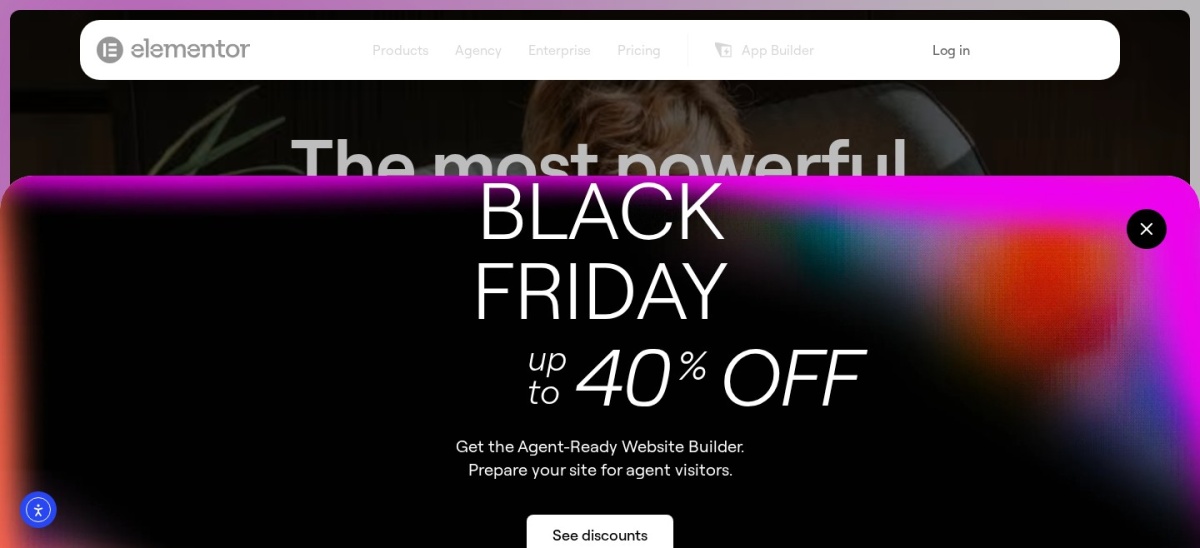
Elementor homepage, captured Nov 2026.
Elementor is a live front-end WordPress page builder with over 10 million active installs and a 4.5-star rating across 7,328 WordPress.org reviews. Its free plugin provides responsive flexbox containers, core widgets, and revision history, while the Essential paid plan ($60/yr regular rate for 1 site) unlocks 57 Pro widgets and the Theme Builder.
The trade off is heavier DOM output and split feature tiers—popup builder, custom CSS, and WooCommerce widgets require the Advanced Solo plan at $84/yr regular rate. It suits beginners, marketers, and freelancers who want rapid visual editing and the broadest third-party add-on library.
What we like
10+ million active installs and massive third-party widget ecosystem
Generous free version for basic landing pages and layouts
Full Theme Builder starts on the $60/yr Essential tier
Watch out for
Adds extra wrapper divs and CSS/JS assets on complex pages
WooCommerce, forms, and popups require $84/yr Advanced Solo or higher
Paid plans add Pro widgets, Theme Builder, dynamic content, and cloud templates.Visit elementor.com
02
Divi
5/5on Trustpilot (25,040 reviews, checked Nov 2026)
Starts at$89/yr
Best for agencies and unlimited sites
Editor typeTheme + visual builder
Entry paid plan$89/yr (unlimited sites)
Lifetime option$249 one-time
Split testingBuilt-in Divi Leads
elegantthemes.com
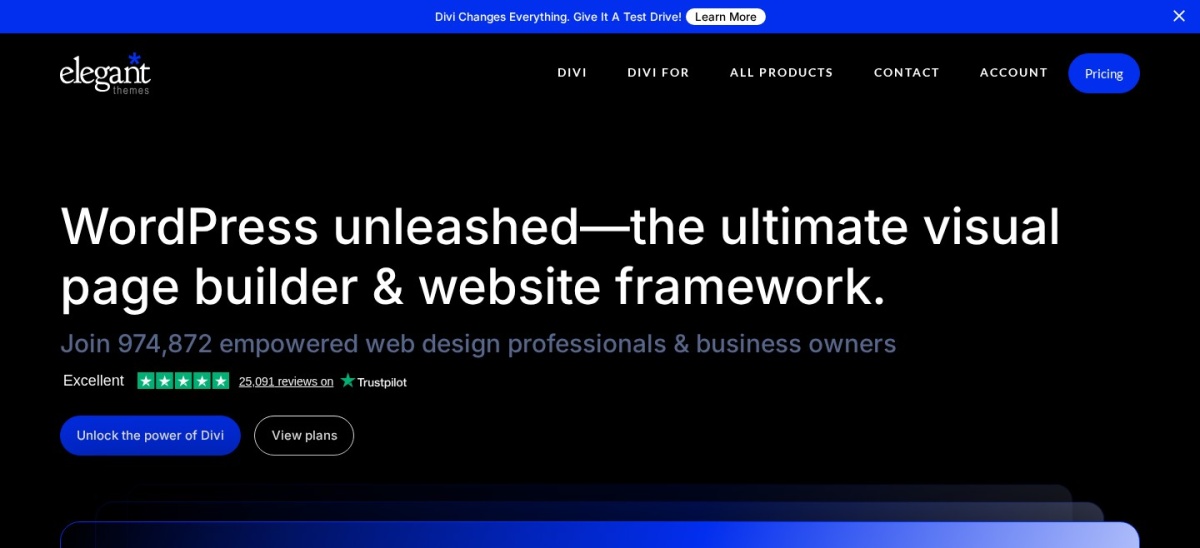
Divi homepage, captured Nov 2026.
Divi is an all-in-one WordPress theme and visual page builder from Elegant Themes, backed by a 5.0-star TrustScore across over 25,000 Trustpilot reviews. Every license covers unlimited websites—including client builds—and includes global design presets, full header-to-footer theme building, WooCommerce modules, and built-in Divi Leads A/B testing.
The trade off is that there is no free version on WordPress.org, and older shortcode-based Divi layouts require cleanup if you ever migrate away. At $89/yr (or $249 one-time for lifetime updates), it suits freelancers and agencies building multiple client sites on a predictable budget.
What we like
Unlimited website usage included even on the $89/yr entry license
Includes built-in A/B split testing and hundreds of layout packs
Watch out for
No free version to test inside your own WordPress install
Steeper interface learning curve than native block plugins
Includes the Divi Theme, Divi Builder plugin, layout packs, and unlimited site activations.Visit elegantthemes.com
03
Bricks
4.4/5on Trustpilot (6 reviews, checked Nov 2026)
Starts at$79/yr
Best for clean code and performance
Editor typeTheme-based visual builder
Entry paid plan$79/yr (Starter, 1 site)
Lifetime option$599 one-time (unlimited)
Feature parityAll features on every tier
bricksbuilder.io
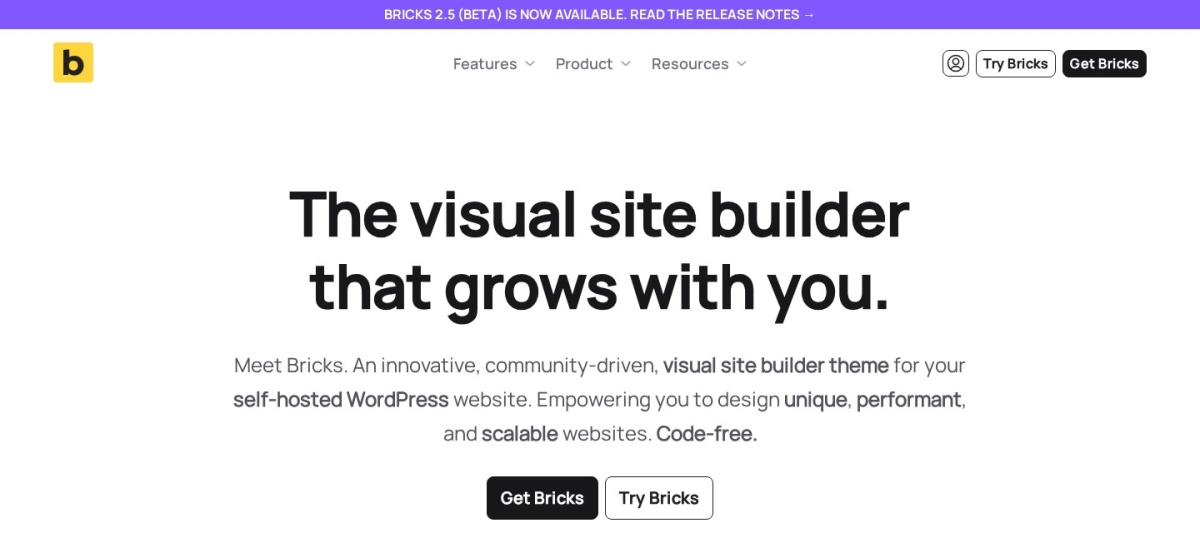
Bricks homepage, captured Nov 2026.
Bricks is a theme-based visual site builder engineered for lean semantic HTML output, CSS class management, and custom query loops. Unlike builders that gate features behind higher tiers, every Bricks license includes the full Theme Builder, WooCommerce builder, dynamic data tags, and conditional logic from $79/yr for 1 website.
The trade off is that Bricks operates as a parent/child theme rather than a standalone plugin, and there is no free WordPress.org version—only a hosted sandbox demo. It suits developers and performance-focused designers who understand CSS classes and want minimal DOM bloat.
What we like
Generates clean semantic markup with smart per-page asset loading
Full feature parity across all tiers—no upsells for WooCommerce or Theme Builder
Staging and local development domains do not count toward site limits
Watch out for
No free version; only an online playground demo is available
Requires using the Bricks theme rather than third-party themes
All tiers include every feature; higher plans only expand site limits ($149/yr for 3 sites, $249/yr unlimited).Visit bricksbuilder.io
04
Beaver Builder
4.7/5on WordPress.org (394 reviews, checked Nov 2026)
Paid from$89/yr
Best for agency stability
Editor typeFront-end drag-and-drop
Entry paid plan$89/yr (Starter, 1 site)
Free versionYes (Lite on WP.org)
Deactivation behaviorPreserves clean HTML
wpbeaverbuilder.com
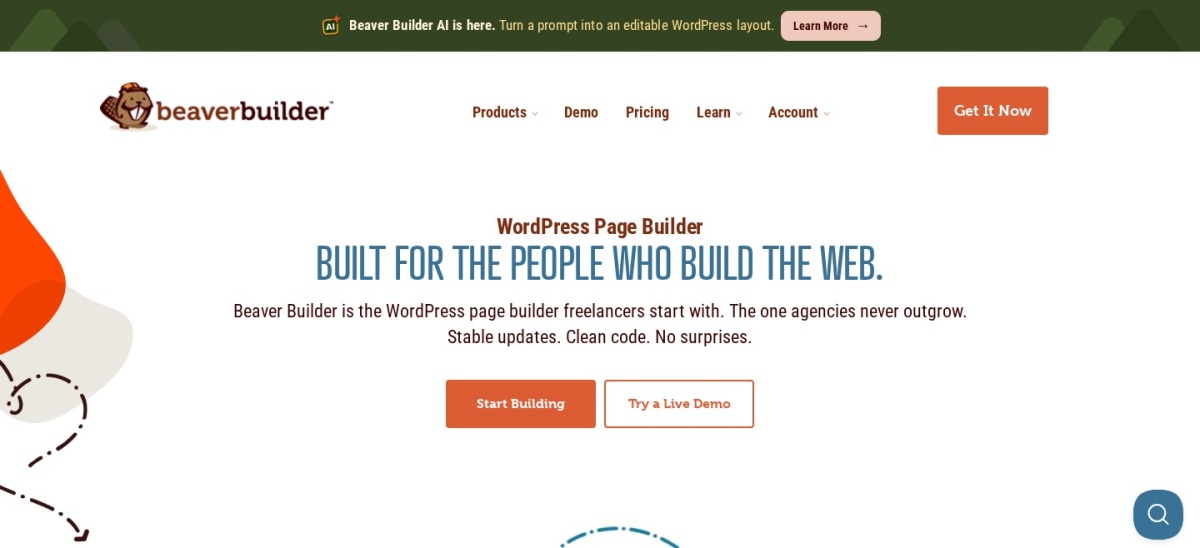
Beaver Builder homepage, captured Nov 2026.
Beaver Builder is a front-end drag-and-drop page builder trusted on over 100,000 active sites with a 4.7-star rating across 394 WordPress.org reviews. Its free Lite plugin includes core layout modules, flexbox/grid Box containers, and clean HTML preservation if deactivated, while the Starter plan ($89/yr for 1 site) adds the Beaver Builder Theme and premium modules.
The trade off is a smaller library of flashy animations and higher multi-site jumps—3 sites cost $179/yr and 50 sites cost $299/yr. It suits agencies and businesses that prioritize update stability and clean client handoffs over trendy visual effects.
What we like
Preserves readable HTML content in the editor if the plugin is deactivated
Long track record of backward-compatible updates since 2014
Includes Beaver Builder Theme on all paid plans
Watch out for
Fewer pre-built design templates and motion effects than Elementor
Multi-site pricing rises quickly ($179/yr for 3 sites)
Paid licenses unlock premium modules, saved global rows/templates, and the Beaver Builder Theme.Visit wpbeaverbuilder.com
05
Breakdance
4.5/5on Trustpilot (91 reviews, checked Nov 2026)
Paid from$99.99/yr
Best all-in-one modern builder
Editor typePlugin-based full-site builder
Entry paid plan$99.99/yr (Pro, 1 site)
Free versionYes (direct download)
Built-in extrasForms, popups, mega menus
breakdance.com
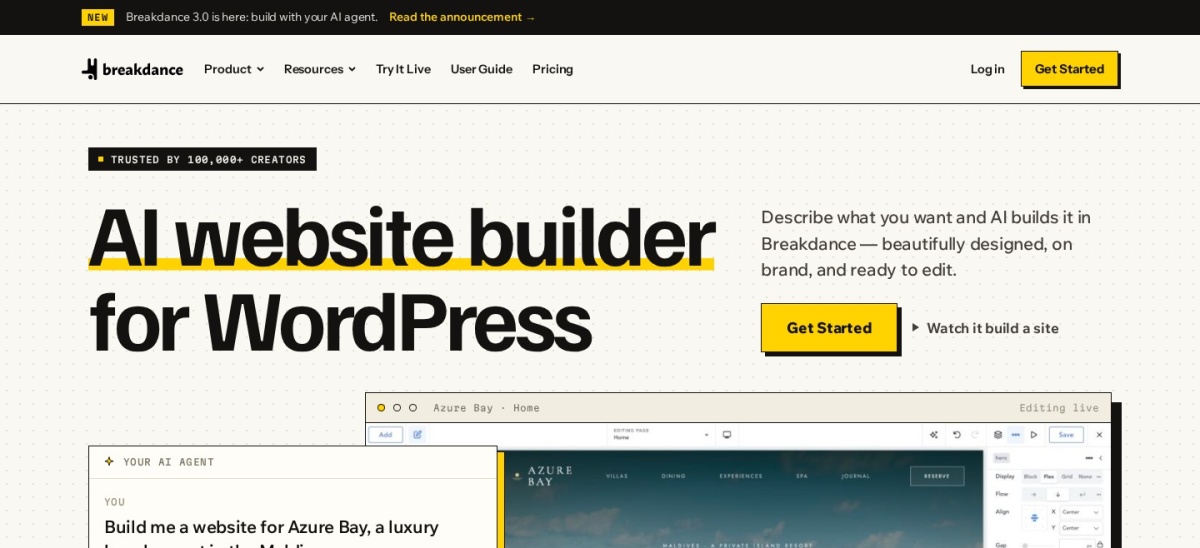
Breakdance homepage, captured Nov 2026.
Breakdance is a visual full-site WordPress builder from Soflyy (the team behind Oxygen), rated 4.5 out of 5 across 91 Trustpilot reviews. It ships with a free version for unlimited sites alongside Breakdance Pro at $99.99/yr for 1 site (or $199.99/yr promotional rate before a planned $399.99/yr regular rate for unlimited sites), bundling 145 elements, a form builder, popup builder, and WooCommerce styling.
The trade off is a smaller third-party add-on ecosystem and no WordPress.org repository listing—you download the free plugin directly from Breakdance. It suits freelancers who want built-in forms, popups, and clean DOM output without stacking extra plugins.
What we like
Includes built-in form builder, popup triggers, and WooCommerce builder
Free plan usable on unlimited websites with core elements
Replaces the active theme cleanly without separate theme lock-in
Watch out for
Not hosted in the official WordPress.org plugin directory
Unlimited-site tier is slated to rise to $399.99/yr
Pro unlocks 1,000+ templates, full ACF/Meta Box dynamic loops, custom PHP/JS, and marketing form integrations.Visit breakdance.com
06
Spectra
4.7/5on WordPress.org (1,750 reviews, checked Nov 2026)
Paid from$69/yr
Best Gutenberg block suite
Editor typeNative WordPress block editor
Entry paid plan$69/yr (Spectra Pro, 3 sites)
Free versionYes (WordPress.org)
Site allowance3 sites on base tier
wpspectra.com
Spectra homepage, captured Nov 2026.
Spectra (formerly Ultimate Addons for Gutenberg) extends the native WordPress block editor with flexbox containers, wireframes, and 30+ blocks across 1+ million active installs and a 4.7-star rating. Its entry Spectra Pro tier costs $69/yr regular rate (with a $319 one-time option) and covers up to 3 websites with dynamic content, popup builder, and loop builder blocks.
The trade off is that it works inside Gutenberg rather than offering a detached full-screen canvas like WPBakery's frontend editor. It suits site owners migrating away from heavy shortcode builders who want fast native block performance.
What we like
Runs natively inside the WordPress block editor with zero separate interface
Entry $69/yr plan covers 3 websites rather than just 1
Backed by Brainstorm Force (makers of Astra) with 1+ million active installs
Watch out for
Lacks a detached visual canvas for users who dislike Gutenberg
Spectra Pro adds dynamic content, custom loop builder, modal popups, and pro blocks for 3 sites.Visit wpspectra.com
07
GenerateBlocks
4.9/5on WordPress.org (116 reviews, checked Nov 2026)
Paid from$99/yr
Best lightweight block system
Editor typeNative WordPress block editor
Entry paid plan$99/yr (GeneratePress One, 1 site)
Free versionYes (WordPress.org)
Rating4.9 / 5 on WordPress.org
generateblocks.com
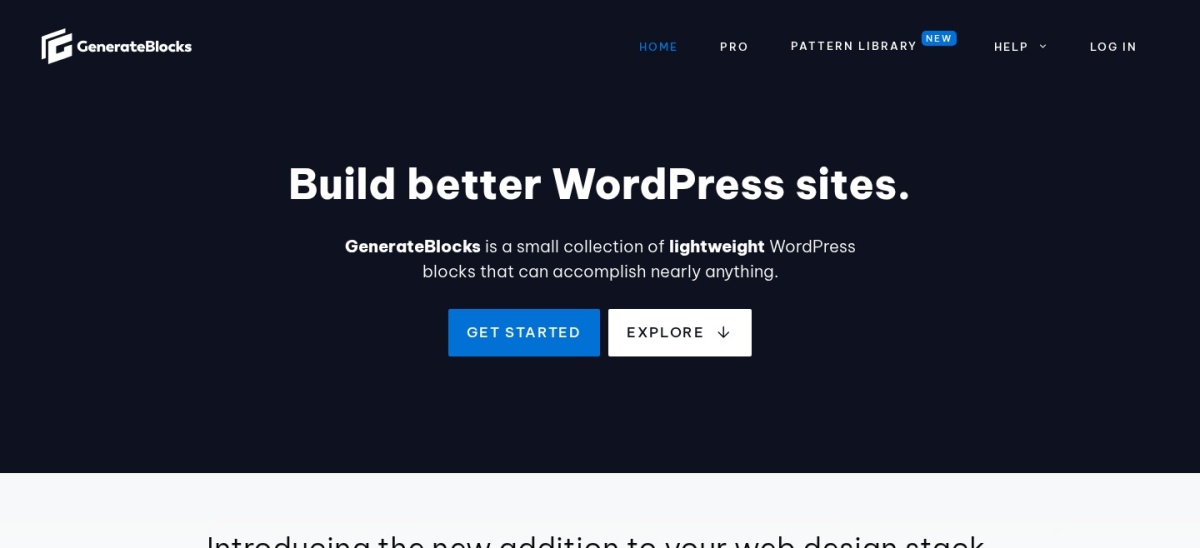
GenerateBlocks homepage, captured Nov 2026.
GenerateBlocks is a minimalist WordPress block plugin with 200,000+ active installs and a 4.9-star rating across 116 WordPress.org reviews. Instead of dozens of single-purpose widgets, its free plugin gives you core Container, Grid, Headline, Button, and Query Loop blocks that generate minimal CSS, while Pro features now ship inside GeneratePress One starting at $99/yr regular rate for 1 site.
The trade off is that GenerateBlocks Pro is no longer sold standalone—you buy the full GeneratePress One bundle (which also includes GP Premium and GenerateCloud). It suits speed-obsessed builders who prefer crafting custom layouts from clean primitives rather than importing heavy widgets.
What we like
Produces ultra-clean HTML and minimal per-page CSS inside Gutenberg
4.9-star WordPress.org rating with rock-solid code quality
$99/yr bundle also unlocks GeneratePress theme and cloud pattern libraries
Watch out for
No standalone Pro license; requires the $99/yr GeneratePress One bundle
Fewer pre-styled marketing widgets out of the box
GeneratePress One unlocks GenerateBlocks Pro, global styles, custom attributes, and GP Premium.Visit generateblocks.com
08
SiteOrigin Page Builder
4.8/5on WordPress.org (960 reviews, checked Nov 2026)
Paid from$60/yr
Best budget classic grid builder
Editor typeRow/column widget builder
Entry paid plan$60/yr regular ($29/yr sale)
Free versionYes (400,000+ installs)
Widget systemStandard WordPress widgets
siteorigin.com
SiteOrigin Page Builder homepage, captured Nov 2026.
SiteOrigin Page Builder is a long-running responsive row-and-column builder with 400,000+ active installs and a 4.8-star WordPress.org rating. The core plugin is completely free with a live editor, history browser, and compatibility with standard WordPress widgets, while SiteOrigin Premium costs $60/yr regular rate ($29/yr promotional price) for 1 site with 45 addons.
The trade off is a more traditional backend/sidebar interface that feels closer to classic WordPress than modern inline canvas editors. It suits budget-conscious site owners who want a familiar row-and-widget workflow similar to WPBakery's backend grid without shortcode lock-in.
What we like
Core builder and Widgets Bundle are completely free and open source
Lowest regular entry upgrade at $60/yr ($29/yr on sale) for all 45 addons
Works with standard WordPress widgets and leaves clean fallback content
Watch out for
Interface feels utilitarian compared to Elementor or Bricks
Lacks a full visual WooCommerce checkout/cart builder
SiteOrigin Premium adds 45 addons across Page Builder, Widgets Bundle, and SiteOrigin themes plus email support.Visit siteorigin.com
What happens when you deactivate WPBakery?
WPBakery stores page layouts as nested shortcodes such as [vc_row] and [vc_column_text]. If you deactivate WPBakery without rebuilding those pages first, visitors will see raw shortcode brackets across your posts and pages.
Before switching, set up a staging copy of your site, install your chosen replacement builder, and rebuild high-traffic templates page by page. Once every page is converted, you can safely remove WPBakery and any theme-bundled add-on plugins.
How we chose
We selected actively maintained WordPress page builders and Gutenberg block suites that directly replace WPBakery's row-and-column layout workflow, covering visual front-end builders, theme-based site builders, and native block plugins.
All WordPress.org ratings, review counts, active install figures, Trustpilot scores, and regular annual prices were verified on 22 Nov 2026 against official WordPress.org listings, Trustpilot profiles, and vendor pricing pages.
We excluded discontinued builders, plugins not updated within the past 12 months, and tools without transparent public pricing pages. No vendor paid for a place, and we do not claim testing for this list.
How to choose the right WPBakery replacement
Match your technical comfort, site count, and performance goals to the right builder architecture before migrating.
Decide between a visual canvas and native Gutenberg blocks. Choose Elementor, Divi, or Breakdance if you want a full-screen drag-and-drop canvas; pick Spectra or GenerateBlocks if you want faster pages inside the native WordPress block editor.
Check regular renewal rates and multi-site caps. Compare single-site vs. multi-site tiers—Elementor ($60/yr) and Bricks ($79/yr) price per site at entry, while Divi ($89/yr) covers unlimited sites on every plan.
Verify theme compatibility before buying. Plugin builders like Elementor, Beaver Builder, and Spectra work with almost any theme, whereas Bricks and Divi act as the active theme themselves.
Test the free version or sandbox on a staging site. Install the free WordPress.org edition of Elementor, Beaver Builder, Spectra, GenerateBlocks, or SiteOrigin to rebuild one sample page before committing.
FAQ
Can I switch from WPBakery to another page builder automatically?
No automatic converter cleanly translates WPBakery shortcodes into Elementor, Divi, or Gutenberg blocks. Because WPBakery wraps content in proprietary [vc_row] shortcodes, you will need to recreate your pages manually in the new builder on a staging site before deactivating WPBakery.
Which WPBakery alternative is best if I want a free plugin?
Elementor offers the largest free feature set and template ecosystem with 10+ million active installs. If you prefer working inside the native WordPress block editor for faster load times, Spectra (1+ million installs) and GenerateBlocks (200,000+ installs) also have strong free versions.
Which WPBakery alternative generates the cleanest code?
GenerateBlocks and Bricks are widely favored for lean HTML and CSS output. GenerateBlocks builds directly on native Gutenberg blocks with minimal CSS, while Bricks uses a class-based visual builder that avoids deeply nested wrapper divs and loads element assets only when used.
Is Divi or Elementor cheaper for building multiple client websites?
Divi is cheaper for multiple sites because its $89/yr plan (or $249 one-time lifetime license) covers unlimited websites. Elementor Pro charges $60/yr for 1 site, $108/yr for 3 sites, and $204/yr for 25 sites at regular renewal rates.
Do I need a new theme if I replace WPBakery?
If WPBakery came bundled with an older ThemeForest theme, switching to a lightweight modern theme like Astra, GeneratePress, or Hello Elementor alongside your new builder is usually cleaner. Theme-based builders like Divi and Bricks replace your theme entirely.