Best WordPress Themes for Blogging and SEO in 2026: 7 Tools Compared
WLWPLegible EditorsLast verified 22 Nov 2026How we rank13 min read
★ Short answer
Astra is our top WordPress theme for blogging and SEO, with more than 1 million active installations, a 4.9/5 rating and responsive layouts with built-in schema support. GeneratePress is a strong choice for lightweight blogs, while Blocksy offers flexible post layouts and advanced design controls.
How we make this list: we compare pricing pages, product documentation and public user reviews, then re-check every price before each update. No product paid for a place. Disclosure.
Astra leads with 1M+ active installations, a 4.9/5 rating and an Astra Pro + AI plan renewing at $149/year.
GeneratePress has 500,000+ installations and a 4.9/5 rating. GeneratePress One starts at a regular $99/year for one site.
Blocksy has 300,000+ installations, a 5.0/5 rating and a Personal Pro license at $69/year.
Neve has 200,000+ installations and a 4.7/5 rating, with Personal Pro renewing at $139/year.
Zakra offers a $69/year Pro plan covering up to 3 websites, with a 4.9/5 rating from 600 reviews.
Sydney Pro normally costs $99/year, while Kadence now offers premium access through a $350/year software bundle.
What makes a WordPress theme good for blogging and SEO?
A good blogging theme should present articles clearly, load efficiently and make it easy for readers to discover related content. The theme influences page layout, navigation, typography, responsive behavior and the amount of CSS and JavaScript delivered to visitors.
For SEO, prioritize clean HTML, mobile-friendly layouts, accessible navigation and sensible heading structures. Built-in structured data can also help, but the theme should work alongside a dedicated SEO plugin rather than attempting to replace it.
Blog layout options matter when publishing regularly. Look for flexible category archives, featured images, readable single-post templates, sidebars, author information and related content sections. These features help organize a growing content library.
Check how easily you can customize the theme without installing additional page builders. Lightweight themes with strong block editor support can reduce dependencies and keep article editing straightforward.
Finally, compare regular renewal prices. Many theme vendors advertise introductory discounts, while premium blog layouts, custom hooks, advanced headers and additional templates require ongoing subscriptions.
4.9/5on WordPress.org (6,559 reviews, checked Nov 2026)
Paid from$69/yr
Best WordPress theme for blogging and SEO overall
Active installs1M+
WordPress rating4.9/5
Structured dataBuilt-in
Cheapest paid planAstra Pro addon, $69/yr
wpastra.com
Astra homepage, captured Nov 2026.
Astra is a lightweight WordPress theme with more than 1 million active installations and a 4.9/5 rating. Its free version includes responsive blog layouts, typography controls, customizable headers, schema markup and compatibility with the block editor and popular page builders.
The trade off is that advanced blog layouts, custom design options and premium header features require Astra Pro + AI, which renews at $149/year after a promotional $79 first year. It suits bloggers and content publishers who want a flexible foundation that can grow into a larger website.
What we like
Large installation base and extensive public feedback
Responsive layouts and built-in schema markup
Compatible with the block editor and popular builders
Customizable typography, headers and sidebars
Premium designs and additional layout controls
Watch out for
Advanced design features require a paid plan
Current premium bundle includes tools some bloggers may not need
Regular renewal costs more than several alternatives
Astra Pro + AI adds advanced layouts, premium headers, customization modules and AI tools.Visit wpastra.com
02
GeneratePress
4.9/5on WordPress.org (1,428 reviews, checked Nov 2026)
Paid from$99/yr
Best lightweight theme for performance-focused blogs
Active installs500K+
Free theme footprintUnder 10 KB gzipped
Block design toolsGeneratePress One
Cheapest paid planOne, $99/yr
generatepress.com
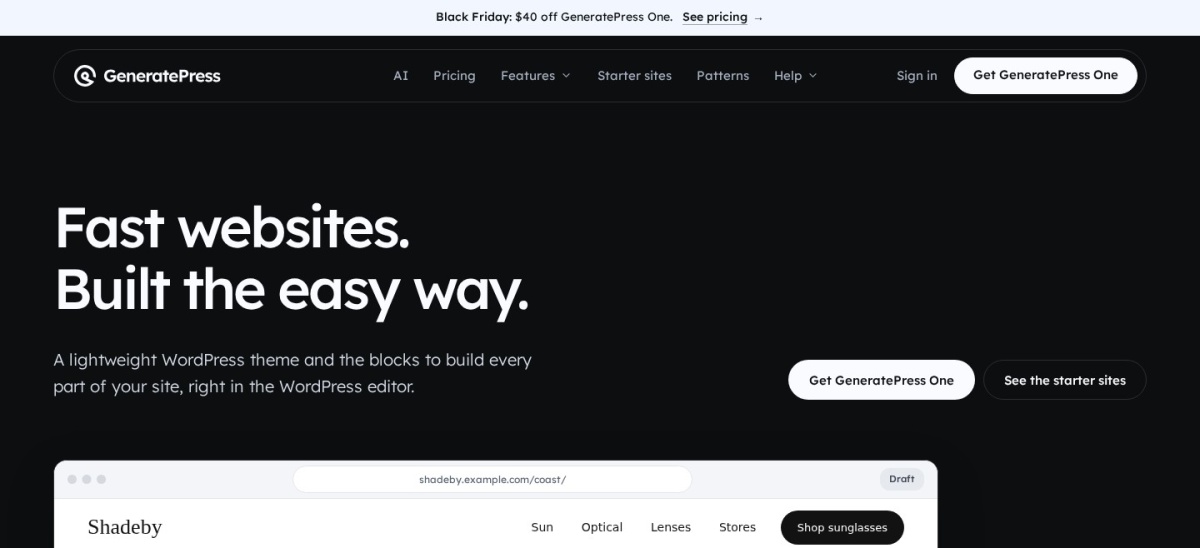
GeneratePress homepage, captured Nov 2026.
GeneratePress is a lightweight WordPress theme with 500,000+ active installations and a 4.9/5 rating. Its free version emphasizes clean code, responsive layouts, typography, navigation and compatibility with the block editor, making it suitable for article-focused websites.
The trade off is that advanced design tools now come through GeneratePress One, regularly priced at $99/year for one site, with a promotional $59 first-year offer. It suits bloggers and developers who prioritize performance, maintainability and control over unnecessary design features.
GeneratePress One adds premium theme features, GenerateBlocks Pro, GenerateCloud and AI tools.Visit generatepress.com
03
Blocksy
5/5on WordPress.org (874 reviews, checked Nov 2026)
Paid from$69/yr
Best for modern blog layouts and visual customization
Active installs300K+
WordPress rating5.0/5
Block editorSupported
Cheapest paid planPersonal, $69/yr
creativethemes.com
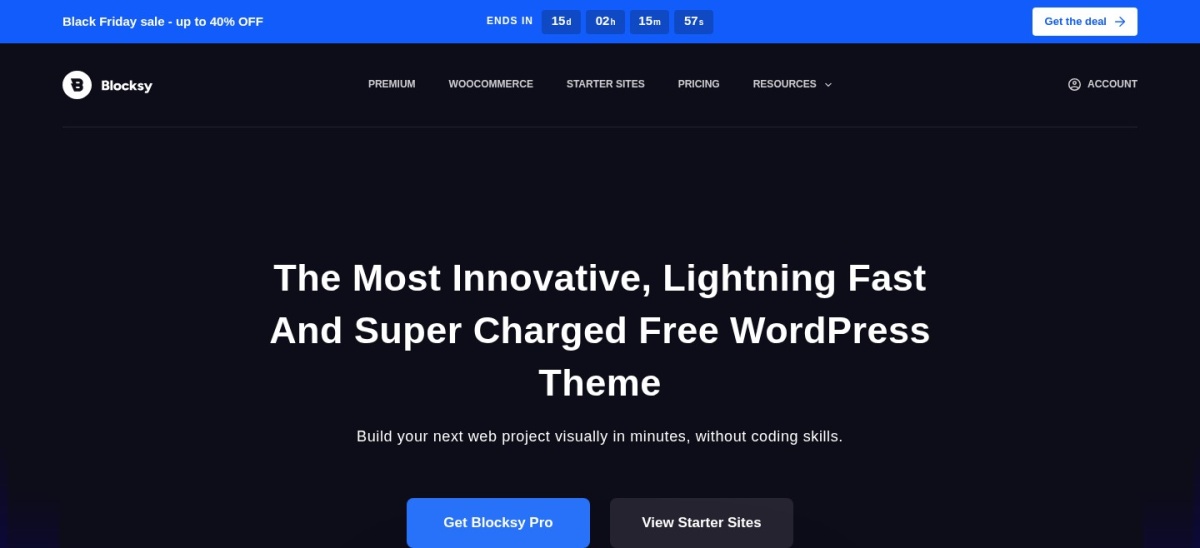
Blocksy homepage, captured Nov 2026.
Blocksy is a WordPress theme with 300,000+ active installations and a 5.0/5 rating from 874 reviews. Its free version includes responsive blog layouts, header and footer customization, typography controls, block editor support and flexible archive designs.
The trade off is that conditional content blocks, advanced headers, custom fonts and premium design features require Personal at $69/year, currently advertised with a Black Friday discount. It suits bloggers who want a modern appearance and extensive customization without depending on a traditional page builder.
What we like
Highly rated WordPress.org theme
Flexible free blog and archive layouts
Strong Gutenberg and block editor integration
Advanced header and typography controls
Premium conditional content features
Watch out for
Advanced content blocks require Pro
Some premium features vary by subscription tier
Extensive settings may take time to configure
Personal Pro adds Content Blocks, conditional headers, custom fonts and premium starter sites.Visit creativethemes.com
04
Neve
4.7/5on WordPress.org (1,284 reviews, checked Nov 2026)
Paid from$139/yr
Best for beginner-friendly SEO blogs
Active installs200K+
WordPress rating4.7/5
Premium blog controls30+ options
Cheapest paid planPersonal, $139/yr
themeisle.com
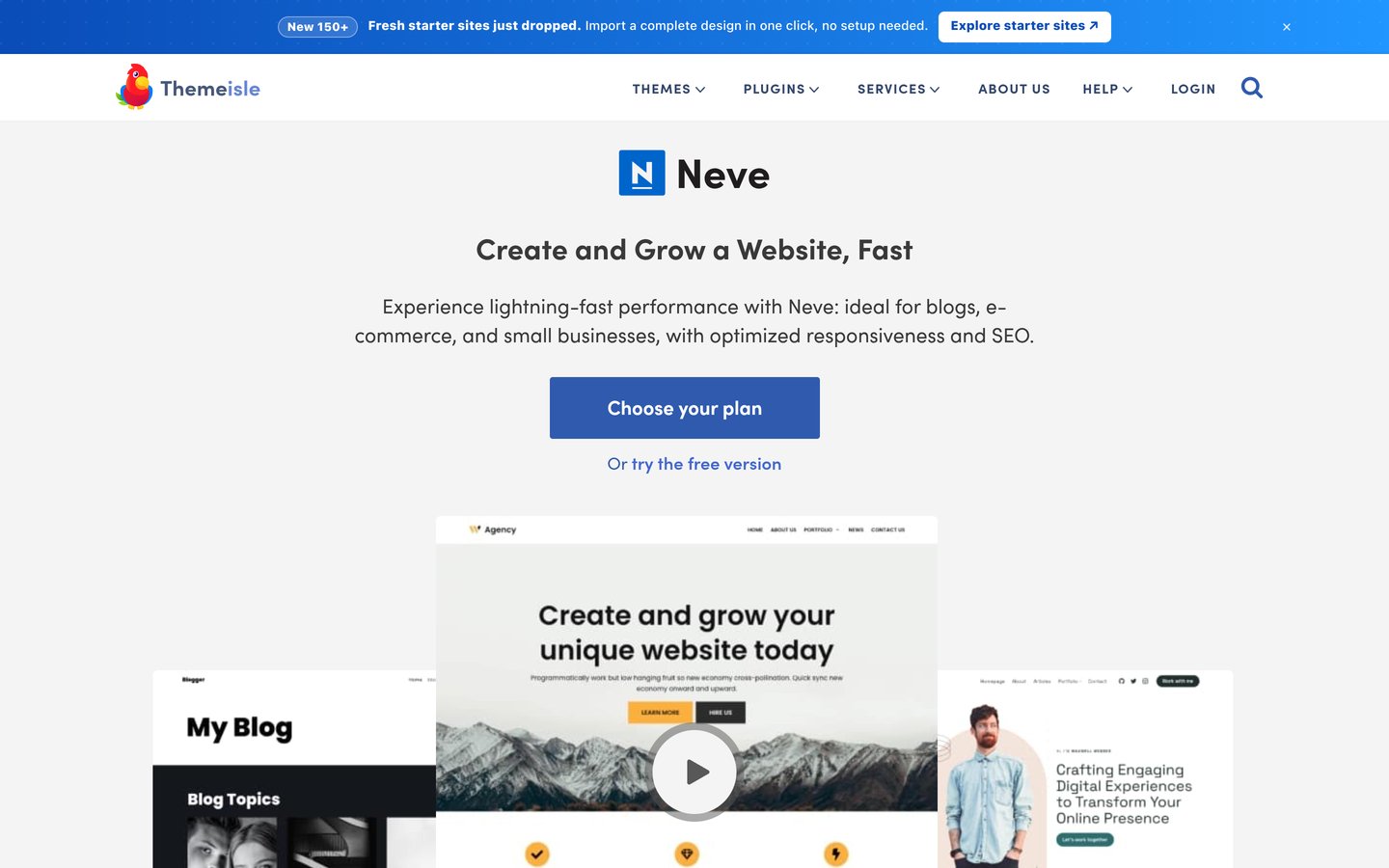
Neve homepage, captured Nov 2026.
Neve is a responsive WordPress theme with 200,000+ active installations and a 4.7/5 rating. Its free version offers lightweight layouts, starter templates, flexible navigation and compatibility with Gutenberg and popular page builders, providing an accessible starting point for blogs.
The trade off is that premium blog customization, custom layouts and extended header controls require Personal Pro, which renews at $139/year after an introductory $69 offer. It suits new bloggers who want starter designs and the option to customize article layouts as their website grows.
What we like
Beginner-friendly setup and starter templates
Responsive layouts with accessible navigation
Compatible with Gutenberg and page builders
Premium blog and single-post customization
Personal Pro includes unlimited-site updates
Watch out for
Advanced blog layouts require Pro
Regular renewal is higher than promotional pricing
Some integrations add additional plugin dependencies
Personal Pro adds extended blog settings, custom layouts, premium headers and performance controls.Visit themeisle.com
05
Zakra
4.9/5on WordPress.org (600 reviews, checked Nov 2026)
Paid from$69/yr
Best affordable theme for editorial and niche blogs
Active installs30K+
WordPress rating4.9/5
Pro starter templates30+
Cheapest paid planZakra Pro, $69/yr
zakratheme.com
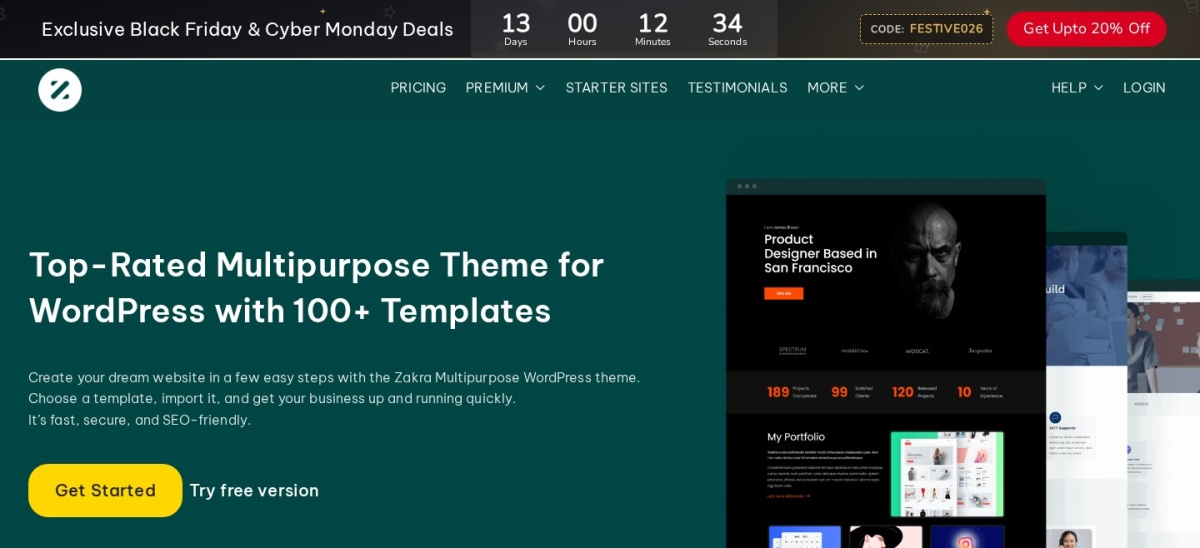
Zakra homepage, captured Nov 2026.
Zakra is a multipurpose WordPress theme with 30,000+ active installations and a 4.9/5 rating. Its free version includes responsive layouts, blog templates, featured image support, navigation customization and compatibility with block-based editing and popular WordPress plugins.
The trade off is that premium templates, advanced customization and priority support require Zakra Pro at $69/year for up to 3 websites. It suits niche bloggers, small publishers and content-focused businesses that want ready-made layouts at a relatively modest annual price.
What we like
Responsive designs suited to content websites
4.9/5 WordPress.org rating
Free blog and navigation customization
Pro includes 30+ starter templates
Entry paid plan covers 3 websites
Watch out for
Advanced templates require Pro
Smaller installation base than major competitors
Some design features depend on companion plugins
Zakra Pro adds 30+ premium templates, advanced customization and priority support.Visit zakratheme.com
06
Sydney
4.9/5on WordPress.org (795 reviews, checked Nov 2026)
Paid from$99/yr
Best for business blogs and professional content sites
Active installs80K+
WordPress rating4.9/5
Editor supportBlocks and Elementor
Cheapest paid planPersonal, $99/yr
athemes.com
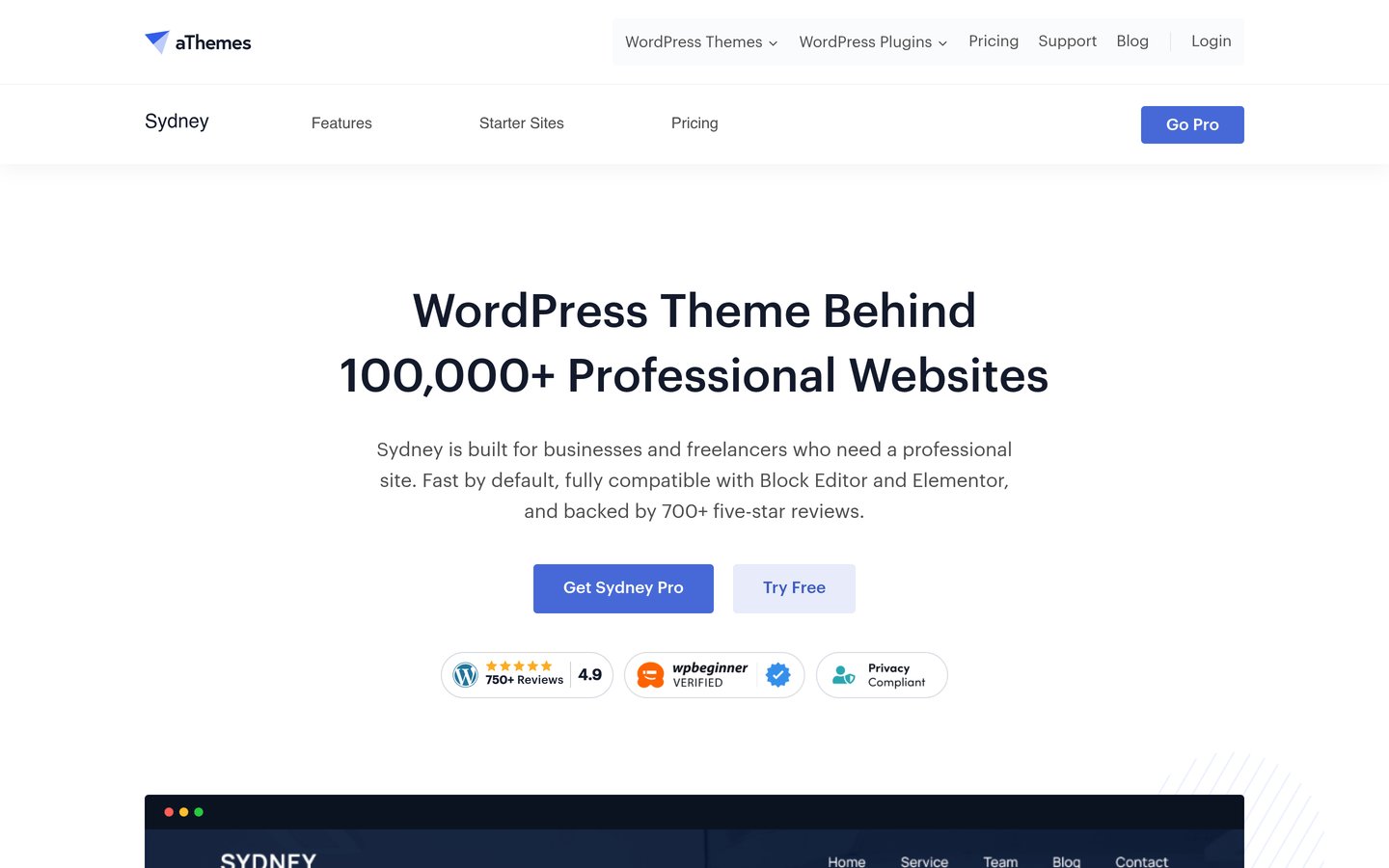
Sydney homepage, captured Nov 2026.
Sydney is a WordPress theme with 80,000+ active installations and a 4.9/5 rating. Its free version provides responsive layouts, block editor patterns, customizable typography, sticky navigation and compatibility with Elementor, making it useful for websites combining articles with professional service pages.
The trade off is that premium starter sites, additional layout controls and advanced Elementor widgets require Personal at the regular $79/year price, currently discounted to $63/year. It suits businesses and freelancers who want SEO-friendly blog content alongside branded landing pages and portfolios.
What we like
Flexible layouts for blogs and business websites
4.9/5 rating from 795 reviews
Compatible with Elementor and Gutenberg
Responsive navigation and typography options
Premium starter sites and design controls
Watch out for
More business-oriented than dedicated editorial themes
Advanced features require premium access
Additional Elementor widgets may increase page complexity
Personal adds Sydney Pro features, premium templates, advanced styling and Elementor widgets.Visit athemes.com
07
Kadence
4.9/5on WordPress.org (458 reviews, checked Nov 2026)
Paid from$350/yr
Best free theme for block-based content publishing
Active installs500K+
WordPress rating4.9/5
Free header builderIncluded
Cheapest paid planSoftware bundle, $350/yr
liquidweb.com
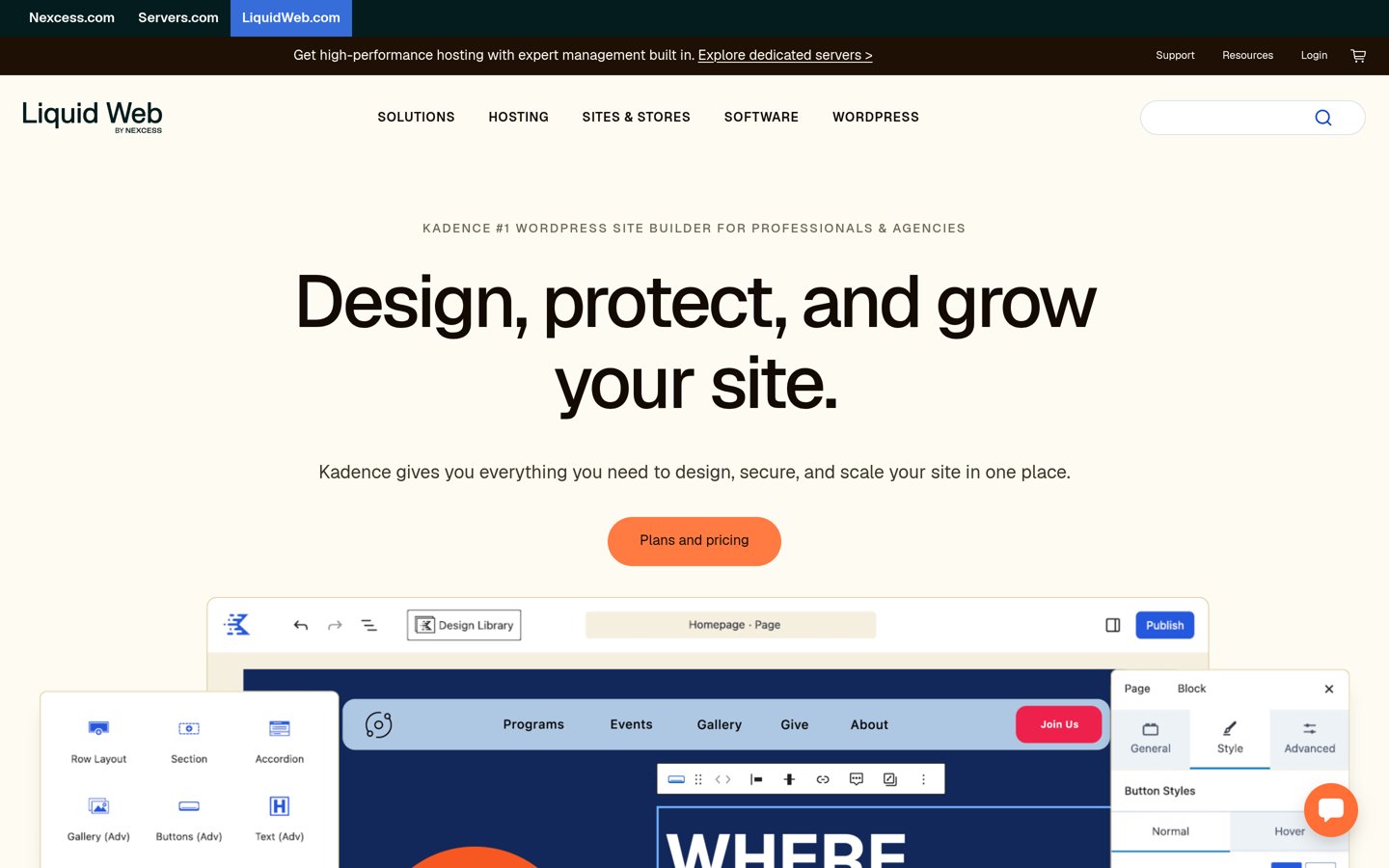
Kadence homepage, captured Nov 2026.
Kadence is a WordPress theme with 500,000+ active installations and a 4.9/5 rating. Its free version includes a visual header and footer builder, global typography and color controls, responsive layouts and compatibility with Kadence Blocks for creating content-rich pages.
The trade off is its changed premium packaging: Liquid Web lists a $350/year single-site bundle that includes Kadence alongside LearnDash, The Events Calendar and Give. It suits bloggers who prefer Kadence's free design features or organizations that can use the bundled software.
What we like
Flexible free header and footer builder
Global typography and color management
Strong integration with WordPress blocks
Responsive layouts suited to blogging
Large installation base and high public rating
Watch out for
New premium bundle is expensive for an individual blog
Bundled software may be unnecessary for publishers
Premium plan packaging has changed significantly
The paid bundle adds premium Kadence tools plus LearnDash, The Events Calendar and Give.Visit liquidweb.com
How much does a WordPress theme affect SEO?
A theme affects technical foundations such as HTML structure, responsive design, navigation and page rendering. These can influence user experience, crawlability and performance, but switching themes does not automatically improve search rankings.
Core Web Vitals depend on more than the theme. Hosting performance, images, advertisements, third-party scripts, fonts and caching can all influence loading speed and responsiveness.
A well-structured theme should also work with your SEO plugin, preserve clear heading hierarchy and support useful navigation. Breadcrumbs, structured data and article metadata should be implemented consistently without conflicting output.
Choose a theme that provides the layouts you need without requiring unnecessary extensions. Keep the theme updated and monitor performance after introducing plugins, advertising scripts or major design changes.
SEO checklist before choosing a WordPress blogging theme
Review the theme's homepage, category archive and single-post templates. Confirm that article titles, headings, images, metadata and internal navigation are clear and logically organized.
Check mobile layouts and navigation. Readers should be able to browse categories, access menus, open articles and use interactive elements without layout problems.
Evaluate typography and content width. Comfortable line lengths, readable text sizes and sufficient spacing make long articles easier to follow.
Confirm compatibility with your preferred SEO plugin, caching tools and block editor. Use a staging environment when replacing an established theme so you can identify layout changes, missing widgets and unexpected structured data output.
How we chose
We shortlisted established WordPress themes suited to blogging, editorial publishing and SEO-focused content websites. We compared free design features, responsive behavior, code quality, block editor compatibility, article layouts, maintenance records and public WordPress.org feedback.
Theme ratings, review totals, active installations and official pricing pages were checked on 22 Nov 2026. We used regular annual prices instead of promotional amounts and accounted for recent changes to GeneratePress, Astra and Kadence premium packaging.
We excluded outdated themes, products without sufficient public adoption and themes whose current premium prices could not be confirmed. We did not rank themes based on unsupported claims of guaranteed search rankings or universal speed improvements. No vendor paid for a place, and we do not claim independent product testing for this list.
How to choose the best WordPress theme for blogging and SEO
Start with your publishing needs, then compare performance foundations, customization and long-term pricing.
**Prioritize readable article layouts.** Review the theme's single-post design, typography, content width, featured images and navigation. A comfortable reading experience matters more than decorative effects for blogs publishing substantial articles.
**Check technical SEO foundations.** Choose a responsive theme with clean HTML, sensible heading structures and compatibility with your SEO plugin. Review how it handles breadcrumbs, metadata and structured data so you can avoid duplicate or conflicting markup.
**Match customization to your workflow.** GeneratePress favors restrained layouts and block-based design, while Blocksy and Astra offer extensive customization. Consider whether you need custom headers, archive templates or conditional layouts before purchasing premium features.
**Compare regular renewal prices.** Blocksy Personal costs $69/year, GeneratePress One starts at $99/year and Astra Pro + AI renews at $149/year. Consider what is included, whether the license covers your websites and whether the free version already meets your requirements.
FAQ
What is the best WordPress theme for blogging and SEO?
Astra is our overall pick because it combines responsive layouts, built-in schema support, extensive customization and a large installation base. GeneratePress is particularly suitable for lightweight blogs, while Blocksy offers more visual design flexibility in its free version.
Which WordPress theme is best for SEO and speed?
GeneratePress is a strong choice for website owners who prioritize lightweight code and maintainability. Astra, Blocksy, Neve and Kadence also emphasize performance. Actual loading results depend on hosting, images, plugins, scripts and how each theme is configured.
Are free WordPress themes good for SEO?
Yes. Free versions of established themes such as Astra, GeneratePress, Blocksy and Kadence can provide the technical foundation for an SEO-friendly website. Premium upgrades mainly expand customization, templates and design controls rather than guaranteeing better search rankings.
Does changing a WordPress theme improve Google rankings?
Changing themes does not automatically improve rankings. It may help when the new theme fixes performance, mobile usability or structural problems. However, migration can also introduce broken layouts, missing navigation and changed markup, so review the new design carefully before publishing it.
Which WordPress theme is best for a content-heavy blog?
GeneratePress and Astra are sensible options for websites publishing many articles and categories. GeneratePress emphasizes a lightweight foundation, while Astra offers flexible layouts and customization. Blocksy is also worth considering when archive design and content presentation need more visual controls.
Is Blocksy better than Astra for blogging?
Blocksy is attractive for bloggers who want flexible layouts and visual customization, with a 5.0/5 WordPress.org rating. Astra has a larger installation base and broad plugin compatibility. The better choice depends on your preferred editor, design requirements and premium features.
Do I need an SEO plugin with an SEO-friendly WordPress theme?
Usually, yes. A theme manages presentation and some technical foundations, while an SEO plugin provides tools for titles, meta descriptions, XML sitemaps, indexing settings and structured data. Check how the theme and plugin interact to avoid duplicated metadata or schema.
Which WordPress blogging theme has the cheapest premium plan?
Blocksy and Zakra both offer entry premium plans at $69/year in this comparison. Sydney Personal normally costs $79/year, while GeneratePress One starts at $99/year. Several free themes already include enough features for a standard blog.
Can I build an SEO-friendly blog without a page builder?
Yes. WordPress includes the block editor, and themes such as GeneratePress, Blocksy, Astra and Kadence work with it. Using native blocks and well-supported theme features can reduce extra dependencies while keeping articles and layouts easier to maintain.