Best WordPress Calendar Plugins for SEO in 2026: 7 Tools Compared
WLWPLegible EditorsLast verified 22 Nov 2026How we rank13 min read
★ Short answer
The Events Calendar is our top WordPress calendar plugin for SEO because its free version generates Event structured data and provides individual event pages. It has 600,000+ active installations and a 4.2/5 rating. Eventin is a strong alternative for configurable event schema, while Events Manager suits publishers needing event categories, locations and bookings.
How we make this list: we compare pricing pages, product documentation and public user reviews, then re-check every price before each update. No product paid for a place. Disclosure.
The Events Calendar has 600,000+ active installations and a 4.2/5 rating from 2,467 reviews. Its free version generates Event structured data, and Pro costs $399/year.
Eventin has 10,000+ active installations and a 4.7/5 rating from 416 reviews. It documents event schema settings, and Standard regularly costs $99/year.
Events Manager has 60,000+ active installations and a 4.2/5 rating from 553 reviews. Pro regularly costs $129/year.
My Calendar has 20,000+ active installations and a 4.7/5 rating from 159 reviews. Its Pro upgrade costs $69/year for 3 websites.
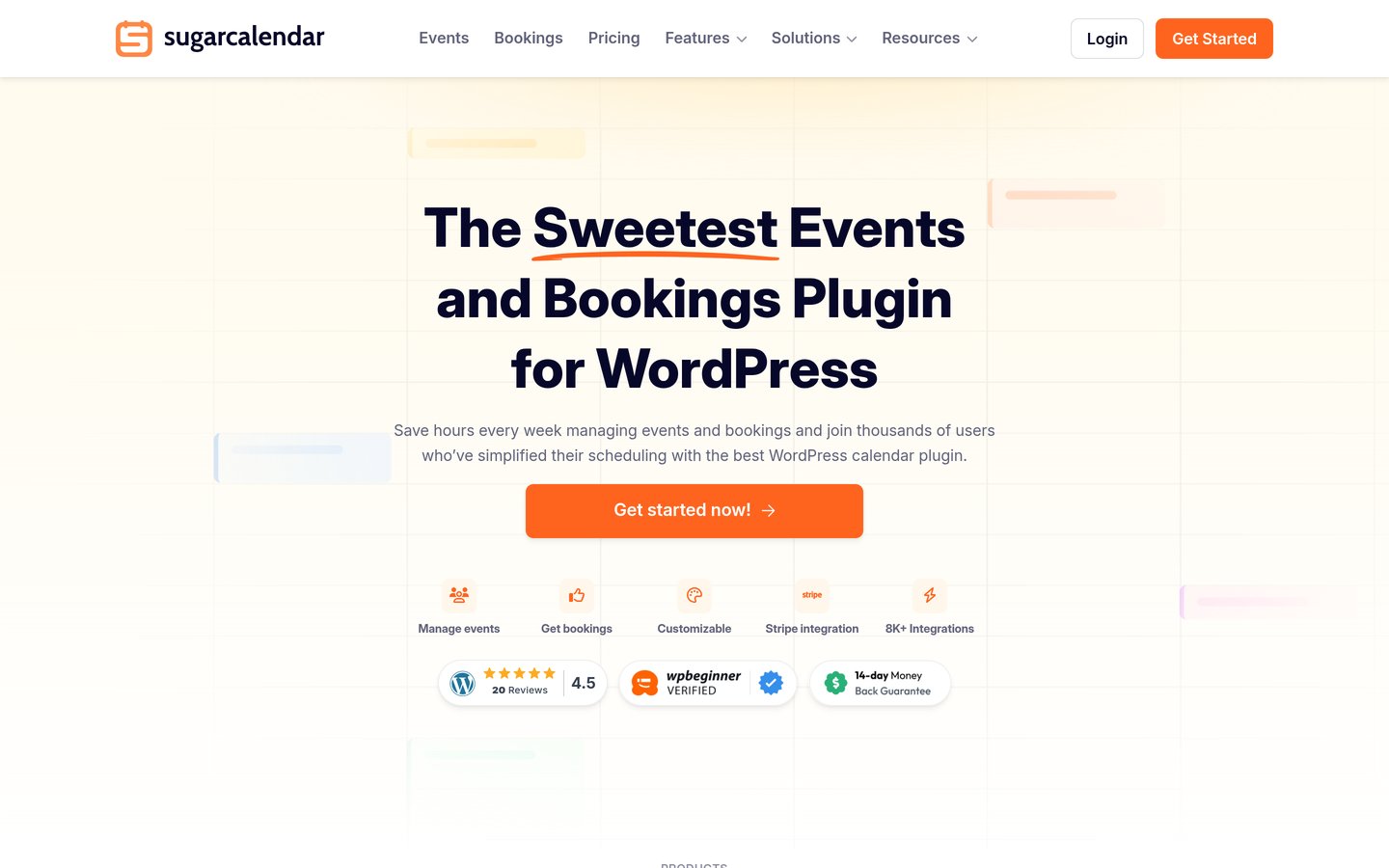
Sugar Calendar has 10,000+ active installations and a 4.5/5 rating from 24 reviews. Basic regularly costs $99/year.
Pie Calendar has 1,000+ installations and a $299 one-time Pro license. PublishPress Planner has 6,000+ installations and offers premium editorial planning through a $149/year bundle.
How can a WordPress calendar plugin support SEO?
An event calendar can support SEO by making useful event information accessible on individual WordPress pages. Search engines can discover event titles, dates, locations and descriptions when those details appear in crawlable content.
Event structured data helps search engines understand event information. The Events Calendar documents automatically generated Event markup, while Eventin provides event schema settings. Valid structured data can support eligibility for relevant search features, but it does not guarantee rich results or higher rankings.
Dedicated event URLs are useful when each event deserves its own search result. A descriptive title, original event information and an indexable page provide more value than a calendar containing only dates and short labels.
Event categories, locations and internal links can also help visitors navigate related activities. However, automatically generated archives and repetitive recurring-event pages can create unnecessary URLs. Indexing decisions should reflect the usefulness of each page.
Editorial calendars support SEO differently. PublishPress Planner helps teams organize publishing schedules and content updates. It does not directly optimize event pages or generate Event structured data.
Choose a calendar plugin for the actual features your website needs. Search visibility also depends on content quality, crawlability, site performance, internal linking and correct technical configuration.
For editorial calendars supporting SEO content workflows
$149/yr
Free plan
4.9/5
Price ladder: cheapest paid upgrade, annual or one-time
List prices, USD, checked Nov 2026
My CalendarFREE$69
EventinFREE$99
Sugar CalFREE$99
Events MgrFREE$129
PlannerFREE$149
Pie CalendarFREE$299
Events CalFREE$399
The 7 best WordPress calendar plugins for SEO
01
The Events Calendar
4.2/5on WordPress.org (2,467 reviews, checked Nov 2026)
Paid from$399/yr
Best overall for indexable event pages and structured data
Main purposePublic events and Event schema
Active installs600,000+
Structured dataEvent markup in free plugin
Paid planPro, $399/yr
liquidweb.com
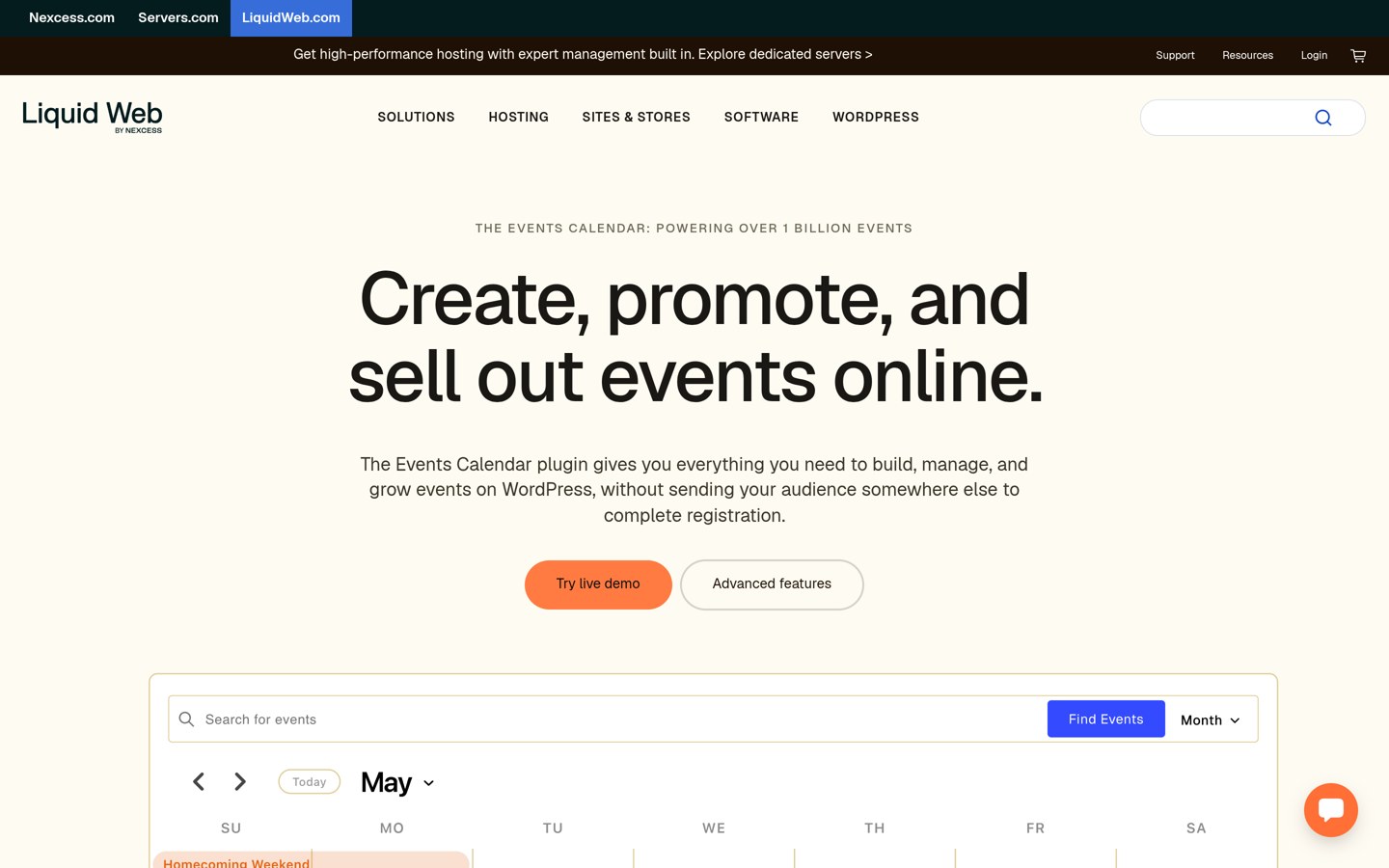
The Events Calendar homepage, captured Nov 2026.
The Events Calendar is a WordPress event plugin with 600,000+ active installations and a 4.2/5 rating from 2,467 reviews. Its free version creates individual event pages, venue and organizer records, and public calendar views. The developer documents automatic Event structured data on event pages, making it a relevant choice for websites publishing searchable activities.
The trade off is that advanced recurrence, expanded views and additional ticketing features require paid access. Pro costs $399 annually through Liquid Web. It suits organizations that publish regular public events and want a documented structured-data foundation without relying on a separate event markup generator.
What we like
Automatic Event structured data documented for the free plugin
600,000+ active installations
Individual event pages and public archives
Venue and organizer information
Compatible with WordPress blocks
Watch out for
Pro costs $399 annually
Advanced recurrence requires paid access
Automatically generated archives need SEO review
Structured data does not guarantee rich results
Pro adds recurring events, additional views, advanced ticketing and expanded attendee management.Visit liquidweb.com
02
Eventin
4.7/5on WordPress.org (416 reviews, checked Nov 2026)
Paid from$99/yr
Best for configurable event schema and event landing pages
Main purposeEvents, schema and registrations
Active installs10,000+
SEO supportDocumented schema settings
Paid planStandard, $99/yr
themewinter.com
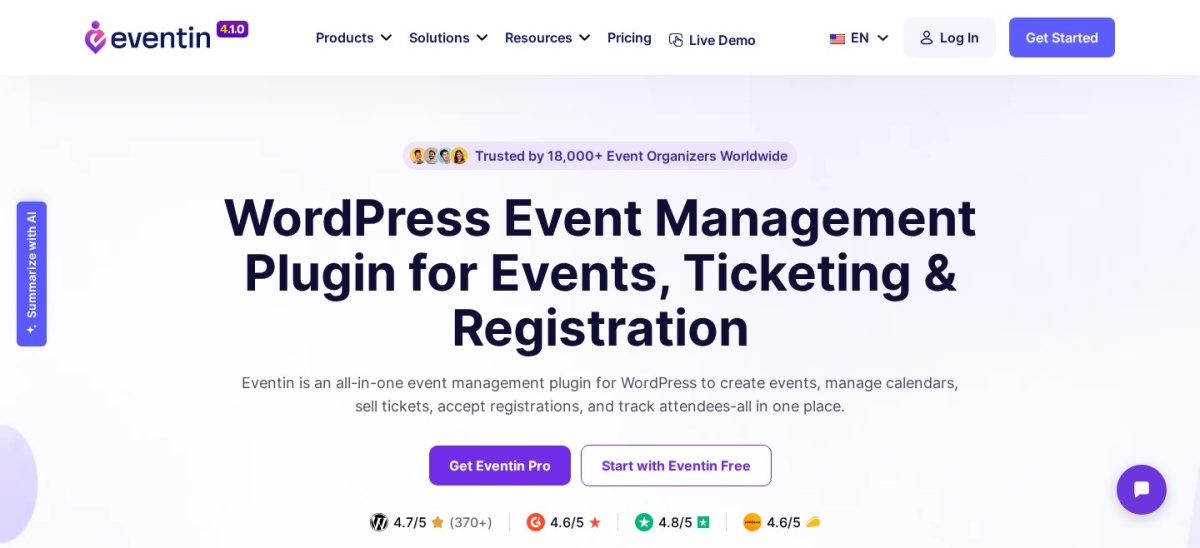
Eventin homepage, captured Nov 2026.
Eventin is a WordPress event management plugin with 10,000+ active installations and a 4.7/5 rating from 416 reviews. Its event pages support categories, event information and registration workflows. The developer documents schema markup settings and integration guidance for SEO plugins, making structured event information a notable part of its feature set.
The trade off is that advanced templates, automation and additional event controls require Pro. Standard regularly costs $99 annually for 2 domains, with a $69 promotional rate currently displayed. It suits event organizers who need detailed landing pages, booking tools and configurable SEO-related settings.
What we like
Documented event schema settings
4.7/5 WordPress.org rating
Dedicated event landing pages
Event categories and registration tools
Official guidance for SEO plugin integration
Watch out for
Advanced templates require Pro
Schema output must be checked for accuracy
More setup than a basic calendar widget
Additional ticketing features may require payment configuration
Standard adds premium templates, automation, advanced registrations and additional event management features.Visit themewinter.com
03
Events Manager
4.2/5on WordPress.org (553 reviews, checked Nov 2026)
Paid from$129/yr
Best for structured event organization and location pages
Main purposeEvent and location management
Active installs60,000+
Free featuresRecurring events and bookings
Paid planPro, $129/yr
wp-events-plugin.com
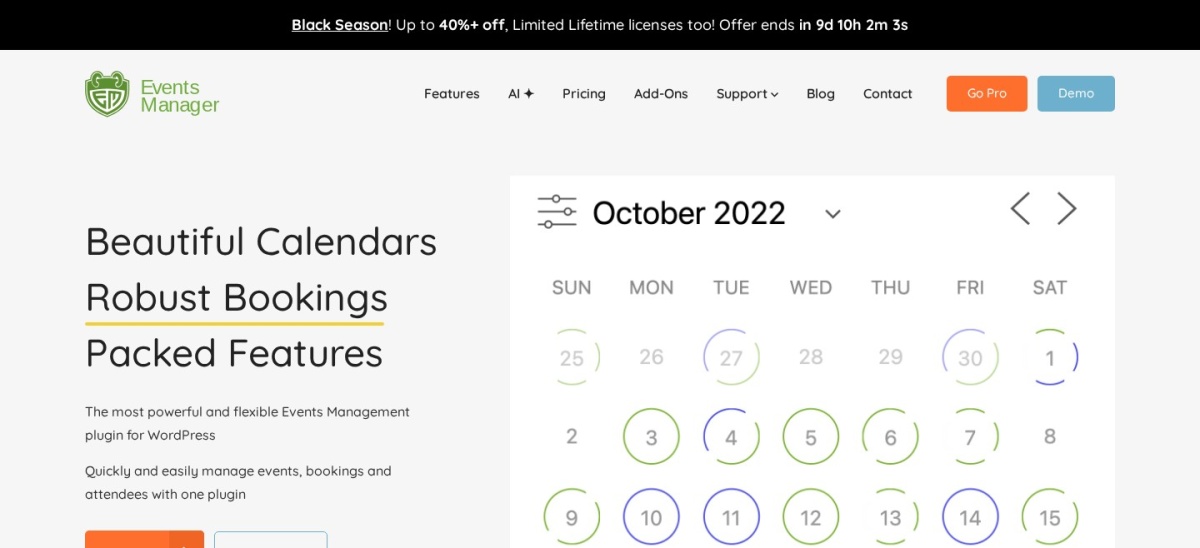
Events Manager homepage, captured Nov 2026.
Events Manager is a WordPress event calendar and booking plugin with 60,000+ active installations and a 4.2/5 rating from 553 reviews. Its free version supports individual events, recurring schedules, locations, categories and registration forms. The developer documents event display templates and shortcodes for creating searchable event and location listings.
The trade off is that advanced payment and booking features require Pro. Its regular price is $129 annually, compared with a current $89 promotional offer. It suits community websites and organizations that need detailed event organization, location information and reusable internal links.
What we like
Dedicated event and location management
Recurring events included free
Event categories and display templates
Free booking and registration tools
60,000+ active installations
Watch out for
SEO metadata needs separate configuration
Generated archives require indexing decisions
Advanced payments require Pro
Many settings increase administration work
Pro adds payment integrations, advanced booking controls, additional features and priority support.Visit wp-events-plugin.com
04
My Calendar
4.7/5on WordPress.org (159 reviews, checked Nov 2026)
Paid from$69/yr
Best for accessible event calendars and clear navigation
Main purposeAccessible public calendars
Active installs20,000+
Free recurrenceIncluded
Paid planSite Owners, $69/yr
joedolson.com
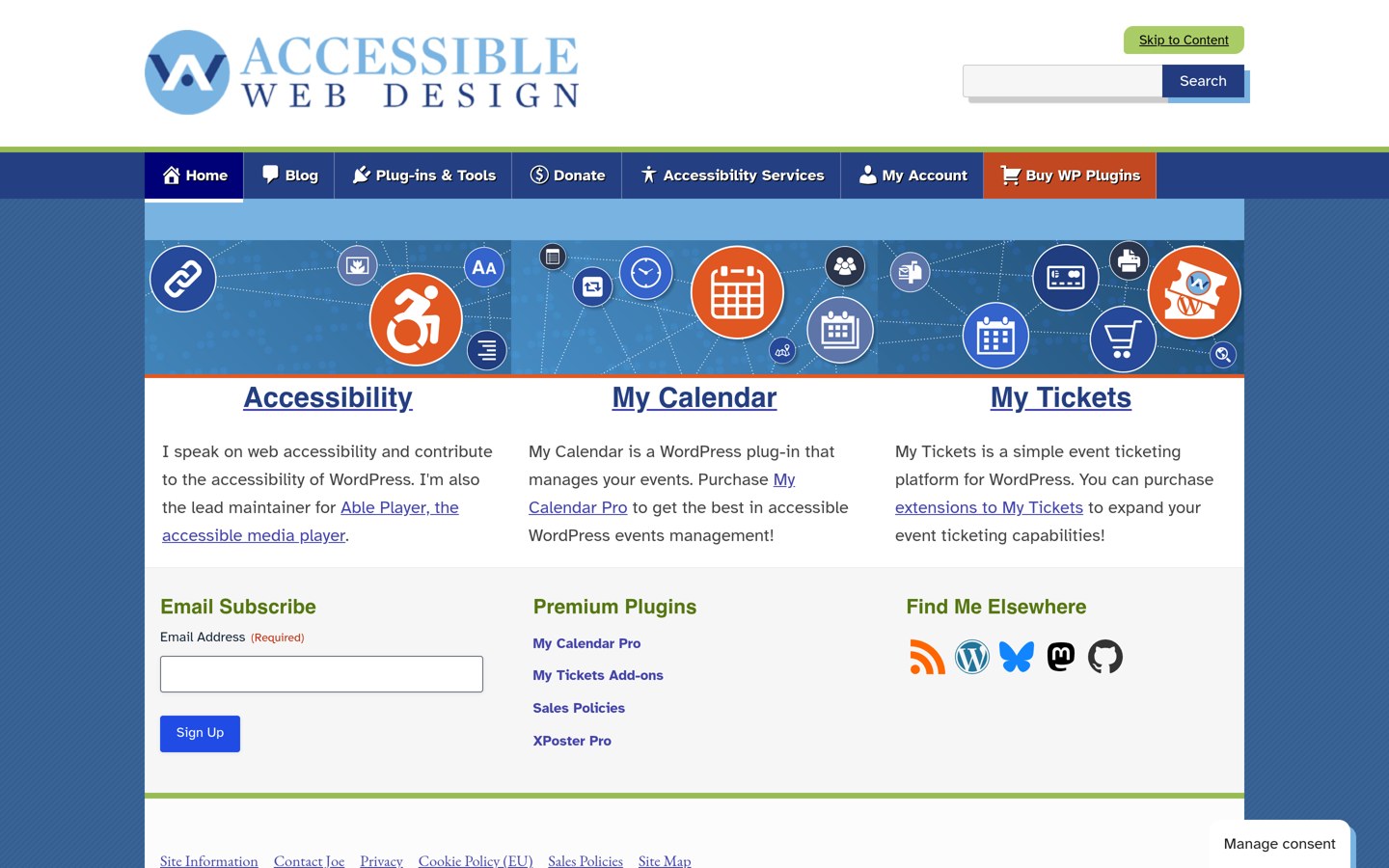
My Calendar homepage, captured Nov 2026.
My Calendar is an accessibility-focused WordPress event plugin with 20,000+ active installations and a 4.7/5 rating from 159 reviews. It provides customizable event lists, recurring events, categories, locations and accessible calendar displays. These features can help visitors navigate event content and find relevant activities.
The trade off is that advanced submissions, custom fields and external imports require Pro. Site Owners costs $69 annually for 3 websites. It suits nonprofits, community publishers and organizations prioritizing accessible event navigation, although it does not replace a dedicated SEO plugin.
What we like
Accessibility-focused design
Recurring events available free
Event categories and location displays
Customizable public event lists
Pro covers 3 websites
Watch out for
No guarantee of Event rich results
Advanced event submissions require Pro
Custom templates may need configuration
SEO metadata management requires additional tools
Pro adds front-end submissions, custom fields, external imports and expanded event administration.Visit joedolson.com
05
Sugar Calendar
4.5/5on WordPress.org (24 reviews, checked Nov 2026)
Paid from$99/yr
Best for straightforward event pages and content publishing
Main purposeEvent publishing and registrations
Active installs10,000+
Editor supportBlocks and Elementor
Paid planBasic, $99/yr
sugarcalendar.com
Sugar Calendar homepage, captured Nov 2026.
Sugar Calendar is a WordPress event plugin with 10,000+ active installations and a 4.5/5 rating from 24 reviews. Its free version supports event publishing, calendar displays, registrations and ticketing. Events can include descriptive information and appear in public calendar lists, helping visitors discover upcoming activities.
The trade off is that advanced recurring schedules, imports and additional integrations require a paid license. Basic regularly costs $99 annually, although an introductory discount is advertised. It suits small businesses and publishers that want manageable event pages without a complicated administrative workflow.
4.7/5on WordPress.org (24 reviews, checked Nov 2026)
Paid from$299 one-time
Best for publishing events through existing WordPress content
Main purposePost-based event calendars
Active installs1,000+
Free viewsMonth, week, day and list
Paid licensePro, $299 one-time
piecalendar.com
Pie Calendar homepage, captured Nov 2026.
Pie Calendar is a WordPress calendar plugin with 1,000+ active installations and a 4.7/5 rating from 24 reviews. It converts existing posts, pages and supported custom post types into events. This approach can help publishers maintain descriptive content and calendar displays through the same WordPress editing workflow.
The trade off is that recurring events, blackout dates and advanced display controls require Pro. The regular Pro license costs $299 one-time for unlimited websites, while external calendar feeds require a separate Connector add-on. It suits publishers who already maintain detailed event posts and want to display them chronologically.
What we like
Uses existing WordPress posts and pages
Supports custom post types
Four free calendar views
Reduces the need for duplicate event entries
One-time Pro license
Watch out for
Recurring events require Pro
External feeds require an additional purchase
No built-in guarantee of structured-data eligibility
Smaller adoption base than established alternatives
Pro adds recurring events, blackout dates, display controls and ecommerce integrations.Visit piecalendar.com
07
PublishPress Planner
4.9/5on WordPress.org (178 reviews, checked Nov 2026)
Paid from$149/yr
Best for editorial calendars supporting SEO content workflows
Main purposeEditorial content scheduling
Active installs6,000+
Free featuresCalendar and Kanban planning
Paid planBusiness bundle, $149/yr
publishpress.com
PublishPress Planner homepage, captured Nov 2026.
PublishPress Planner is a WordPress editorial calendar plugin with 6,000+ active installations and a 4.9/5 rating from 178 reviews. Its free version includes a publishing calendar, content overview and Kanban board. SEO and editorial teams can organize planned articles, scheduled updates and contributor workloads in the WordPress dashboard.
The trade off is that Planner does not publish public event calendars or generate Event structured data. Its premium features are included in the $149 annual PublishPress Business bundle for one website. It suits content teams managing SEO publishing workflows rather than organizations promoting public events.
What we like
Editorial publishing calendar
Kanban content planning
4.9/5 WordPress.org rating
Useful for multi-author content teams
Premium bundle includes additional publishing tools
Watch out for
Not a public event calendar
Does not generate Event structured data
Premium features require a larger bundle
Does not replace keyword research or SEO analysis
Business includes Planner Pro and additional premium publishing and workflow plugins.Visit publishpress.com
How Event structured data works with WordPress calendars
Event structured data describes details such as an event's name, start date, location, organizer and attendance information in a format search engines can interpret.
The Events Calendar documents automatically generated Event markup in its free plugin. Eventin provides a documented schema setting and guidance for coordinating event markup with SEO plugins.
Structured data should accurately match the information visible on the event page. Incorrect dates, missing locations, invalid ticket information or duplicate schema can create eligibility problems.
Google's Rich Results Test can help identify supported event markup and validation issues. Search Console can provide information about detected structured-data problems after pages are crawled.
Valid markup makes a page eligible for supported search features when all applicable requirements are met. It does not ensure that Google will display a rich result or rank the page more prominently.
Which calendar pages should search engines index?
Individual event pages can be useful search results when they contain unique descriptions, accurate schedules, locations and other information that visitors need.
Calendar grids and date archives are different. Automatically generated views may contain limited original information or repeat content across many URLs. Indexing every variation can create unnecessary search results.
Review event categories and venue pages individually. A useful category page may deserve indexing when it provides distinct information and links to relevant events.
Recurring events require particular attention. Publishing nearly identical pages for every occurrence may create duplication. Where practical, use a clear event series structure and link related dates together.
Review expired events after they end. Keep useful historical pages available when they retain value, update events with confirmed new dates and use redirects only when there is a genuinely equivalent replacement.
How we chose
We selected established WordPress calendar plugins with public adoption, recent maintenance and features relevant to event discovery or editorial publishing. We prioritized individual event pages, structured-data documentation, event organization, accessible navigation and practical content management.
We opened WordPress.org plugin listings and official pricing pages on 22 Nov 2026. Ratings, review counts and active installations came from WordPress.org. Paid prices reflect regular published rates rather than temporary discounts. Pie Calendar's one-time license is identified separately from annual subscriptions.
We excluded outdated or closed plugins, products with insufficient adoption and options whose regular paid pricing could not be verified. We did not interpret vendor SEO claims as evidence of improved rankings. Rankings reflect documented functionality, pricing and public reviews. No vendor paid for a place, and this comparison does not include product testing.
How to choose the best WordPress calendar plugin for SEO
Identify whether your goal is event discovery or editorial planning, then compare the plugin's content structure and technical SEO compatibility.
**Choose the right calendar purpose.** Use a public event calendar when visitors need to discover activities. Choose an editorial calendar when your team needs to schedule SEO articles. PublishPress Planner serves internal publishing workflows, while the other tools focus on event content.
**Check individual event pages and structured data.** Look for descriptive event URLs, editable titles and full event details. Confirm whether Event structured data is generated automatically, configurable or dependent on another plugin. Validate the final output rather than relying only on feature descriptions.
**Review archives, navigation and duplicate content.** Check how the plugin organizes event categories, venues and recurring schedules. Provide useful internal links, and avoid indexing thin or repetitive calendar views. Make sure visitors can navigate event pages on mobile devices.
**Compare maintenance and regular upgrade prices.** Review WordPress.org ratings, installations and update history. Check whether advanced recurrence, imports, event submission or SEO-related settings require paid access. Select the cheapest suitable plan using regular prices, not introductory promotions.
FAQ
What is the best WordPress calendar plugin for SEO?
The Events Calendar is our top choice because it provides individual event pages and documents automatic Event structured data in its free plugin. Eventin is another option with configurable schema settings. Neither plugin guarantees better search rankings; content quality and technical configuration still matter.
Do WordPress calendar plugins improve Google rankings?
Not automatically. A calendar plugin can help organize useful event pages and provide structured information that search engines can interpret. Rankings also depend on relevance, content quality, site performance, internal links and other factors. Installing a calendar alone does not establish an SEO advantage.
Which WordPress event calendar supports schema markup?
The Events Calendar documents Event structured data in its free version. Eventin also provides documented schema settings and SEO plugin integration guidance. Check the rendered page with a structured-data validation tool and confirm that any other SEO plugin does not create conflicting markup.
Can events appear in Google search results?
Yes. Search engines can index public event pages when they are accessible and meet applicable requirements. Eligible Event structured data may support event-related search features. However, valid schema does not guarantee indexing, a rich result or a particular position in search results.
Should I index every calendar archive page?
Usually not without reviewing its value. Date archives and filtered calendar views can produce repetitive URLs with little unique information. Individual event pages and useful category pages are often stronger candidates for indexing. Assess the content and search purpose of each page type.
Which calendar plugin works well with Yoast SEO?
Eventin provides official documentation about integrating with Yoast SEO and configuring event-related metadata. Other calendar plugins can also work alongside general WordPress SEO tools, but compatibility depends on their content types and markup. Verify the final page title, canonical URL and schema output.
Can recurring calendar events cause duplicate content?
They can when many URLs contain nearly identical information. Review whether separate occurrences need individual pages or can be represented within a shared event series. Use descriptive content, clear internal links and consistent canonicalization where appropriate.
Is a free WordPress calendar plugin enough for event SEO?
Often, yes. The Events Calendar provides event pages and structured data in its free plugin, while other free calendars support public event publishing. Premium upgrades generally address scheduling, ticketing and administration rather than guaranteeing search visibility. Start with useful event pages and sound technical configuration.
Can an editorial calendar help WordPress SEO?
Yes, indirectly. PublishPress Planner can help a team organize article schedules, content updates and contributor responsibilities. A consistent editorial workflow supports planned content production, but the plugin does not perform keyword research, optimize pages automatically or provide public Event structured data.