Best WordPress Plugins for Schema Markup in 2026: 7 Tools Compared
WLWPLegible EditorsLast verified 22 Nov 2026How we rank11 min read
★ Short answer
Rank Math SEO is the best WordPress plugin for schema markup, offering 16+ structured data types in its free version and a custom schema builder in Pro. For sites that already run another SEO suite, Schema & Structured Data for WP & AMP adds 35+ schema types without replacing existing SEO settings.
How we make this list: we compare pricing pages, product documentation and public user reviews, then re-check every price before each update. No product paid for a place. Disclosure.
Rank Math SEO includes 16+ schema types for free on 4M+ sites, with Pro adding custom templates at $107.88/yr regular renewal.
Schema & Structured Data for WP & AMP supports 35+ schema types and AMP output across 100,000+ active installs.
SEOPress covers 9+ schema types in its free plugin and unlocks 15+ automatic schema types at $49/yr for one site.
Yoast SEO builds an automatic JSON-LD graph across 10M+ sites, while Premium adds NLWeb schema aggregation and extra types.
Schema Pro is a paid-only dedicated builder at $79/yr regular price for unlimited sites without bundling full SEO bloat.
WPSSO Core maps 500+ Schema.org types and sub-types directly from existing post and WooCommerce metadata.
What to look for in a WordPress schema markup plugin
Structured data helps search engines and AI answer engines identify whether a page is an article, product, recipe, event, or local business. Google recommends JSON-LD output because it sits cleanly in the page head without altering visible HTML templates.
Your first decision is whether to use an all-in-one SEO plugin or a standalone schema tool. All-in-one suites like Rank Math, Yoast SEO, All in One SEO, and SEOPress generate a connected site graph automatically, preventing duplicate or conflicting schema entities.
If you already rely on a lightweight SEO plugin and only want structured data, a dedicated plugin such as Schema & Structured Data for WP & AMP or Schema Pro avoids overlapping sitemaps and meta-tag panels. Always disable schema output in one plugin if you run two together.
Check how each tool maps custom fields and e-commerce data before buying. Stores using WooCommerce need automated Product, Offer, and AggregateRating properties pulled directly from product variations rather than manual per-page forms.
For deep WooCommerce and 500+ Schema.org sub-types
$69/yr
Free plan
4.7/5
Price ladder: cheapest paid plan per year
List prices, USD, checked Nov 2026
SEOPressFREE$49
WPSSO CoreFREE$69
Schema Pro$79
SASWPFREE$99
AIOSEOFREE$99
Rank MathFREE$108
Yoast SEOFREE$119
The 7 best WordPress plugins for schema markup
01
Rank Math SEO
4.8/5on WordPress.org (7,498 reviews, checked Nov 2026)
Paid from$107.88/yr
Best for automated schema inside an all-in-one SEO suite
Schema types16+ free / 20+ Pro
Output formatConnected JSON-LD graph
Custom builderPro plan
WooCommerceBasic free / full Pro
rankmath.com
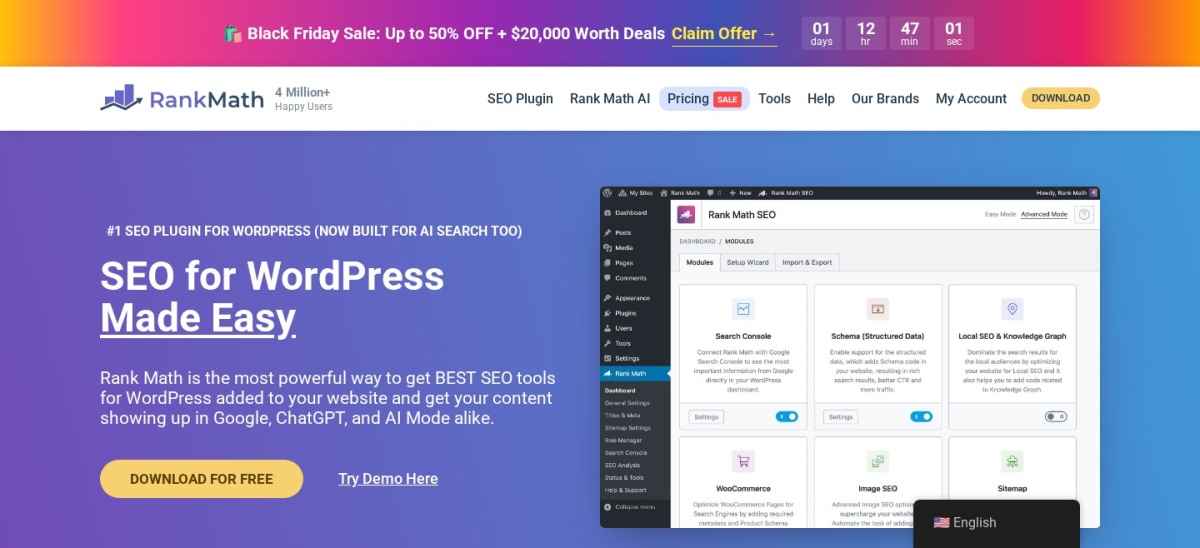
Rank Math SEO homepage, captured Nov 2026.
Rank Math SEO is a full WordPress SEO plugin that includes 16+ structured data types in its free version, including Article, Product, Recipe, Event, FAQ, and HowTo. A setup wizard configures Organization or Person knowledge graph details and assigns default schema per post type.
The trade off is that its custom schema builder, conditional display rules, and WooCommerce variable product schema require Rank Math Pro, which renews at $107.88/yr after an $83.88 first-year introductory discount for unlimited personal sites. It suits site owners who want schema and general SEO in one plugin.
What we like
16+ schema types and per-post overrides included in the free plugin
Pro license covers unlimited personal websites
Imports existing structured data from Yoast, AIOSEO, and Schema Pro
Modular dashboard lets you disable unused SEO features
Watch out for
First-year discount jumps to $107.88/yr on renewal
Custom JSON-LD templates and conditional rules require Pro
Client websites require the higher Business tier
Pro unlocks custom schema templates, conditional rules, and WooCommerce GTIN/MPN fields.Visit rankmath.com
02
Schema & Structured Data for WP & AMP
4.5/5on WordPress.org (252 reviews, checked Nov 2026)
Paid from$99/yr
Best dedicated free plugin with 35+ schema types
Schema types35+ types
Output formatJSON-LD + AMP
Conditional rulesIncluded free
Gutenberg blocksFAQ, HowTo, Review
structured-data-for-wp.com
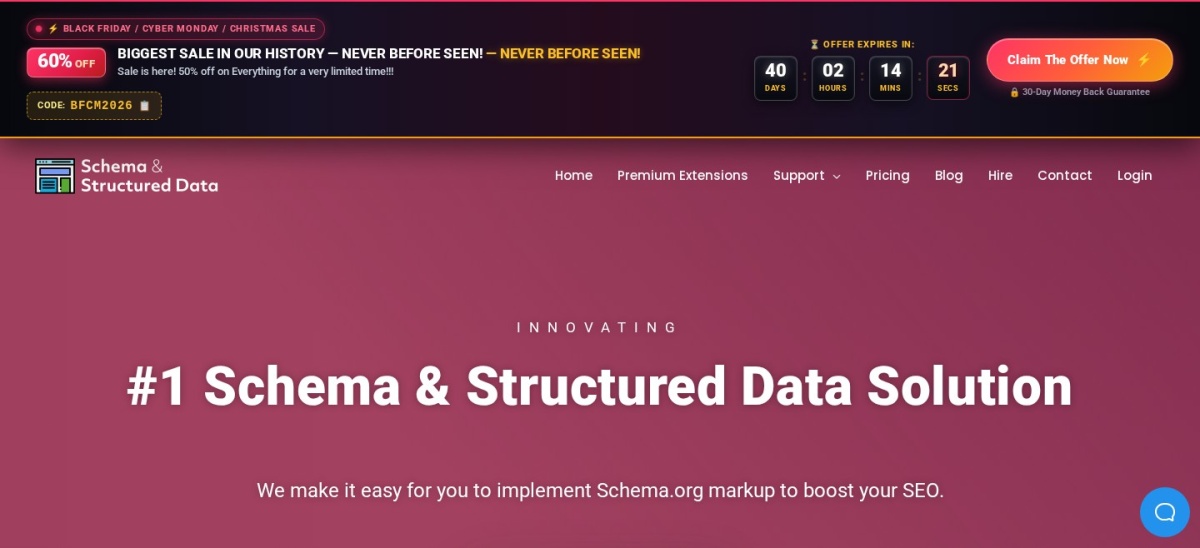
Schema & Structured Data for WP & AMP homepage, captured Nov 2026.
Schema & Structured Data for WP & AMP is a dedicated structured data plugin supporting more than 35 schema types out of the box, from Article and LocalBusiness to JobPosting, Course, and SoftwareApplication. It includes conditional display rules, Gutenberg blocks, and migration tools for older schema plugins.
The trade off is a dense settings interface and paid add-ons for fetching external business reviews or priority support, with Pro plans starting at $99/yr. It suits sites that already use another SEO plugin and want granular schema control without switching SEO suites.
What we like
Over 35 schema types and conditional placement rules in the free version
Built-in compatibility with AMP for WP and official AMP plugins
4.8/5on WordPress.org (1,200+ reviews, checked Nov 2026)
Paid from$49/yr
Best budget all-in-one SEO plugin with automatic schemas
Schema types9+ free / 15+ Pro
Output formatJSON-LD
White labelIncluded free
Custom schemaPro plan
seopress.org
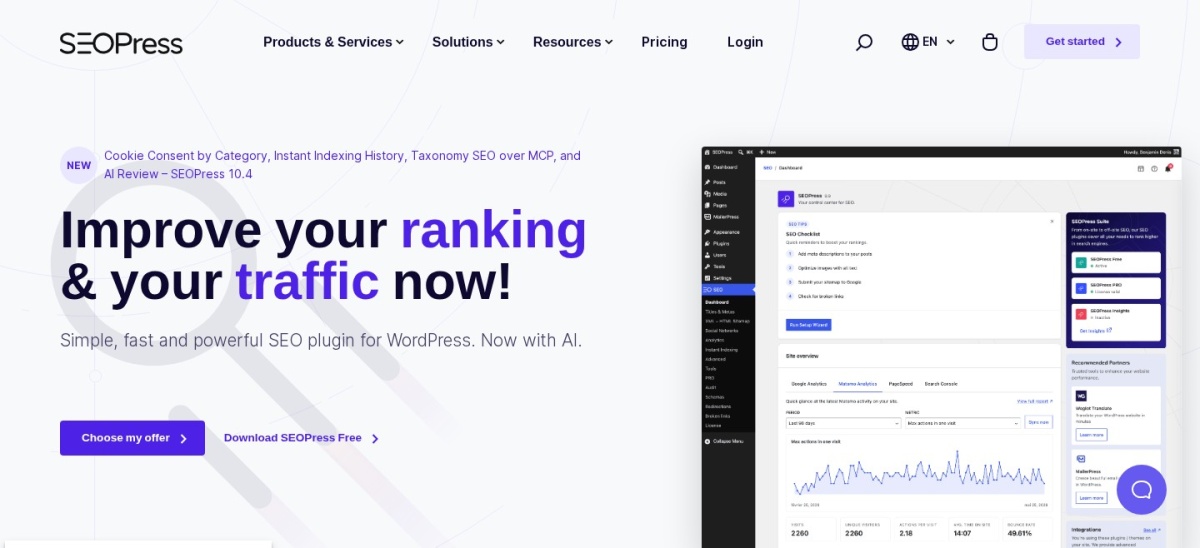
SEOPress homepage, captured Nov 2026.
SEOPress is a white-label WordPress SEO plugin that covers 9+ structured data types in its free tier, including Article, LocalBusiness, FAQ, HowTo, Product, and Video. Its visual constructor pre-fills properties from post content and automatically generates VideoObject markup for YouTube embeds.
The trade off is that rule-based automatic schemas across custom post types and custom JSON-LD editing require SEOPress PRO at $49/yr for one site or $149/yr for unlimited sites. It suits agencies and site owners who want a clean, ad-free admin interface.
What we like
Lowest regular annual price ($49/yr) among full-featured SEO suites
No admin ads or upsell banners even in the free version
Supports AND/OR conditional rules for automatic schema in PRO
Full white-label controls for client handoffs
Watch out for
Automated post-type schema rules require the PRO upgrade
Entry $49/yr tier covers only a single website
AI metadata generation uses separate credit packs
PRO adds rule-based automatic schemas, custom JSON-LD editor, and WooCommerce structured data.Visit seopress.org
04
Yoast SEO
4.8/5on WordPress.org (27,820 reviews, checked Nov 2026)
Paid from$118.80/yr
Best for hands-off connected JSON-LD graphs
Schema architectureConnected @graph JSON-LD
Free blocksFAQ and HowTo blocks
WooCommerceSeparate add-on or bundle
Multi-sitePer-site licensing
yoast.com
Yoast SEO homepage, captured Nov 2026.
Yoast SEO powers more than 10 million WordPress sites and builds a connected @graph JSON-LD structure automatically, linking WebSite, Organization, WebPage, Article, and Author entities without manual mapping. The free plugin also includes FAQ and HowTo Gutenberg blocks with valid schema.
The trade off is limited customization if you need niche schema types or custom property mapping, and Yoast SEO Premium costs $118.80/yr ($9.90/mo billed annually) for a single site. It suits publishers who prefer reliable, zero-maintenance defaults over custom schema builders.
What we like
Generates a clean, deduplicated JSON-LD entity graph automatically
Free FAQ and HowTo blocks add valid schema inside the block editor
Long track record of keeping schema aligned with Google guidelines
Premium adds NLWeb schema aggregation for AI crawlers
Watch out for
No custom schema builder for arbitrary Schema.org types
Full WooCommerce product schema requires an extra paid extension
Per-site annual pricing gets expensive across multiple sites
Premium adds extra E-E-A-T schema types, NLWeb schema aggregation, and redirect tools.Visit yoast.com
05
All in One SEO
4.7/5on WordPress.org (5,241 reviews, checked Nov 2026)
Paid from$99/yr
Best for catalog-based custom schema templates
Schema catalog20+ templates in Pro
Output formatConnected JSON-LD graph
Custom schemaJSON-LD paste & editor
Author E-E-A-TPro module
aioseo.com
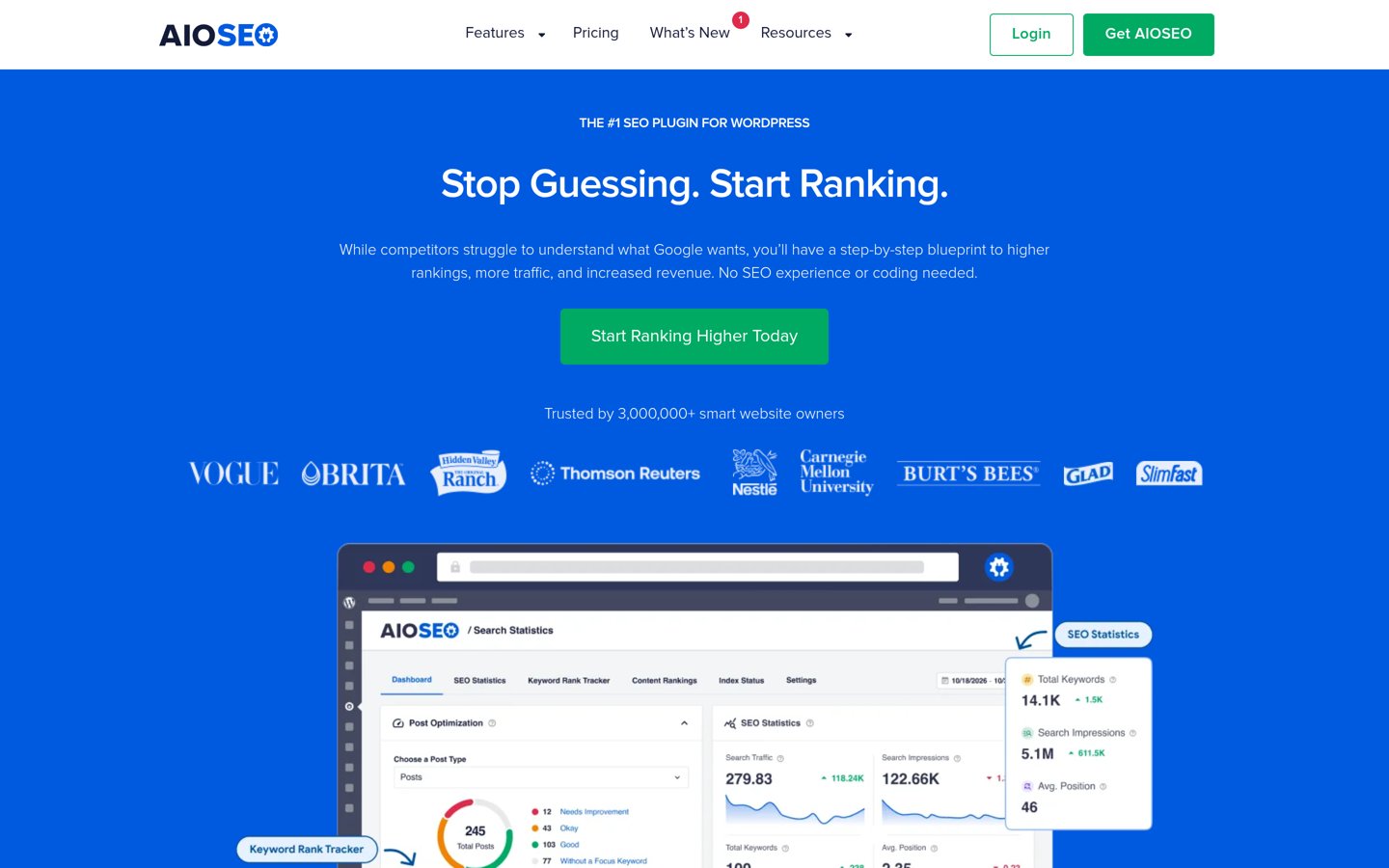
All in One SEO homepage, captured Nov 2026.
All in One SEO (AIOSEO) includes baseline Organization, Person, Article, and BreadcrumbList JSON-LD markup in its free plugin for over 3 million sites. Upgrading unlocks a schema catalog with templates for Product, Recipe, Course, SoftwareApplication, and FAQ, plus a custom schema generator.
The trade off is that most rich-snippet templates and Local SEO multi-location schema sit behind paid tiers, where the entry Basic plan renews at $99/yr for one site. It suits businesses that want guided form fields for custom schema without writing raw JSON-LD.
What we like
Guided schema generator builds custom JSON-LD via form fields
Supports saving reusable schema templates across post types
Dedicated Author SEO module strengthens Person E-E-A-T markup
Smooth migration from Yoast SEO, Rank Math, and SEOPress
Watch out for
Free version covers only basic Article and Knowledge Graph schema
Entry paid tier covers a single site and renews at $99/yr
Local Business and WooCommerce schema require higher tiers
Paid plans unlock the full schema catalog, custom schema builder, and WooCommerce Product schema.Visit aioseo.com
06
Schema Pro
4.9/5on wpschema.com (100+ reviews, checked Nov 2026)
Starts at$79/yr
Best paid-only schema plugin for agencies
Schema types20+ automated types
Site limitUnlimited websites
Custom fieldsACF & custom meta mapping
Lifetime option$249 regular one-time
wpschema.com
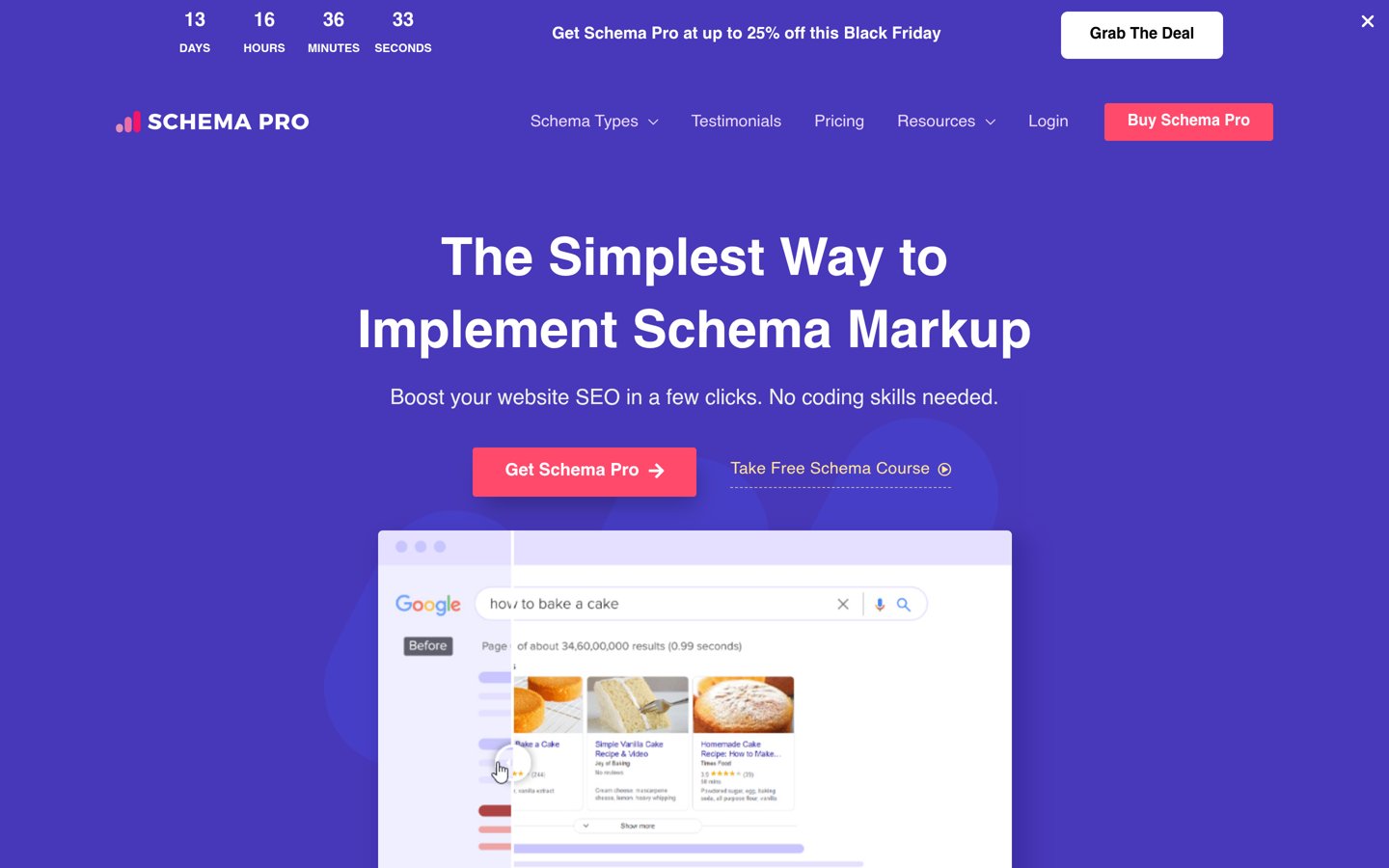
Schema Pro homepage, captured Nov 2026.
Schema Pro is a commercial structured data plugin from Brainstorm Force that maps 20+ schema types—including Review, LocalBusiness, Service, Product, Course, and JobPosting—to existing WordPress posts, custom post types, and Advanced Custom Fields without adding front-end review boxes.
The trade off is that there is no free version, so you pay $79/yr at regular price (often discounted to $59 for the first year) or $249 regular one-time for a lifetime license. It suits agencies managing client sites on unlimited domains.
What we like
All paid tiers allow installation on unlimited client and personal sites
Maps schema fields directly to ACF and custom post meta
Coexists cleanly with Yoast SEO by suppressing duplicate schema
Bundled training perks add little value if you only want the plugin
Single all-inclusive license covers 20+ schema types, custom markup, and unlimited sites.Visit wpschema.com
07
WPSSO Core
4.7/5on WordPress.org (306 reviews, checked Nov 2026)
Paid from$69/yr
Best for deep WooCommerce and 500+ Schema.org sub-types
Schema types500+ types and sub-types
Data sourceReads existing WP & plugin data
SEO compatibilityEnhances Yoast, Rank Math, AIOSEO
LicensePer-site annual
wpsso.com
WPSSO Core homepage, captured Nov 2026.
WPSSO Core reads existing WordPress content, images, and custom fields to assemble complete JSON-LD markup across more than 500 Schema.org types and sub-types, plus Open Graph and social meta tags. It can run standalone or override the schema output of Yoast SEO, Rank Math, and SEOPress.
The trade off is a technical, option-heavy interface and per-site pricing for the Premium edition, which starts around $69/yr and unlocks deep integrations with WooCommerce, The Events Calendar, and WP Recipe Maker. It suits stores needing granular Schema.org sub-types.
What we like
Supports 500+ Schema.org types and sub-types without manual templates
Pulls structured data automatically from WooCommerce and recipe/event plugins
Designed to complement rather than replace existing SEO plugins
Frequent maintenance updates aligned with Google Rich Results changes
Watch out for
Dense settings screens have a steeper learning curve for beginners
Third-party plugin integrations require the Premium edition
Admin notices and strict validation checks can feel noisy
Premium unlocks automated data mapping from WooCommerce, event calendars, and 20+ plugins.Visit wpsso.com
All-in-one SEO plugin vs. dedicated schema plugin
If you already use Rank Math, Yoast SEO, All in One SEO, or SEOPress, start with the schema module built into that plugin. Modern SEO suites output a unified JSON-LD @graph that connects your Organization, Author, WebPage, and Article entities under shared `@id` references, which is harder to maintain across two separate plugins.
Reach for a dedicated plugin like Schema & Structured Data for WP & AMP, Schema Pro, or WPSSO Core only when your SEO plugin lacks a specific Schema.org type you need—such as JobPosting, Course, Event, or detailed ProductGroup variations—and disable overlapping schema output in your primary SEO plugin.
How we chose
We started with active schema and SEO plugins in the official WordPress.org repository plus established commercial schema builders, filtering for tools with regular updates in 2026 and proven adoption across at least 10,000 sites.
Every rating, review count, active install figure, and regular annual price was verified on 22 Nov 2026 directly against WordPress.org plugin pages and vendor pricing pages. Where a vendor advertises a first-year introductory discount, we list the regular renewal price in our price ladder.
We excluded legacy microdata plugins that inject visible HTML boxes by default, abandoned plugins without updates in the past 12 months, and single-purpose review widgets that lack general Schema.org type coverage. No vendor paid for a place, and we do not claim hands-on testing for this list.
How to choose a WordPress schema markup plugin
Follow four steps to pick a schema plugin that produces clean rich results without duplicate markup.
Audit what your current SEO plugin already outputs. Run a live URL through Google's Rich Results Test before installing anything new. Most sites already output Article, WebPage, and BreadcrumbList schema through Rank Math, Yoast, AIOSEO, or SEOPress.
List the exact Google rich result types your pages qualify for. Match your content—such as Product, Recipe, LocalBusiness, Event, Course, or JobPosting—against each plugin's supported schema list so you do not pay for unused enterprise types.
Check custom field and WooCommerce mapping. If you run an online store or custom post types, confirm the plugin pulls prices, stock status, SKUs, and ACF fields dynamically instead of requiring manual entry on every post.
Prevent duplicate JSON-LD graphs. If you install a dedicated schema plugin alongside an SEO suite, turn off schema generation in one of them so search engines do not see conflicting Organization or Article entities.
FAQ
Do I need a separate schema plugin if I already use Rank Math or Yoast SEO?
Usually no. Rank Math includes 16+ schema types in its free plugin, and Yoast SEO builds an automatic JSON-LD graph for articles, pages, and breadcrumbs. You only need a separate plugin if you require specialized types like **JobPosting** or **Course** that your SEO suite lacks.
Can I run two WordPress schema markup plugins at the same time?
Running two active schema generators on the same URL often creates duplicate or conflicting **Organization** and **Article** entities. If you pair a dedicated tool like Schema Pro or WPSSO Core with an SEO plugin, disable schema output in the SEO plugin's settings.
Does adding schema markup directly improve Google rankings?
Schema markup is not a direct ranking factor, but it qualifies your pages for rich results—such as star ratings, product prices, recipe times, and event dates—which can improve search visibility and click-through rates.
What is the best completely free WordPress plugin for schema markup?
Rank Math SEO offers the widest free schema set inside an all-in-one SEO plugin with 16+ types, while Schema & Structured Data for WP & AMP offers 35+ schema types and conditional display rules if you want a standalone schema plugin.
Why is JSON-LD better than Microdata for WordPress schema?
JSON-LD places structured data inside a single script tag in your page source without wrapping visible HTML elements. That keeps your markup intact when you switch themes or edit page builder layouts.