Best WordPress Heartbeat Plugins in 2026: 7 Tools Compared
WLWPLegible EditorsLast verified 22 Nov 2026How we rank12 min read
★ Short answer
WPMasterToolKit is the best WordPress Heartbeat plugin for most sites, with 5,000+ active installations, a 5/5 rating and free controls for the admin area, editor and frontend. Dynamic Front-End Heartbeat Control suits adaptive frequency management, while LiteSpeed Cache combines free Heartbeat settings with broader performance optimization.
How we make this list: we compare pricing pages, product documentation and public user reviews, then re-check every price before each update. No product paid for a place. Disclosure.
WPMasterToolKit has 5,000+ active installations and a 5/5 rating from 28 reviews. Heartbeat control is free, and Pro starts at $30/year.
Dynamic Front-End Heartbeat Control has 1,000+ active installations and a 4.8/5 rating from 12 reviews. Its adaptive Heartbeat management is free.
LiteSpeed Cache has 7M+ active installations and a 4.8/5 rating from 2,784 reviews. Heartbeat frequency controls are included free.
Perfmatters costs $24.95/year for one site and has a 4.9/5 Trustpilot rating from 117 reviews. It includes Heartbeat controls and a script manager.
Powered Cache has 3,000+ active installations and a 4.8/5 rating from 58 reviews. Its free Heartbeat extension is included, with Premium starting at $39/year.
SiteGround Speed Optimizer has 1M+ active installations and a 4.2/5 rating from 641 reviews. Heartbeat controls are available without a paid license.
What to look for in a WordPress Heartbeat control plugin
The WordPress Heartbeat API keeps the browser and server communicating while users work in the dashboard. It supports features such as post autosaving, editing locks and other real-time administrative activities.
Heartbeat uses periodic AJAX requests, commonly through admin-ajax.php. Those requests can contribute to CPU usage when several administrators are editing content or leaving dashboard tabs open for extended periods.
A good Heartbeat plugin lets you adjust the request frequency separately for the dashboard, post editor and frontend. This gives you more control than disabling Heartbeat everywhere.
Look for editor-safe settings. Disabling Heartbeat entirely can interfere with autosaving, editing locks and plugins that depend on periodic communication. Increasing the interval is often a more sensible starting point.
Finally, consider whether you need Heartbeat control alone or additional speed optimization. Dedicated controllers have fewer settings, while broader performance plugins can also manage caching, scripts, database cleanup and other resource-intensive operations.
5/5on WordPress.org (28 reviews, checked Nov 2026)
Paid from$30/yr
Best WordPress Heartbeat plugin overall
Heartbeat controlFree
Control areasDashboard, editor, frontend
Heartbeat optionsDefault, modify, disable
Paid planStarter, 1 site
wpmastertoolkit.com
WPMasterToolKit homepage, captured Nov 2026.
WPMasterToolKit is a modular WordPress administration plugin with 5,000+ active installations and a 5/5 rating from 28 reviews. Its free Heartbeat module lets administrators retain default behavior, change request frequency or disable Heartbeat separately in the dashboard, content editor and frontend. Other free modules cover revisions, administration and maintenance.
The trade off is that WPMasterToolKit includes many unrelated administration modules, which may be unnecessary if Heartbeat control is your only requirement. Pro starts at $30/year for one site and adds premium administration, debugging and productivity modules. It suits site owners wanting one toolkit for several WordPress adjustments.
What we like
Free Heartbeat controls for different WordPress areas
Supports frequency changes and disabling
Modular design with optional features
Additional free administration and optimization modules
Strong WordPress.org rating
Watch out for
Broader feature set than a dedicated Heartbeat controller
Some administration modules require Pro
Additional active modules can overlap with existing plugins
Pro adds premium administration, debugging and site management modules; Heartbeat control remains free.Visit wpmastertoolkit.com
02
Dynamic Heartbeat
4.8/5on WordPress.org (12 reviews, checked Nov 2026)
PriceFree
Best for automatic Heartbeat frequency management
Heartbeat adjustmentAdaptive
Initial setupAutomatic
Server conditionsConsidered dynamically
LicenseFree
wordpress.org
Dynamic Heartbeat homepage, captured Nov 2026.
Dynamic Heartbeat is a WordPress Heartbeat optimization plugin with 1,000+ active installations and a 4.8/5 rating from 12 reviews. It dynamically adjusts Heartbeat intervals based on activity, server conditions and page complexity instead of relying exclusively on fixed settings. Its free plugin begins managing Heartbeat after activation.
The trade off is that its adaptive approach offers a different kind of control from plugins built around fixed, manually selected intervals. The plugin is free, with no separately priced commercial edition identified. It suits site owners who prefer automatic Heartbeat management without installing a broader caching suite.
What we like
Automatic Heartbeat interval adjustment
Considers activity and server conditions
No paid subscription required
Dedicated focus on Heartbeat behavior
Recently maintained WordPress.org plugin
Watch out for
Smaller public review base than established performance suites
Adaptive behavior offers less predictable fixed timing
Does not provide a complete caching system
No paid upgrade; adaptive Heartbeat management is included in the free plugin.Visit wordpress.org
03
LiteSpeed Cache
4.8/5on WordPress.org (2,784 reviews, checked Nov 2026)
PriceFree
Best for Heartbeat control with caching
Heartbeat controlFree
Control locationsFrontend, backend, editor
Page cachingLiteSpeed server integration
Plugin licenseFree
litespeedtech.com
LiteSpeed Cache homepage, captured Nov 2026.
LiteSpeed Cache is a WordPress performance plugin with 7M+ active installations and a 4.8/5 rating from 2,784 reviews. Its free Heartbeat settings control request frequency across WordPress areas, while additional features include caching, file optimization, database cleanup, lazy loading and image optimization.
The trade off is that its full server-level caching capabilities require compatible LiteSpeed infrastructure, and some connected optimization services have separate usage conditions. The plugin itself has no paid license. It suits sites already using LiteSpeed Cache that want Heartbeat management without adding another plugin.
What we like
Free Heartbeat controls
Large established installation base
Combines Heartbeat management and caching
Additional database and frontend optimization tools
Separate controls for different WordPress areas
Watch out for
Full-page caching features depend on compatible server infrastructure
Extensive settings can be confusing
Overlaps with other caching and optimization plugins
There is no paid plugin edition; optional infrastructure and connected services are separate.Visit litespeedtech.com
04
Perfmatters
4.9/5on Trustpilot (117 reviews, checked Nov 2026)
Starts at$24.95/yr
Best for Heartbeat and script optimization
Heartbeat controlIncluded
Heartbeat locationsFrontend, dashboard, editor
Script managerIncluded
Paid planPersonal, 1 site
perfmatters.io
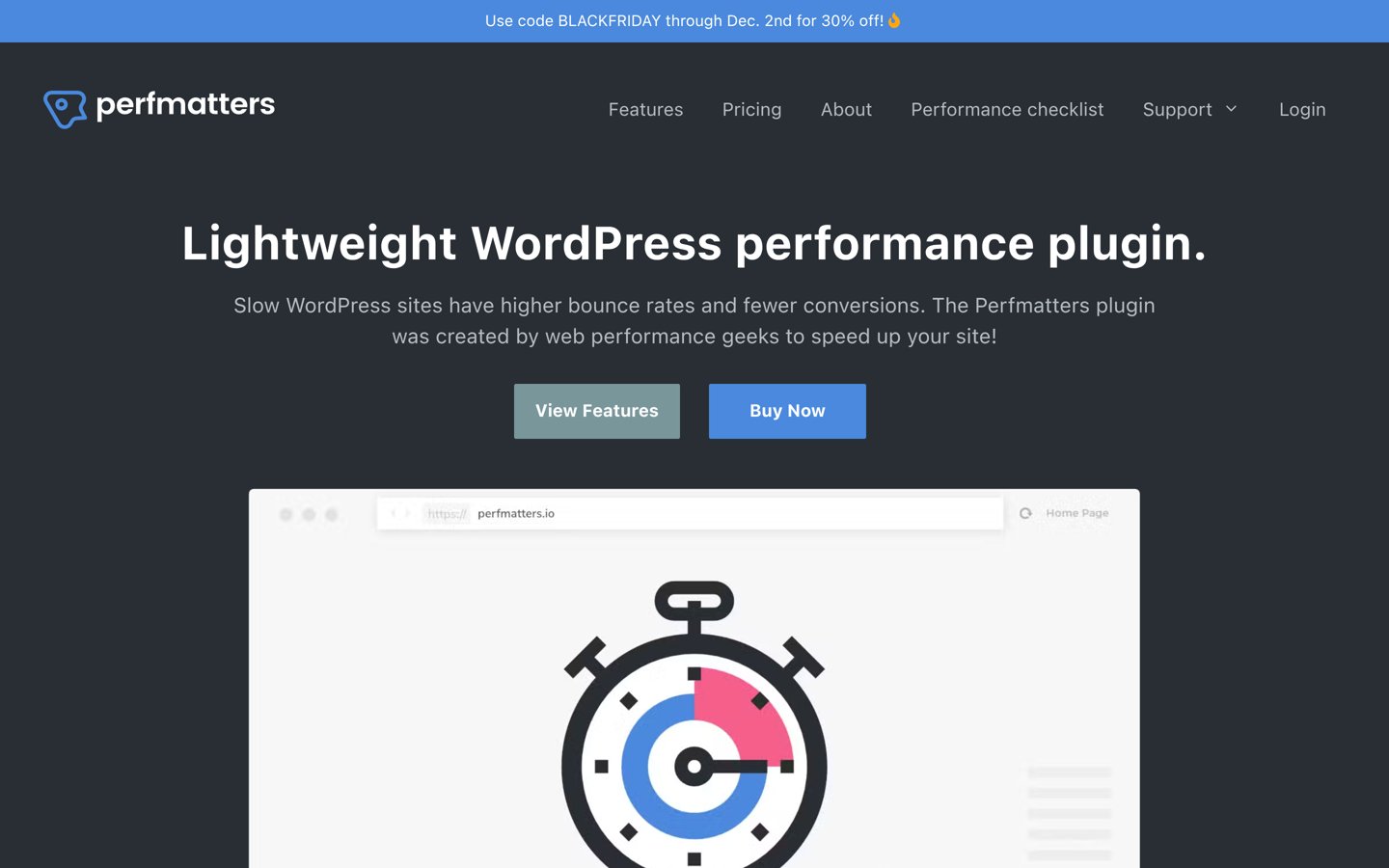
Perfmatters homepage, captured Nov 2026.
Perfmatters is a premium WordPress optimization plugin used on 185,000+ websites, with a 4.9/5 Trustpilot rating from 117 reviews. It includes Heartbeat frequency controls, a script manager for selectively disabling assets, database optimization and settings for reducing unnecessary WordPress functionality.
The trade off is that Perfmatters does not provide the same full-page caching system as a dedicated caching plugin, and there is no free edition. Personal costs $24.95/year for one site, before any promotional discount. It suits sites needing Heartbeat control alongside more detailed script and resource management.
What we like
Heartbeat controls across WordPress areas
Selective script and stylesheet management
Additional database and resource optimization
Clear single-site annual pricing
Can complement an existing caching setup
Watch out for
No permanent free version
Full-page caching requires another solution
Incorrect script exclusions can affect site functionality
Personal includes all core optimization features, updates and developer support for one website.Visit perfmatters.io
05
Powered Cache
4.8/5on WordPress.org (58 reviews, checked Nov 2026)
Paid from$39/yr
Best for free Heartbeat control with cache management
Heartbeat extensionFree
Page cachingIncluded
Database cleanupIncluded
Paid planPersonal, 1 site
poweredcache.com
Powered Cache homepage, captured Nov 2026.
Powered Cache is a WordPress caching and optimization plugin with 3,000+ active installations and a 4.8/5 rating from 58 reviews. Its free version includes a Heartbeat extension for managing request frequency, alongside page caching, file optimization, database cleanup and CDN integration.
The trade off is that advanced CSS optimization, scheduled database cleanup and several other performance features require Premium at $39/year for one site. It suits site owners who want Heartbeat management and a configurable caching system in the same plugin.
What we like
Free Heartbeat management extension
Caching and database cleanup tools
File and media optimization options
Cloudflare integration
Affordable annual premium upgrade
Watch out for
Broader configuration than a dedicated Heartbeat plugin
Some advanced optimization features require Premium
4.2/5on WordPress.org (641 reviews, checked Nov 2026)
PriceFree
Best for free Heartbeat and general optimization
Heartbeat controlFree
Heartbeat locationsDashboard, editor, frontend
Frontend optimizationCSS, JavaScript and media
Plugin licenseFree
siteground.com
Speed Optimizer homepage, captured Nov 2026.
Speed Optimizer is a WordPress performance plugin developed by SiteGround, with 1M+ active installations and a 4.2/5 rating from 641 reviews. Its free Heartbeat controls let administrators adjust or disable request frequency in different WordPress areas. Additional features include frontend optimization, image compression, caching and environment settings.
The trade off is that some caching capabilities depend on the hosting environment, and the plugin includes considerably more settings than a dedicated Heartbeat controller. The plugin itself is free without a commercial license. It suits sites wanting Heartbeat adjustments together with broader performance management.
What we like
Free Heartbeat management
Separate frequency settings for WordPress areas
CSS and JavaScript optimization
Image compression and caching tools
Established development team
Watch out for
Some caching features depend on hosting infrastructure
Extensive optimization settings may overlap with other plugins
More than Heartbeat management may be unnecessary
No paid plugin upgrade; all documented Heartbeat controls are available free.Visit siteground.com
07
WP Rocket
4.6/5on Trustpilot (3,050 reviews, checked Nov 2026)
Starts at$60/yr
Best for Heartbeat control with premium caching
Heartbeat controlIncluded
Heartbeat optionsReduce or disable
CachingPage cache and preload
Paid planSingle, 1 website
wp-rocket.me
WP Rocket homepage, captured Nov 2026.
WP Rocket is a premium WordPress caching plugin used on 5M+ websites, with a 4.6/5 Trustpilot rating from 3,050 reviews. Its Heartbeat settings let administrators reduce or disable activity in the backend, post editor and frontend. The same license includes page caching, preload, lazy loading and JavaScript optimization.
The trade off is that WP Rocket has no permanent free edition, and most of its features extend beyond Heartbeat management. Single regularly costs $60/year, while the pricing page advertises discounted introductory terms. It suits sites that need a premium caching plugin and want Heartbeat controls included.
What we like
Built-in Heartbeat control
Page caching and cache preloading
JavaScript and media optimization
Established customer base
Includes updates and support
Watch out for
No permanent free version
Higher cost than dedicated Heartbeat tools
Unnecessary if another caching plugin already meets your needs
Single includes Heartbeat management, caching, asset optimization, updates and support for one website.Visit wp-rocket.me
How to configure WordPress Heartbeat safely
Begin by identifying where Heartbeat requests occur. The WordPress dashboard, content editor and frontend can have different requirements, so changing every area at once is rarely necessary.
Start with the dashboard if administrative AJAX traffic is contributing to high resource usage. Increasing Heartbeat intervals can reduce request frequency without removing the API completely.
Treat the content editor more carefully. Heartbeat supports autosaving and editing locks, so disabling it can interfere with collaborative editing or recovery of unsaved work.
Frontend Heartbeat activity may depend on your theme and installed plugins. Confirm whether any customer-facing feature relies on it before reducing or disabling requests.
After changing settings, check autosaving, concurrent editing and any real-time functionality. Compare server logs or hosting resource metrics before and after the change rather than assuming fewer requests automatically improve overall performance.
Heartbeat control vs WordPress caching
Heartbeat control and caching address different performance concerns. Heartbeat settings affect periodic communication between browsers and WordPress, while caching reduces the work required to serve pages or process repeated requests.
A dedicated Heartbeat plugin may help with unnecessary admin-ajax activity, particularly when dashboard sessions remain open. It does not replace page caching, database optimization or efficient hosting.
Plugins such as LiteSpeed Cache, Powered Cache and WP Rocket include both caching and Heartbeat controls. This can simplify administration when you already use one of those tools.
Avoid installing multiple caching plugins solely to gain Heartbeat settings. If your existing performance plugin supports the API, use its built-in controls instead of adding overlapping functionality.
How we chose
We selected maintained WordPress plugins and established commercial performance tools from the WordPress.org directory, official developer documentation and public review platforms. Every product provides documented Heartbeat control, although some offer it as part of a broader optimization suite.
On 22 Nov 2026, we checked WordPress.org ratings, review counts and active installation figures, plus Trustpilot reviews for commercial plugins unavailable through WordPress.org. We reviewed official vendor pricing pages and identified regular prices separately from promotional offers. Free functionality was distinguished from paid optimization features.
We excluded discontinued or outdated plugins, products without confirmable paid pricing and tools that do not directly manage Heartbeat frequency or behavior. Heartbeat Control by WP Rocket was excluded because its WordPress.org listing had not been updated for approximately three years. No vendor paid for a place, and we do not claim testing for this list.
How to choose the right WordPress Heartbeat plugin
Identify where Heartbeat requests contribute to server activity, then select controls that preserve essential WordPress functionality.
Check whether your current plugin already controls Heartbeat. Review your caching or performance plugin before installing anything new. LiteSpeed Cache, WP Rocket, Powered Cache and Speed Optimizer already include Heartbeat settings, so an additional controller may be unnecessary.
Identify which WordPress areas need adjustment. Separate dashboard activity from the post editor and frontend. Look for a plugin that supports different settings for each area rather than applying a single global restriction.
Protect autosaving and real-time features. Avoid disabling Heartbeat in the editor without checking autosaves and editing locks. Consider increasing request intervals first, then verify that other plugins and interactive functionality still work correctly.
Compare maintenance, pricing and additional features. Choose a free dedicated tool when Heartbeat management is your only requirement. Consider commercial optimization plugins when script management, caching or other performance settings justify the license. Check recent updates and review the actual server resource usage after configuration.
FAQ
What is the best WordPress Heartbeat plugin?
WPMasterToolKit is our top recommendation for most sites because it offers free Heartbeat controls for the dashboard, editor and frontend. It has 5,000+ active installations and a 5/5 WordPress.org rating. Dynamic Front-End Heartbeat Control is another option for adaptive frequency management.
What does the WordPress Heartbeat API do?
The WordPress Heartbeat API enables periodic communication between a browser and the WordPress server. It supports features such as post autosaving, editing locks and certain real-time plugin functions. Heartbeat requests commonly use the WordPress admin-ajax.php endpoint.
Should I disable WordPress Heartbeat?
Completely disabling Heartbeat is usually unnecessary and can interrupt features that depend on it. Reducing request frequency may be more appropriate when administrative AJAX activity contributes to server load. Preserve editor functionality and verify whether installed plugins rely on Heartbeat before changing settings.
Can WordPress Heartbeat increase CPU usage?
Yes. Repeated Heartbeat requests can contribute to PHP processing and CPU usage, particularly when several administrators keep dashboard or editing sessions open. However, CPU consumption can also come from plugins, background jobs, database operations and uncached requests. Diagnose the actual cause before changing Heartbeat behavior.
Is there a free WordPress Heartbeat control plugin?
Yes. WPMasterToolKit, Dynamic Front-End Heartbeat Control, LiteSpeed Cache, Powered Cache and Speed Optimizer all provide free Heartbeat controls. Some are dedicated controllers, while others combine the feature with caching, administration or broader optimization tools.
Does LiteSpeed Cache include Heartbeat control?
Yes. LiteSpeed Cache includes free settings for adjusting WordPress Heartbeat behavior. Its plugin also provides caching and other optimization features. Some advanced caching functionality depends on compatible server infrastructure, but the general Heartbeat controls are part of the free plugin.
Does WP Rocket control the WordPress Heartbeat API?
Yes. WP Rocket provides Heartbeat settings for the backend, editor and frontend. You can reduce request frequency or disable activity where appropriate. The feature is part of its paid caching plugin, whose Single plan regularly costs $60 per year.
Will disabling Heartbeat stop WordPress autosave?
Disabling Heartbeat in the content editor can interfere with autosaving and editing locks. These functions help protect content from accidental loss and conflicting edits. Maintain a working editor Heartbeat connection unless you have verified that your editing workflow does not depend on it.
What is the difference between Heartbeat control and uptime monitoring?
Heartbeat control changes how often an active browser communicates with WordPress for administrative or real-time functions. Uptime monitoring checks whether a website is available and sends alerts when it becomes unreachable. They solve different problems and should not be treated as interchangeable.