Best WooCommerce Multi Vendor Marketplace Plugins in 2026: 7 Tools Compared
WLWPLegible EditorsLast verified 22 Nov 2026How we rank13 min read
★ Short answer
Dokan is our top WooCommerce multi vendor marketplace plugin, with 30,000+ active installations, a 4.6/5 rating and a free version supporting unlimited vendors. WCFM Marketplace offers extensive free vendor management, while WC Vendors provides a structured upgrade path for commission management, vendor storefronts and advanced selling features.
How we make this list: we compare pricing pages, product documentation and public user reviews, then re-check every price before each update. No product paid for a place. Disclosure.
Dokan has 30,000+ active installations and a 4.6/5 rating from 769 reviews. Starter normally costs $149 per year, currently discounted to $112.
WCFM Marketplace has 10,000+ active installations and a 4.6/5 rating from 449 reviews. Its optional Ultimate add-on starts at $59 per year for two sites.
WC Vendors has 3,000+ active installations and a 4.5/5 rating from 188 reviews. Pro normally costs $199 annually, currently discounted to $99.50.
MultiVendorX has 2,000+ active installations and a 4.8/5 rating from 432 reviews. Its Starter plan costs $149 per year.
WooCommerce Product Vendors costs $119 per year and has 10,000+ active installations, with a 2.9/5 marketplace rating from 25 reviews.
Webkul Marketplace costs $99 one-time at its regular price, currently discounted to $59. Its developer marketplace shows a 5/5 rating from 79 reviews.
What matters in a WooCommerce multi vendor marketplace plugin
A WooCommerce multi vendor marketplace plugin lets independent sellers list products and manage orders within a shared online store. The marketplace owner controls registrations, commissions, payment settings and overall operations.
Start with vendor dashboards. Sellers should be able to add products, manage inventory, process orders and review earnings without requiring unrestricted WordPress administrator access. Product approval workflows help marketplace owners maintain catalog quality.
Commission and payout management are equally important. Look for percentage-based commissions, fixed fees, vendor-specific rules and reliable earnings reports. Automated payouts depend on supported payment gateways and may require premium integrations.
Consider your marketplace business model. Physical products, digital downloads, bookings, rentals, auctions and subscriptions have different requirements. Some plugins support these models directly, while others need additional WooCommerce extensions.
Finally, compare the regular subscription price with the features included at each level. Vendor memberships, advanced shipping, mobile applications, booking integrations and payment splitting can significantly increase the cost of a marketplace.
The 7 best WooCommerce multi vendor marketplace plugins
01
Dokan
4.6/5on WordPress.org (769 reviews, checked Nov 2026)
Paid from$149/yr
Best for complete WooCommerce marketplaces
Active installs30,000+
Free vendorsUnlimited
Vendor dashboardFrontend
Paid planStarter, $149/yr
dokan.co
Dokan homepage, captured Nov 2026.
Dokan is a WooCommerce multi vendor marketplace plugin with 30,000+ active installations and a 4.6/5 rating from 769 WordPress.org reviews. Its free Lite version supports unlimited vendors, frontend seller dashboards, product management, order handling, commissions and vendor storefronts. The paid Starter plan adds premium modules and more detailed marketplace management tools.
The trade off is that advanced payment integrations, seller verification, subscriptions and specialized selling features require higher plans. Starter normally costs $149 annually for one website, currently discounted to $112. It suits marketplace owners who want established vendor management with a broad extension ecosystem.
What we like
Established WooCommerce marketplace plugin
Unlimited vendors in the free version
Frontend dashboards for sellers
Flexible commission management
Extensive marketplace modules and integrations
Watch out for
Advanced modules require higher plans
Complex marketplaces need additional configuration
Payment integrations may require premium licensing
4.6/5on WordPress.org (449 reviews, checked Nov 2026)
Paid from$59/yr
Best for extensive free marketplace features
Active installs10,000+
Frontend dashboardFree
Commission controlsIncluded
Paid add-onUltimate, $59/yr
wclovers.com
WCFM Marketplace homepage, captured Nov 2026.
WCFM Marketplace is a WooCommerce multivendor plugin with 10,000+ active installations and a 4.6/5 rating from 449 reviews. Its free marketplace system includes frontend vendor dashboards, product and order management, commission settings, seller shipping controls and withdrawal management. It also documents Stripe split-payment functionality.
The trade off is that advanced frontend management, additional reports and specialized integrations may require paid extensions. The optional WCFM Ultimate add-on costs $59 annually for up to two websites. It suits technically comfortable marketplace owners who prefer extensive free functionality and modular upgrades.
4.5/5on WordPress.org (188 reviews, checked Nov 2026)
Paid from$199/yr
Best for marketplaces planning to grow
Active installs3,000+
Vendor productsUnlimited
Free marketplaceAvailable
Paid planPro, $199/yr
wcvendors.com
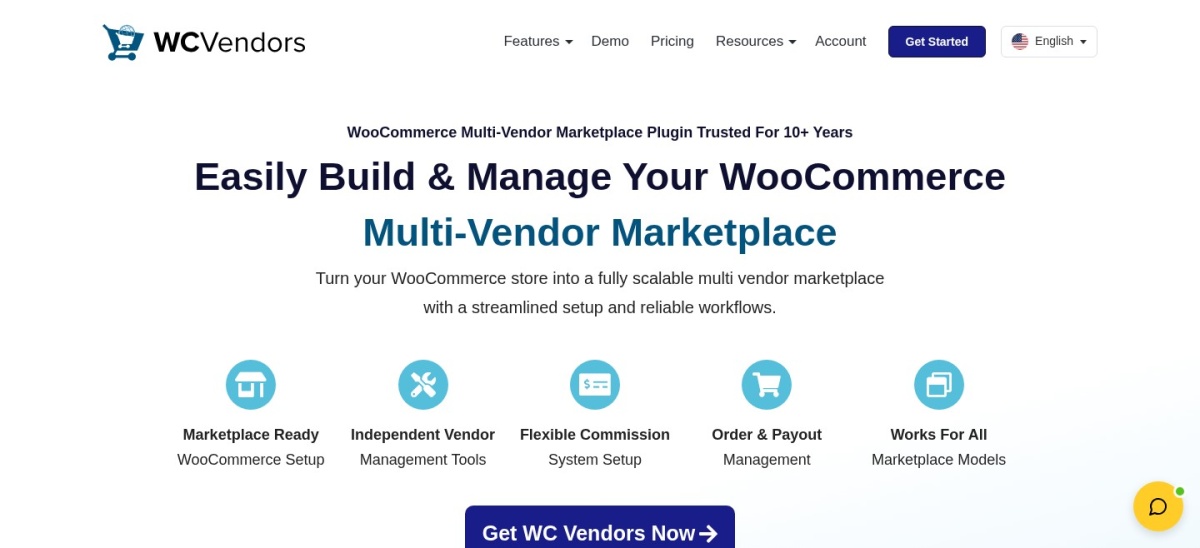
WC Vendors homepage, captured Nov 2026.
WC Vendors is a WooCommerce marketplace plugin with 3,000+ active installations and a 4.5/5 WordPress.org rating from 188 reviews. Its free version supports vendor registration, seller storefronts, product management and marketplace commissions. The Pro plan adds frontend selling tools, enhanced vendor management and additional marketplace controls.
The trade off is that subscriptions, vendor memberships and some advanced selling workflows require higher plans or additional extensions. Pro normally costs $199 per year for one website, currently discounted to $99.50 for the first year. It suits stores that want a focused marketplace foundation with room for expansion.
What we like
Free basic marketplace functionality
Seller storefront and product management
Unlimited vendors and products
Structured premium upgrade options
Supports specialized marketplace extensions
Watch out for
Some integrations require higher plans
Membership features are not included in basic Pro
Advanced payment workflows need configuration
Introductory pricing is below renewal pricing
Pro adds enhanced frontend vendor management and expanded marketplace capabilities.Visit wcvendors.com
04
MultiVendorX
4.8/5on WordPress.org (432 reviews, checked Nov 2026)
Paid from$149/yr
Best for specialized marketplace models
Active installs2,000+
Pro modules50+
Marketplace modelsProducts, bookings and rentals
Paid planStarter, $149/yr
multivendorx.com
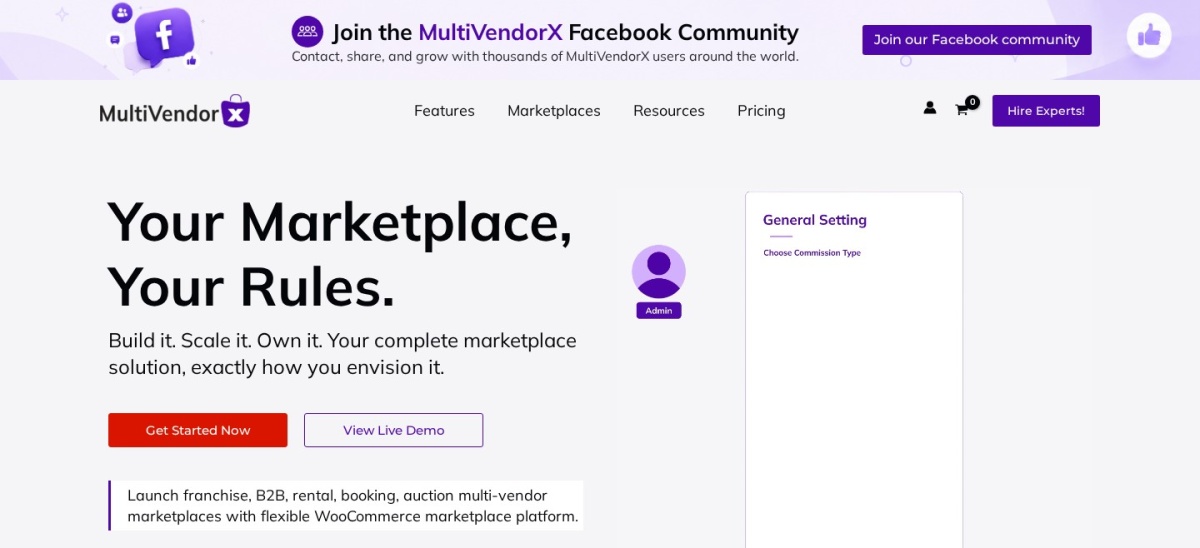
MultiVendorX homepage, captured Nov 2026.
MultiVendorX is a WooCommerce marketplace plugin with 2,000+ active installations and a 4.8/5 rating from 432 reviews. Its free version provides seller management, commissions, product controls and marketplace administration. Pro expands functionality with more than 50 modules covering subscriptions, appointments, rentals, bookings and advanced vendor operations.
The trade off is that many specialized marketplace features require an active Pro subscription. Starter costs $149 annually for one site, and the vendor states that premium functionality stops working when the license expires. It suits marketplace businesses with specialized products or complex seller requirements.
What we like
Free marketplace foundation
Flexible vendor commissions
Supports specialized marketplace models
Broad premium module collection
Same premium features across site-license tiers
Watch out for
Specialized functionality requires Pro
Premium features require an active license
Advanced setup can be complicated
Additional WooCommerce extensions may be necessary
Pro adds 50+ modules, subscriptions, advanced payments, vendor memberships and specialized selling tools.Visit multivendorx.com
05
Webkul Marketplace
5/5on Webkul Store (79 reviews, checked Nov 2026)
Starts at$99 one-time
Best for modular marketplace customization
Vendor rating5/5 from 79 reviews
Marketplace add-ons50+
Order storageHPOS compatible
Regular license$99 one-time
webkul.com
Webkul Marketplace homepage, captured Nov 2026.
Webkul Marketplace is a WooCommerce multi vendor extension with a 5/5 developer marketplace rating from 79 reviews. Its regular $99 one-time license provides seller profiles, product management, configurable commissions, vendor dashboards and sales reporting. The developer also offers more than 50 additional marketplace modules.
The trade off is that advanced features such as vendor subscriptions, specialized shipping and payment integrations may require separately purchased add-ons. The core license is currently discounted to $59, while the regular price is $99. It suits businesses that prefer a modular marketplace with a one-time core software purchase.
What we like
One-time core license
Seller dashboards and profiles
Flexible commission management
Large marketplace add-on collection
WooCommerce HPOS compatibility
Watch out for
No permanent free version
Specialized add-ons increase total costs
Vendor-hosted ratings are less independent
Support extensions may require additional payments
The paid core includes vendor dashboards and commissions; additional modules extend marketplace functionality.Visit webkul.com
06
WooCommerce Product Vendors
2.9/5on WooCommerce Marketplace (25 reviews, checked Nov 2026)
Starts at$119/yr
Best for native WooCommerce marketplace integration
Active installs10,000+
Vendor commissionsCustomizable
Booking integrationSupported
Paid plan$119/yr
woocommerce.com
WooCommerce Product Vendors homepage, captured Nov 2026.
WooCommerce Product Vendors is an official marketplace extension with 10,000+ active installations and a 2.9/5 WooCommerce Marketplace rating from 25 reviews. Its $119 annual subscription supports multiple vendors, vendor-specific commissions, seller product management and sales reporting. It also integrates with WooCommerce Bookings for service-based marketplaces.
The trade off is its relatively low customer rating and fewer dedicated frontend marketplace features than broader alternatives. Some workflows rely on additional WooCommerce extensions and administrative configuration. It suits stores that prefer an official WooCommerce marketplace product and relatively straightforward commission management.
What we like
Official WooCommerce marketplace extension
Vendor-specific commission settings
Supports physical and digital products
WooCommerce Bookings integration
Vendor sales and earnings reports
Watch out for
Low marketplace rating
No permanent free version
Less extensive frontend management
Advanced workflows may require other extensions
The annual license includes vendor management, commissions, reporting and WooCommerce integration.Visit woocommerce.com
07
MarketKing
5/5on WordPress.org (19 reviews, checked Nov 2026)
Paid from$279.50/yr
Best for advanced vendor groups and B2B marketplaces
Active installs700+
Premium features137+
Split cartSupported
Paid planStartup, $279.50/yr
kingsplugins.com
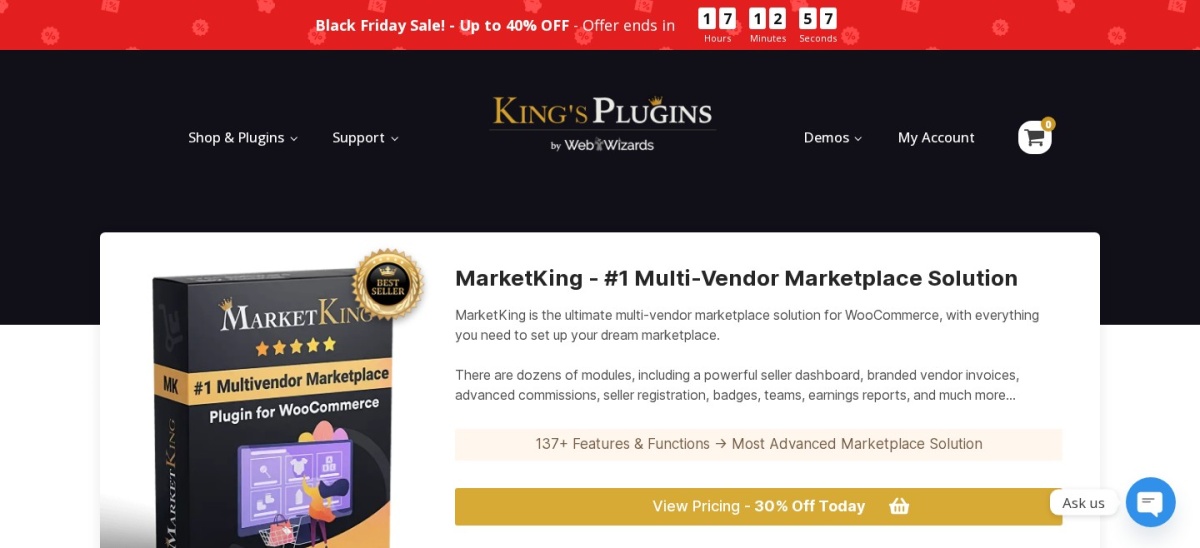
MarketKing homepage, captured Nov 2026.
MarketKing is a WooCommerce marketplace plugin with 700+ active installations and a 5/5 rating from 19 WordPress.org reviews. Its free version includes vendor dashboards, product management, seller storefronts and order controls. Premium offers more than 137 features and functions, including vendor groups, memberships, advanced commissions and multiple vendors selling the same product.
The trade off is its higher regular subscription price and smaller public installation base. Startup normally costs $279.50 annually for one website, currently discounted to $189. It suits specialized marketplaces needing detailed seller permissions, multi-seller product listings and integration with B2BKing.
How WooCommerce marketplace commissions and payouts work
Marketplace owners usually earn revenue by collecting a commission from transactions. Plugins may support percentage commissions, fixed amounts, vendor-specific rates or more complicated rules based on products and categories.
Commission calculations and actual payouts are separate processes. A plugin can record how much a seller earned without automatically transferring the money. Automated payouts normally require compatible payment providers and correctly configured seller accounts.
Dokan, WCFM Marketplace, WC Vendors and MarketKing offer commission management with additional payment integrations. Webkul and WooCommerce Product Vendors also support seller earnings tracking and payment workflows.
Before launching, decide how refunds, disputes, shipping charges and taxes affect commissions. Check whether the marketplace holds funds before paying vendors and whether its accounting records match the actual payment flow.
Different marketplace models need different features
A physical-product marketplace needs seller inventory controls, shipping settings and order tracking. Vendors may require separate shipping zones, fulfillment responsibilities and return policies.
Digital product marketplaces focus more on downloads, licensing and commissions. Service marketplaces may need appointment scheduling, calendar availability, booking management and vendor-specific cancellation policies.
Subscription marketplaces add recurring payments and seller membership plans. Auction and rental marketplaces require specialized product functionality that standard WooCommerce listings do not provide.
Dokan, WC Vendors, MultiVendorX and MarketKing offer extension paths for specialized selling. Confirm whether the relevant module is included in the chosen plan before purchasing.
How we chose
We reviewed established WooCommerce marketplace plugins using WordPress.org listings, official developer documentation and commercial marketplace pages. We compared vendor dashboards, registration, commissions, payment handling, product management, seller reports and integrations. Products were selected to represent free marketplaces, modular extensions and premium management platforms.
On 22 Nov 2026, we checked available WordPress.org ratings, review counts, active installation figures, update histories and official vendor pricing pages. We used regular prices rather than Black Friday or introductory discounts. Webkul's one-time license is identified separately from recurring annual subscriptions, and marketplace-hosted ratings are labeled by source.
We excluded closed, outdated or inadequately maintained plugins and candidates whose regular pricing could not be confirmed. YITH WooCommerce Multi Vendor was considered, but its accessible product page did not expose a dependable current purchase price. MarketKing was retained as a specialized option despite its smaller installation base and limited review history. No vendor paid for a place, and we do not claim testing for this list.
How to choose a WooCommerce multi vendor marketplace plugin
Define your marketplace's seller workflow, commission structure and payment requirements before choosing a plugin.
**Decide what vendors will sell.** Identify whether the marketplace needs physical products, digital downloads, bookings, rentals, subscriptions or auctions. Check which product types the plugin supports directly and which require additional WooCommerce extensions.
**Evaluate vendor registration and dashboards.** Look for seller application forms, approval workflows, product moderation and easy-to-use dashboards. Vendors should be able to manage their own products and orders without accessing unrelated store administration settings.
**Verify commissions and payment workflows.** Choose the commission structure you need and identify who receives customer payments. Confirm compatibility with payment gateways, split payments, withdrawal requests, refunds and seller-specific shipping rules.
**Calculate the full marketplace cost.** Compare regular license prices, vendor modules, payment integrations, hosting, security and support renewals. Review whether essential features require higher plans and confirm compatibility with your WooCommerce version and existing extensions.
FAQ
What is the best WooCommerce multi vendor marketplace plugin?
Dokan is our overall recommendation because its free version supports unlimited sellers, frontend dashboards and marketplace commissions. It has 30,000+ active installations and a 4.6/5 WordPress.org rating. WCFM Marketplace offers extensive free controls, while WC Vendors provides a structured premium upgrade path.
Can I create a multi vendor marketplace with WooCommerce for free?
Yes. Dokan, WCFM Marketplace, WC Vendors and MultiVendorX offer free marketplace plugins. You can begin with vendor registration, product management and basic commission settings. Advanced payout integrations, memberships, specialized products and additional vendor tools may require paid licenses.
Which is better, Dokan or WCFM Marketplace?
Dokan offers an established vendor dashboard, onboarding workflows and a broad premium module ecosystem. WCFM Marketplace includes extensive free management features and offers optional paid extensions. Dokan Starter normally costs $149 annually, while the WCFM Ultimate add-on starts at $59 annually.
How do marketplace owners earn money with WooCommerce?
Most WooCommerce marketplaces collect commissions from vendor sales. Some also charge seller membership fees, listing fees or subscription payments. The appropriate revenue model depends on the plugin's features, payment integrations and marketplace policies.
Can WooCommerce automatically split payments between vendors?
Yes, with compatible marketplace plugins and payment gateways. WCFM Marketplace documents Stripe split-payment functionality, and MarketKing provides Stripe Connect integration. Other products offer payment extensions or withdrawal systems. Confirm the supported gateway and seller onboarding process before launching.
Can different vendors sell the same product in WooCommerce?
Yes. MultiVendorX and MarketKing support marketplace models where multiple sellers can offer the same product. This can allow shoppers to compare sellers by price or other criteria. The required feature may depend on premium modules and marketplace configuration.
Which WooCommerce marketplace plugin is best for bookings?
WooCommerce Product Vendors integrates with WooCommerce Bookings, while Dokan, WC Vendors and MultiVendorX offer booking-related extension paths. Compare vendor calendar management, booking commissions, cancellation policies and whether vendors can manage their own availability.
Can vendors manage products without WordPress administrator access?
Yes. Dokan, WCFM Marketplace, WC Vendors and MarketKing provide vendor dashboards that let sellers manage products and orders without full administrator privileges. The exact permissions vary, so marketplace owners should configure product approval, order access and vendor roles carefully.
How much does a WooCommerce multi vendor marketplace plugin cost?
Several plugins offer free versions. Confirmed regular paid prices in this comparison include WCFM Ultimate at $59 annually, Dokan Starter at $149 annually and WC Vendors Pro at $199 annually. Webkul offers a $99 one-time core license, while specialized extensions may add costs.