Best Ecommerce Themes for WooCommerce in 2026: 7 Tools Compared
WLWPLegible EditorsLast verified 22 Nov 2026How we rank5 min read
★ Short answer
Astra is the top pick for WooCommerce stores with 1+ million active installs and a 4.9 rating on WordPress.org, starting at $69/yr for Addon Only or $79/yr for Pro + AI. Blocksy suits block-editor shops with a 5 rating and $69/yr Personal plan, while Botiga fits stores wanting quick view and a side mini cart in a free tier.
How we make this list: we compare pricing pages, product documentation and public user reviews, then re-check every price before each update. No product paid for a place. Disclosure.
Astra leads in adoption with 1+ million active installs and a 4.9 rating across 6,319 five-star reviews on WordPress.org.
Blocksy holds a 5 out of 5 rating with 864 five-star reviews and 300,000+ active installs, starting at $69/yr for Personal.
Botiga includes quick view and a side mini cart in its free version, with 10,000+ active installs and a 4.9 rating.
GeneratePress One starts at $99/yr regular price for 1 site, bundling GP Premium, GenerateBlocks Pro, and GenerateCloud.
Storefront remains free from Automattic with 90,000+ active installs and a 4.5 rating, though its last listed update was December 2025.
What to look for in a WooCommerce theme
A WooCommerce theme controls product grid layouts, single-product galleries, header cart drawers, and how cleanly your store renders on mobile devices. Heavy themes with bloated scripts can slow down category archives and checkout pages, hurting both search rankings and conversion rates.
Check whether essential store elements—such as off-canvas carts, product quick view, gallery sliders, and variation controls—are built into the theme or require separate paid add-ons. Keeping those features inside the theme reduces plugin overhead and maintenance conflicts.
Pay close attention to licensing rules and renewal pricing before buying. Many theme vendors advertise discounted first-year rates or bundle extra tools into higher tiers, while site limits range from a single store to 10, 100, or unlimited websites.
Finally, confirm active maintenance and compatibility with your preferred editor or page builder, whether you build with the native WordPress block editor or a visual builder like Elementor.
4.9/5on WordPress.org (6,319 reviews, checked Nov 2026)
Paid from$69/yr
Best overall WooCommerce theme
Active installs1+ million
WP.org rating4.9 (6,319 5-star)
Lowest paid plan$69/yr Addon Only
Free versionYes
wpastra.com
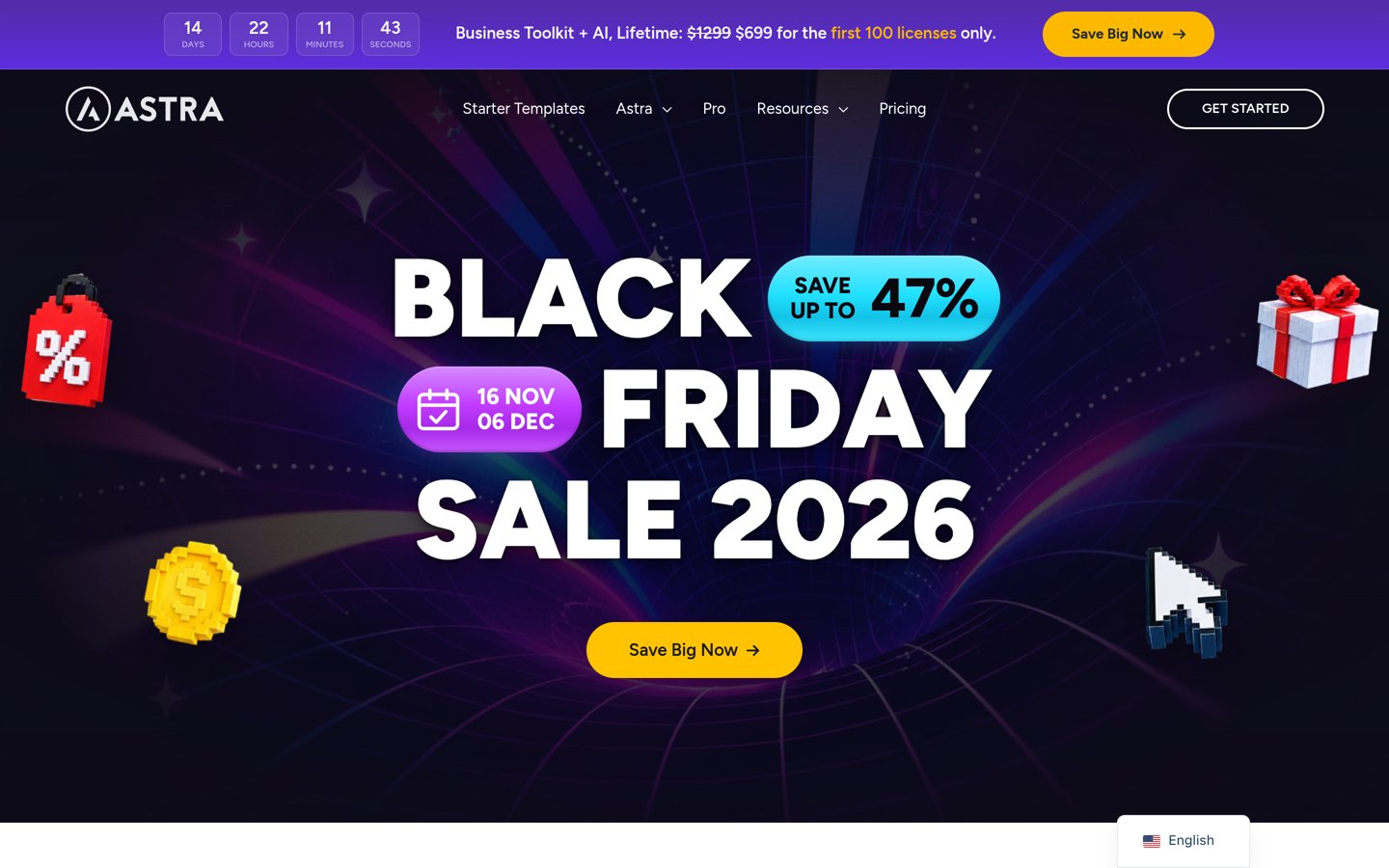
Astra homepage, captured Nov 2026.
Astra is a widely used WordPress theme with 1+ million active installations, a 4.9 rating on WordPress.org, and a free core theme that works with WooCommerce and major page builders. Its free version covers standard shop layouts, typography, and color controls, while paid tiers add deeper WooCommerce customization and starter templates.
The trade off is that Astra Pro + AI lists at $79/yr introductory pricing and renews at $149/yr, while Addon Only starts at $69/yr. It suits store owners who want a large ecosystem, frequent updates, and flexible licensing options.
What we like
1+ million active installations and strong WordPress.org rating
Free core theme available alongside paid upgrades
Multiple annual and lifetime license tiers
Watch out for
Higher renewal rates on bundled annual plans ($149/yr for Astra Pro + AI)
Extra toolkit features sit in higher-priced bundles
Paid plans add WooCommerce performance and customization modules, starter templates, and multi-site licenses.Visit wpastra.com
02
Blocksy
5/5on WordPress.org (864 reviews, checked Nov 2026)
Paid from$69/yr
Best for block-editor WooCommerce stores
Active installs300,000+
WP.org rating5 (864 5-star)
Lowest paid plan$69/yr Personal
Free versionYes
creativethemes.com
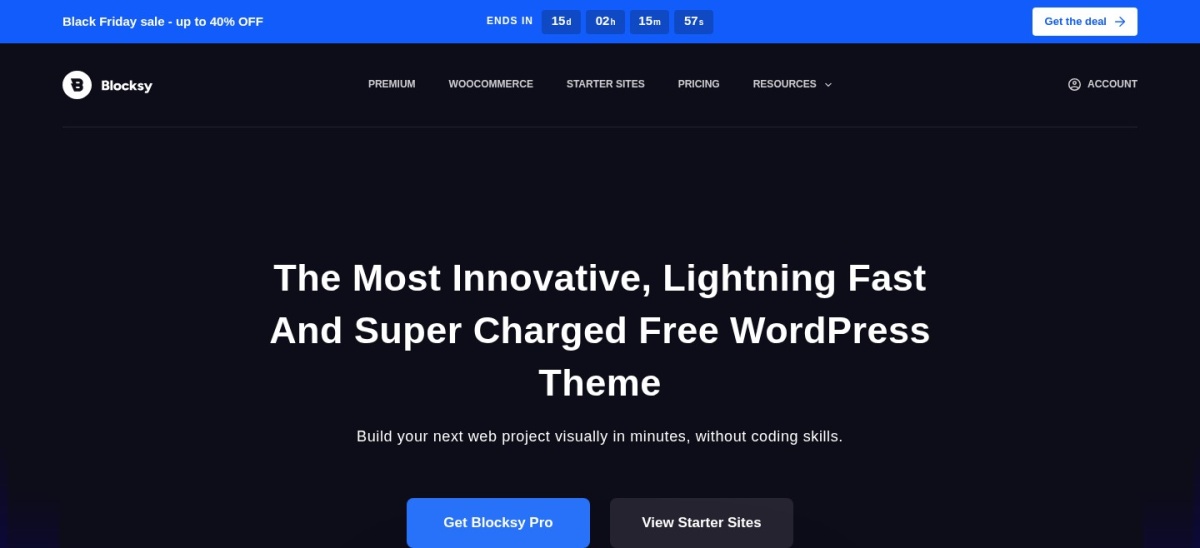
Blocksy homepage, captured Nov 2026.
Blocksy is a modern WordPress theme with 300,000+ active installations, a 5 out of 5 rating on WordPress.org, and built-in block-editor and WooCommerce support. Its free version includes a header builder, cart controls, and responsive layout options without requiring a paid plan to get started.
The trade off is that Blocksy Pro Personal starts at $69/yr regular price for 1 site, while Business ($99/yr for 10 sites) unlocks additional store and content modules. It suits merchants building with the WordPress block editor who want clean performance and transparent tiers.
What we like
5 out of 5 rating across 864 five-star WordPress.org reviews
300,000+ active installations and active maintenance
Free version includes header builder and WooCommerce support
Watch out for
Personal plan covers 1 site at $69/yr regular price
Some advanced store features sit on higher tiers
Paid Pro plans add extra WooCommerce features, custom modules, and 1-site, 10-site, or unlimited-site licenses.Visit creativethemes.com
03
Neve
4.7/5on WordPress.org (1,141 reviews, checked Nov 2026)
Paid from$139/yr
Best for fast multi-purpose shops
Active installs200,000+
WP.org rating4.7 (1,141 5-star)
Lowest paid plan$139/yr starter tier
Free versionYes
themeisle.com
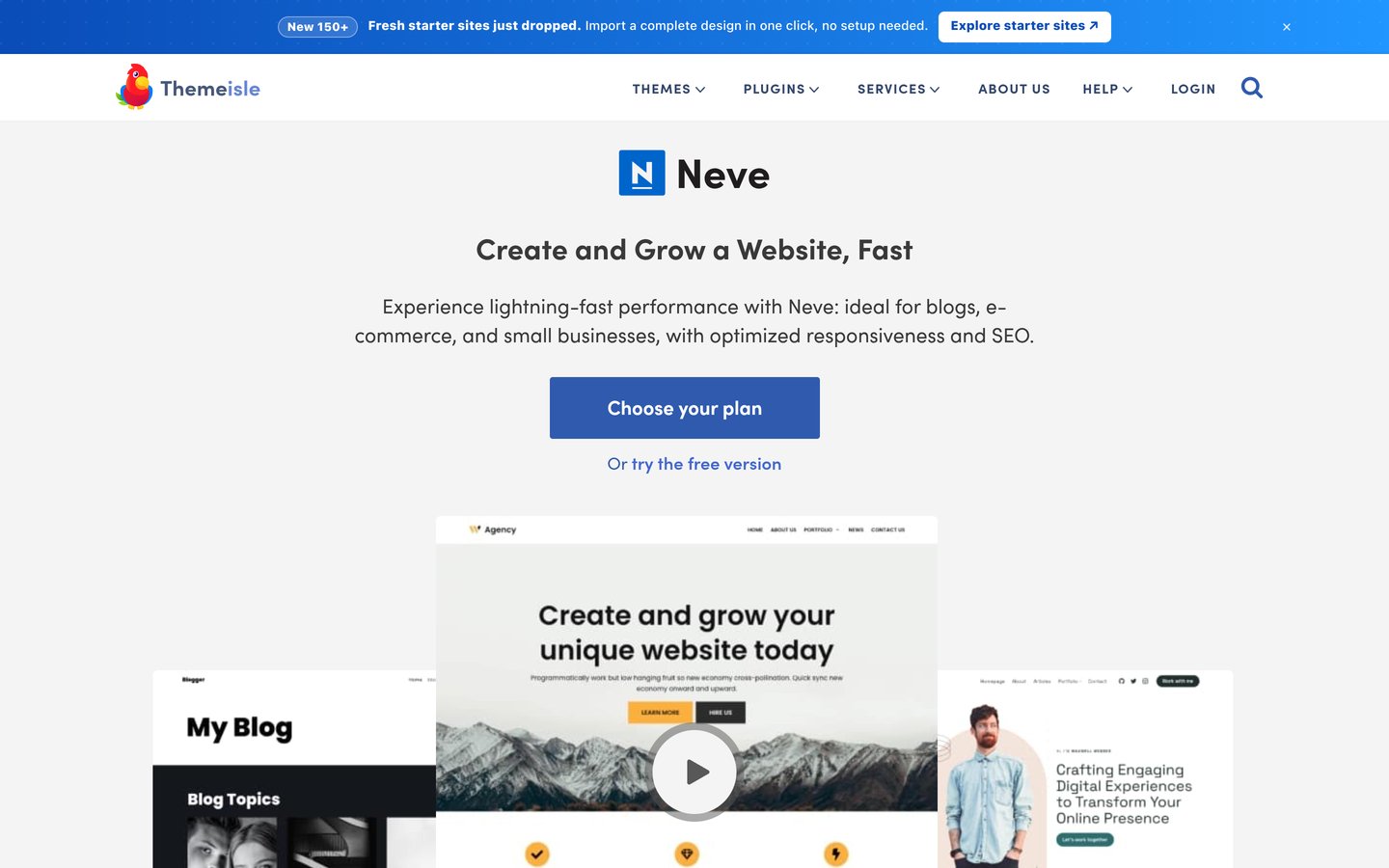
Neve homepage, captured Nov 2026.
Neve is a lightweight WordPress theme with 200,000+ active installations, a 4.7 rating on WordPress.org, and a free version compatible with WooCommerce. It provides responsive layouts, custom header and footer options, and starter templates to launch a store quickly.
The trade off is that Neve PRO Personal lists at $139/yr regular price (often discounted to $69 for the first year), while the shop-focused Business tier lists at $299/yr. It suits small shops and creators who want a fast base theme with clear upgrade paths.
What we like
200,000+ active installations and active updates in November 2026
Free core theme available for basic setups
Supports block editor and popular page builders
Watch out for
Lower WordPress.org score (4.7) than Astra, Blocksy, or Kadence
Shop-specific Neve PRO features sit on higher-priced tiers
4.9/5on WordPress.org (158 reviews, checked Nov 2026)
Paid from$99/yr
Best free WooCommerce store features
Active installs10,000+
WP.org rating4.9 (158 5-star)
Lowest paid plan$99/yr regular Personal
Free versionYes
athemes.com
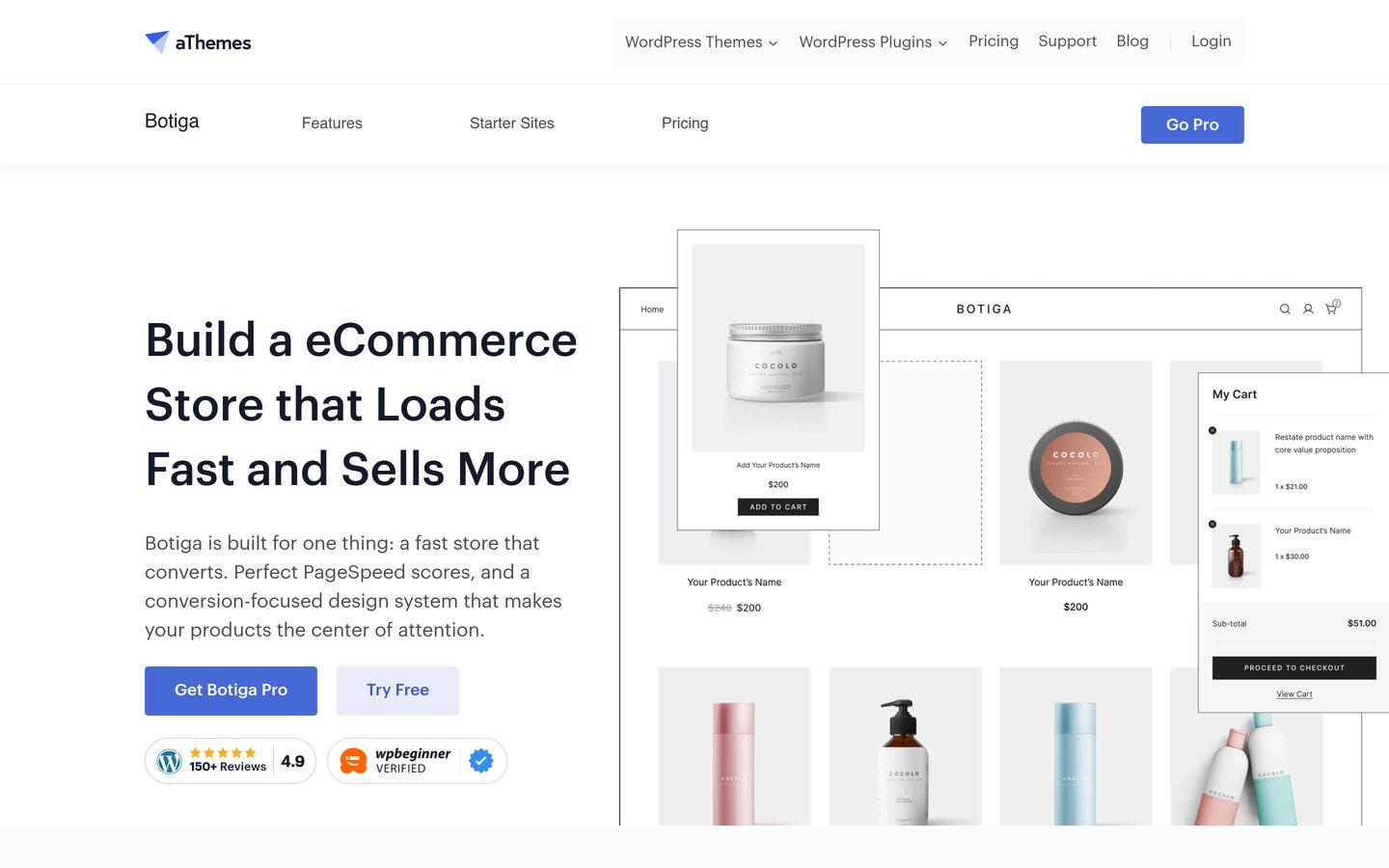
Botiga homepage, captured Nov 2026.
Botiga is a WooCommerce-focused theme from aThemes with 10,000+ active installations and a 4.9 rating on WordPress.org. Its free version includes quick view and a side mini cart out of the box, letting shoppers browse and add items smoothly.
The trade off is a smaller review base (158 five-star reviews) and a $99/yr regular Personal price ($69/yr promotional). It suits merchants who want built-in free store UI elements or plan to pair Botiga with aThemes conversion tools.
What we like
Includes quick view and side mini cart in the free version
4.9 rating on WordPress.org with recent updates
Works with both the block editor and Elementor
Watch out for
Smaller user footprint (10,000+ installs) than larger multi-purpose themes
Regular Personal plan costs $99/yr before promotional discounts
Paid plans add Botiga Pro features, starter sites, and optional bundles with Merchant conversion tools.Visit athemes.com
05
GeneratePress
4.9/5on WordPress.org (1,394 reviews, checked Nov 2026)
Paid from$99/yr
Best lightweight performance foundation
Active installs500,000+
WP.org rating4.9 (1,394 5-star)
Lowest paid plan$99/yr regular 1 site
Free versionYes
generatepress.com
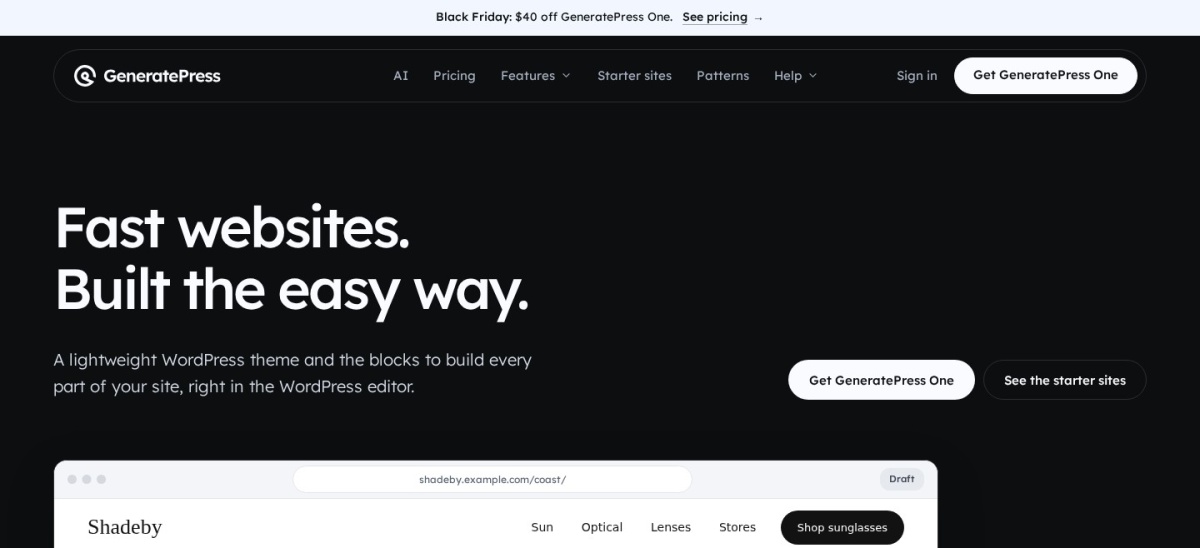
GeneratePress homepage, captured Nov 2026.
GeneratePress is a performance-oriented WordPress theme with 500,000+ active installations, a 4.9 rating on WordPress.org, and a free core theme. It focuses on clean code, dynamic typography, and flexible layout controls that pair well with WooCommerce.
The trade off is that GeneratePress One starts at $99/yr regular price for 1 site ($59/yr discounted) and bundles the full toolkit rather than a stripped-down theme-only license. It suits performance-minded store builders who prefer block-based layout control.
What we like
500,000+ active installations and 4.9 WordPress.org rating
Free base theme with lightweight layout options
Single GeneratePress One plan covers theme and block tools
Watch out for
Entry paid tier starts at $99/yr regular price for 1 site
Less pre-built out-of-the-box store styling than niche WooCommerce themes
Paid GeneratePress One plans include GP Premium, GenerateBlocks Pro, GenerateCloud, and priority email support.Visit generatepress.com
06
Kadence
4.9/5on WordPress.org (434 reviews, checked Nov 2026)
Paid from$350/yr
Best for starter templates and design system
Active installs500,000+
WP.org rating4.9 (434 5-star)
Lowest paid plan$350/yr 1 site
Free versionYes
kadencewp.com
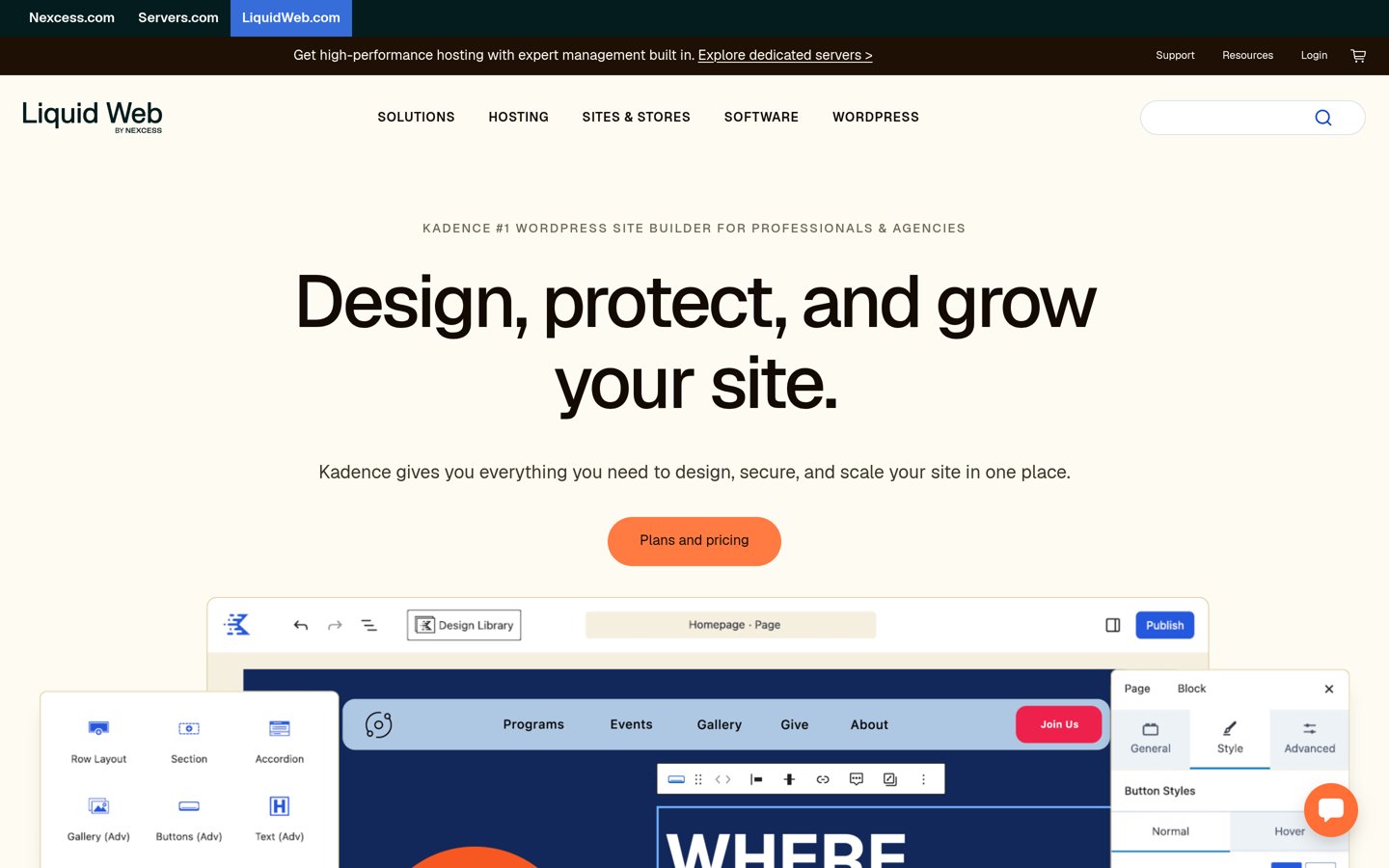
Kadence homepage, captured Nov 2026.
Kadence is a widely adopted WordPress theme with 500,000+ active installations, a 4.9 rating on WordPress.org, and a free version with global color and font controls. It works with WooCommerce and offers starter templates to speed up store design.
The trade off is a higher entry price at $350/yr for 1 site through Liquid Web, placing it well above budget single-site themes. It suits stores that want Kadence's starter templates and wider suite and can justify the higher annual cost.
What we like
500,000+ active installations and 4.9 WordPress.org rating
Free theme includes global typography and color controls
Frequently updated on WordPress.org
Watch out for
Entry pricing starts at $350/yr for 1 site
Higher cost than standalone budget themes for solo stores
Paid plans through Liquid Web scale from 1 site ($350/yr) up to 100 sites ($999/yr).Visit kadencewp.com
07
Storefront
4.5/5on WordPress.org (128 reviews, checked Nov 2026)
PriceFree
Best minimal free WooCommerce base
Active installs90,000+
WP.org rating4.5 (128 5-star)
Lowest paid planFree (no paid plan)
Free versionYes
woocommerce.com
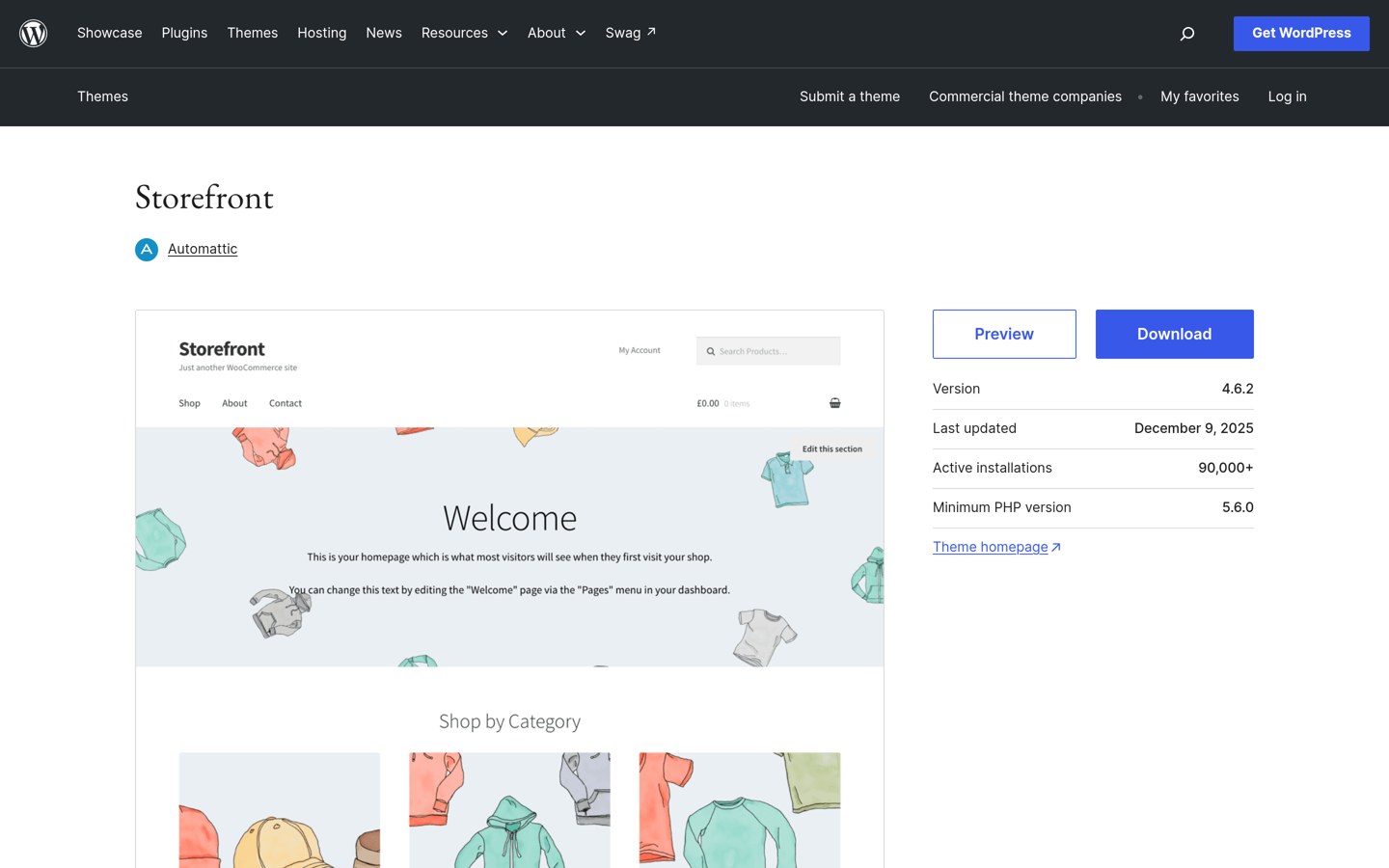
Storefront homepage, captured Nov 2026.
Storefront is an official WooCommerce theme built by Automattic with 90,000+ active installations, a 4.5 rating on WordPress.org, and a free license. It provides a straightforward shop layout, widget regions, and reliable compatibility with core WooCommerce updates.
The trade off is a lower 4.5 rating, fewer built-in visual customization features, and an older release date (December 2025) on WordPress.org. It suits merchants who want a free, minimal WooCommerce foundation without paying for a theme license.
What we like
Free with no paid theme tier required
90,000+ active installations and built by Automattic
Simple, lean shop layout for core WooCommerce
Watch out for
Lower rating (4.5) than several competing themes
Last WordPress.org release listed in December 2025
No paid theme tier is listed on WordPress.org; customization relies on child themes or plugins.Visit woocommerce.com
When a free WooCommerce theme is enough
A free theme works well for new or smaller WooCommerce stores that only need standard product grids, clean typography, and basic cart functionality. Themes like Blocksy, Botiga, and Storefront give you a functional storefront without upfront theme costs.
Upgrading to a paid plan makes more sense when you want dedicated WooCommerce layout controls, starter store templates, priority support, or multi-site licenses. Always check whether promotional pricing applies only to the first year before committing.
How we chose
We assembled this list from established WordPress themes widely used with WooCommerce across the WordPress.org theme directory and vendor pricing pages.
All active install figures, ratings, review counts, and pricing details were checked on 22 Nov 2026 using official WordPress.org listings and current vendor pricing pages.
We excluded themes that were closed, unmaintained, lacked verifiable pricing on their official pages, or fell below our established adoption thresholds. No vendor paid for a place, and we do not claim testing for this list.
How to choose a WooCommerce theme
Follow four practical checks to narrow down a theme that fits your catalog and budget:
Match the theme to your editor workflow. Pick a theme that aligns with how you build pages, whether that is the native WordPress block editor or a visual builder.
Check built-in store features first. Look for features like quick view, off-canvas carts, and product layout controls so you do not need extra plugins for basics.
Compare regular renewal prices and site limits. Check both the starting price and regular renewal rate along with how many sites each license covers.
Verify recent updates and ratings. Favor themes with steady updates and strong WordPress.org ratings so compatibility keeps pace with WooCommerce releases.
FAQ
Which WooCommerce theme is best for beginners?
Astra and Blocksy are strong starting points because both offer free versions on WordPress.org, high user ratings, and straightforward layout controls. Beginners can start on the free tier and upgrade later only if they need extra store features or templates.
Do I need a paid theme to run a WooCommerce store?
No. Free themes such as Astra, Blocksy, Botiga, Neve, GeneratePress, and Storefront all support WooCommerce on their free versions. Paid tiers mostly add deeper customization options, starter templates, multi-site licenses, and priority support.
Why do some theme prices look lower on the first bill?
Several vendors offer discounted introductory pricing for the first year or during promotions before renewing at regular rates. Always check the renewal rate and site count so your long-term store cost stays predictable.
Is Storefront still a good option for WooCommerce?
Storefront remains a free option from Automattic with 90,000+ active installs and a 4.5 rating on WordPress.org. However, its last listed update on WordPress.org was in December 2025, so compare it against actively updated themes if you want newer features.
How many sites does a single theme license usually cover?
Site limits vary by vendor and tier. For example, Blocksy Personal covers 1 site while Business covers 10 sites, and GeneratePress One offers 1-site, 10-site, and 100-site plans.
Does changing a WordPress theme delete my WooCommerce products?
No. Your products, orders, categories, and customer data are stored in WooCommerce and WordPress rather than inside the theme itself. Still, switching themes can change layout styling and widgets, so test changes on a staging site when possible.