Best WooCommerce Custom Fields Plugins in 2026: 7 Tools Compared
WLWPLegible EditorsLast verified 22 Nov 2026How we rank12 min read
★ Short answer
Acowebs is the best WooCommerce custom fields plugin for most stores, with 30,000+ active installations and a 4.9/5 WordPress.org rating from 478 reviews. Choose ThemeHigh for affordable product add-ons with a $39/year upgrade, or Advanced Custom Fields for developer-controlled product metadata and custom templates.
How we make this list: we compare pricing pages, product documentation and public user reviews, then re-check every price before each update. No product paid for a place. Disclosure.
Acowebs leads for product personalization, with 30,000+ active installations, a 4.9/5 rating and a $49 single-site license with one year of updates.
ThemeHigh offers 28 premium product field types and 7 pricing methods, with its regular single-site subscription costing $39/year.
Advanced Custom Fields has 2M+ active installations and supports structured product metadata, with ACF PRO starting at $49/year.
Flexible Product Fields supports 10,000+ active installations and product field groups, with its Pro license listed at $59/year on a vendor catalog page.
PPOM has 20,000+ active installations and 39 Pro input types, but its Essential plan renews at the regular $199/year price.
Barn2 Product Options costs $149/year and supports 16 field types, conditional logic and custom pricing formulas.
What to look for in a WooCommerce custom fields plugin
WooCommerce custom fields plugins extend the information you can collect, store or display on product pages. They can help customers personalize purchases, add extra services or provide details that standard WooCommerce product attributes cannot handle.
First, decide whether you need customer-facing product fields or administrator-managed metadata. Customer-facing fields collect information such as engraving text, measurements and uploaded artwork. Metadata fields let store managers maintain structured product specifications and other content.
Field types matter. Look for text inputs, dropdowns, checkboxes, radio buttons, file uploads, date selectors and image swatches based on your product requirements. More field types are useful only when they match what your store sells.
Conditional logic and additional pricing are important for personalized products. Conditional logic displays relevant options based on previous selections, while pricing rules can add fixed charges, percentages or calculated fees.
Finally, compare free functionality, compatibility and renewal prices. Some plugins include conditional logic in their free editions, while others reserve advanced pricing, uploads or product configurators for paid plans.
For advanced pricing formulas and product configurations
$149/yr
No free plan
4.7/5
Price ladder: cheapest paid plan per year
List prices, USD, checked Nov 2026
ThemeHighFREE$39
AcowebsFREE$49
ACFFREE$49
FPFFREE$59
Add-Ons$79
Barn2$149
PPOMFREE$199
The 7 best WooCommerce custom fields plugins
01
Acowebs
4.9/5on WordPress.org (478 reviews, checked Nov 2026)
Paid from$49/site
Best WooCommerce custom fields plugin overall
Premium field types25+
Product pricingFormulas and lookup tables
Active installations30K+
Paid planSingle Site, $49
acowebs.com
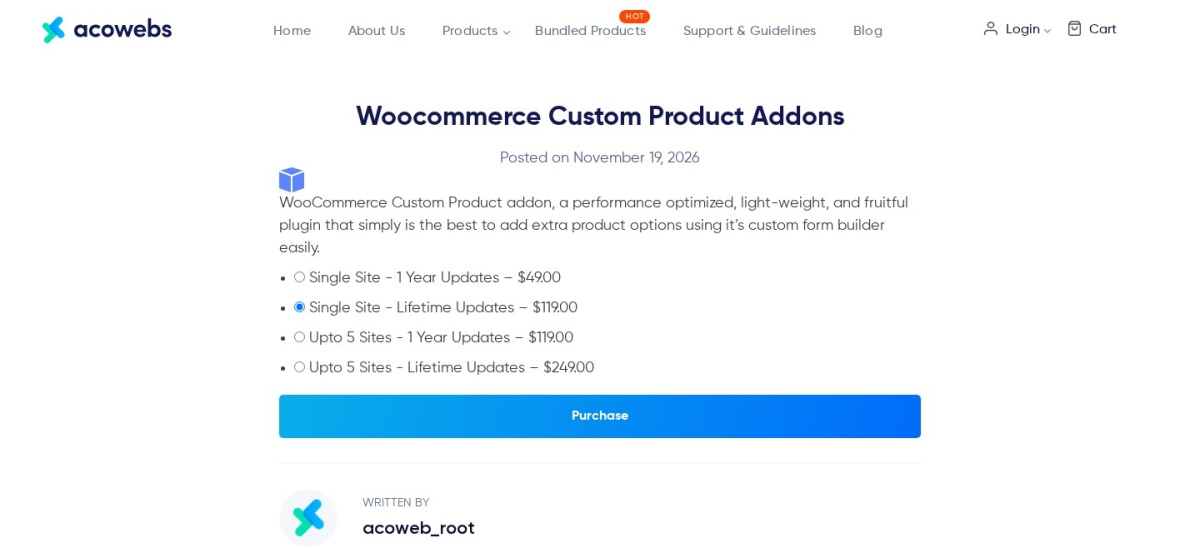
Acowebs homepage, captured Nov 2026.
Acowebs is a WooCommerce product personalization plugin with over 30,000 active installations and a 4.9/5 rating from 478 reviews. Its free version provides a drag-and-drop field builder for customer input, product options and conditional display rules. The premium edition expands the selection to more than 25 field types, including advanced uploads and pricing controls.
The trade off is that custom pricing formulas, lookup tables and advanced form layouts require the premium edition. The Single Site license costs $49 with one year of updates, while lifetime updates cost more. It suits personalized product stores that need flexible fields and pricing without custom development.
What we like
Drag-and-drop custom product field builder
Conditional logic for customer selections
Advanced pricing formulas and lookup tables in Pro
File uploads and multistep layouts
Highly rated WordPress.org plugin
Watch out for
Advanced pricing features require premium
Complex configurations need careful setup
License with one year of updates is not a lifetime license
Pro adds advanced field types, formula pricing, file uploads and multistep forms.Visit acowebs.com
02
ThemeHigh
4.9/5on WordPress.org (220 reviews, checked Nov 2026)
Paid from$39/yr
Best affordable WooCommerce product field plugin
Premium fields28 field types
Pricing methods7
Active installations30K+
Paid planSingle Site, $39/yr
themehigh.com
ThemeHigh homepage, captured Nov 2026.
ThemeHigh is a WooCommerce extra product options plugin with over 30,000 active installations and a 4.9/5 WordPress.org rating. Its free edition adds custom fields to product pages, while the premium version supports 28 product field types and 7 pricing methods. Product and category rules help determine where extra options appear.
The trade off is that advanced conditional rules and pricing features require the premium license. Its regular Single Site plan costs $39 per year, with a separate Black Friday discount advertised on the vendor page. It suits stores that want affordable product customization and reusable field configurations.
What we like
Low regular annual premium price
28 premium field types
Conditional product option visibility
Multiple pricing methods
Product and category display rules
Watch out for
Advanced conditional logic requires premium
Some specialized fields are unavailable in the free edition
Primarily designed for customer-facing product options
Premium adds advanced field types, conditional rules and expanded pricing methods.Visit themehigh.com
03
Advanced Custom Fields
4.5/5on WordPress.org (1,440 reviews, checked Nov 2026)
Paid from$49/yr
Best for developer-managed WooCommerce product metadata
Custom metadataField groups and rules
Product supportWooCommerce product post type
Active installations2M+
Paid planPersonal, $49/yr
advancedcustomfields.com
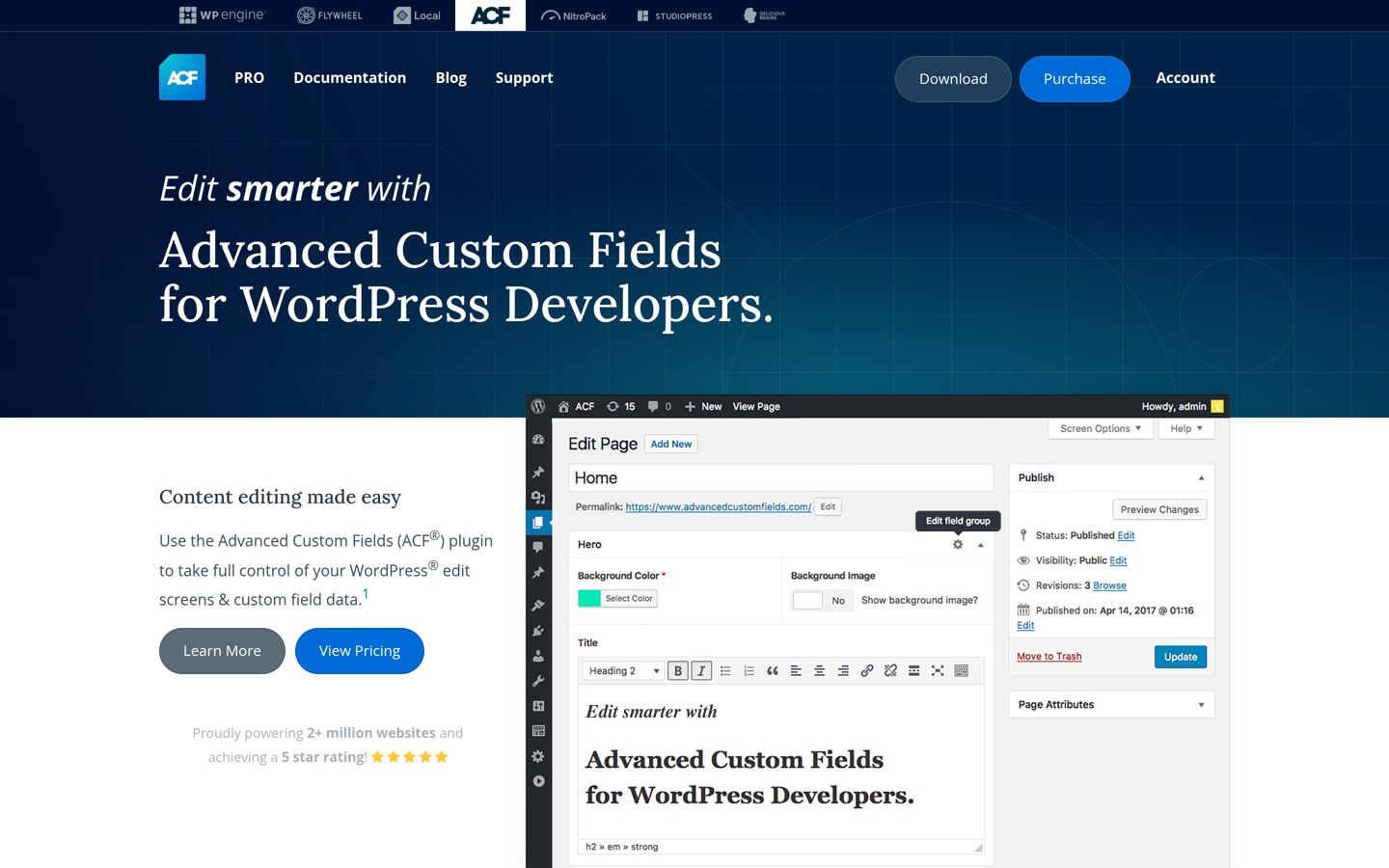
Advanced Custom Fields homepage, captured Nov 2026.
Advanced Custom Fields is a WordPress custom metadata plugin with over 2 million active installations and a 4.5/5 rating from 1,440 reviews. Its free edition creates structured field groups for products and other WordPress content. Developers can use these fields for additional specifications, technical details and custom product templates.
The trade off is that ACF does not automatically create customer-facing WooCommerce product add-ons or calculate their prices. ACF PRO Personal costs $49 per year and includes repeaters, flexible content, galleries and other advanced fields. It suits developers who need structured product data rather than an out-of-the-box personalization form.
What we like
Suitable for structured WooCommerce product metadata
Flexible field groups and location rules
Large developer ecosystem
Free edition supports many field types
Pro adds repeaters and flexible content
Watch out for
Customer-facing fields require additional development
Does not automatically change WooCommerce prices
Displaying custom metadata may require template changes
4.5/5on WordPress.org (107 reviews, checked Nov 2026)
Paid from$59/yr
Best for organized product field groups
Premium field types20
Field assignmentProducts and categories
Active installations10K+
Paid planPlugin PRO, $59/yr
wpdesk.net
Flexible Product Fields homepage, captured Nov 2026.
Flexible Product Fields is a WooCommerce product customization plugin with over 10,000 active installations and a 4.5/5 WordPress.org rating. Its free edition lets merchants create extra product fields and organize them into groups. The premium version supports 20 field types, conditional logic and additional pricing rules.
The trade off is that advanced field types, conditional behavior and custom charges require Pro. The vendor's product catalog lists the plugin at $59 annually, although its pricing display can show a different billing currency. It suits stores that need reusable field groups for engraving, gift wrapping and other product extras.
What we like
Reusable groups of product fields
Field assignment by product and category
Optional and required customer fields
Conditional logic and pricing in Pro
Supports simple and variable WooCommerce products
Watch out for
Advanced functionality requires Pro
Some specialized workflows require separate add-ons
Vendor pricing display varies by currency
Pro adds advanced field types, conditional logic and custom option pricing.Visit wpdesk.net
05
PPOM
4.5/5on WordPress.org (283 reviews, checked Nov 2026)
Paid from$199/yr
Best for a wide selection of personalization fields
Free field types9
Pro input types39
Active installations20K+
Paid planEssential, $199/yr regular
themeisle.com
PPOM homepage, captured Nov 2026.
PPOM is a WooCommerce product personalization plugin maintained by Themeisle, with over 20,000 active installations. Its free version includes 9 field types and supports customer product selections. The premium version expands to 39 input types and adds configuration tools for personalized gifts, apparel, print products and other customizable items.
The trade off is its renewal price and feature tiers. PPOM Essential is advertised at an introductory $99 per year but renews at its regular $199 annual rate; repeaters and cart editing require Plus. It suits stores that need a large selection of product inputs and dedicated personalization features.
What we like
Extensive premium input field selection
Free edition supports basic product customization
Conditional logic for product options
Premium field configuration import and export
Higher tiers support repeaters and cart editing
Watch out for
Regular renewal cost exceeds several competitors
Some advanced features require Plus or VIP
Introductory pricing is substantially below renewal pricing
Essential adds premium fields and import/export; Plus adds repeaters and cart editing.Visit themeisle.com
06
Product Add-Ons Ultimate
4.8/5on Trustpilot (110 reviews, checked Nov 2026)
Starts at$79/yr
Best for configurable products and extra charges
Product fieldsCustomer-facing add-ons
PricingFixed and percentage fees
Conditional logicSupported
Paid planSingle, $79/yr
pluginrepublic.com
Product Add-Ons Ultimate homepage, captured Nov 2026.
Product Add-Ons Ultimate is a premium WooCommerce plugin for adding customer selections, personalized text and optional extras to products. Its developer, Plugin Republic, has a 4.8/5 Trustpilot rating from 110 reviews. The plugin supports conditional logic, additional charges and customizable product option groups.
The trade off is that there is no permanently free edition for creating product add-ons, and specialized configurations may require an upgraded license or extension. The Single license normally costs $79 per year, with a temporary $55.30 Black Friday offer. It suits stores that sell configurable products with paid extras.
What we like
Conditional logic for custom options
Additional product pricing controls
Supports personalized text and other inputs
Configurable field groups
Established WooCommerce plugin developer
Watch out for
No permanent free edition
Advanced features may require extensions
Trustpilot rating covers the developer rather than this plugin alone
4.7/5on Trustpilot (143 reviews, checked Nov 2026)
Starts at$149/yr
Best for advanced pricing formulas and product configurations
Field types16
Pricing options8 methods
Customer websites3,800+
Paid planOne Plugin, $149/yr
barn2.com
Barn2 Product Options homepage, captured Nov 2026.
Barn2 Product Options is a premium WooCommerce plugin for product personalization and calculated pricing. Its developer has a 4.7/5 Trustpilot rating from 143 reviews, and the vendor reports more than 3,800 websites using the plugin. It includes 16 field types, conditional logic and pricing formulas for customer-configured products.
The trade off is that the standard plugin costs $149 per year for one website, while its separate Live Preview add-on bundle costs more. It suits businesses selling made-to-measure products, personalized gifts and complex configurations where prices depend on customer selections.
What we like
Advanced price formulas and calculations
Conditional display rules
File uploads and product personalization
Supports multistep and popup layouts
Integrates product selections into WooCommerce orders
Watch out for
No free version
Live Preview add-on bundle costs extra
Higher annual price than simpler product field plugins
Trustpilot rating reflects Barn2 as a whole
The separate Live Preview bundle adds visual previews of personalized products.Visit barn2.com
Customer product fields vs WooCommerce product metadata
WooCommerce custom fields can serve different purposes. Customer-facing fields appear on product pages and collect information before customers add products to their carts.
Acowebs, ThemeHigh, Flexible Product Fields, PPOM, Product Add-Ons Ultimate and Barn2 Product Options primarily serve this purpose. They help customers enter engraving text, choose extras, upload artwork or configure products.
Advanced Custom Fields takes a different approach. It creates structured metadata that store administrators can maintain, such as technical specifications, additional product details and content used by custom templates.
These categories are not interchangeable. A product metadata field does not automatically become a customer input, and a customer input field does not necessarily provide a complete back-office product data management system.
Choose a product add-ons plugin for customer personalization. Choose ACF when developers need to create and display custom product information through templates or integrations.
How custom fields can change WooCommerce product prices
Some custom fields only collect information. Others affect the amount customers pay. A gift message might be free, while gift wrapping or engraving could add a separate charge.
Fixed-price rules add a defined amount when customers select an option. Percentage rules calculate the charge from the underlying product price, making them useful for extras tied to product value.
Formula-based pricing supports more complicated products. Measurement-based items can calculate totals using customer-entered dimensions, while personalized printing may use text length, quantities or other inputs.
Acowebs supports formula and lookup-table pricing in its premium edition. ThemeHigh, Barn2 and other specialist plugins provide additional pricing methods with different configuration options.
Before enabling paid custom fields, check that the adjusted price appears correctly in the cart, checkout, order confirmation and accounting records. Also verify how taxes, discounts and product quantities affect the final amount.
How we chose
We selected established WooCommerce product option plugins and a widely used custom metadata tool from WordPress.org and specialist WordPress developers. We compared supported field types, customer-facing options, conditional logic, pricing methods and compatibility information from official product documentation.
We opened WordPress.org listings, vendor pricing pages and relevant Trustpilot profiles on 22 Nov 2026. WordPress.org supplied plugin ratings, review counts, active installations and maintenance information. Trustpilot supplied ratings for vendors whose products are not listed on WordPress.org. We compared regular prices rather than promotional offers and disclosed differences between annual subscriptions and licenses with limited update periods.
We excluded closed or outdated plugins, products without confirmable pricing and options without sufficient evidence of established use. Some candidates were excluded because official pricing pages did not expose a reliable regular price. We also distinguished general-purpose metadata management from customer-facing product customization. No vendor paid for a place, and we do not claim hands-on testing for this list.
How to choose the right WooCommerce custom fields plugin
Identify what information your store needs to collect or display, then compare field types, pricing rules, compatibility and ongoing costs.
Decide whether fields are for customers or store administrators. Use a product add-ons plugin when customers need to enter text, upload files or select extra services before purchasing. Choose a metadata tool such as ACF when the goal is to maintain structured information for custom product templates.
List the field types and conditional rules you need. Check whether your products require dropdowns, image swatches, dates, uploads or measurements. If options depend on earlier selections, confirm that conditional logic is available in the intended plan.
Verify pricing calculations and WooCommerce compatibility. Choose a plugin with fixed fees, percentage adjustments or formulas when product options affect prices. Confirm that selected options carry through to the cart, checkout and orders, including taxes and quantity calculations.
Compare regular prices and maintenance requirements. Check the cheapest paid plan that includes your required features. Review renewal prices, site limits, update periods and integration documentation. Avoid paying for advanced configurators when a simpler free product field plugin meets your requirements.
FAQ
What is the best WooCommerce custom fields plugin?
Acowebs is a strong overall choice for customer-facing product fields because it supports product personalization, conditional rules and advanced premium pricing features. ThemeHigh is a lower-cost alternative, while Advanced Custom Fields is better suited to developer-managed product metadata.
Can I add custom fields to WooCommerce products for free?
Yes. Acowebs, ThemeHigh, Flexible Product Fields and PPOM provide free editions for adding product options. Advanced Custom Fields can create structured product metadata. Free functionality varies, so check whether your required field types and display rules are included.
What is the difference between WooCommerce attributes and custom fields?
WooCommerce attributes describe product characteristics such as sizes, materials or colors and can support variations. Custom fields collect or store additional information, including personalized text, uploads and product specifications. Custom fields are generally more flexible for requirements that do not fit standard product variations.
Can WooCommerce custom fields change product prices?
Yes. Product add-ons plugins can attach additional charges to customer selections. Acowebs, ThemeHigh, Flexible Product Fields and Barn2 support pricing features. Depending on the plugin and plan, charges may use fixed amounts, percentages, quantities or formulas.
Does Advanced Custom Fields work with WooCommerce?
Yes. WooCommerce products use WordPress post types, allowing ACF field groups to store additional product information. However, displaying that data on product pages may require templates or development work. ACF does not automatically provide customer-facing product options or dynamic pricing.
Which WooCommerce custom fields plugin supports file uploads?
Acowebs, Barn2 Product Options and several other product add-ons plugins support customer file uploads. This is useful for custom printing, artwork and personalized gifts. Confirm the upload restrictions, storage behavior and premium requirements before enabling the feature.
Can I show product fields only when customers select certain options?
Yes. Conditional logic can hide or display fields according to previous selections. Acowebs, ThemeHigh, Flexible Product Fields, PPOM and Barn2 provide conditional features, although some rules require premium licenses. This helps keep complex product forms easier to navigate.
Which custom fields plugin is best for personalized products?
Acowebs and Barn2 Product Options are suitable for products that require customer text, artwork or calculated pricing. ThemeHigh is a budget-friendly option for additional selections. The right choice depends on whether you need advanced formulas, file uploads, live previews or simple paid extras.
How much does a premium WooCommerce custom fields plugin cost?
The regular prices in this comparison start at $39 per year for ThemeHigh. Acowebs offers a $49 single-site license with one year of updates, while ACF PRO starts at $49 annually. Advanced product configurators and larger feature bundles cost more.