Best WooCommerce Analytics Plugins in 2026: 9 Tools Compared
WLWPLegible EditorsLast verified 22 Nov 2026How we rank12 min read
★ Short answer
Analytify is the best WooCommerce analytics plugin for most stores, with WooCommerce revenue tracking in Pro at $199 a year and GA4 sales data inside WordPress. Pick Metorik for a dedicated store platform, or Independent Analytics for private on-site sales reports at $49 a year.
How we make this list: we compare pricing pages, product documentation and public user reviews, then re-check every price before each update. No product paid for a place. Disclosure.
Analytify includes WooCommerce revenue tracking in its Pro plan, from $99 in the first year, the cheapest entry price for GA4 sales data here.
MonsterInsights and ExactMetrics both need their Pro plans, at $399 a year, before WooCommerce eCommerce reports appear.
Metorik is the only dedicated store platform here: real-time reports, profit tracking and email, from $25 a month by order volume.
Independent Analytics Pro is the cheapest paid WooCommerce option at $49 a year, with no cookies and data stored on your own server.
Google Analytics for WooCommerce is free and official, but it only sends events to GA4 and shows no reports in WordPress.
What WooCommerce analytics should show
WooCommerce already records every order, but its built-in reports stop at basic sales tables. A good analytics plugin connects those orders to the traffic that produced them, so you can see which products, pages and campaigns bring in revenue.
Most tools here work in one of two ways. GA4 connectors send store events to Google Analytics and show the reports inside WordPress, while on-site tools such as Independent Analytics and WP Statistics store visits on your own server. Our guide on adding Google Analytics to WordPress explains the GA4 setup behind the first group.
Price depends on where the WooCommerce features sit. Some plugins include sales tracking in their cheapest paid plan, while MonsterInsights and ExactMetrics keep it in Pro, so check the plan, not just the headline price.
Privacy matters too. Cookieless tools avoid consent banners and keep data on your server, while GA4 tools need a Google account and a consent setup for visitors in Europe.
4.7/5on WordPress.org (488 reviews, checked Nov 2026)
Paid from$199/yr
Best WooCommerce analytics plugin overall
WooCommerce trackingPro, all plans
GA4 reportsYes, in dashboard
Free versionYes, on WordPress.org
Paid planStartUp, $199/yr
analytify.io
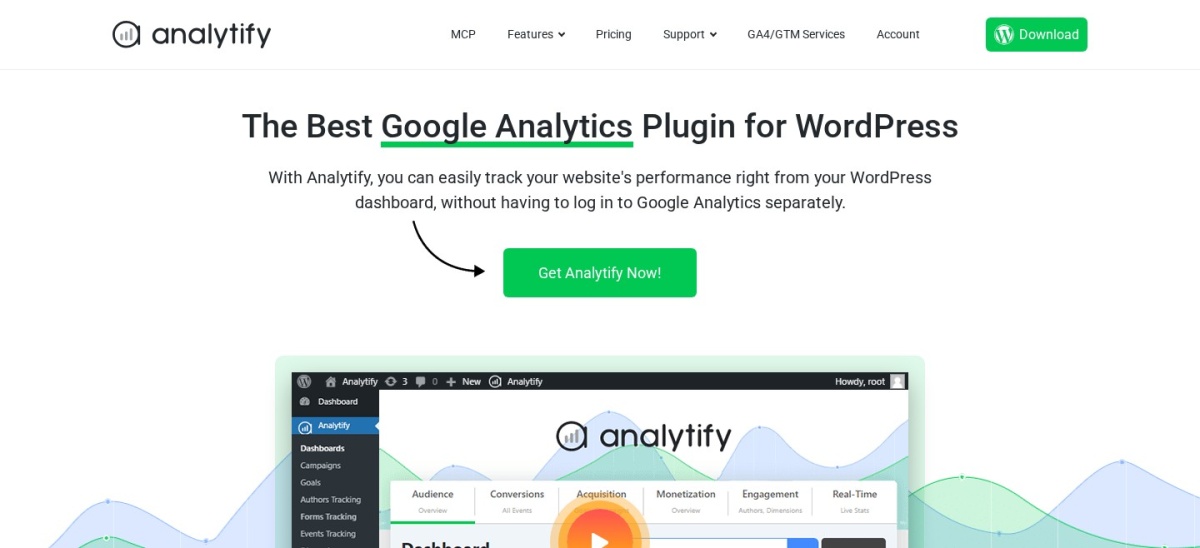
Analytify homepage, captured Nov 2026.
Analytify is a Google Analytics plugin that pulls GA4 reports into your WordPress dashboard, with more than 20,000 active installs and a 4.7 out of 5 rating from 488 reviews. The free version covers general GA4 stats, while Pro adds a dedicated WooCommerce dashboard with revenue, orders, products, coupons and refunds.
The trade off is the renewal price. StartUp costs $99 in the first year and renews at $199 a year for two sites, so budget for year two, not the headline. It suits small stores that want GA4 sales data without writing code.
What we like
WooCommerce tracking included in the cheapest Pro plan
4.5/5on WordPress.org (3,161 reviews, checked Nov 2026)
Paid from$399/yr
Best for GA4 reports in WordPress
WooCommerce trackingPro plan only
GA4 reportsYes, in dashboard
Free versionYes, Lite
Paid planPro, $399/yr
monsterinsights.com
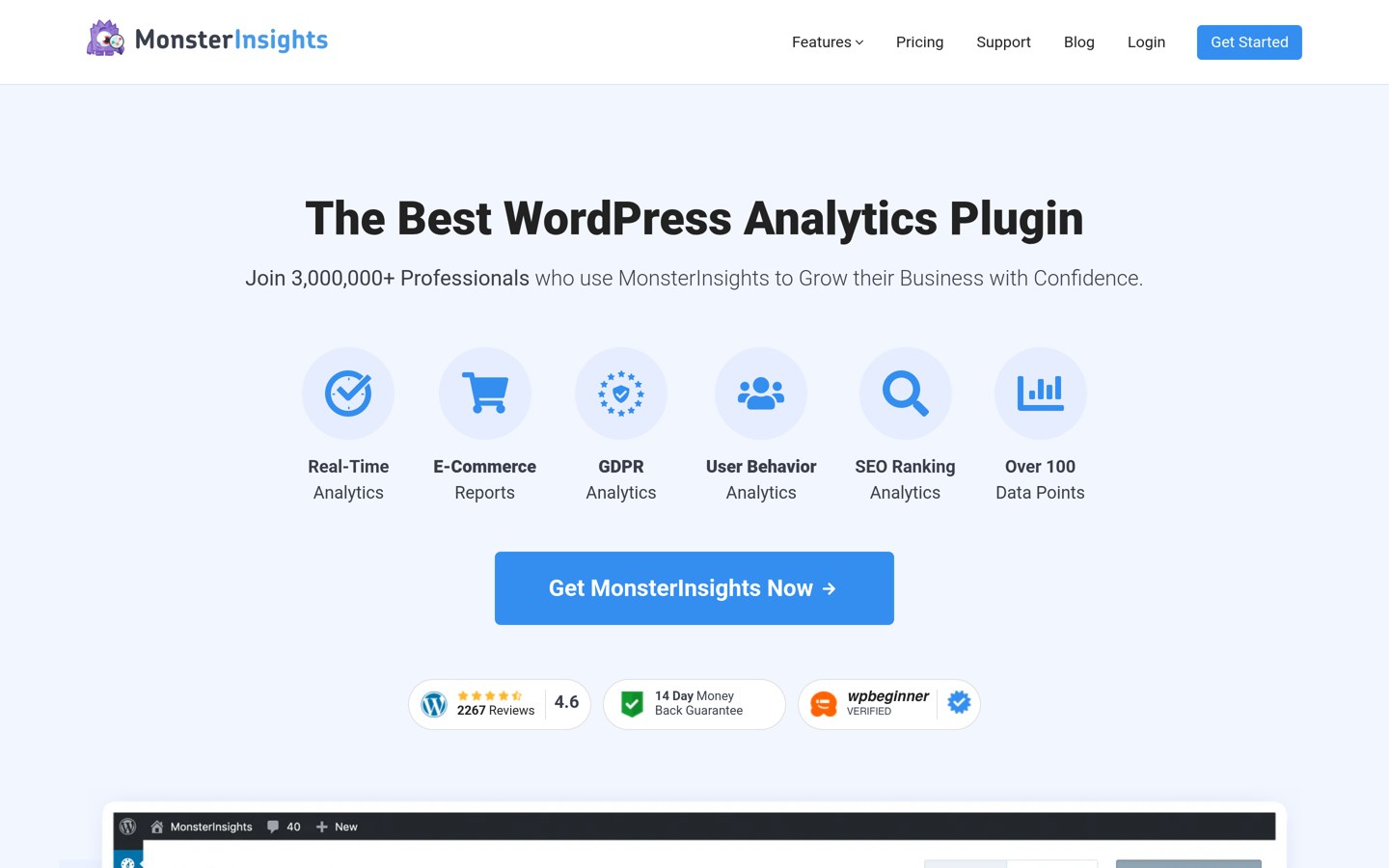
MonsterInsights homepage, captured Nov 2026.
MonsterInsights is the most-installed GA4 plugin on WordPress.org, with more than 2 million active installs and a 4.5 out of 5 rating from 3,161 reviews. The free Lite version shows overview reports in the dashboard, and paid plans add Search Console data, scroll tracking and affiliate link reports.
The trade off is that WooCommerce tracking needs Pro. Plus costs $99.50 in the first year and renews at $199, but eCommerce reports only appear on Pro at $199.50 first year and $399 on renewal. It suits stores already using MonsterInsights for GA4 that can pay for the higher plan.
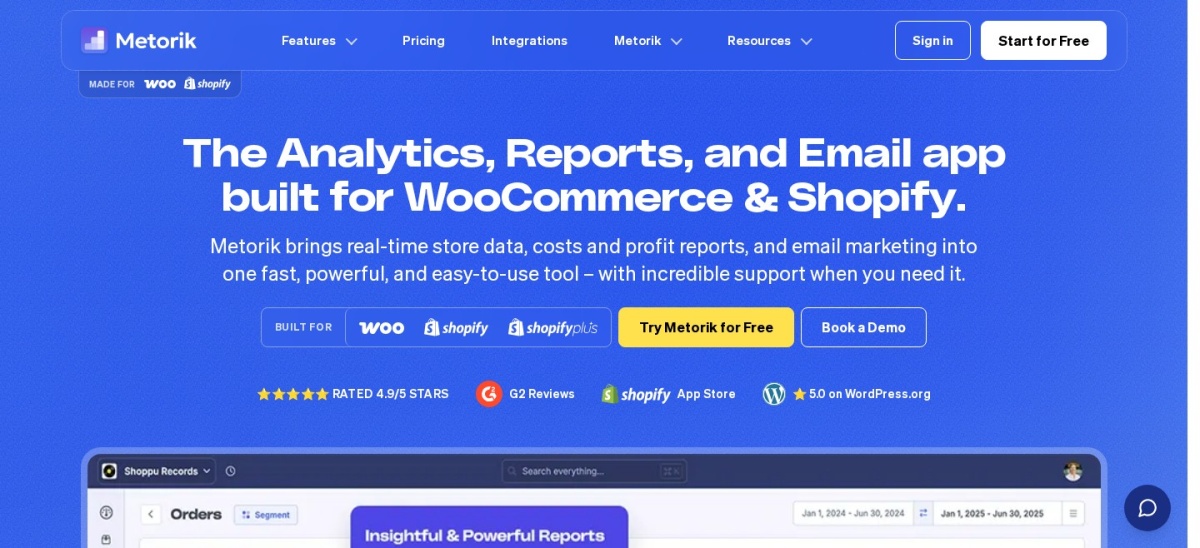
Metorik is a dedicated analytics platform for WooCommerce and Shopify stores, with real-time reports, customer segments, profit tracking and email automation in one place. Metorik says more than 10,000 stores use it, and it holds a 4.8 out of 5 rating from 14 G2 reviews.
The trade off is price by volume. Starter costs $25 a month for up to 100 orders a month, then rises to $75 at 500 orders and $150 at 2,000, so a growing store pays more each year. It suits busy stores that want profit, segments and forecasts without building reports themselves.
4.8/5on WordPress.org (168 reviews, checked Nov 2026)
Paid from$49/yr
Best private analytics for stores
WooCommerce reportsPro
CookiesNone, GDPR-friendly
Data storageYour own database
Paid planPro, $49/yr
independentwp.com
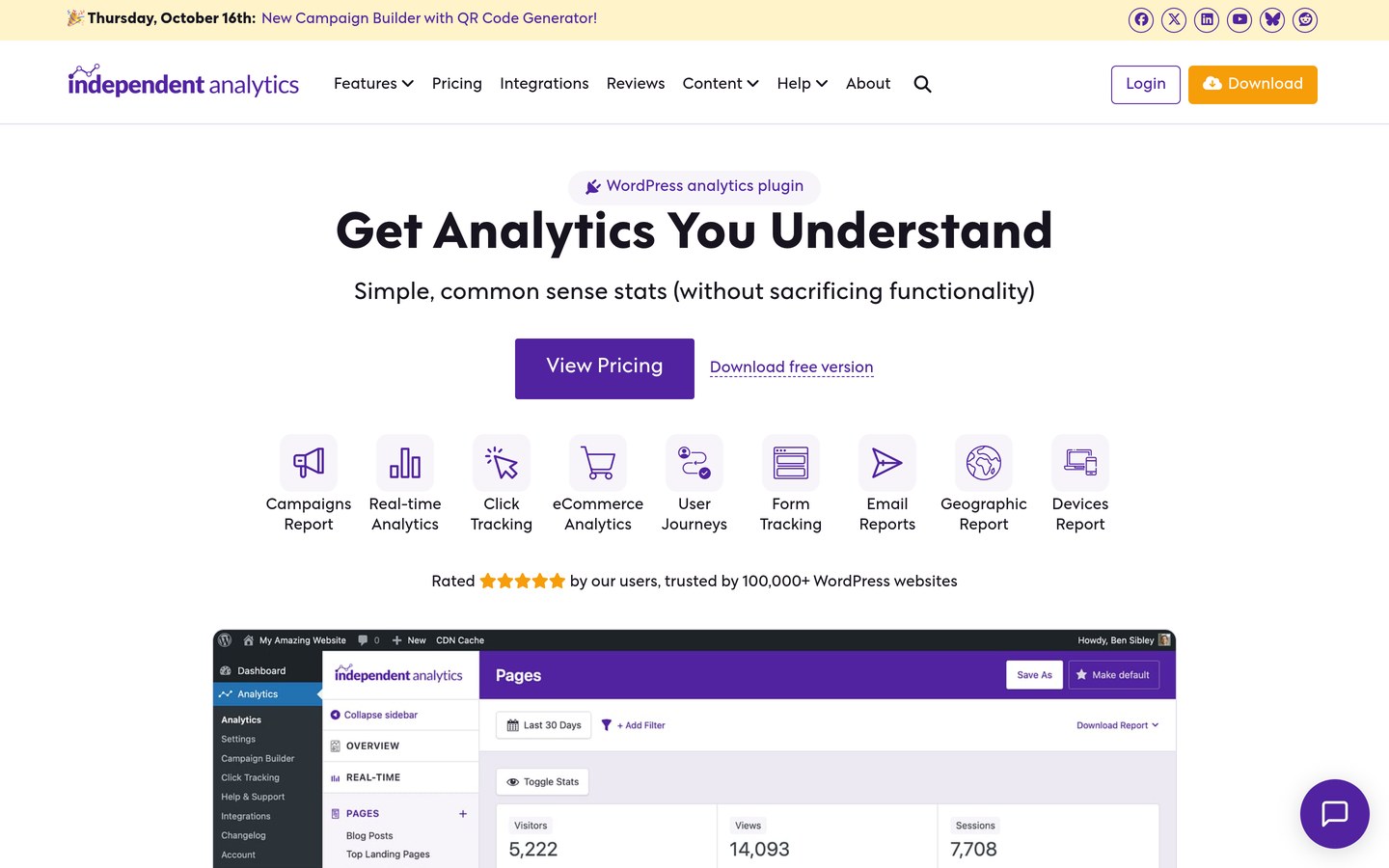
Independent Analytics homepage, captured Nov 2026.
Independent Analytics is a privacy-friendly plugin that records visits on your own server, with more than 100,000 active installs and a 4.8 out of 5 rating from 168 reviews. The free version covers pages, referrers and devices with no cookies, while Pro adds real-time stats, campaigns and WooCommerce sales reports.
The trade off is that sales reports need Pro. Pro costs $49 a year for one site and renews at the same price, with lifetime licences from $147. It suits stores that want simple, private sales data without a Google account.
4.9/5on WordPress.org (189 reviews, checked Nov 2026)
Paid from$99/yr
Best for privacy-first stores
WooCommerce funnelsBusiness plan
CookiesNone
Free versionYes
Paid planBusiness, $99/yr
burst-statistics.com
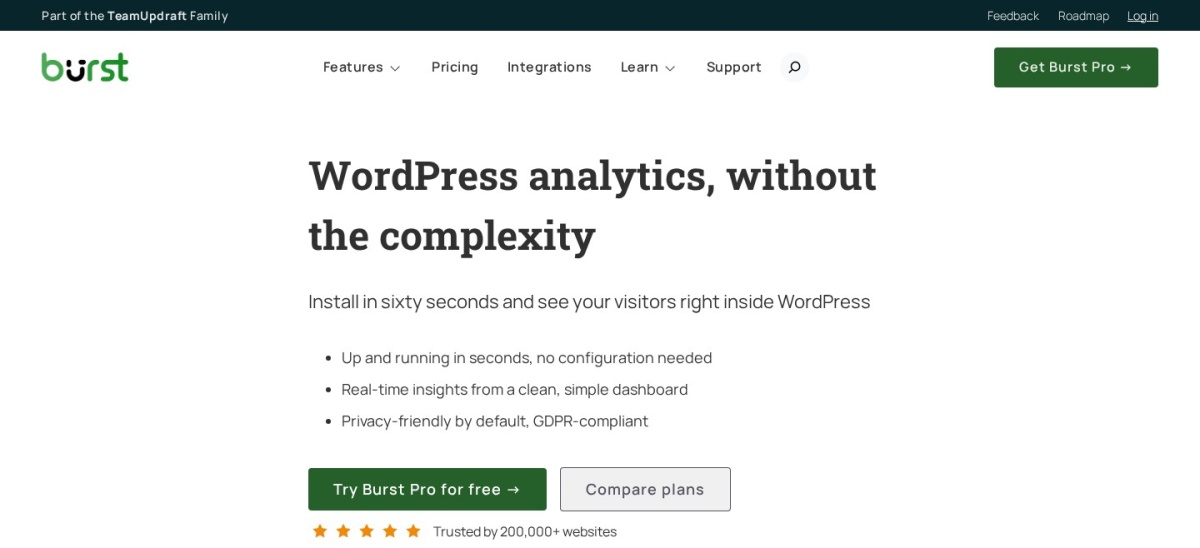
Burst Statistics homepage, captured Nov 2026.
Burst Statistics is a cookieless analytics plugin with more than 200,000 active installs and a 4.9 out of 5 rating from 189 reviews. The free version covers visitors, pages and referrers with no cookies, while paid plans add geography, UTM tracking, revenue reports and WooCommerce funnels.
The trade off is the plan split. Creator costs $49 a year for basic stats, but WooCommerce funnel analytics sit in Business at $99 a year for one site. It suits stores that want private analytics and funnel reports without Google.
2.5/5on WordPress.org (1,546 reviews, checked Nov 2026)
Paid from$399/yr
Best MonsterInsights alternative for GA4
WooCommerce trackingPro plan only
GA4 reportsYes, in dashboard
Free versionYes
Paid planPro, $399/yr
exactmetrics.com
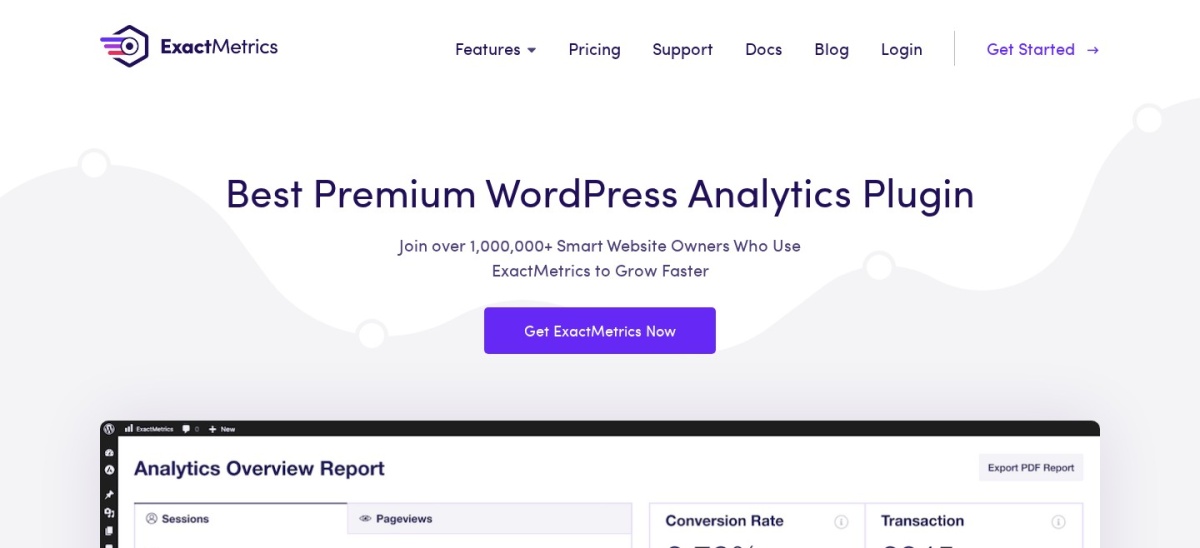
ExactMetrics homepage, captured Nov 2026.
ExactMetrics is a GA4 dashboard plugin with more than 200,000 active installs, but a 2.5 out of 5 rating from 1,546 reviews, the lowest in this list. The free version shows overview and real-time reports in WordPress, and paid plans add Search Console data, custom dimensions and eCommerce reports.
The trade off is trust and price. Recent reviews complain about support and upsells, so read them before you pay, and eCommerce tracking needs Pro at $199.50 first year and $399 on renewal. It suits publishers who already use ExactMetrics and want WooCommerce data in the same dashboard.
4.1/5on WordPress.org (762 reviews, checked Nov 2026)
Paid from$119/yr
Best self-hosted stats for stores
WooCommerce reportsNo, traffic only
Google accountNot needed
Data storageYour own database
Paid planPremium, $119/yr
wp-statistics.com
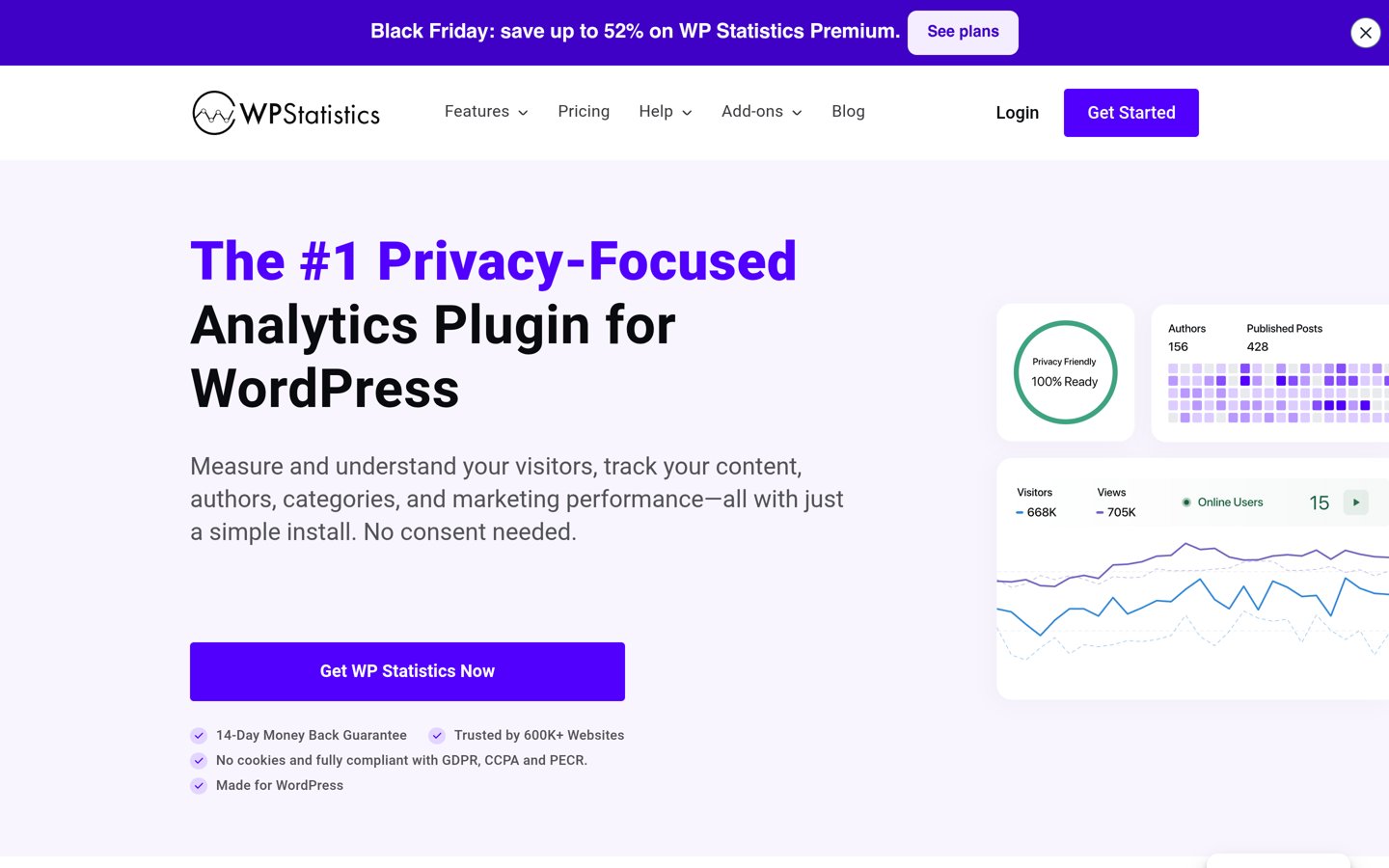
WP Statistics homepage, captured Nov 2026.
WP Statistics is a privacy-friendly stats plugin with more than 500,000 active installs and a 4.1 out of 5 rating from 762 reviews. It stores visits in your own database and shows visitors, referrers, search terms and geography, with no Google account and no cookies.
The trade off is that it tracks traffic, not orders. There is no WooCommerce sales report in the core plugin, so pair it with the free WooCommerce Analytics reports for revenue. It suits stores that want private traffic stats and already read sales in WooCommerce.
4.5/5on WordPress.org (4,834 reviews, checked Nov 2026)
Paid from$49/yr
Best built-in store reports
Built-in reportsYes, free
Sales by productYes
Paid extensionsFrom $49/yr
Paid planExtensions, $49/yr
woocommerce.com
WooCommerce Analytics homepage, captured Nov 2026.
WooCommerce Analytics is the reporting built into the free WooCommerce core plugin, which has more than 7 million active installs and a 4.5 out of 5 rating from 4,834 reviews. It shows revenue, orders, products, customers and coupons, with date ranges and CSV exports, and costs nothing extra.
The trade off is depth. There are no funnels, segments or traffic sources, so you cannot see which campaign produced an order without another tool. It suits every store as the free starting point, before paying for segments or GA4 data.
2.8/5on WordPress.org (119 reviews, checked Nov 2026)
PriceFree
Best free GA4 link for stores
WooCommerce eventsYes, free
Reports in WordPressNo, GA4 only
Free versionYes
Paid planNone, free plugin
woocommerce.com
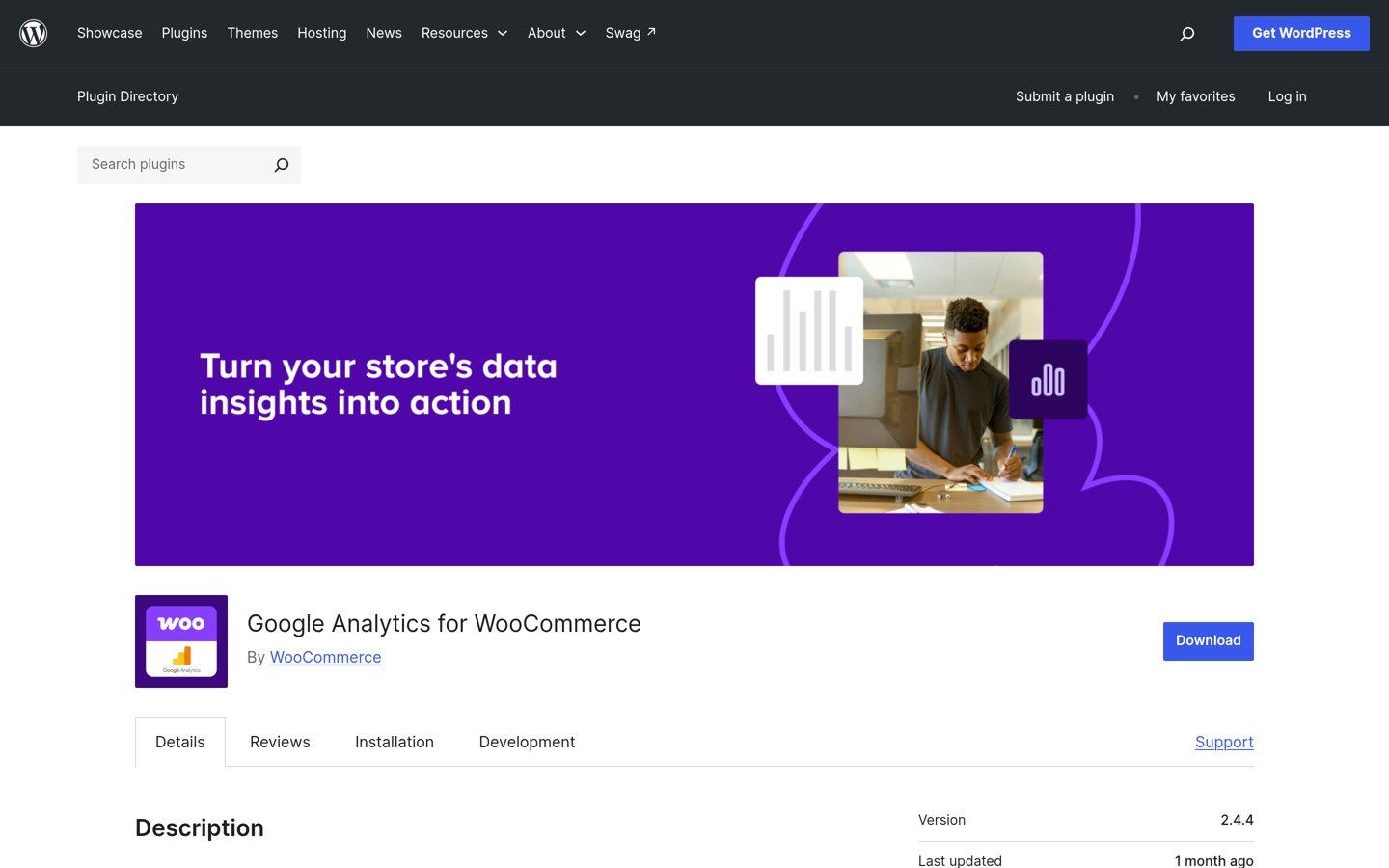
Google Analytics for WooCommerce homepage, captured Nov 2026.
Google Analytics for WooCommerce is the official free integration from the WooCommerce team, with more than 100,000 active installs and a 2.8 out of 5 rating from 119 reviews. It sends product views, add-to-cart clicks, checkouts and purchases to GA4, with no settings to learn.
The trade off is that it shows nothing in WordPress. All reports live in GA4, so you need a Google account and some GA4 knowledge to read them. It suits stores that already use GA4 and want a free, official event feed.
GA4 connectors such as Analytify, MonsterInsights and ExactMetrics send purchase events to Google and pull the reports back into WordPress. They are the best choice when you already run Google Ads or want GA4 funnels.
On-site tools such as Independent Analytics, Burst Statistics and WP Statistics record visits in your own database instead. They load no Google scripts, need no Google account and keep working when ad blockers stop GA4.
Metorik sits in between: it reads your WooCommerce orders directly and adds segments, forecasts and email, but it costs $25 a month before any other tool is added.
Pick one approach and stick with it. Running a GA4 connector and an on-site tool together double-counts visits and makes the numbers hard to compare.
How we chose
We started from every analytics plugin on WordPress.org with a WooCommerce feature, then added the dedicated platforms stores actually use, Metorik and the built-in WooCommerce reports.
Prices come from each vendor's pricing page, checked on 22 November 2026. Ratings and install counts come from WordPress.org on the same day, except Metorik, which is rated on G2. Where a vendor shows a sale, the list shows the regular price.
We left out plugins not updated in the last 12 months and tools that track traffic only, with no sales data at all. No vendor paid for a place, and we do not claim hands-on testing for this list.
How to choose a WooCommerce analytics plugin
Start with where your sales data should live, then match the tool to your store size.
Decide GA4 or on-site first. If you run Google Ads, a GA4 connector keeps ad and sales data together. If you want privacy and no Google account, pick an on-site tool instead.
Check which plan includes WooCommerce tracking. MonsterInsights and ExactMetrics keep eCommerce reports in Pro, while Analytify and Independent Analytics include them in their cheapest paid plans.
Match the price to your order volume. Metorik starts at $25 a month for up to 100 orders and rises with volume, so a busy store pays far more than the entry price.
Keep the free reports before you pay. WooCommerce Analytics and Google Analytics for WooCommerce cost nothing, so use them for a month and pay only when you need segments or funnels.
FAQ
What is the best WooCommerce analytics plugin?
Analytify is the best pick for most stores. Its Pro plan includes WooCommerce revenue, order and refund tracking in GA4, shown inside WordPress, for $199 a year after a $99 first year. It covers 20,000+ sites and is rated 4.7 out of 5.
Is WooCommerce Analytics free?
Yes. WooCommerce Analytics is built into the free WooCommerce core plugin and shows revenue, orders, products and customer reports with no paid plan. Paid extensions from $49 a year add features such as subscriptions or bookings, but the reports themselves cost nothing.
Do I need Google Analytics for my WooCommerce store?
Not always. On-site tools such as Independent Analytics and Burst Statistics track sales without Google, which suits stores that want privacy or no Google account. Use a GA4 connector when you run Google Ads or want GA4 funnels and attribution.
Which WooCommerce analytics plugin is cheapest?
Independent Analytics Pro is the cheapest paid option here at $49 a year for one site, and it includes WooCommerce sales reports. Google Analytics for WooCommerce is free, but it only sends events to GA4 and shows no reports in WordPress.
What does Metorik cost?
Metorik starts at $25 a month for stores averaging up to 100 orders a month, with a 30-day free trial. The price rises with order volume, reaching $75 a month at 500 orders and $150 at 2,000 orders, and every plan includes all features.
Why is MonsterInsights eCommerce tracking so expensive?
MonsterInsights keeps eCommerce reports in its Pro plan, which costs $399 a year after a $199.50 first year. The cheaper Plus plan covers GA4 reports but not WooCommerce sales, so stores that need order data must pay for Pro.