Best Google Analytics Plugins for WooCommerce in 2026: 8 Tools Compared
WLWPLegible EditorsLast verified 22 Nov 2026How we rank9 min read
★ Short answer
MonsterInsights is the best Google Analytics plugin for WooCommerce because it brings one-click GA4 ecommerce reports directly into your WordPress dashboard across 2+ million sites. Stores that prefer a free Google Tag Manager data layer should choose GTM4WP, while multi-channel advertisers should use PixelYourSite.
How we make this list: we compare pricing pages, product documentation and public user reviews, then re-check every price before each update. No product paid for a place. Disclosure.
MonsterInsights holds 2+ million active installs and a 4.5-star rating, though WooCommerce tracking requires the Pro plan at $399/yr regular price ($199.50/yr intro).
GTM4WP and the official Google Analytics for WooCommerce plugin are 100% free with no paid tiers, delivering full GA4 ecommerce events.
Analytify earns the highest WordPress.org rating on this list at 4.7 stars across 488 reviews and bundles its WooCommerce add-on in the $199/yr regular StartUp plan ($99/yr intro).
PixelYourSite ($199/yr) and Conversios ($398/yr regular, $159.20/yr intro) combine GA4 ecommerce tracking with server-side ad conversions for Meta and Google Ads.
Site Kit by Google is installed on 5+ million sites for free, but it only inserts the base Google tag and lacks native WooCommerce checkout event tracking.
What to look for in a WooCommerce Google Analytics plugin
Standard Google Analytics 4 snippets track page views and sessions, but they miss critical store actions like product impressions, cart additions, checkout steps, and completed orders. A dedicated WooCommerce analytics plugin bridges that gap by pushing structured GA4 ecommerce events and revenue totals automatically.
Beyond event accuracy, decide where you want to read your numbers and how you manage tags. Dashboard reporting plugins like MonsterInsights and Analytify display revenue, conversion rates, and top products inside WordPress, whereas Google Tag Manager plugins like GTM4WP and GTM Kit push a clean data layer so you can control tags inside GTM.
Watch out for paywall boundaries and renewal pricing before committing. Several popular plugins include free versions on WordPress.org that only handle basic GA4 installation, locking WooCommerce checkout funnels, refund tracking, and server-side Measurement Protocol events behind $199/yr to $399/yr plans.
Alternative to MonsterInsights for multi-site agencies
$399/yr
Free plan
2.5/5
Price ladder: cheapest paid plan per year
List prices, USD, checked Nov 2026
GTM4WPFree
WC Google A.Free
GTM KitFREE$92
PixelYourS.FREE$199
AnalytifyFREE$199
ConversiosFREE$398
MonsterIn.FREE$399
ExactMetricsFREE$399
The 8 best google analytics plugins for woocommerce
01
MonsterInsights
4.5/5on WordPress.org (3,161 reviews, checked Nov 2026)
Paid from$399/yr
Best overall for in-WordPress WooCommerce reports
GA4 ecommercePro plan ($399/yr regular)
WP dashboard reportsYes (revenue, AOV, funnels)
Tag Manager neededNo
Site license (Pro)Up to 5 sites
monsterinsights.com
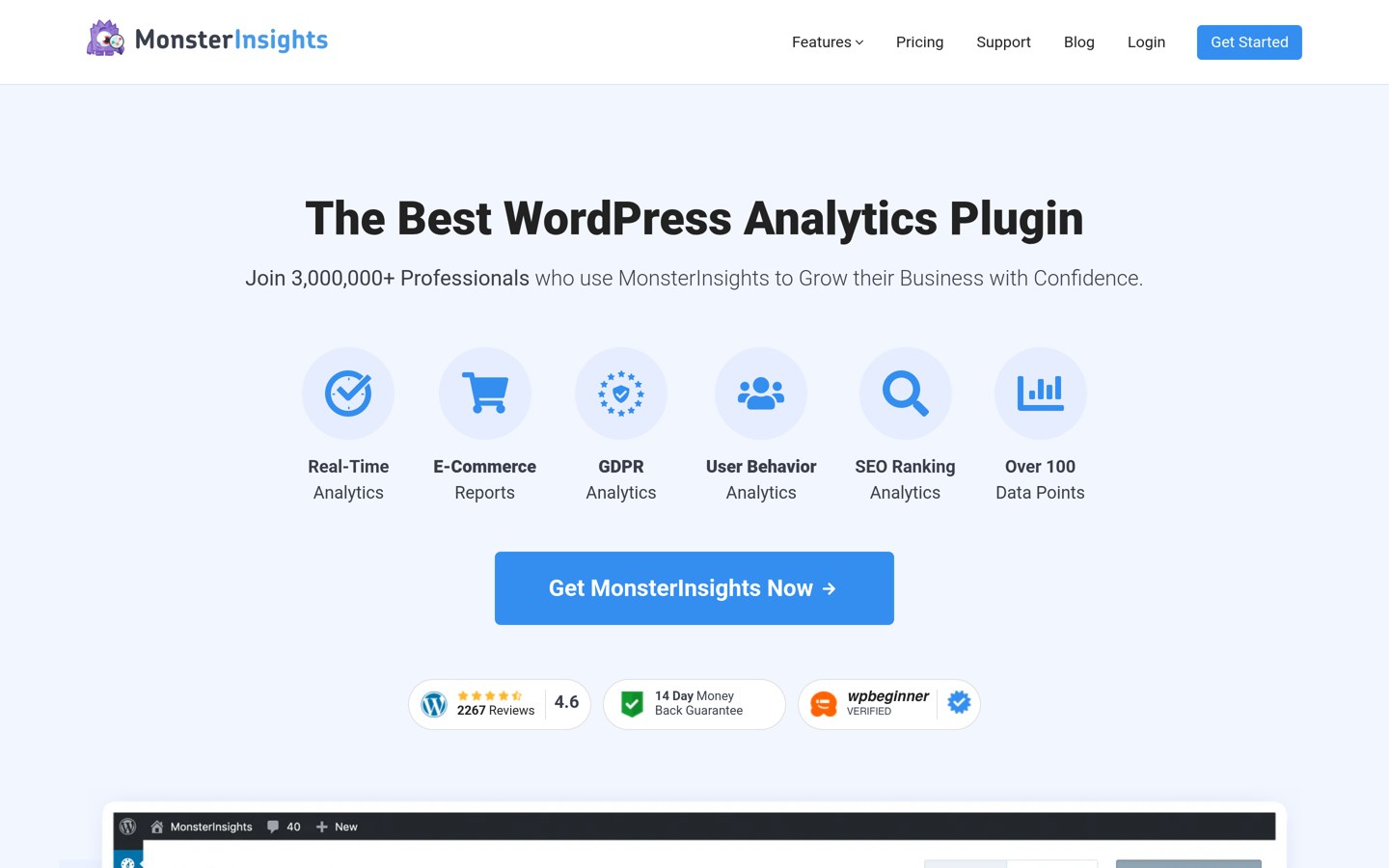
MonsterInsights homepage, captured Nov 2026.
MonsterInsights is a Google Analytics dashboard plugin for WordPress with 2+ million active installs and a 4.5-star rating from 3,161 reviews. Its free version connects GA4 and displays basic traffic summaries inside wp-admin, while the Pro plan unlocks the eCommerce addon for automatic WooCommerce checkout, revenue, conversion rate, and average order value tracking.
The trade off is that WooCommerce tracking is not included in the free plugin or the entry Plus tier ($199/yr regular), requiring Pro at $399/yr regular ($199.50/yr first-year intro sale). It suits store owners who want clear revenue reports inside WordPress without touching Google Tag Manager.
What we like
Zero-code GA4 ecommerce setup for WooCommerce
Clean revenue, top products, and funnel reports inside wp-admin
Includes User Journeys and EU Compliance addons on Pro
Active development across 2+ million installations
Watch out for
Ecommerce tracking requires the $399/yr regular Pro tier
Introductory 50% discount doubles upon renewal
Pro ($399/yr regular, $199.50/yr intro) adds WooCommerce tracking, User Journeys, and form conversions.Visit monsterinsights.com
02
GTM4WP
4.5/5on WordPress.org (155 reviews, checked Nov 2026)
PriceFree
Best free plugin for Google Tag Manager setups
GA4 ecommerceFree (via GTM data layer)
WP dashboard reportsNo (view in GA4)
Tag Manager neededYes
Paid tiersNone (100% free)
gtm4wp.com
GTM4WP homepage, captured Nov 2026.
GTM4WP is a free Google Tag Manager integration plugin used on 700,000+ WordPress sites with a 4.5-star rating across 155 reviews. It injects your GTM container snippet and pushes a complete GA4 ecommerce data layer for WooCommerce, covering product impressions, cart additions, checkout steps, and order confirmations without any paid upgrade.
The trade off is that GTM4WP has no built-in WordPress reporting dashboard and requires you to configure tags, triggers, and variables inside Google Tag Manager. It suits marketers, agencies, and store owners comfortable working in GTM who want granular event control for free.
What we like
Completely free with no premium upsells or feature locks
Outputs full GA4 ecommerce events to the GTM data layer
Supports extra page metadata like post author, category, and user role
Watch out for
Requires Google Tag Manager setup and container maintenance
No analytics graphs or revenue reports inside WordPress
Completely free on WordPress.org with all WooCommerce data layer events unlocked.Visit gtm4wp.com
03
PixelYourSite
4.3/5on WordPress.org (281 reviews, checked Nov 2026)
Paid from$199/yr
Best for GA4 plus Meta, Google Ads, and TikTok pixels
GA4 ecommerceFree basic; Pro adds server API
WP dashboard reportsNo (sends to GA4 & ad platforms)
PixelYourSite is a multi-platform tag and conversion manager installed on 400,000+ sites with a 4.3-star rating from 281 reviews. Its free plugin fires standard WooCommerce GA4 ecommerce events alongside Meta and Google tags, while PixelYourSite Pro adds GA4 Measurement Protocol server-side tracking, WooCommerce Subscriptions events, and custom event triggers.
The trade off is that its interface focuses heavily on paid advertising pixels rather than beginner analytics, and the Starter license costs $199/yr for a single site. It suits WooCommerce stores running paid social and search campaigns that want GA4 and ad APIs managed in one place.
What we like
Free version includes standard WooCommerce GA4 ecommerce events
Pro combines GA4 Measurement Protocol with Meta CAPI and Google Ads
Supports WooCommerce Subscriptions and CartFlows out of the box
Integrates with ConsentMagic and major GDPR cookie plugins
Watch out for
No visual GA4 charts inside the WordPress dashboard
Pinterest, Bing, and Reddit tags require higher tiers or add-ons
Pro Starter ($199/yr for 1 site) adds server-side GA4 Measurement Protocol, custom triggers, and subscription tracking.Visit pixelyoursite.com
04
Analytify
4.7/5on WordPress.org (488 reviews, checked Nov 2026)
Paid from$199/yr
Best value for in-WordPress WooCommerce dashboards
GA4 ecommerceStartUp plan ($199/yr regular)
WP dashboard reportsYes (store & per-page stats)
Tag Manager neededNo
Site license (StartUp)2 sites
analytify.io
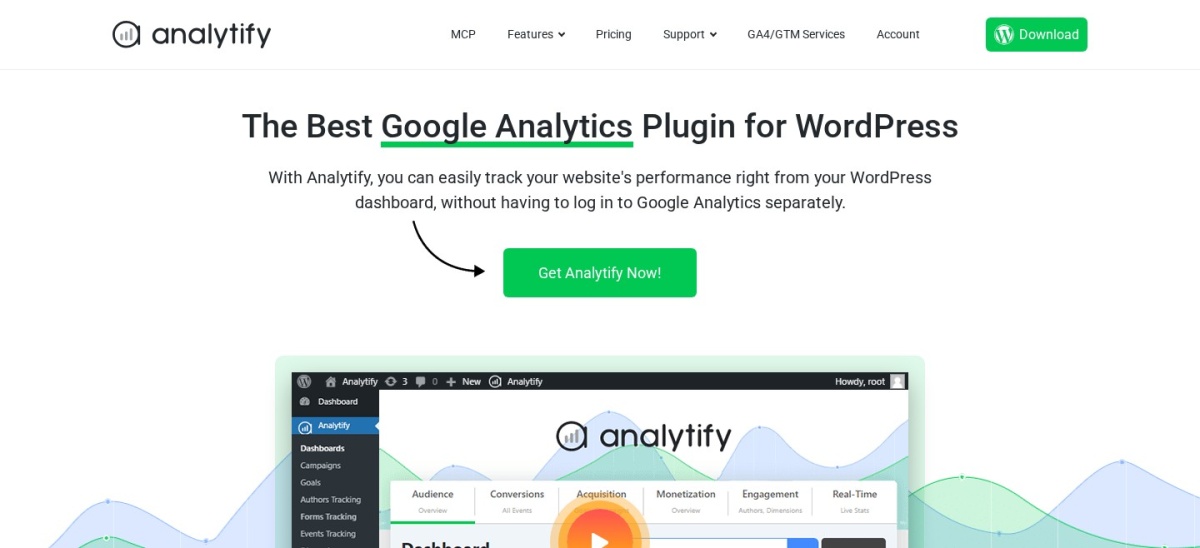
Analytify homepage, captured Nov 2026.
Analytify is a WordPress GA4 tracking and reporting plugin with 20,000+ active installs and a 4.7-star rating across 488 reviews. The free plugin adds GA4 tracking and general traffic widgets to wp-admin, while the StartUp plan includes the WooCommerce add-on to track product performance, shopping behavior, checkout funnels, and refunds inside WordPress.
The trade off is that WooCommerce tracking is absent from the free plugin, though StartUp costs $199/yr regular ($99/yr intro sale) for 2 sites—half the regular price of MonsterInsights Pro. It suits small store owners who want clean in-dashboard revenue metrics on a tighter budget.
What we like
Highest WordPress.org star rating (4.7/5) among dashboard plugins
Includes WooCommerce tracking on its entry StartUp tier for 2 sites
Shows page-level and product-level GA4 metrics inside WordPress
Watch out for
Free version does not track WooCommerce checkout events
Smaller install base (20,000+) than MonsterInsights or Site Kit
StartUp ($199/yr regular, $99/yr intro for 2 sites) unlocks the WooCommerce, Forms, and Campaigns add-ons.Visit analytify.io
05
GTM Kit
4.8/5on WordPress.org (20 reviews, checked Nov 2026)
Paid from$92/yr
Best modern GTM plugin with server-side webhooks
GA4 ecommerceFree core; Premium adds refunds
WP dashboard reportsNo (view in GA4)
Tag Manager neededYes
Site license (Premium)1 site (€85/yr, ~$92/yr)
gtmkit.com
GTM Kit homepage, captured Nov 2026.
GTM Kit is a Google Tag Manager and GA4 integration plugin with 30,000+ active installs and a 4.8-star rating from 20 reviews. Its free core plugin outputs standard GA4 ecommerce data layer events for WooCommerce blocks and classic templates, plus built-in WP Consent API and cookie banner compatibility.
The trade off is that you still need a Google Tag Manager account to process events, and Premium (€85/yr, roughly $92/yr for 1 site) is required for refund events, WooCommerce Subscriptions, and server-side conversion webhooks. It suits developers and stores running modern block-based WooCommerce checkouts.
What we like
Free plugin supports WooCommerce ecommerce events and Consent Mode v2
Built natively for WordPress and WooCommerce checkout blocks
Premium adds server-side webhooks and ready-made GTM container templates
4.3/5on WordPress.org (206 reviews, checked Nov 2026)
Paid from$398/yr
Best for combining GA4 tracking with Google Shopping feeds
GA4 ecommerceFree basic; Pro adds custom GTM
WP dashboard reportsYes (GA4 & ad metrics)
Product feed syncGoogle Merchant Center & Meta
Site license (Pro)1 site ($398/yr regular)
conversios.io
Conversios homepage, captured Nov 2026.
Conversios is an ecommerce tracking and product feed plugin for WooCommerce with 10,000+ active installs and a 4.3-star rating across 206 reviews. The free plugin automates GA4 ecommerce event setup using a pre-built GTM container and syncs WooCommerce products to Google Merchant Center, while paid plans add server-side tagging and multi-pixel CAPI support.
The trade off is steep regular pricing at $398/yr for 1 site ($159.20/yr during promotional sales) and a heavier interface than single-purpose analytics tools. It suits WooCommerce merchants running Google Shopping campaigns who want tracking and Merchant Center product feeds handled together.
What we like
Automates GTM container setup for WooCommerce GA4 events
Includes Google Merchant Center product feed syncing
Supports Meta, TikTok, and Snapchat pixels alongside GA4
Watch out for
Regular renewal price reaches $398/yr for a single site
Broader feature set adds setup complexity if you only need GA4
2.8/5on WordPress.org (119 reviews, checked Nov 2026)
PriceFree
Best official free plugin for basic store event tracking
GA4 ecommerceFree (core product & order events)
WP dashboard reportsNo (view in GA4)
Tag Manager neededNo
MaintainerWooCommerce / Automattic
woocommerce.com
Google Analytics for WooCommerce homepage, captured Nov 2026.
Google Analytics for WooCommerce is the official free integration maintained by WooCommerce and Automattic, active on 100,000+ stores with a 2.8-star rating across 119 reviews. It connects your GA4 measurement ID from WooCommerce settings and sends core ecommerce events including product views, cart additions, checkout starts, and completed purchases.
The trade off is a low 2.8-star rating driven by limited customization, lack of in-dashboard charts, and occasional conflicts with third-party consent plugins. It suits small stores that want a simple, official free GA4 connection without extra dashboards or subscriptions.
What we like
Maintained directly by WooCommerce and Automattic for free
Tracks core GA4 product, cart, checkout, and purchase events
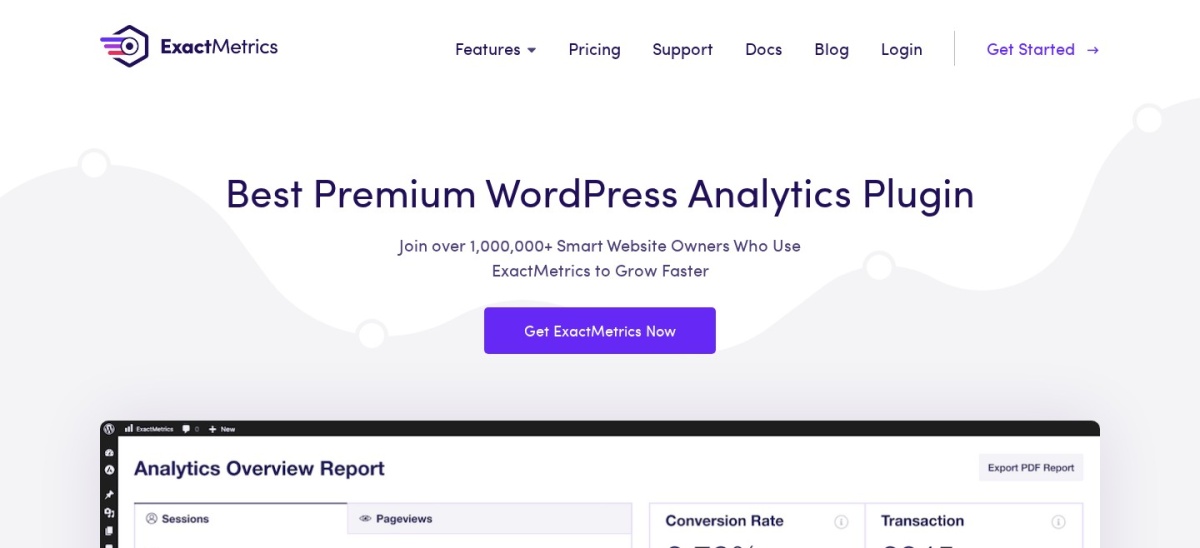
ExactMetrics is a WordPress Google Analytics plugin installed on 200,000+ sites with a 2.5-star rating from 1,546 reviews. Built by the same parent company as MonsterInsights, it offers an almost identical feature set: a free base GA4 connector and a Pro plan that enables automatic WooCommerce ecommerce tracking and inside-WordPress revenue reports.
The trade off is a 2.5-star WordPress.org rating—largely from users frustrated by paywalled reports—and a $399/yr regular price for Pro ($199.50/yr intro) to unlock WooCommerce tracking. It suits agencies or multi-site owners who specifically prefer ExactMetrics' licensing structure.
What we like
Automatic GA4 WooCommerce tracking on the Pro tier
Detailed ecommerce, conversion, and user journey reports in wp-admin
Pro license covers up to 5 websites
Watch out for
2.5-star average rating on WordPress.org across 1,546 reviews
WooCommerce tracking requires the $399/yr regular Pro plan
Pro ($399/yr regular, $199.50/yr intro for 5 sites) unlocks Enhanced eCommerce tracking, WooCommerce integration, and User Journeys.Visit exactmetrics.com
Why Site Kit by Google is not on the main list
Site Kit by Google is installed on 5+ million WordPress sites with a 4.2-star rating, making it the most popular general analytics plugin on WordPress.org. However, Site Kit only inserts the standard GA4 snippet and displays Search Console and traffic summaries—it does not send WooCommerce product views, add-to-cart actions, or purchase revenue events out of the box.
If you already use Site Kit for Search Console and PageSpeed Insights, you can keep it active for those dashboards while turning off its GA4 tag snippet and letting a dedicated WooCommerce plugin like GTM4WP or MonsterInsights handle ecommerce events.
How we chose
We started with the most widely installed Google Analytics and Google Tag Manager plugins on WordPress.org that explicitly support WooCommerce GA4 ecommerce events, cross-referencing official WordPress.org listings with vendor documentation.
Every active install figure, star rating, review count, and regular annual price was verified on 22 Nov 2026 directly from WordPress.org plugin pages and official vendor pricing pages. Where vendors display 50% introductory discounts, we listed the regular renewal price in the comparison table and noted the sale price in the text.
We excluded general analytics plugins that lack native WooCommerce ecommerce event tracking (such as Site Kit by Google and GA Google Analytics), plugins not updated within the past 12 months, and tools without transparent public pricing pages. No vendor paid for a place, and we do not claim hands-on testing for this list.
How to choose a WooCommerce Google Analytics plugin
Match your store's technical workflow and ad spend to the right tracking architecture before paying for an annual license.
Decide between in-WordPress dashboards and GA4. If you want revenue, conversion rate, and top product charts inside wp-admin, choose MonsterInsights or Analytify; if you read reports directly inside Google Analytics 4, free plugins like GTM4WP or GTM Kit save hundreds per year.
Check whether WooCommerce events require a paid tier. MonsterInsights, ExactMetrics, and Analytify all require paid upgrades ($199/yr to $399/yr regular) for WooCommerce checkout tracking, whereas GTM4WP, GTM Kit, and PixelYourSite fire standard GA4 ecommerce events on their free versions.
Verify GDPR consent mode compatibility. If you sell to visitors in the EU or UK, confirm that your analytics plugin integrates with your cookie banner via Google Consent Mode v2 or the WP Consent API so tags pause until consent is granted.
Avoid running two GA4 tags at the same time. Before activating a WooCommerce analytics plugin, remove any manual GA4 header scripts or disable tag insertion in Site Kit by Google so purchases and page views are not double-counted.
FAQ
Does WooCommerce work with Google Analytics 4 out of the box?
No. WooCommerce does not include a built-in GA4 tracking script, so you need a plugin to insert your measurement ID and push ecommerce events like view_item, add_to_cart, begin_checkout, and purchase to Google Analytics 4.
What is the best free Google Analytics plugin for WooCommerce?
GTM4WP is the strongest free option if you are comfortable using Google Tag Manager, as it outputs a complete GA4 ecommerce data layer at no cost. If you do not want to use Tag Manager, PixelYourSite Free and the official Google Analytics for WooCommerce plugin both send basic GA4 purchase events without a paid plan.
Do I need MonsterInsights Pro for WooCommerce?
Yes. The free MonsterInsights Lite plugin and the entry Plus plan ($199/yr regular) only track general site traffic. You need MonsterInsights Pro ($399/yr regular, $199.50/yr first-year intro) to unlock the eCommerce addon for WooCommerce revenue and funnel tracking.
Should I use Google Tag Manager or a direct GA4 plugin?
Use a direct plugin like MonsterInsights, Analytify, or PixelYourSite if you want fast setup without managing containers. Use a GTM plugin like GTM4WP or GTM Kit if you run multiple marketing scripts and want centralized trigger control inside Google Tag Manager.
Can I use Site Kit by Google with WooCommerce?
Yes, for basic traffic and Search Console data, but Site Kit does not track WooCommerce product views, cart additions, or order revenue. Store owners who want Site Kit's Search Console dashboard should disable its Analytics snippet and use a dedicated WooCommerce GA4 plugin alongside it.
Why do WooCommerce purchase numbers sometimes differ from GA4?
Browser ad blockers, declined cookie consent banners, and closed thank-you tabs prevent browser-based scripts from firing on roughly 10% to 30% of orders. Plugins with server-side Measurement Protocol support, such as PixelYourSite Pro and GTM Kit Premium, help recover missed conversions.