Best PayPal Plugins for WooCommerce in 2026: 8 Tools Compared
WLWPLegible EditorsLast verified 22 Nov 2026How we rank12 min read
★ Short answer
Payment Plugins for PayPal WooCommerce is the best PayPal plugin for most stores, with a 4.8 out of 5 rating from 127 users and 80,000+ installs, and it is free. Pick WooCommerce PayPal Payments for the official integration, or Braintree for the lowest card rate at 2.89% plus 29 cents.
How we make this list: we compare pricing pages, product documentation and public user reviews, then re-check every price before each update. No product paid for a place. Disclosure.
Payment Plugins is the best-rated PayPal plugin here: 4.8 out of 5 from 127 reviews, with 80,000+ installs, and it is free.
WooCommerce PayPal Payments is the official plugin with 700,000+ installs, but its 2.9 out of 5 rating is low.
PayPal Checkout costs 3.49% plus 49 cents per sale in the US, while Braintree cards cost 2.89% plus 29 cents.
ThemeHigh is the only paid plugin here: $59 a year adds product-page buttons and subscription support.
All 8 plugins are free to install; the cost is PayPal's fee on each sale, not a plugin subscription.
What a PayPal plugin for WooCommerce should cover
WooCommerce does not ship with a PayPal checkout, so every store that wants PayPal adds a plugin. The plugin connects your store to PayPal, adds the PayPal button to cart and checkout, and takes cards through PayPal where the plan allows it.
The plugin itself is usually free. The real cost is PayPal's fee on each sale: 3.49% plus 49 cents for PayPal Checkout in the US, or 2.99% plus 49 cents for cards. Our guide on setting up WooCommerce covers the store side first.
Ratings matter more here than in most lists. The official plugin has 700,000 installs but a 2.9 rating, while the best-rated alternative has 80,000 installs and a 4.8 rating. Read the recent reviews before you pick.
Pick one PayPal plugin and one card gateway. Two PayPal plugins at checkout will fight over the same button, and a second gateway only helps if it takes cards directly.
4.8/5on WordPress.org (127 reviews, checked Nov 2026)
Pricing3.49% + 49¢ per sale
Best PayPal plugin for WooCommerce overall
Free pluginYes, 100% free
PayPal Checkout fee3.49% + 49¢
Pay LaterYes
SubscriptionsYes, with WooCommerce Subscriptions
paymentplugins.com
Payment Plugins for PayPal homepage, captured Nov 2026.
Payment Plugins for PayPal is a free PayPal gateway for WooCommerce from Angell EYE, a PayPal partner. It adds PayPal Checkout, smart buttons, credit and debit cards, Pay Later and Venmo to cart and checkout, and it works with WooCommerce Subscriptions and block checkout.
The trade off is that it is not the official plugin, so PayPal support will point you to the vendor first. The plugin itself costs nothing, and you pay PayPal's standard fee of 3.49% plus 49 cents per PayPal sale. It suits stores that want the best-rated free PayPal gateway.
What we like
Highest-rated PayPal plugin in this list, 4.8 out of 5
2.9/5on WordPress.org (591 reviews, checked Nov 2026)
Pricing3.49% + 49¢ per sale
Best official PayPal integration
Free pluginYes
PayPal Checkout fee3.49% + 49¢
Card fee2.99% + 49¢
Pay LaterYes, built in
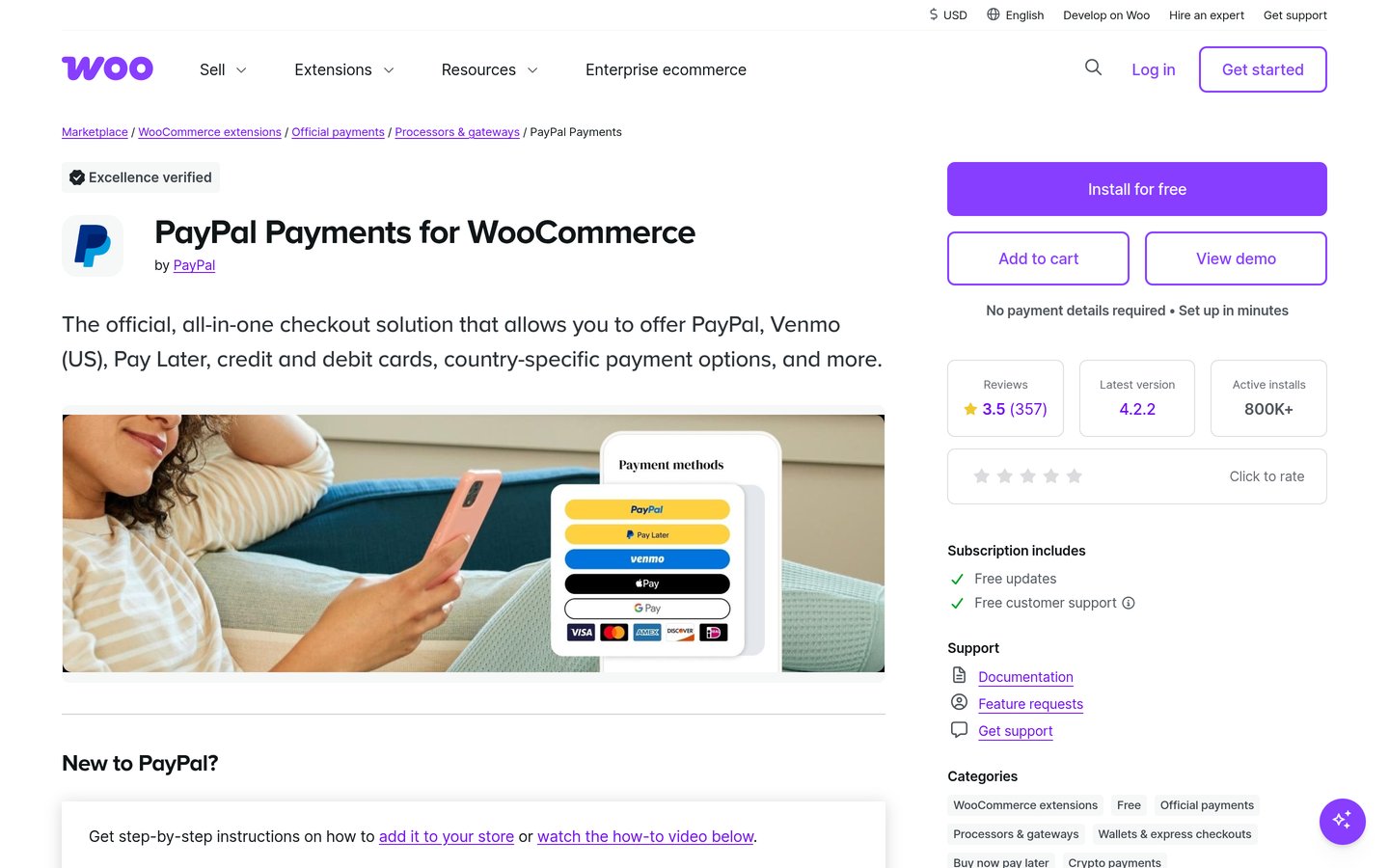
woocommerce.com
WooCommerce PayPal Payments homepage, captured Nov 2026.
WooCommerce PayPal Payments is the official PayPal plugin for WooCommerce, built by WooCommerce with PayPal. It adds PayPal Checkout buttons, Venmo for US shoppers, Pay Later messages and card payments to product, cart and checkout pages, with Fastlane guest checkout.
The trade off is the rating, at 2.9 out of 5 from 591 reviews, one of the lowest in this list, with reports of setup and connection faults. The plugin is free and you pay PayPal's fees: 3.49% plus 49 cents for PayPal Checkout, 2.99% plus 49 cents for cards. It suits stores that want the official integration.
4.4/5on WordPress.org (74 reviews, checked Nov 2026)
Pricing3.49% + 49¢ per sale
Best for Fastlane guest checkout
Free pluginYes
Fastlane checkoutYes
PayPal Checkout fee3.49% + 49¢
Cards on siteYes
wordpress.org
Payment Gateway for PayPal homepage, captured Nov 2026.
Payment Gateway for PayPal is a free PayPal gateway for WooCommerce from an official PayPal partner. It adds PayPal Checkout, smart buttons, card payments on your site and Fastlane by PayPal, which lets returning shoppers pay with a saved card after a one-time code.
The trade off is size, at 10,000 installs and 74 reviews, far fewer than the two plugins above, so there is less community help when something breaks. The plugin is free and you pay PayPal's standard 3.49% plus 49 cents per PayPal sale. It suits stores that want Fastlane without the official plugin.
4.2/5on WordPress.org (79 reviews, checked Nov 2026)
Paid from$59/yr
Best for product-page PayPal buttons
Free pluginYes, on WordPress.org
Premium plan$59/yr, 1 site
Product-page buttonPremium
SubscriptionsPremium
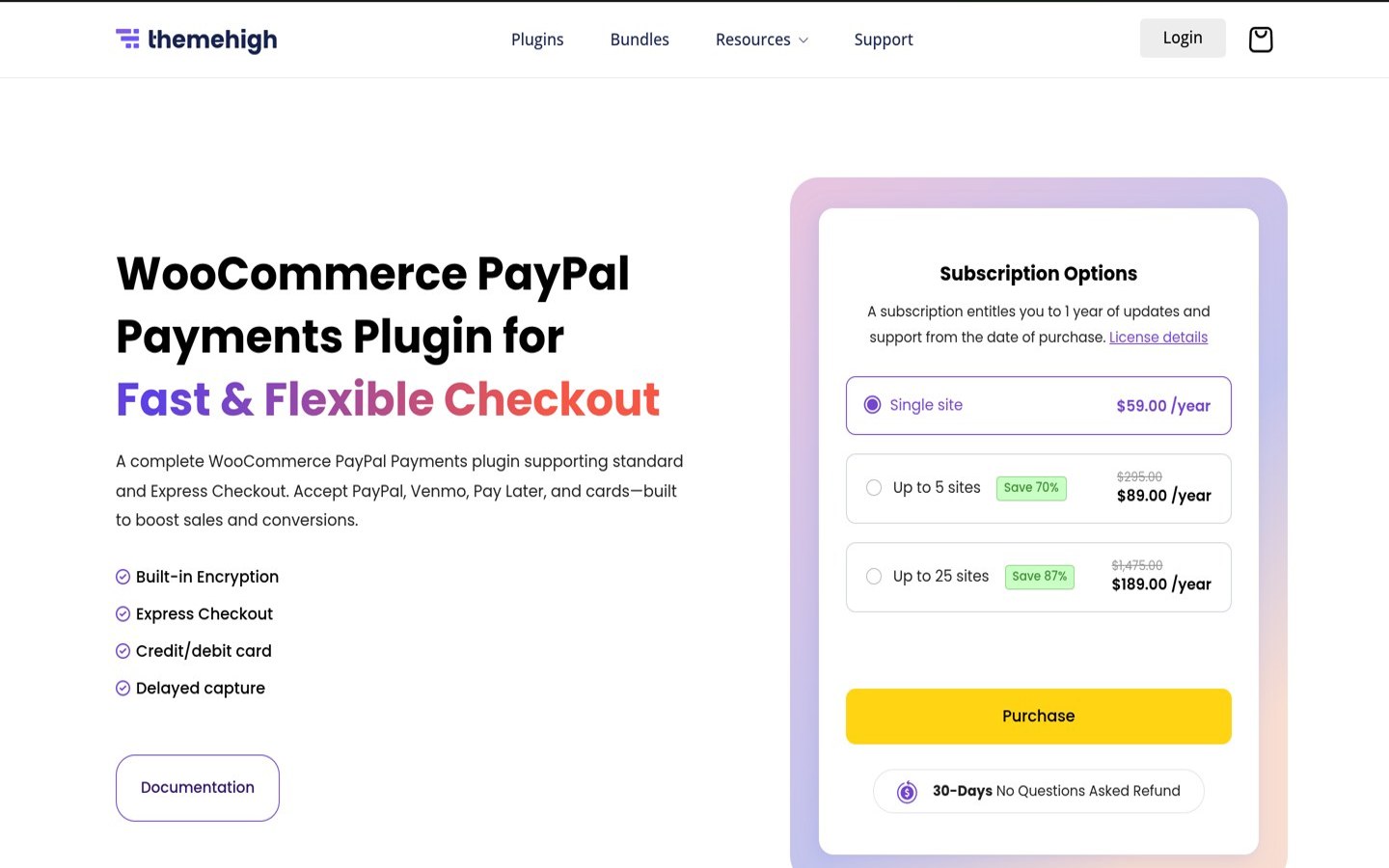
themehigh.com
Payment Gateway of PayPal homepage, captured Nov 2026.
Payment Gateway of PayPal is ThemeHigh's PayPal plugin for WooCommerce, with Express and Smart Checkout, cards, Pay Later and local payment methods. The free version puts PayPal buttons on the cart and checkout pages, and the premium version adds them to product pages and the mini-cart.
The trade off is that the useful extras are paid. Product-page buttons, subscription support and refunds from the order screen need Premium at $59 a year for one site, though the free version still covers the core checkout. It suits stores that want PayPal buttons before the cart.
4.8/5on WordPress.org (9 reviews, checked Nov 2026)
Pricing3.49% + 49¢ per sale
Best free PayPal and Stripe combo
Free pluginYes, no Pro version
PayPal Checkout fee3.49% + 49¢
Stripe includedYes
SubscriptionsYes, built in
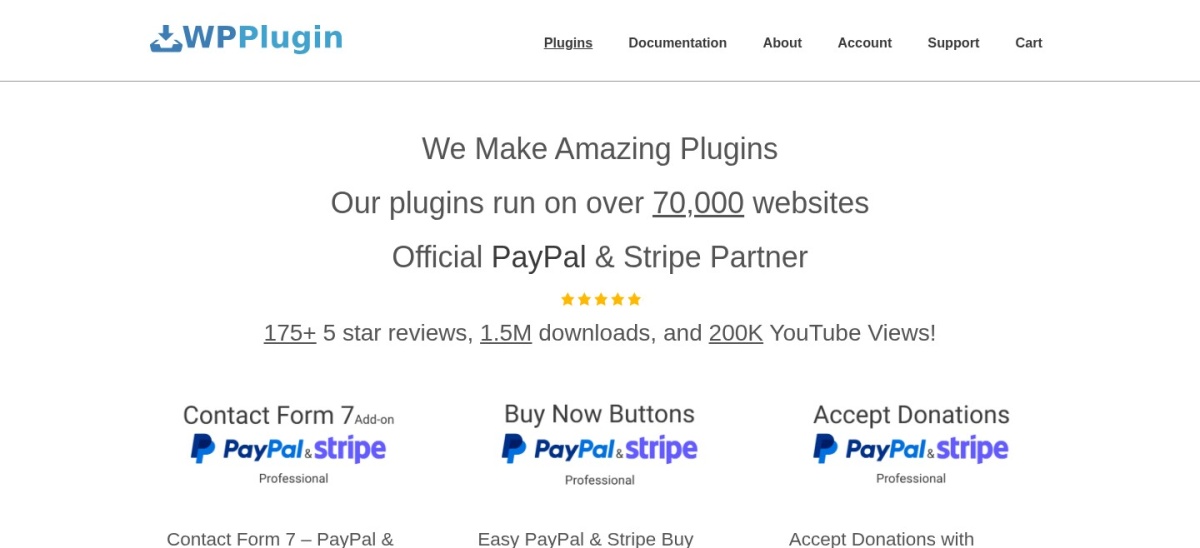
wpplugin.org
Restore PayPal Standard homepage, captured Nov 2026.
Restore PayPal Standard is a free plugin that brings back PayPal Standard and adds PayPal Commerce, Stripe and subscriptions in one install. It includes PayPal Checkout, Pay Later, Venmo and card payments, and it sells subscription products with recurring PayPal billing.
The trade off is its size, at 2,000 installs and 9 reviews, so it is the least-proven plugin in this list, with no paid support tier to fall back on. The plugin is free in full, with no Pro version, and you pay PayPal's standard fees. It suits small stores that want PayPal and Stripe from one free plugin.
2.6/5on WordPress.org (50 reviews, checked Nov 2026)
Pricing2.89% + 29¢ per sale
Best for the lowest card rate
Free pluginYes
Card fee2.89% + 29¢
PayPal and VenmoYes
ACH direct debitYes, 0.75%
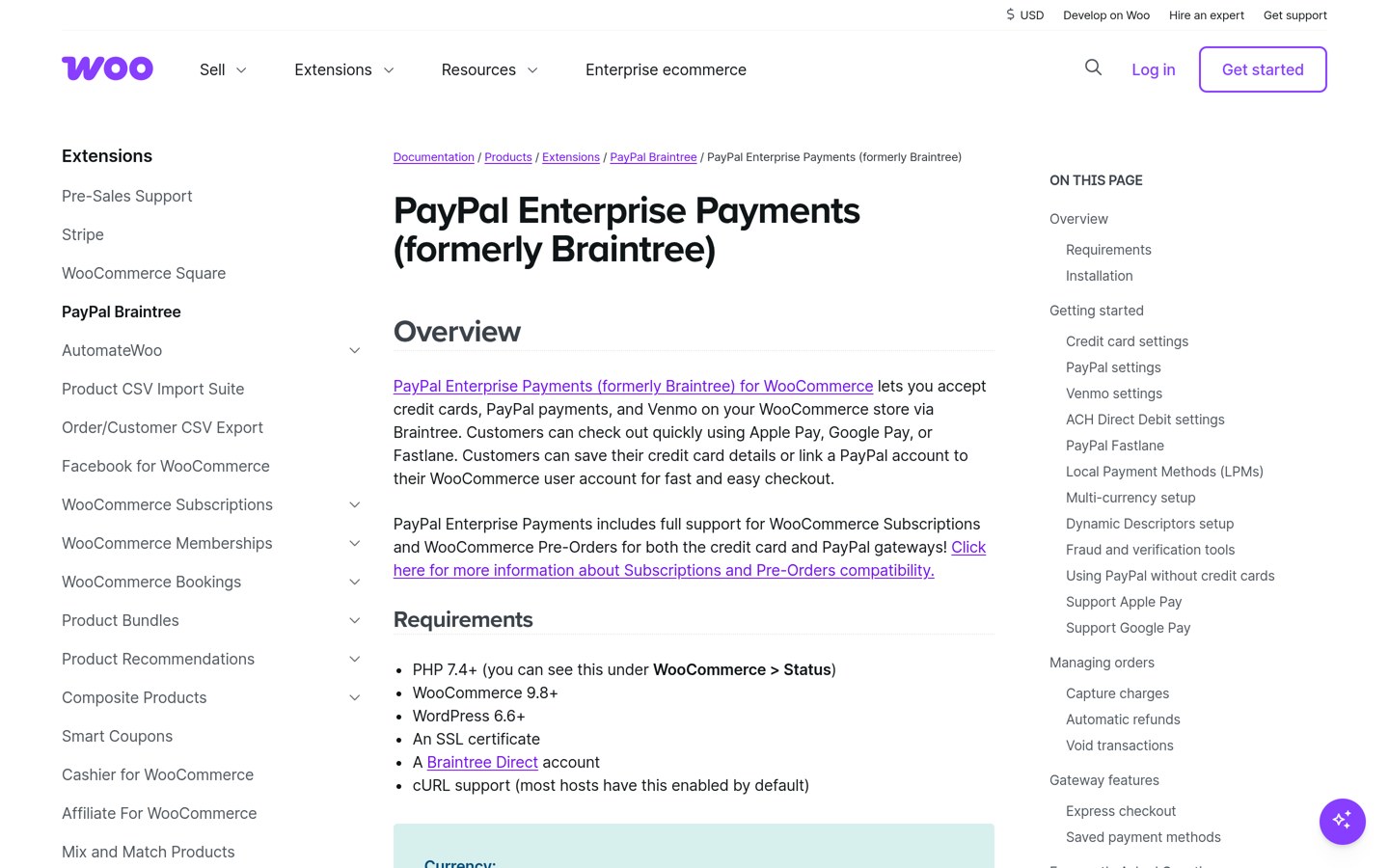
woocommerce.com
PayPal Enterprise Payments homepage, captured Nov 2026.
PayPal Enterprise Payments is the new name for Braintree, PayPal's processing platform for larger stores. Its WooCommerce extension takes cards through hosted fields, plus PayPal, Apple Pay, Google Pay, Venmo and US ACH direct debit, all under one vault.
The trade off is the rating, at 2.6 out of 5 from 50 reviews, the lowest in this list, and setup needs more steps than a simple PayPal button. Cards cost 2.89% plus 29 cents, the lowest card rate here. It suits larger stores that want cards, wallets and PayPal in one gateway.
What we like
Lowest card rate in this list, 2.89% plus 29 cents
4.1/5on WordPress.org (9 reviews, checked Nov 2026)
PriceFree
Best for on-site card checkout
Free pluginYes, open source
PayPal Pro checkoutYes, on site
SubscriptionsYes, built in
PayPal account neededPayPal Pro
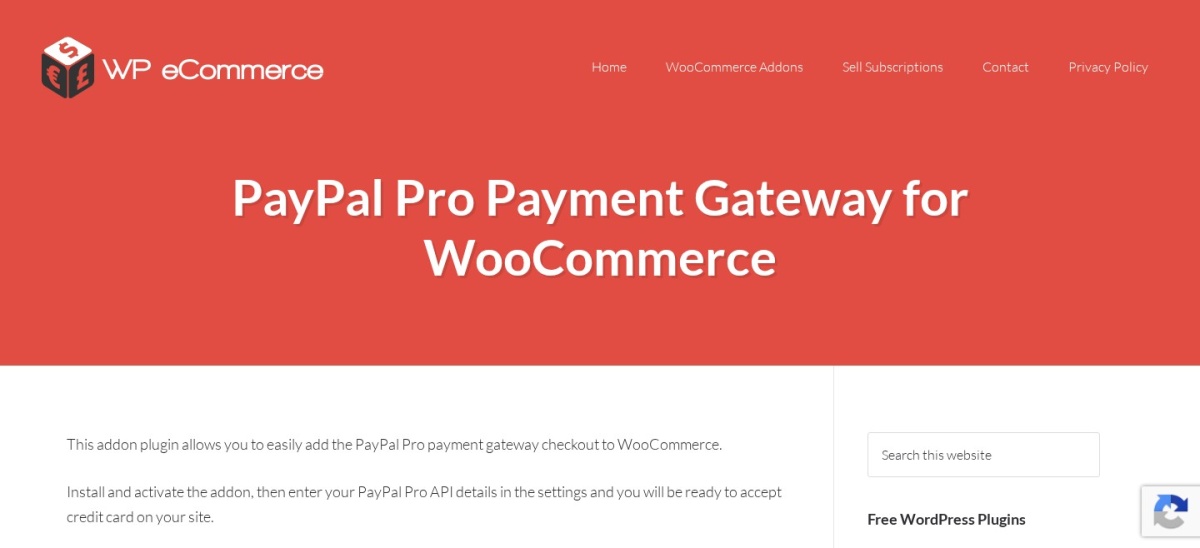
wp-ecommerce.net
Payment Gateway for PayPal Pro homepage, captured Nov 2026.
Payment Gateway for PayPal Pro is a free, open-source plugin from wp.insider that adds PayPal Pro on-site card checkout and PayPal Checkout to WooCommerce. Shoppers enter card details on your site, and the plugin also sells subscription products with recurring PayPal payments.
The trade off is the account it needs. PayPal Pro is a paid PayPal add-on, so the plugin is free but the account is not, and the plugin has only 1,000 installs. It suits stores that already pay for PayPal Pro and want cards taken on their own checkout page.
3.6/5on WordPress.org (22 reviews, checked Nov 2026)
Pricing2.29% + 9¢ per sale
Best for in-person PayPal sales
Free pluginYes
In-person fee2.29% + 9¢
Syncs with WooCommerceYes
Card readerSold separately
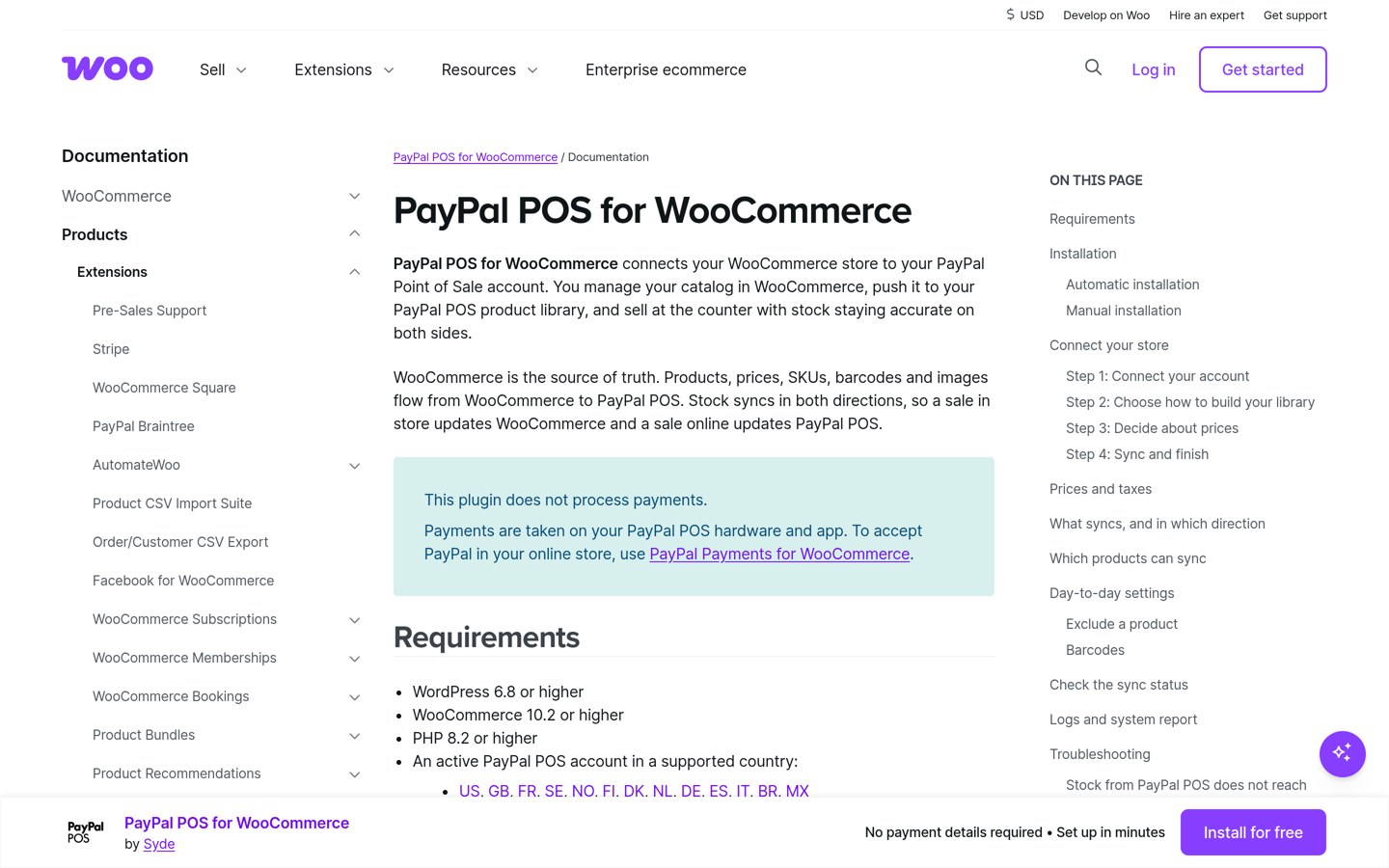
zettle.inpsyde.com
PayPal POS for WooCommerce homepage, captured Nov 2026.
PayPal POS for WooCommerce is a plugin that connects PayPal Zettle, PayPal's in-person card reader, to your store. It syncs products, stock and orders between the reader and WooCommerce, so a sale at a market stall updates the same stock as your online shop.
The trade off is that it is not an online checkout plugin. It only helps if you also sell in person, and the card reader is bought separately, while in-person sales cost 2.29% plus 9 cents, the lowest rate in this list. It suits stores that sell online and at stalls or pop-ups.
Every plugin in this list is free to install, except for ThemeHigh's $59 premium tier. The bill comes from PayPal, not from the plugin.
PayPal Checkout costs 3.49% plus 49 cents per sale in the US, cards cost 2.99% plus 49 cents, and Pay Later costs 4.99% plus 49 cents. International sales add 1.5%.
Braintree is the exception on cards at 2.89% plus 29 cents, and Zettle is the exception in person at 2.29% plus 9 cents.
The only monthly cost in this list is the PayPal Pro account behind the wp.insider plugin, which PayPal sells as a paid add-on.
Common mistakes when adding PayPal to WooCommerce
Installing two PayPal plugins is the most common mistake. They add two buttons to the same checkout and can break the order flow, so pick one.
Using an old PayPal plugin is the second. WooCommerce stopped supporting the old PayPal Standard and PayPal Checkout gateway plugins in March 2022, so old guides may point at dead plugins.
Forgetting the international fee is the third. PayPal adds 1.5% on international sales, so a store with many overseas buyers pays more than the headline rate.
How we chose
We started from every PayPal plugin for WooCommerce on WordPress.org with a recent update, then kept those that take PayPal at checkout and work with current WooCommerce.
Prices come from each vendor's pricing page and PayPal's own fee pages, checked on 22 November 2026. Ratings and install counts come from WordPress.org on the same day. Where a vendor shows a sale, the list shows the regular price.
We left out the YITH PayPal Express Checkout premium price, which we could not confirm on the vendor's page, and plugins not updated in the last 12 months. No vendor paid for a place, and we do not claim hands-on testing for this list.
How to choose a PayPal plugin for WooCommerce
Start with how your customers pay, then check the fee on each sale before you install.
Decide if you need cards on your site. PayPal Checkout alone redirects shoppers to PayPal. If you want cards typed on your checkout page, pick a plugin with on-site card processing.
Compare the fee, not the plugin price. Most plugins here are free, so the cost is PayPal's fee per sale: 3.49% plus 49 cents for PayPal Checkout, 2.89% plus 29 cents for Braintree cards. See our WooCommerce setup guide for the store side.
Check the rating and the last update. The official plugin has the most installs but a low rating. A plugin not updated in the last year is a risk at checkout.
Install one PayPal plugin only. Two PayPal plugins add two buttons to the same checkout and can break the order flow. Pick one, connect your PayPal account, and place a small test order.
FAQ
What is the best PayPal plugin for WooCommerce?
Payment Plugins for PayPal WooCommerce is the best pick for most stores. It is free, rated 4.8 out of 5 from 127 reviews, has 80,000+ installs, and covers PayPal Checkout, cards, Pay Later and Venmo.
Is WooCommerce PayPal Payments free?
Yes, the plugin is free to install, with no monthly fee. You pay PayPal's fee on each sale: 3.49% plus 49 cents for PayPal Checkout and 2.99% plus 49 cents for cards in the US.
How much does PayPal charge per WooCommerce sale?
In the US, PayPal Checkout costs 3.49% plus 49 cents, standard cards cost 2.99% plus 49 cents, and Pay Later costs 4.99% plus 49 cents. International sales add 1.5% on top.
Can I use two PayPal plugins at once?
No. Two PayPal plugins add two buttons to the same checkout and can break the order flow or double-charge. Pick one PayPal plugin and, if you need it, one separate card gateway.
Does PayPal work with WooCommerce Subscriptions?
Yes. Payment Plugins, ThemeHigh Premium, Restore PayPal Standard and the wp.insider PayPal Pro plugin all support subscription products with recurring PayPal billing. The official plugin supports subscriptions too.
What is the cheapest way to take PayPal on WooCommerce?
For cards, Braintree is cheapest at 2.89% plus 29 cents per sale. For in-person sales, PayPal Zettle costs 2.29% plus 9 cents. Every plugin in this list is free to install.