Wix is the best website making platform for most small businesses, with thousands of templates, a drag-and-drop editor and plans from 17 dollars a month. Choose Squarespace for design-led sites, WordPress for the cheapest custom domain, and Webflow for designer control.
How we make this list: we compare pricing pages, product documentation and public user reviews, then re-check every price before each update. No product paid for a place. Disclosure.
Wix is the best pick for most small businesses, from $17 a month with a free plan to start.
WordPress.com is the cheapest custom domain at $4 a month, and the most scalable choice for blogs.
Squarespace leads on design polish but has no free plan, only a 14-day trial.
Shopify is the best choice for real stores, from $29 a month billed yearly.
Hostinger is the budget pick, though the lowest prices need a 48-month term and renew higher.
What a website making platform should cover
A website making platform bundles hosting, templates, an editor, security and basic SEO so you can publish without a developer. The real choice is between template-led builders, content-first platforms and design-first tools.
Template-led builders such as Wix and Squarespace are the fastest route to a finished site. Content-first platforms such as WordPress.com scale best for blogs, while design-first tools such as Webflow and Framer suit designers.
Prices in this list are monthly rates on annual billing unless stated otherwise. Monthly billing costs more, often 20 to 40 percent extra, and the cheapest headline prices usually need a long term.
Watch for renewal prices. Hostinger and Wix both advertise low first-term prices, and the renewal rate is the number that matters after year one.
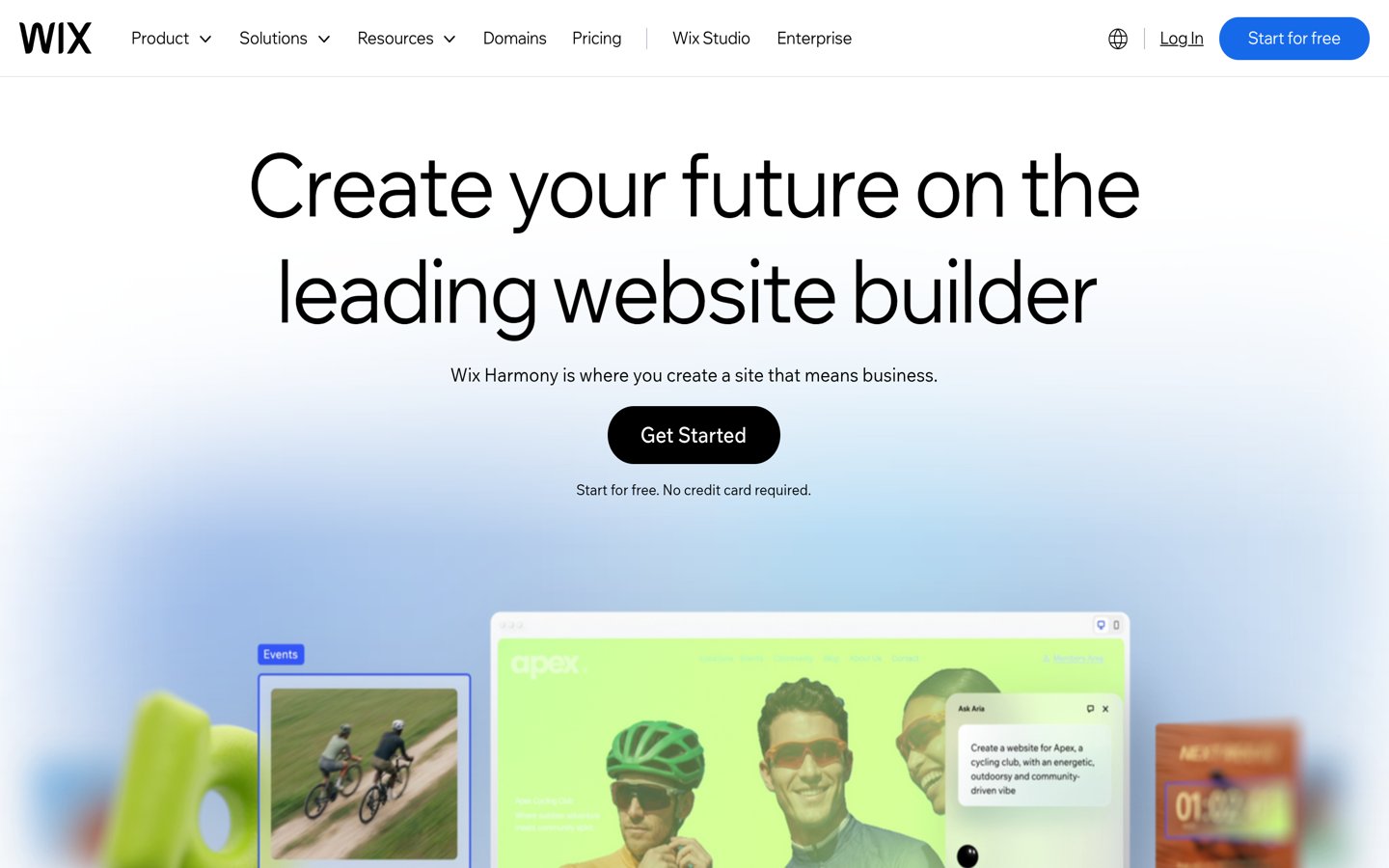
Wix is an all-in-one website builder with thousands of designer-made templates, a drag-and-drop editor and an app market with more than 300 integrations. The Light plan costs $17 a month billed yearly and includes a custom domain free for the first year.
The trade off is template lock-in. You cannot switch templates after building, so a wrong choice means rebuilding, and costs add up with apps and payment processing. It suits small businesses that want maximum flexibility from one platform.
What we like
Thousands of templates and a huge app market
Free plan to build and test before paying
Rated 4.2 out of 5 on G2 from 1,888 reviews
Watch out for
Cannot switch templates after building
Costs add up with apps and add-ons
Core at $29 a month adds ecommerce and bookingsVisit wix.com
02
Squarespace
4.6/5on Capterra (3,421 reviews, checked Nov 2026)
Starts at$19/mo
Best for design-led sites
Basic plan$19 per month, yearly
Free planNo, 14-day trial
StoreYes, built in
Transaction fee2 percent on Basic
squarespace.com
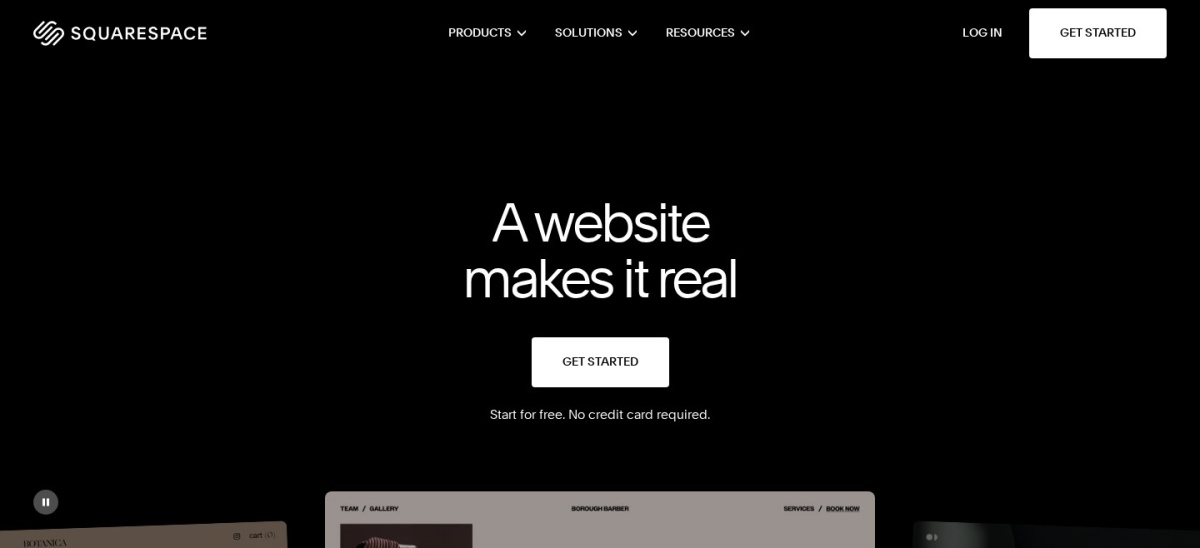
Squarespace homepage, captured Nov 2026.
Squarespace is a template-led builder known for polished design, with hosting, SSL, forms, analytics and a built-in store in every plan. The Basic plan costs $19 a month billed yearly and includes a custom domain for the first year.
The trade off is the free plan. Squarespace has no free tier, only a 14-day trial, and customisation follows the template structure. It suits portfolios, restaurants and photographers where visual impression matters most.
4.6/5on Capterra (14,996 reviews, checked Nov 2026)
Paid from$4/mo
Best for blogs and the cheapest domain
Personal plan$4 per month, yearly
Free planYes, with ads
Pages and usersUnlimited
PluginsBusiness plan only
wordpress.com
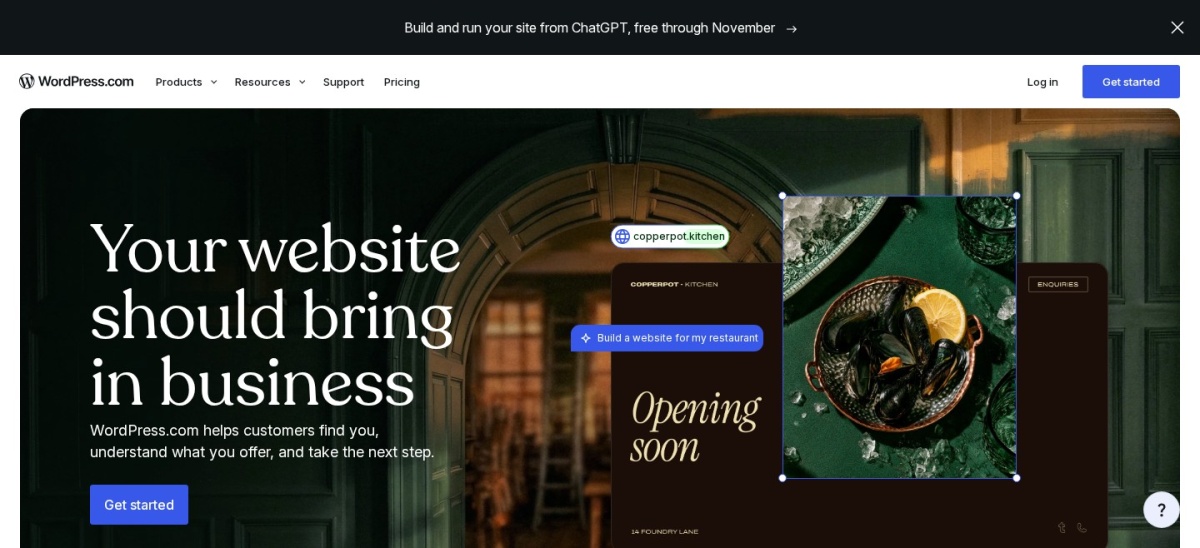
WordPress.com homepage, captured Nov 2026.
WordPress.com is hosted WordPress from $4 a month billed yearly for the Personal plan, the cheapest path to a custom domain in this list. It offers unlimited pages and users, a real free plan, and a move to self-hosted WordPress later with less lock-in.
The trade off is plugins. Installing plugins needs the Business plan at $25 a month billed yearly, and Personal and Premium are limited. It suits bloggers and content publishers who may outgrow a simple builder.
What we like
Cheapest custom domain in this list
Most scalable choice for content sites
Rated 4.6 out of 5 on Capterra from 14,996 reviews
Webflow is a no-code builder with near-developer control, a visual editor built on flexbox and grid, and a real CMS for blogs and content sites. The Basic site plan costs $15 a month billed yearly, and the free Starter plan lets you build on a webflow.io domain.
The trade off is the learning curve. Webflow is the steepest to learn of the major builders, and site plans and workspace plans are billed separately. It suits designers and agencies that need pixel-precise control.
4.5/5on Capterra (6,715 reviews, checked Nov 2026)
Starts at$29/mo
Best for online stores
Basic plan$29 per month, yearly
Free planNo, trial only
CheckoutYes, built in
POSYes, included
shopify.com
Shopify homepage, captured Nov 2026.
Shopify is the standard choice when the site exists to sell, with checkout, inventory, shipping and POS built in. The Basic plan costs $29 a month billed yearly, and it is rated 4.5 out of 5 on Capterra from 6,715 reviews.
The trade off is cost creep. A third-party payment provider adds a surcharge, and apps and themes push the total well past $29 a month. It suits online stores with more than a handful of products.
Framer is a design-led builder with animation, a CMS and an AI design agent, built around a Figma-like canvas. The Basic plan costs $10 a month billed yearly, and the free plan lets you build and test on a Framer subdomain.
The trade off is content depth. Its CMS is newer than WordPress for content-heavy sites, and extra editors cost $20 a month per seat. It suits designers and marketing teams shipping high-design landing pages.
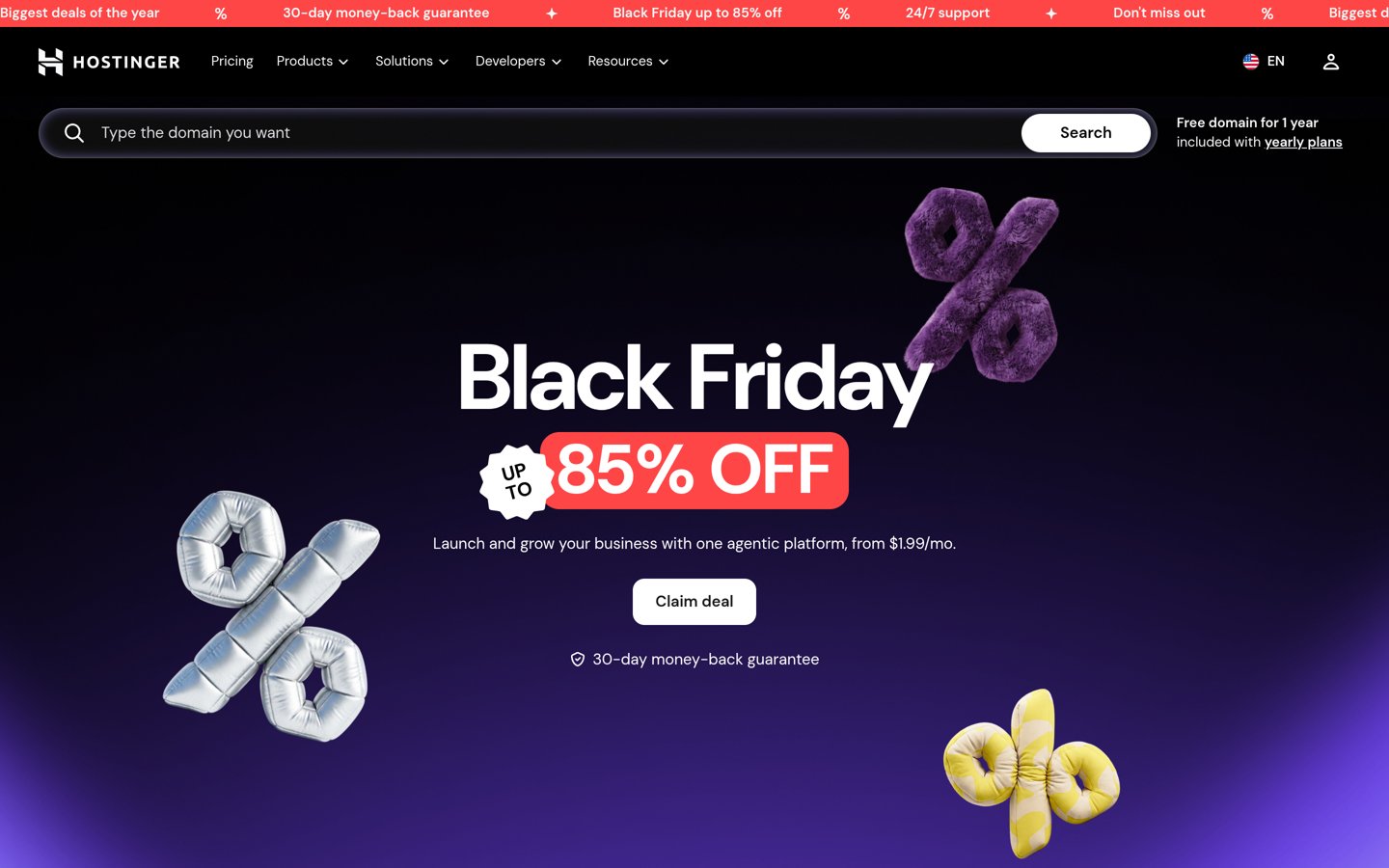
Hostinger is a budget all-in-one builder that bundles hosting, a custom domain for the first year and AI tools in one plan. The Premium plan renews at $10.99 a month on a 48-month term, with a 14-day trial and a 30-day money-back guarantee.
The trade off is the term. The lowest prices need a 48-month commitment and renew higher, and features are fewer than Wix or Webflow. It suits budget-conscious first sites and small businesses that want one bill.
4.2/5on Capterra (1,380 reviews, checked Nov 2026)
PricingCustom/mo
Best for beginners
PricingNo USD price published
Free planYes
DomainYes, bundled
Marketing toolsYes, included
godaddy.com
GoDaddy homepage, captured Nov 2026.
GoDaddy is a beginner-friendly builder that bundles a domain, hosting and marketing tools from one vendor. It has a free plan, and it is rated 4.2 out of 5 on Capterra from 1,380 reviews.
The trade off is design flexibility. Templates are simpler than Wix or Squarespace, and scaling to complex sites is harder. It suits beginners and local businesses that want a site live fast.
Template builders are fastest. Pick a template, swap in your text and photos, and publish the same day.
WordPress.com is the most scalable choice. You can move to self-hosted WordPress later, so there is less lock-in than any template builder.
Design tools give the most control. Webflow and Framer suit designers who want pixel-level layouts without writing production code.
How we chose
We started from the website builders most often recommended in 2026 roundups, then kept those with a verifiable G2 or Capterra rating and a real hosted builder. AI app builders such as Lovable and Bolt were left out, since they build web apps rather than websites.
Prices come from each vendor's pricing page, checked on 26 November 2026, with Squarespace, WordPress.com, Webflow, Shopify, Framer and Hostinger prices cross-checked against Toolradar's November 2026 roundup, which re-read the vendor pages on 18 November. Ratings and review counts come from G2 and Capterra on the same day.
We left out tools with no verifiable rating and builders without a hosted plan. No vendor paid for a place, and we do not claim hands-on testing for this list.
How to choose a website making platform
Start with the kind of site you need, then check the renewal price before you commit.
Decide what the site must do. A brochure site needs templates, a blog needs a CMS, and a store needs checkout and inventory. Pick the builder type first, then the brand.
Try the free plan. Build a real page on the free plan before you pay. If the editor frustrates you in an hour, it will frustrate you for a year.
Check the renewal price. Intro prices rise at renewal. Read the renewal rate on the pricing page and budget for year two, not just year one.
Test on a phone. Most visitors arrive on mobile. Preview every template on a phone before you commit, since some builders handle mobile layouts better than others.
FAQ
What is the best website making platform?
Wix is the best website making platform for most small businesses, with thousands of templates, a drag-and-drop editor and plans from $17 a month. Squarespace is best for design-led sites, and WordPress.com is best for blogs and content-heavy sites.
What is the cheapest website builder?
WordPress.com is the cheapest path to a custom domain at $4 a month billed yearly. Hostinger renews at $10.99 a month, and Wix, Webflow and Framer all have free plans for building and testing.
Is Wix or Squarespace better?
Wix is better for flexibility, with more templates and a large app market. Squarespace is better for design polish, with templates that hold their layout after editing. Both start near $17 to $19 a month.
Can I build a website for free?
Yes. Wix, WordPress.com, Webflow, Framer and GoDaddy all have free plans, though free sites show ads or use a subdomain. A custom domain needs a paid plan, from $4 a month on WordPress.com.
Which website builder is best for selling online?
Shopify is the best choice for stores with more than a handful of products, with checkout, inventory, shipping and POS built in from $29 a month. Wix and Squarespace suit smaller stores with simpler needs.
Is Webflow hard to learn?
Webflow has the steepest learning curve of the major builders, since its editor follows flexbox and grid like real web design. Template builders such as Wix and Squarespace are faster to learn but offer less control.
SaaS SEO and WordPress specialist with about 8 years of experience. Rakib compares WordPress plugins, themes, hosting and software using public pricing, documentation and user reviews. See how we rank.