Zoom is the best web meeting software for most businesses, supporting 100 participants on its entry-level paid plan and earning a 4.5/5 G2 rating. Microsoft Teams offers better value for ongoing workplace collaboration, while Google Meet is a practical choice for businesses already using Google Workspace.
How we make this list: we compare pricing pages, product documentation and public user reviews, then re-check every price before each update. No product paid for a place. Disclosure.
Zoom earns 4.5/5 from 53,498 G2 reviews and supports meetings lasting up to 30 hours on Pro.
Microsoft Teams Essentials costs $48 per user annually and supports 300 participants.
Google Workspace Starter costs $84 per user annually and includes meetings for 100 participants.
Zoho Meeting supports 100 participants for 60 minutes on its free plan.
Whereby Pro costs $10.99 per month and includes 3 reusable meeting rooms.
Webex supports 100 attendees on its free plan, with a 40-minute meeting limit.
What to look for in web meeting software
Web meeting software enables businesses to conduct virtual meetings, customer consultations, presentations and remote training through internet-connected devices.
Participant capacity and meeting duration are important starting points. Free plans often accommodate small teams but impose time limits that interrupt longer discussions.
External meeting access matters when working with customers. Browser-based joining reduces setup requirements and helps participants who cannot install desktop applications.
Compare recording options, screen sharing, calendar integrations and administrative controls. Consider whether your existing productivity subscription already includes these features.
Zoom is a web meeting and workplace communication platform offering video calls, screen sharing, team messaging and digital whiteboards. Its free plan supports 100 participants for meetings lasting up to 40 minutes.
The trade off is that longer meetings require Workplace Pro at $14.16 per user monthly with annual billing. It suits businesses that regularly organize client presentations, internal discussions and collaborative meetings.
What we like
Large user community
Screen sharing and whiteboards
AI meeting summaries on paid plans
Desktop, mobile and browser access
Watch out for
Free meetings have time restrictions
Larger meeting capacities require upgrades
Pro adds longer meetings and expanded AI features.Visit zoom.com
02
Microsoft Teams
4.4/5on G2 (17,805 reviews, checked Nov 2026)
Paid from$4/mo
Best for workplace collaboration
Paid meeting capacity300 participants
Paid meeting duration30 hours
Cloud storage10 GB per user
Entry paid planTeams Essentials, billed annually
microsoft.com
Microsoft Teams homepage, captured Nov 2026.
Microsoft Teams is a collaboration platform combining video conferencing, messaging and document sharing. Teams Essentials supports meetings with up to 300 participants and includes 10 GB of cloud storage per user.
The trade off is that the $4 monthly Essentials subscription does not include the full Microsoft 365 productivity suite. It suits organizations that need ongoing communication alongside scheduled web meetings.
What we like
Affordable standalone subscription
High participant capacity
Persistent team messaging
Microsoft productivity integrations
Watch out for
Interface can feel crowded
Full Office applications require another subscription
Essentials adds longer meetings, storage and technical support.Visit microsoft.com
Google Meet is a browser-based video meeting service integrated with Google Workspace. Business Starter supports 100 meeting participants and includes business email, document collaboration and 30 GB of pooled storage per user.
The trade off is that the regular $7 monthly Business Starter plan excludes some advanced conferencing features available on higher tiers. It suits businesses already using Google's email, calendar and document tools.
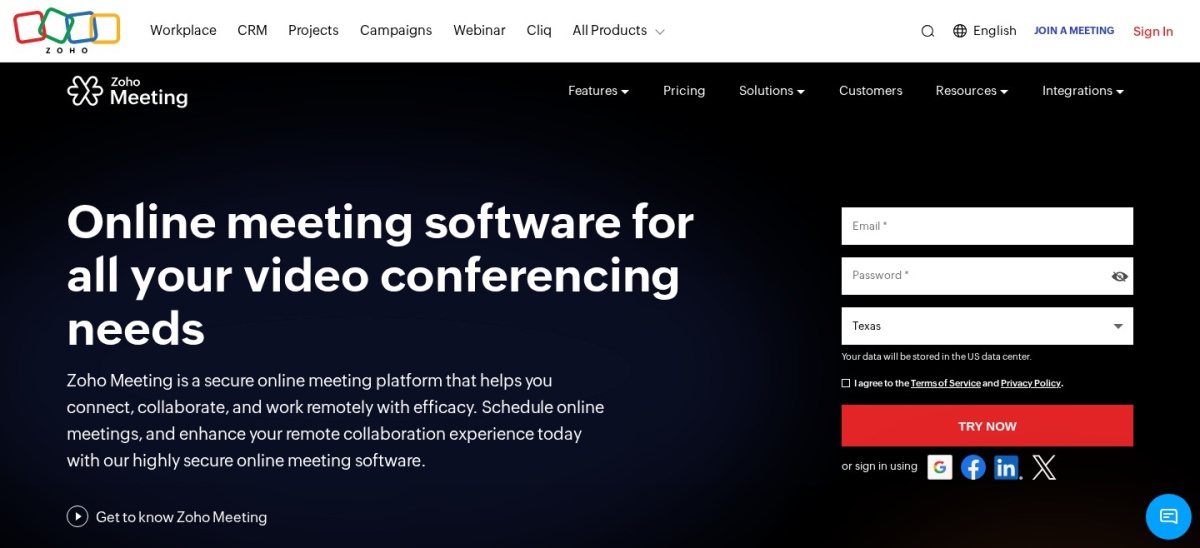
Zoho Meeting is an online conferencing platform with screen sharing, whiteboards, moderator controls and meeting recording. Its free plan accommodates 100 participants for sessions lasting up to 60 minutes.
The trade off is that the Standard subscription starts at $1 per host monthly, with pricing increasing according to participant requirements. It suits small businesses and organizations using Zoho CRM or other Zoho applications.
What we like
Low starting subscription price
Generous free meeting capacity
Remote control and annotation
Zoho application integrations
Watch out for
Participant requirements affect pricing
Breakout rooms require Professional
Standard adds recording, longer meetings and remote control.Visit zoho.com
05
Whereby
4.6/5on G2 (1,162 reviews, checked Nov 2026)
Paid from$10.99/mo
Best for browser-based client meetings
Pro meeting rooms3
Pro meeting capacity100 attendees
Guest installationNot required
Entry paid planPro
whereby.com
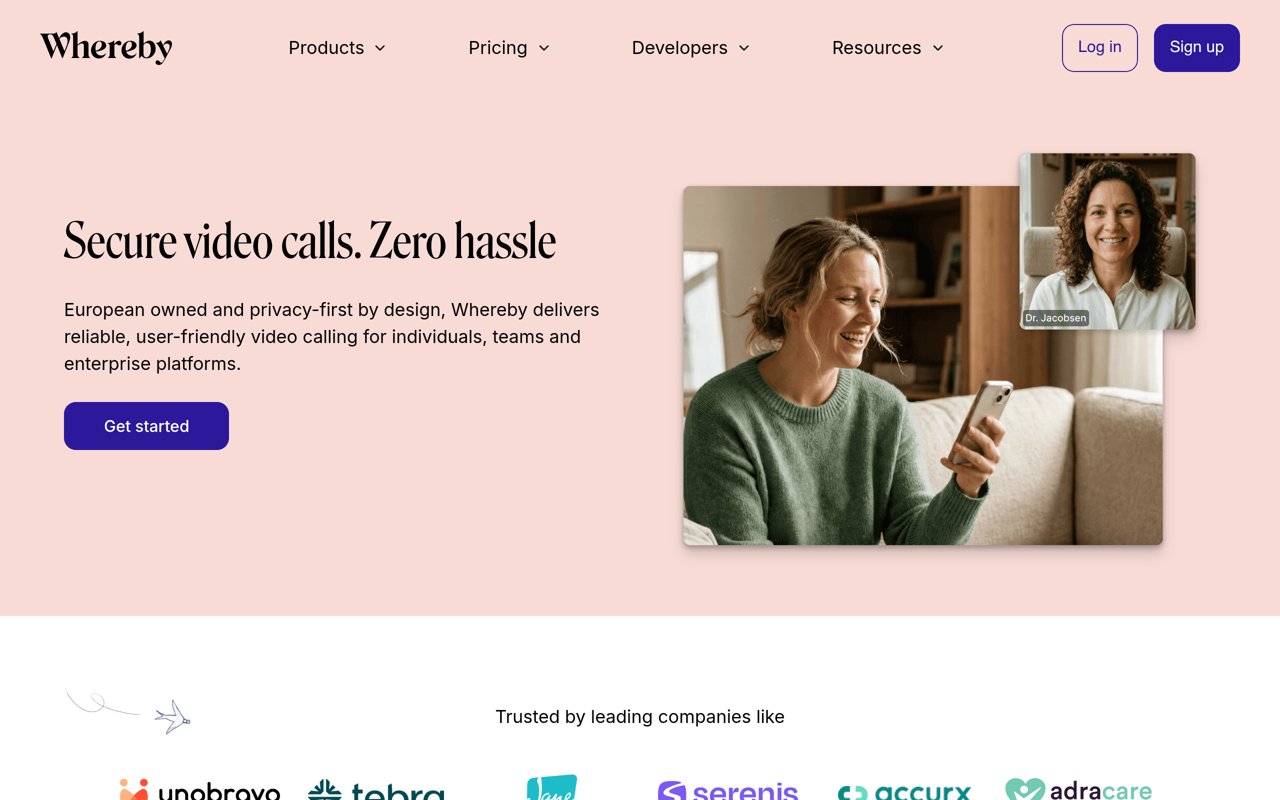
Whereby homepage, captured Nov 2026.
Whereby is a browser-based video conferencing service built around reusable meeting links. Its Pro subscription provides 3 room URLs, meetings with up to 100 attendees, custom branding and recording.
The trade off is that the $10.99 monthly Pro plan covers an individual host, while organizations needing multiple hosts must consider team subscriptions. It suits consultants, recruiters and businesses conducting frequent external appointments.
What we like
Guests can join without installing software
Permanent meeting room links
Custom room branding
Unlimited meeting duration on Pro
Watch out for
Limited free participant capacity
Multiple hosts require a different subscription
Pro adds recording, custom branding and additional meeting rooms.Visit whereby.com
06
GoTo Meeting
4.2/5on G2 (16,585 reviews, checked Nov 2026)
Starts at$12/mo
Best for business presentations
Professional meeting capacity150 participants
Screen sharingIncluded
Meeting recordingHigher-tier plans
Entry paid planProfessional, billed annually
goto.com
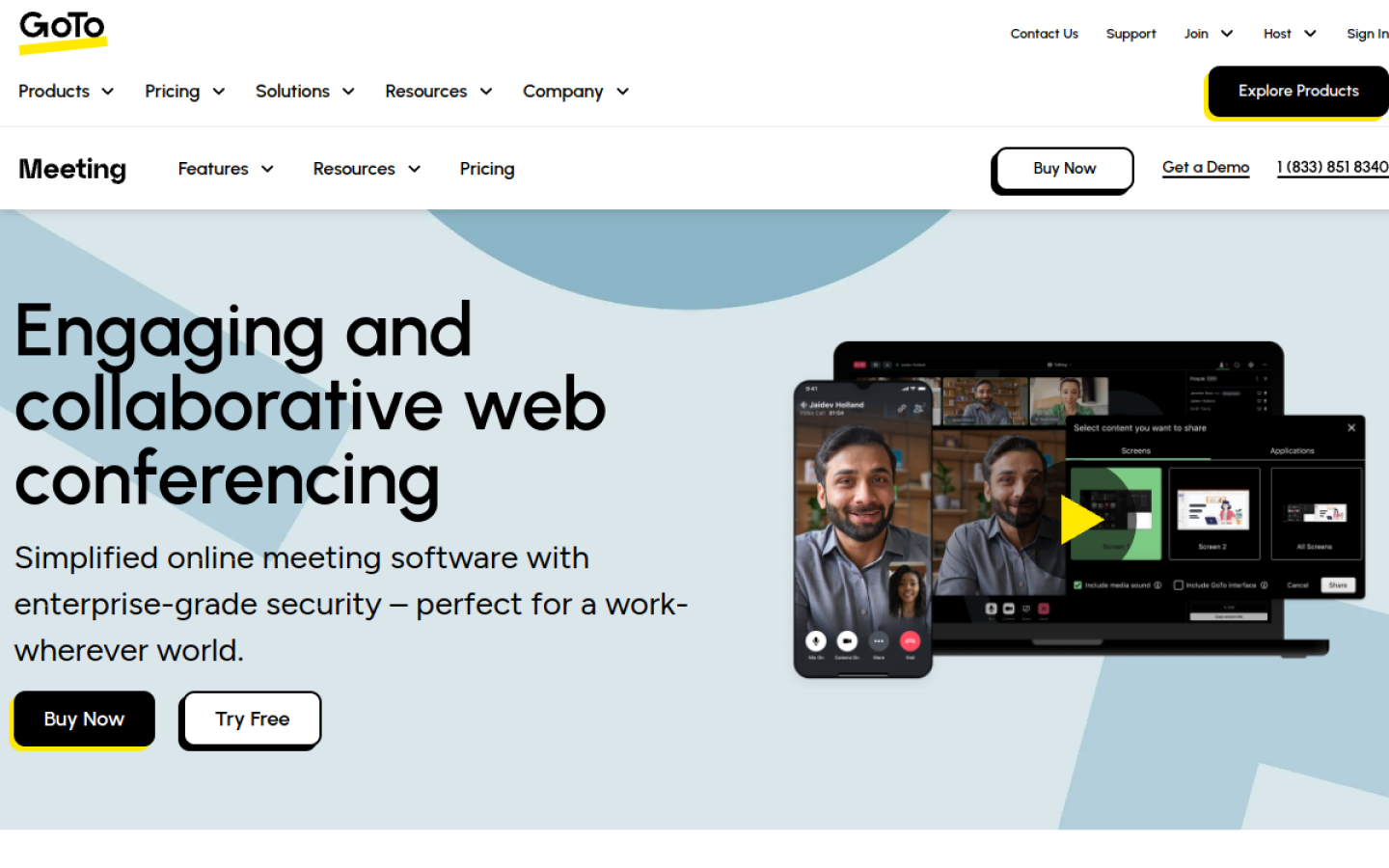
GoTo Meeting homepage, captured Nov 2026.
GoTo Meeting is a dedicated business conferencing solution supporting online presentations, remote collaboration and screen sharing. Its Professional plan accommodates up to 150 participants in scheduled meetings.
The trade off is that Professional starts at $12 per organizer monthly with annual billing, while advanced recording and transcription require higher tiers. It suits businesses looking for a dedicated meeting service rather than a broader productivity suite.
What we like
Dedicated meeting interface
High entry-level participant capacity
Screen sharing for presentations
Meeting scheduling tools
Watch out for
No permanent free subscription included in this comparison
Advanced recording requires an upgrade
Business adds cloud recording and transcription features.Visit goto.com
07
Webex
4.2/5on G2 (17,675 reviews, checked Nov 2026)
PricingCustom pricing
Best for enterprise communication
Free meeting duration40 minutes
Free meeting capacity100 attendees
Enterprise meeting capacityUp to 1,000 attendees
Paid planEnterprise, contact sales
webex.com
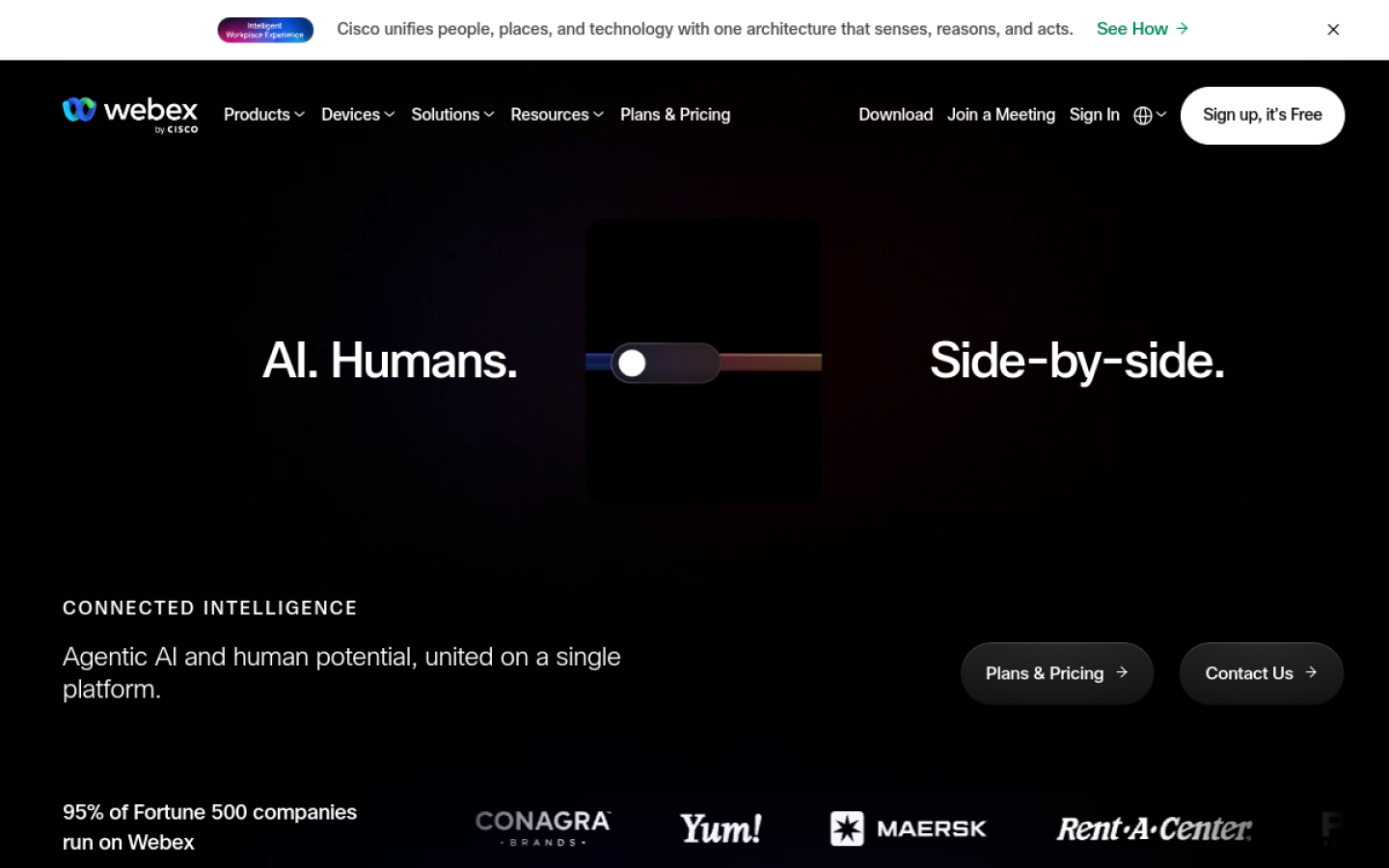
Webex homepage, captured Nov 2026.
Webex is a business communication platform from Cisco offering video meetings, messaging, digital whiteboards and screen sharing. Its free plan supports 100 attendees and includes local recording and background noise reduction.
The trade off is that the published Enterprise offering uses custom pricing, requiring a sales consultation to determine subscription costs. It suits larger organizations needing centralized meeting management, expanded capacity and enterprise security controls.
What we like
Local recording on the free plan
Background noise reduction
Calendar integrations
Enterprise meeting and security features
Watch out for
Free meetings have duration restrictions
Enterprise pricing requires a sales inquiry
Enterprise adds expanded capacity, cloud recording and AI assistance.Visit webex.com
Is free web meeting software enough?
Free meeting software works well for short consultations, daily check-ins and occasional presentations. Zoom and Webex offer free meetings for 100 attendees, although sessions are limited to 40 minutes.
Paid subscriptions become more useful when meetings regularly exceed free time limits or require recordings, administrative controls and larger audiences. Compare the annual cost against the number of employees who actually need hosting privileges.
How we chose
We shortlisted established web meeting platforms supporting business video calls, screen sharing, remote collaboration and scheduled meetings. Rankings prioritize meeting capabilities, guest accessibility, subscription value and public customer feedback.
Prices, plan features and G2 ratings were checked on 25 Nov 2026. Annual costs reflect regular entry-level subscription prices, excluding temporary promotions. Google Meet uses Google Workspace ratings, and Webex uses Webex Suite ratings.
We excluded discontinued services, audio-only calling applications and products without sufficient public review histories. Custom-priced subscriptions are separated from fixed annual prices. No vendor paid for a place, and we do not claim testing for this list.
How to choose the best web meeting software
Compare your meeting requirements and existing software subscriptions before purchasing a conferencing platform.
Calculate your participant requirements. Consider regular team meetings, customer presentations and company-wide discussions. Choose a plan that accommodates your largest recurring audience.
Check meeting duration and recording limits. Compare session restrictions, recording storage and transcription availability. Longer workshops may require paid subscriptions even when attendance is small.
Prioritize guest accessibility. Look for browser-based joining, straightforward invitations and meeting links that customers can open without creating additional accounts.
Compare total annual subscription costs. Count the employees who need hosting licenses and account for recording, storage and participant upgrades. Avoid purchasing duplicate conferencing features already included in productivity subscriptions.
FAQ
What is the best web meeting software?
Zoom is the best overall choice for businesses needing flexible video meetings, screen sharing and collaboration features. Microsoft Teams is better suited to ongoing workplace communication, while Google Meet integrates naturally with Google Workspace.
What is the best free web meeting software?
Zoho Meeting offers a free plan supporting 100 participants for up to 60 minutes. Zoom and Webex are alternatives for shorter group meetings, while Whereby is useful for browser-based conversations.
What is the cheapest paid web meeting software?
Zoho Meeting advertises subscriptions starting at $1 per host monthly. Microsoft Teams Essentials costs $4 per user monthly with annual billing and provides a higher published participant capacity for business meetings.
Can participants join web meetings without downloading software?
Yes. Whereby, Google Meet and several other conferencing platforms support browser-based participation. Available features may differ between browser and desktop applications, so check compatibility with your guests' devices and browsers.
Which web meeting software is best for large teams?
Microsoft Teams Essentials supports up to 300 meeting participants, making it suitable for many growing businesses. Webex Enterprise accommodates larger audiences and offers administrative features designed for more complex organizational requirements.
SaaS SEO and WordPress specialist with about 8 years of experience. Rakib compares WordPress plugins, themes, hosting and software using public pricing, documentation and user reviews. See how we rank.