Slack is the best team communication app for most teams, with Pro at $7.25 per user a month billed annually, unlimited history, more than 2,600 integrations and a 4.5 out of 5 G2 rating. Pick Microsoft Teams if you already use Microsoft 365, and Chanty if you want the cheapest paid chat.
How we make this list: we compare pricing pages, product documentation and public user reviews, then re-check every price before each update. No product paid for a place. Disclosure.
Slack leads on depth: unlimited history on Pro, more than 2,600 integrations and a 4.5 out of 5 G2 rating from 39,279 reviews.
Microsoft Teams Essentials is the cheapest paid business chat here at $4 per user a month billed annually.
Zoom Workplace Pro costs $14.16 per user a month billed annually, the highest paid plan in this list, but it bundles Team Chat with meetings and AI summaries.
Chanty is the budget pick: its Business plan costs $4 per user a month and its free plan covers teams of up to 5 with unlimited history.
Discord is free for core chat and voice, but its paid Nitro plans are per-person extras, not a business plan.
All 9 tools have a free plan. Paid plans run from $2.99 a month for Discord Nitro Basic to $64 a month flat for Tandem Small Teams.
What a team communication app should cover
A team communication app is where day-to-day work talk happens: quick questions, project channels, file shares and calls. If the app is slow or hard to search, people drift back to email and messages get lost.
Look first at message history and search. Slack keeps 90 days on its free plan and unlimited history on Pro, while Chanty and Discord keep unlimited history free. A short history limit is the most common reason teams upgrade.
Check what the paid plan adds before you pay. Most paid plans here add longer history, group calls and admin controls, while the free plan is enough for a small team that only needs chat.
If part of your chat faces customers, the line between team chat and support chat matters. Our guide on adding an AI chatbot to WordPress covers the customer-facing side.
Price is per user on most of these apps, so a $4 plan and a $14 plan are far apart at 20 seats. Work out the yearly cost per seat before you pick.
Slack is a channel-based team chat app where work is split into channels for each project or topic, with direct messages beside them. The free plan keeps 90 days of message history, allows 10 app integrations and 1:1 huddles, while Pro adds unlimited history, unlimited integrations and group huddles.
The trade off is price per seat. Pro lists at $7.25 per user a month billed annually, or $8.75 billed monthly, and Slack is running 50% off for 3 months on paid plans, so a 20-person team pays $1,740 a year at the regular annual rate. It suits teams that want the widest choice of integrations and the most familiar chat layout.
What we like
Largest integration library in this list, with 2,600+ apps
Unlimited message history on paid plans
Huddles, clips and canvases cover quick calls and notes
Rated 4.5 out of 5 from 39,279 G2 reviews
Watch out for
Free plan keeps only 90 days of history
Per-seat cost adds up fast as the team grows
Channels can turn noisy without clear rules
Pro adds unlimited history and integrations; Business+ adds advanced AIVisit slack.com
02
Microsoft Teams
4.4/5on G2 (19,268 reviews, checked Nov 2026)
Paid from$4/mo
Best for Microsoft 365 teams
Free planYes, 60-min group meetings
Paid planEssentials, $4/mo annual
Storage10 GB per user on Essentials
Meetings30 hours, 300 people on Essentials
microsoft.com
Microsoft Teams homepage, captured Nov 2026.
Microsoft Teams is chat, meetings and file sharing in one app, tied to Microsoft 365. The free plan covers group meetings of up to 60 minutes with 100 people, while Teams Essentials at $4 per user a month billed annually extends meetings to 30 hours with 300 people and adds 10 GB of storage per user.
The trade off is that Essentials is Teams only. Desktop Office apps and 1 TB of storage come with Microsoft 365 Business Basic at $7 per user a month billed annually, after a rise from $6 on 1 July 2026. It suits teams that already live in Outlook, Word and OneDrive.
What we like
Cheapest paid business chat in this list at $4 a month
Chat, meetings and files in one app
Deep links to Outlook, Word, Excel and SharePoint
Rated 4.4 out of 5 from 19,268 G2 reviews
Watch out for
Essentials has no desktop Office apps
App can feel heavy on older machines
Search and notification settings take time to tame
Business Basic at $7 adds web and mobile Office apps and 1 TB storageVisit microsoft.com
03
Zoom Workplace
4.5/5on G2 (56,385 reviews, checked Nov 2026)
Paid from$14.16/mo
Best for video-first teams
Free planBasic, 40-min meetings
Paid planPro, $14.16/mo annual
Team ChatIncluded in Workplace
AI CompanionIncluded on Pro
zoom.us
Zoom Workplace homepage, captured Nov 2026.
Zoom Workplace bundles Team Chat with video meetings, whiteboards, mail, calendar and scheduling in one app. The free Basic plan covers 40-minute meetings, while Pro at $14.16 per user a month billed annually, or $16.99 billed monthly, allows 30-hour meetings with 100 people and unlimited AI meeting summaries.
The trade off is price. At $14.16 per user a month billed annually, Pro is the highest paid plan in this list, and its chat is less deep than a chat-first app such as Slack. It suits teams that spend most of the day on video calls and want chat in the same app.
What we like
Chat, meetings, phone, mail and calendar in one app
AI Companion meeting summaries included on Pro
Largest review base here: 56,385 G2 reviews at 4.5 out of 5
Free Basic plan for small teams
Watch out for
Highest paid price in this list
Team Chat is less deep than Slack or Teams chat
Some features need the Business plan at $18.33 a month
Business at $18.33 adds 300 participants, branding and SSOVisit zoom.us
04
ClickUp
4.6/5on G2 (13,551 reviews, checked Nov 2026)
Paid from$12/mo
Best chat inside a work hub
Free planUnlimited tasks and members
Paid planBusiness, $12/mo annual
ChatClickUp Chat included
Free storage100 MB
clickup.com
ClickUp homepage, captured Nov 2026.
ClickUp is a work hub that puts chat next to tasks, docs, goals and time tracking, so a message can turn into a task without leaving the app. The free plan allows unlimited tasks and members with 100 MB of storage, while Unlimited costs $7 per user a month billed annually and Business costs $12 per user a month billed annually.
The trade off is scope. Chat is one part of a large app, so setup takes longer than a chat-only tool, and reviewers note a learning curve. It suits teams that want to replace a separate chat app and a separate task app with one workspace.
What we like
Chat sits beside tasks, docs and goals
Free plan allows unlimited tasks and members
Unlimited plan adds unlimited storage and integrations
Rated 4.6 out of 5 from 13,551 G2 reviews
Watch out for
Large app with a learning curve
Chat is less focused than Slack or Teams
AI features cost extra on top of plans
Business at $12 adds more automations, dashboards and permissionsVisit clickup.com
05
Chanty
4.4/5on G2 (57 reviews, checked Nov 2026)
Paid from$4/mo
Best budget team chat
Free planUp to 5 members
Paid planBusiness, $4/mo per user
Message historyUnlimited, even free
TasksBuilt-in Kanban tasks
chanty.com
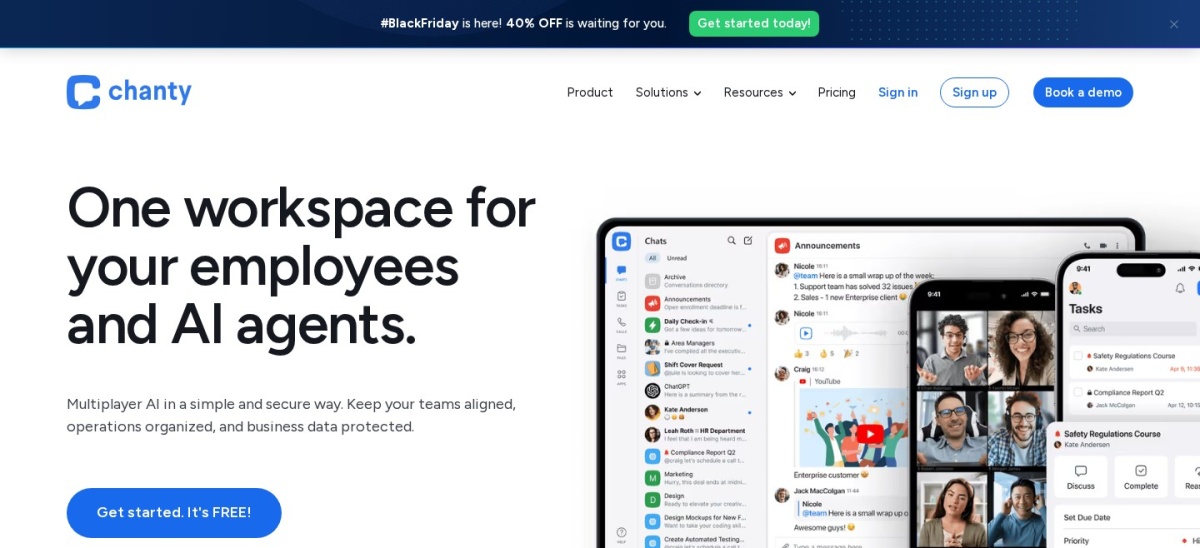
Chanty homepage, captured Nov 2026.
Chanty is a plain team messenger with built-in task management: any message can become a Kanban task, and Teambook gathers conversations, tasks, files and pins in one hub. The free plan covers up to 5 team members with unlimited message history, 10 integrations and 20 GB of file storage.
The trade off is range. Business costs $4 per user a month and removes the team size cap, adding group audio and video calls, unlimited integrations and roles, but the integration library is far smaller than Slack. It suits small teams that want cheap chat with tasks built in.
What we like
Unlimited message history on the free plan
Built-in tasks and Teambook hub
Lowest paid price beside Teams at $4 a month
Rated 4.4 out of 5 on G2
Watch out for
Free plan caps at 5 team members
Small integration library next to Slack
G2 shows the older $3 price; the vendor page lists $4
Business adds group calls, unlimited integrations and rolesVisit chanty.com
06
Rocket.Chat
4.2/5on G2 (374 reviews, checked Nov 2026)
Paid from$8/mo
Best self-hosted team chat
Free planStarter, up to 50 users
Paid planPro, $8/mo annual
DeploymentSelf-hosted, cloud, air-gapped
SecurityEnd-to-end encryption, 2FA
rocket.chat
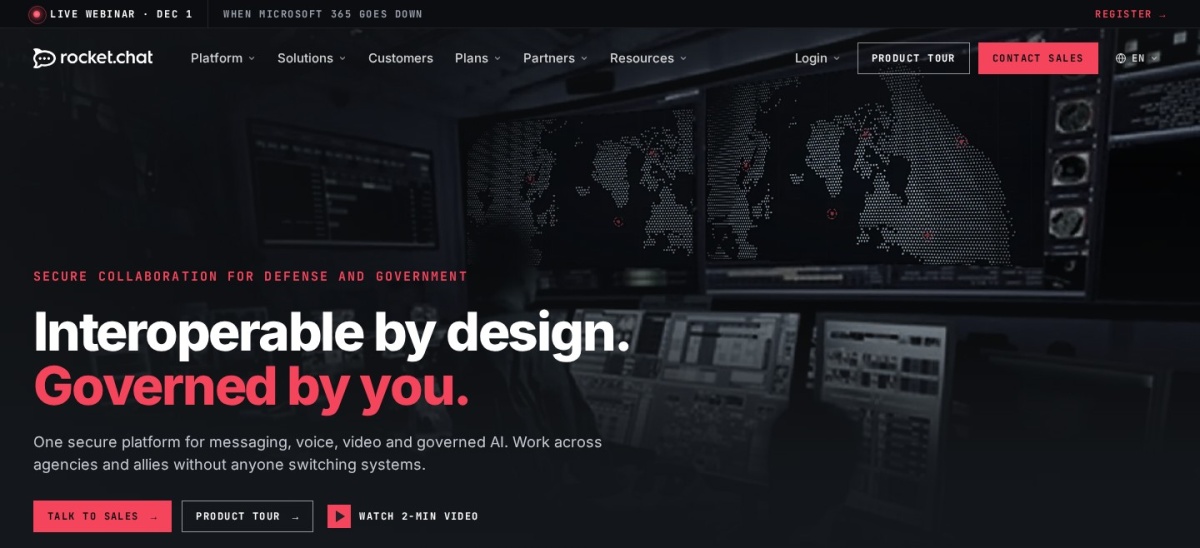
Rocket.Chat homepage, captured Nov 2026.
Rocket.Chat is open-source team chat that you can run on your own servers, with channels, direct messages, video calls, bots and federation with Matrix and XMPP. The free Starter plan covers up to 50 users with unlimited chat history, end-to-end encryption, 2FA and data retention controls, but it is self-managed hosting only.
The trade off is the work of hosting. Pro costs $8 per user a month billed annually and adds advanced hosting, white-label rights and standard support, while the vendor pricing page has changed plan names more than once. It suits teams that must control where their messages live.
What we like
Open source, with full control over data
Free Starter plan for up to 50 users
End-to-end encryption and 2FA included free
Federation with Matrix and XMPP
Watch out for
Free plan needs your own server and upkeep
Pricing page plan names have shifted over time
Smaller integration set than Slack or Teams
Pro adds advanced hosting, white-label rights and supportVisit rocket.chat
07
Discord
4.6/5on G2 (639 reviews, checked Nov 2026)
Paid from$2.99/mo
Best free chat for communities
Free planUnlimited history and voice
Paid planNitro Basic, $2.99/mo
Uploads50 MB on Basic, 1 GB on Nitro
ServersJoin up to 200 on Nitro
discord.com
Discord homepage, captured Nov 2026.
Discord is free chat built around servers, with text channels, voice rooms you drop into, video, screen sharing and streaming at no cost. The free plan covers unlimited messages and voice for unlimited users, while Nitro Basic at $2.99 a month adds 50 MB uploads and custom emoji, and Nitro at $9.99 a month adds 1 GB uploads and HD streaming.
The trade off is that Discord has no business plan. Nitro is a per-person extra, not a per-seat team plan, and admin controls are built for communities rather than companies. It suits open communities, study groups and small teams that mostly need free voice and chat.
What we like
Core chat and voice are free with unlimited history
Voice rooms beat scheduled calls for quick talk
Free for unlimited users and servers
Rated 4.6 out of 5 on G2
Watch out for
No business plan or per-seat pricing
Admin tools are community-grade, not company-grade
Bigger uploads and HD streaming need Nitro
Nitro at $9.99 adds 1 GB uploads, HD streaming and 2 server boostsVisit discord.com
08
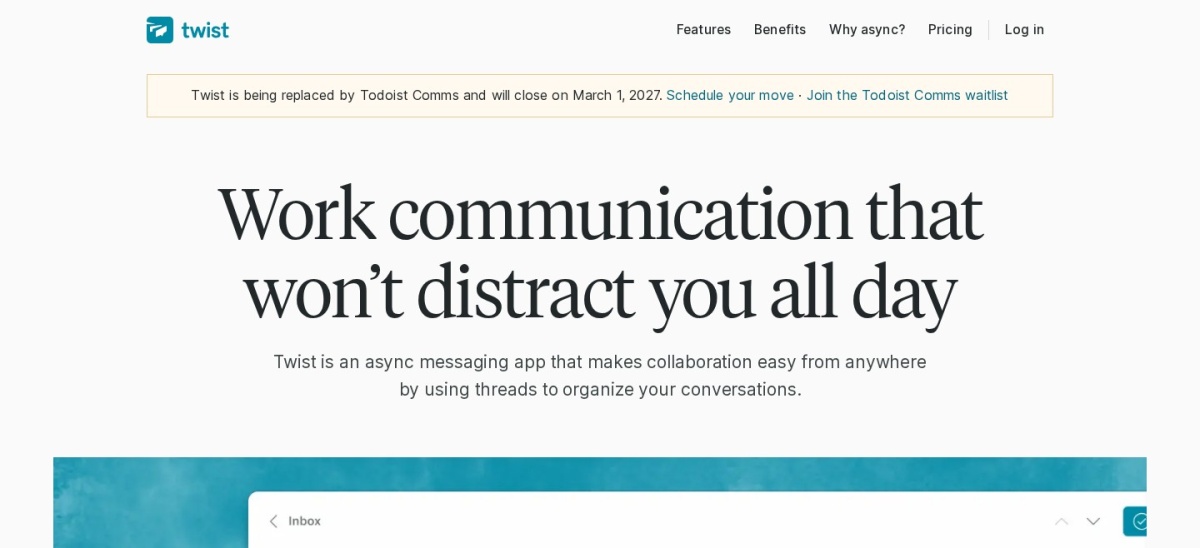
Twist
4.1/5on G2 (36 reviews, checked Nov 2026)
Paid from$6/mo
Best async team chat
Free planYes
Paid planUnlimited, $6/mo per user
StyleThreads, not live chat
Message historyUnlimited on Unlimited
twist.com
Twist homepage, captured Nov 2026.
Twist is async-first team chat built on threads: every conversation stays in a thread, so remote teams across time zones can catch up without sitting in a live channel all day. The free plan covers basic chat, while Unlimited at $6 per user a month adds unlimited history, more storage and guest access.
The trade off is fit and proof. Async threads do not suit teams that need instant answers, and the review base is small, with 36 reviews counted across G2 and Trustpilot. It suits remote teams that want calm, written discussion instead of constant pings.
What we like
Threads keep discussions tidy and searchable
Built for async work across time zones
Calmer than live chat apps
Free plan for small teams
Watch out for
Small review base of 36 reviews across sites
Not suited to teams that need instant replies
Fewer integrations than Slack or Teams
Unlimited adds unlimited history, storage and guest accessVisit twist.com
09
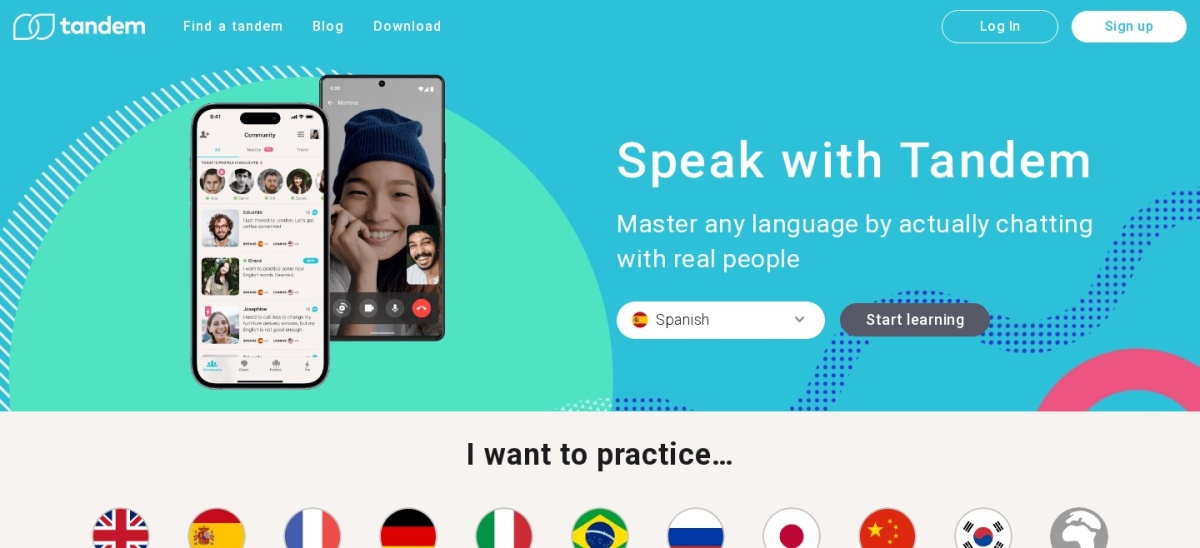
Tandem
4.8/5on G2 (89 reviews, checked Nov 2026)
Paid from$64/mo
Best virtual office chat
Free planYes
Paid planSmall Teams, $64/mo flat
PricingFlat per team, not per user
Voice roomsAlways-on team rooms
tandem.chat
Tandem homepage, captured Nov 2026.
Tandem is a virtual office: team chat beside always-on voice rooms, so remote teammates can talk as if they share a room. The free plan covers basic chat and voice, while Small Teams costs $64 a month flat, not per user, with larger team sizes on Medium Teams at $129 a month and Large Teams at $499 a month.
The trade off is the flat price. At $64 a month, Small Teams is dear for a team of three and cheap for a team of thirty, and the review base is small, with 89 reviews counted across Capterra and G2. It suits remote teams that miss the feel of sitting together.
What we like
Always-on voice rooms mimic a shared office
Flat pricing gets cheaper per person as teams grow
Highest G2 rating here at 4.8 out of 5
Free plan for small teams
Watch out for
Flat $64 a month is dear for very small teams
Small review base of 89 reviews across sites
Chat is secondary to the voice-room idea
Medium Teams at $129 and Large Teams at $499 cover bigger groupsVisit tandem.chat
Free vs paid: what you give up
Free plans cover chat well. Discord, Chanty and Rocket.Chat keep unlimited history free, and Slack, Teams and Zoom all offer a free plan.
Paid plans mostly add history, calls and admin controls. Group calls, guest access, roles and support usually sit behind the paywall.
Watch the billing basis. Most apps charge per user, so a 20-person team pays 20 times the list price, while Tandem charges a flat $64 a month for Small Teams.
If chat is your whole office, pay for history and admin controls. If it is a side channel for a team that meets in person, the free plan may be enough.
How we chose
We started from the best-known team chat apps, then kept nine with a free plan, published pricing and a public rating on G2.
Prices come from each vendor's pricing page, checked on 25 November 2026. Ratings and review counts come from G2 on the same day, except Discord, Twist and Tandem, where the count is the total across review sites. Where a vendor shows a sale, the list shows the regular price.
We left out apps with no published per-user or team price and apps built only for support tickets. No vendor paid for a place, and we do not claim to have used these tools ourselves.
How to choose a team communication app
Start with how your team already works, then pick the app that fits that shape.
Count your seats and work out the yearly cost. Most apps charge per user, so multiply the monthly price by 12 and by your headcount before you compare.
Check message history on the free plan. Slack keeps 90 days free while Chanty and Discord keep unlimited history. A short limit forces an upgrade later.
Match the app to your other tools. Teams fits Microsoft 365, Slack fits the widest app stack, and Zoom fits teams that already meet on Zoom.
Try the free plan with the whole team for two weeks. Watch whether people actually reply in channels, or drift back to email and direct messages.
FAQ
What is the best team communication app?
Slack is the best team communication app for most teams. Its Pro plan costs $7.25 per user a month billed annually, with unlimited message history and more than 2,600 integrations, and it is rated 4.5 out of 5 on G2 from 39,279 reviews.
What is the cheapest team communication app?
Discord is the cheapest, because core chat and voice are free and Nitro Basic costs $2.99 a month per person. For a business plan, Microsoft Teams Essentials and Chanty Business both cost $4 per user a month.
Is Microsoft Teams free?
Yes, Teams has a free plan with group meetings of up to 60 minutes and 100 people. Paid Teams Essentials costs $4 per user a month billed annually and extends meetings to 30 hours with 300 people.
Is Slack or Microsoft Teams better?
Slack is better for teams that want the widest integrations and a chat-first layout, with 2,600+ apps. Teams is better for teams already on Microsoft 365, because chat, meetings and Office files sit in one app at a lower price.
Can I use Discord as a team communication app?
You can for a small team or community, because core chat, voice and video are free with unlimited history. Discord has no business plan, admin tier or per-seat pricing, so larger companies usually need Slack, Teams or Zoom instead.
Do these apps work for remote teams?
Yes. Twist is built for async remote work with threads, Tandem adds always-on voice rooms, and Slack, Teams and Zoom all support remote teams with chat, calls and file sharing.
Which team communication app is best for small teams?
Chanty is the best budget pick for small teams, with a free plan for up to 5 members and Business at $4 per user a month. Slack free and Discord free also work well until you need longer history or admin controls.
SaaS SEO and WordPress specialist with about 8 years of experience. Rakib compares WordPress plugins, themes, hosting and software using public pricing, documentation and user reviews. See how we rank.