Wistia is the best video library software for most businesses, offering a free 25 GB plan with player customization and paid Business tiers from $79/month billed annually ($948/yr) for 250 GB and viewer heatmaps. Choose SproutVideo ($144/yr) for predictable business storage without bandwidth caps, or Bunny Stream ($1/month minimum) for developer-friendly pay-as-you-go streaming.
How we make this list: we compare pricing pages, product documentation and public user reviews, then re-check every price before each update. No product paid for a place. Disclosure.
Entry prices span 100x across the category, from Bunny Stream at a $1/month minimum ($12/yr) to Air.inc Starter at $100/month billed annually ($1,200/yr).
Vimeo restructured its 2026 plans around Creator ($9/mo billed annually), Core ($24.50/mo), and Professional ($71/mo), while business accounts can be routed to Studio at $400/mo.
Wistia offers the most generous free tier for marketers at 25 GB storage and 200 GB monthly bandwidth, though paid Business plans start at $79/mo billed annually.
SproutVideo avoids hard bandwidth cutoffs on every paid tier starting at $12/mo billed annually, charging $0.25/GB for overages rather than halting playback.
Frame.io ($15/member/mo) and Air.inc ($0 free for 10 GB) focus on internal creative review and version stacking rather than public marketing embeds.
How do you choose the best video library software?
Video library software splits into three distinct jobs: public marketing hosting, internal creative review, and developer-controlled streaming delivery. Buying a marketing host when your editors need frame-accurate feedback—or vice versa—leads to paying twice for storage.
Storage and bandwidth caps dictate your real annual bill far more than the headline seat price. Platforms like Vimeo cap self-serve embedded bandwidth at 1 TB to 2 TB per month, whereas SproutVideo and Bunny Stream meter overages per gigabyte without cutting off viewers.
The 2026 pricing landscape shifted noticeably after Vimeo introduced new individual tiers and a $400/month Studio tier for business accounts, while Gumlet unbundled DRM into a $99/month add-on and dropped its entry Creator plan to $6/month billed annually.
Team seats3 users included ($25/mo per extra user)
Key toolsTurnstile lead forms, heatmaps, A/B testing
wistia.com
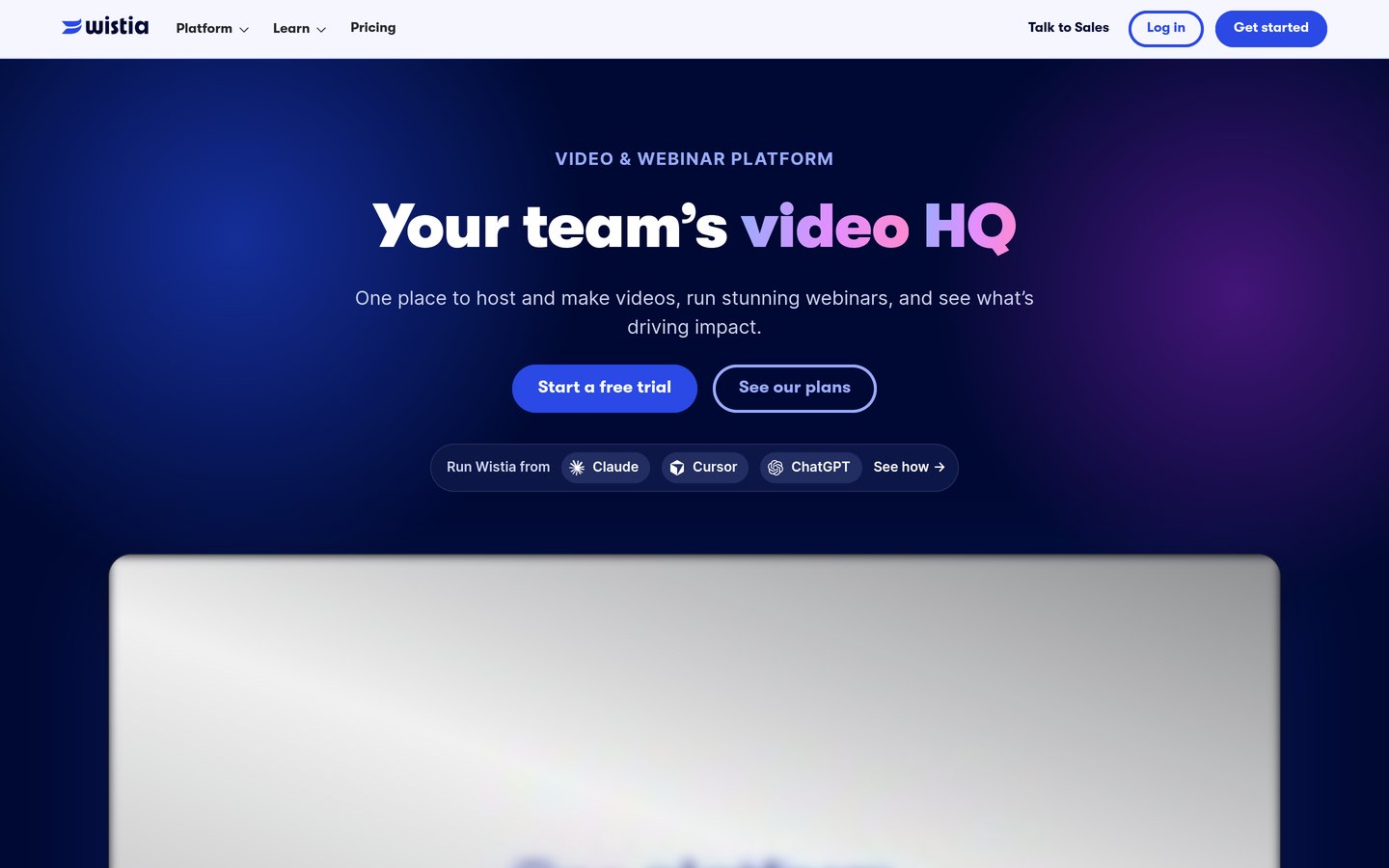
Wistia homepage, captured Nov 2026.
Wistia is a B2B video library and marketing platform built around branded embeds, viewer heatmaps, and Turnstile email capture forms. Its free plan includes 1 user, 25 GB of storage, 200 GB of monthly bandwidth, and 3,000 lifetime AI credits with Wistia branding on the player.
The trade off is a steep jump to the Business plan at $79/month billed annually ($99/month billed monthly), plus $25/month for each user beyond three. It suits marketing and customer education teams that measure video ROI through CRM integrations and engagement analytics.
What we like
Generous 25 GB free plan with no credit card required
Second-by-second viewer heatmaps and Turnstile lead capture
Clean, ad-free player with customizable brand colors and CTAs
Built-in transcription, captions, and video replacement without breaking links
Watch out for
Large price jump from Free to Business ($948/yr)
Extra users cost $25/month each on paid plans
No built-in organic discovery network like YouTube
Business ($79/mo billed annually) removes Wistia branding and unlocks 250 GB storage, 3 users, heatmaps, and CTAs.Visit wistia.com
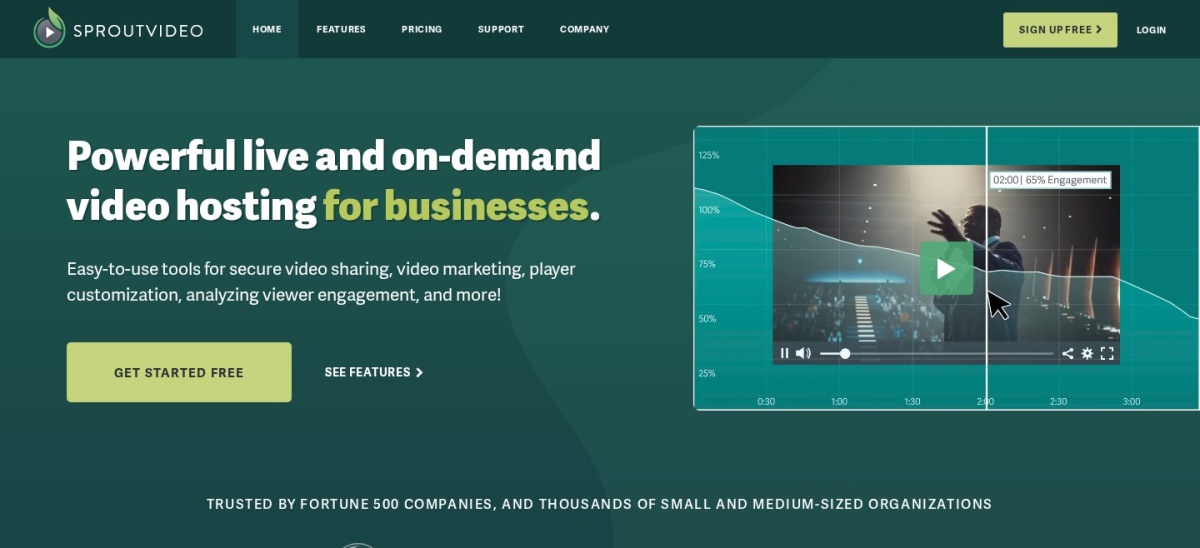
SproutVideo is a dedicated business video library and live streaming platform with transparent self-serve tiers and live human support on every plan. While it lacks a permanent free plan, its 30-day free trial requires no credit card and lets you test all features, with paid Seed plans starting at $12/month billed annually ($15/month monthly).
The trade off is that viewer login protection and customizable video websites require upgrading to the Sprout tier at $35/month billed annually. It suits businesses, schools, and course creators that want predictable pricing without sudden tier reclassifications.
What we like
Low $144/yr entry price with 500 GB storage and 500 GB bandwidth
No hard bandwidth cutoffs; overages bill predictably per GB
Lead capture forms and CRM integrations included on every paid plan
High support ratings (4.7/5 on G2) with live chat and email on all tiers
Watch out for
No permanent free tier beyond the 30-day trial
Dynamic watermarking requires the Tree plan ($72/mo billed annually)
Seed ($12/mo billed annually) includes 500 GB storage, 500 GB bandwidth, custom players, and lead capture tools.Visit sproutvideo.com
03
Frame.io
4.5/5on G2 (272 reviews, checked Nov 2026)
Paid from$15/mo
Best for post-production review & approvals
Free tier2 members, 2 GB storage, 2 projects
Entry paid storage2 TB included + 2 TB per extra member (Pro)
Editor syncAdobe Premiere Pro, After Effects, Final Cut
Review linksUnlimited free external reviewers with timecodes
frame.io
Frame.io homepage, captured Nov 2026.
Frame.io is Adobe's cloud video review and production library where editors and clients leave frame-accurate comments and annotations directly on cuts. Its Free plan covers 2 members, 2 projects, and 2 GB of storage with unlimited free external reviewers via share links.
The trade off is per-member billing at $15/member/month ($13/member/month billed annually, or $180/yr at the standard monthly list rate) and a 5-member cap on Pro before moving to Team at $25/member/month. It suits video production teams and agencies editing in Premiere Pro or After Effects.
What we like
Frame-accurate comments and drawings sync as markers in Premiere Pro
Unlimited external client reviewers pay nothing on share links
Pro includes 2 TB of storage plus 250 GB Mounted Storage
Camera to Cloud ingest for rapid set-to-edit workflows
Watch out for
Free plan's 2 GB storage is too small for active video production
Per-member pricing grows quickly for larger teams, capping at 15 seats on Team
Not built for public website embeds or marketing lead capture
Pro ($15/member/mo, or ~$13/mo billed annually) unlocks 2 TB storage, up to 5 members, and passphrase-protected branded shares.Visit frame.io
Built-in toolsTeleprompter, text-based video editor, chapters
Bandwidth cap1 TB/mo on Creator; 2 TB/mo on Core & Pro
vimeo.com
Vimeo homepage, captured Nov 2026.
Vimeo is an ad-free video hosting and creation library featuring a customizable player, review links, a teleprompter, and text-based video editing. Under its 2026 plan lineup, the Free tier provides 3 GB of managed storage for private or embedded videos alongside unlimited public storage and 1 TB of monthly bandwidth.
The trade off is strict tier boundaries: Creator starts at $9/month billed annually ($16/month monthly) for 1 user and 50 GB, while accounts classified as business use under Vimeo's usage policy can be moved to Studio at $400/month billed annually. It suits solo creators, filmmakers, and small portfolios.
What we like
Low $108/yr entry price on the annual Creator plan
Clean, responsive embed player with strong privacy controls
Includes built-in teleprompter and text-based editing tools
Unlimited storage and bandwidth for public Vimeo-hosted videos
Watch out for
Business accounts risk reclassification to Studio at $400/mo billed annually
Managed storage for embedded videos is capped at 50 GB on Creator
DRM protection is restricted to Enterprise contracts
Creator ($9/mo billed annually) expands embedded/private storage to 50 GB with 1 TB monthly bandwidth and custom player controls.Visit vimeo.com
05
Gumlet
4.7/5on G2 (357 reviews, checked Nov 2026)
Paid from$6/mo
Best for affordable DRM & course protection
Free tier60 storage mins, 100 GB bandwidth, 1,000 AI credits
DRM optionWidevine & FairPlay add-on for $99/mo (100K views)
Player & codec4K HDR10, geo-blocking, domain restriction
gumlet.com
Gumlet homepage, captured Nov 2026.
Gumlet is a performance-focused video hosting and streaming library offering adaptive bitrate playback, geo-blocking, and optional studio-grade DRM. Its Free Forever tier includes 1 seat, 60 storage minutes, 100 GB of monthly bandwidth, and 1,000 AI credits with the Gumlet logo in the player.
The trade off is minute-based storage caps—you cannot buy extra storage minutes on Creator ($6/month billed annually, or $9/month monthly) or Growth ($19/month billed annually) without upgrading tiers, and Widevine/FairPlay DRM costs an extra $99/month. It suits course platforms and startups needing fast CDN delivery and affordable DRM.
What we like
Very low $72/yr starting price with 1,000 storage minutes and 3 TB bandwidth
Unbundled Widevine and FairPlay DRM available as a $99/mo add-on on any paid plan
Removes Gumlet branding and unlocks full API access on Creator
Strong 4.7/5 G2 rating across 357 reviews for speed and support
Watch out for
Storage is measured in minutes rather than gigabytes, requiring tier upgrades when full
AI chapters, translations, and signed URLs require Growth ($19/mo billed annually)
Creator ($6/mo billed annually) removes player branding and includes 1,000 storage minutes, 3,000 GB bandwidth, and API access.Visit gumlet.com
06
Bunny Stream
4.8/5on G2 (576 reviews, checked Nov 2026)
Starts at$1/mo
Best for pay-as-you-go CDN streaming
Free tier14-day free trial (no credit card required)
CDN deliveryFrom $0.01/GB (EU/NA) or $0.005/GB Volume tier
Encoding & playerFree standard encoding & customizable HTML5 player
bunny.net
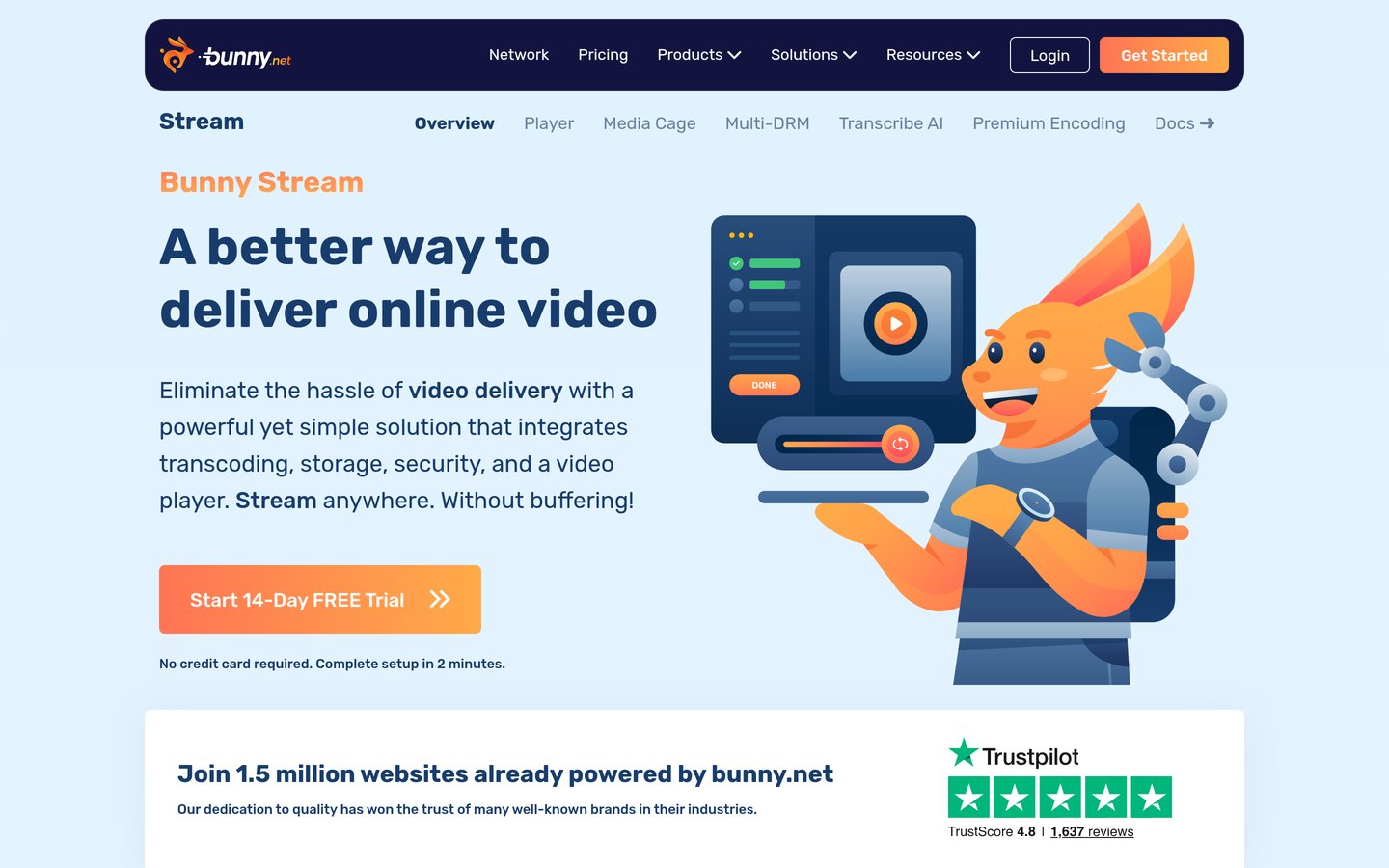
Bunny Stream homepage, captured Nov 2026.
Bunny Stream is a developer-friendly video storage, encoding, and global CDN delivery platform built on bunny.net's 119-PoP network. After a 14-day free trial, it bills strictly on usage with a $1/month minimum ($12/yr), charging $0.01/GB for storage and $0.01/GB for North American and European bandwidth with free standard transcoding.
The trade off is variable monthly billing—traffic spikes in Asia/Oceania ($0.03/GB) or Middle East/Africa ($0.06/GB) increase costs, and it lacks marketing CRM integrations or visual team boards. It suits developers, membership sites, and high-volume catalogs looking to cut CDN bills.
What we like
Lowest entry cost at a $1/month minimum with no per-seat fees
Free standard encoding and built-in HLS player with token authentication
4.8/5 rating on G2 across 576 reviews for speed and reliability
Optional MediaCage Enterprise DRM available ($99/mo base fee)
Watch out for
No permanent free tier after the 14-day trial
No marketing lead forms, CRM sync, or creative review boards
Bandwidth costs 3x to 6x more outside North America and Europe
Pay-as-you-go usage ($1/mo minimum) unlocks full API access, free standard encoding, token security, and global CDN delivery.Visit bunny.net
Loom is an asynchronous video messaging and internal knowledge library built for quick screen-and-camera walkthroughs. Its free Starter plan gives individuals up to 25 videos capped at 5 minutes each in 720p resolution, organized into searchable team spaces with timestamped comments.
The trade off is per-creator pricing—Business costs $15/user/month billed annually ($180/yr per seat, or $18/user/month billed monthly) to remove the 25-video and 5-minute limits, while AI summaries and auto-chapters require Business + AI at $20/user/month billed annually. It suits remote teams replacing status meetings and documenting SOPs.
What we like
Fastest capture-to-link workflow via desktop app and browser extension
Highest review volume in the category (4.7/5 across 2,550 G2 reviews)
Viewers and commenters join workspaces for free without paid seats
Built-in transcripts, filler-word removal, and trim editing
Watch out for
Free plan's 5-minute and 25-video limits fill up quickly
AI chapters, summaries, and SOP generation require the $20/user/mo AI tier
Not designed for website marketing embeds or raw 4K production storage
Business ($15/user/mo billed annually) removes recording time and video count caps and removes Loom branding.Visit loom.com
08
Air.inc
4.6/5on G2 (896 reviews, checked Nov 2026)
Paid from$100/mo
Best for visual brand & campaign libraries
Free tier10 GB storage, up to 3 users, 100 AI credits/mo
OrganizationVisual boards, version stacking, AI search
air.inc
Air.inc homepage, captured Nov 2026.
Air.inc is a visual creative operations and media library combining Kanban boards, version stacking, timestamped video comments, and conversational AI search. Its Free tier supports up to 3 users with 10 GB of storage, 100 monthly AI credits, and native integrations for Premiere Pro, Figma, and Canva.
The trade off is the steep jump between tiers: Starter costs $100/month billed annually ($1,200/yr, or $125/month monthly) for 200 GB and 5 users with no storage add-ons, while Business jumps to $900/month billed annually for 2 TB and unlimited users. It suits lean creative teams organizing active campaign video and design assets.
What we like
Visual Pinterest-style browsing and conversational AI search across video dialogue
Version stacking keeps every edit iteration grouped under one asset
Free tier includes Premiere Pro, Figma, and Canva integrations for 3 users
Business tier includes unlimited users for large brand teams
Watch out for
High $1,200/yr entry price for Starter with a strict 200 GB storage ceiling
No mid-tier option between Starter ($100/mo) and Business ($900/mo)
Unused monthly AI credits do not roll over
Starter ($100/mo billed annually) expands storage to 200 GB for up to 5 users with 500 monthly AI credits.Visit air.inc
Three pricing traps that inflate video library bills
Bandwidth caps are the most common surprise on fixed-tier hosts. Vimeo caps embedded and private playback at 1 TB to 2 TB per month on self-serve plans, whereas Wistia includes 1 TB on Business and charges $150/month for an extra 1 TB block.
Seat-based billing penalizes collaboration when every stakeholder needs a login. Frame.io ($15/member/mo) and Loom ($15/user/mo) keep external reviewers free, but adding internal producers or editors multiplies the annual bill linearly.
Storage units vary between gigabytes and video minutes. Gumlet meters storage in minutes (1,000 minutes on Creator) and requires a plan upgrade once full, while Bunny Stream charges $0.01/GB per replication region so multi-region storage doubles or triples your base storage rate.
How we chose
We evaluated video library platforms across three primary workflows: public website and marketing video hosting, internal creative review and digital asset management, and pay-as-you-go streaming infrastructure. Every candidate required established market adoption (at least 100 verified user reviews on G2) and published, self-serve pricing.
All prices, storage allocations, bandwidth rules, and G2 review scores were verified directly against official vendor pricing pages and public G2 listings on 29 Nov 2026. Where vendors offer monthly and annual billing, we list the regular annual rate alongside the monthly equivalent so yearly totals compare fairly.
We excluded enterprise-only media asset management systems without published pricing (such as Bynder, Canto, MediaValet, and Panopto), consumer social platforms without private library controls, and tools lacking recent product updates. No vendor paid for a place, and we do not claim testing for this list.
How to pick the right video library in 4 steps
Match your primary video workflow to the right billing model before committing to annual storage.
Separate public embeds from internal review. Pick Wistia, SproutVideo, or Gumlet if videos live on marketing pages or course portals; pick Frame.io or Air.inc if editors need frame-accurate feedback and version stacking.
Calculate your peak monthly bandwidth. Multiply your average video file size by expected monthly plays—if you exceed 1 TB/month, choose SproutVideo or Bunny Stream so traffic spikes do not trigger forced plan upgrades.
Count creators separately from reviewers. Verify that clients and stakeholders can view or comment on share links without consuming paid seats on tools like Frame.io, Loom, and Air.inc.
Check DRM and privacy requirements early. Confirm whether password protection and domain restrictions suffice, or if paid courses require Widevine and FairPlay DRM—which Gumlet and Bunny Stream offer as $99/mo add-ons.
FAQ
What is the best video library software in 2026?
Wistia is the best overall video library software for businesses, combining a 25 GB free plan with customizable players, engagement heatmaps, and Turnstile lead capture on its $79/month (billed annually) Business plan. For pure storage value without bandwidth cutoffs, SproutVideo starts at $12/month billed annually.
Which video library software has the best free plan?
Wistia offers the most capable free plan for business hosting with 25 GB of storage, 200 GB of monthly bandwidth, and basic analytics for 1 user. For internal creative teams, Air.inc provides 10 GB of storage and AI search for up to 3 users at no cost.
What is the cheapest video hosting platform for large libraries?
Bunny Stream is the cheapest option for large video libraries, charging $0.01/GB for storage and $0.01/GB for North American and European bandwidth with free standard encoding and a $1/month minimum. Gumlet is the cheapest fixed-tier alternative at $6/month billed annually for 1,000 storage minutes.
How do Wistia and Vimeo compare in 2026?
Vimeo is cheaper for solo creators at $9/month billed annually for 50 GB of embedded storage, while Wistia's Business plan starts at $79/month billed annually for 250 GB and B2B lead capture. However, Vimeo may move business accounts to its Studio tier at $400/month billed annually.
What is the difference between video hosting and video review software?
Video hosting platforms like Wistia and SproutVideo optimize videos for fast public web embeds, SEO, and viewer analytics. Video review tools like Frame.io and Air.inc focus on post-production workflows, offering frame-accurate timecoded comments, version stacking, and direct Adobe Premiere Pro integration.
Which video library platform includes DRM protection?
Gumlet and Bunny Stream both offer studio-grade Widevine and FairPlay DRM as a $99/month add-on to any paid plan, making DRM accessible without an enterprise contract. By comparison, Vimeo and Wistia restrict DRM and playback protection to custom-quoted Enterprise plans.
SaaS SEO and WordPress specialist with about 8 years of experience. Rakib compares WordPress plugins, themes, hosting and software using public pricing, documentation and user reviews. See how we rank.