Best Video Email Software in 2026: 9 Tools Compared
WLWPLegible EditorsLast verified 24 Nov 2026How we rank8 min read
★ Short answer
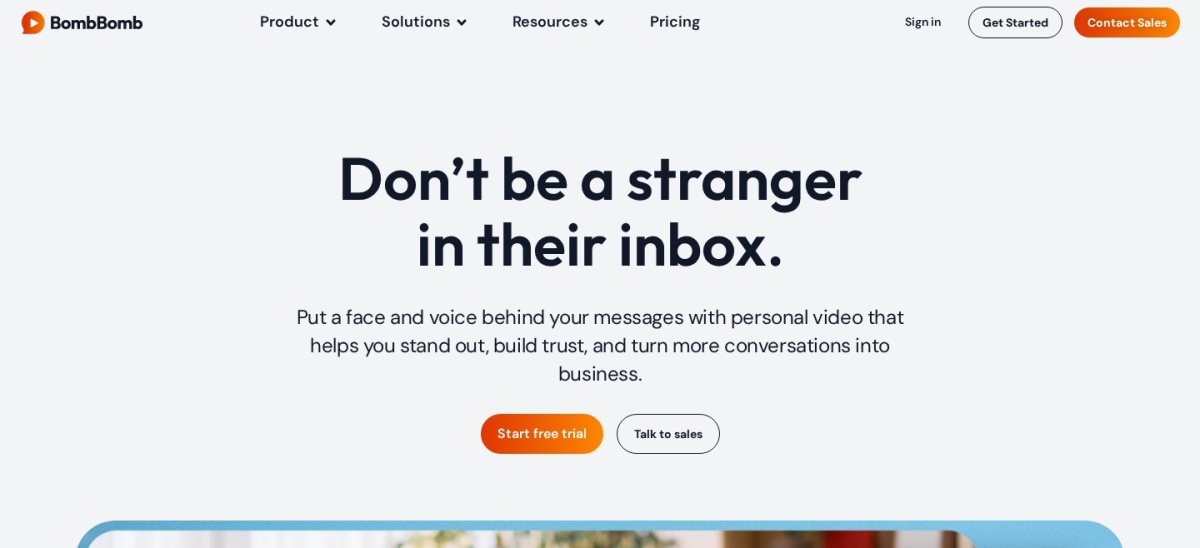
BombBomb is the best video email software for relationship sales. Its Core plan costs $36 per user a month and is built for video email, with Gmail and Outlook integration and watch tracking. Pick Loom for quick async video and Sendspark for personalised video at scale.
How we make this list: we compare pricing pages, product documentation and public user reviews, then re-check every price before each update. No product paid for a place. Disclosure.
BombBomb is built for video email, with Gmail and Outlook integration, from $36 per user a month.
Loom is the best all-rounder: a free plan with 25 videos and Business at $15 per user a month.
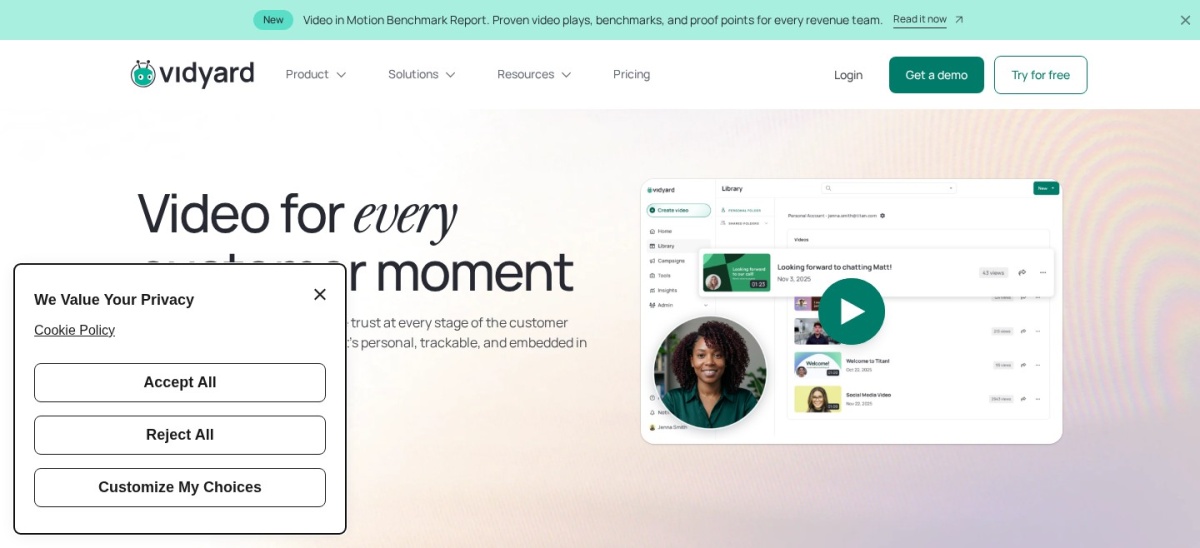
Vidyard syncs per-recipient watch data to the CRM, but Starter now costs $59 a seat a month.
Sendspark has the highest G2 rating here at 4.8, with AI personalisation from $49 a month.
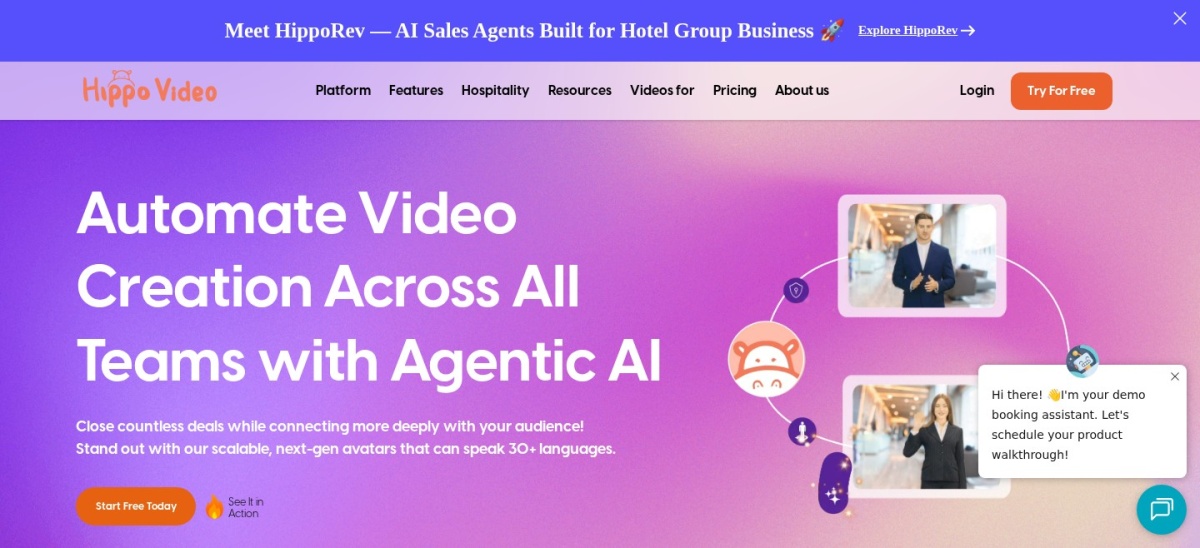
ScreenPal is the budget pick at $3 per user a month, and Hippo Video adds interactive CTAs from $20.
What video email software should do
Video email is a personal video sent inside an email, not a link to a video site. The recipient presses play in the inbox and sees a face, not a wall of text.
The tools in this list do three things: record fast, send easily and report who watched. The best ones also sync that watch data to the CRM, so a view can trigger a follow-up.
Price ranges from $3 a month for ScreenPal to $59 a seat for Vidyard. The gap is sales analytics and CRM depth, not recording quality.
BombBomb is a video email platform for relationship-led sales, where reps record a personal video, drop it into Gmail or Outlook and see who opened it and how much they watched.
The trade off is Core costs $36 a user a month billed annually with no free plan, only a 14-day trial, and its interface feels older than Loom or Sendspark. It suits real estate and sales pros who send personal video by email every day..
Loom is the default tool for async video, where recording and sharing take a few clicks: screen and webcam capture, a link you can drop into any email, and a free Starter plan with 25 videos.
The trade off is it is built for internal updates more than sales outreach, so CRM integrations and per-recipient sales analytics are thinner than Vidyard or BombBomb. It suits teams sending quick video updates, demos and follow-ups..
What we like
Free plan with 25 videos
Fastest recording workflow here
Largest G2 review base here
Watch out for
Thinner sales analytics than rivals
Free videos cap at 5 minutes
Business adds unlimited videos and 4K at $15 a monthVisit loom.com
03
Vidyard
4.5/5on G2 (831 reviews, checked Nov 2026)
Paid from$59/seat/mo
Best for sales video with CRM data
AnalyticsPer-recipient watch data
CRMHubSpot and Salesforce sync
Free plan5 videos a month
Paid planStarter, $59/seat/mo annual
vidyard.com
Vidyard homepage, captured Nov 2026.
Vidyard is a video platform for revenue teams, where reps record personal videos from the browser or email and watch data syncs to HubSpot or Salesforce, so a view can trigger a follow-up.
The trade off is the entry plan is now Starter at $59 a seat a month, a steep jump from the free plan, and the older $19 Pro price no longer appears on the pricing page. It suits sales teams that want viewing data in the CRM..
Sendspark is a video outreach tool that personalises one recording for hundreds of prospects with AI voice cloning and dynamic backgrounds, then fires follow-up sequences when a prospect watches.
The trade off is Solo costs $49 a month for one seat with no free plan, only a 7-day trial, and it is built for outbound sales, not internal video. It suits small sales teams sending personalised video to hundreds of prospects..
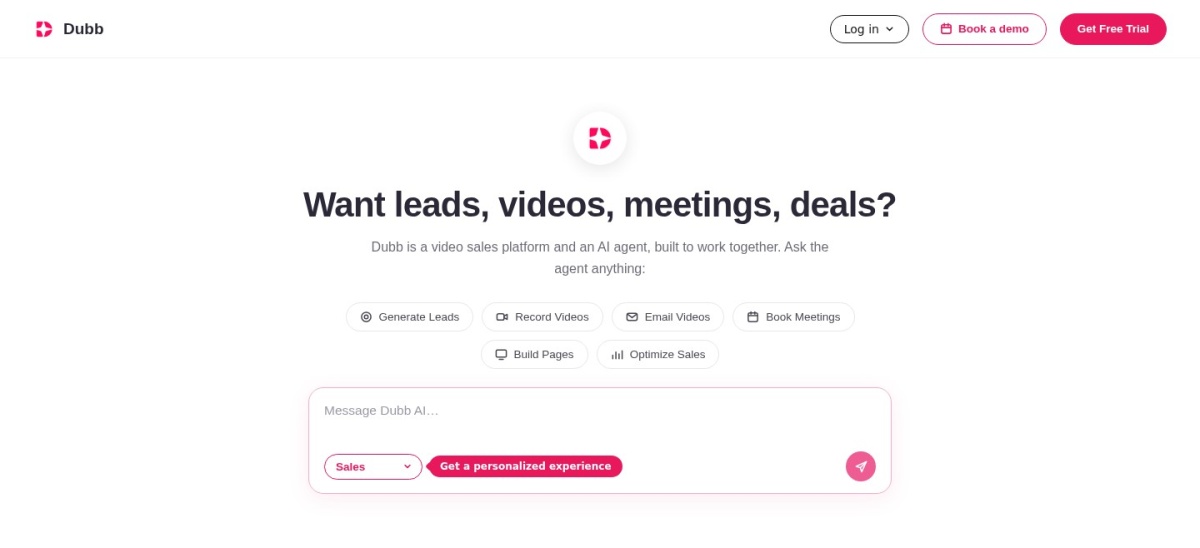
Dubb is a video sales platform with a built-in CRM, custom video landing pages with call-to-action overlays, and tracking that shows who watched and clicked.
The trade off is Pro costs $42 a user a month billed annually, and the CRM is simpler than HubSpot or Salesforce, so teams with a real CRM may not need it. It suits sales teams that want video plus landing pages and a light CRM..
Hippo Video is a video platform for B2B sales that adds interactive elements to the video: quizzes, polls and embedded calls to action, plus AI text-to-video and a built-in teleprompter.
The trade off is its sales analytics are thinner than Vidyard's, and the free plan is limited, so the useful features start on Pro at $20 a user a month. It suits sales teams that want prospects to act inside the video..
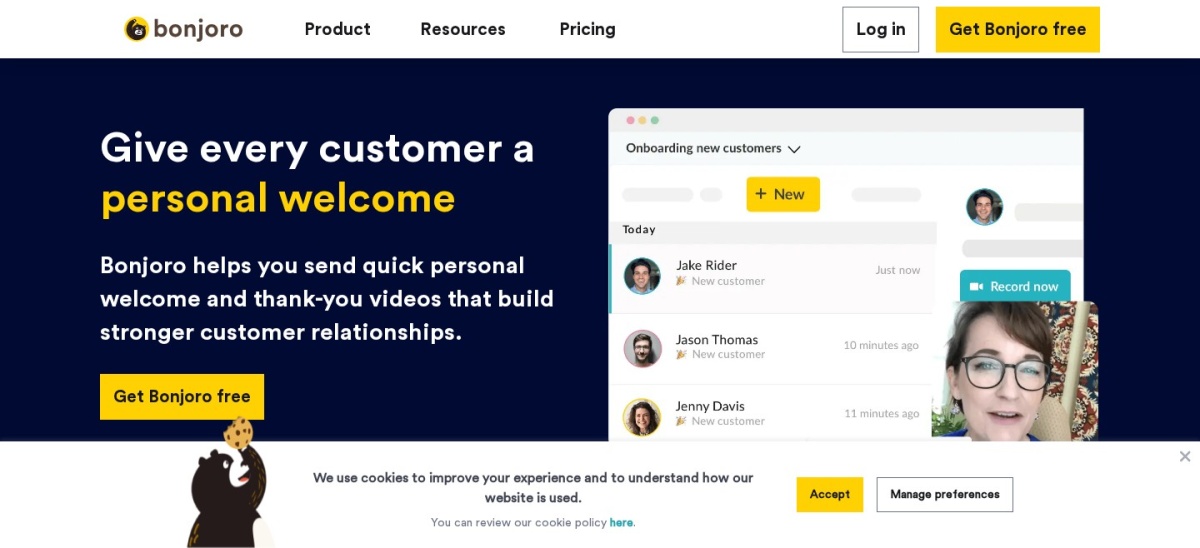
Bonjoro is a video messaging tool built for the moment a customer signs up: record a personal welcome video, send it by email and turn a new account into a relationship.
The trade off is it is built for welcome and onboarding video, not for outbound sales, and its G2 rating rests on only 100 reviews. It suits customer success teams sending welcome videos..
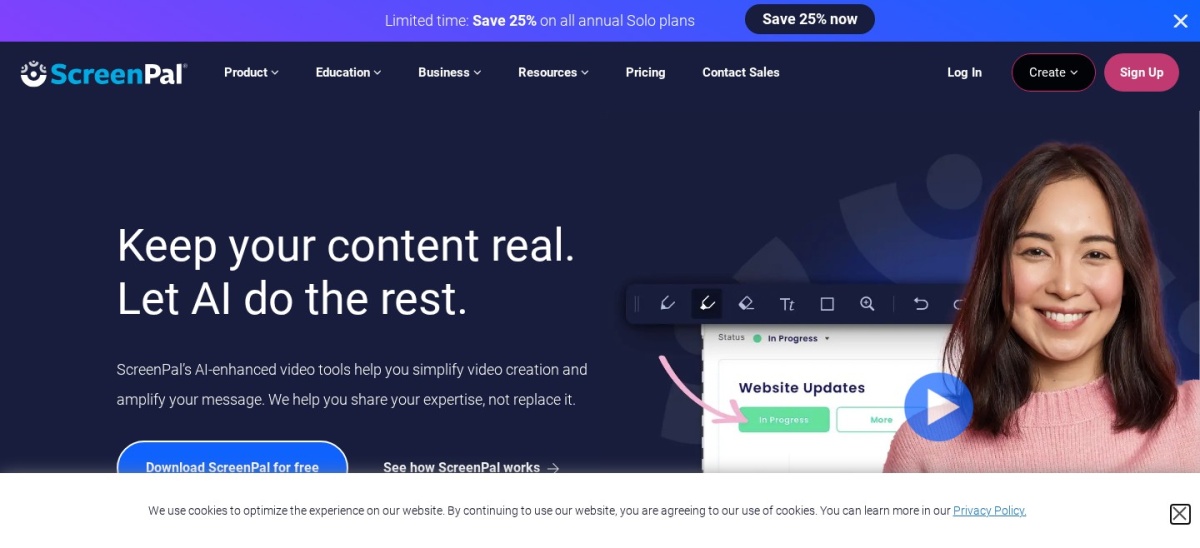
ScreenPal is a low-cost screen recording and video messaging tool for teachers, creators and small teams, with screen and webcam capture, basic editing and simple sharing from $3 a user a month.
The trade off is it has no CRM integrations and no per-recipient sales analytics, so it is a recording tool, not a sales platform. It suits teachers and small teams that need cheap video messages..
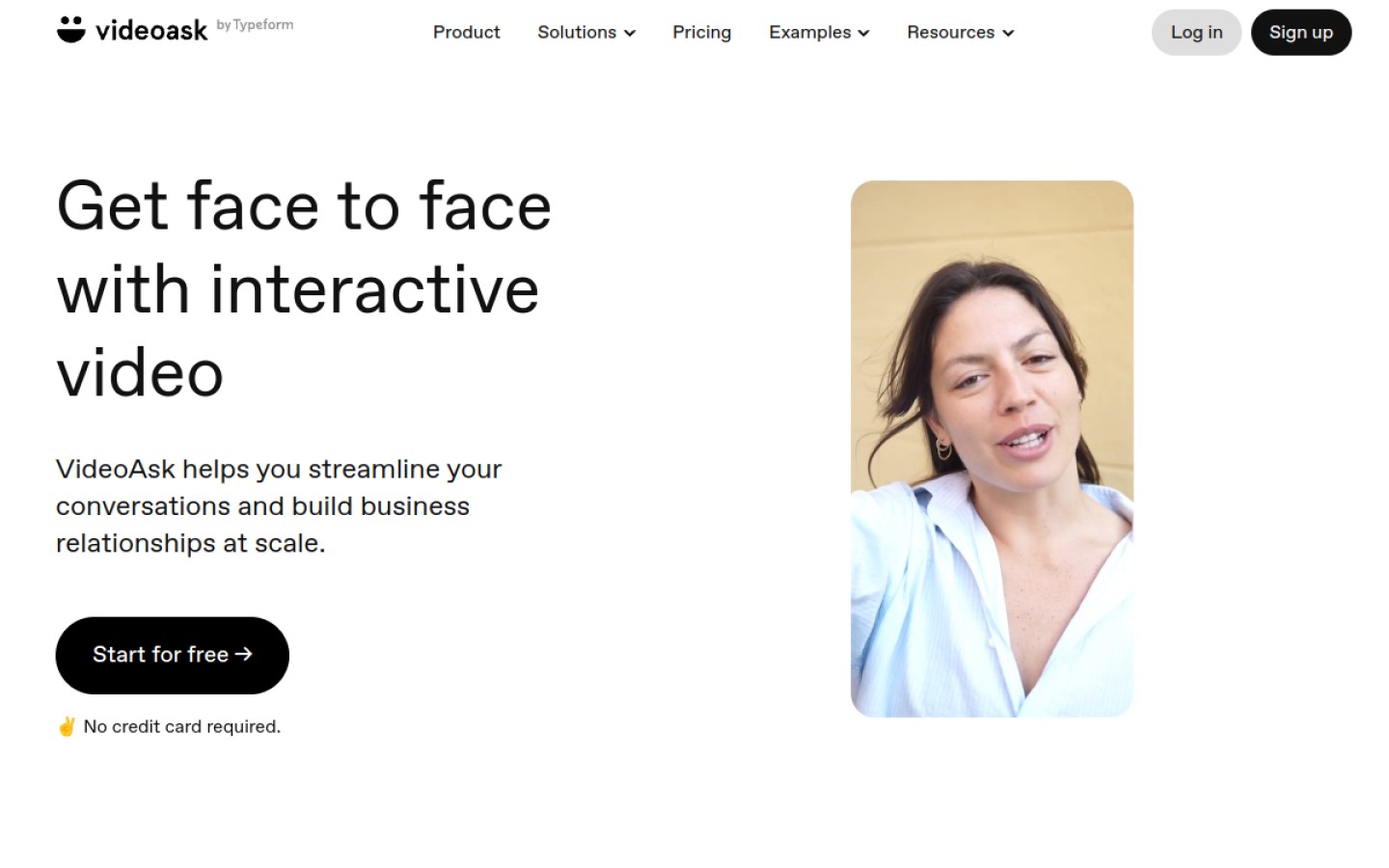
VideoAsk is a video conversation tool from the Typeform team, where you ask a question on video and the other person replies on video, turning a form or follow-up into a two-way exchange.
The trade off is it is built for conversations and feedback, not for outbound sales video, and its review count on G2 is not published. It suits teams collecting video replies, feedback and applications..
Video wins on first contact, follow-ups and thank-yous, where a face builds trust faster than text. It loses on detail: prices, contracts and instructions still belong in writing.
The best video emails are short: 30 to 60 seconds, one point, one call to action. Longer videos get skipped, however good the recording.
Track the watch rate, not the open rate. A video that is opened but not watched is a subject line win and a video loss.
How we chose
We started from the video email tools that appear most often in G2's video email category and in sales video roundups, then kept the nine with real video email sending and a public G2 rating.
Prices come from each vendor's pricing page, checked on 24 November 2026. BombBomb Core costs $36 per user a month billed annually, Loom Business $15 per user a month and Vidyard Starter $59 a seat a month. Ratings and review counts come from G2 on the same day.
We left out tools with no public rating or no published price. No vendor paid for a place, and we do not claim hands-on testing for this list.
How to choose video email software
Start with who you send to, then pick the tool built for that audience.
Decide sales or internal. Sales teams need Vidyard, BombBomb or Sendspark. Internal teams need Loom or ScreenPal.
Check the CRM connection. If a view should trigger a follow-up, the tool must sync watch data to your CRM. Confirm it is on your plan.
Count your videos a month. Free plans cap videos: Loom at 25, Vidyard at 5 a month. Count your volume before you rely on free.
Keep videos short. Record one point in 30 to 60 seconds. Trial the tool with real recipients and watch the completion rate, not the open rate.
FAQ
What is video email software?
It is software that lets you record a personal video and send it inside an email, with tracking that shows who opened it and how much they watched.
Is video email better than text email?
For first contact and follow-ups, yes: a face builds trust faster than text. For prices, contracts and detail, text still wins. The best emails use video for the hello and text for the detail.
Which video email tool is best?
BombBomb is best for relationship sales by email. Loom is best for quick async video, and Sendspark is best for personalised video sent to hundreds of prospects.
Can I send video email for free?
Yes, in a limited way. Loom is free for 25 videos and Vidyard is free for 5 videos a month. BombBomb and Sendspark have no free plan, only trials.
How long should a video email be?
30 to 60 seconds, with one point and one call to action. Longer videos get skipped, however good the recording, so record in a quiet room and keep it tight.
Does video email work in Gmail?
Yes. BombBomb, Loom and Vidyard all integrate with Gmail and Outlook, so the video plays in the inbox or opens on a branded landing page.