Best AI Email Management Tools in 2026: 9 Tools Compared
WLWPLegible EditorsLast verified 22 Nov 2026How we rank13 min read
★ Short answer
Superhuman is the best AI email management tool for most heavy email users, with AI triage, a split inbox and a keyboard-first design. Pick Missive for a shared team inbox, SaneBox for AI triage without switching apps, and Clean Email for bulk cleanup.
How we make this list: we compare pricing pages, product documentation and public user reviews, then re-check every price before each update. No product paid for a place. Disclosure.
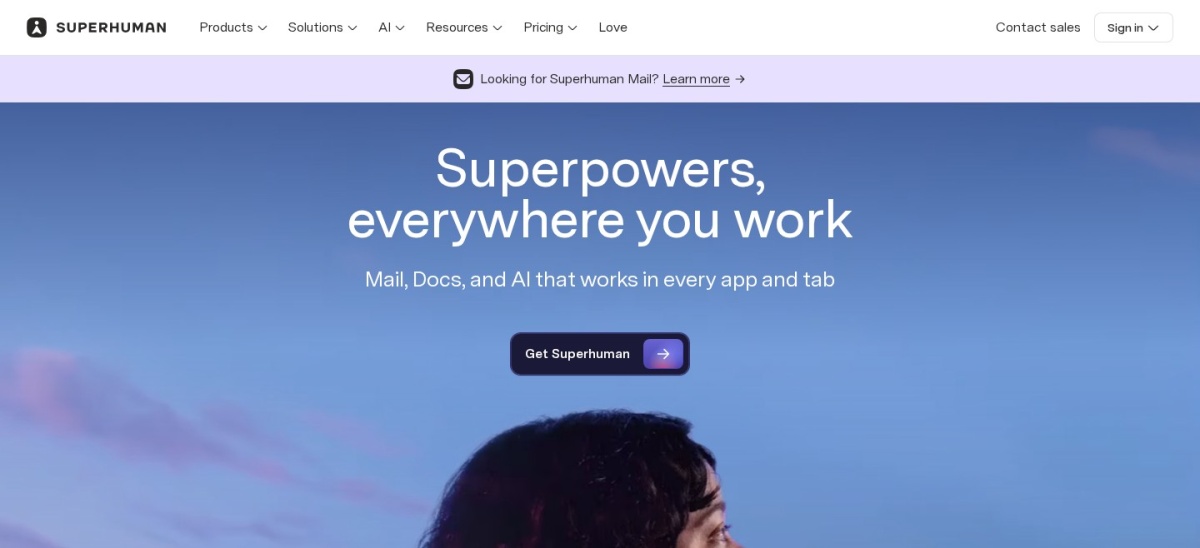
Superhuman is the fastest way through a busy inbox, but at $30 a month it costs more than every other tool here.
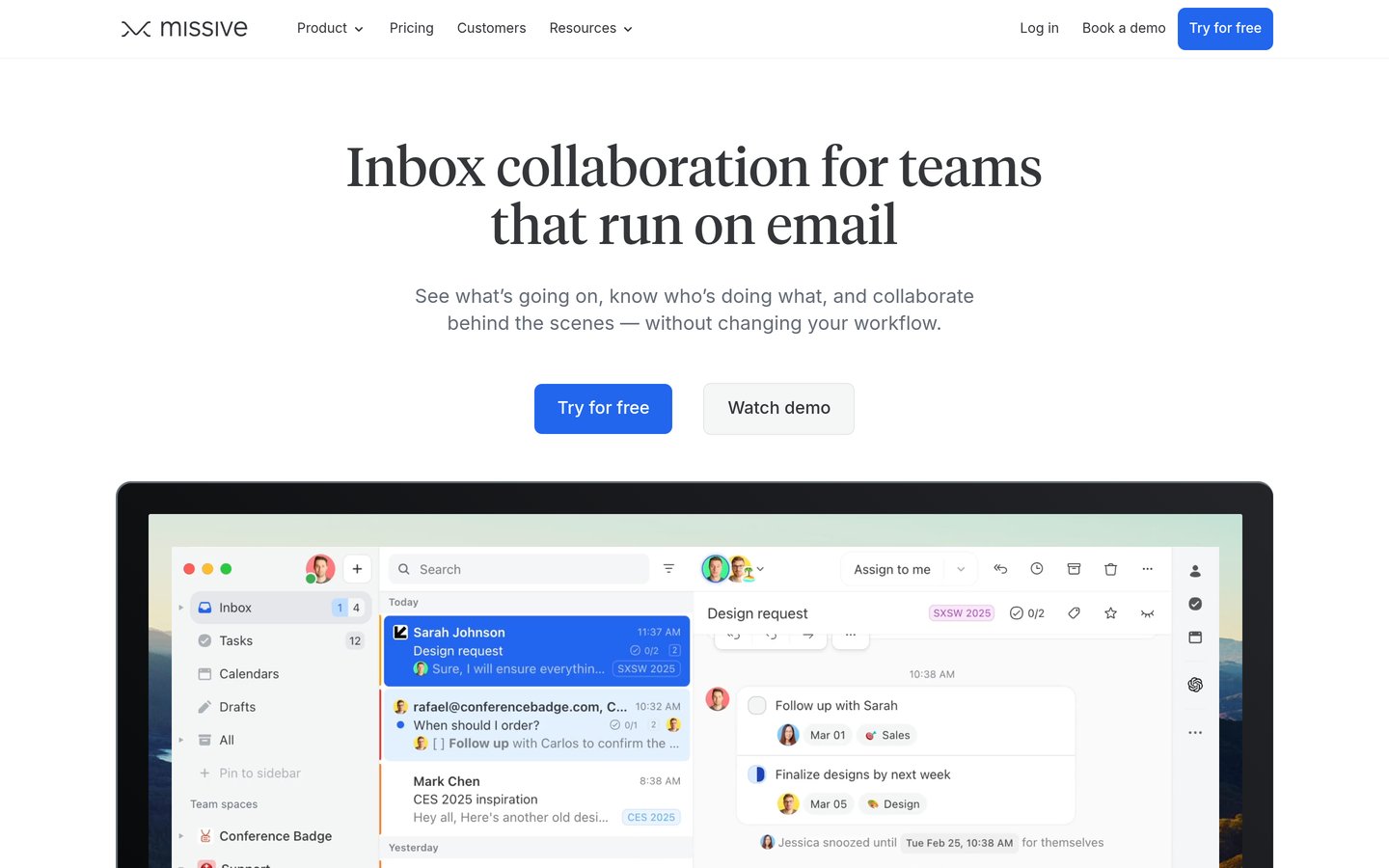
Missive and Hiver turn a shared inbox into a team workspace, with assignments, comments and tasks built into each thread.
SaneBox and Clean Email work on top of the inbox you already use, so there is no new app to learn.
Shortwave's AI search reads up to 3 years of mail on Pro, but it only works with Gmail and Google Workspace.
Five of the nine tools have a free plan. Superhuman and Front start paid, and SaneBox offers only a 7-day trial.
What AI email management actually does
AI email management covers three different jobs. Some tools sort and prioritise the inbox for you, some draft and summarise with AI, and some turn a shared address into a team workspace.
The first question is whether you want a new app or a layer on your current inbox. Superhuman, Shortwave, Spark and Spike replace your email client, while SaneBox and Clean Email work inside Gmail, Outlook or any IMAP account.
Team tools are a separate decision. Missive, Hiver and Front add assignments, internal comments and collision alerts, so two people never answer the same message.
Prices here are per user or per seat a month, and most tools charge less on annual billing. Watch for seat minimums and caps: Hiver starts at 2 seats, Missive Starter stops at 5 users, and Front Starter stops at 10 seats.
Superhuman is a keyboard-first email client for Gmail and Outlook that sorts mail with AI triage, splits the inbox into focused sections and drafts replies in your voice. It adds read statuses, snippets, send-later scheduling and a built-in calendar, and it is rated 4.8 out of 5 from 1,284 G2 reviews.
The trade off is price. Starter costs $30 a month, or $300 a year with annual billing, with no free plan, and the fuller AI features such as Auto Drafts and Ask AI sit on Business at $40 a month. It suits people who live in email all day and will pay for speed.
Missive is a team inbox where a whole team works from shared addresses such as support@ without forwarding or cc'ing. Each conversation carries internal chat, comments, assignments and tasks, and it connects email with SMS and social accounts. It is rated 4.7 out of 5 from 854 G2 reviews.
The trade off is the plan ladder. Starter costs $14 per user a month billed yearly and stops at 5 users, while rules, integrations and the AI assistant start on Productive at $24. It suits small teams that answer customers from one shared inbox.
Hiver is a shared inbox that works inside Gmail, so a team manages support@ and sales@ without leaving the inbox it already knows. It adds assignments, collision alerts, rule-based automations, AI Agents and an AI Copilot that drafts replies. It is rated 4.6 out of 5 from 1,283 G2 reviews.
The trade off is the seat rules. Growth costs $25 per user a month billed yearly, plans start at 2 seats and grow in steps of 5, and Growth stops at 10 users. It suits Gmail teams that want a helpdesk without a separate app.
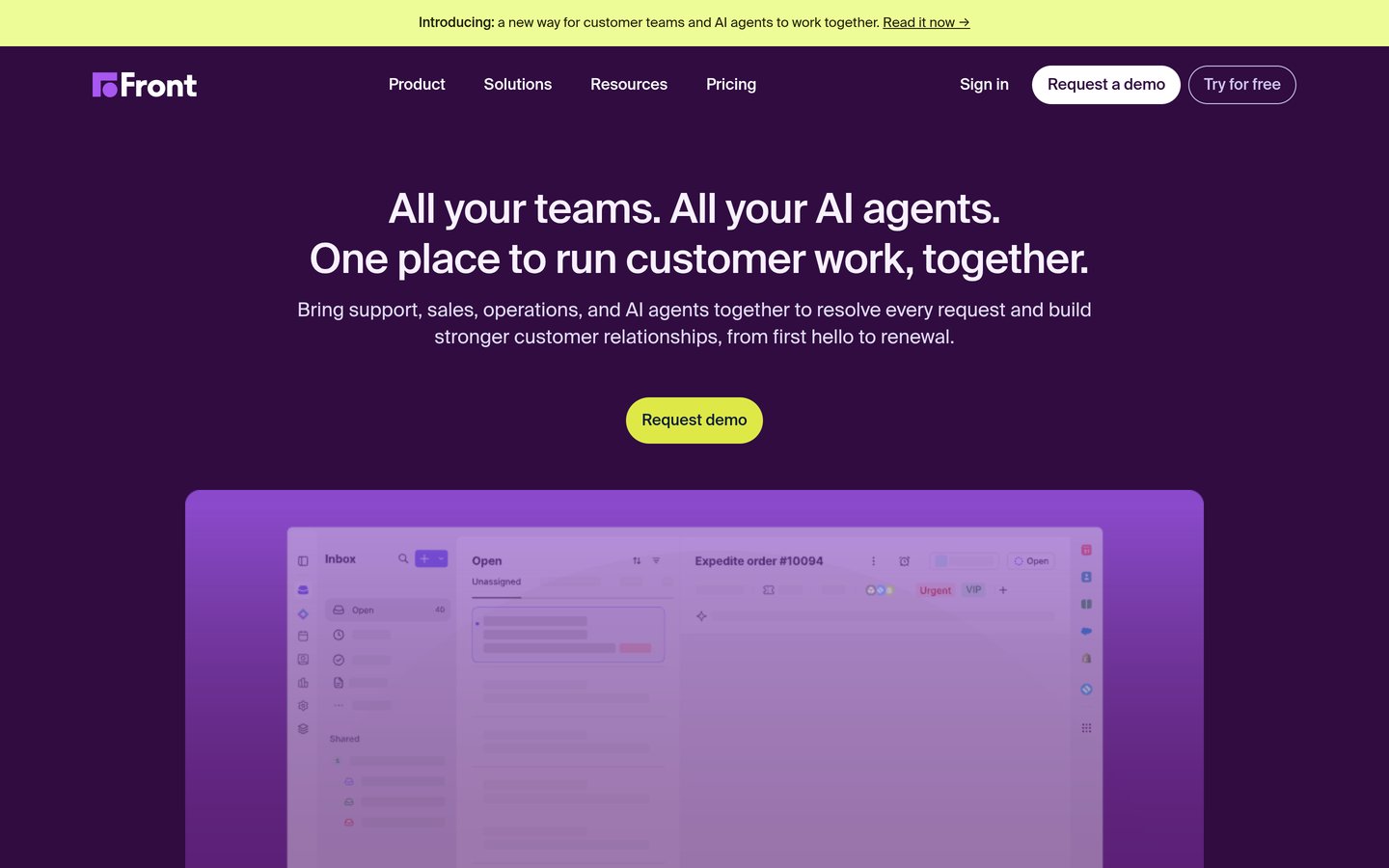
Front is a shared inbox that pulls email, SMS and social messages into one workspace where a team assigns, comments and answers together. It adds message templates, rules, a knowledge base and AI Topics, and it is used by more than 9,300 companies. It is rated 4.7 out of 5 from 2,469 G2 reviews.
The trade off is cost and scope. Starter costs $25 per seat a month billed annually and covers one channel type, while the AI Copilot costs $20 per seat a month extra on Starter and Professional. It suits support teams that answer customers across several channels.
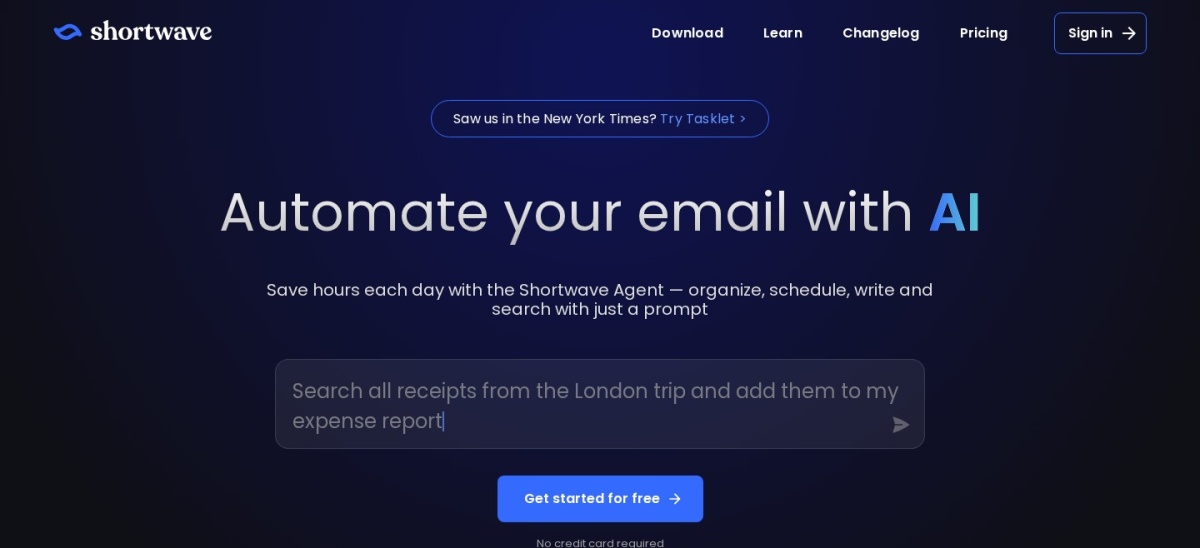
Shortwave is an AI email client for Gmail that answers questions from your mail history, summarises long threads and drafts replies in your style. Pro searches 3 years of mail, pulls up to 50 threads into one answer and adds AI inbox organisation. It is rated 4.4 out of 5 from 68 G2 reviews.
The trade off is scope. Shortwave only works with Gmail and Google Workspace, Pro costs $18 a month with no annual discount, and AI filters and integrations start on Business at $30 a seat. It suits Gmail users who want an AI that knows their whole inbox.
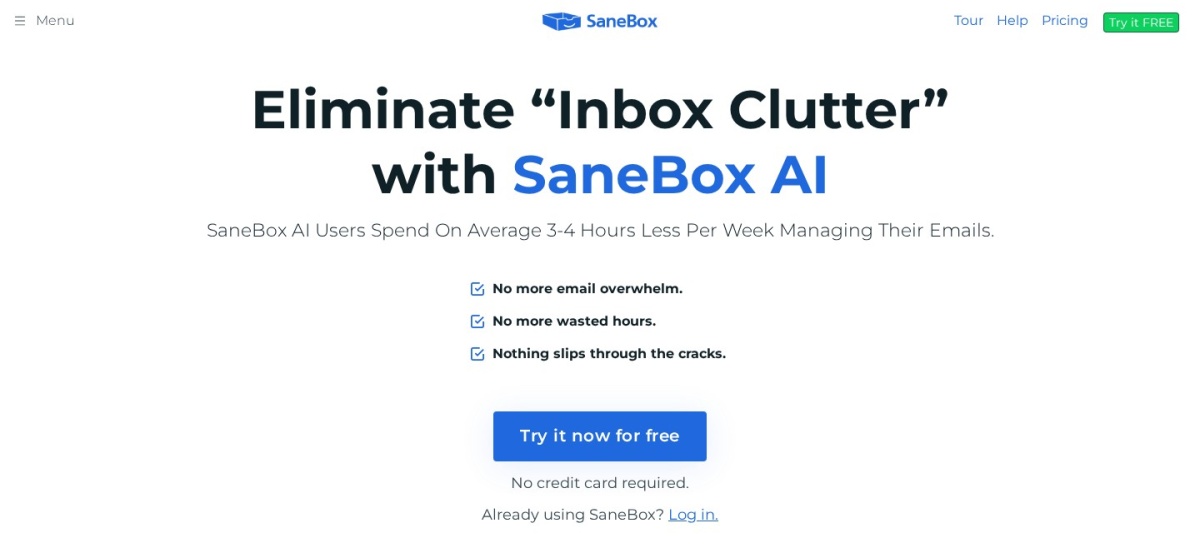
SaneBox is an AI filtering service that sorts unimportant mail into a SaneLater folder so the inbox shows only what needs attention. It learns from your habits, adds reminders, snooze and a one-click unsubscribe folder, and works with Gmail, Outlook and any IMAP account. It is rated 4.8 out of 5 from 246 G2 reviews.
The trade off is the pick-and-mix pricing. Snack costs $9.49 a month, or $65 a year, for 1 account and 2 features, so the full AI bundle needs Dinner at $26.58 a month billed yearly. It suits people who want AI triage inside the email app they already use.
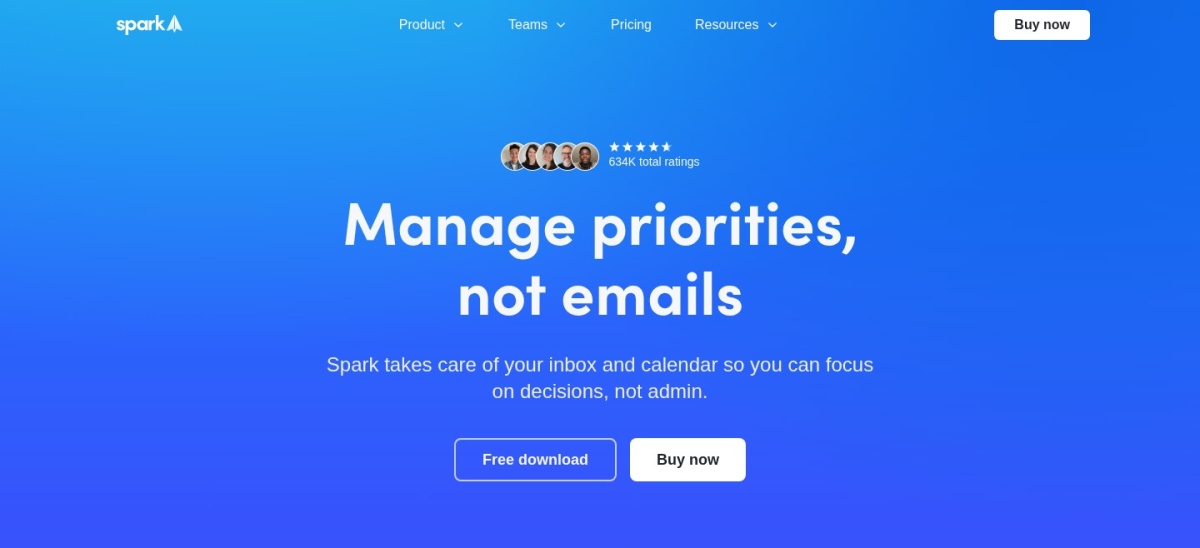
Spark is a cross-platform email client from Readdle that sorts mail into a Smart Inbox, groups newsletters by sender and adds an AI assistant that writes, summarises and translates. The free plan covers unlimited accounts, smart notifications and a calendar. It is rated 4.4 out of 5 from 22 G2 reviews.
The trade off is that the AI sits behind the paywall. Plus costs $10 a month per user, or $99 a year, and adds Spark +AI, the AI assistant and team collaboration. It suits people who want one free app for several accounts across Mac, Windows, iOS and Android.
4.6/5on Trustpilot (722 reviews, checked Nov 2026)
Paid from$9.99/mo
Best bulk inbox cleanup
Bulk cleanupSmart Folders and rules
Works withGmail, Outlook, iCloud, IMAP
Free planYes, 1,000 messages
Paid planPremium, $9.99/mo
clean.email
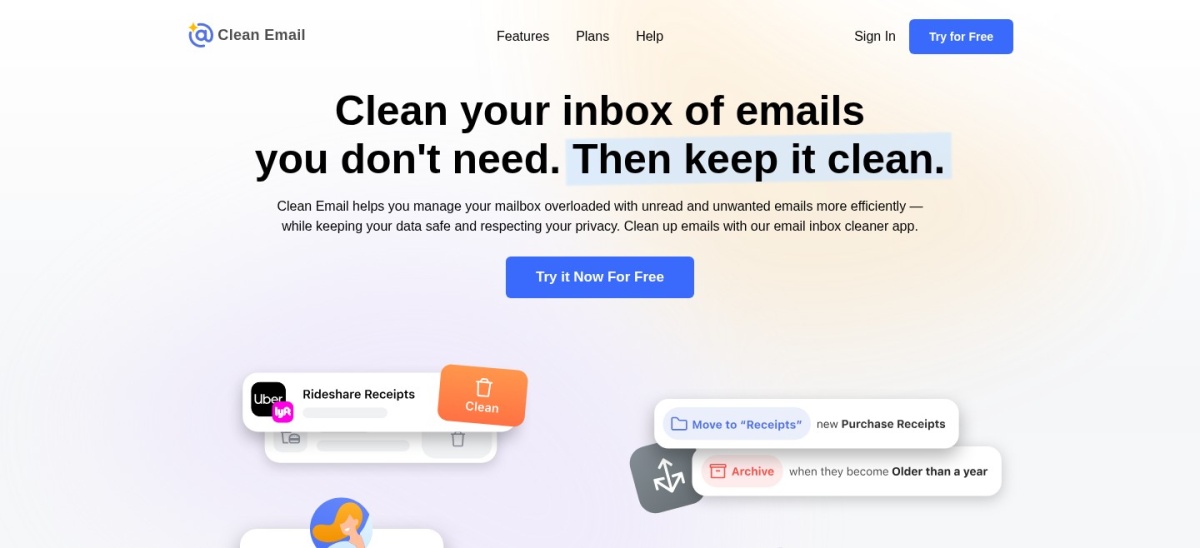
Clean Email homepage, captured Nov 2026.
Clean Email is an inbox cleaner that groups mail by sender, unsubscribes you from newsletters in bulk and deletes thousands of old messages at once. Premium adds Auto Clean rules, a Screener for first-time senders and a Privacy Monitor. It is rated 4.6 out of 5 from 722 Trustpilot reviews.
The trade off is that it cleans rather than replaces your inbox. Premium costs $9.99 a month, or $29.99 a year for one account, and the free account stops after 1,000 messages. It suits anyone with years of unread mail to clear before AI triage can help.
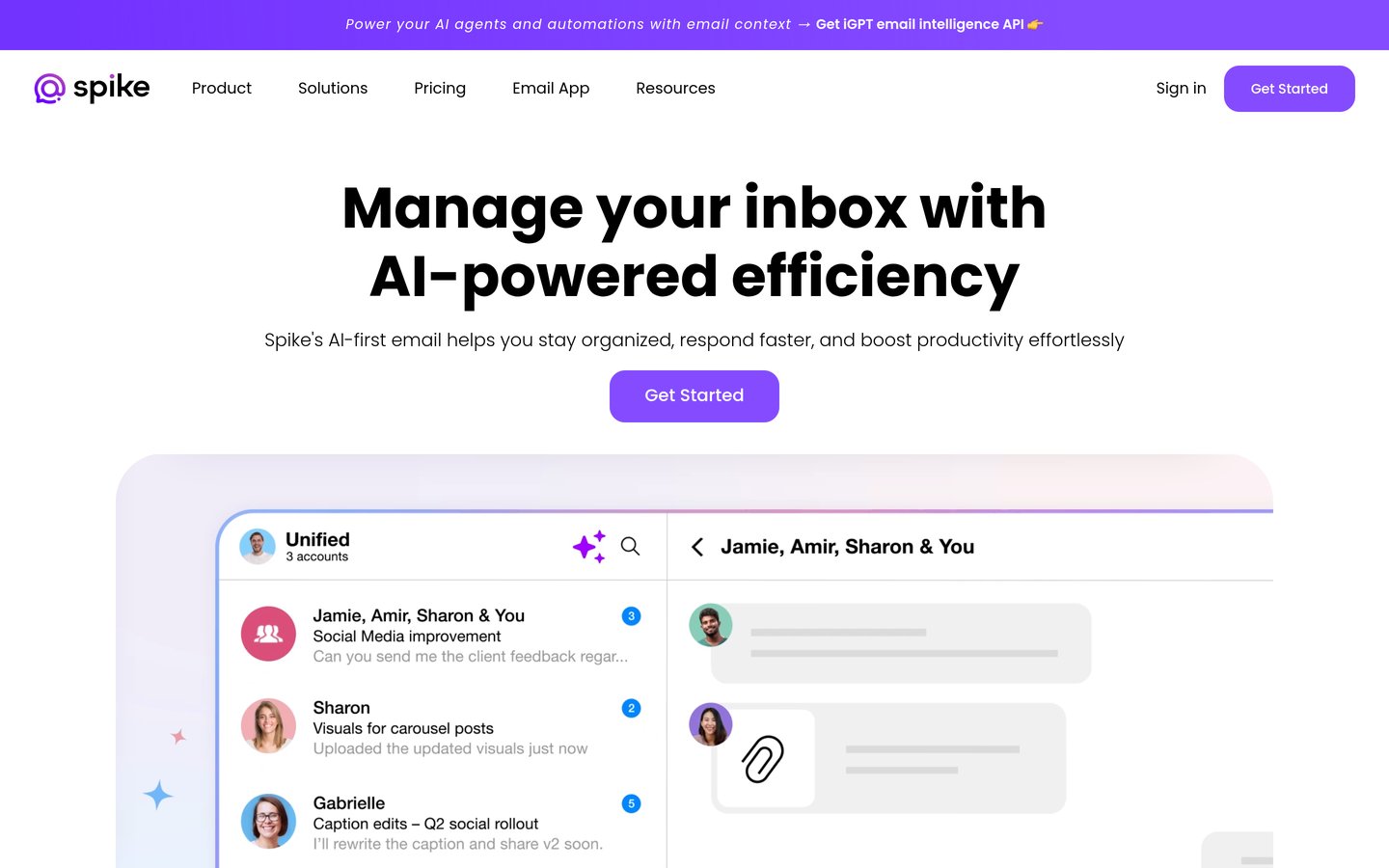
Spike is an email client that turns threads into chat-style conversations and adds team chat, tasks, notes and video calls in the same window. Pro adds AI summaries and suggested replies, 3 email accounts and 5 GB of storage. It is rated 4.6 out of 5 from 260 G2 reviews.
The trade off is the per-account billing. Pro costs $5 a month per user billed yearly, or $8 monthly, and covers 3 email accounts, so people with many inboxes pay more. It suits small teams that want email, chat and calls in one place.
Five of the nine tools have a free plan, but the free plans are not equal. Spark and Spike give you a full client for free, while Shortwave and Clean Email cap what the free version can do.
The AI is usually what you pay for. Superhuman has no free plan at all, Spark keeps its AI assistant behind Plus, and Missive keeps its AI assistant on Productive.
If you only want a cleaner inbox, start free. SaneBox has no free plan, only a 7-day trial, so try Clean Email's free 1,000 messages first and see how much backlog you actually have.
How we chose
We started from the best-known AI email tools on G2, Capterra and Trustpilot, then kept the nine with a verifiable rating and a published price.
Prices come from each vendor's pricing page, checked on 22 November 2026. Ratings and review counts come from G2, Capterra or Trustpilot on the same day. Where a vendor shows a sale, the list shows the regular price.
We left out tools with no verifiable rating on any of the three review sites. No vendor paid for a place, and we do not claim hands-on testing for this list.
How to choose an AI email management tool
Start with how you work today, then pick the tool that fits that shape.
Decide whether you want a new app or a layer. If you like your current client, SaneBox or Clean Email add AI on top. If you want a fresh start, try Superhuman, Shortwave, Spark or Spike.
Check which mail providers it supports. Shortwave is Gmail only, Hiver in Gmail is Gmail only, and the rest cover Gmail, Outlook and IMAP in various combinations.
Count the seats before you compare prices. Most tools charge per user or per seat, and Hiver sells seats in steps of 5 while Missive Starter stops at 5 users.
Try the free plan or trial first. Five tools here have a free plan. Use it for a week with your real inbox before paying, and check what the AI actually does for you.
FAQ
What is the best AI email management tool?
Superhuman is the best overall pick for heavy email users, with AI triage, a split inbox and keyboard shortcuts, rated 4.8 out of 5 from 1,284 G2 reviews. It costs $30 a month, so Missive is the better pick for teams and SaneBox for AI triage without a new app.
Can AI manage my inbox without changing email apps?
Yes. SaneBox and Clean Email work on top of Gmail, Outlook or any IMAP account, so you keep your current app. SaneBox sorts mail with AI folders and reminders, while Clean Email groups mail by sender and deletes old messages in bulk.
Which AI email tool is best for teams?
Missive is the best pick for small teams, with shared inboxes, assignments and chat inside every thread from $14 per user a month billed yearly. Hiver is best for Gmail teams, and Front is best when the team also answers SMS and social messages.
Is Shortwave only for Gmail?
Yes. Shortwave only works with Gmail and Google Workspace accounts, with no support for Outlook, Yahoo or other providers. If you use Outlook, Superhuman, Spark or Spike cover both Gmail and Outlook instead.
How much does Superhuman cost?
Superhuman Mail Starter costs $30 a month, or $300 a year with annual billing. Business costs $40 a month, or $396 a year, and adds Auto Drafts, Ask AI and CRM integrations. There is no free plan.
What is the cheapest AI email management tool?
Spike Pro is the cheapest paid plan here at $5 a month per user billed yearly, or $8 monthly. Clean Email Premium costs $29.99 a year for one account, and Spark Plus costs $99 a year, so all three stay under $100 a year.
Do these tools read my emails?
They have to, in order to sort, summarise or draft. Shortwave indexes your mail history on its servers, SaneBox and Clean Email read headers only, and Superhuman processes mail to power its AI. Check each vendor's privacy page before connecting a work account.