Best AI Email Assistant Tools in 2026: 9 Tools Compared
WLWPLegible EditorsLast verified 22 Nov 2026How we rank17 min read
★ Short answer
Superhuman is the best AI email assistant for most heavy email users, with keyboard-first triage and AI drafting at $25 a month billed yearly, rated 4.7 out of 5 on G2. Pick Shortwave for a cheaper Gmail-native AI inbox, or SaneBox for automatic triage on any provider at $65 a year.
How we make this list: we compare pricing pages, product documentation and public user reviews, then re-check every price before each update. No product paid for a place. Disclosure.
Superhuman is the top pick at $25 a month billed yearly, with the strongest G2 rating in this list at 4.7 out of 5 from 1,323 reviews.
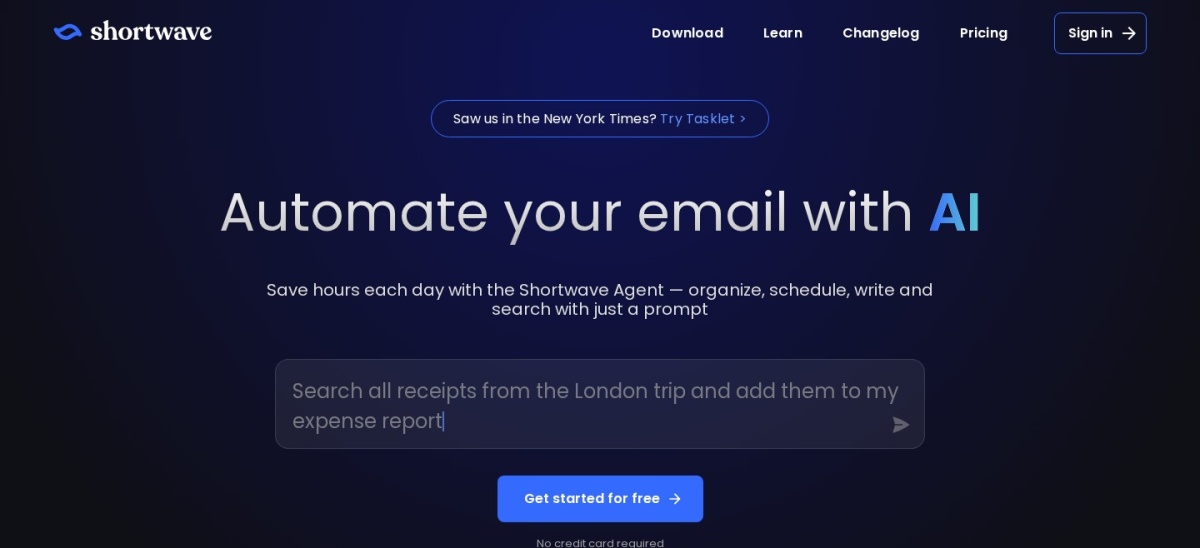
Shortwave is the closest cheaper rival at $30 a seat a month, but it works with Gmail and Google Workspace only.
SaneBox has the highest rating here, 4.8 out of 5 on Trustpilot from 761 reviews, and it works on any email provider.
Missive and Front are the team picks, with shared inboxes and assignments from $14 and $25 per user a month.
Canary Mail is the cheapest paid AI email client at $36 a year, with on-device AI that does not train on your mail.
Fyxer is the only tool here that bundles a meeting notetaker with inbox triage, but its paid plans are credit-metered.
What an AI email assistant should do for you
An AI email assistant should take real work off your plate: sorting the inbox, drafting replies in your voice, summarising long threads and finding old messages from a plain question. The tools in this list do at least two of those jobs, and the best ones do all four.
Check which inbox it supports before you pay. Shortwave and Hiver work with Gmail only, while Superhuman and Fyxer cover Gmail and Outlook, and SaneBox and Canary Mail work with almost any provider. Our guide to the best AI plugins for WordPress covers AI tools that sit inside WordPress instead.
Watch how the AI is priced. Some tools include drafting in the base plan, others charge an add-on, and Fyxer meters usage with credits after the first three months. A low monthly price can hide a per-seat AI fee or a usage cap that bites in a busy week.
Privacy matters because these tools read your mail. Canary Mail runs its AI on your device, while the rest process mail in the cloud, so check the vendor's security page and data policy before connecting a work inbox.
Superhuman is a keyboard-first email client for Gmail and Microsoft 365 that turns triage into a fast routine, with Split Inbox, snippets, send later and read statuses. Its Starter plan includes Superhuman AI for writing and summarising, and it holds a 4.7 out of 5 rating on G2 from 1,323 reviews, the joint highest here.
The trade off is price and reach. Starter costs $30 a month on monthly billing, or $25 billed yearly, and the auto drafts and Ask AI features need Business at $33 a month billed yearly. It suits executives, founders and sales staff who process 100 or more emails a day and can put a value on the time saved.
Shortwave is an AI email client built for Gmail and Google Workspace, with an AI agent that organises, searches, schedules and drafts from a plain prompt. The free plan keeps 90 days of search history, and paid plans add AI filters, bundles for clearing newsletters in bulk, snooze and shared threads for teams.
The trade off is scope and quotas. Shortwave only works with Gmail accounts, its AI filters draw complaints from reviewers, and every plan caps AI use with a daily quota. It suits Gmail users who want an AI that can search and summarise their whole mail history without switching to a new provider.
4.8/5on Trustpilot (761 reviews, checked Nov 2026)
Starts at$65/yr
Best for automatic inbox triage
AI draftingDinner plan only
Works withAny IMAP provider
Free planNo, 7-day trial
Cheapest paidSnack, $65/yr
sanebox.com
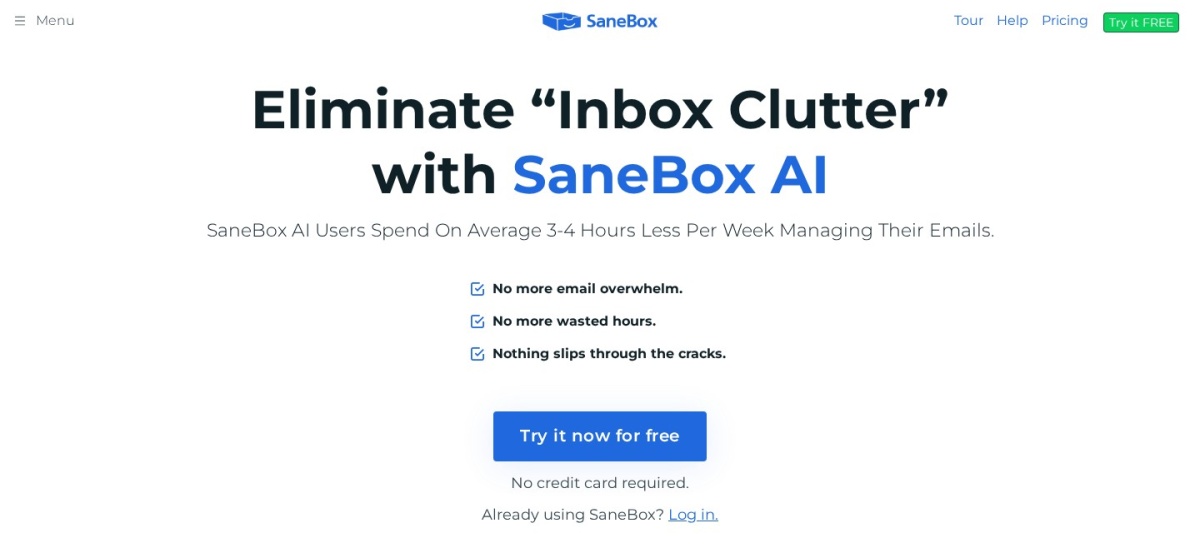
SaneBox homepage, captured Nov 2026.
SaneBox is an AI triage layer that sits on top of the inbox you already use, moving low-priority mail into a SaneLater folder and sending a daily digest of what it held back. It works with Gmail, Outlook, iCloud and any IMAP account, and it holds a 4.8 out of 5 rating on Trustpilot from 761 reviews, the highest in this list.
The trade off is that SaneBox sorts mail, it does not write it. Reply drafts and summaries only come with the Dinner plan, the AI needs a week or two to learn your habits, and Snack covers one account and two features. It suits people drowning in newsletters and cold pitches who want the noise gone without changing email apps.
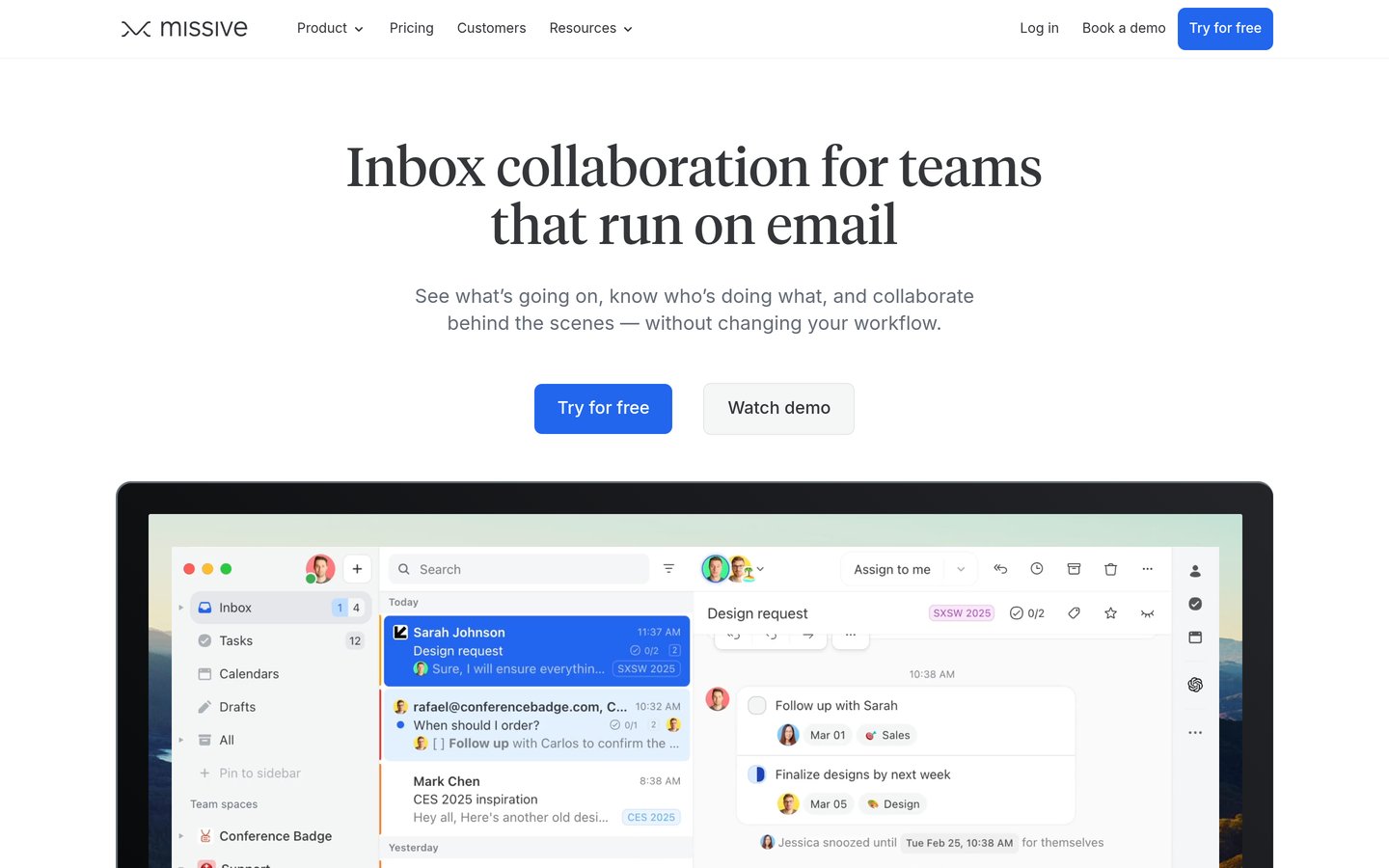
Missive is a team inbox and chat app built around email, with shared inboxes, private comments inside threads, assignments and rules that route mail to the right person. It covers email, SMS and social accounts, and more than 6,500 companies use it. It holds a 4.7 out of 5 G2 rating from 864 reviews.
The trade off is that its AI is not built in. Drafting with AI needs your own OpenAI API key, which adds roughly $2 to $15 per user a month, and reviewers note a learning curve and weak search for older mail. It suits small teams that want Front-style collaboration at a lower seat price.
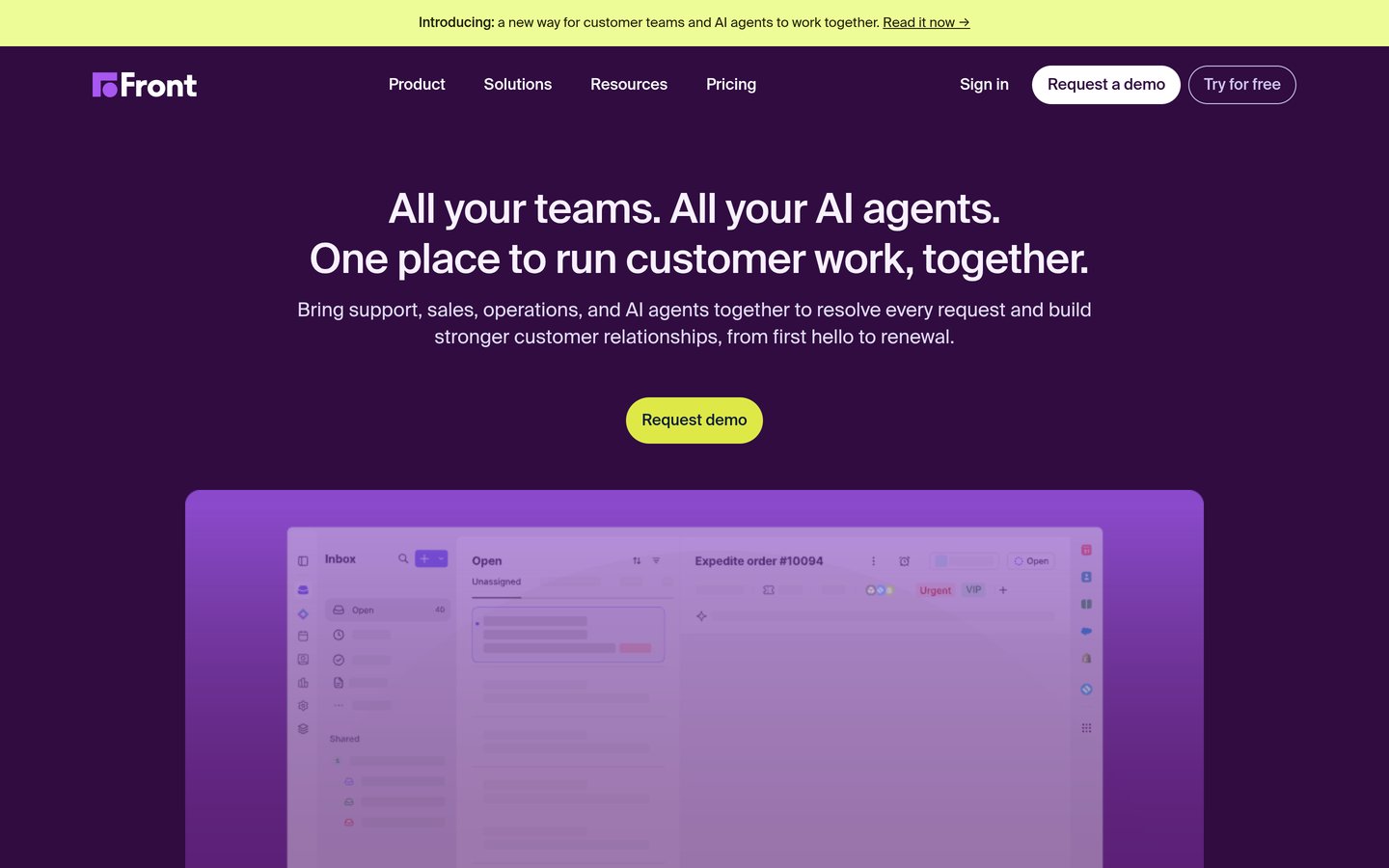
Front is a customer communication platform built on a shared inbox, where teams assign mail, comment inside threads and run workflow automations across email, chat and SMS. More than 9,300 businesses use it, and it holds a 4.7 out of 5 G2 rating from 2,553 reviews, the largest review base in this list.
The trade off is that AI costs extra below the top tier. Copilot is $20 a seat a month on Starter and Professional, Autopilot bills from $0.05 per conversation, and Starter is capped at 10 seats and one channel type. It suits support and sales teams that run shared inboxes at volume.
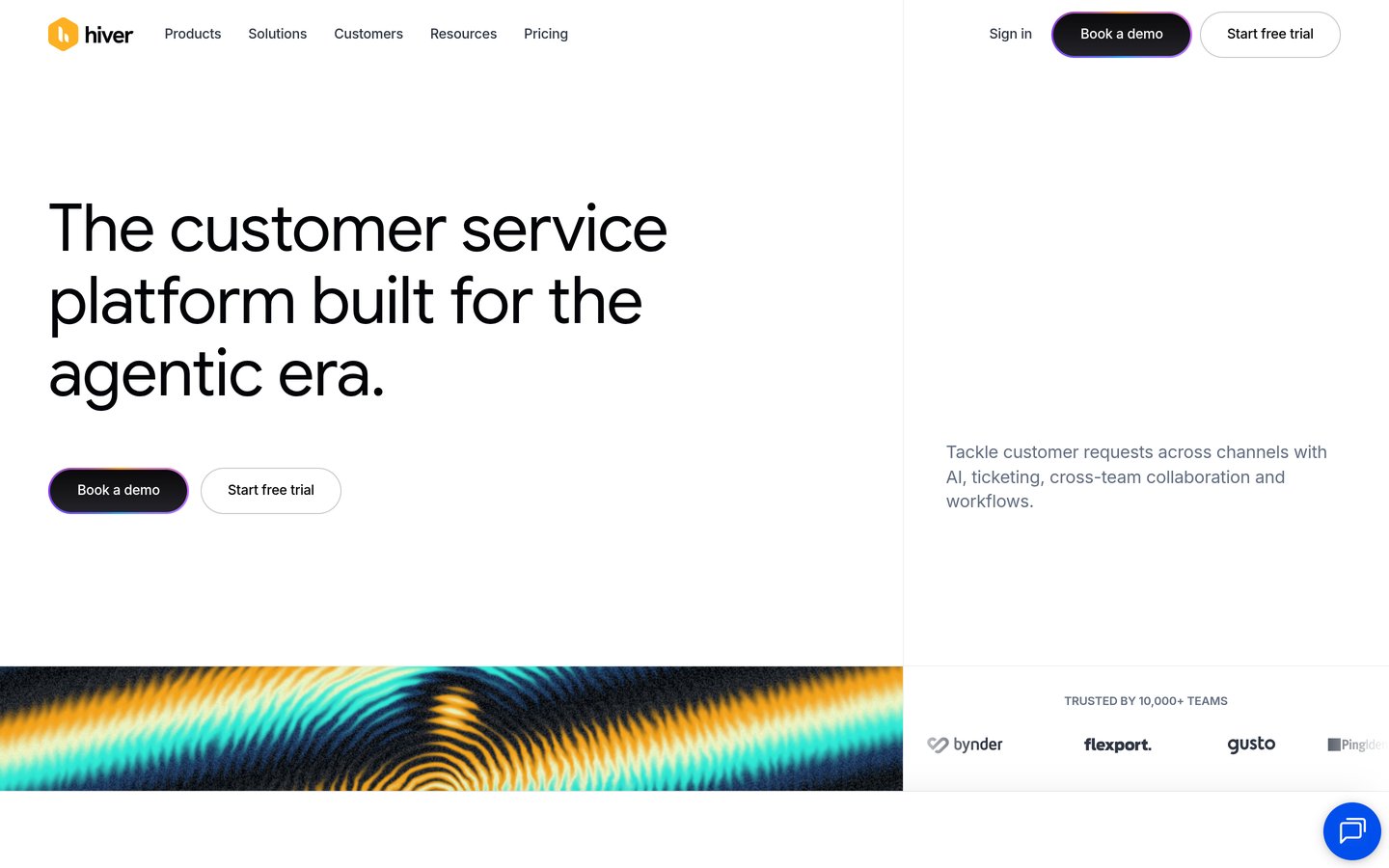
Hiver is a shared inbox that lives inside Gmail, turning addresses like support@ into shared queues with assignment, internal notes, statuses and SLAs, without a separate app to learn. It lists AI Agents and an AI Copilot on every plan, and more than 10,000 teams use it. It holds a 4.6 out of 5 G2 rating from 1,303 reviews.
The trade off is that it only works where Gmail works. Reviewers say the AI feels basic next to dedicated help desks, and SLAs, CSAT surveys and API access need the Pro plan at $55 a user a month. It suits teams whose support work already lives in Gmail and wants to stay there.
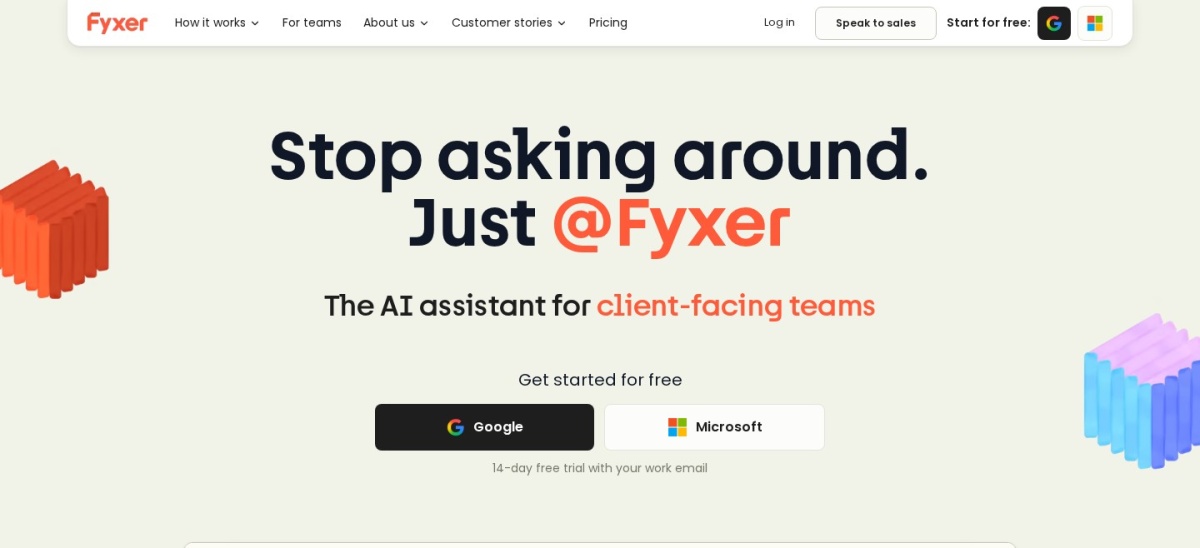
Fyxer is an AI executive assistant that sits on top of Gmail or Outlook, sorting incoming mail into categories and drafting replies in your voice from your sent mail. It also sends a notetaker into video calls, and its own site says more than 25,000 companies use it. It holds a 4.0 out of 5 Trustpilot rating from 753 reviews.
The trade off is metering and price. Pro costs $49 a person a month, or $37 billed yearly, and after the first three months usage is capped at 3,000 credits a month, with sorting charged per email. It suits founders, recruiters and consultants whose day runs on inbox and meetings.
What we like
Drafts replies in your own writing style
Meeting notetaker included on paid plans
Works on Gmail and Outlook without switching apps
Watch out for
Credit-metered after the first three months
Drafts often need heavy rewriting
Trustpilot reviews report billing friction after trials
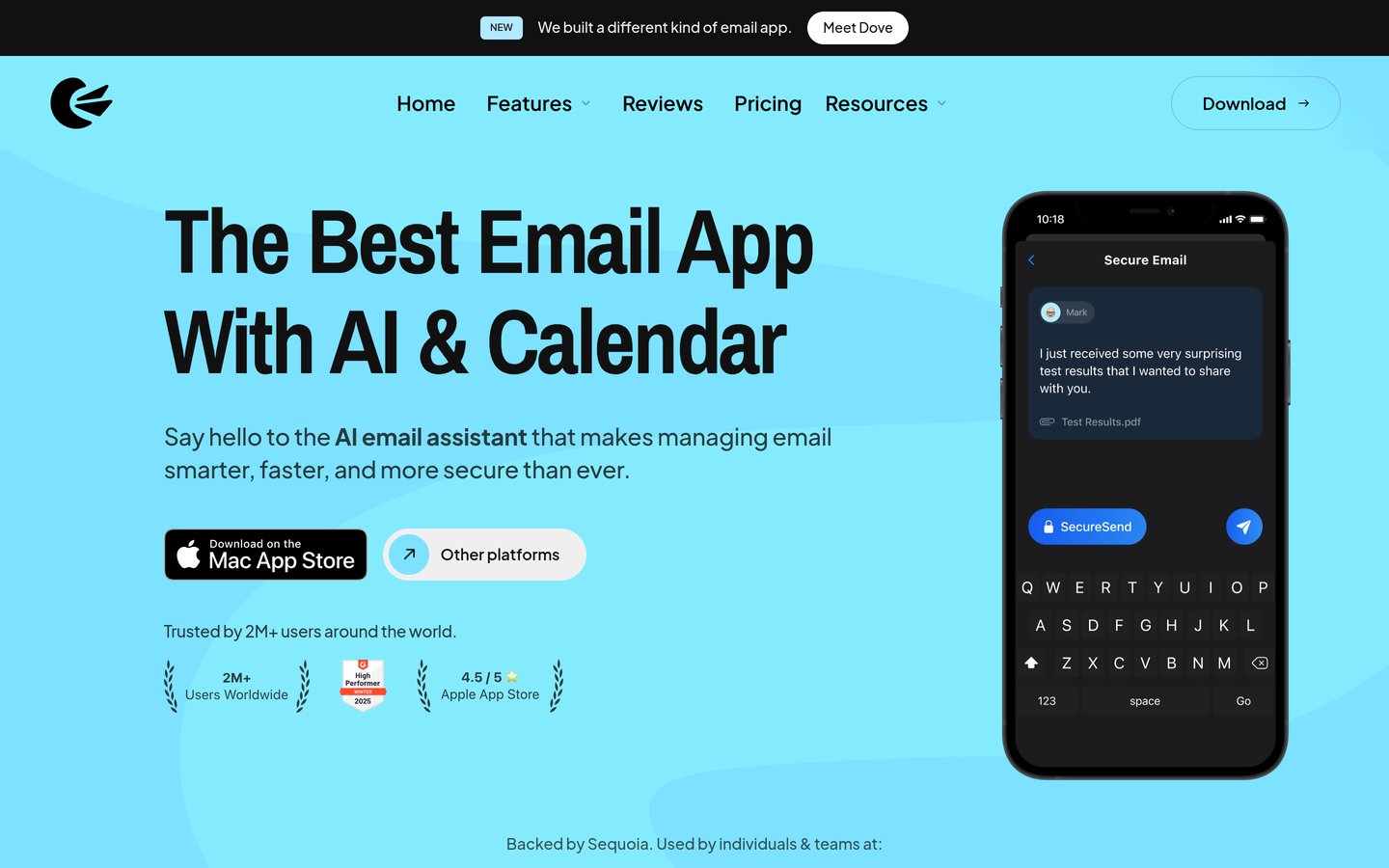
Canary Mail is an email client for Mac, Windows, iPhone and Android that adds an AI Copilot for drafting replies and summarising threads to any mail account. Its AI runs on your device, and its site says it is trusted by more than 2 million users. It holds a 4.5 out of 5 G2 rating from 53 reviews.
The trade off is a thin review record. G2 has only 53 reviews, and its Trustpilot profile sits at 3.5 out of 5 from 18 reviews, with complaints about bugs and speed. It suits one person who wants AI writing and encryption in a client that works with any account.
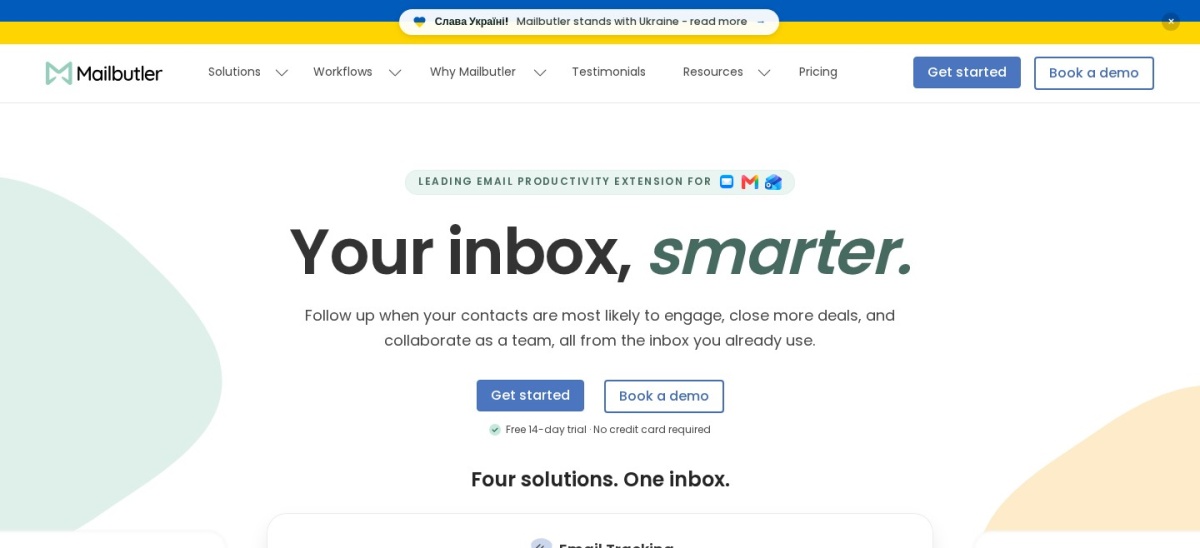
Mailbutler is an email add-on for Apple Mail, Gmail and Outlook that adds tracking, send later, snooze, templates and a Smart Assistant that organises, summarises and drafts replies. The free version caps usage at roughly 30 actions, and it holds a 4.5 out of 5 G2 rating from 65 reviews.
The trade off is that the AI sits on a mid-tier plan. The Smart Assistant needs the Smart plan at $14 a month, or $11 billed yearly, while Starter at $4 a month billed yearly covers tracking only. It suits Apple Mail users who want tracking and AI without switching to a new email app.
What we like
Cheapest entry price here at $4 a month billed yearly
Most buyers need one of three jobs done: drafting replies faster, clearing a flooded inbox, or running a shared team inbox. Drafting tools like Superhuman, Shortwave and Fyxer write in your voice; triage tools like SaneBox clear the noise; team tools like Missive, Front and Hiver share the work.
If you only need one job, pay for that job only. SaneBox at $65 a year beats a $300-a-year client when sorting is the whole problem, and Canary Mail at $36 a year covers drafting for one person.
Teams should count seats, not the headline price. Front Starter at $25 a seat looks close to Hiver Growth at $25 a user, but Front caps Starter at 10 seats and one channel, so a growing team lands on Professional at $65 a seat.
Privacy and pricing traps to check
Every tool here except Canary Mail processes your mail in the cloud, which means granting access to your whole inbox. Check the vendor's security page for SOC 2 and GDPR statements before connecting a work account, and turn off any AI training use where the setting exists.
Read the AI pricing line, not just the plan price. Front charges $20 a seat for Copilot, Missive needs your own OpenAI key, and Fyxer meters usage with credits after three months. Add those costs before you compare monthly prices.
Free plans are real but narrow. Shortwave keeps 90 days of search, Canary Mail covers two devices, and Mailbutler caps the free version at about 30 actions, so a trial with your real inbox tells you more than the feature list.
How we chose
We started from the AI email assistants that appear most in 2026 roundups and review listings, then kept those with a verifiable rating on G2 or Trustpilot and a published price.
Prices come from each vendor's pricing page, checked on 22 November 2026. Ratings and review counts come from G2 or Trustpilot on the same day. Where a vendor shows a sale or a first-year discount, the list shows the regular price.
We left out tools with no verifiable rating and tools that are only a feature inside Gmail or Outlook. No vendor paid for a place, and we do not claim hands-on testing for this list.
How to choose an AI email assistant
Start with the inbox you already use, then match the tool to the job that eats your time.
Check which inbox it supports. Shortwave and Hiver are Gmail-only, Superhuman and Fyxer cover Gmail and Outlook, and SaneBox and Canary Mail work with almost any provider. A tool that cannot connect to your mail is useless at any price.
Decide whether you need drafting, triage or a team inbox. Drafting tools save writing time, triage tools clear volume, and shared inboxes spread the load across a team. Pick the job first, then compare only the tools that do it.
Add up the AI cost, not just the plan price. Copilot add-ons, OpenAI keys and credit meters can double the bill. Work out the monthly cost for your seat count and your mail volume before you commit.
Run the trial with your real inbox. Connect the account you actually use, let the AI learn your writing and your senders, and check whether drafts sound like you before the trial ends.
FAQ
What is the best AI email assistant?
Superhuman is the best AI email assistant for most heavy email users, with keyboard-first triage, AI drafting and a 4.7 out of 5 G2 rating from 1,323 reviews. It costs $25 a month billed yearly, so lighter users should look at Shortwave or SaneBox first.
Is there a free AI email assistant?
Yes. Shortwave, Canary Mail, Fyxer, Missive, Hiver and Mailbutler all have free plans, though each one limits AI use, devices or history. Shortwave keeps 90 days of search on its free plan, and Canary Mail covers two devices without its AI Copilot.
Do AI email assistants work with Outlook?
Some do. Superhuman and Fyxer work with Gmail and Microsoft 365, and Mailbutler and Canary Mail support Outlook too. Shortwave and Hiver are Gmail-only, so Outlook users should skip them and compare Superhuman, Fyxer or Canary Mail instead.
Is it safe to let an AI read my email?
It depends on the tool. Canary Mail runs its AI on your device, while the others process mail in the cloud, so check each vendor's security page for SOC 2 and GDPR statements. Avoid connecting a work inbox to any tool whose data policy you have not read.
How much does an AI email assistant cost?
Paid plans in this list run from $36 a year for Canary Mail Growth to $444 a year for Fyxer Pro billed yearly. Superhuman costs $300 a year billed yearly, Shortwave $360 a year, and the team tools cost $168 to $300 per user a year before AI add-ons.
Can an AI email assistant send emails for me?
No tool in this list sends mail on its own. Fyxer states plainly that it only drafts and never sends, and every other tool here also leaves the send button to you. Expect to review and edit drafts, especially in the first weeks while the AI learns your voice.
Which AI email assistant is best for teams?
Missive is the best value team pick at $14 per user a month billed yearly, with shared inboxes, comments and assignments. Front is the strongest at scale with omnichannel support, and Hiver is the best choice when the whole team already lives in Gmail.