Best Chat Bot Plugins for WordPress in 2026: 8 Tools Compared
WLWPLegible EditorsLast verified 22 Nov 2026How we test11 min read
★ Short answer
Tidio is the best chat bot plugin for WordPress for most sites, rated 4.8 out of 5 by 395 users, with a free plan covering 50 conversations a month. Pick Chatway for a 5.0-rated free bot, or Tawk.to if you want live chat free for life.
How we make this list: we compare pricing pages, product documentation and public user reviews, then re-check every price before each update. No product paid for a place. Disclosure.
Tidio leads with a 4.8 rating from 395 users and a free plan covering 50 conversations a month.
Chatway has the highest rating here at 5.0 out of 5 from 778 users, and its free plan covers 50 chats a month.
Tawk.to is the only tool with full live chat free for unlimited agents, with AI Assist from $29 a month.
WPBot is the cheapest paid plan at $39 a year, but you pay your AI provider separately for usage.
Only LiveChat has no free plan: a 14-day trial, then $19 per user a month billed annually.
What a chat bot plugin should do
A chat bot plugin puts a chat window on your WordPress site that answers visitors at any hour. Some bots follow rules you write, others use AI to answer from your pages and help articles, and most hand the chat to a person when the bot cannot help.
The first choice is who answers. A rule-based bot is cheap and predictable, while an AI bot handles open questions but charges per conversation or per resolution. Our guide on free vs premium WordPress plugins explains when paying for a plugin is worth it.
Pricing models differ more than the headline price. Tidio charges per conversation, LiveChat charges per user, Crisp charges per workspace and Collect.chat charges per response, so the cheapest tool depends on your team size and chat volume.
Free plans are real here, but they cap conversations, seats or history. Check the cap against your traffic before you install, because a bot that stops answering mid-month is worse than no bot.
4.8/5on WordPress.org (395 reviews, checked Nov 2026)
Paid from$33/mo
Best chat bot plugin overall
Free plan50 conversations/mo
SeatsUp to 10
AI agentLyro, 50 free once
Paid planStarter, $33/mo
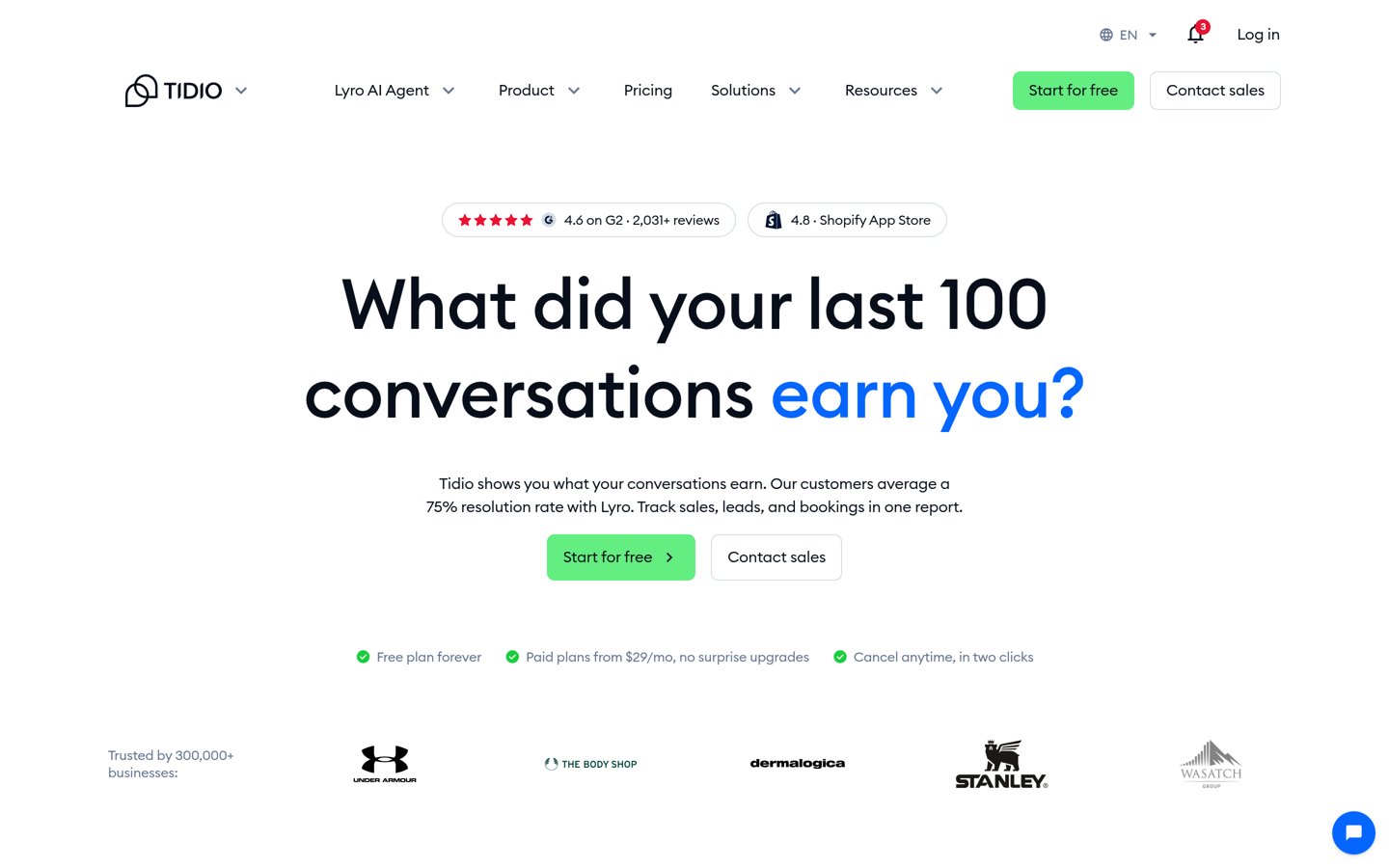
tidio.com
Tidio homepage, captured Nov 2026.
Tidio is a live chat and AI chatbot platform with more than 70,000 active installs on WordPress.org, rated 4.8 out of 5 by 395 users. The free plan covers 50 conversations a month for up to 10 seats, plus 50 one-time Lyro AI conversations and 100 visitors reached by Flows.
The trade off is the conversation meter. Starter costs $33 a month, billed annually at $390 a year, for 50 AI and human conversations, and Lyro and Flows are billed as separate add-ons on some plans. It suits small stores and service businesses that want chat, tickets and an AI agent in one inbox.
5/5on WordPress.org (778 reviews, checked Nov 2026)
Paid from$31/mo
Best free AI chatbot for small teams
Free plan1 seat, 50 chats/mo
AI agentAdd-on, 10 free chats
Chat history30 days free
Paid planBusiness, $31/mo
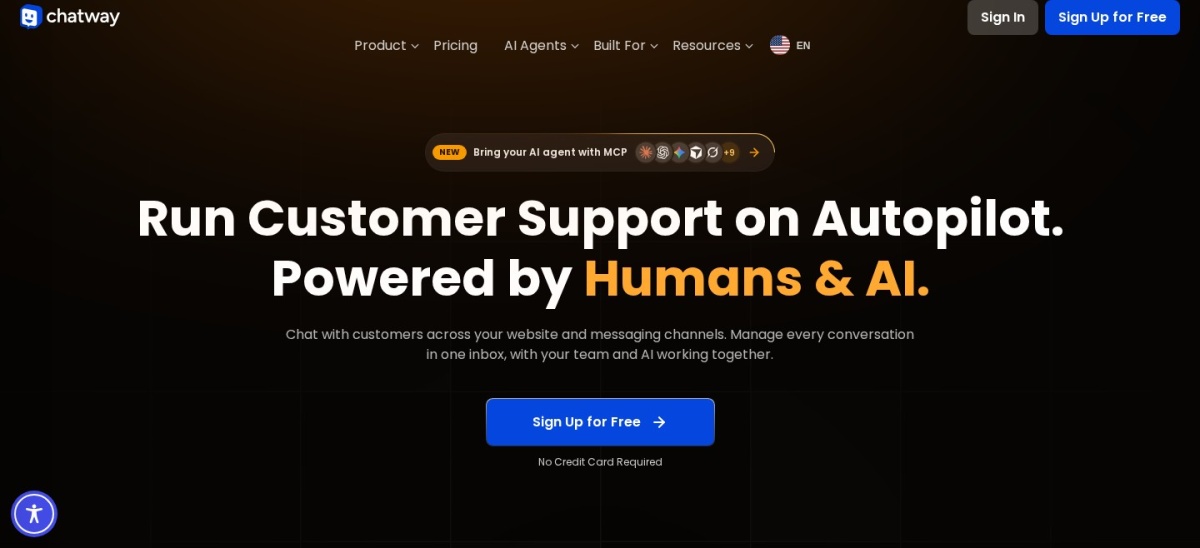
chatway.app
Chatway homepage, captured Nov 2026.
Chatway is a live chat and AI chatbot plugin rated 5.0 out of 5 by 778 users, with more than 30,000 active installs. The free plan covers 1 seat, 50 conversations a month and 30 days of chat history, with widget customisation, social chat buttons and mobile apps.
The trade off is the seat limit. Business costs $31 a month billed yearly, or $39 billed monthly, for 2 seats and 200 conversations a month, and the AI Support Agent is a paid add-on with 10 free AI conversations. It suits small teams that want a simple bot and live chat without per-agent pricing.
4.6/5on WordPress.org (142 reviews, checked Nov 2026)
Paid from$29/mo
Best free live chat for any size team
Free planYes, unlimited agents
AI chatbotAI Assist, from $29/mo
Knowledge baseYes, free
Paid planBranding removal, $29/mo
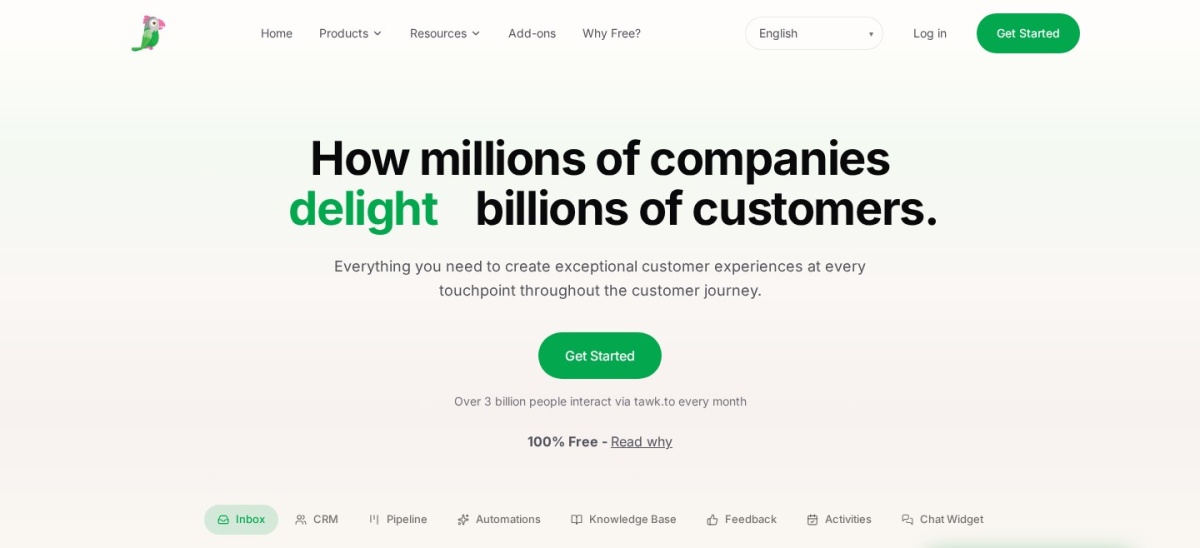
tawk.to
Tawk.to homepage, captured Nov 2026.
Tawk.to is a free live chat platform with more than 100,000 active installs, rated 4.6 out of 5 by 142 users. The core chat, ticketing, knowledge base and CRM are free for unlimited agents, with no conversation cap on the free plan.
The trade off is automation. AI Assist, the AI chatbot that answers from your knowledge base, starts at $29 a month, and removing the Powered by tawk.to branding costs the same. It suits sites that want full live chat free and will pay only for AI answers.
4.3/5on WordPress.org (207 reviews, checked Nov 2026)
Paid from$20/mo
Best for teams already using HubSpot CRM
Free planYes, up to 2 users
CRMYes, built in
AI agent$0.50 per resolution
Paid planStarter, $20/seat/mo
hubspot.com
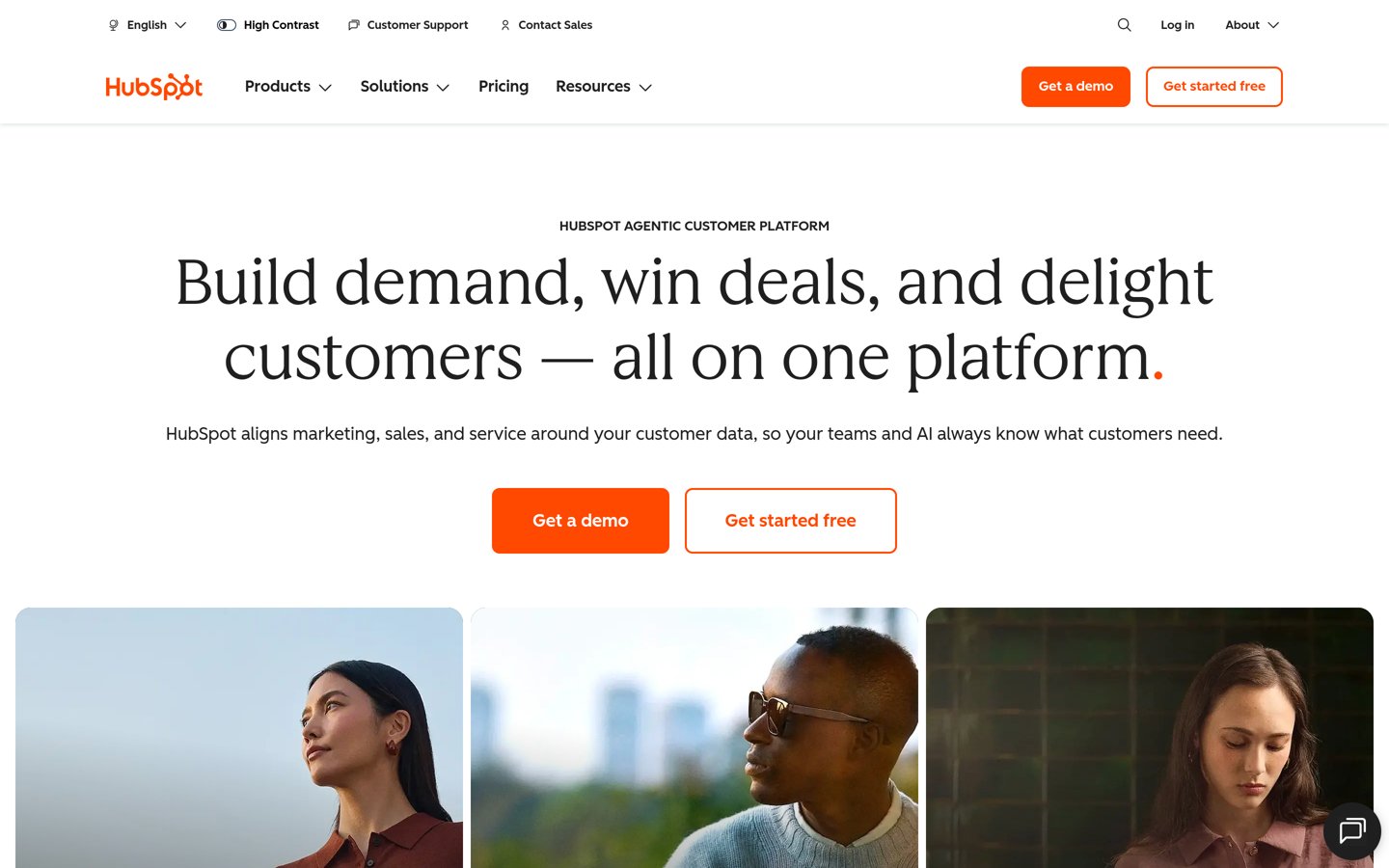
HubSpot homepage, captured Nov 2026.
HubSpot is a CRM platform with a free live chat widget, installed more than 200,000 times from WordPress.org and rated 4.3 out of 5 by 207 users. The free plan covers live chat, a shared inbox and contact records for up to 2 users, with HubSpot branding on the widget.
The trade off is the price jump. Service Hub Starter costs $20 a seat a month and removes the branding, while the AI Customer Agent costs $0.50 per resolution and needs a Professional plan. It suits businesses already running HubSpot that want every chat on a contact record.
4.6/5on WordPress.org (98 reviews, checked Nov 2026)
Starts at$19/mo
Best for staffed support teams
Free planNo, 14-day trial
AI Agent1 on Essential
AI resolutions10 a month
Paid planEssential, $19/user/mo
livechat.com
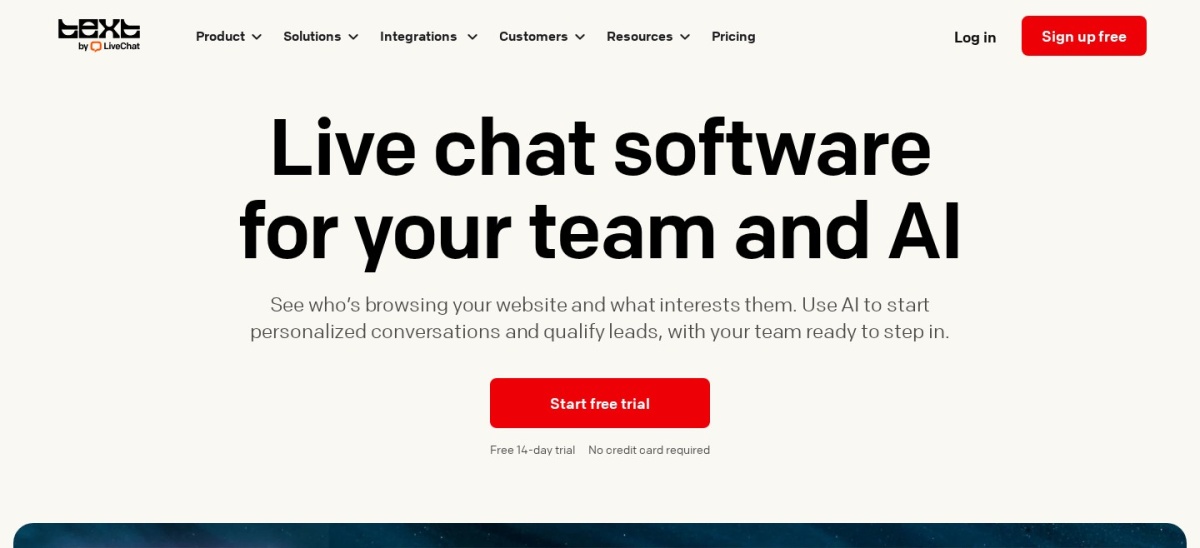
LiveChat homepage, captured Nov 2026.
LiveChat is a live chat platform with an AI Agent included, rated 4.6 out of 5 by 98 users on WordPress.org. There is no free plan, only a 14-day trial, and Essential includes 1 AI Agent, 10 AI resolutions a month and 60 days of conversation history.
The trade off is per-user pricing. Essential costs $19 per user a month billed annually, or $25 billed monthly, so a team of five pays $95 a month before extra AI resolutions. It suits staffed support teams that want a polished agent console and WooCommerce cart tools.
4.7/5on WordPress.org (124 reviews, checked Nov 2026)
Paid from$39/yr
Best budget AI chatbot for WordPress
Free planYes, rule-based bot
AI providersOpenAI, Gemini, more
WooCommercePro only
Paid planStarter, $39/yr
wpbot.pro
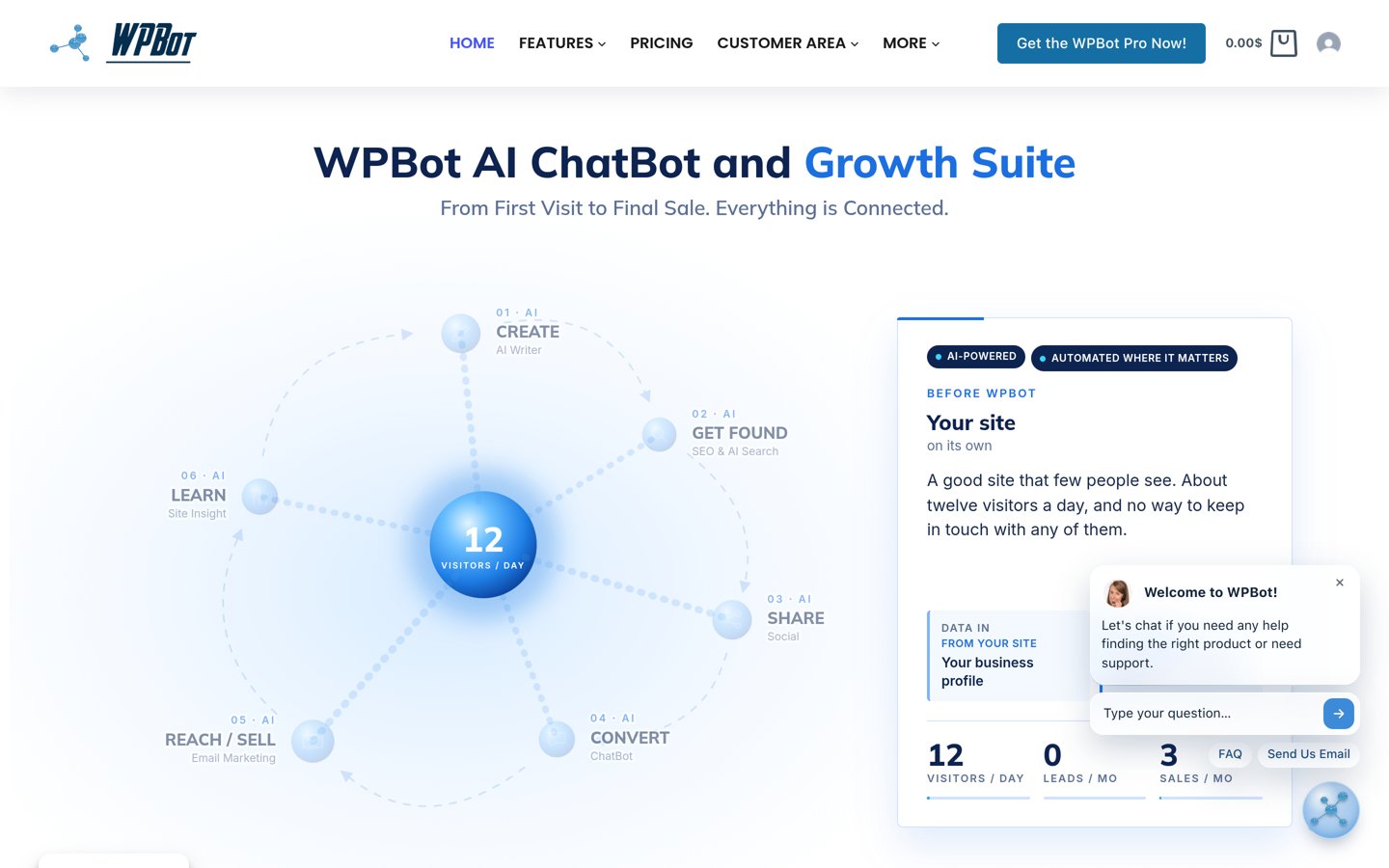
WPBot homepage, captured Nov 2026.
WPBot is a WordPress chatbot plugin with more than 5,000 active installs, rated 4.7 out of 5 by 124 users. The free version is a rule-based bot with FAQ answers, and Pro connects OpenAI, Gemini, Dialogflow or OpenRouter to answer from your own site content.
The trade off is the setup. Starter costs $39 a year for one site, and you pay your AI provider separately for usage, so the total depends on your traffic. It suits budget sites that want a bot inside WordPress without a monthly SaaS bill.
4.6/5on WordPress.org (73 reviews, checked Nov 2026)
Paid from$45/mo
Best flat-rate pricing for small teams
Free plan2 seats, 100 profiles
AI agentHugo, credits from $5
Seats on Mini4 included
Paid planMini, $45/mo
crisp.chat
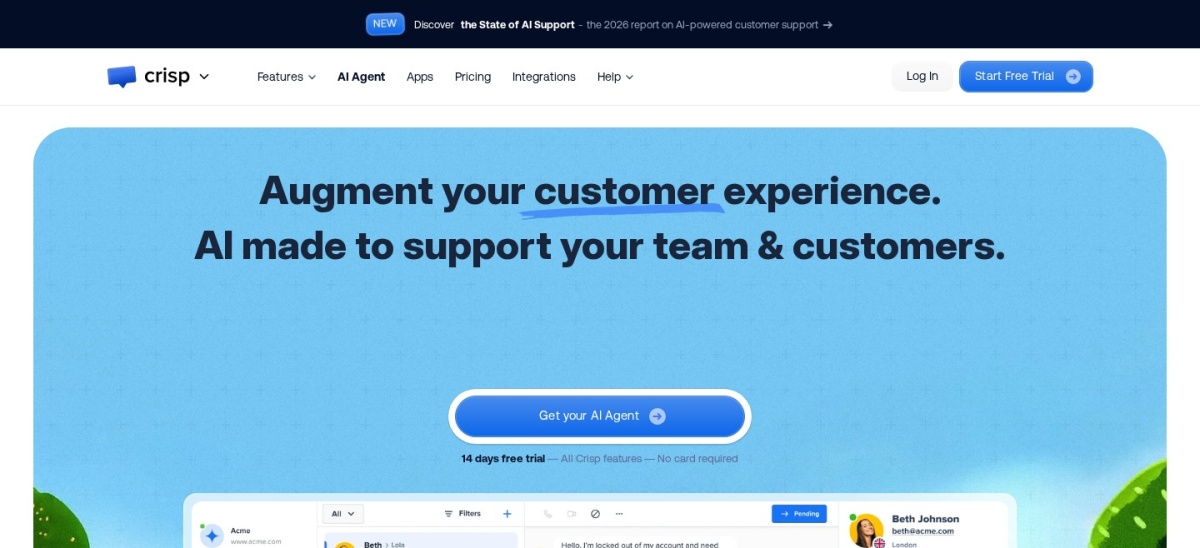
Crisp homepage, captured Nov 2026.
Crisp is a shared inbox with live chat and an AI agent, rated 4.6 out of 5 by 73 users, with more than 10,000 active installs. The free plan covers 2 seats, 100 customer profiles and unlimited chats, with a website widget and mobile apps.
The trade off is the seat cliff. Mini costs $45 a month per workspace for 4 seats and 5,000 profiles, and the next plan jumps to $95 a month for 10 seats. It suits small teams that prefer one flat workspace price instead of paying per agent.
4.4/5on WordPress.org (38 reviews, checked Nov 2026)
Paid from$14/mo
Best for lead capture with chat forms
Free plan100 responses/mo
Chatbots3 free, 10 on Lite
AI answers50 free a month
Paid planLite, $14/mo
collect.chat
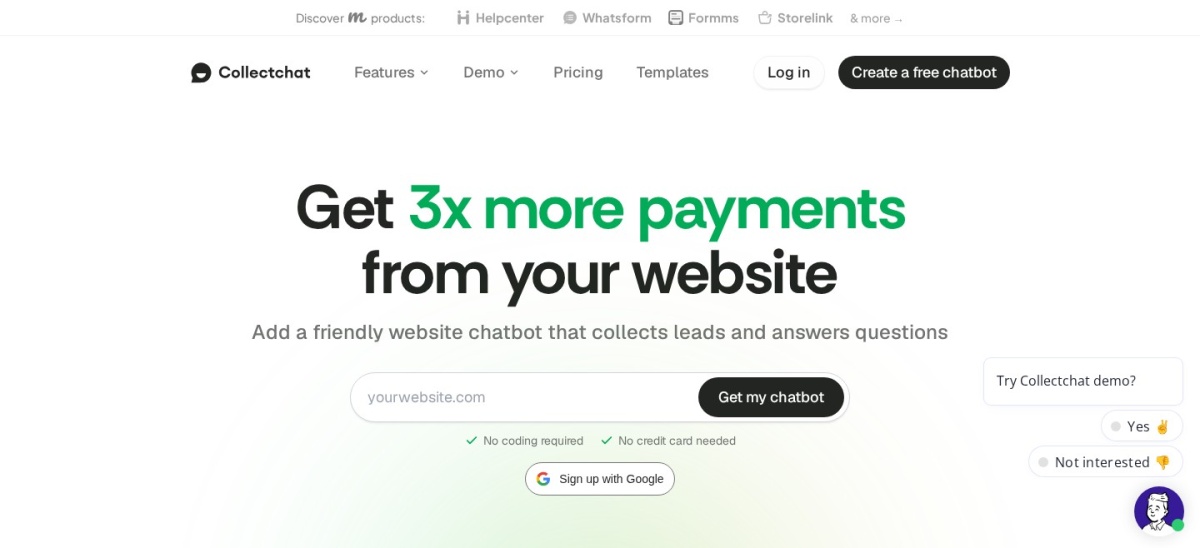
Collect.chat homepage, captured Nov 2026.
Collect.chat is a no-code chatbot builder that turns forms into chat conversations, rated 4.4 out of 5 by 38 users, with more than 5,000 active installs. The free plan covers 3 chatbots, 100 responses a month and 50 AI answers, with Google Sheets and Zapier integrations.
The trade off is the response cap. Lite costs $14 a month billed yearly, or $19 billed monthly, for 1,000 responses a month, 10 chatbots and 500 AI answers. It suits sites that mainly want to collect leads and feedback through a guided chat form.
Free plans cover the core job well. Tidio, Chatway, Tawk.to, HubSpot, WPBot, Crisp and Collect.chat all answer chats without paying, and Tawk.to never charges for live chat at all.
Paid plans mostly add volume, AI and branding. You get more conversations, AI answers that resolve questions alone, and a widget without another company's name on it.
Watch the meter, not the headline. A $14 a month plan capped at 1,000 responses costs more than a $33 plan once you pass the cap, so count your monthly chats first.
Common mistakes when picking a chat bot
Picking a bot with no human handoff is the most common mistake. Visitors leave when a bot loops the same answer, so check that a person can take over the chat.
Installing two chat widgets is the second. Two widgets fight for the same corner of the screen and confuse visitors, so pick one tool and remove the other.
Ignoring the AI bill is the third. Lyro, AI Assist and the AI Customer Agent all charge beyond their free allowance, so budget for AI answers as well as the plan.
How we chose
We started from every chatbot and live chat plugin on WordPress.org with a real WordPress plugin, then kept the eight with the strongest ratings and a current release.
Prices come from each vendor's pricing page, checked on 22 November 2026. Ratings and install counts come from WordPress.org on the same day. Where a vendor shows a sale, the list shows the regular price.
We left out plugins not updated in the last 12 months, including JivoChat, and tools whose paid price we could not confirm. No vendor paid for a place, and we do not claim hands-on testing for this list.
How to choose a chat bot plugin for WordPress
Start with how many chats you get a month, then check the free plan before you pay.
Count your monthly chats. Check your contact form or inbox for how many questions arrive each month. A 50-conversation free plan fits a quiet blog, not a busy store.
Decide who answers first. Pick a rule-based bot for FAQs, an AI bot for open questions, or live chat only if someone is online to answer.
Try the free plan for a week. Seven of the eight tools here have a free plan. Use it with real visitors before paying, so you know what the paid plan actually adds.
Check the renewal price, not the first month. Chatway bills $39 a month monthly but $31 billed yearly, and Tidio Starter is $33 a month billed annually, so budget for the yearly total.
FAQ
What is the best chat bot plugin for WordPress?
Tidio is the best pick for most sites. It is rated 4.8 out of 5 by 395 users, its free plan covers 50 conversations a month for up to 10 seats, and its Lyro AI agent answers routine questions before handing over to your team.
Is there a completely free chat bot plugin for WordPress?
Yes. Tawk.to gives full live chat free for unlimited agents, and Chatway, Tidio, HubSpot, WPBot, Crisp and Collect.chat all have free plans. The free plans cap conversations, seats or history, and AI answers usually cost extra.
Do I need an AI chatbot or just live chat?
Use an AI chatbot when the same questions arrive after hours or at volume, and live chat when a person is online to answer. Most tools here combine both, with the bot answering first and a person taking over when needed.
How much does a WordPress chatbot cost?
Paid plans in this list run from $39 a year for WPBot to $540 a year for Crisp Mini, with most between $168 and $390 a year. The cheapest plan depends on whether you pay per conversation, per user, per workspace or per response.
Can a chatbot replace my contact form?
For many sites, yes. A bot can collect the same details as a form and ask follow-up questions, and Collect.chat is built for exactly that. Keep a form as well if visitors need to send long messages or files.
Will a chatbot slow down my WordPress site?
It adds a small script to every page, so a heavy widget can slow a cheap host. Pick one chat tool, not two, and test your site speed after installing it.