Best Utilization Management Software in 2026: 9 Tools Compared
WLWPLegible EditorsLast verified 24 Nov 2026How we rank8 min read
★ Short answer
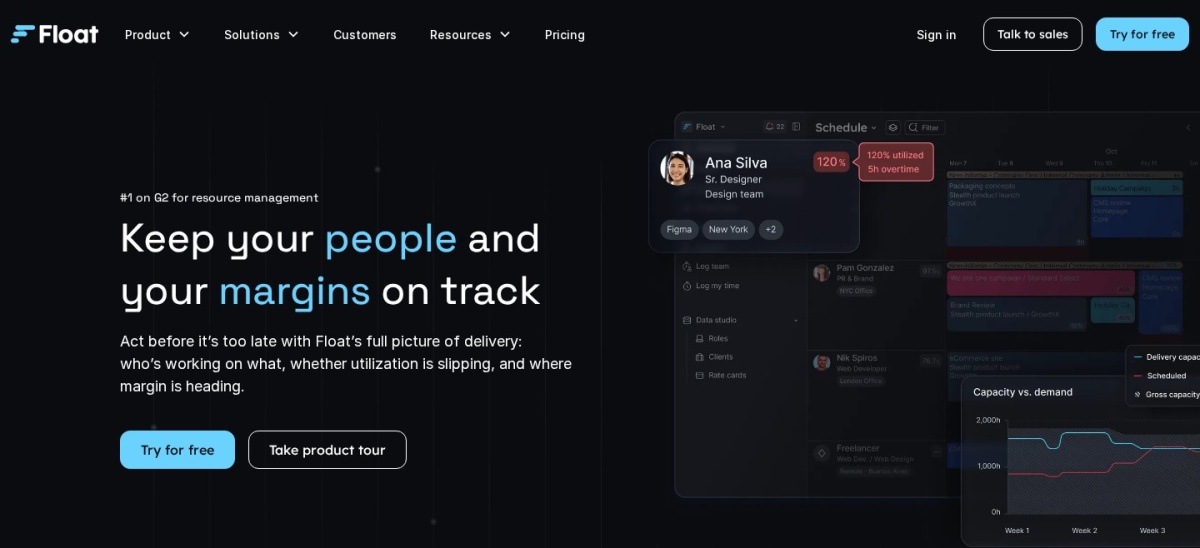
Float is the best utilization management software for most teams. Its Starter plan costs $7 per user a month and shows who is overbooked at a glance, with capacity bars and time off built in. Pick Runn for utilization tied to revenue and Resource Guru for the lowest price.
How we make this list: we compare pricing pages, product documentation and public user reviews, then re-check every price before each update. No product paid for a place. Disclosure.
Float is the friendliest start: visual scheduling with capacity bars from $7 per user a month.
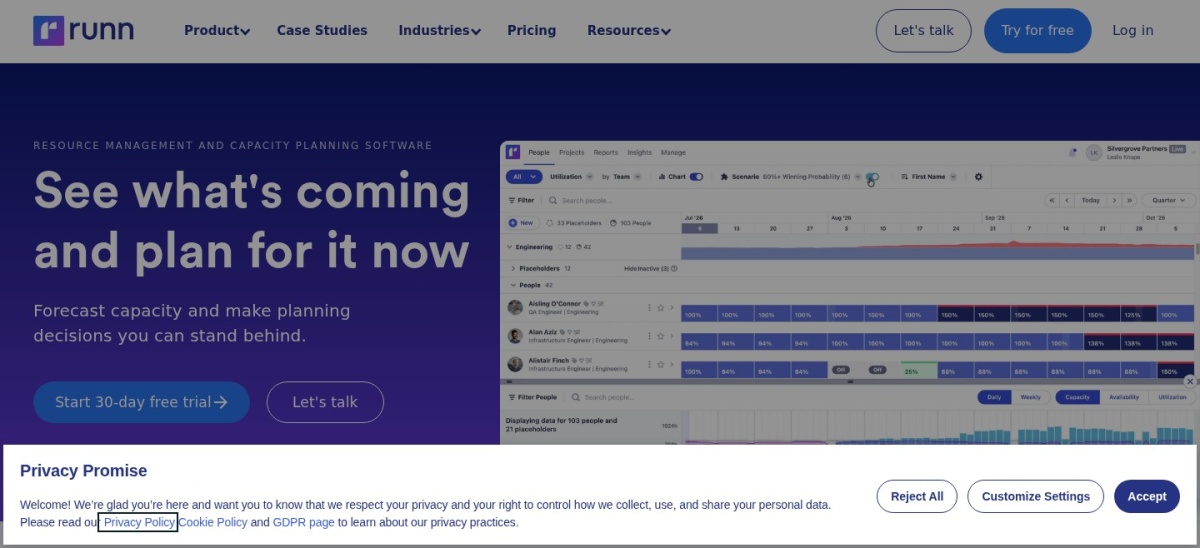
Runn ties utilization to project cost and revenue forecasts, from $7 per resource a month, with a 20-seat minimum.
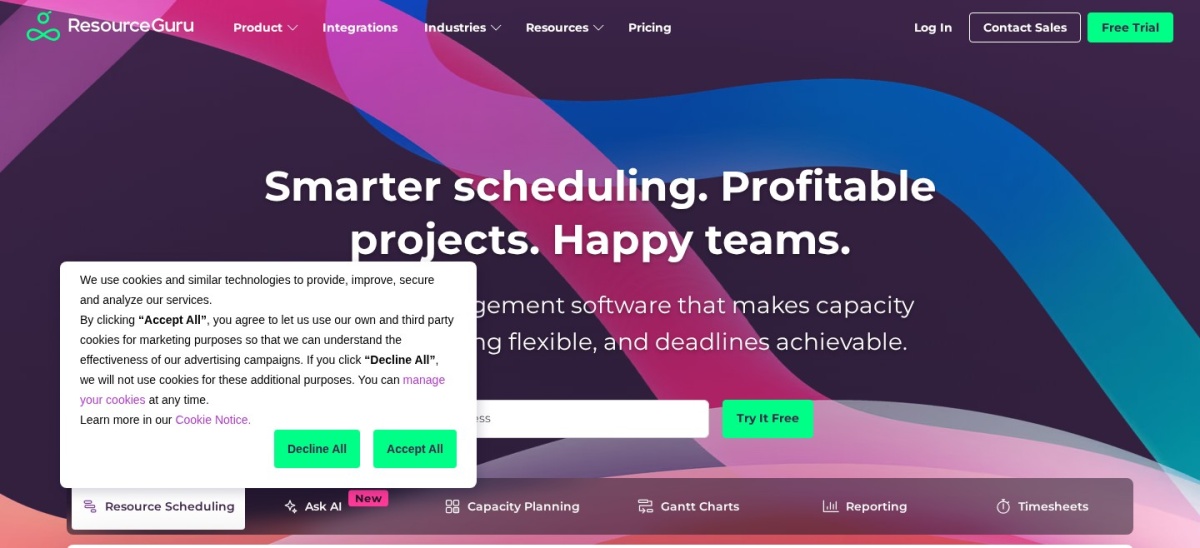
Resource Guru is the cheapest entry at $5 per person a month, and it books rooms and equipment too.
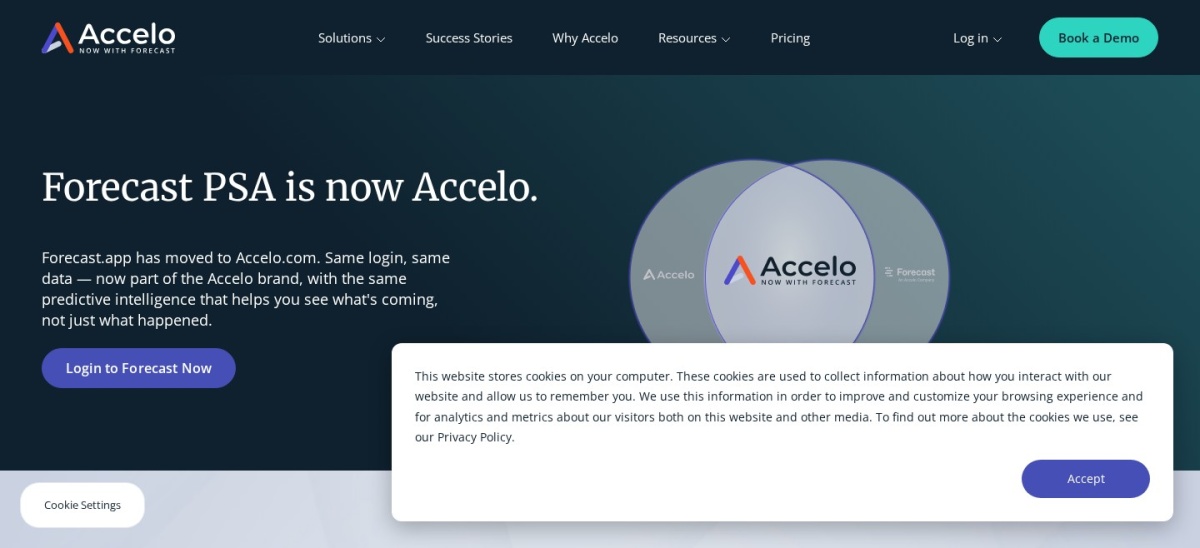
Forecast adds AI scheduling and finance, but starts at $29 a seat a month with a 10-seat minimum.
Kantata and Parallax are enterprise and quote-only, so small teams should start with Float or Resource Guru.
What utilization management actually measures
Utilisation is the share of a person's available hours that are booked on billable work. A team at 70% utilisation has slack for sales and admin; a team at 100% has none, and burnout follows.
The tools in this list answer three questions a project plan cannot: who is free, who is overloaded, and what the pipeline demands next month.
They split into visual schedulers like Float and Resource Guru, and financial planners like Runn and Forecast, which tie the schedule to budgets and revenue.
Float is a visual resource planner that shows every person's week on a timeline, with capacity bars that turn red the moment someone is overbooked, plus time off, holidays and project scoping.
The trade off is it does not manage tasks, so most teams run it beside a project tool, and time tracking with rate cards needs Pro at $12 a person a month. It suits agencies and delivery teams of 5 to 50 that want a live view of who is overbooked..
Runn is a capacity planner that puts the schedule, utilisation and project cost in one view, so a delivery lead can see that a project is both overbooked and over budget at the same time.
The trade off is Lite starts at 20 seats, which makes the $7 rate expensive for a small team, and its G2 rating rests on only 1 review. It suits consultancies that tie utilisation to project cost and revenue..
Resource Guru is the simplest scheduler here, with a drag-and-drop booking grid for people, leave, rooms and equipment, and clash management that stops double-booking before it happens.
The trade off is Grasshopper has no reports, so teams that need utilisation reporting must pay for Blackbelt at $6.65 a person a month, and it has no invoicing or deep project accounting. It suits small teams that want fast booking without a long setup..
Forecast is a resource planning and PSA tool that pairs scheduling with project financials, using AI to suggest schedules, model scenarios and forecast capacity against budgets.
The trade off is at $29 a seat a month it is the most expensive entry here, with a 10-seat minimum, and its G2 rating of 4.1 is the joint-lowest in this list. It suits professional-services firms of 10 to 100 that want AI scheduling and finance in one suite..
Mosaic is an AI-driven resource platform that forecasts workloads, flags burnout risk and shows utilisation with financial context, so staffing decisions use money and capacity together.
The trade off is its review count on G2 is not published, and the AI features matter most to finance-forward teams, while simple schedulers may find it more than they need. It suits finance-forward professional-services teams..
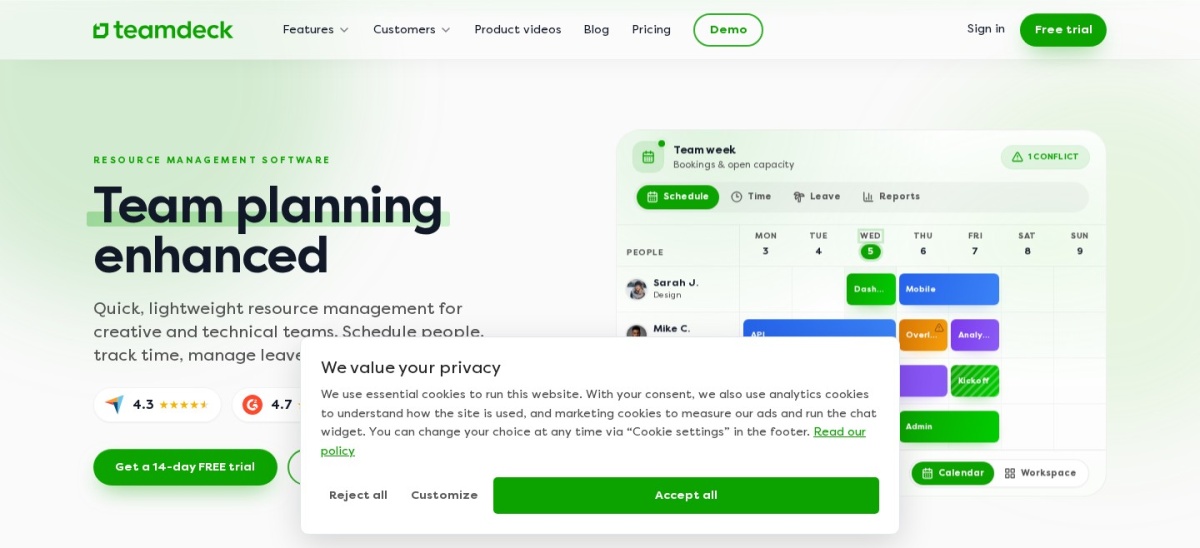
Teamdeck is a lightweight resource platform that pairs scheduling with time tracking and leave in one affordable package, closing the loop between the plan and the hours actually worked.
The trade off is its utilisation reporting is basic next to Float or Runn, and its G2 rating rests on only 15 reviews. It suits small agencies with fewer than 30 people..
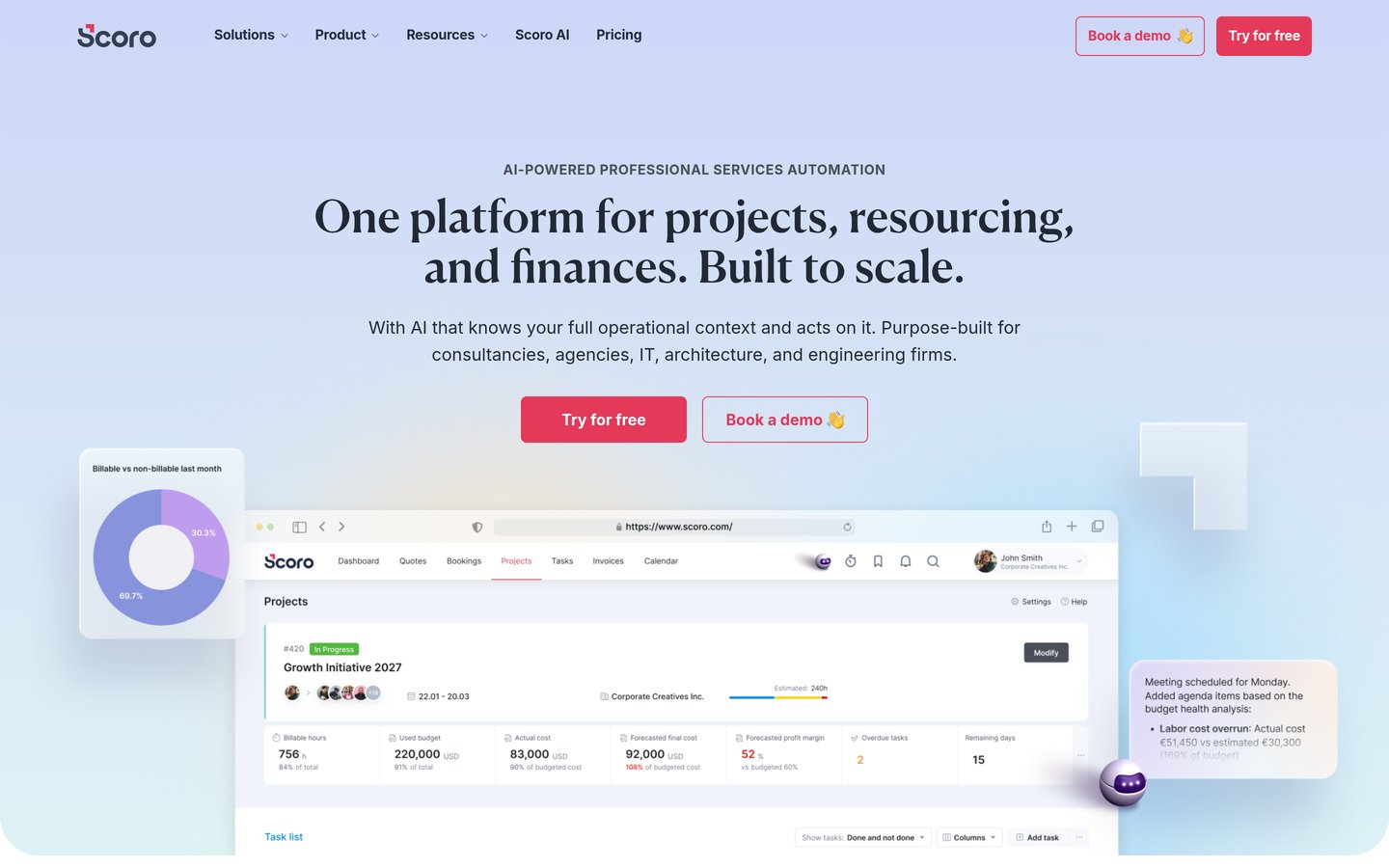
Scoro is a professional-services platform that puts capacity planning beside quotes, time tracking, budgets and invoices, so utilisation is always read next to margin.
The trade off is at $26 a user a month it costs more than the dedicated schedulers, and teams that only need scheduling pay for a full PSA they may not use. It suits professional-services firms that want capacity next to money..
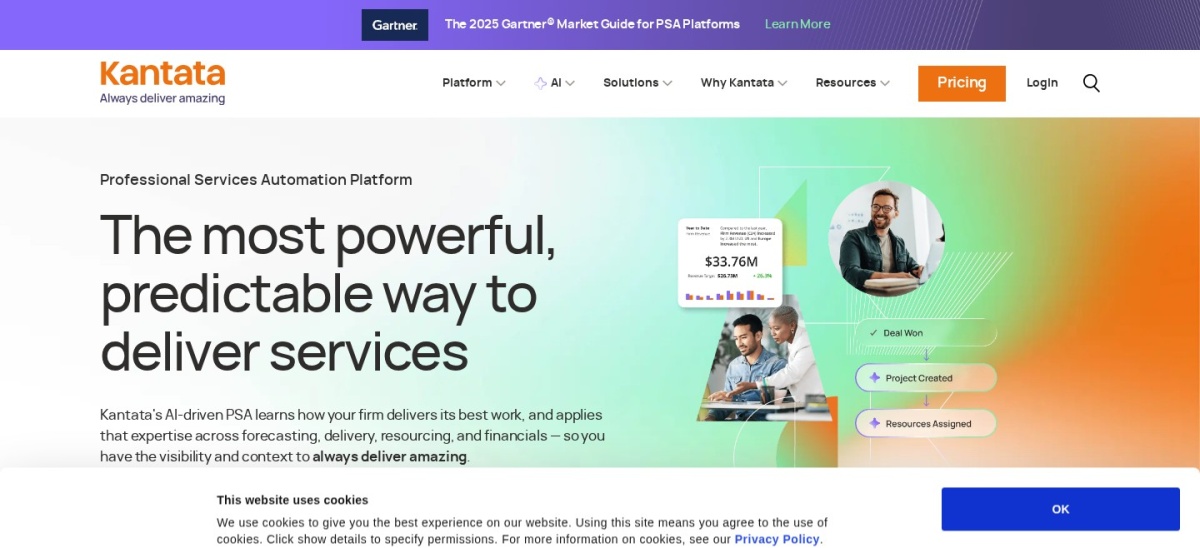
Kantata is an enterprise professional-services platform with portfolio-level utilisation, financial transparency and a full PSA suite, built for large consultancies managing many projects at once.
The trade off is pricing is custom and not published, and it is built for enterprise teams, so small agencies will find it heavy and expensive. It suits large consultancies that need portfolio-level planning..
Parallax is a resource platform for digital agencies and software shops that ties the sales pipeline to delivery capacity, so a signed deal shows up as a staffing need before it becomes a crunch.
The trade off is pricing is custom and not published, and its review count on G2 is not published, so budgeting needs a sales call. It suits agencies tired of poor sales-to-delivery handoffs..
Most professional-services firms target 70 to 80% billable utilisation. Below 70% the team is underused; above 85% there is no room for sales, training or sick days.
The right target depends on the work. Creative agencies run lower than consultancies, because creative work needs thinking time that a schedule cannot book.
Use the tool to watch the trend, not the day. A week at 95% is a busy week; a month at 95% is a hiring signal.
How we chose
We started from the resource planning tools that appear most often in G2's resource management category and in capacity planning roundups, then kept the nine with a real utilisation view and a public G2 rating.
Prices come from each vendor's pricing page, checked on 24 November 2026. Float Starter costs $7 per user a month billed annually, Resource Guru Grasshopper $5 per person a month and Forecast Lite $29 per seat a month. Ratings and review counts come from G2 on the same day.
We left out tools with no public rating or no published price. No vendor paid for a place, and we do not claim hands-on testing for this list.
How to choose utilization management software
Start with your team size, then pick the tool that fits that scale.
Count your billable people. Under 30 people, Float, Resource Guru or Teamdeck fit. Above 30, Runn and Forecast add the financial depth you need.
Check the seat minimum. Runn starts at 20 seats and Forecast at 10. A cheap per-person rate is expensive if the minimum forces you to pay for empty seats.
Decide if money matters. If utilisation must tie to budgets and revenue, pick Runn, Forecast or Scoro. If you only need to stop double-booking, a simple scheduler is enough.
Trial it on a real month. Load next month's projects and watch the capacity view. If over-allocation is not obvious in a glance, the tool is not doing its job.
FAQ
What is utilization management software?
It is software that shows who is booked, who is free and who is overloaded, and measures the share of available hours spent on billable work, so managers can plan capacity and hiring.
What is a good utilization rate?
Most professional-services firms target 70 to 80% billable utilization. Below 70% the team is underused; above 85% there is no slack for sales, training or sick days.
Is Float or Resource Guru better?
Float is better for visual capacity planning with over-allocation heat views. Resource Guru is better for simple booking at the lowest price, and it also books rooms and equipment.
Does utilization software track time too?
Some do. Teamdeck and Scoro include timesheets, and Float adds time tracking on Pro. Runn and Forecast tie time to project budgets and revenue for most teams.
Why does Runn have a 20-seat minimum?
Runn is built for firms of 20 or more, so its Lite plan starts at 20 seats. A smaller team pays for seats it does not use, which makes Float or Resource Guru cheaper.
Can utilization software predict hiring needs?
Yes, the financial planners can. Runn and Forecast model the pipeline against capacity and show when the team runs out of hours, which is the hiring signal.