CosmoLex is the best trust accounting software overall in 2026 because it includes three-way trust reconciliation and full business accounting starting at $49 per user per month billed annually ($588/yr). For firms that only need standalone trust ledgers, TrustBooks starts at $59 per month ($708/yr), while CaseFox offers a free solo plan.
How we make this list: we compare pricing pages, product documentation and public user reviews, then re-check every price before each update. No product paid for a place. Disclosure.
Entry plans with trust accounting start at $468/yr (CaseFox Pro) and reach $1,368/yr (PracticePanther Business Pro).
Only CosmoLex ($588/yr) and TrustBooks Tier Two ($948/yr) bundle general business accounting without requiring QuickBooks Online.
PracticePanther advertises a $49/mo Solo tier, but trust accounting is locked behind its $114/mo Business Pro plan.
TimeSolv splits general timekeeping ($43/mo) from legal trust accounting ($58/mo regular rate, with a 25% first-year promo).
CaseFox is the only platform on this list offering a forever-free Solo tier for single-attorney practices.
How do you choose the best trust accounting software?
Trust accounting software keeps client retainers and escrow funds strictly separated from your operating cash. Unlike general bookkeeping tools, compliant platforms prevent accidental overdrafts on individual client ledgers and generate three-way reconciliation reports that match bank statements, book balances, and sub-ledgers.
Your biggest structural choice is whether to buy an all-in-one legal system or pair a billing layer with QuickBooks Online. Tools like CosmoLex include a full double-entry general ledger alongside trust accounting, whereas Clio, LeanLaw, and MyCase rely on QuickBooks Online to handle firm-wide profit and loss statements.
Sticker prices on legal software pages frequently hide tier gates. Several vendors advertise entry tiers around $49 per user per month, yet restrict trust reconciliation, LEDES billing, or general ledger reporting to higher-priced plans.
CosmoLex is a cloud practice management and legal accounting system that includes trust ledgers, three-way reconciliation, and business bookkeeping on its $49 per user per month Launch plan (billed annually). Firms can track client retainers, print checks, and manage operating expenses without buying QuickBooks Online.
The trade off is per-user scaling at $588 per year on Launch, while client intake forms and AI document summaries require upgrading to Core at $99 per user per month. It suits solo and small law firms that want one unified ledger for trust and operating accounts.
What we like
Includes both IOLTA trust accounting and general business accounting
Eliminates the cost and sync errors of maintaining QuickBooks Online
All plans include a free login for an external accountant or bookkeeper
Transparent annual and monthly pricing with a 10-day free trial
Watch out for
Intake forms and automated document assembly require the $99/mo Core tier
Per-seat pricing adds up quickly for non-billing administrative staff
Core ($99/user/mo annual) adds client intake forms, matter budgets, and AI document summaries.Visit cosmolex.com
02
TrustBooks
5/5on Capterra (107 reviews, checked Nov 2026)
Starts at$59/mo
Best for dedicated trust-only bookkeeping
Entry price$59/mo (1 user, up to 100 txns)
Additional users$10/user/mo
Three-way reconAuto-generated on all tiers
Free trial14 days
trustbooks.com
TrustBooks homepage, captured Nov 2026.
TrustBooks is dedicated legal accounting software built specifically for managing IOLTA compliance and client trust ledgers. Tier One starts at $59 per month for one user and includes automated three-way reconciliations, overdraft protection on client balances, direct check printing, and up to 100 monthly transactions.
The trade off is that Tier One excludes operating account bookkeeping, which costs $79 per month on Tier Two, and high-volume practices over 100 transactions per month need custom pricing. It suits firms that already have case management software and want specialized trust controls.
What we like
Extra users cost only $10/month rather than full attorney seat rates
Automated three-way reconciliation reports designed for state bar audits
Integrates directly with Clio, PracticePanther, and LawPay
Tier Three ($249/mo) includes reconciliations prepared by TrustBooks accountants
Watch out for
No case management, calendaring, or time-tracking modules
Base pricing caps monthly volume at 100 transactions
Tier Two ($79/mo) adds operating bank reconciliation, P&L, and balance sheet reporting.Visit trustbooks.com
03
LeanLaw
4.7/5on Capterra (92 reviews, checked Nov 2026)
Starts at$55/mo
Best for firms standardized on QuickBooks Online
Entry price$55/user/mo (Core)
QuickBooks syncContinuous two-way sync
IOLTA ledgersIncluded on Core
Free trial7 days, no credit card
leanlaw.co
LeanLaw homepage, captured Nov 2026.
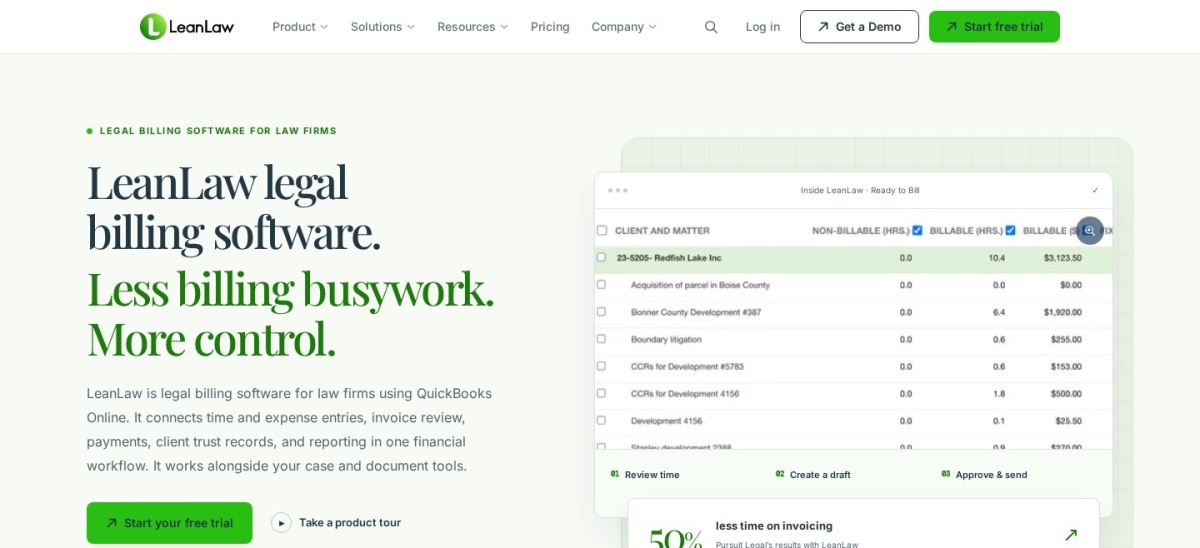
LeanLaw is a legal billing and trust accounting layer built to run natively on top of QuickBooks Online. Its Core plan costs $55 per user per month and includes IOLTA trust accounting, time and expense tracking, electronic payments, and continuous two-way synchronization with QuickBooks Online.
The trade off is that you must also pay for a separate QuickBooks Online subscription ($38/mo regular price for Simple Start), and LEDES billing requires upgrading to Pro at $75 per user per month. It suits firms whose outside CPAs insist on keeping the general ledger inside QuickBooks.
What we like
Deepest real-time two-way sync between matter trust ledgers and QuickBooks Online
Includes trust accounting and built-in e-payments on the entry Core plan
Clean attorney compensation and revenue-sharing reports on higher tiers
Watch out for
Requires an active QuickBooks Online subscription for full firm accounting
LEDES e-billing and granular permissions are locked behind the $75/mo Pro plan
Pro ($75/user/mo) adds LEDES billing, custom invoice templates, and matter-based accounting.Visit leanlaw.co
04
Clio
4.7/5on Capterra (1,774 reviews, checked Nov 2026)
Starts at$49/mo
Best for large app ecosystems and scalability
Entry price$49/user/mo (Starter)
Trust reportingIncluded on all plans
Card processing2.95% (1% eCheck/ACH)
Free trial7 days, no credit card
clio.com
Clio homepage, captured Nov 2026.
Clio Manage is a cloud legal practice management platform that includes trust and operating account reconciliation, client trust ledgers, time tracking, and online payments on its $49 per user per month Starter plan. Every plan also includes one free license for an external accountant or bookkeeper.
The trade off is that Clio only publishes pricing for Starter—Core, Signature, and Elite require a custom sales quote—and Starter lacks a client portal and third-party app integrations. It suits growing practices that want trust compliance inside an ecosystem with over 250 integrations.
What we like
Trust account reconciliation and a free accountant seat included on Starter
Largest legal app marketplace with over 250 third-party integrations
Core, Signature, and Elite plans are quote-gated rather than published
Client portal and court calendaring rules are excluded from Starter
Core (quoted) unlocks the Clio for Clients portal, custom fields, AI billing drafts, and app integrations.Visit clio.com
05
8am MyCase
4.6/5on Capterra (845 reviews, checked Nov 2026)
Starts at$50/mo
Best for predictable flat-rate practice tiers
Entry price$50/user/mo (billed annually)
Monthly rate$60/user/mo
General accounting$39/user/mo add-on
Free trial10 days, no credit card
mycase.com
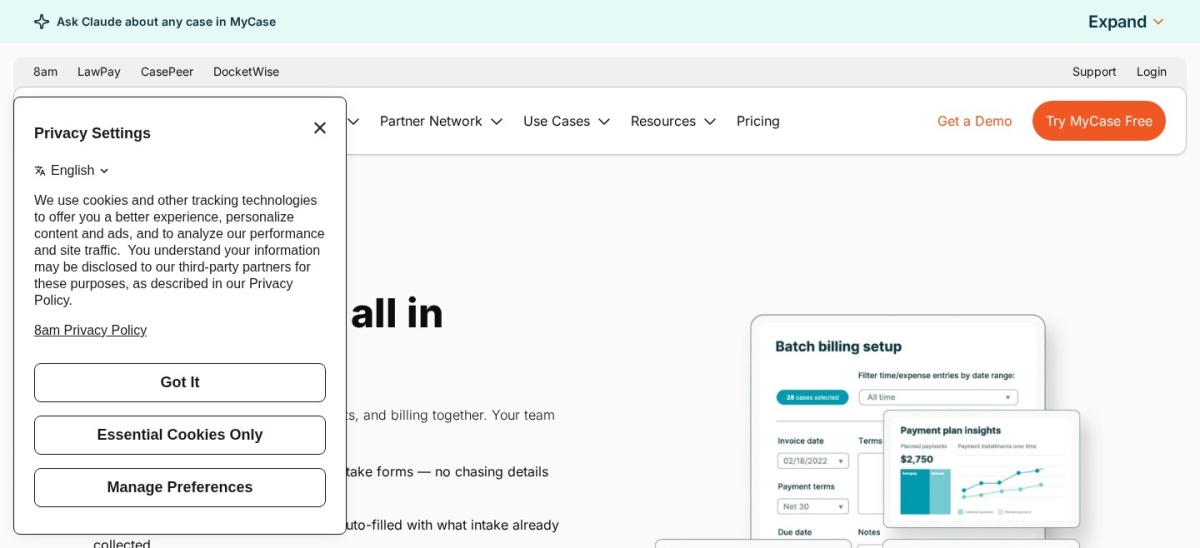
8am MyCase homepage, captured Nov 2026.
8am MyCase is a legal practice management suite that includes IOLTA trust account protection, time tracking, invoicing, and unlimited document storage on its $50 per user per month Basic plan (billed annually). Built-in online payments carry no extra monthly platform fee.
The trade off is that full general ledger business accounting is a $39 per user per month add-on available only on Pro ($100/mo) and Advanced ($130/mo) plans. It suits small firms that want transparent rate cards and straightforward trust retainer tracking.
What we like
Publishes both monthly and annual rates across all three tiers
Includes trust accounting and unlimited storage on the $50/mo Basic tier
No setup fees and a 10-day free trial without a credit card
Watch out for
Built-in general ledger accounting costs an extra $39/user/mo on Pro or Advanced
Client intake forms and automated workflows require upgrading to Pro at $100/mo
Pro ($100/user/mo annual) adds client intake forms, two-way texting, and eligibility for MyCase Accounting.Visit mycase.com
06
TimeSolv
4.7/5on Capterra (647 reviews, checked Nov 2026)
Starts at$58/mo
Best for billing-heavy firms needing LEDES
Legal plan price$58/user/mo (billed annually)
First-year promo$44/user/mo (25% off)
LEDES & ABA codesIncluded on TimeSolv Legal
StorageUnlimited document storage
timesolv.com
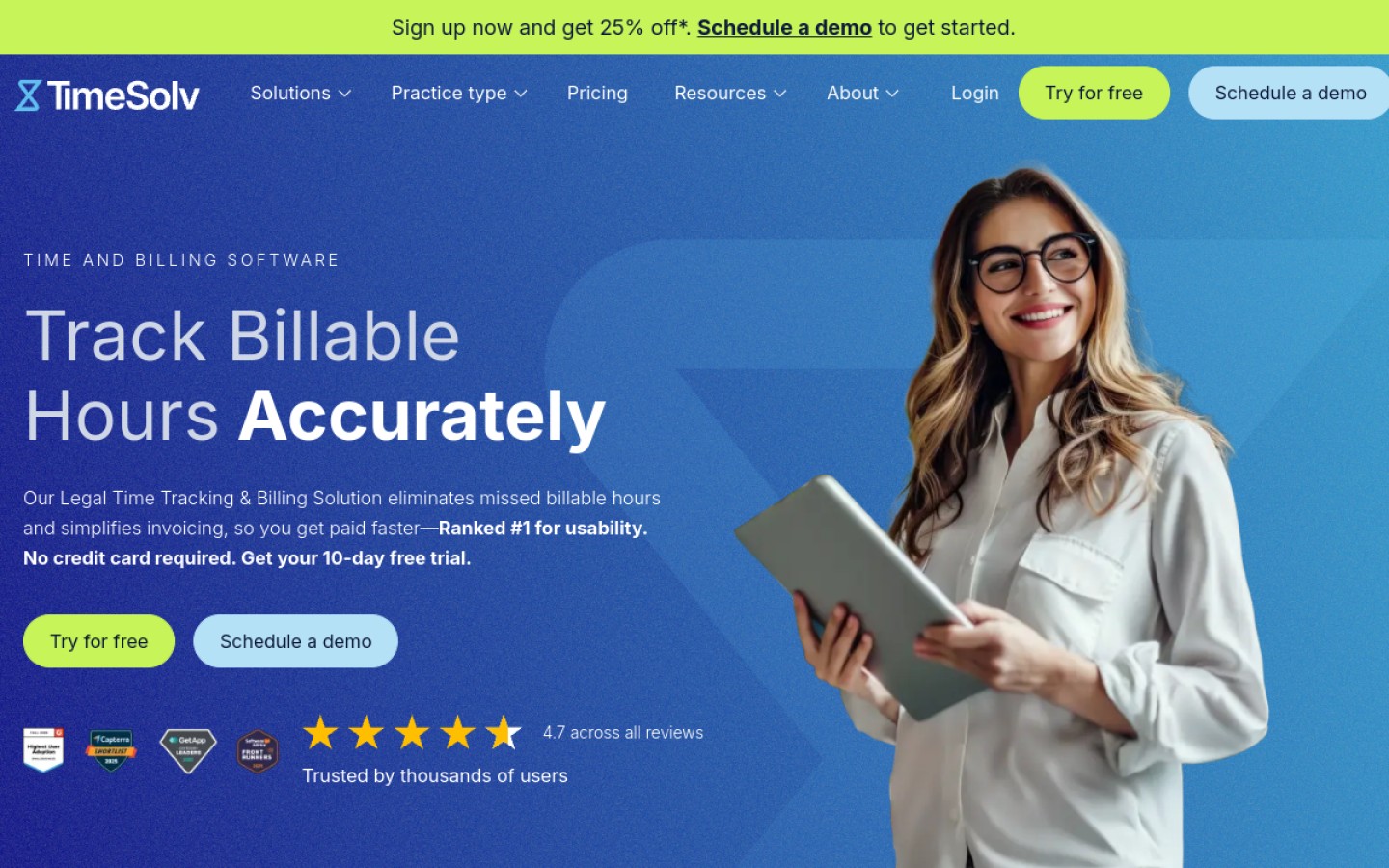
TimeSolv homepage, captured Nov 2026.
TimeSolv is a web-based legal timekeeping and billing system whose TimeSolv Legal plan ($58 per user per month regular annual rate, discounted 25% to $44 in year one) bundles trust accounting, ABA task codes, LEDES invoicing, and unlimited matters. It also syncs directly with QuickBooks.
The trade off is that the cheaper TimeSolv Pro plan ($43/mo regular rate) omits legal trust accounting and LEDES codes, and the interface feels dated compared to newer cloud suites. It suits insurance defense and corporate firms focused on strict hourly billing.
What we like
Includes LEDES e-billing and ABA task codes alongside trust accounting
Flexible multi-rate billing and batch invoice approvals
Unlimited clients, matters, and document storage on TimeSolv Legal
Watch out for
Entry TimeSolv Pro ($43/mo) lacks trust accounting features
Client intake and CRM tools require separate add-ons starting at $39/mo
TimeSolv Legal ($58/user/mo regular annual rate) unlocks trust accounting, ABA codes, and LEDES files.Visit timesolv.com
07
CaseFox
4.5/5on Capterra (96 reviews, checked Nov 2026)
Paid from$39/mo
Best for solo attorneys wanting a free plan
Free tier$0/mo Solo (1 user)
Paid entry price$39/user/mo (billed annually)
LEDES & intakeIncluded on all plans
OnboardingFree data migration & training
casefox.com
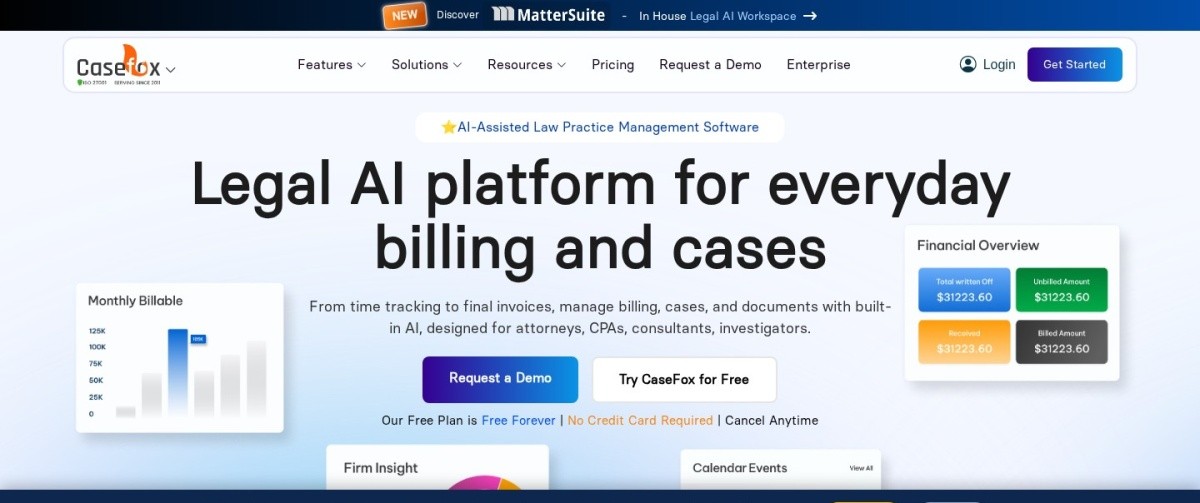
CaseFox homepage, captured Nov 2026.
CaseFox is a cloud legal billing and practice management tool offering a forever-free Solo plan for single practitioners alongside a $39 per user per month Professional plan (billed annually). Both tiers include IOLTA trust tracking, timekeeping, LEDES billing, and free data migration.
The trade off is a sparser user interface and fewer third-party integrations than Clio or MyCase, plus multi-user teams must move to paid seats at $468 per user per year. It suits budget-conscious solo lawyers and small practices.
What we like
Genuine forever-free Solo plan for single-user firms
Lowest paid annual seat rate on this list at $39/user/mo
Includes LEDES billing, client intake, and free data migration on all tiers
Watch out for
Smaller third-party integration catalog than larger competitors
Interface design is more utilitarian than modern legal suites
Professional ($39/user/mo annual) unlocks multi-user collaboration, conflict checks, and 24/7 support.Visit casefox.com
08
PracticePanther
4.7/5on Capterra (529 reviews, checked Nov 2026)
Starts at$114/mo
Best for built-in texting and intake workflows
Trust plan price$114/user/mo (Business Pro)
Base suite price$49/user/mo (no trust accounting)
Accounting enginePantherAccounting Plus
Free trial7 days, no credit card
practicepanther.com
PracticePanther homepage, captured Nov 2026.
PracticePanther is a legal practice management suite whose Business Pro plan ($114 per user per month billed annually, or $124 monthly) bundles PantherAccounting Plus for trust accounting, operating accounting, three-way reconciliation, and general ledger reporting alongside two-way texting and intake forms.
The trade off is steep tier gating: while Solo starts at $49 per user per month, full native trust and operating accounting is restricted to the $114 Business Pro plan. It suits established firms that want native SMS, intake, and accounting in one package.
What we like
Business Pro combines trust accounting, operating GL, two-way SMS, and eSignatures
Clean interface with fast matter setup and workflow automations
Includes unlimited live training and VIP support on higher tiers
Watch out for
Native trust accounting requires the top-tier $114/user/mo Business Pro plan
Short 7-day free trial compared to 10- and 14-day competitors
Business Pro ($114/user/mo annual) is the entry tier for PantherAccounting Plus trust and operating books.Visit practicepanther.com
What you actually pay when adding QuickBooks Online
Comparing entry sticker prices alone can be misleading because legal trust tools split into two camps: systems with a built-in general ledger and systems that require QuickBooks Online for firm-wide profit and loss statements.
If you choose Clio Starter ($588/yr), LeanLaw Core ($660/yr), or MyCase Basic ($600/yr) and still need general business accounting, adding QuickBooks Online Simple Start ($38/mo regular price, or $456/yr) brings a solo firm's real annual software spend to $1,044–$1,116 per year—more than CosmoLex Launch ($588/yr) or TrustBooks Tier Two ($948/yr).
How we chose
We evaluated dedicated legal trust accounting tools and legal practice management platforms with native IOLTA compliance, focusing on software actively maintained in 2026 with verified user review histories on Capterra.
All prices, plan tiers, and user ratings were verified directly from vendor pricing pages and Capterra profiles on 29 Nov 2026. Where a vendor advertises a low entry plan that excludes trust accounting, we listed the cheapest plan that actually includes trust reconciliation.
We excluded general accounting tools like standalone QuickBooks Online and Xero that lack native client sub-ledger overdraft protection, as well as enterprise fiduciary platforms that do not publish pricing. No vendor paid for a place, and we do not claim testing for this list.
How to choose trust accounting software in 4 steps
Follow these four steps to pick compliant trust software without paying for duplicate accounting tools:
Decide whether you are keeping QuickBooks Online. If your CPA already manages your firm books in QuickBooks Online, pick LeanLaw, Clio, or MyCase for two-way sync; if you want to cancel QuickBooks, choose CosmoLex or TrustBooks Tier Two.
Verify that three-way reconciliation is on your target tier. Check the pricing matrix carefully—vendors like PracticePanther and TimeSolv advertise $43–$49 entry plans that omit trust accounting until you upgrade to higher tiers.
Check payment processing fees on trust retainers. Ensure your payment processor deposits earned fees into your operating account while routing client retainers into IOLTA without deducting merchant processing fees from trust principal.
Confirm free external accountant access. Look for platforms like CosmoLex, Clio, and TrustBooks that let you invite a bookkeeper or CPA into your trust reports without paying for another full attorney seat.
FAQ
What is the best trust accounting software in 2026?
CosmoLex is the best trust accounting software overall in 2026 because it includes three-way IOLTA reconciliation and a full general ledger starting at $49 per user per month billed annually ($588/yr). TrustBooks ($59/mo) is best for standalone trust ledgers.
Is there free trust accounting software?
Yes, CaseFox offers a forever-free Solo plan for single-user law practices that includes IOLTA trust tracking, timekeeping, and invoicing. Multi-user firms must upgrade to CaseFox Professional starting at $39 per user per month billed annually.
Can I use QuickBooks Online alone for trust accounting?
No, QuickBooks Online does not natively prevent one client's trust disbursement from drawing against another client's pooled IOLTA balance. Most firms either pair QuickBooks with LeanLaw ($55/user/mo) or use dedicated software like CosmoLex or TrustBooks.
How much does trust accounting software cost per year?
Entry plans that include trust accounting range from $468 per user per year (CaseFox Pro) to $1,368 per user per year (PracticePanther Business Pro). Most small-firm platforms cluster between $588 and $708 per year.
CosmoLex vs TrustBooks: which should I choose?
Choose CosmoLex ($49/user/mo annual) if you want case management, time tracking, trust accounting, and general business accounting in one app. Choose TrustBooks ($59/mo) if you already have case management software and only want dedicated trust ledgers.
SaaS SEO and WordPress specialist with about 8 years of experience. Rakib compares WordPress plugins, themes, hosting and software using public pricing, documentation and user reviews. See how we rank.