FreshBooks is the best software for billing and invoicing for most service businesses, combining estimates, expense tracking and online payment collection from $23 per month. Choose Wave for free invoicing and basic bookkeeping, or Invoice Ninja for recurring billing and affordable unlimited-client invoicing.
How we make this list: we compare pricing pages, product documentation and public user reviews, then re-check every price before each update. No product paid for a place. Disclosure.
FreshBooks starts at $23 per month, but its Lite plan limits invoicing to 5 clients.
Wave offers unlimited invoices and basic bookkeeping for free, with paid automation starting at $19 per month.
Invoice Ninja costs $14 per month for unlimited clients, customizable invoices and additional automation.
QuickBooks Online offers a free plan with 2 invoices per month and paid accounting features from $38 per month.
Xero Early costs $27 per month and includes an allowance of 20 invoices and 5 bills.
Zoho Invoice provides free recurring invoicing and payment reminders and holds a 4.7/5 Capterra rating.
How do you choose the best software for billing and invoicing?
The best billing software reduces the work between completing a job and collecting payment. Look for estimates, customizable invoices, payment tracking and customer records before comparing advanced accounting features.
Client and invoice limits matter more than introductory discounts. A cheap subscription can become expensive when your business needs to bill additional customers or process more transactions than its entry plan allows.
Free invoicing does not necessarily mean free payment processing. Payment providers can charge transaction fees even when your invoicing subscription costs nothing. Compare software subscriptions separately from the cost of accepting payments.
Accounting integration determines how much manual bookkeeping remains. Businesses that already use accounting software may prefer an invoicing application that connects to their existing financial records rather than replacing their entire accounting system.
Recurring invoices are particularly useful for retainers, subscriptions and ongoing service agreements. Businesses with predictable billing schedules should prioritize automated invoice creation, payment reminders and clear records of outstanding balances.
The 7 best software tools for billing and invoicing
01
FreshBooks
4.5/5on Capterra (4,534 reviews, checked Nov 2026)
Starts at$23/mo
Best for billing and invoicing overall
Entry planLite
Client allowance5 clients
EstimatesIncluded
Expense trackingIncluded
freshbooks.com
FreshBooks homepage, captured Nov 2026.
FreshBooks is a cloud-based invoicing and accounting application designed for freelancers and service businesses. Its Lite subscription supports billing 5 clients and includes estimates, expense records and electronic payment collection.
The trade off is the client restriction on its $23 monthly Lite plan. A temporary introductory discount reduces the initial subscription cost, but businesses should budget for the regular rate. It suits consultants, freelancers and small agencies that want billing and financial records together.
What we like
Connects customer billing with expense records
Supports estimates and electronic payments
Useful for service-based businesses
Financial reports support tax preparation
Watch out for
Entry plan restricts the number of billable clients
No permanent free subscription
Additional team members increase subscription costs
4.4/5on Capterra (1,732 reviews, checked Nov 2026)
Paid from$19/mo
Best for free invoicing and bookkeeping
Free planStarter
Invoice allowanceUnlimited
BookkeepingIncluded
Automatic bank importsPro
waveapps.com
Wave homepage, captured Nov 2026.
Wave is an invoicing and bookkeeping platform with a $0 Starter subscription. Businesses can create invoices, estimates and bills without a document allowance, making it useful for owners who want basic financial administration without recurring software charges.
The trade off is that automated transaction imports and overdue payment reminders require the $19 monthly Pro subscription. An introductory promotion is available, while payment processing remains a separate expense. It suits freelancers and microbusinesses that can manage some bookkeeping manually.
What we like
Unlimited invoices on the free plan
Includes basic bookkeeping records
Supports invoicing through a mobile application
Optional upgrade for financial automation
Watch out for
Automatic bank transaction imports require Pro
Payment processing charges apply separately
Pro subscriptions are charged per business
Pro adds automatic bank imports, receipt capture and payment reminders.Visit waveapps.com
03
Invoice Ninja
4.7/5on Capterra (166 reviews, checked Nov 2026)
Paid from$14/mo
Best for affordable unlimited-client billing
Free client allowance5 clients
Paid client allowanceUnlimited
Recurring billingIncluded
Customer portalIncluded
invoiceninja.com
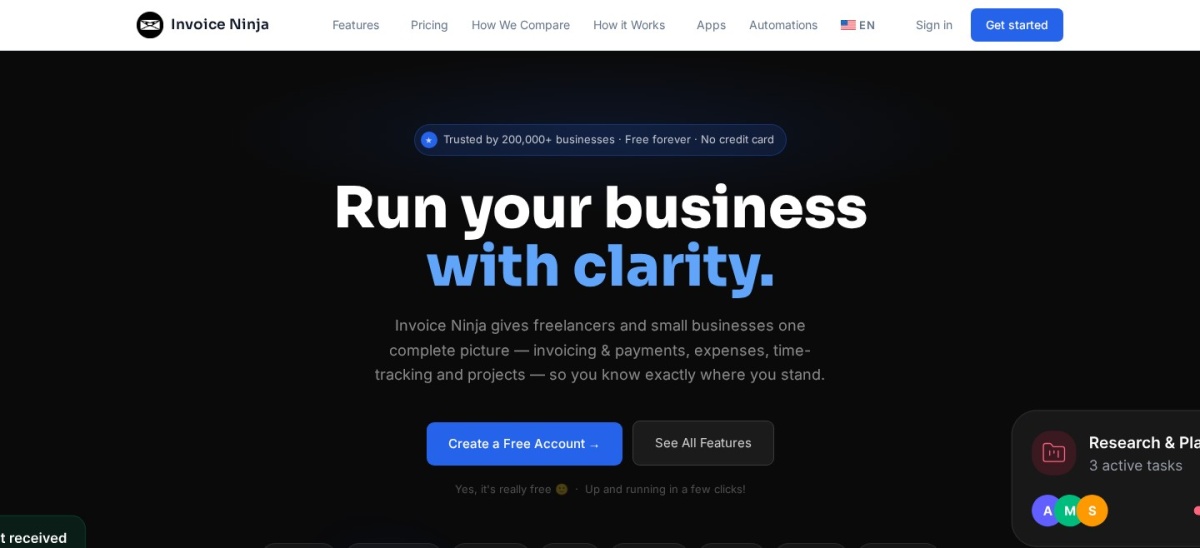
Invoice Ninja homepage, captured Nov 2026.
Invoice Ninja is a dedicated invoicing application that supports customer payments, recurring charges and project-based billing. Its free subscription permits unlimited invoices across 5 clients and includes time records, expense management and partial payment collection.
The trade off is that removing platform branding and billing additional clients requires Ninja Pro at $14 per month. Businesses needing comprehensive financial accounting may also require separate software. It suits independent professionals and agencies that prioritize invoice flexibility over a full accounting suite.
What we like
Recurring billing available without a subscription
Affordable unlimited-client paid plan
Supports deposits and partial payments
Customer portal provides access to billing records
Watch out for
Free subscription limits customer records
Advanced invoice design requires an upgrade
Less accounting depth than dedicated accounting suites
Ninja Pro removes branding and adds unlimited clients, reporting and invoice customization.Visit invoiceninja.com
04
QuickBooks Online
4.3/5on Capterra (8,554 reviews, checked Nov 2026)
Paid from$38/mo
Best for accountant-led financial management
Free invoice allowance2 per month
Entry paid planSimple Start
Paid plan users1 user
Accountant access2 accountants on Simple Start
quickbooks.intuit.com
QuickBooks Online homepage, captured Nov 2026.
QuickBooks Online is an accounting platform that integrates customer invoices with income records, business expenses and financial reporting. Its free subscription supports 2 invoices each month, while Simple Start expands financial administration and provides accountant collaboration.
The trade off is subscription cost and complexity compared with dedicated invoicing applications. Simple Start costs $38 per month at its regular rate, with a temporary introductory promotion available. It suits businesses that want their billing records incorporated into a broader accounting workflow.
What we like
Connects invoices with business accounting records
Supports accountant collaboration on paid plans
Includes payment status tracking
Provides automated bookkeeping on Simple Start
Watch out for
Free invoicing allowance is restrictive
Entry paid plan supports a single regular user
More expensive than dedicated invoicing alternatives
4.4/5on Capterra (3,341 reviews, checked Nov 2026)
Starts at$27/mo
Best for billing and bank reconciliation
Entry planEarly
Invoice allowance20 per month
Bill allowance5 per month
Bank reconciliationIncluded
xero.com
Xero homepage, captured Nov 2026.
Xero is an online accounting system that connects customer invoicing, supplier bills and bank reconciliation. Its Early subscription includes an allowance of 20 invoices and 5 bills, alongside financial reports and electronic invoice payment support.
The trade off is the document allowance on Early, which costs $27 per month before temporary promotional discounts. Businesses with higher billing volumes should consider an expanded subscription. It suits small companies that want customer payments and bank transactions reflected in their accounting records.
What we like
Integrated reconciliation and invoicing workflows
Manages customer receivables and supplier bills
Includes financial reporting
Supports connections with external business applications
Watch out for
Entry subscription limits invoice volume
No permanent free plan
Businesses requiring project accounting may need an upgrade
Higher subscriptions expand billing allowances and financial management capabilities.Visit xero.com
06
HoneyBook
4.7/5on Capterra (695 reviews, checked Nov 2026)
Starts at$29/mo
Best for project-based client billing
Entry planStarter, billed annually
Client allowanceUnlimited
Contracts and proposalsIncluded
Workflow automationEssentials and above
honeybook.com
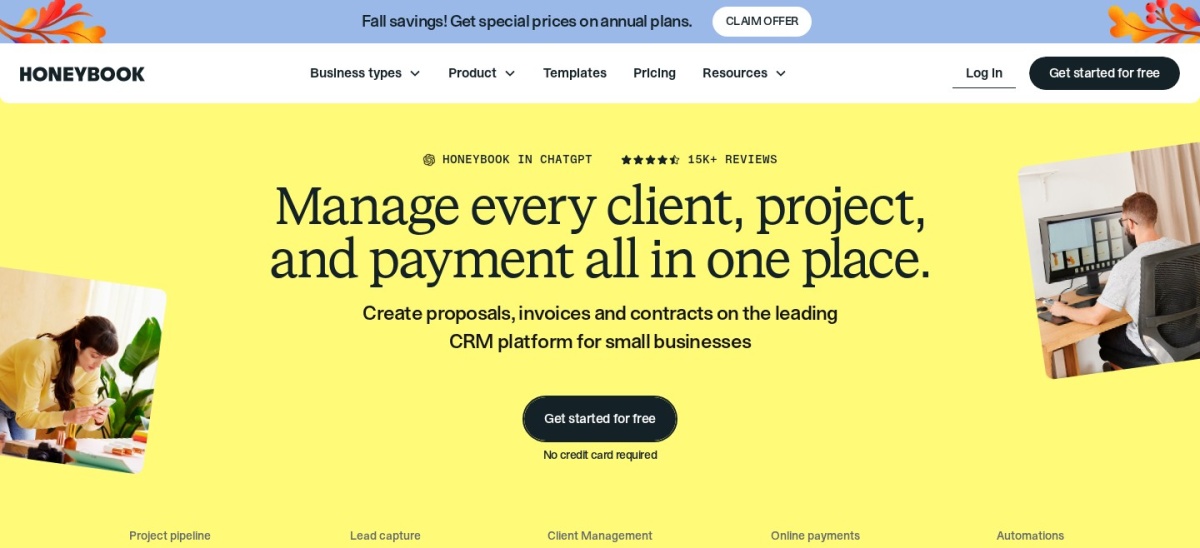
HoneyBook homepage, captured Nov 2026.
HoneyBook is a client management platform that combines project administration with contracts, proposals and payment collection. Its $29 monthly Starter subscription, billed annually, includes unlimited customer and project records, a client portal and business reporting.
The trade off is that advanced scheduling, workflow automation and QuickBooks integration require a higher subscription. The annual Starter rate is $348 before payment-related charges or optional services. It suits photographers, designers, consultants and other professionals who manage customer engagements from proposal through payment.
What we like
Combines client contracts with billing
Unlimited clients and projects on Starter
Includes a customer-facing portal
Reduces the need for separate proposal software
Watch out for
No permanent free subscription
QuickBooks integration requires Essentials
Less suitable for inventory-focused businesses
Essentials adds scheduling, workflow automation and accounting integration.Visit honeybook.com
07
Zoho Invoice
4.7/5on Capterra (823 reviews, checked Nov 2026)
PriceFree
Best for free recurring billing automation
Subscription costFree
Recurring invoicesIncluded
Payment remindersIncluded
Time trackingIncluded
zoho.com
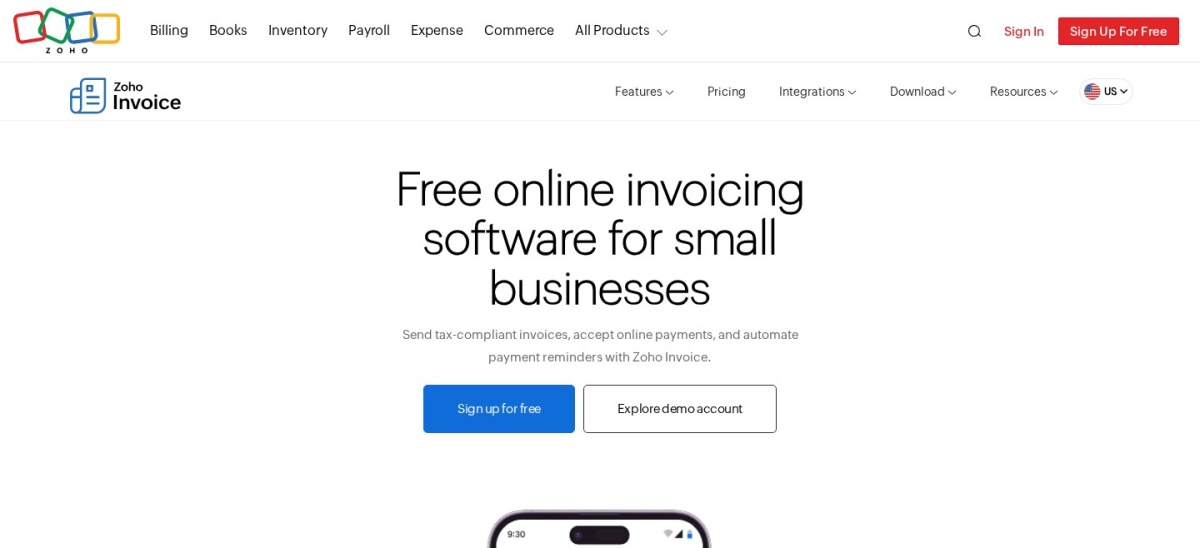
Zoho Invoice homepage, captured Nov 2026.
Zoho Invoice is a free invoicing application for independent professionals and small businesses. Its $0 subscription supports recurring invoice creation, customer portals, payment reminders, expense records and billable-time management.
The trade off is that businesses requiring complete accounting or advanced subscription management may need a separate Zoho product rather than an upgrade within Zoho Invoice. The invoicing application itself has no paid subscription. It suits budget-conscious businesses that prioritize billing automation without ongoing software charges.
What we like
No recurring subscription charge
Includes recurring invoices and payment reminders
Supports time-based project billing
Connects with other Zoho business applications
Provides customer access to invoice records
Watch out for
Not a replacement for comprehensive accounting software
External payment providers may charge transaction fees
Advanced subscription management requires separate software
No paid plan; Zoho Books and Zoho Billing are separate products.Visit zoho.com
What is the difference between billing and invoicing software?
Invoicing software creates and manages requests for payment. It records the products or services provided, the amount owed, applicable taxes, payment deadlines and customer information. Its main purpose is documenting a sale and helping the business collect money.
Billing software covers a broader payment workflow. It may manage recurring charges, subscription renewals, payment reminders, outstanding balances and failed payments. Businesses with ongoing customer agreements often need these capabilities more than businesses issuing occasional invoices.
Accounting software extends both functions into financial recordkeeping. FreshBooks, Wave, QuickBooks Online and Xero connect billing activities with business expenses and financial reports. Dedicated invoicing applications can be a better fit when accounting is already handled elsewhere.
What hidden costs should you check before choosing billing software?
Payment processing is a separate expense from the software subscription. Check the charges for card payments, bank transfers, refunds and international transactions before choosing a platform based on its monthly subscription price.
Client allowances can change the economics of a subscription. FreshBooks Lite and the free Invoice Ninja subscription each support 5 clients. Invoice Ninja Pro removes that restriction for $14 per month, making it worth considering when your customer base grows.
Accounting integration and additional users can also increase costs. HoneyBook reserves QuickBooks integration for its Essentials subscription, while QuickBooks Online Simple Start includes access for a regular user and external accountants. Check which employees actually need access before committing to a subscription.
Annual billing can reduce software expenses, but it creates a longer financial commitment. Wave Pro costs $190 with annual billing compared with $228 when its regular monthly price is annualized. The price ladder uses regular monthly rates where applicable for easier comparison.
How we chose
We shortlisted dedicated invoicing applications, small-business accounting platforms and client management systems that support billing. We ranked them by invoice creation, recurring billing, payment collection, client allowances, accounting capabilities and subscription costs.
Official pricing pages and Capterra ratings were checked on 29 Nov 2026. We used regular subscription prices rather than temporary introductory offers. Annualized prices multiply regular monthly subscription rates by twelve, with annual billing commitments identified where applicable. Payment processing charges are excluded from the price ladder.
We excluded invoice template generators without meaningful billing management, payment applications without suitable invoicing workflows and products whose pricing or review information could not be confirmed. Our rankings favor practical billing capabilities and transparent costs rather than review scores alone. No vendor paid for a place, and we do not claim testing for this list.
How to choose billing and invoicing software for your business
Start with your billing volume, customer relationships and accounting requirements before comparing subscription prices.
Calculate your normal billing volume. Count your active customers and monthly invoices. Check whether entry subscriptions limit customers, invoices or supplier bills, and include expected business growth in your calculations.
Identify the billing workflows you need. Determine whether you require one-time invoices, recurring charges, deposits, estimates or project-based payment schedules. Prioritize automation for billing tasks that your team repeats regularly.
Compare the full cost of collecting payments. Add subscription charges, payment processing fees, additional user costs and necessary upgrades. Do not choose an application solely because it advertises a free plan or introductory discount.
Check accounting compatibility before subscribing. Confirm that customer invoices, payment records and tax information can reach your existing accounting system. Choose an integrated accounting platform if replacing disconnected financial tools is a primary goal.
FAQ
What is the best software for billing and invoicing in 2026?
FreshBooks is the best overall choice for service businesses that need invoicing, estimates and expense tracking together. Its regular subscription starts at $23 per month. Wave and Invoice Ninja are attractive alternatives for businesses prioritizing lower subscription expenses.
What is the best free billing and invoicing software?
Wave and Zoho Invoice are excellent free billing options. Wave includes unlimited invoicing and basic bookkeeping, while Zoho Invoice includes recurring invoices and automated payment reminders. External payment processing fees can still apply to either application.
How much does billing and invoicing software cost?
Paid billing software in this comparison starts at $14 per month for Invoice Ninja. FreshBooks costs $23 per month, while QuickBooks Online Simple Start costs $38 per month. Free alternatives are available, although payment fees and optional upgrades can increase total expenses.
Which invoicing software is best for beginners?
Wave is a good starting point for beginners who need straightforward invoices and basic financial records. Its free Starter subscription avoids an immediate software commitment. FreshBooks is another suitable choice for service professionals who prefer an integrated billing and expense management platform.
Is FreshBooks better than Wave for invoicing?
FreshBooks is better for service businesses that want a paid billing and accounting workflow centered on client relationships. Wave is better for businesses prioritizing unlimited free invoices and basic bookkeeping. The right choice depends on client volume, automation requirements and available budget.
Which software is best for recurring invoices?
Invoice Ninja and Zoho Invoice are strong choices for recurring invoices because both include recurring billing capabilities without requiring an initial paid subscription. Invoice Ninja Pro is particularly useful when businesses need unlimited customer records and additional invoice customization.
Can invoicing software replace accounting software?
Invoicing software can replace accounting software only when it includes the financial functions your business requires. FreshBooks, Wave, QuickBooks Online and Xero provide accounting features, while dedicated invoicing products may need additional tools for reconciliation, financial statements and comprehensive bookkeeping.
What is the best invoicing software for freelancers and small agencies?
FreshBooks is suitable for freelancers and small agencies that bill for professional services and track business expenses. Invoice Ninja is more attractive when client limits and subscription costs are major concerns. HoneyBook is worth considering when contracts and proposals are central to customer projects.
SaaS SEO and WordPress specialist with about 8 years of experience. Rakib compares WordPress plugins, themes, hosting and software using public pricing, documentation and user reviews. See how we rank.