GitHub is the best version control tool for coding overall, offering unlimited public and private repositories on its free plan and earning 4.7/5 on G2. GitLab is better for integrated software delivery workflows, while Bitbucket suits development teams that already use Jira.
How we make this list: we compare pricing pages, product documentation and public user reviews, then re-check every price before each update. No product paid for a place. Disclosure.
GitHub offers unlimited private repositories for free, with Team upgrades costing $48 per user annually.
GitLab Premium costs $348 per user annually and includes advanced CI/CD and project management.
Bitbucket Standard costs $3.65 per user monthly, making it an affordable hosted option for growing teams.
Azure DevOps provides free Basic access for the first 5 users, with additional users costing $6 monthly.
Git earns 4.8/5 on Capterra and remains completely free and open source.
Perforce P4 Cloud costs $39 per user monthly and suits development projects with large digital assets.
What to look for in version control tools for coding
Version control software records changes to source code, allowing developers to recover earlier versions, work on separate branches and collaborate without overwriting each other's changes.
Distinguish between a version control system and a repository hosting platform. Git manages code history locally, while platforms such as GitHub and GitLab provide remote repositories, code reviews and collaboration features.
Development teams should prioritize branch protection, access permissions, merge conflict handling and integration with automated testing workflows. These features help prevent incomplete or incorrect changes from reaching production.
Pricing depends on team size, repository storage and automation requirements. Compare subscription costs alongside build minutes, large file storage and administrative overhead.
GitHub is a Git repository hosting platform that combines source code management, pull requests and development automation. Its free plan provides unlimited repositories, 2,000 monthly CI/CD minutes and 500 MB of package storage.
The trade off is that advanced collaboration controls require Team at $4 per user monthly, while certain security capabilities cost extra. It suits individual developers, open-source maintainers and commercial software teams.
What we like
Unlimited private repositories on Free
Extensive development integrations
Integrated GitHub Actions automation
Convenient pull request workflows
Watch out for
Additional automation usage can increase costs
Advanced security features require separate upgrades
Team adds advanced repository and collaboration controls.Visit github.com
02
GitLab
4.5/5on G2 (905 reviews, checked Nov 2026)
Paid from$29/mo
Best for integrated DevOps workflows
Version controlGit
Code reviewMerge requests
Deployment optionsCloud and self-managed
Paid planPremium, $29/user/month billed annually
gitlab.com
GitLab homepage, captured Nov 2026.
GitLab is a software development platform that combines Git repositories with code reviews, project planning and automated pipelines. Its free edition covers core source control and CI/CD capabilities, while Premium adds advanced development workflows at $29 per user monthly.
The trade off is the annual Premium commitment of $348 per user and the complexity of configuring larger installations. It suits engineering teams that prefer managing source code and software delivery within the same platform.
Premium adds advanced CI/CD, team management and priority support.Visit gitlab.com
03
Bitbucket
4.4/5on G2 (1,017 reviews, checked Nov 2026)
Paid from$3.65/mo
Best for teams using Jira
Version controlGit
Free team limit5 users
AutomationBitbucket Pipelines
Paid planStandard, $3.65/user/month
atlassian.com
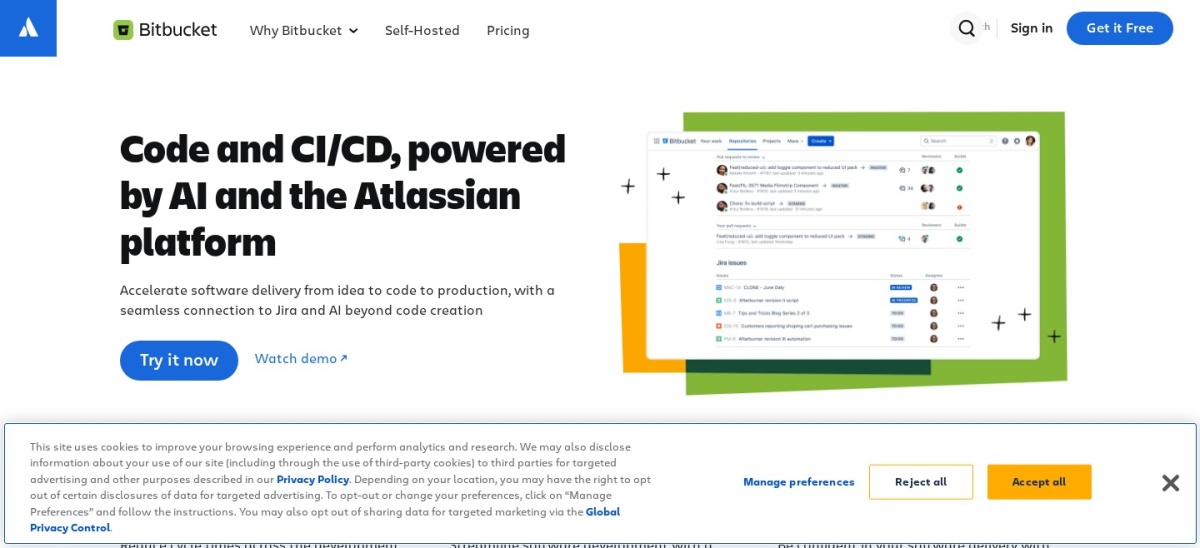
Bitbucket homepage, captured Nov 2026.
Bitbucket is Atlassian's Git repository hosting platform for development teams that need connected project tracking and code reviews. Its free plan supports up to 5 users, with repository collaboration, pull requests and integrated pipeline capabilities.
The trade off is that growing teams need Standard at $3.65 per user monthly, and additional automation resources can increase spending. It suits teams that already coordinate development work through Jira.
What we like
Direct integration with Jira
Affordable Standard subscription
Built-in software delivery pipelines
Supports private repository collaboration
Watch out for
Free plan limits team membership
Some governance controls require Premium
Standard supports larger development teams and additional resources.Visit atlassian.com
04
Azure DevOps
4.4/5on Capterra (148 reviews, checked Nov 2026)
Paid from$6/mo
Best for Microsoft development environments
Repository serviceAzure Repos
Free Basic users5
Private Git repositoriesUnlimited
Paid planBasic, $6/additional user/month
azure.microsoft.com
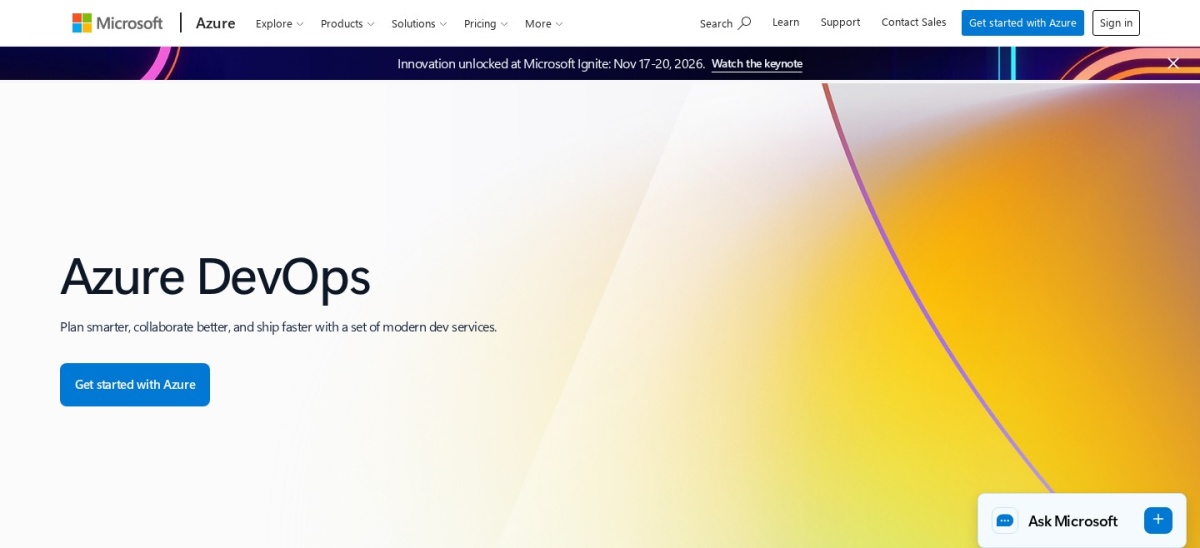
Azure DevOps homepage, captured Nov 2026.
Azure DevOps is Microsoft's development platform covering repositories, work tracking and software deployment. Basic access includes unlimited private Git repositories and 2 GiB of Azure Artifacts storage per organization, with the first 5 users receiving free access.
The trade off is administrative complexity and additional charges for certain testing and security services beyond the $6 monthly Basic user fee. It suits organizations that use Visual Studio, Azure infrastructure and structured development processes.
Git is a free distributed version control system that records code changes locally and supports branching, merging and repository synchronization. It has a 4.8/5 Capterra rating from 473 reviews and integrates with popular development environments.
The trade off is that Git's free command-line software does not include hosted repositories, browser-based code reviews or managed infrastructure. It suits developers who want full control over code history without paying software licensing fees.
What we like
Completely free and open source
Works without an internet connection
Flexible branching and merging
Compatible with major repository hosts
Watch out for
Command-line learning curve
Remote collaboration requires separate infrastructure
Git has no paid edition; external hosting may cost extra.Visit git-scm.com
06
Perforce P4
4.2/5on G2 (95 reviews, checked Nov 2026)
Paid from$39/mo
Best for large codebases and binary assets
Version controlPerforce P4
Free user limit5 users
Free workspaces20
Paid planCloud, $39/user/month
perforce.com
Perforce P4 homepage, captured Nov 2026.
Perforce P4 is a version control system designed for development projects involving substantial codebases and large digital files. Its free edition supports up to 5 users, 20 workspaces and 3 Git repositories.
The trade off is that managed Cloud access costs $39 per user monthly, while larger self-managed deployments require quoted pricing. It suits game developers and engineering teams that need to manage source code alongside large binary assets.
What we like
Designed for large repositories
Supports file locking workflows
Integrates with major game development engines
Free edition available for small teams
Watch out for
Managed hosting is relatively expensive
Requires specialized administration knowledge
Cloud adds managed hosting, backups and 64 GiB of storage.Visit perforce.com
07
Beanstalk
4.2/5on G2 (23 reviews, checked Nov 2026)
Starts at$15/mo
Best for straightforward code deployment
Version controlGit and SVN
Entry repositories10
Entry storage3 GB
Paid planBronze, $15/month
beanstalkapp.com
Beanstalk homepage, captured Nov 2026.
Beanstalk is a hosted version control service that combines repository management, code reviews and deployments. Its Bronze subscription includes 10 repositories, 3 GB of storage, 5 users and 3 deployment servers per repository.
The trade off is the absence of a permanent free plan and fewer integrated development automation capabilities than broader DevOps platforms. Bronze costs $15 monthly and suits freelancers and small agencies managing website deployments.
What we like
Supports both Git and SVN repositories
Integrated code deployment tools
Predictable entry-level subscription
Includes multiple users without separate seat fees
Git is the underlying version control system, while GitHub, GitLab and Bitbucket provide services for storing and collaborating on Git repositories. Developers can use Git independently without registering for any hosting platform.
Repository hosting becomes particularly useful when several developers contribute to the same project. Hosted platforms provide centralized access permissions, review discussions, issue tracking and automation that would otherwise require separate tools.
For projects dominated by large binary assets, a system such as Perforce P4 may be more appropriate than a conventional Git workflow. Evaluate repository growth, file locking requirements and asset management before choosing.
A practical version control workflow for developers
Create a separate branch for each feature or bug fix. Commit related changes together and write descriptive messages explaining why the code changed.
Submit completed work through a pull request or merge request. Require relevant automated checks and peer approval before merging changes into protected branches.
Use tags to identify software releases and maintain a documented rollback process. Keep credentials and sensitive configuration files outside source code repositories.
How we chose
We selected established version control systems and repository hosting platforms by comparing source code management capabilities, collaboration features, deployment options and public customer feedback.
Official pricing pages and ratings from G2 and Capterra were checked on 27 Nov 2026. Monthly subscription prices were annualized, with per-user fees and shared subscriptions identified separately.
We excluded products without suitable source control functionality, established review histories or verifiable pricing information. No vendor paid for a place, and we do not claim testing for this list.
How to choose the best version control tool for coding
Follow these steps to identify a version control system that fits your development workflow, repository requirements and software budget.
Identify your repository requirements. Determine whether your projects primarily contain text-based source code or large binary files. Git works well for conventional software development, while specialized systems may better accommodate large digital assets.
Evaluate collaboration features. Look for code reviews, branch protection, repository permissions and merge approval workflows. Make sure the platform supports your team's preferred development practices.
Check development integrations. Choose software that connects with your code editor, issue tracker, testing framework and deployment environment. Integrated automation can reduce manual development tasks.
Calculate the complete annual cost. Include subscriptions, additional users, repository storage, build minutes, infrastructure and security features. Remember that per-user subscriptions increase as your development team grows.
FAQ
What is the best version control tool for coding?
GitHub is the best overall option for most developers because it combines free Git repository hosting, code reviews and development automation. GitLab is suitable for integrated DevOps workflows, while Bitbucket works particularly well for Jira users.
What is the difference between Git and GitHub?
Git is an open-source version control system that records changes to files. GitHub is a repository hosting platform built around Git that provides remote collaboration, pull requests, issue tracking and automated software development workflows.
Which version control tool is completely free?
Git is completely free and open source, with no paid software edition. GitHub, GitLab, Bitbucket, Azure DevOps and Perforce P4 also offer free access, although their hosted services or advanced capabilities have restrictions.
Is GitLab better than GitHub for version control?
GitLab is often preferable when teams want integrated development planning, source control and software delivery. GitHub generally suits developers who prioritize repository collaboration, open-source participation and access to a broad ecosystem of development integrations.
What is the best version control software for game development?
Perforce P4 is a suitable choice for game development because it accommodates large repositories and binary assets. Its file locking capabilities help teams coordinate changes to files that cannot be merged as easily as source code.
How much does version control software cost?
Git is free, while hosted subscriptions in this comparison start at $3.65 per user monthly for Bitbucket Standard. GitHub Team costs $4 per user monthly, and specialized managed hosting services can cost considerably more.
SaaS SEO and WordPress specialist with about 8 years of experience. Rakib compares WordPress plugins, themes, hosting and software using public pricing, documentation and user reviews. See how we rank.