Datadog RUM is the best real user monitoring tool for most teams, with Core Web Vitals and session replay tied to full-stack traces, from $0.15 per 1,000 sessions for basic measurement. Pick Dynatrace for AI-powered root-cause analysis, or Sentry if you want error tracking and replay from $26 a month.
How we make this list: we compare pricing pages, product documentation and public user reviews, then re-check every price before each update. No product paid for a place. Disclosure.
Datadog RUM starts at $0.15 per 1,000 sessions for basic measurement, but deep investigation costs $3 per 1,000 and replay adds $2.50.
Dynatrace charges a flat $2.25 per 1,000 sessions, or $4.50 with session replay, under an annual commitment.
New Relic has the most generous free tier: 100 GB of data ingest a month and one full platform user.
Sentry is the cheapest flat-priced entry for developers, with a free plan and Team at $26 a month.
Only four of the eight tools have a free plan; Datadog, Dynatrace, Raygun and Pingdom are trial-only.
What real user monitoring should cover
Real user monitoring measures how actual visitors experience your site: page load times, Core Web Vitals, JavaScript errors and slow resources, broken down by browser, device and location. Lab tests run in a controlled environment; RUM shows what happens on real networks and real phones.
The three Core Web Vitals, largest contentful paint, interaction to next paint and cumulative layout shift, are the numbers most RUM tools report first. Our guide on what Core Web Vitals are explains what each one measures and what counts as a good score.
Pricing is the hardest part of this market to compare. Some tools charge per 1,000 sessions, some per user and some a flat monthly fee, so the cheapest tool at 10,000 sessions a month may not be the cheapest at 1 million.
Session replay is worth weighing separately. Watching a recording of a slow session often finds the cause faster than a chart, but replay usually costs extra or sits on a higher plan.
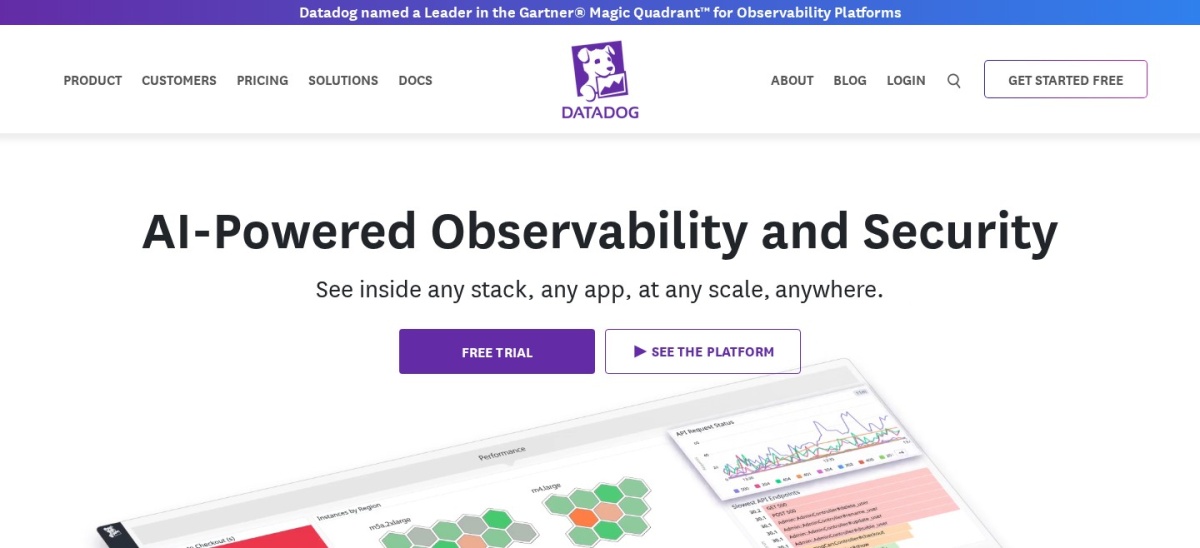
Datadog RUM is the real user monitoring part of Datadog's observability platform, and it ties browser sessions to backend traces, logs and infrastructure in one place. RUM Measure costs $0.15 per 1,000 sessions on annual billing and covers Core Web Vitals and page-level performance on all traffic.
The trade off is the two-meter pricing. Deep investigation costs $3 per 1,000 filtered sessions and session replay adds $2.50 per 1,000, so a bill grows fast once you inspect most sessions. It suits teams already running Datadog who want frontend data joined to the rest of their stack.
What we like
Core Web Vitals and page data joined to traces, logs and infrastructure
Cheapest entry rate in this list at $0.15 per 1,000 sessions
Session replay available as an add-on
Watch out for
Investigate at $3 per 1,000 sessions is 20 times the Measure rate
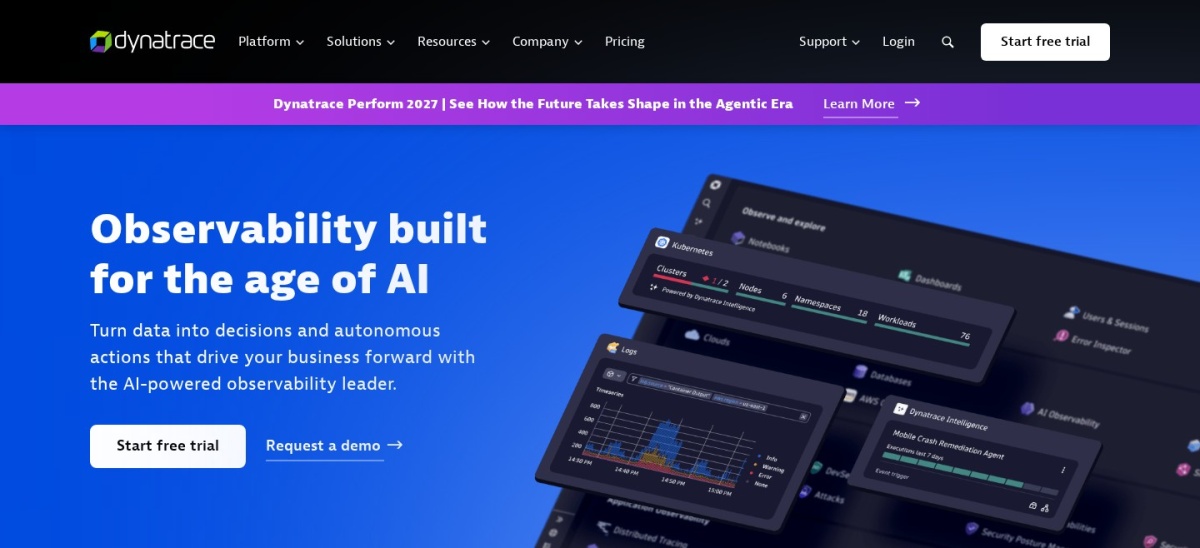
Dynatrace is an enterprise observability platform whose real user monitoring covers web, iOS and Android apps with Core Web Vitals, user journeys and crash analysis. RUM costs $2.25 per 1,000 sessions under an annual commitment, with 35 days of data retention.
The trade off is cost and complexity. Session replay doubles the rate to $4.50 per 1,000 sessions, and the platform is priced by annual commitment, so small teams can find the entry point steep. It suits large teams that want AI-powered root-cause analysis across the full stack.
What we like
AI-powered root-cause analysis across web and mobile
Single per-session rate with no per-user fees
35 days of data retention included
Watch out for
Annual commitment required, no pay-as-you-go entry
Replay doubles the rate to $4.50 per 1,000 sessions
New Relic Browser is the real user monitoring part of New Relic's platform, with Core Web Vitals, page views, JavaScript errors and session replay in one dashboard. The free tier includes 100 GB of data ingest a month and one full platform user, which covers small sites at no cost.
The trade off is the two-part bill. Data beyond the free 100 GB costs $0.40 per GB, and a full platform user costs $99 a month on Standard, so costs rise with both traffic and team size. It suits teams that want browser, APM, infrastructure and synthetics under one login.
What we like
Free tier covers 100 GB of ingest a month
Browser, APM, infrastructure and synthetics in one platform
Session replay included with browser monitoring
Watch out for
Full platform users cost $99 a month each on Standard
Free tier stops ingesting once 100 GB is passed
Data overages at $0.40 per GB add up fast
Paid Standard adds ticketed support, SAML login and more synthetic checksVisit newrelic.com
04
Sentry
4.5/5on G2 (226 reviews, checked Nov 2026)
Paid from$26/mo
Best for developers and error tracking
Free plan5,000 errors a month
Team plan$26 a month, annual
Business plan$80 a month, annual
Session replayIncluded on paid plans
sentry.io
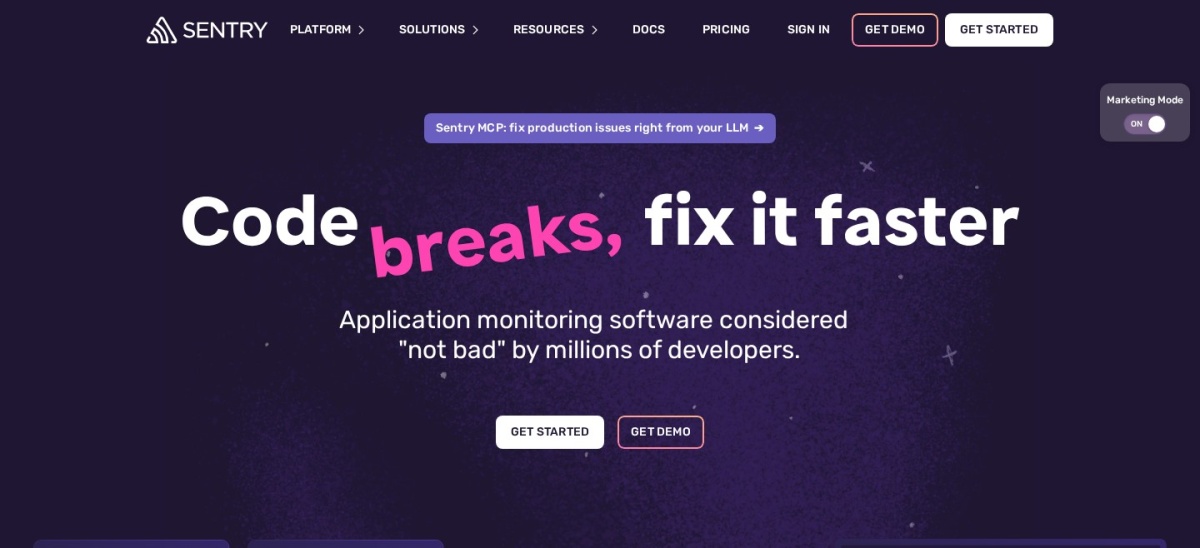
Sentry homepage, captured Nov 2026.
Sentry is a developer-first monitoring platform that pairs error tracking with performance monitoring and session replay for web apps. The free Developer plan covers 5,000 errors a month for one user, and the Team plan costs $26 a month on annual billing with 50,000 errors included.
The trade off is volume pricing. Event overages are charged per error, so a noisy release can push the bill well above the $26 base price. It suits engineering teams that want stack traces, breadcrumbs and replays tied to the exact release that broke.
What we like
Best-in-class stack traces with source maps
Free Developer plan for one user
Session replay and release tracking included
Watch out for
Overage charges per error can dwarf the $26 base price
RUM depth is thinner than dedicated RUM tools
No infrastructure monitoring
Team adds unlimited users and 50,000 errors a monthVisit sentry.io
05
LogRocket
4.6/5on G2 (2,463 reviews, checked Nov 2026)
Paid from$83/mo
Best for watching what users did
Free plan1,000 sessions a month
Core plan$83 a month, 10,000 sessions
Pro plan$292 a month
Session replayCore feature
logrocket.com
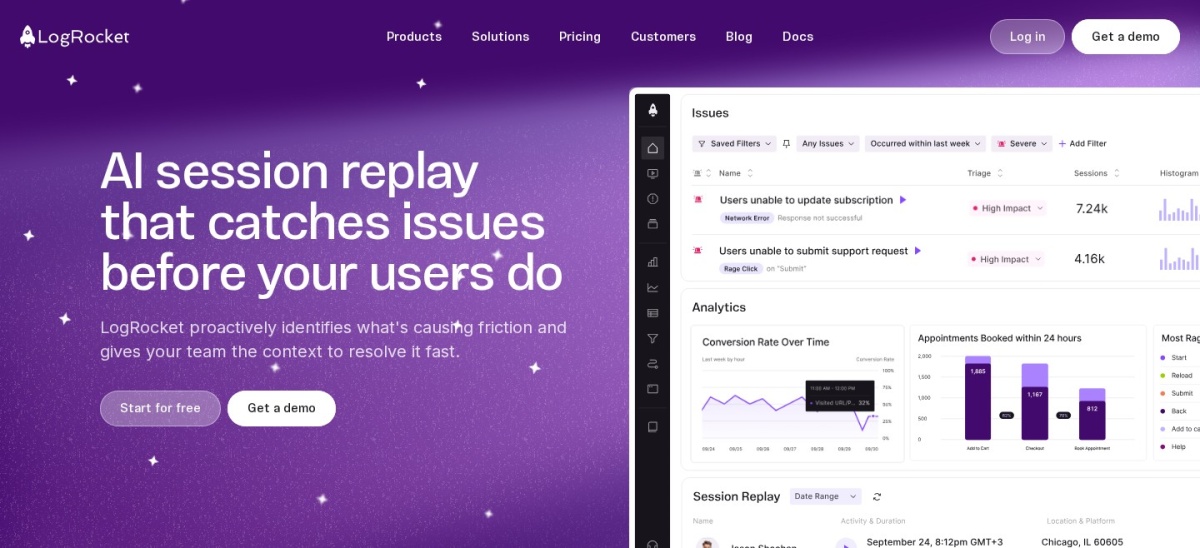
LogRocket homepage, captured Nov 2026.
LogRocket is a session replay and frontend monitoring tool that records user sessions and pairs them with performance data, errors and network requests. The free plan covers 1,000 sessions a month, and the Core plan costs $83 a month for 10,000 sessions.
The trade off is that it is frontend-only. There is no backend APM or infrastructure monitoring, so teams that need full-stack traces must pair it with another tool. It suits product and support teams that debug by watching what users actually did.
What we like
Session replay paired with errors and network data
Free plan with 1,000 sessions a month
Heatmaps and product analytics on higher plans
Watch out for
No backend APM or infrastructure monitoring
Paid plans start at $83 a month, which is steep for small sites
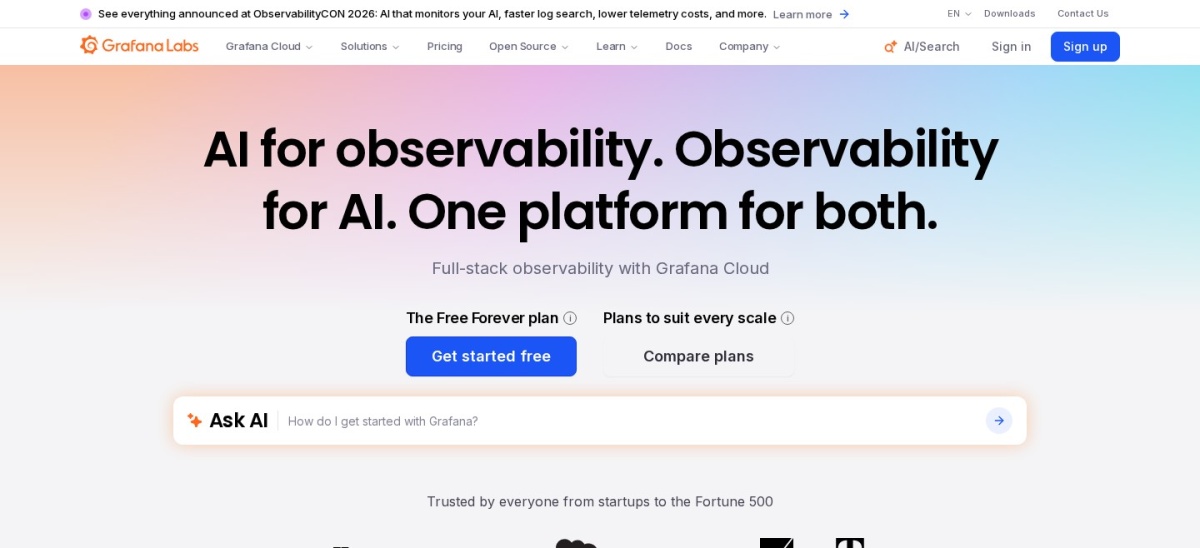
Grafana Cloud Frontend Observability homepage, captured Nov 2026.
Grafana Cloud Frontend Observability is the hosted real user monitoring service built on the open-source Faro web SDK. The free tier includes 50,000 sessions a month, and the Pro plan charges a $19 monthly platform fee plus $0.75 per 1,000 sessions after the free allowance.
The trade off is maturity. Faro is newer than Datadog RUM or New Relic Browser, and session replay was still in public preview in August 2026. It suits teams already running Grafana Cloud who want frontend data next to their metrics, logs and traces.
What we like
50,000 free sessions a month, the largest free RUM allowance here
Open-source Faro SDK, no vendor lock-in on the agent
Frontend data sits beside metrics, logs and traces
Watch out for
Session replay still in public preview
Usage billing on top of the $19 platform fee
RUM is newer and less mature than the leaders
Pro adds email support and usage billing beyond 50,000 sessionsVisit grafana.com
07
Raygun Real User Monitoring
4.3/5on G2 (123 reviews, checked Nov 2026)
Starts at$80/mo
Best for lean teams wanting crash data too
RUM Basic$80 a month, 100,000 sessions
RUM Team$160 a month
Overage$0.002 per session
Free tierNo, 14-day trial
raygun.com
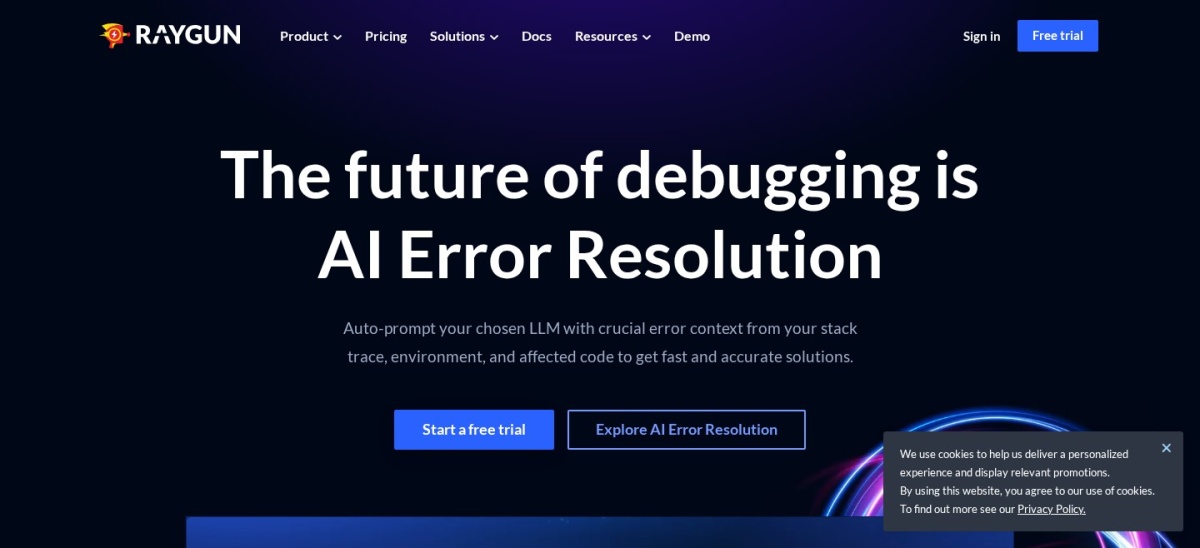
Raygun Real User Monitoring homepage, captured Nov 2026.
Raygun Real User Monitoring tracks page performance by browser, device and location, and links slow pages to Raygun's crash reporting and APM. The Basic plan costs $80 a month on annual billing and covers 100,000 sessions.
The trade off is that each product is billed separately. Crash reporting, RUM and APM each start at $40 to $80 a month, so the full set costs more than any single module. It suits small teams that want frontend performance and crash reporting on one invoice.
What we like
Clear per-module pricing with a 100,000-session allowance
Crash reporting links errors to real user impact
Easy setup, praised by reviewers
Watch out for
Each module billed separately, so the full set adds up
No free plan, 14-day trial only
Smaller review base than the leaders
Team doubles the session allowance to 200,000 a monthVisit raygun.com
08
Pingdom
3.8/5on G2 (85 reviews, checked Nov 2026)
Starts at$16.50/mo
Best budget RUM for small sites
RUM plan$16.50 a month
Synthetic monitoring$16.50 a month
Free tierNo, trial only
Session replayNo
pingdom.com
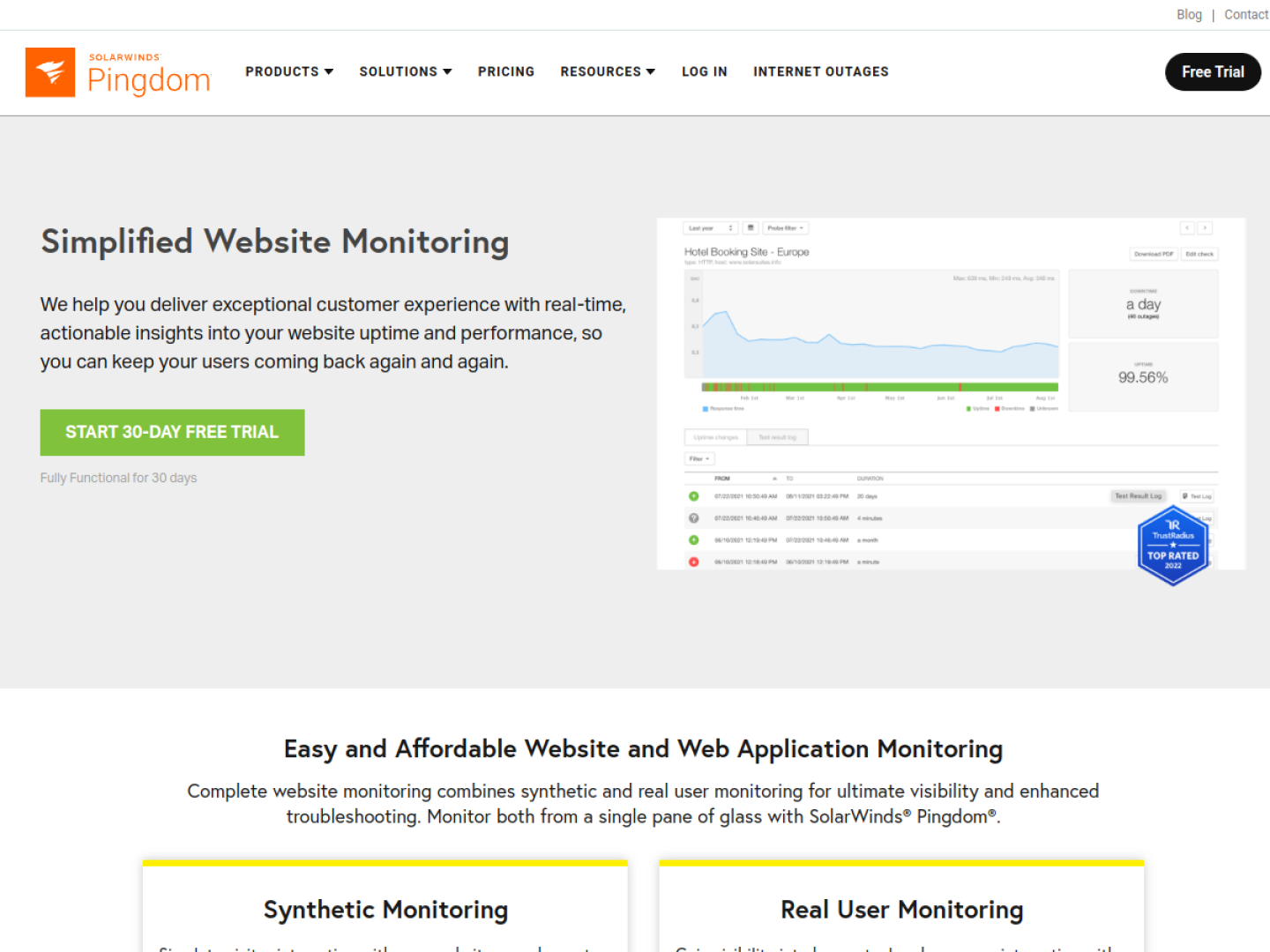
Pingdom homepage, captured Nov 2026.
Pingdom is a long-running website monitoring service from SolarWinds that pairs synthetic checks with real user monitoring. The RUM plan costs $16.50 a month and breaks down real visitor experience by browser, device and location.
The trade off is depth. Pingdom has no session replay and no backend APM, and its G2 rating of 3.8 out of 5 from 85 reviews is the lowest in this list. It suits small sites that want simple uptime checks and basic RUM for one low monthly price.
What we like
Lowest flat monthly price in this list at $16.50
Synthetic checks and RUM in one place
Simple setup for small sites
Watch out for
No session replay
G2 rating of 3.8 is the lowest here
Overage fees apply when check limits are passed
The RUM plan adds real visitor data to Pingdom's uptime checksVisit pingdom.com
Per-session vs per-seat pricing
Datadog, Dynatrace and Grafana Cloud bill per session, so your monthly cost tracks your traffic. A quiet month costs little; a traffic spike costs more.
New Relic bills for data ingested and for users, which means two meters to watch. Sentry, LogRocket, Raygun and Pingdom charge flat monthly fees with volume allowances, which are easier to budget.
Before you sign up, estimate your monthly sessions from your analytics. A site with 500,000 sessions a month would pay $75 a month for Datadog Measure alone, or $1,500 more if every session were investigated.
How we chose
We started from the real user monitoring tools named most often in 2026 comparisons, then kept eight with published pricing and a public rating on G2.
Prices come from each vendor's pricing page or G2's pricing data, checked on 26 November 2026. Ratings and review counts come from G2 on the same day. Where a vendor shows a sale or a promotional first-user price, the list shows the regular price.
We left out tools with no public price and no public rating. No vendor paid for a place, and we do not claim to have used these tools ourselves.
How to choose a real user monitoring tool
Start with your monthly session count, then match the pricing model to it.
Count your monthly sessions. Your analytics tool already reports this. Per-session tools are cheap at low volume and costly at high volume, while flat plans cap the bill.
Decide whether you need session replay. Replay shows what a user did before an error, but it is an add-on at Datadog and Dynatrace. If you only need vitals and alerts, skip it.
Check what you already pay for. If your team runs Datadog, Dynatrace or New Relic for APM, their RUM is an add-on to the same platform. A separate RUM tool means a second bill and a second dashboard.
Use the free tier first. New Relic, Sentry, LogRocket and Grafana Cloud all have free plans. Run one for a month and check that its numbers match your analytics before you pay.
FAQ
What is the best real user monitoring software?
Datadog RUM is the best pick for most teams. It measures Core Web Vitals on all traffic from $0.15 per 1,000 sessions and joins browser data to backend traces. Dynatrace is the stronger choice for large teams that want AI-powered root-cause analysis.
How much does real user monitoring cost?
It depends on traffic. Datadog Measure starts at $0.15 per 1,000 sessions, Dynatrace charges $2.25 per 1,000, and Grafana Cloud charges $0.75 per 1,000 after 50,000 free sessions. Flat plans range from $16.50 a month for Pingdom to $99 a month per user for New Relic.
Is there a free real user monitoring tool?
Yes. New Relic includes 100 GB of data ingest a month free, Grafana Cloud includes 50,000 sessions a month, Sentry has a free Developer plan and LogRocket has a free plan with 1,000 sessions a month. Datadog, Dynatrace, Raygun and Pingdom offer trials instead of free plans.
What is the difference between RUM and synthetic monitoring?
RUM measures real visitors on real devices and networks, so it shows what users actually experience. Synthetic monitoring runs scripted checks from test locations, so it catches outages before users arrive. Most teams need both, and Pingdom and New Relic sell them together.
Do I need session replay with RUM?
Not always. Replay helps when you need to see what a user did before an error or a slow page, which is why support and product teams value it. If you only track page speed and alerts, Core Web Vitals dashboards are enough and replay is an extra cost.
Which RUM tool is best for small sites?
Pingdom is the cheapest flat option at $16.50 a month, and Sentry's free plan covers small sites with error tracking included. For a WordPress site, start with a free tier and move to a paid plan only when your session count outgrows it.
SaaS SEO and WordPress specialist with about 8 years of experience. Rakib compares WordPress plugins, themes, hosting and software using public pricing, documentation and user reviews. See how we rank.