MAXQDA is the best qualitative software for most researchers, with an academic licence at $278 a year covering coding, mixed-methods analysis and team projects, rated 4.5/5 on G2. Pick NVivo for the largest research community and Delve for the simplest cloud coding.
How we make this list: we compare pricing pages, product documentation and public user reviews, then re-check every price before each update. No product paid for a place. Disclosure.
MAXQDA is the most complete independent package: coding, mixed methods and statistics in one licence at $278 a year for academics.
NVivo and ATLAS.ti are both owned by Lumivero now, and both charge far more for commercial seats than for student licences.
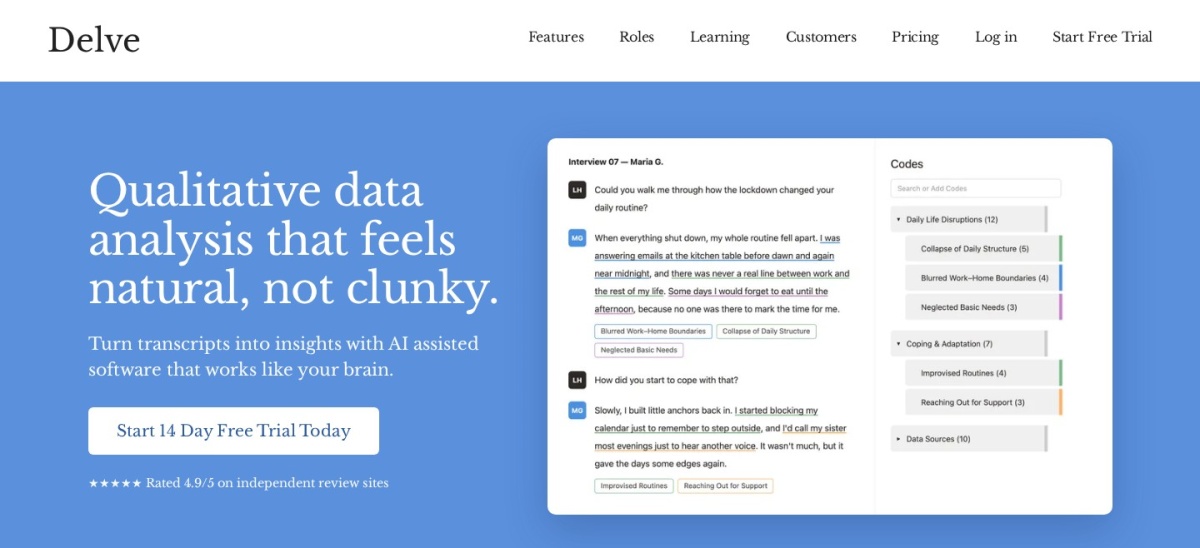
Delve has the highest public rating here at 4.9/5 on Capterra from 205 reviews, but it focuses on transcripts and thematic analysis.
Dedoose and Delve bill by the month, so a short project can cost less than a year of a desktop licence.
Quirkos is the cheapest way in at $13 a month for academics, with a visual bubble interface built for beginners.
Marvin has a free plan and a 4.8/5 G2 rating, but its paid plans are quote-only, so budget for a sales conversation.
What qualitative software should do
Qualitative software helps researchers code interviews, focus groups, documents and media, then turn those codes into themes and findings. The core job is the same in every tool: mark passages, group them, search them and export a codebook.
Desktop suites such as MAXQDA, NVivo and ATLAS.ti handle the widest range of data and the largest projects. Cloud tools such as Delve, Dovetail and Dedoose trade some depth for collaboration, since several researchers can code the same project in a browser.
AI features now differ more than coding does. Some tools suggest codes, summarise transcripts and answer questions across a project, while others sell AI as a paid add-on or leave it out entirely.
Pricing in this niche is split by audience. Student licences can cost a quarter of an academic licence, and commercial seats can cost twice as much again, so the price shown here is the academic or researcher rate unless stated otherwise.
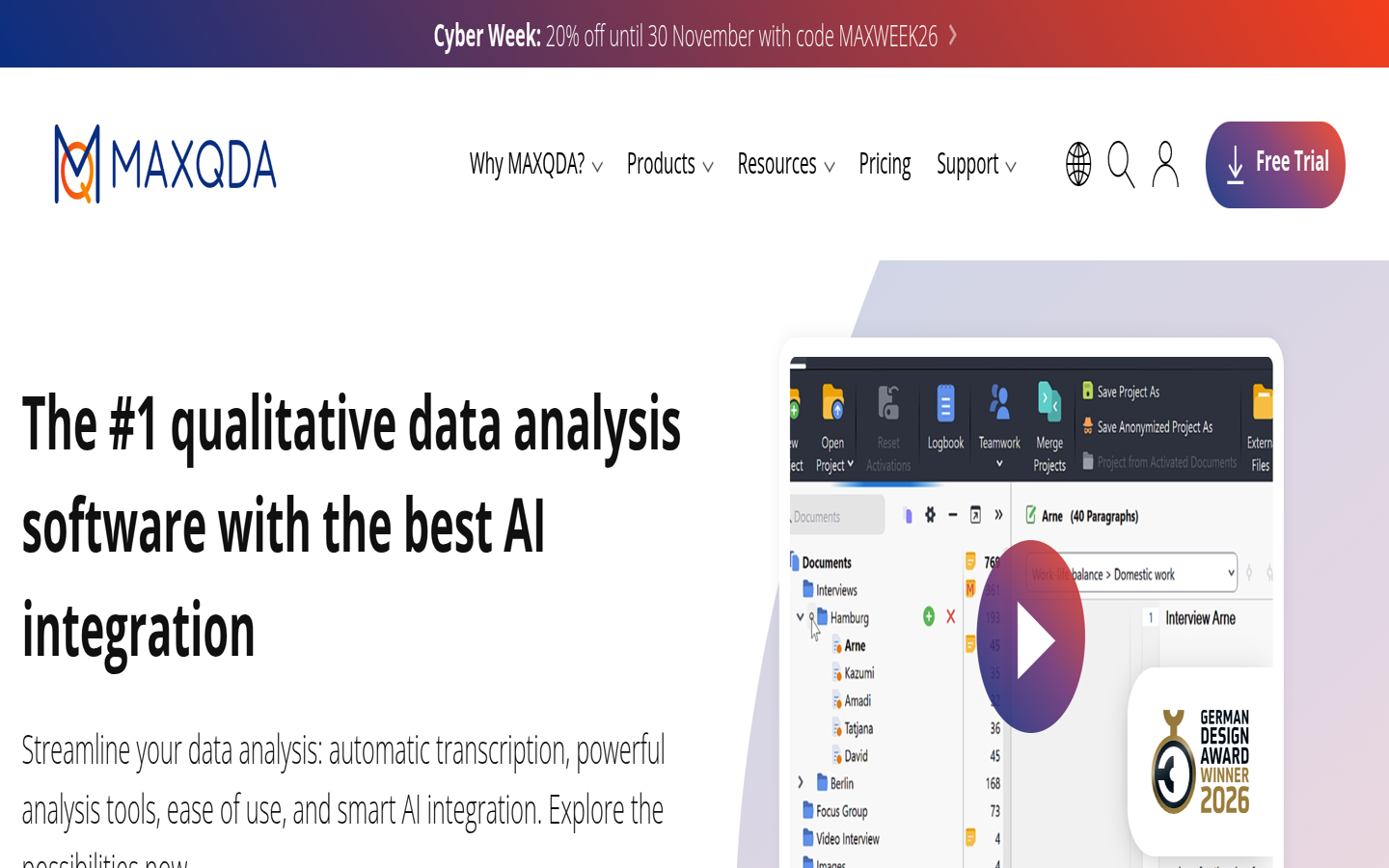
MAXQDA is the most complete qualitative analysis package from an independent vendor, VERBI, which has built it since the 1990s. The academic single-user licence costs $278 a year and covers coding of text, audio, video, images and survey data, plus memos, literature review tools and team features.
The trade off is the upgrade path. Analytics Pro, which adds the Stats module, costs $317 a year for academics, and AI Assist Premium is a further paid add-on. It suits researchers who want one desktop tool for interviews, mixed methods and statistics without changing software mid-project.
What we like
Only major package still independent of Lumivero
Mixed methods and statistics in the same licence
Full price list published, unlike most rivals
Highest G2 rating among the desktop suites here
Watch out for
Desktop-first, so cloud collaboration costs extra
AI Assist Premium is a paid add-on
Business licences cost $633 a year, far above academic
Analytics Pro adds Stats; AI Assist Premium is extraVisit maxqda.com
02
NVivo
4/5on G2 (138 reviews, checked Nov 2026)
Starts at$520/yr
Best for the largest research community
Desktop licence$520/yr academic
Student licence$130/yr
AI Cloud$770/yr, includes Desktop
Free trial14 days
lumivero.com
NVivo homepage, captured Nov 2026.
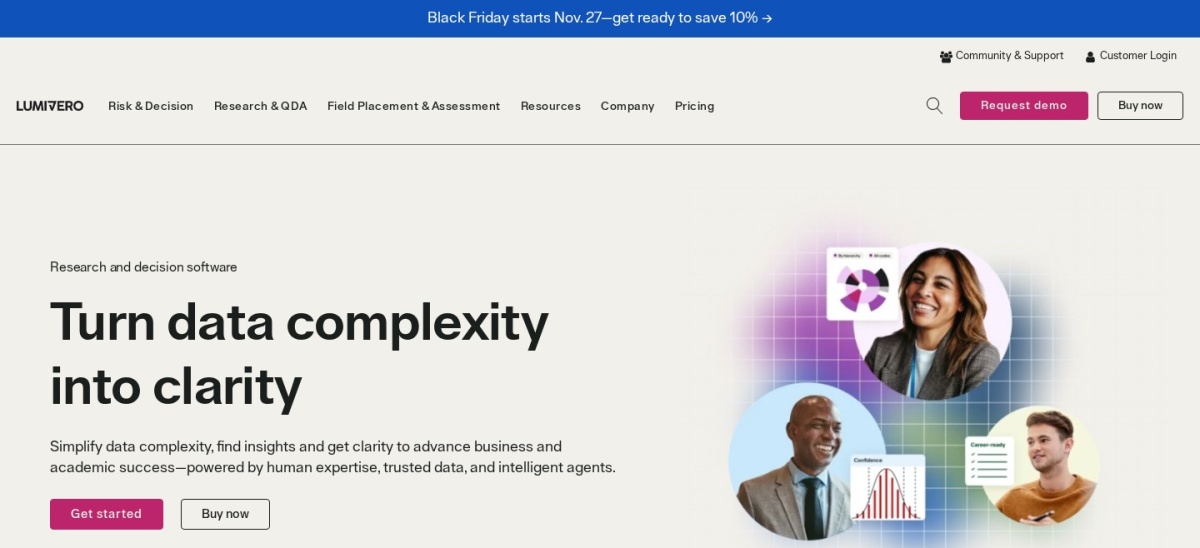
NVivo is the most widely taught qualitative analysis package, sold by Lumivero, and the default choice at many universities. The academic Desktop licence costs $520 a year and handles text, audio, video, images, surveys and social media, with deep query tools, visualisations and SPSS file import.
The trade off is price and ratings. NVivo costs nearly twice as much as MAXQDA for academics, its G2 rating of 4.0/5 is the lowest of the big three, and AI features sit in the $770-a-year AI Cloud plan. It suits researchers whose university, supervisor or collaborators already work in NVivo.
What we like
Largest user base, so training and help are easy to find
SPSS import and strong query tools
Perpetual licence still offered at $1,100 academic
Check first: many universities hold a site licence
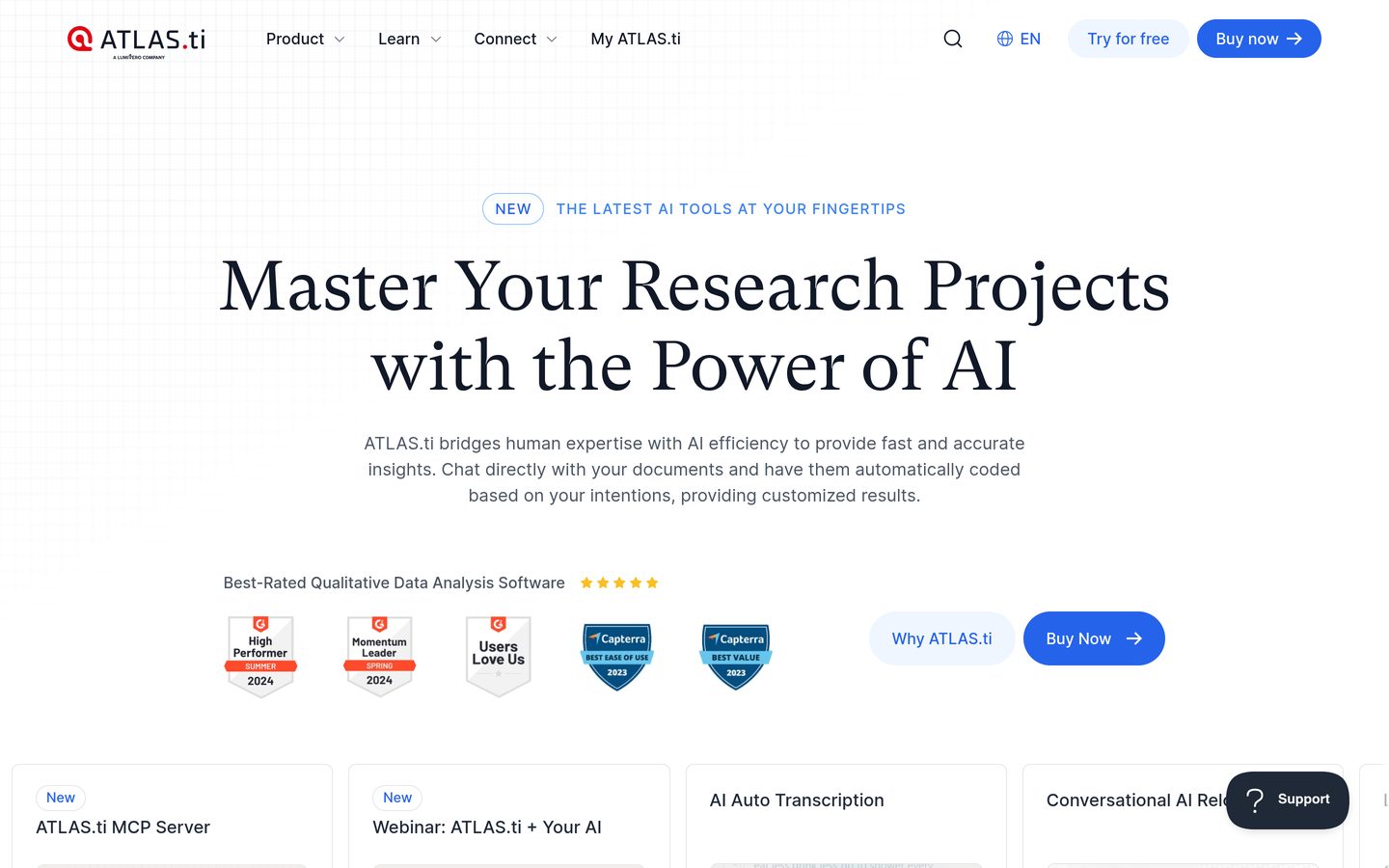
ATLAS.ti is a long-running qualitative analysis package, now owned by Lumivero alongside NVivo, with desktop apps for Windows and Mac plus a web version. An educational seat costs $336 a year and includes AI coding, conversational AI across documents, network views and inter-coder checks such as Krippendorff's alpha.
The trade off is the price spread. Students pay $107 a year, the web-only plan costs $264 a year without the desktop apps, and a commercial seat costs $628 a year. It suits researchers who want AI coding built in rather than sold as an add-on, and who work across desktop and browser.
Delve is a cloud tool for coding interview and focus group transcripts, built for researchers who find the desktop suites too complex. The Standard plan costs $50 per user a month, or $432 a year with the annual discount, and includes unlimited projects, transcript search, AI code suggestions and collaboration.
The trade off is scope. Delve focuses on transcripts and thematic analysis, so it lacks the survey, statistics and media depth of MAXQDA or NVivo. It suits dissertation students and small teams who want to start coding the same day, with the Education plan at $18 a month.
Dovetail is a research repository for product and UX teams rather than a classic academic coding tool. The free plan covers one project with basic AI features, and Professional costs $29 per user a month with unlimited projects, semantic search, thematic classification and 25 transcript hours a month.
The trade off is the seat model. Every editor needs a paid seat, so the bill grows with the team, and some reviewers report frequent pricing and interface changes. It suits product teams that already run interviews and need one searchable home for findings, not a desktop analysis suite.
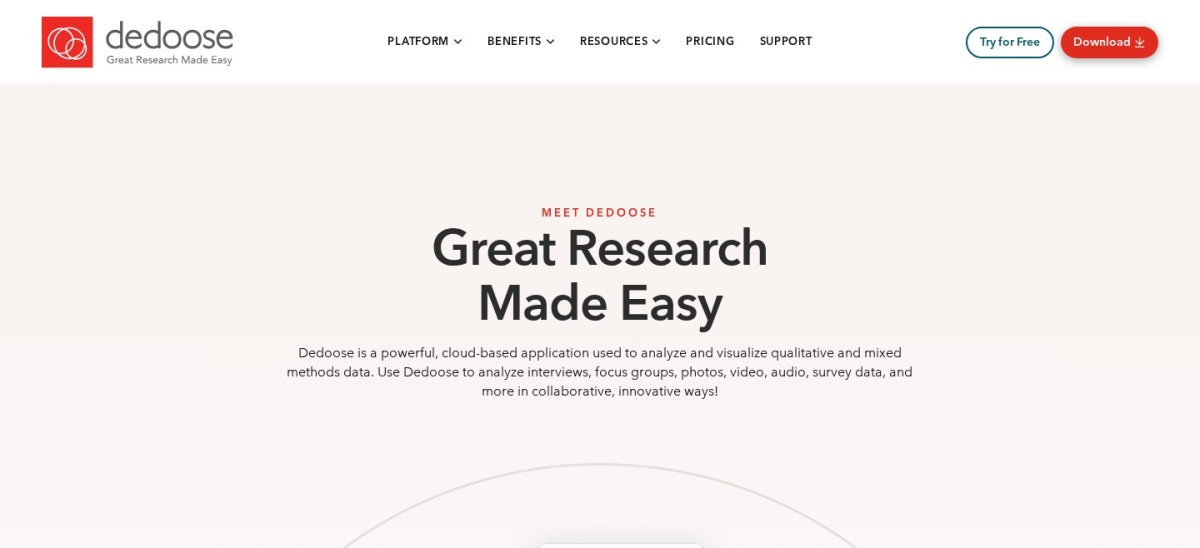
Dedoose is a browser-based tool for qualitative and mixed-methods analysis, built for teams who code together. The Individual plan costs $17.95 per active month, and you pay only for months in which you log in, which suits projects that run in bursts. It links qualitative codes to quantitative demographics and checks agreement between coders.
The trade off is the rating base. Its G2 rating of 3.7/5 rests on only 14 reviews, and the interface looks dated next to Delve or Dovetail. It suits budget teams and student groups who want cloud collaboration and mixed-methods tools without installing desktop software.
What we like
Pay only for months you log in
Real-time collaboration with no install
Mixed-methods tools built in
Lowest monthly rate of the cloud tools here
Watch out for
Thin rating base: 3.7/5 from 14 G2 reviews
Interface looks dated
Year-round use costs $215.40 a year per user
Group plans cut the rate to $13.95/user/mo for 6+ usersVisit dedoose.com
07
Quirkos
4.6/5on Capterra (11 reviews, checked Nov 2026)
Starts at$13/mo
Best budget visual coding tool
Cloud Academic$13/mo billed annually
Cloud Student$5/mo billed annually
Cloud Commercial$23/mo billed annually
Free trial14 days
quirkos.com
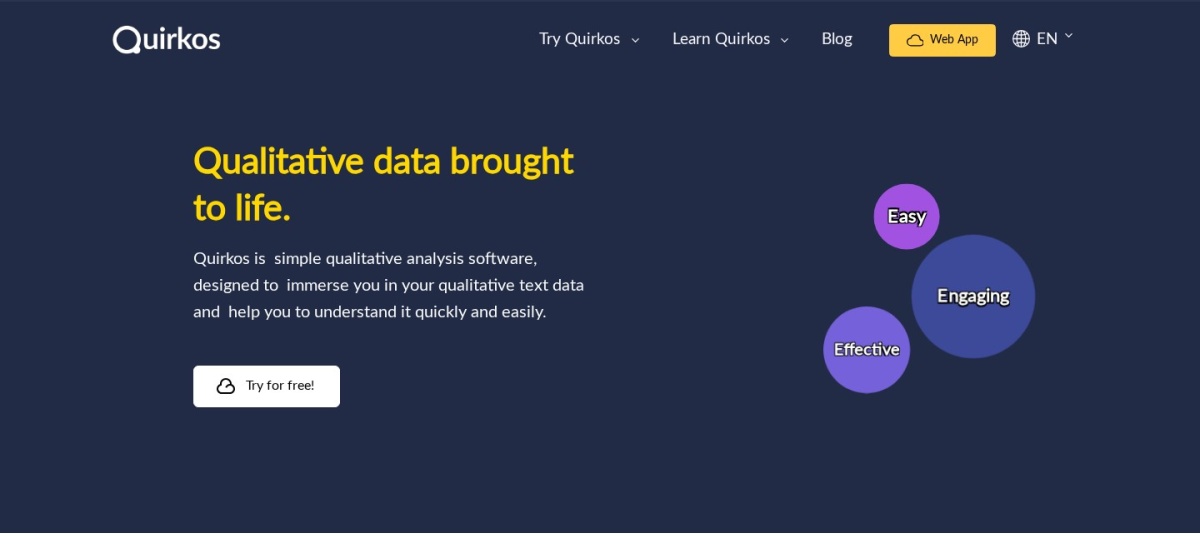
Quirkos homepage, captured Nov 2026.
Quirkos is a visual qualitative tool where researchers drag text into coloured bubbles that grow as themes develop. Quirkos Cloud costs $13 a month for academic and nonprofit users on annual billing, $5 for students and $23 for commercial users, with unlimited cloud storage and live collaboration.
The trade off is depth. Quirkos keeps its feature set deliberately small, so large projects that need complex queries, matrix tools or extensive media support outgrow it. It suits beginners, students and small projects that want the cheapest serious coding tool with a gentle learning curve.
What we like
Cheapest academic plan in this list at $13 a month
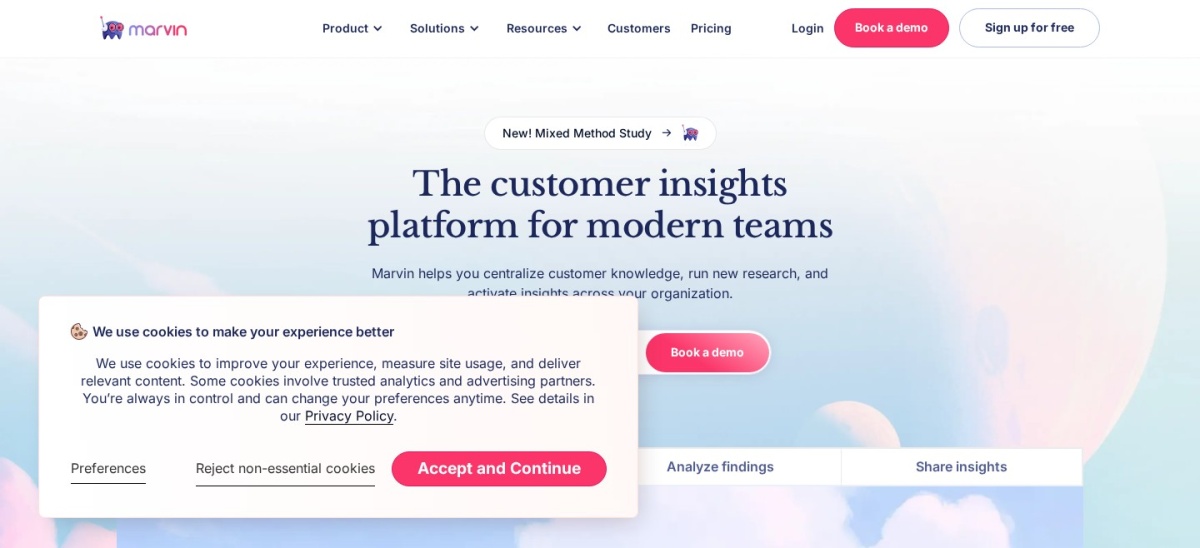
Marvin is an AI research repository, formerly HeyMarvin, that transcribes interviews, tags themes, runs AI-moderated interviews in 40-plus languages and answers questions across past research with Ask AI. The free plan includes 5 file uploads a month, and reviewers rate it 4.8/5 on G2 from 133 reviews.
The trade off is pricing. Paid Starter, Pro and Enterprise plans are quote-only on Marvin's pricing page, with earlier listings from $50 per user a month and a five-user minimum, about $3,000 a year. It suits product teams that want past research searchable by anyone, not a classic academic coding workflow.
Desktop suites win on depth. MAXQDA, NVivo and ATLAS.ti handle the widest data types, the largest projects and the most advanced queries, and they work offline.
Cloud tools win on collaboration. Delve, Dovetail, Dedoose and Marvin let several researchers code the same project in a browser, with no install and no file passing.
Many teams end up with one of each: a desktop suite for the main analysis and a cloud tool for sharing findings. Before you commit, check how each tool exports coded data, since moving a project later is rarely clean. Our guide to exporting WordPress content shows the same export-first thinking applied to site data.
How we chose
We started from the established qualitative analysis tools researchers actually cite: the desktop suites MAXQDA, NVivo and ATLAS.ti, plus the cloud tools Delve, Dovetail, Dedoose, Quirkos and Marvin.
Prices come from each vendor's pricing page or shop, checked on 26 November 2026. Because these vendors price by audience, the price shown is the academic or researcher rate, not the student rate; student and commercial rates are noted in each tool. Ratings come from G2 or Capterra on the same day, and the source is named for every tool.
We left out free open-source tools with no public rating, such as Taguette, because every tool in this list needs a published rating. No vendor paid for a place, and we do not claim to have used these tools ourselves.
How to choose qualitative software
Start with your data and your team, then match the tool to the project, not the other way round.
List your data types first. Interviews alone need far less than a project mixing surveys, video and statistics. Desktop suites cover the widest range; Delve and Quirkos cover transcripts and text.
Check who else needs access. One researcher on one computer can use a desktop licence. A distributed team needs a cloud tool such as Dedoose, Delve or Dovetail.
Ask your university what it already licenses. Many universities hold site licences for NVivo, MAXQDA or ATLAS.ti, which can remove the cost question entirely for students and staff.
Trial two tools on the same transcripts. Use the free trials to code the same three interviews in each tool, then compare the codebook export and the time each one took.
FAQ
What is the best qualitative software?
MAXQDA is the best pick for most researchers. It covers coding, mixed-methods analysis and team projects in one licence at $278 a year for academics, and it holds a 4.5/5 rating on G2.
What is the best free qualitative software?
Taguette is the best-known free open-source option, but it has no public rating, so it is not in this list. Dovetail and Marvin both offer free plans, and Quirkos Cloud costs $5 a month for students.
Is NVivo or MAXQDA better?
MAXQDA rates higher and costs less for academics: 4.5/5 on G2 at $278 a year, against NVivo at 4.0/5 and $520 a year. NVivo still wins on community size, training material and SPSS import.
How much does qualitative software cost?
Academic licences in this list run from $13 a month for Quirkos Cloud to $520 a year for NVivo Desktop. Student licences are cheaper, commercial seats cost more, and cloud tools bill monthly.
Which qualitative tool is easiest to learn?
Delve is the easiest serious coding tool here, with a 4.9/5 Capterra rating and a simple transcript workflow. Quirkos is the easiest visual option, with drag-and-drop bubble coding.
Do I need AI features in qualitative software?
Not always. AI coding speeds up first-pass coding and summarising, but manual coding still suits small projects and methods that need close reading. ATLAS.ti includes AI coding; NVivo and MAXQDA charge extra for it.
Can several researchers code the same project?
Yes, in the cloud tools: Delve, Dovetail, Dedoose and Marvin all support shared projects in a browser. Desktop suites need a paid collaboration add-on or a shared licence arrangement.
SaaS SEO and WordPress specialist with about 8 years of experience. Rakib compares WordPress plugins, themes, hosting and software using public pricing, documentation and user reviews. See how we rank.