Gusto leads for most teams by pairing automated tax filings, onboarding, and employee profiles at $49/month plus $6 per person. Shift-based businesses do better with Homebase ($0 base tier, payroll add-on at $49/month plus $6 per person), while cross-border teams should look at Deel ($29/employee/month for global payroll).
How we make this list: we compare pricing pages, product documentation and public user reviews, then re-check every price before each update. No product paid for a place. Disclosure.
#2 Best for hourly shifts
Homebase
Free shift scheduling with integrated hourly payroll
Entry-level payroll plus team management starts between $17/month (Patriot Software) and $50/month (QuickBooks Workforce, Justworks) before per-person fees.
Base fees add up fast for micro-teams: a $49/month base plus $6/person equals $10.90 per head at 10 employees, not $6.
Homebase and 7shifts include permanent free scheduling tiers for small single-location teams before you turn on paid payroll.
Deel includes a free HRIS for up to 200 people, charging $29/employee/month for Global Payroll or $49/contractor/month.
Time tracking and shift scheduling often sit behind higher tiers or $6–$15/month add-ons on payroll-first platforms like Gusto and OnPay.
What to check before combining team management and payroll
Running scheduling, time clocks, and payroll in separate apps forces manual CSV exports every pay cycle. Combined platforms sync approved hours, overtime rules, and paid time off straight into gross-to-net paycheck calculations.
Pricing splits into two models. Payroll-first suites like Gusto, OnPay, and Square Payroll charge a flat monthly base fee ($35 to $50) plus a per-person rate ($6 to $8). Workforce-first apps like Homebase and Deputy charge per location or per seat for shifts and add payroll as a separate monthly module.
Watch where key team tools live on the pricing grid. Entry tiers frequently cover employee self-onboarding, pay stubs, and tax filings, while shift scheduling, GPS time clocks, and PTO approvals require upgrading to a mid-tier plan or buying an add-on.
For distributed international teams and contractors
$29/mo
Free plan
4.8/5
Price ladder: cheapest paid plan per year
List prices, USD, checked Nov 2026
Deputy$60
Patriot$204
HomebaseFREE$288
DeelFREE$348
Square$420
Gusto$588
OnPay$588
QuickBooks$600
The 8 best team management software tools with payroll
01
Gusto
4.6/5on Capterra (4,137 reviews, checked Nov 2026)
Starts at$49/mo
Best for small teams wanting all-in-one HR and payroll
Entry base fee$49/mo + $6/person
Scheduling & timePlus tier ($80 + $12/person)
Tax filingsIncluded (single state on Simple)
Direct deposit4-day standard, next-day on Plus
gusto.com
Gusto homepage, captured Nov 2026.
Gusto is a cloud payroll and people platform built for small and mid-sized businesses. Its Simple plan costs $49/month plus $6/month per person and includes unlimited payroll runs, automated tax filings, employee profiles, self-onboarding, and expense reimbursements.
The trade off is that built-in time tracking, shift scheduling, PTO policies, and multi-state payroll require upgrading to the Plus plan at $80/month plus $12/person (or adding Time & Attendance Plus at $6/person). It suits single-state teams that want clean payroll automation today with room to add HR tools later.
What we like
Unlimited monthly payroll runs and off-cycle payments on every tier
Automated federal, state, and local tax calculations and W-2/1099 filings
Clean employee self-service portal for tax forms, pay stubs, and onboarding
Direct integrations with QuickBooks, Xero, and major time trackers
Watch out for
Simple plan restricts payroll to a single state
Time tracking and shift scheduling require the $80/mo Plus tier or paid add-ons
No permanent free plan
Simple starts at $49/mo + $6/person; Plus ($80 + $12/person) unlocks time tracking, PTO, and multi-state payroll.Visit gusto.com
02
Homebase
4.6/5on G2 (682 reviews, checked Nov 2026)
Paid from$24/mo
Best for hourly, shift-based retail and food teams
Homebase is a workforce management app designed around hourly shifts, time clocks, and team messaging. Its Basic plan is free for one location and up to 10 employees, while paid Essentials plans start at $24/location/month billed annually ($30/month monthly) for unlimited staff.
The trade off is that integrated payroll is a separate add-on at $49/month plus $6 per employee paid (currently advertised with a 6-month free intro promo, and $29/month base for teams up to 5 under limited terms). It suits restaurants, cafes, and shops that schedule hourly shifts first.
What we like
Permanent free tier covers scheduling, time clocks, and team chat for 1 location
Flat per-location pricing on scheduling tiers with unlimited staff
Timesheets, breaks, and overtime sync straight into Homebase Payroll
Built-in earned wage access via Cash Out for hourly workers
Watch out for
Payroll costs $49/mo + $6/person on top of location plans
Tip Manager ($25/mo) and Task Manager ($13/mo) cost extra per location
Multi-location businesses see costs scale with every storefront
Essentials starts at $24/location/mo (annual); Payroll adds $49/mo + $6 per paid employee.Visit joinhomebase.com
03
Square Payroll
4.7/5on Capterra (622 reviews, checked Nov 2026)
Starts at$35/mo
Best for Square POS sellers and contractor-heavy teams
Full-service base$35/mo + $6/person paid
Contractor-only$6/mo per contractor ($0 base)
SchedulingUp to 10 days out included
Direct depositNext-day, 2-day, or Cash App
squareup.com
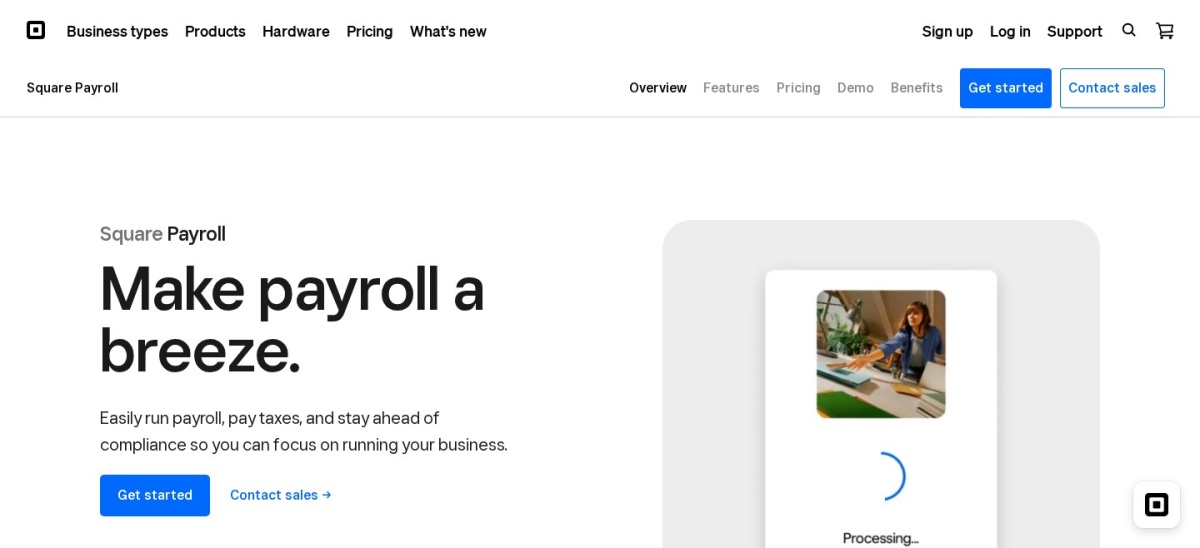
Square Payroll homepage, captured Nov 2026.
Square Payroll is a full-service payroll and team management tool tightly wired into Square Point of Sale and the Square Team App. Full-service payroll costs $35/month plus $6/month per person paid, covering multi-state tax filings, timecard imports, direct tip tracking, and scheduling up to 10 days out.
The trade off is lighter HR depth compared to dedicated people platforms, plus a $3 annual fee per mailed paper W-2 or 1099 form. It suits retail and hospitality businesses already running Square POS or teams paying only 1099 contractors at $6 per person with no base fee.
What we like
Lower $35/mo base fee than Gusto, OnPay, or Homebase Payroll
Contractor-only plan charges $6/person with $0 monthly base fee
Direct tip tracking and timecard imports from Square POS and Team App
Multi-state payroll and next-day direct deposit included on the base plan
Watch out for
Built-in scheduling caps at 10 days out without Shifts Plus
Mailing paper W-2s or 1099s costs $3 per form
Fewer advanced HR and performance review tools
Full-service payroll is $35/mo + $6/person paid; Contractor-only is $6/person with no base fee.Visit squareup.com
04
OnPay
4.8/5on Capterra (471 reviews, checked Nov 2026)
Starts at$49/mo
Best for straightforward multi-state payroll with modular HR
Payroll Essentials$49/mo + $6/worker
Time Tracking add-on+$15/mo + $4/worker
HR add-on+$15/mo + $2/worker
Multi-state filingsIncluded at no extra state fee
onpay.com
OnPay homepage, captured Nov 2026.
OnPay is a cloud payroll and HR platform with one core base plan rather than complex feature tiers. Payroll Essentials costs $49/month plus $6/worker per month and includes unlimited pay runs, multi-state tax filings across all 50 states, employee self-service, and QuickBooks or Xero general ledger mapping.
The trade off is that time cards, geofenced clock-ins, PTO management, and org charts sit in paid add-ons ($15/month + $4/worker for Time Tracking; $15/month + $2/worker for HR, or bundled at $70/month + $10/worker). It suits multi-state small businesses wanting predictable payroll without per-state surcharges.
What we like
Multi-state tax filings included in the base $49/mo tier
Free account setup and historical payroll data migration
Configurable chart-of-accounts mapping for QuickBooks and Xero
High user ratings (4.8/5 across 471 Capterra reviews and 424 G2 reviews)
Watch out for
Time tracking and PTO approvals cost extra via add-ons or bundles
No permanent free tier (offers first month free promo)
Fewer native third-party app integrations than Gusto
Payroll Essentials is $49/mo + $6/worker; bundling Payroll, Time Tracking, and HR runs $70/mo + $10/worker.Visit onpay.com
05
QuickBooks Payroll
4.5/5on Capterra (1,113 reviews, checked Nov 2026)
Starts at$50/mo
Best for businesses already running QuickBooks accounting
Workforce Payroll$50/mo + $7/employee
Workforce Premium$88/mo + $13/employee
Direct depositNext-day included on entry tier
Time & schedulingIncluded in Premium ($88 + $13/emp)
quickbooks.intuit.com
QuickBooks Payroll homepage, captured Nov 2026.
QuickBooks Payroll (branded as QuickBooks Workforce) pairs full-service payroll and employee data management directly with Intuit's accounting ecosystem. Its entry Workforce Payroll plan lists at $50/month regular price (often discounted 50%–70% for the first 3 months) plus $7/month per employee, including next-day direct deposit, auto payroll, and unlimited 1099 e-filings.
The trade off is higher per-employee rates than Gusto or OnPay, plus mobile time tracking, shift schedules, and PTO tools require Workforce Premium at $88/month plus $13/employee. It suits companies already reconciling books in QuickBooks Online that want zero-sync accounting.
What we like
Direct ledger sync with QuickBooks Online eliminates manual journal entries
Next-day direct deposit included on the entry Workforce Payroll plan
Employee portal for pay stubs, W-2s, and self-onboarding
Tax penalty protection up to $25,000 on the Elite tier ($134/mo + $17/emp)
Watch out for
Regular base and per-employee rates ($50 + $7) sit above Gusto and OnPay
Mobile clock-in and shift scheduling require upgrading to Premium
Benefits administration is a $5/employee/month add-on
Workforce Payroll is $50/mo + $7/employee regular price; Premium ($88 + $13/employee) adds time tracking and scheduling.Visit quickbooks.intuit.com
06
Patriot Software
4.8/5on G2 (630 reviews, checked Nov 2026)
Starts at$17/mo
Best budget payroll and basic team portal
Basic Payroll$17/mo + $4/worker paid
Full Service Payroll$37/mo + $5/worker paid
Time & Attendance+$6/mo + $2/employee
HR Software add-on+$6/mo + $2/employee
patriotsoftware.com
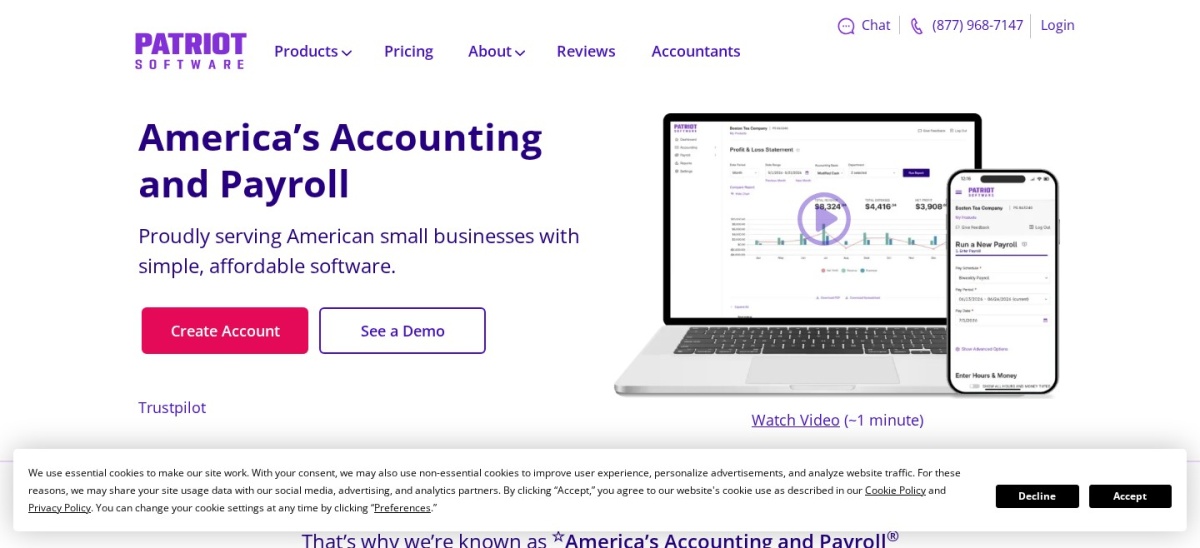
Patriot Software homepage, captured Nov 2026.
Patriot Software offers low-cost cloud payroll and accounting for small businesses. Its Basic Payroll starts at $17/month regular price plus $4 per worker paid (with a 30-day free trial and 50% off for 3 months), providing free direct deposit, unlimited pay runs, auto payroll, and an employee portal.
The trade off is that Basic Payroll leaves tax deposits and filings to you; automated tax filing requires Full Service Payroll at $37/month plus $5/worker, and each extra state adds $12/month. It suits budget-conscious single-state teams that only pay for Time & Attendance or HR add-ons ($6/mo + $2/person each) when needed.
What we like
Lowest regular starting price ($17/mo + $4/worker) on this list
Modular Time & Attendance and HR add-ons cost just $6/mo + $2/employee each
Free USA-based phone, email, and chat support on all plans
No long-term contracts and free 2-day direct deposit for qualifying accounts
Watch out for
Entry $17/mo tier does not file or deposit payroll taxes for you
Multi-state tax filing adds $12/month per additional state
Fewer native third-party integrations than Gusto or Rippling
Basic Payroll is $17/mo + $4/worker; Full Service Payroll ($37 + $5/worker) adds automated tax filings.Visit patriotsoftware.com
07
Deputy
4.6/5on Capterra (828 reviews, checked Nov 2026)
Starts at$5/mo
Best for complex shift scheduling with Paycor payroll
Lite scheduling$5/user/mo
Core scheduling$6.50/user/mo
Deputy Payroll add-on+$49/mo base + $8/user/mo
Deputy HR add-on+$2/user/mo
deputy.com
Deputy homepage, captured Nov 2026.
Deputy is a workforce scheduling and time-tracking platform built for shift-based teams in hospitality, retail, and healthcare. Its Lite plan starts at $5/user/month (with a 10% discount on annual billing), covering drag-and-drop shift scheduling, time clocks, and leave management.
The trade off is that native payroll (Deputy Payroll enabled by Paycor) requires an annual Core ($6.50/user/month) or Pro ($9/user/month) plan plus $49/month base and $8/user/month. It suits multi-shift operations that need deep labor compliance and overtime rules connected directly to payroll.
What we like
Detailed shift scheduling, break compliance, and overtime tracking
One-click sync of approved timesheets and leave into Deputy Payroll
10% discount across plans and add-ons when billed annually
Strong mobile apps for shift swaps and biometric/kiosk clock-ins
Watch out for
Payroll add-on requires Core ($6.50/user) or Pro ($9/user) annual subscription
Combined scheduling + payroll per-seat cost exceeds Homebase for larger teams
No permanent free tier
Lite starts at $5/user/mo; Deputy Payroll adds $49/mo + $8/user/mo on annual Core or Pro plans.Visit deputy.com
08
Deel
4.8/5on Capterra (4,330 reviews, checked Nov 2026)
Paid from$29/mo
Best for distributed international teams and contractors
Deel HR (HRIS)$0 up to 200 people
Global PayrollFrom $29/employee/mo
Contractor MgmtFrom $49/contractor/mo
Employer of RecordFrom $599/employee/mo
deel.com
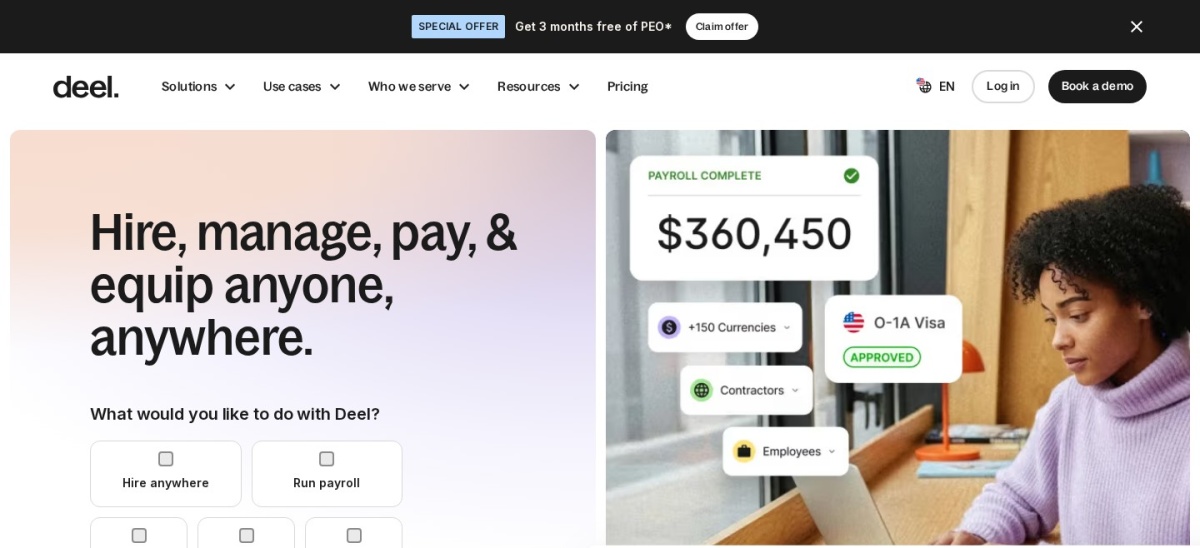
Deel homepage, captured Nov 2026.
Deel combines a free global HRIS (supporting up to 200 workers with org charts, time-off tracking, and onboarding) with multi-country payroll across 150+ countries. Paid Global Payroll starts at $29/employee/month for companies paying staff through their own entities, while Contractor Management starts at $49/contractor/month.
The trade off is high per-head costs if you need Employer of Record (EOR) hiring in countries where you lack a legal entity, starting at $599/employee/month. It suits remote-first companies managing international employees and contractors in one dashboard.
What we like
Free HRIS for up to 200 workers includes time off, documents, and org charts
Compliant payroll and local tax filings across 150+ countries and 120+ currencies
Automates international contractor tax forms, invoicing, and payouts
4.8/5 rating across 4,330 Capterra reviews and 4.7/5 on G2
Watch out for
Overbuilt and pricey for purely domestic single-country small businesses
Global Payroll typically carries per-entity setup fees
EOR hiring starts at $599/employee/month
Deel HR is free up to 200 people; Global Payroll starts at $29/employee/mo and Contractor Management at $49/mo.Visit deel.com
What a 10-person team actually pays per month
Advertised per-person rates hide the monthly base fee. At 10 employees on regular monthly pricing, Patriot Full Service costs $87/month ($37 + 10 × $5), Square Payroll costs $95/month ($35 + 10 × $6), and Gusto Simple or OnPay Essentials cost $109/month ($49 + 10 × $6).
Adding shift scheduling and time clocks shifts the math. Gusto Plus jumps to $200/month ($80 + 10 × $12) for 10 staff, while Homebase Essentials plus Payroll runs $139/month ($30 location + $49 payroll + 10 × $6) and scales with flat per-location fees as headcount grows.
How we chose
We selected established SaaS platforms that combine employee management (onboarding, profiles, time tracking, or shift scheduling) with native payroll processing or direct payroll modules, filtering for products with verified review histories on G2 and Capterra.
All prices, regular monthly base fees, per-person rates, and review counts were checked on 29 Nov 2026 against vendor pricing pages and public review directories. Where vendors advertise short-term introductory discounts, we listed the regular ongoing rate in the price ladder.
We excluded enterprise-only HCM suites without transparent starting prices, standalone time trackers that require third-party payroll software to cut checks, and tools with fewer than 100 verified reviews. No vendor paid for a place, and we do not claim testing for this list.
How to choose team management software with payroll
Match the platform's pricing model and core workflow to how your team works before comparing add-ons.
Separate salaried teams from hourly shift teams. Salaried office and remote teams do best with payroll-first platforms like Gusto or OnPay, while restaurants and retail shops need shift-first tools like Homebase or Deputy.
Calculate your all-in monthly bill at current headcount. Add the monthly base fee, per-person rate, and any required time-tracking or multi-state add-ons rather than comparing headline per-seat numbers.
Verify multi-state and contractor billing rules. Check whether paying 1099 contractors triggers the full per-employee fee and whether filing taxes in a second state requires a plan upgrade.
Check direct accounting and POS integrations. Confirm native syncing with QuickBooks, Xero, or your point-of-sale system so wages, tips, and payroll taxes map cleanly to your ledger.
FAQ
What is the cheapest team management software with payroll?
Patriot Software offers the lowest regular starting rate at $17/month plus $4 per worker paid for Basic Payroll, or $37/month plus $5 per worker for Full Service tax filings. Homebase also provides a permanent free plan for scheduling and time clocks at one location before adding its $49/month payroll module.
Does Gusto include shift scheduling and time tracking?
Gusto's entry Simple plan ($49/month plus $6/person) covers payroll, onboarding, and employee profiles, but does not include shift scheduling or time tracking. You need the Plus plan at $80/month plus $12/person, or the Time & Attendance Plus add-on at $6/person/month.
Is per-location or per-employee pricing better for hourly teams?
Per-location pricing like Homebase ($24–$30/month per site for scheduling) saves money when a single store employs 15 or more workers, because adding staff does not raise your scheduling fee. Per-user pricing like Deputy ($5/user/month) costs less for tiny teams under five people.
Can I pay 1099 contractors without paying for W-2 payroll?
Yes. Square Payroll offers a Contractor-Only plan at $6/month per contractor paid with no monthly base fee, and Deel manages global contractors across 150+ countries starting at $49/contractor/month alongside a free HRIS for up to 200 people.
Do these platforms file federal and state payroll taxes automatically?
Full-service plans from Gusto, OnPay, Square Payroll, Homebase Payroll, QuickBooks Payroll, and Patriot Full Service calculate, withhold, and file federal and state payroll taxes automatically. Patriot Basic ($17/month) and Deel HR free tiers do not file taxes on your behalf.
SaaS SEO and WordPress specialist with about 8 years of experience. Rakib compares WordPress plugins, themes, hosting and software using public pricing, documentation and user reviews. See how we rank.