Financial Cents is our top pick for tax workflow software, earning a 4.8 out of 5 rating across 276 Capterra reviews with plans starting at $19 per month billed annually. TaxDome fits high-volume client portals starting at $1,500 per year for up to 150 active clients, while Karbon suits email-heavy teams starting at $59 per user per month billed annually.
How we make this list: we compare pricing pages, product documentation and public user reviews, then re-check every price before each update. No product paid for a place. Disclosure.
Financial Cents starts at $19/mo billed annually on the Solo plan and holds a 4.8/5 score from 276 Capterra reviews.
Mango Practice Management starts at $35/user/mo paid annually and includes 200 eSignatures and free onboarding.
Jetpack Workflow starts at $49/seat/mo on annual billing with unlimited projects and templates.
Firm360 starts at $49/user/mo on Basic with no seat minimum, while Standard and Premium require a three-user minimum.
Liscio Platform starts at $49/user/mo billed annually, with a $19/user/mo File Intelligence option for document filing.
Karbon starts at $59/user/mo paid annually and holds a 4.7/5 rating across 242 Capterra reviews.
What to look for in tax workflow software
Tax season compresses months of work into tight filing windows where missed document requests or unclear task handoffs quickly create bottlenecks. Good tax workflow software keeps preparers, reviewers, and clients aligned from initial intake through final return delivery.
Look closely at how a platform handles recurring checklists, client organizers, e-signatures, and deadline reminders. Some tools focus on internal job boards and capacity planning, while others bundle client portals, billing, and payment collection into one system.
Pricing structures also vary widely across the category. Per-user plans scale with staff headcount, flat per-firm plans scale by client count, and client-based models charge by active client tiers, so map pricing against both your current team and busy-season volume.
Finally, check how well the software connects with your existing tax preparation suite, email inbox, and document storage. Even a clean workflow board loses value if staff still copy client details and files between disconnected apps.
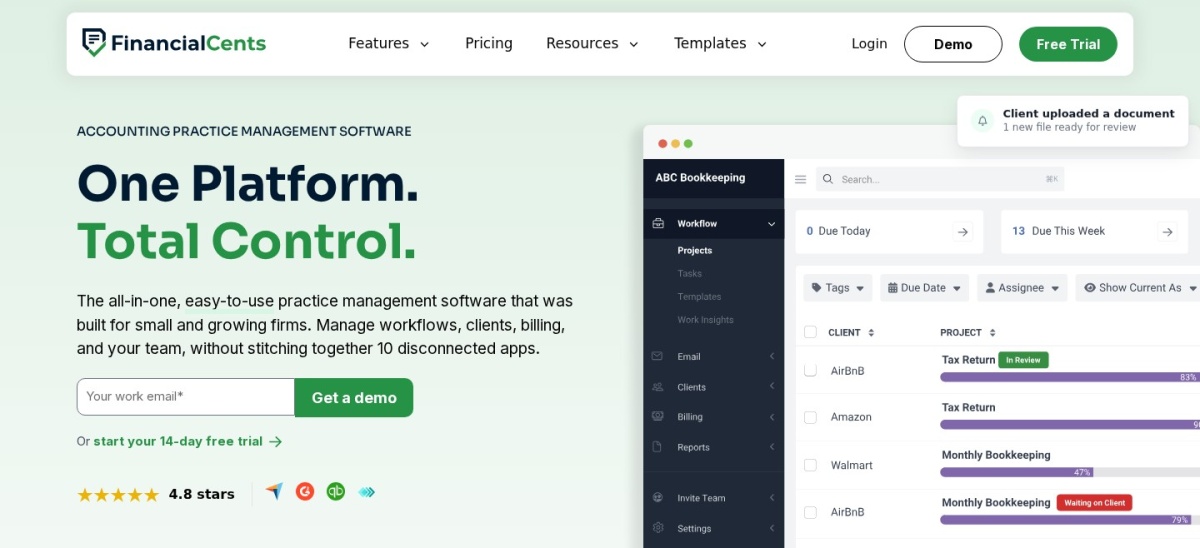
Financial Cents is a workflow and practice management platform for tax, accounting, and bookkeeping teams, holding a 4.8 out of 5 rating across 276 Capterra reviews. Its Solo plan costs $19 per month billed annually for a single user and includes workflow automations, client tasks, a client portal, time tracking, invoicing, proposals, and e-signatures.
The trade off is that features like automated client task follow-ups, task dependencies, a branded portal, and direct tax software integrations require the Scale plan at $69 per user per month billed annually (or $228 per year on Solo). It suits solo practitioners and small firms that want recurring checklists and client requests in one place.
What we like
Low entry price at $19/month billed annually for solo practitioners
Includes client portal, time tracking, billing, and e-signatures on base plans
High 4.8/5 user satisfaction on Capterra across 276 reviews
Watch out for
Solo plan is restricted to single-user firms
Task dependencies and direct tax software integrations sit on the Scale tier
No permanent free plan, though a 14-day trial is listed
Paid plans add multi-user collaboration, automated follow-ups, task dependencies, and tax integrations on higher tiers.Visit financial-cents.com
02
Mango Practice Management
3.8/5on Capterra (61 reviews, checked Nov 2026)
Starts at$35/mo
Best budget all-in-one with eSignatures
Entry planBasic ($35/user/mo annual)
Included perksFree setup, import help, 200 eSignatures
Portal & storageClient portal on Pro; unlimited storage
Higher tiersPlus ($55/user/mo), Pro ($69/user/mo)
mangopractice.com
Mango Practice Management homepage, captured Nov 2026.
Mango Practice Management is an accounting and tax practice suite that combines time tracking, billing, project workflows, and client portals, with a 3.8 out of 5 rating across 61 Capterra reviews. Its Basic plan costs $35 per user per month paid annually and includes time and billing, tasks, engagement letters, unlimited data storage, free onboarding, and 200 eSignatures.
The trade off is that full project workflows require Plus at $55 per user per month and client portal features require Pro at $69 per user per month ($420 per year per user on Basic), while some reviewers note integration gaps. It suits budget-conscious firms that want billing, engagement letters, and bundled eSignatures without paying extra for onboarding.
What we like
Includes free implementation, data import assistance, and 200 eSignatures across plans
Lower starting per-user price than many competing practice suites
Covers time tracking, work-in-progress, and recurring invoicing
Watch out for
Client portal and IRS-compliant eSignatures with KBA require the Pro tier
Lower overall Capterra rating (3.8/5) than top peers
Some reviewers report limited third-party integrations
Higher tiers unlock custom project workflows, automated reminders, and the client portal.Visit mangopractice.com
03
Jetpack Workflow
4.8/5on Capterra (55 reviews, checked Nov 2026)
Starts at$49/mo
Best for simple checklist and deadline tracking
Entry planStarter ($49/seat/mo annual)
Jobs & templatesUnlimited projects, clients, and templates
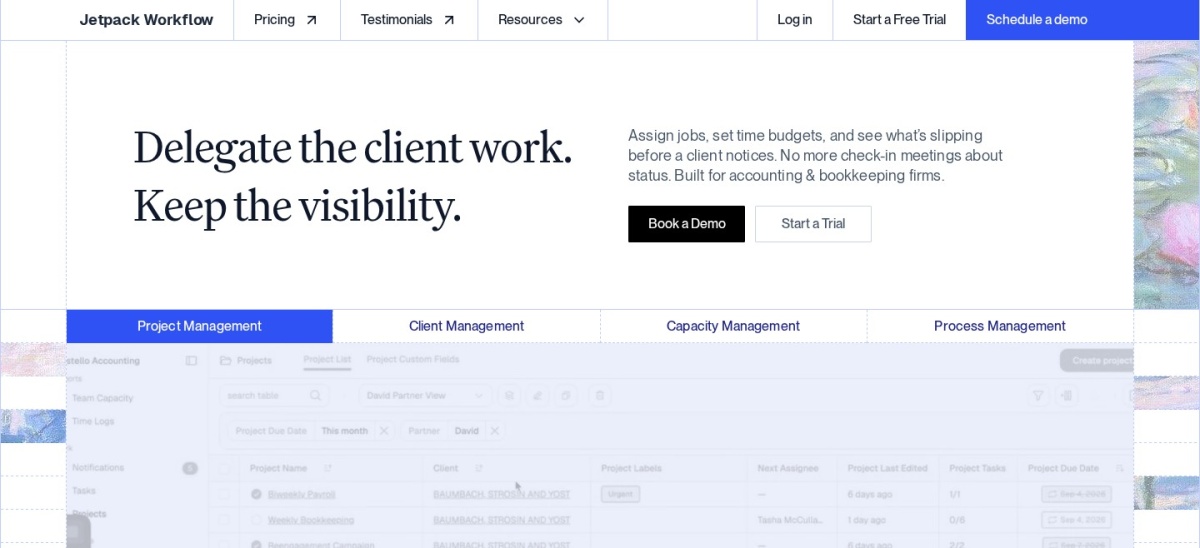
Jetpack Workflow is a task and deadline tracking tool built for tax and accounting teams, holding a 4.8 out of 5 rating from 55 Capterra reviews. Its Starter plan costs $49 per seat per month billed annually and provides unlimited projects, clients, workflow templates, automations, and multi-factor authentication.
The trade off is that Starter lacks time tracking, budget reports, and capacity planning—which require Premium at $59 per seat per month ($588 per year per seat)—and document storage costs $5 per 100GB extra. It suits firms that already have a client portal and billing tool and want focused job checklists.
What we like
Unlimited projects, clients, and workflow templates on the Starter plan
High 4.8/5 Capterra score with strong marks for customer support
Straightforward job tracking without bloated billing modules
Watch out for
No built-in client portal or native billing system
Document storage is an extra $5 per 100GB add-on
Time tracking and capacity planning require the Premium plan
Premium adds time tracking, budget-versus-actuals reporting, and weekly or yearly capacity management.Visit jetpackworkflow.com
04
Firm360
4.7/5on Capterra (175 reviews, checked Nov 2026)
Starts at$49/mo
Best for structured entity and project management
Entry planBasic ($49/user/mo annual)
Seat minimumsNone on Basic; 3-user min on Standard/Premium
Core toolsClient portal, documents, time, billing, payments
Firm360 is an all-in-one practice management platform for tax and accounting firms, rated 4.7 out of 5 across 175 Capterra reviews and used by more than 3,000 accounting professionals. Its Basic plan costs $49 per user per month billed annually with no seat minimum, covering client management, document management, a secure client portal, time tracking, billing, and payment collection.
The trade off is that project management, custom fields, and automated accounts receivable collections require Standard at $79 per user per month with a three-user minimum ($588 per year per user on Basic). It suits tax and accounting practices that want client records, portal sharing, and billing in one system.
What we like
No minimum user count on the $49/user/month Basic plan
Combines client portal, document storage, time tracking, and invoicing
Strong 4.7/5 Capterra rating with high customer service scores
Watch out for
Standard ($79/user/mo) and Premium ($99/user/mo) enforce a three-user minimum
Project management and automated collections sit above the Basic tier
Some reviewers note initial setup takes time for full firm configuration
Best for automated document filing and client intake
Entry planFile Intelligence ($19/user/mo annual)
Workflow planLiscio Platform ($49/user/mo annual)
Drive syncSharePoint, OneDrive, Google Drive
Tax bundlesOrganizers and deliveries from $4–$5 each
liscio.me
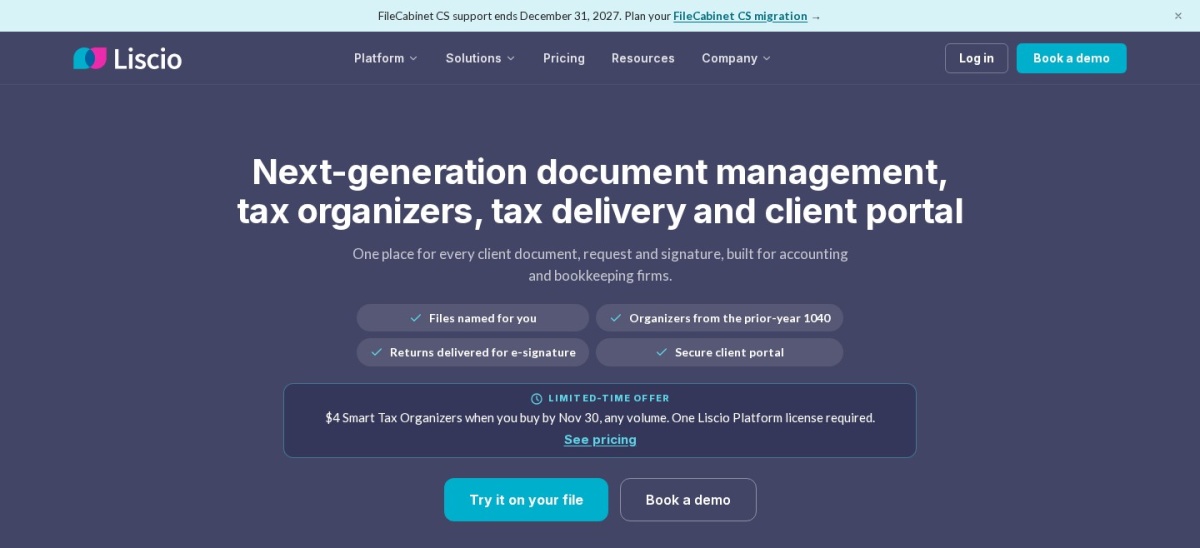
Liscio homepage, captured Nov 2026.
Liscio is a client communication and document workflow platform built for tax and accounting firms, holding a 4.6 out of 5 rating across 41 Capterra reviews. Its File Intelligence plan costs $19 per user per month billed annually with no seat minimum, reading, classifying, and naming incoming files while syncing with SharePoint, OneDrive, or Google Drive.
The trade off is that client requests, organizers, e-signatures, and email integration require Liscio Platform at $49 per user per month billed annually, and smart tax organizers and deliveries cost extra ($228 per year per user on File Intelligence). It suits firms that spend heavy hours renaming and sorting client tax documents.
What we like
Automatic document classification and naming on the $19/user/month File Intelligence plan
Syncs with existing SharePoint, OneDrive, and Google Drive folder structures
SOC 2 certified with mobile apps for firms and clients
Watch out for
Organizers, client tasks, and e-signatures require the $49/user/month Liscio Platform plan
Tax organizers and return deliveries carry per-item or bundle pricing
Smaller review count on Capterra (41 reviews) than some larger rivals
Liscio Platform adds client tasks, organizers, e-signatures, and email integration, with organizers and deliveries priced separately.Visit liscio.me
06
Karbon
4.7/5on Capterra (242 reviews, checked Nov 2026)
Starts at$59/mo
Best for email-driven team collaboration
Entry planTeam ($59/user/mo annual)
Core workflowEmail triage, work timelines, templates, billing
Team sizeTrusted by 40,000+ accounting professionals
Higher tierBusiness ($89/user/mo annual)
karbonhq.com
Karbon homepage, captured Nov 2026.
Karbon is a practice and workflow management platform built around shared email triage and team visibility, rated 4.7 out of 5 across 242 Capterra reviews and used by over 40,000 accounting professionals. Its Team plan costs $59 per user per month paid annually and includes email triage, work timelines, templates, time and budgets, billing, and payments.
The trade off is that automatic client reminders and tasklist automators require the Business plan at $89 per user per month paid annually ($708 per year per user on Team), and monthly billing is limited to teams of four or more. It suits multi-person firms that coordinate client work directly from email.
What we like
Strong email triage and client timeline tools for team-based work
Includes billing, payments, time tracking, and client portal on Team
4.7/5 rating on Capterra across 242 reviews
Watch out for
Higher starting price ($59/user/month annual) than entry-level competitors
Automatic client reminders and task automators require the Business tier
Monthly billing requires a minimum of four users
The Business plan adds automatic client reminders, tasklist automators, client groups, and industry integrations.Visit karbonhq.com
07
TaxDome
4.7/5on Capterra (3,630 reviews, checked Nov 2026)
Starts at$1,500/yr
Best all-in-one client portal and tax hub
Entry plan$1,500/yr for up to 150 active clients
Seats included20 seats on standard plans
Client toolsPortal, mobile app, e-signatures, organizers
Add-onsAI ($200/mo), Managed Client Care ($100/mo)
taxdome.com
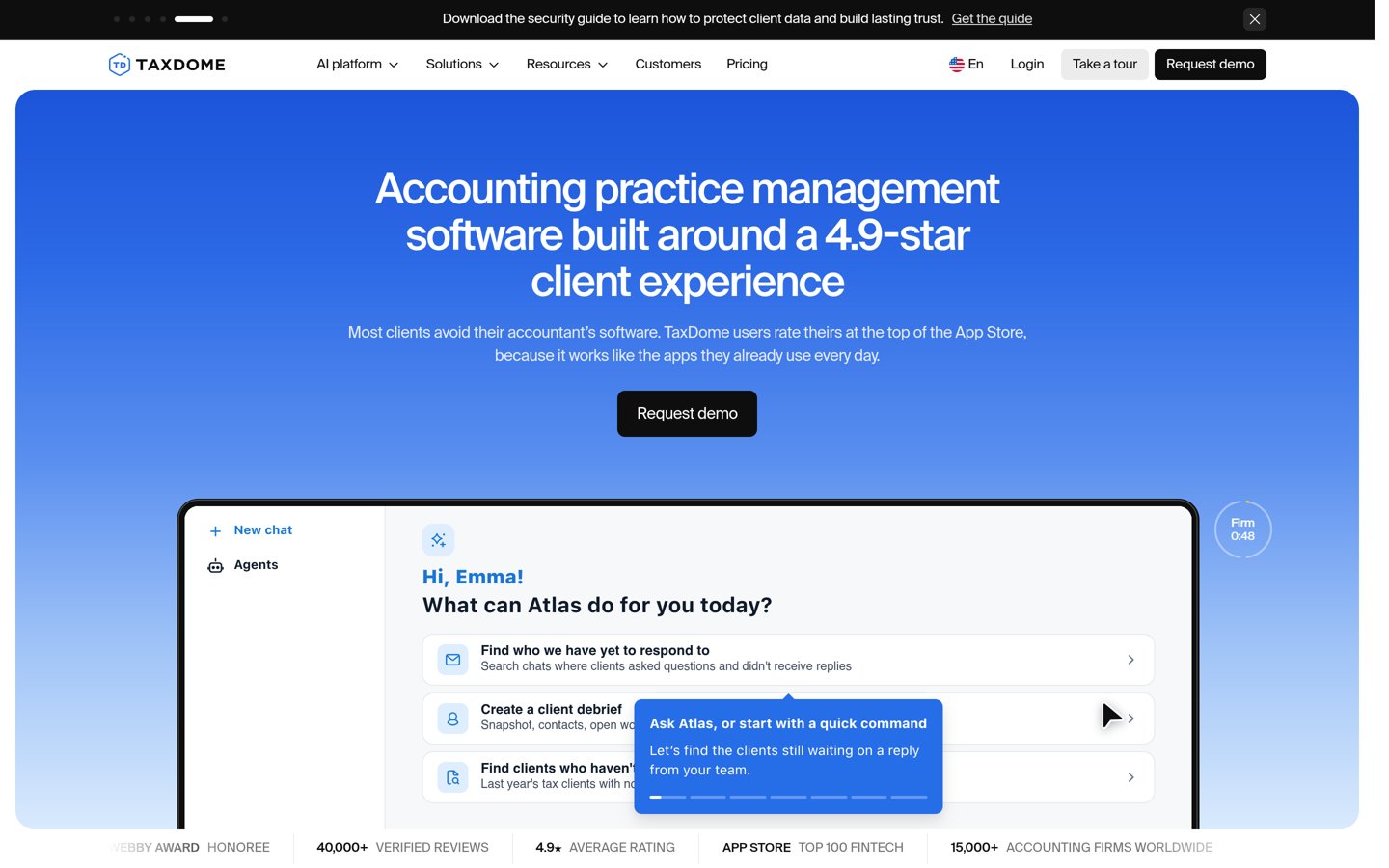
TaxDome homepage, captured Nov 2026.
TaxDome is an all-in-one tax and accounting practice platform used by more than 15,000 firms, holding a 4.7 out of 5 rating across 3,630 Capterra reviews. Its standard plan starts at $1,500 per year (about $0.83 per client per month) for up to 150 active clients and includes 20 seats, workflows, client portal, mobile app, e-signatures, and billing.
The trade off is a $1,500 annual minimum even if you have fewer than 150 active clients, and optional add-ons like AI ($200/month) or Managed Client Care ($100/month) raise total cost. It suits tax practices with growing staff counts that want client intake, e-signatures, and payments under one roof.
What we like
Large review base (3,630 reviews on Capterra) with a 4.7/5 rating
Includes 20 staff seats on standard active-client plans
Combines organizers, e-signatures, IRS transcript access, and billing
Watch out for
$1,500/year minimum applies even below 150 active clients
AI, white-labeled apps, and premium support cost extra
Reviewers note setup and automation rules can take time to configure
Higher client tiers scale active client volume, while optional add-ons provide AI automation, dedicated client care, and white-label apps.Visit taxdome.com
Per-seat vs. client-based pricing
Most tax workflow tools on this list—including Financial Cents, Mango Practice Management, Jetpack Workflow, Firm360, Liscio, and Karbon—charge per user seat, usually with lower rates when billed annually. That model works well for solo preparers and lean teams, though costs rise as you add seasonal tax staff.
TaxDome prices by active client tiers starting at $1,500 per year for up to 150 active clients with 20 seats included. For a team with several preparers and reviewers handling steady client volume, bundling seats into a client-based plan can simplify headcount budgeting.
How we chose
We selected established tax and accounting workflow platforms actively maintained in 2026 across solo practices, multi-user teams, and portal-heavy firms.
All pricing, feature lists, ratings, and review counts were checked on 22 Nov 2026 directly from vendor pricing pages and Capterra listings.
We excluded tools without published starting prices or clear workflow capabilities, and we only list entry paid plans at their regular published rates rather than promotional discounts. No vendor paid for a place, and we do not claim testing for this list.
How to choose the right tax workflow software
Follow four steps to match a workflow tool to your firm's tax process.
Map your current tax season bottlenecks first. List where work slows down—chasing client documents, tracking return stages, or billing—so you only pay for features your team will use.
Check how client intake and e-signatures work. Decide whether you need a built-in client portal, organizers, and e-signatures or prefer a lightweight checklist tool paired with existing apps.
Estimate your 12-month cost by team and client count. Compare annual per-seat rates against flat or active-client plans, including any seasonal staff or add-on fees.
Confirm tax and email integrations before signing. Verify that the tool fits your email provider, document storage, and tax preparation workflow without extra manual entry.
FAQ
What is the lowest-cost starting price on this list?
Financial Cents and Liscio both start at $19 per month billed annually ($228 per year) on their lowest tiers, though Liscio's $19 plan focuses on document filing while Financial Cents Solo is for a single user.
Which tool is best if we only want job checklists without billing or a client portal?
Jetpack Workflow focuses on task checklists, recurring templates, and deadline tracking starting at $49 per seat per month billed annually, leaving billing and portals to separate tools.
How does TaxDome pricing differ from per-user tools?
TaxDome starts at $1,500 per year for up to 150 active clients and includes 20 seats on standard plans, whereas most competitors charge per user seat.
Do annual plans save money compared to monthly billing?
Yes. Vendors such as Financial Cents, Karbon, and Mango Practice Management publish lower per-user rates on annual billing compared to monthly options.
Should a solo tax preparer buy an all-in-one platform or a simple tracker?
A solo preparer handling client documents, organizers, and invoices directly may prefer an all-in-one tool like Financial Cents Solo, while someone with an existing portal can keep setup simple.
Are extra add-ons common in tax workflow software?
Yes. Common extras across vendors include extra document storage, e-signature or KBA credits, AI features, and onboarding or client-care add-ons.
SaaS SEO and WordPress specialist with about 8 years of experience. Rakib compares WordPress plugins, themes, hosting and software using public pricing, documentation and user reviews. See how we rank.