Zoho Expense is the best software to track business expenses for most growing teams, holding a 4.5 out of 5 rating across 1,609 G2 reviews with a free tier for up to 3 users. Ramp fits teams wanting free corporate cards and spend controls, while Wave suits solo founders who want free core accounting and expense records.
How we make this list: we compare pricing pages, product documentation and public user reviews, then re-check every price before each update. No product paid for a place. Disclosure.
Zoho Expense offers a free plan for up to 3 users and paid Standard plans starting at $3 per user per month billed annually.
Ramp provides a $0 per user per month Free tier with corporate cards and expense management before optional Plus upgrades.
Expensify starts at $5 per member per month on its Collect plan after a free individual option.
Wave includes a $0 Starter plan for invoicing and bookkeeping, with Pro starting at $190 per year billed annually.
QuickBooks Online, Xero, and FreshBooks combine expense tracking with full accounting or client billing workflows.
What to look for in business expense tracking software
Choosing expense tracking software starts with deciding whether you need a dedicated employee spend tool or full bookkeeping software. Dedicated expense platforms focus on receipt capture, mileage logs, employee reimbursements, and approval rules.
Full accounting suites track expenses alongside bank reconciliation, invoices, tax categories, and financial statements. If you already run separate accounting books, a dedicated expense tool can sync approved items without duplicating ledger work.
Check how each vendor bills as your team grows, since some charge per user per month while others charge per organization. Also watch for promotional first-month discounts versus standard renewal prices, as well as add-on fees for payroll or extra users.
Receipt scanning limits, approval routing, and accounting syncs matter most once multiple employees submit claims each month. Pick a setup that matches how receipts reach your finance workflow today rather than paying for enterprise tiers before you need them.
For multi-feature small business accounting and reconciliation
$32/mo (Starter regular price)
No free plan
4.4/5
Price ladder: cheapest paid plan per year
List prices, USD, checked Nov 2026
Zoho ExpenseFREE$36
ExpensifyFREE$60
RampFREE$180
Zoho BooksFREE$180
WaveFREE$190
FreshBooks$276
Xero$384
The 7 best software to track business expenses
01
Zoho Expense
4.5/5on G2 (1,609 reviews, checked Nov 2026)
Paid from$3/user/mo (billed annually)
Best for budget-conscious teams needing expense approvals
Free planUp to 3 users, 20 scans/mo
Entry paid tierStandard at $3/user/mo annual
Key featuresOCR receipts, mileage, approvals
G2 rating4.5/5 (1,609 reviews)
zoho.com
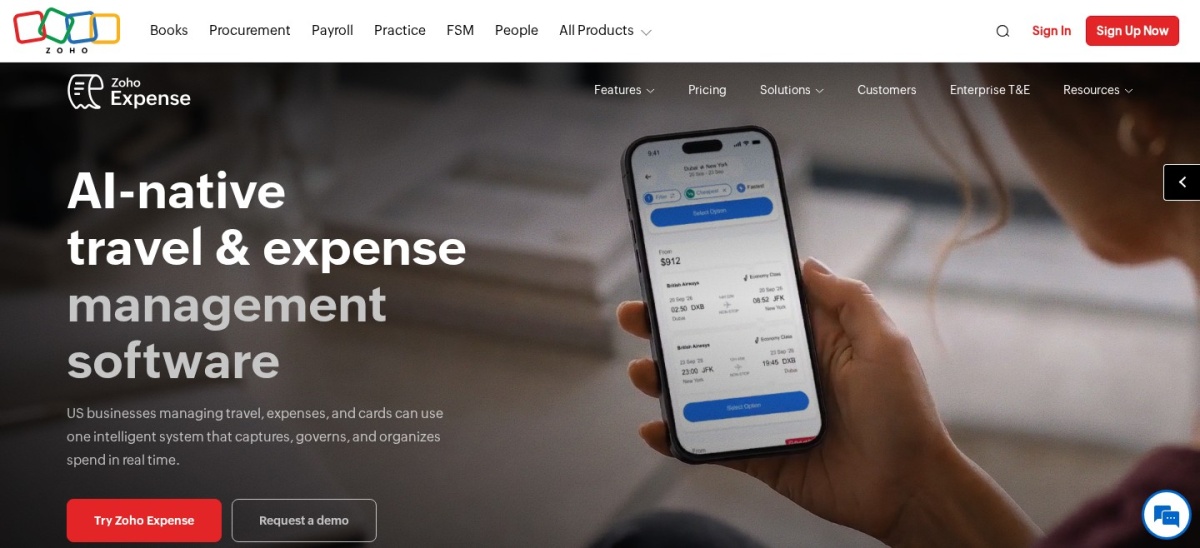
Zoho Expense homepage, captured Nov 2026.
Zoho Expense is a cloud expense management platform with a free plan for up to 3 users that includes receipt capture, GPS mileage tracking, and multi-currency expenses. G2 lists a 4.5 out of 5 rating across 1,609 reviews, with buyers highlighting receipt scanning and approval workflows.
The trade off is that paid Standard plans cost $3 per user per month billed annually ($4 monthly) and cap monthly receipt autoscans by tier. It suits small and growing teams that want structured expense reports without paying high per-seat enterprise rates.
What we like
Free tier covers up to 3 users with receipt capture and mileage tracking.
Affordable Standard tier adds corporate card management and ACH reimbursements.
Supports project and customer expense tagging plus multi-level approvals.
Watch out for
Free plan limits receipt autoscans to 20 per user each month.
Some reviewers note a learning curve during initial policy setup.
Standard ($3/user/mo billed annually) adds corporate card feeds, multiple policies, and ACH reimbursements.Visit zoho.com
02
Ramp
4.8/5on G2 (2,586 reviews, checked Nov 2026)
Paid from$15/user/mo (Plus plan)
Best for corporate cards and automated spend tracking
Free plan$0/mo/user for cards & spend
Entry paid tierPlus at $15/user/mo + platform fee
Key featuresVirtual/physical cards, OCR, AP
G2 rating4.8/5 (2,586 reviews)
ramp.com
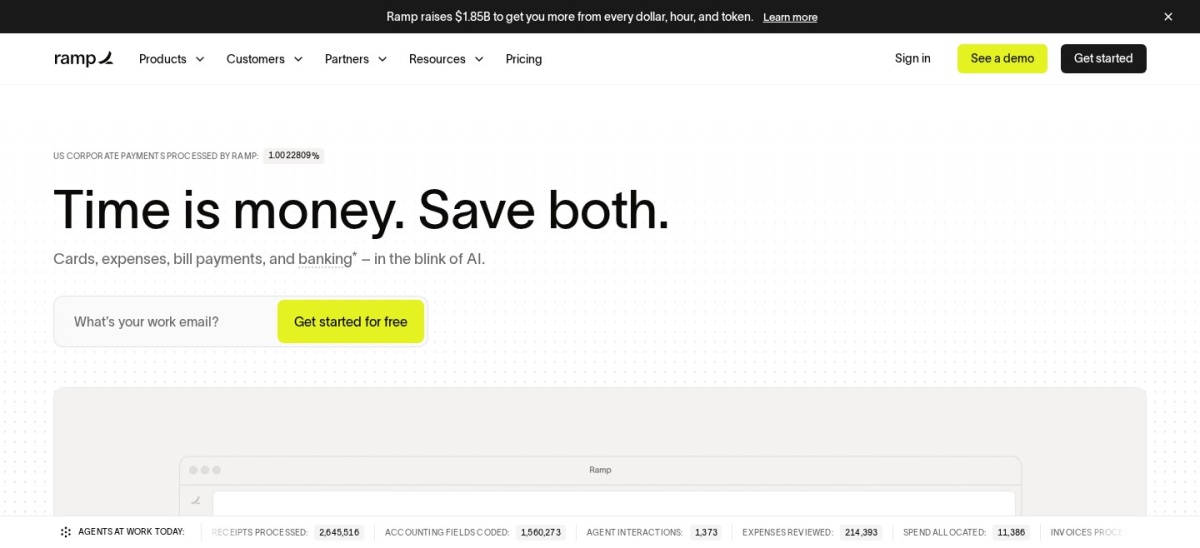
Ramp homepage, captured Nov 2026.
Ramp is a spend and expense platform whose Free plan costs $0 per user per month and includes corporate cards, expense management, and invoice extraction. It holds a 4.8 out of 5 score across 2,586 G2 reviews, with users praising automated receipt matching and ease of use.
The trade off is that Ramp Plus costs $15 per user per month plus a team-size platform fee (with 20% off annual billing) for advanced automation and ERP syncs. It suits teams that want card-first expense controls with no base software fee.
What we like
Free base plan includes unlimited virtual and physical cards and expense tracking.
Strong G2 rating of 4.8 out of 5 across more than 2,500 reviews.
Syncs expense data with accounting tools such as QuickBooks Online and Xero.
Watch out for
Plus tier adds a platform fee on top of per-user pricing.
Some users report occasional accounting sync or support friction.
Ramp Plus ($15/user/mo plus platform fee, 20% off annually) adds advanced workflows, AI coding, and NetSuite or Sage Intacct sync.Visit ramp.com
03
Wave
4.3/5on G2 (328 reviews, checked Nov 2026)
Paid from$190/yr (Pro billed annually)
Best for free small business accounting and invoicing
Free planStarter at $0 for invoices & books
Entry paid tierPro at $190/yr ($19/mo monthly)
Key featuresBookkeeping, bank feeds, receipts
G2 rating4.3/5 (328 reviews)
waveapps.com
Wave homepage, captured Nov 2026.
Wave is an accounting and invoicing platform used by more than 2 million small businesses and freelancers, starting with a $0 Starter plan for basic bookkeeping and invoicing. It holds a 4.3 out of 5 rating from 328 G2 reviewers, who like its free core tools for service businesses.
The trade off is that Wave Pro costs $190 per year billed annually ($19 per month monthly, with a temporary intro discount on monthly billing) for automated bank imports and receipt capture. It suits freelancers and small service firms wanting accounting and expense tracking in one place.
What we like
Free Starter tier covers unlimited invoicing, bills, and basic bookkeeping records.
Low entry cost on Pro compared with many full accounting suites.
Straightforward setup for solo founders and service-based businesses.
Watch out for
Automated bank transaction imports and receipt capture require paid plans.
Lacks built-in inventory tracking for product-heavy stores.
Pro ($190/yr annually or $19/mo monthly) adds auto-imported and categorized bank transactions, unlimited receipt capture, and discounted card rates.Visit waveapps.com
04
Expensify
4.5/5on G2 (5,698 reviews, checked Nov 2026)
Paid from$5/member/mo (Collect)
Best for receipt scanning and employee reimbursements
Free plan$0 individual option
Entry paid tierCollect at $5/member/mo
Key featuresSmartScan receipts, mileage, ACH
G2 rating4.5/5 (5,698 reviews)
expensify.com
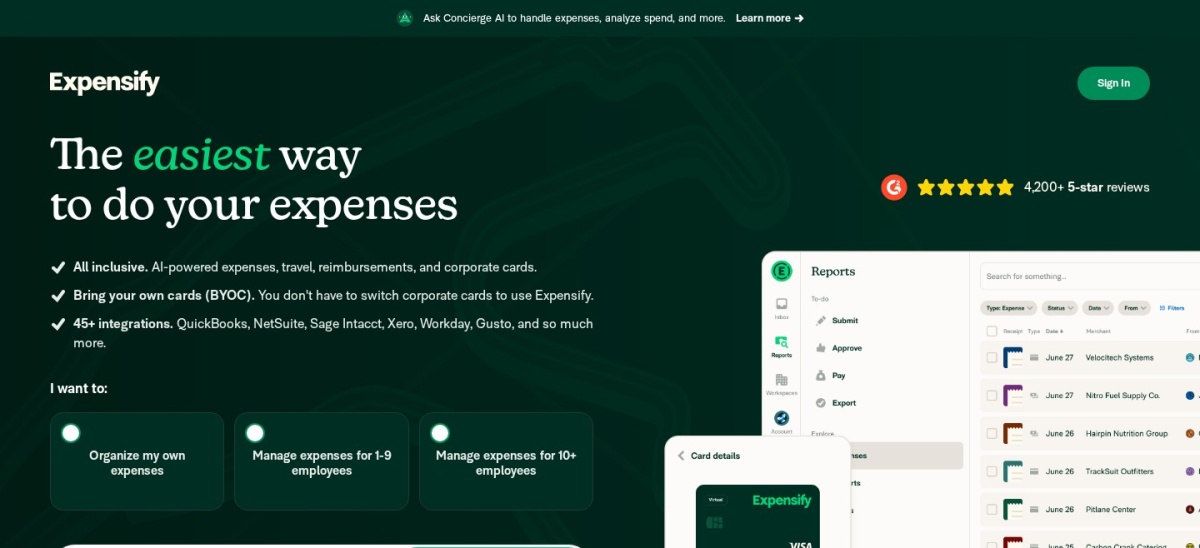
Expensify homepage, captured Nov 2026.
Expensify is a receipt and expense tracking platform with 15 million members worldwide, offering a free option for individuals and a Collect plan at $5 per member per month. It earns 4.5 out of 5 across 5,698 G2 reviews for quick mobile receipt capture and expense reports.
The trade off is that team workspace features start at $5 per member per month and Control plans range higher depending on card usage and billing terms. It suits teams that want fast receipt capture, approvals, and QuickBooks or Xero syncing.
What we like
Fast mobile receipt scanning and expense report creation.
Collect plan is priced clearly at $5 per member per month with QuickBooks and Xero sync.
Large review base of 5,698 ratings on G2.
Watch out for
Team reimbursement and accounting sync require a paid workspace plan.
Higher Control rates apply if you do not meet card or annual terms.
Collect ($5/member/mo) adds QuickBooks Online and Xero sync, card feeds, approvals, and ACH reimbursements.Visit expensify.com
05
Zoho Books
4.4/5on G2 (332 reviews, checked Nov 2026)
Paid from$15/mo (Standard billed annually)
Best affordable accounting suite for growing small businesses
Free plan$0 for qualifying micro businesses
Entry paid tierStandard at $15/mo annual ($20/mo)
Key featuresExpenses, invoicing, tax, 1099s
G2 rating4.4/5 (332 reviews)
zoho.com
Zoho Books homepage, captured Nov 2026.
Zoho Books is an online accounting suite that pairs expense tracking with invoicing, sales tax, and 1099 management, including a $0 Free tier for qualifying small businesses. It holds 4.4 out of 5 across 332 G2 reviews for clean navigation and strong value.
The trade off is that paid Standard pricing starts at $15 per month billed annually ($20 monthly) per organization and caps included users by plan. It suits small businesses that want organization-based accounting and expense tracking without per-seat pricing.
What we like
Organization-based pricing rather than charging every team member separately.
Includes expense tracking, invoicing, sales tax, and 1099 filing tools.
Integrates smoothly with other Zoho business apps.
Watch out for
Free tier applies to small businesses under a revenue threshold and limits users.
Some users report occasional bank feed sync delays or slow bulk categorization.
Standard ($15/mo annually or $20/mo monthly) covers up to 3 users plus progress invoicing, sales and use tax, and 1099 e-filing.Visit zoho.com
06
FreshBooks
4.5/5on G2 (983 reviews, checked Nov 2026)
Starts at$23/mo (Lite regular price)
Best for service businesses tracking client expenses and time
Free plan30-day trial; no free plan
Entry paid tierLite at $23/mo regular price
Key featuresExpenses, time tracking, invoices
G2 rating4.5/5 (983 reviews)
freshbooks.com
FreshBooks homepage, captured Nov 2026.
FreshBooks is a cloud accounting tool built for freelancers and service businesses to track expenses, billable time, and client invoices in one place. It scores 4.5 out of 5 across 983 G2 reviews, with users praising its simple interface and mobile app.
The trade off is that Lite has a regular price of $23 per month ($276 per year; promotional discounts apply to initial months) and caps billable clients. It suits consultants, agencies, and service providers billing clients alongside project expenses.
What we like
Clean, approachable interface for non-accountants.
Combines expense tracking, time tracking, and client invoicing.
Strong 4.5 out of 5 rating across 983 G2 reviews.
Watch out for
Regular Lite pricing starts at $23 per month with no permanent free plan.
Billable client limits and extra team member fees add up as you scale.
Higher tiers expand billable client limits and add recurring billing, proposals, bank reconciliation, and project profitability tracking.Visit freshbooks.com
07
Xero
4.4/5on G2 (1,866 reviews, checked Nov 2026)
Starts at$32/mo (Starter regular price)
Best for multi-feature small business accounting and reconciliation
Free plan30-day trial; no free plan
Entry paid tierStarter at $32/mo regular price
Key featuresBank recon, document capture, tax
G2 rating4.4/5 (1,866 reviews)
xero.com
Xero homepage, captured Nov 2026.
Xero is a cloud accounting platform that handles bank reconciliation, document capture, invoicing, and expense workflows for small businesses. It holds a 4.4 out of 5 rating across 1,866 G2 reviews, with users highlighting automation and tax reporting.
The trade off is that Starter has a regular price of $32 per month ($384 per year; introductory discounts apply for the first 3 months) and caps monthly invoices and bills. It suits growing businesses that want established accounting tools and optional expense or project add-ons.
What we like
Established accounting platform with 1,866 G2 reviews at 4.4 out of 5.
Includes bank reconciliation, smart document capture, and real-time reports.
Offers optional add-ons for expense claims, project tracking, and auto-reconciliation.
Watch out for
Regular Starter pricing begins at $32 per month after introductory offers.
Starter caps monthly invoices and bills, requiring upgrades for higher volume.
Standard ($54/mo regular) removes Starter invoice and bill caps, and optional add-ons cover employee expense claims and time tracking.Visit xero.com
How we chose
We built this list from established expense tracking and small business accounting platforms with active pricing pages and public user review profiles.
All ratings, review counts, and plan prices were checked on 22 Nov 2026 using official pricing pages and G2 review listings, recording regular entry pricing rather than temporary discounts.
We excluded tools without verifiable public ratings or clear published pricing, and left out options that do not fit general business expense tracking.
No vendor paid for a place, and we do not claim testing for this list.
How to pick the right expense tracking tool
Follow four practical steps to match a tool to how your team spends and records money.
Decide between expense-only tracking and full accounting. Pick an expense tracker if you already keep books elsewhere, or choose an accounting suite if you also need invoices, ledgers, and tax reports.
Check how users and team members are billed. Compare per-user monthly pricing against organization-based plans so headcount changes do not surprise your budget.
Look past first-month promotional discounts. Check the regular renewal rate and any add-on fees for extra users, payroll, or higher receipt volume before signing up.
Test receipt capture and accounting syncs early. Use free tiers or trials to confirm receipts scan cleanly and categories map to your tax or bookkeeping workflow.
FAQ
What is the best free software to track business expenses?
Zoho Expense offers a free plan for up to 3 users with receipt capture and mileage tracking, while Ramp offers a $0 per user per month Free plan for corporate cards and expense management. Wave also provides a $0 Starter plan for basic bookkeeping and invoicing.
Do I need accounting software just to track business expenses?
Not always. Dedicated expense tools like Zoho Expense or Expensify focus on receipts, mileage, approvals, and reimbursements, then sync data into accounting software if needed. Full accounting tools like Wave, Zoho Books, FreshBooks, or Xero handle ledgers, invoices, and reports together.
Why do some tools show lower prices at checkout than their regular rate?
Several vendors run introductory discounts on monthly or annual plans for the first few months before renewing at standard list rates. Always check the regular plan rate so your ongoing monthly or annual cost matches your budget.
How does per-user pricing differ from per-organization pricing?
Per-user plans multiply the monthly fee by each member or active user on the account, which scales with team size. Per-organization plans charge one base rate per business entity with a set user allowance, charging extra only if you add seats or add-ons.
What should freelancers look for in expense tracking software?
Freelancers usually benefit from simple receipt capture, mileage logs, and clean tax or client expense tracking without paying for heavy multi-department approval chains. Tools with free tiers or lower entry plans often cover early needs well.
Can expense software connect with QuickBooks or Xero?
Yes, many expense platforms and spend tools offer integrations or syncs with QuickBooks Online and Xero. Check which plan tier includes the integration you need, as some advanced syncs require higher plans.
SaaS SEO and WordPress specialist with about 8 years of experience. Rakib compares WordPress plugins, themes, hosting and software using public pricing, documentation and user reviews. See how we rank.